Compare commits
360 Commits
ci/vitest
...
fix/list-f
| Author | SHA1 | Date | |
|---|---|---|---|

|
4ce88417ea | ||
|
|
8ace0cab33 | ||
|
|
58666fbdef | ||
|
|
2f787a9126 | ||
|
|
68a7de2610 | ||
|
|
e1dcb9594c | ||
|
|
2043b4a6ea | ||
|
|
35e5be8558 | ||
|
|
398589397e | ||
|
|
c7ad46c2ac | ||
|
|
8a79e59855 | ||
|
|
ebb51731f6 | ||
|
|
be790a9de2 | ||
|
|
85c0842444 | ||
|
|
2b9ee62fc0 | ||
|
|
8f27f85023 | ||
|
|
d7c3b4e17a | ||
|
|
7d429f8b65 | ||
|
|
9638dbe52b | ||
|
|
2f66bdc2dc | ||
|
|
5bd17cc111 | ||
|
|
0e5ff246b2 | ||
|
|
3094c92ef3 | ||
|
|
c08f012211 | ||
|
|
a47139acfa | ||
|
|
219a369603 | ||
|
|
c75c6ce6c9 | ||
|
|
52f86c7780 | ||
|
|
c562fbfa94 | ||
|
|
33ac13df28 | ||
|
|
989140b992 | ||
|
|
8a6d995425 | ||
|
|
e65a04a20e | ||
|
|
57f72185f8 | ||
|
|
9c31a52329 | ||
|
|
9b497414fe | ||
|
|
8952662db9 | ||
|
|
a835518232 | ||
|
|
82f1bb9864 | ||
|
|
0acaf8a7f7 | ||
|
|
9f9919d2c6 | ||
|
|
95e81d8d96 | ||
|
|
ffe8020916 | ||
|
|
0d81ff2f59 | ||
|
|
d6658b55a1 | ||
|
|
8289588994 | ||
|
|
7a398704a0 | ||
|
|
c1c64a07a2 | ||
|
|
6a39279697 | ||
|
|
ace755742c | ||
|
|
828b3b71c0 | ||
|
|
92e6beb050 | ||
|
|
eca4f47d7a | ||
|
|
72a5c02d95 | ||
|
|
5603c1ce8d | ||
|
|
22633a6de6 | ||
|
|
d6ae07dec6 | ||
|
|
344b23139e | ||
|
|
b9d3250117 | ||
|
|
03f7bdf1ee | ||
|
|
59545b5fe5 | ||
|
|
b76401c101 | ||
|
|
a05240a853 | ||
|
|
9f2bca104b | ||
|
|
ec1a441ed7 | ||
|
|
b2ebf85082 | ||
|
|
c0ae994da2 | ||
|
|
5689c6527b | ||
|
|
2d8ff7218a | ||
|
|
61a2a9c3a3 | ||
|
|
d601300034 | ||
|
|
e5b3da972f | ||
|
|
0ca37364ea | ||
|
|
8b3e2ff5e5 | ||
|
|
3501d47e2d | ||
|
|
4aaef5e63e | ||
|
|
f181f97d4e | ||
|
|
0c5321e6f8 | ||
|
|
9a8769967c | ||
|
|
be2c482054 | ||
|
|
67f7c9513f | ||
|
|
7010d93e94 | ||
|
|
9bb27afaf5 | ||
|
|
e6d02600e1 | ||
|
|
c1b912d5e5 | ||
|
|
d8682f2147 | ||
|
|
6d43910018 | ||
|
|
5e4a1d48ae | ||
|
|
b55342d9af | ||
|
|
2a98c8445e | ||
|
|
a9c08323cc | ||
|
|
3e0baf58c0 | ||
|
|
a5695ba5e5 | ||
|
|
90f88f8fc0 | ||
|
|
be98edaa6c | ||
|
|
ddeb29f3da | ||
|
|
7f8f2f005a | ||
|
|
25a70ab455 | ||
|
|
46c1b375b8 | ||
|
|
e4fa1718aa | ||
|
|
9684d3165e | ||
|
|
4bde09a200 | ||
|
|
26aeebcce0 | ||
|
|
823e223786 | ||
|
|
711febcc90 | ||
|
|
076ffa2c4a | ||
|
|
6c19579ccf | ||
|
|
2bf58b6ac5 | ||
|
|
2ce3829428 | ||
|
|
b69fe99ebe | ||
|
|
c07c9e9129 | ||
|
|
56667cdc8d | ||
|
|
2d70269c56 | ||
|
|
f18ca9cc2b | ||
|
|
ef4b8d9b00 | ||
|
|
9c29541108 | ||
|
|
d2f63dc066 | ||
|
|
9215f0385e | ||
|
|
a98a3981be | ||
|
|
91ed882d62 | ||
|
|
9f5ffed5ac | ||
|
|
ef44bddca9 | ||
|
|
b6e9c3bd4c | ||
|
|
00cc10c74a | ||
|
|
5a9523756f | ||
|
|
7d10e1b156 | ||
|
|
64fc2df878 | ||
|
|
f1cc8bd77c | ||
|
|
baad382ba5 | ||
|
|
ad553e967b | ||
|
|
38a06e7bd3 | ||
|
|
28b7c04681 | ||
|
|
818467d684 | ||
|
|
8c3f6e176f | ||
|
|
6ebcbe4504 | ||
|
|
86ff0a434c | ||
|
|
e80d67987e | ||
|
|
5a9cf8979e | ||
|
|
42382b6f6f | ||
|
|
116fd9919e | ||
|
|
fafe37e8b8 | ||
|
|
0d47a5db5d | ||
|
|
0a1cf7bc85 | ||
|
|
22f3c79dc0 | ||
|
|
3fb6ac3ca4 | ||
|
|
813e70be1f | ||
|
|
592f02b3bf | ||
|
|
05b9d94cd2 | ||
|
|
d4039f2f9e | ||
|
|
7a392ddbff | ||
|
|
d55b6a3db9 | ||
|
|
9043b10792 | ||
|
|
ecf05725e6 | ||
|
|
918bd72335 | ||
|
|
4629784c99 | ||
|
|
a304dc4b01 | ||
|
|
8ab05b0c22 | ||
|
|
085c1d0cac | ||
|
|
61117ee5cb | ||
|
|
05b03b2dcd | ||
|
|
120735c55c | ||
|
|
16ad7a671f | ||
|
|
31ae27b67d | ||
|
|
8217842bb3 | ||
|
|
2e09da8a8c | ||
|
|
5d6c29f3df | ||
|
|
df4af70fb9 | ||
|
|
90e1843795 | ||
|
|
5ee36fced3 | ||
|
|
f306785eb2 | ||
|
|
6a6ef8f786 | ||
|
|
a865a902d5 | ||
|
|
878763b36d | ||
|
|
3c29015887 | ||
|
|
9631060383 | ||
|
|
5cfb1daaae | ||
|
|
9278eec2b6 | ||
|
|
a3ef5eee7b | ||
|
|
f95d6ba94a | ||
|
|
6ada450531 | ||
|
|
9004205b84 | ||
|
|
6757f7d459 | ||
|
|
2ae26d33e3 | ||
|
|
5043a8a43f | ||
|
|
6848cf43ed | ||
|
|
2e0595b170 | ||
|
|
43b40f0b00 | ||
|
|
c9584a932a | ||
|
|
69fac593ca | ||
|
|
415fbf1341 | ||
|
|
cc13ae77fb | ||
|
|
afcc970e36 | ||
|
|
6b051bd59e | ||
|
|
082c4f0d71 | ||
|
|
0252681313 | ||
|
|
690e99f2f9 | ||
|
|
04a8083658 | ||
|
|
ab564d3731 | ||
|
|
26711a7a55 | ||
|
|
142c504a46 | ||
|
|
9b6cdd0cd1 | ||
|
|
dc6d79e76e | ||
|
|
c850bd4b28 | ||
|
|
d20dc5806b | ||
|
|
fd96a9afe3 | ||
|
|
1af7d8745c | ||
|
|
04733f0db1 | ||
|
|
a49f7824ad | ||
|
|
d265c26049 | ||
|
|
e46ad67c3b | ||
|
|
f4596fc82b | ||
|
|
4fc6956617 | ||
|
|
e0df0d67ca | ||
|
|
8d5d2d1d37 | ||
|
|
21eec876c4 | ||
|
|
a8d6f3f543 | ||
|
|
83bd0e2e4c | ||
|
|
4c96028e87 | ||
|
|
225c24da99 | ||
|
|
d8f4f06b58 | ||
|
|
bdb96ddbcc | ||
|
|
686e48d171 | ||
|
|
ae1542be26 | ||
|
|
34a0d006cf | ||
|
|
a78bc6c65e | ||
|
|
36e50dd6a6 | ||
|
|
6a262ab809 | ||
|
|
3349a4c5e5 | ||
|
|
81c1e47747 | ||
|
|
5318d24601 | ||
|
|
d9ff2e08dc | ||
|
|
c0dc0cca37 | ||
|
|
7321f9f3d5 | ||
|
|
17e7ee2315 | ||
|
|
9701fc6970 | ||
|
|
ac97bfdc47 | ||
|
|
81188fc8bb | ||
|
|
7a21b44bbf | ||
|
|
b09275419a | ||
|
|
4d7587d26a | ||
|
|
a5443a1c6c | ||
|
|
08fb159943 | ||
|
|
ab53ababc8 | ||
|
|
b774f557be | ||
|
|
7fc6227310 | ||
|
|
827c75a3d2 | ||
|
|
5991a2e60f | ||
|
|
ef7191b39a | ||
|
|
c7f21fc2e2 | ||
|
|
a83a430a3a | ||
|
|
df827c0fdd | ||
|
|
398b6096f2 | ||
|
|
eadce5ea57 | ||
|
|
f629709797 | ||
|
|
d772b2b7eb | ||
|
|
22c4dee5a0 | ||
|
|
c1abd16a7f | ||
|
|
d2127335b9 | ||
|
|
1525cc6e3a | ||
|
|
53aea622f9 | ||
|
|
422e8e3620 | ||
|
|
556b8ed393 | ||
|
|
0ce7c666d2 | ||
|
|
fd52de6d8f | ||
|
|
1e247f8509 | ||
|
|
1a9fba5f00 | ||
|
|
4a15b866e0 | ||
|
|
5ba477b810 | ||
|
|
8d245283b3 | ||
|
|
09d6c60e96 | ||
|
|
5e4e27460e | ||
|
|
be84ad7bfa | ||
|
|
3ea1d393fd | ||
|
|
b44aadee65 | ||
|
|
ba228dd0f3 | ||
|
|
c7b3204439 | ||
|
|
d68a1eaafb | ||
|
|
1f4790a314 | ||
|
|
47e8158d1e | ||
|
|
1cade17440 | ||
|
|
5997aa1c69 | ||
|
|
f2fab39d67 | ||
|
|
e97c43eec3 | ||
|
|
38477184e0 | ||
|
|
daf314caea | ||
|
|
3d5b9f031f | ||
|
|
6dcf817c22 | ||
|
|
766b67f0be | ||
|
|
4e57054bb7 | ||
|
|
d6d9edc304 | ||
|
|
b14935ce28 | ||
|
|
2e58a4ad27 | ||
|
|
d9e0cd360b | ||
|
|
abb51b98eb | ||
|
|
b2042c5754 | ||
|
|
38f34551a2 | ||
|
|
951c38e587 | ||
|
|
7928ecaee7 | ||
|
|
2ae7d8e5d4 | ||
|
|
d38ca839cb | ||
|
|
c65802233c | ||
|
|
018c1933b0 | ||
|
|
510968f65d | ||
|
|
a000e4a505 | ||
|
|
bd7f70545a | ||
|
|
b0ebd92a1e | ||
|
|
76e44024cc | ||
|
|
f3f36d8010 | ||
|
|
ee3c2cc16f | ||
|
|
b6de432ab2 | ||
|
|
950f8ce80a | ||
|
|
c3eb272d3c | ||
|
|
be87ba0ecd | ||
|
|
c4b31c079f | ||
|
|
07e86c0f20 | ||
|
|
182eaa3433 | ||
|
|
943798a784 | ||
|
|
6e19e8288f | ||
|
|
35df899547 | ||
|
|
5188a9b2a0 | ||
|
|
c5b1cd600b | ||
|
|
313b4ba535 | ||
|
|
cdaebcc79c | ||
|
|
5b4730d13c | ||
|
|
6dac4c5777 | ||
|
|
f5a955d906 | ||
|
|
885e96636d | ||
|
|
7a59e7da46 | ||
|
|
039b489cb8 | ||
|
|
16c6abeee4 | ||
|
|
5d6064a419 | ||
|
|
270ac10fb4 | ||
|
|
eb69885a89 | ||
|
|
8671e856ed | ||
|
|
ef7242cd85 | ||
|
|
fe010b9373 | ||
|
|
63bca12f87 | ||
|
|
6af6e44683 | ||
|
|
363a24cea5 | ||
|
|
6f5a1e3cf7 | ||
|
|
c01b4bfb79 | ||
|
|
2111a860f7 | ||
|
|
68a5f5ca2f | ||
|
|
fabe5411f4 | ||
|
|
7a4d53afbf | ||
|
|
3218b0dcb6 | ||
|
|
0be1a1d880 | ||
|
|
466ea292b9 | ||
|
|
3278f450c7 | ||
|
|
67db04c660 | ||
|
|
da518f53e8 | ||
|
|
78b6d51e58 | ||
|
|
181fc410bf | ||
|
|
29c5bcdc18 | ||
|
|
37d1f2d04b | ||
|
|
a46609ef6b | ||
|
|
cf8c0ae959 | ||
|
|
bb0c8a8c62 | ||
|
|
fad4ee6282 | ||
|
|
6b4842d44d |
33
.github/CODEOWNERS
vendored
33
.github/CODEOWNERS
vendored
@@ -1,29 +1,26 @@
|
||||
# Order matters. The last matching pattern takes precedence.
|
||||
# Approvals are not required currently but may be enabled in the future.
|
||||
|
||||
### Package Exports ###
|
||||
/**/exports/ @denolfe @jmikrut @DanRibbens
|
||||
**/exports/ @denolfe @jmikrut @DanRibbens
|
||||
|
||||
### Packages ###
|
||||
/packages/plugin-cloud*/src/ @denolfe
|
||||
/packages/email-*/src/ @denolfe
|
||||
/packages/storage-*/src/ @denolfe
|
||||
/packages/create-payload-app/src/ @denolfe
|
||||
/packages/eslint-*/ @denolfe @AlessioGr
|
||||
/packages/plugin-cloud*/src/ @denolfe @jmikrut @DanRibbens
|
||||
/packages/email-*/src/ @denolfe @jmikrut @DanRibbens
|
||||
/packages/storage-*/src/ @denolfe @jmikrut @DanRibbens
|
||||
/packages/create-payload-app/src/ @denolfe @jmikrut @DanRibbens
|
||||
/packages/eslint-*/ @denolfe @jmikrut @DanRibbens @AlessioGr
|
||||
|
||||
### Templates ###
|
||||
/templates/_data/ @denolfe
|
||||
/templates/_template/ @denolfe
|
||||
/templates/_data/ @denolfe @jmikrut @DanRibbens
|
||||
/templates/_template/ @denolfe @jmikrut @DanRibbens
|
||||
|
||||
### Build Files ###
|
||||
/tsconfig.json @denolfe
|
||||
/**/tsconfig*.json @denolfe
|
||||
/jest.config.js @denolfe
|
||||
/**/jest.config.js @denolfe
|
||||
**/tsconfig*.json @denolfe @jmikrut @DanRibbens @AlessioGr
|
||||
**/jest.config.js @denolfe @jmikrut @DanRibbens @AlessioGr
|
||||
|
||||
### Root ###
|
||||
/package.json @denolfe
|
||||
/scripts/ @denolfe
|
||||
/.husky/ @denolfe
|
||||
/.vscode/ @denolfe @AlessioGr
|
||||
/.github/ @denolfe
|
||||
/package.json @denolfe @jmikrut @DanRibbens
|
||||
/tools/ @denolfe @jmikrut @DanRibbens
|
||||
/.husky/ @denolfe @jmikrut @DanRibbens
|
||||
/.vscode/ @denolfe @jmikrut @DanRibbens @AlessioGr
|
||||
/.github/ @denolfe @jmikrut @DanRibbens
|
||||
|
||||
@@ -28,7 +28,6 @@
|
||||
"eslint": "^7.32.0",
|
||||
"jest": "^29.7.0",
|
||||
"prettier": "^3.3.3",
|
||||
"ts-jest": "^26.5.6",
|
||||
"typescript": "^4.9.5"
|
||||
}
|
||||
}
|
||||
|
||||
3576
.github/actions/release-commenter/pnpm-lock.yaml
generated
vendored
3576
.github/actions/release-commenter/pnpm-lock.yaml
generated
vendored
File diff suppressed because it is too large
Load Diff
1
.github/actions/triage/package.json
vendored
1
.github/actions/triage/package.json
vendored
@@ -28,7 +28,6 @@
|
||||
"eslint": "^7.32.0",
|
||||
"jest": "^29.7.0",
|
||||
"prettier": "^3.3.3",
|
||||
"ts-jest": "^26.5.6",
|
||||
"typescript": "^4.9.5"
|
||||
}
|
||||
}
|
||||
|
||||
3576
.github/actions/triage/pnpm-lock.yaml
generated
vendored
3576
.github/actions/triage/pnpm-lock.yaml
generated
vendored
File diff suppressed because it is too large
Load Diff
24
.github/workflows/dispatch-event.yml
vendored
Normal file
24
.github/workflows/dispatch-event.yml
vendored
Normal file
@@ -0,0 +1,24 @@
|
||||
name: dispatch-event
|
||||
|
||||
on:
|
||||
workflow_dispatch:
|
||||
|
||||
env:
|
||||
PAYLOAD_PUSH_MAIN_EVENT: payload-push-main-event
|
||||
|
||||
jobs:
|
||||
repository-dispatch:
|
||||
name: Repository dispatch
|
||||
runs-on: ubuntu-latest
|
||||
steps:
|
||||
- uses: actions/checkout@v4
|
||||
|
||||
- name: Dispatch event
|
||||
if: ${{ github.event_name == 'workflow_dispatch' }}
|
||||
uses: peter-evans/repository-dispatch@v3
|
||||
with:
|
||||
token: ${{ secrets.PAYLOAD_REPOSITORY_DISPATCH }}
|
||||
repository: ${{ secrets.REMOTE_REPOSITORY }}
|
||||
event-type: ${{ env.PAYLOAD_PUSH_MAIN_EVENT }}
|
||||
client-payload: '{"event": {"head_commit": {"id": "${{ env.GITHUB_SHA }}"}}}' # mocked for testing
|
||||
# client-payload: '{"event": ${{ toJson(github.event) }}}'
|
||||
27
.github/workflows/main.yml
vendored
27
.github/workflows/main.yml
vendored
@@ -254,17 +254,11 @@ jobs:
|
||||
if: matrix.database == 'supabase'
|
||||
|
||||
- name: Integration Tests
|
||||
uses: nick-fields/retry@v3
|
||||
run: pnpm test:int
|
||||
env:
|
||||
NODE_OPTIONS: --max-old-space-size=8096
|
||||
PAYLOAD_DATABASE: ${{ matrix.database }}
|
||||
POSTGRES_URL: ${{ env.POSTGRES_URL }}
|
||||
with:
|
||||
retry_on: any
|
||||
max_attempts: 5
|
||||
timeout_minutes: 15
|
||||
command: pnpm test:int
|
||||
on_retry_command: pnpm clean:build && pnpm install --no-frozen-lockfile
|
||||
|
||||
tests-e2e:
|
||||
runs-on: ubuntu-24.04
|
||||
@@ -278,9 +272,9 @@ jobs:
|
||||
suite:
|
||||
- _community
|
||||
- access-control
|
||||
- admin__e2e__1
|
||||
- admin__e2e__2
|
||||
- admin__e2e__3
|
||||
- admin__e2e__general
|
||||
- admin__e2e__list-view
|
||||
- admin__e2e__document-view
|
||||
- admin-root
|
||||
- auth
|
||||
- auth-basic
|
||||
@@ -289,6 +283,7 @@ jobs:
|
||||
- fields-relationship
|
||||
- fields__collections__Array
|
||||
- fields__collections__Blocks
|
||||
- fields__collections__Checkbox
|
||||
- fields__collections__Collapsible
|
||||
- fields__collections__ConditionalLogic
|
||||
- fields__collections__CustomID
|
||||
@@ -367,13 +362,7 @@ jobs:
|
||||
run: pnpm exec playwright install-deps chromium
|
||||
|
||||
- name: E2E Tests
|
||||
uses: nick-fields/retry@v3
|
||||
with:
|
||||
retry_on: any
|
||||
max_attempts: 5
|
||||
timeout_minutes: 20
|
||||
command: PLAYWRIGHT_JSON_OUTPUT_NAME=results_${{ matrix.suite }}.json pnpm test:e2e:prod:ci ${{ matrix.suite }}
|
||||
on_retry_command: pnpm clean:build && pnpm install --no-frozen-lockfile && pnpm build:all
|
||||
run: PLAYWRIGHT_JSON_OUTPUT_NAME=results_${{ matrix.suite }}.json pnpm test:e2e:prod:ci ${{ matrix.suite }}
|
||||
env:
|
||||
PLAYWRIGHT_JSON_OUTPUT_NAME: results_${{ matrix.suite }}.json
|
||||
NEXT_TELEMETRY_DISABLED: 1
|
||||
@@ -474,7 +463,9 @@ jobs:
|
||||
- name: Build Template
|
||||
run: |
|
||||
pnpm run script:pack --dest templates/${{ matrix.template }}
|
||||
pnpm runts scripts/build-template-with-local-pkgs.ts ${{ matrix.template }} $POSTGRES_URL
|
||||
pnpm run script:build-template-with-local-pkgs ${{ matrix.template }} $POSTGRES_URL
|
||||
env:
|
||||
NODE_OPTIONS: --max-old-space-size=8096
|
||||
|
||||
tests-type-generation:
|
||||
runs-on: ubuntu-24.04
|
||||
|
||||
1
.github/workflows/pr-title.yml
vendored
1
.github/workflows/pr-title.yml
vendored
@@ -53,6 +53,7 @@ jobs:
|
||||
plugin-cloud
|
||||
plugin-cloud-storage
|
||||
plugin-form-builder
|
||||
plugin-multi-tenant
|
||||
plugin-nested-docs
|
||||
plugin-redirects
|
||||
plugin-search
|
||||
|
||||
3
.github/workflows/release-canary.yml
vendored
3
.github/workflows/release-canary.yml
vendored
@@ -28,8 +28,7 @@ jobs:
|
||||
env:
|
||||
NPM_TOKEN: ${{ secrets.NPM_TOKEN }}
|
||||
- name: Canary release script
|
||||
# dry run hard-coded to true for testing and no npm token provided
|
||||
run: pnpm tsx ./scripts/publish-canary.ts
|
||||
run: pnpm release:canary
|
||||
env:
|
||||
NPM_TOKEN: ${{ secrets.NPM_TOKEN }}
|
||||
NPM_CONFIG_PROVENANCE: true
|
||||
|
||||
1
.gitignore
vendored
1
.gitignore
vendored
@@ -317,3 +317,4 @@ test/databaseAdapter.js
|
||||
/filename-compound-index
|
||||
/media-with-relation-preview
|
||||
/media-without-relation-preview
|
||||
/media-without-cache-tags
|
||||
|
||||
1
.npmrc
1
.npmrc
@@ -1,3 +1,4 @@
|
||||
symlink=true
|
||||
node-linker=isolated
|
||||
hoist-workspace-packages=false # the default in pnpm v9 is true, but that can break our runtime dependency checks
|
||||
save-prefix=''
|
||||
|
||||
41
.vscode/settings.json
vendored
41
.vscode/settings.json
vendored
@@ -1,34 +1,9 @@
|
||||
{
|
||||
"npm.packageManager": "pnpm",
|
||||
"editor.defaultFormatter": "esbenp.prettier-vscode",
|
||||
"[typescript]": {
|
||||
"editor.defaultFormatter": "esbenp.prettier-vscode",
|
||||
"editor.formatOnSave": true,
|
||||
"editor.codeActionsOnSave": {
|
||||
"source.fixAll.eslint": "explicit"
|
||||
}
|
||||
},
|
||||
"[typescriptreact]": {
|
||||
"editor.defaultFormatter": "esbenp.prettier-vscode",
|
||||
"editor.formatOnSave": true,
|
||||
"editor.codeActionsOnSave": {
|
||||
"source.fixAll.eslint": "explicit"
|
||||
}
|
||||
},
|
||||
"[javascript]": {
|
||||
"editor.defaultFormatter": "esbenp.prettier-vscode",
|
||||
"editor.formatOnSave": true,
|
||||
"editor.codeActionsOnSave": {
|
||||
"source.fixAll.eslint": "explicit"
|
||||
}
|
||||
},
|
||||
"[json]": {
|
||||
"editor.defaultFormatter": "esbenp.prettier-vscode",
|
||||
"editor.formatOnSave": true
|
||||
},
|
||||
"[jsonc]": {
|
||||
"editor.defaultFormatter": "esbenp.prettier-vscode",
|
||||
"editor.formatOnSave": true
|
||||
"editor.formatOnSave": true,
|
||||
"editor.codeActionsOnSave": {
|
||||
"source.fixAll.eslint": "explicit"
|
||||
},
|
||||
"editor.formatOnSaveMode": "file",
|
||||
"eslint.rules.customizations": [
|
||||
@@ -43,14 +18,10 @@
|
||||
"typescript.tsdk": "node_modules/typescript/lib",
|
||||
// Load .git-blame-ignore-revs file
|
||||
"gitlens.advanced.blame.customArguments": ["--ignore-revs-file", ".git-blame-ignore-revs"],
|
||||
"[javascript][typescript][typescriptreact]": {
|
||||
"editor.codeActionsOnSave": {
|
||||
"source.fixAll.eslint": "explicit"
|
||||
}
|
||||
},
|
||||
"files.insertFinalNewline": true,
|
||||
"jestrunner.jestCommand": "pnpm exec cross-env NODE_OPTIONS=\"--no-deprecation\" node 'node_modules/jest/bin/jest.js'",
|
||||
"jestrunner.debugOptions": {
|
||||
"runtimeArgs": ["--no-deprecation"]
|
||||
}
|
||||
},
|
||||
// Essentially disables bun test buttons
|
||||
"bun.test.filePattern": "bun.test.ts"
|
||||
}
|
||||
|
||||
@@ -63,7 +63,7 @@ Each test directory is split up in this way specifically to reduce friction when
|
||||
|
||||
The following command will start Payload with your config: `pnpm dev my-test-dir`. Example: `pnpm dev fields` for the test/`fields` test suite. This command will start up Payload using your config and refresh a test database on every restart. If you're using VS Code, the most common run configs are automatically added to your editor - you should be able to find them in your VS Code launch tab.
|
||||
|
||||
By default, payload will [automatically log you in](https://payloadcms.com/docs/authentication/overview#admin-autologin) with the default credentials. To disable that, you can either pass in the --no-auto-login flag (example: `pnpm dev my-test-dir --no-auto-login`) or set the `PAYLOAD_PUBLIC_DISABLE_AUTO_LOGIN` environment variable to `false`.
|
||||
By default, payload will [automatically log you in](https://payloadcms.com/docs/authentication/overview#auto-login) with the default credentials. To disable that, you can either pass in the --no-auto-login flag (example: `pnpm dev my-test-dir --no-auto-login`) or set the `PAYLOAD_PUBLIC_DISABLE_AUTO_LOGIN` environment variable to `false`.
|
||||
|
||||
The default credentials are `dev@payloadcms.com` as E-Mail and `test` as password. These are used in the auto-login.
|
||||
|
||||
|
||||
@@ -1,6 +1,6 @@
|
||||
MIT License
|
||||
|
||||
Copyright (c) 2018-2024 Payload CMS, Inc. <info@payloadcms.com>
|
||||
Copyright (c) 2018-2025 Payload CMS, Inc. <info@payloadcms.com>
|
||||
|
||||
Permission is hereby granted, free of charge, to any person obtaining
|
||||
a copy of this software and associated documentation files (the
|
||||
|
||||
@@ -96,7 +96,11 @@ If you want to add contributions to this repository, please follow the instructi
|
||||
|
||||
The [Examples Directory](./examples) is a great resource for learning how to setup Payload in a variety of different ways, but you can also find great examples in our blog and throughout our social media.
|
||||
|
||||
If you'd like to run the examples, you can either copy them to a folder outside this repo or run them directly by (1) navigating to the example's subfolder (`cd examples/your-example-folder`) and (2) using the `--ignore-workspace` flag to bypass workspace restrictions (e.g., `pnpm --ignore-workspace install` or `pnpm --ignore-workspace dev`).
|
||||
If you'd like to run the examples, you can use `create-payload-app` to create a project from one:
|
||||
|
||||
```sh
|
||||
npx create-payload-app --example example_name
|
||||
```
|
||||
|
||||
You can see more examples at:
|
||||
|
||||
|
||||
@@ -1,8 +1,8 @@
|
||||
import configPromise from '@payload-config'
|
||||
import { getPayloadHMR } from '@payloadcms/next/utilities'
|
||||
import { getPayload } from 'payload'
|
||||
|
||||
export const Page = async ({ params, searchParams }) => {
|
||||
const payload = await getPayloadHMR({
|
||||
const payload = await getPayload({
|
||||
config: configPromise,
|
||||
})
|
||||
return <div>test ${payload?.config?.collections?.length}</div>
|
||||
|
||||
@@ -122,7 +122,7 @@ export const CollectionWithReadAccess: CollectionConfig = {
|
||||
```
|
||||
|
||||
<Banner type="success">
|
||||
<strong>Tip:</strong>
|
||||
**Tip:**
|
||||
Return a [Query](../queries/overview) to limit the Documents to only those that match the constraint. This can be helpful to restrict users' access to specific Documents. [More details](../queries/overview).
|
||||
</Banner>
|
||||
|
||||
@@ -176,7 +176,7 @@ export const CollectionWithUpdateAccess: CollectionConfig = {
|
||||
```
|
||||
|
||||
<Banner type="success">
|
||||
<strong>Tip:</strong>
|
||||
**Tip:**
|
||||
Return a [Query](../queries/overview) to limit the Documents to only those that match the constraint. This can be helpful to restrict users' access to specific Documents. [More details](../queries/overview).
|
||||
</Banner>
|
||||
|
||||
@@ -252,16 +252,16 @@ export const canDeleteCustomer: Access = async ({ req, id }) => {
|
||||
|
||||
The following arguments are provided to the `delete` function:
|
||||
|
||||
| Option | Description |
|
||||
| --------- | --------------------------------------------------------------------------------------------------- |
|
||||
| Option | Description |
|
||||
| --------- | ------------------------------------------------------------------------------------------------------------------------------------------------------ |
|
||||
| **`req`** | The [Request](https://developer.mozilla.org/en-US/docs/Web/API/Request) object with additional `user` property, which is the currently logged in user. |
|
||||
| **`id`** | `id` of document requested to delete.
|
||||
| **`id`** | `id` of document requested to delete. |
|
||||
|
||||
### Admin
|
||||
|
||||
If the Collection is used to access the [Admin Panel](../admin/overview#the-admin-user-collection), the `Admin` Access Control function determines whether or not the currently logged in user can access the admin UI.
|
||||
|
||||
To add Admin Access Control to a Collection, use the `admin` property in the [Collection Config](../collections/overview):
|
||||
To add Admin Access Control to a Collection, use the `admin` property in the [Collection Config](../configuration/collections):
|
||||
|
||||
```ts
|
||||
import type { CollectionConfig } from 'payload'
|
||||
@@ -286,7 +286,7 @@ The following arguments are provided to the `admin` function:
|
||||
|
||||
### Unlock
|
||||
|
||||
Determines which users can [unlock](/docs/authentication/operations#unlock) other users who may be blocked from authenticating successfully due to [failing too many login attempts](/docs/authentication/overview#options).
|
||||
Determines which users can [unlock](/docs/authentication/operations#unlock) other users who may be blocked from authenticating successfully due to [failing too many login attempts](/docs/authentication/overview#config-options).
|
||||
|
||||
To add Unlock Access Control to a Collection, use the `unlock` property in the [Collection Config](../configuration/collections):
|
||||
|
||||
|
||||
@@ -6,7 +6,7 @@ desc: Field-level Access Control is specified within a field's config, and allow
|
||||
keywords: fields, access control, permissions, documentation, Content Management System, cms, headless, javascript, node, react, nextjs
|
||||
---
|
||||
|
||||
Field Access Control is [Access Control](../overview) used to restrict access to specific [Fields](../fields/overview) within a Document.
|
||||
Field Access Control is [Access Control](../access-control/overview) used to restrict access to specific [Fields](../fields/overview) within a Document.
|
||||
|
||||
To add Access Control to a Field, use the `access` property in your [Field Config](../fields/overview):
|
||||
|
||||
@@ -22,7 +22,7 @@ export const FieldWithAccessControl: Field = {
|
||||
```
|
||||
|
||||
<Banner type="warning">
|
||||
<strong>Note:</strong>
|
||||
**Note:**
|
||||
Field Access Controls does not support returning [Query](../queries/overview) constraints like [Collection Access Control](./collections) does.
|
||||
</Banner>
|
||||
|
||||
|
||||
@@ -6,7 +6,7 @@ desc: Global-level Access Control is specified within each Global's `access` pro
|
||||
keywords: globals, access control, permissions, documentation, Content Management System, cms, headless, javascript, node, react, nextjs
|
||||
---
|
||||
|
||||
Global Access Control is [Access Control](../overview) used to restrict access to [Global](../configuration/globals) Documents, as well as what they can and cannot see within the [Admin Panel](../admin/overview) as it relates to that Global.
|
||||
Global Access Control is [Access Control](../access-control/overview) used to restrict access to [Global](../configuration/globals) Documents, as well as what they can and cannot see within the [Admin Panel](../admin/overview) as it relates to that Global.
|
||||
|
||||
To add Access Control to a Global, use the `access` property in your [Global Config](../configuration/globals):
|
||||
|
||||
|
||||
@@ -29,7 +29,7 @@ There are three main types of Access Control in Payload:
|
||||
|
||||
## Default Access Control
|
||||
|
||||
Payload provides default Access Control so that your data is secured behind [Authentication](../authentication) without additional configuration. To do this, Payload sets a default function that simply checks if a user is present on the request. You can override this default behavior by defining your own Access Control functions as needed.
|
||||
Payload provides default Access Control so that your data is secured behind [Authentication](../authentication/overview) without additional configuration. To do this, Payload sets a default function that simply checks if a user is present on the request. You can override this default behavior by defining your own Access Control functions as needed.
|
||||
|
||||
Here is the default Access Control that Payload provides:
|
||||
|
||||
@@ -42,7 +42,7 @@ const defaultPayloadAccess = ({ req: { user } }) => {
|
||||
```
|
||||
|
||||
<Banner type="warning">
|
||||
<strong>Important:</strong>
|
||||
**Important:**
|
||||
In the [Local API](../local-api/overview), all Access Control is _skipped_ by default. This allows your server to have full control over your application. To opt back in, you can set the `overrideAccess` option to `false` in your requests.
|
||||
</Banner>
|
||||
|
||||
@@ -53,8 +53,27 @@ The Admin Panel responds dynamically to your changes to Access Control. For exam
|
||||
To accomplish this, Payload exposes the [Access Operation](../authentication/operations#access). Upon login, Payload executes each Access Control function at the top level, across all Collections, Globals, and Fields, and returns a response that contains a reflection of what the currently authenticated user can do within your application.
|
||||
|
||||
<Banner type="warning">
|
||||
<strong>Important:</strong>
|
||||
**Important:**
|
||||
When your access control functions are executed via the [Access Operation](../authentication/operations#access), the `id` and `data` arguments will be `undefined`. This is because Payload is executing your functions without referencing a specific Document.
|
||||
</Banner>
|
||||
|
||||
If you use `id` or `data` within your access control functions, make sure to check that they are defined first. If they are not, then you can assume that your Access Control is being executed via the Access Operation to determine solely what the user can do within the Admin Panel.
|
||||
|
||||
|
||||
## Locale Specific Access Control
|
||||
|
||||
To implement locale-specific access control, you can use the `req.locale` argument in your access control functions. This argument allows you to evaluate the current locale of the request and determine access permissions accordingly.
|
||||
|
||||
Here is an example:
|
||||
|
||||
```ts
|
||||
const access = ({ req }) => {
|
||||
// Grant access if the locale is 'en'
|
||||
if (req.locale === 'en') {
|
||||
return true;
|
||||
}
|
||||
|
||||
// Deny access for all other locales
|
||||
return false;
|
||||
}
|
||||
```
|
||||
|
||||
@@ -1,182 +0,0 @@
|
||||
---
|
||||
title: Collection Admin Config
|
||||
label: Collections
|
||||
order: 20
|
||||
desc:
|
||||
keywords: admin, components, custom, documentation, Content Management System, cms, headless, javascript, node, react, nextjs
|
||||
---
|
||||
|
||||
The behavior of [Collections](../configuration/collections) within the [Admin Panel](./overview) can be fully customized to fit the needs of your application. This includes grouping or hiding their navigation links, adding [Custom Components](./components), selecting which fields to display in the List View, and more.
|
||||
|
||||
To configure Admin Options for Collections, use the `admin` property in your Collection Config:
|
||||
|
||||
```ts
|
||||
import type { CollectionConfig } from 'payload'
|
||||
|
||||
export const MyCollection: CollectionConfig = {
|
||||
// ...
|
||||
admin: { // highlight-line
|
||||
// ...
|
||||
},
|
||||
}
|
||||
```
|
||||
|
||||
## Admin Options
|
||||
|
||||
The following options are available:
|
||||
|
||||
| Option | Description |
|
||||
| -------------------------------- | ---------------------------------------------------------------------------------------------------------------------------------------------------------------------------------------------------------------------------- |
|
||||
| **`group`** | Text or localization object used to group Collection and Global links in the admin navigation. Set to `false` to hide the link from the navigation while keeping its routes accessible. |
|
||||
| **`hidden`** | Set to true or a function, called with the current user, returning true to exclude this Collection from navigation and admin routing. |
|
||||
| **`hooks`** | Admin-specific hooks for this Collection. [More details](../hooks/collections). |
|
||||
| **`useAsTitle`** | Specify a top-level field to use for a document title throughout the Admin Panel. If no field is defined, the ID of the document is used as the title. A field with `virtual: true` cannot be used as the title. |
|
||||
| **`description`** | Text to display below the Collection label in the List View to give editors more information. Alternatively, you can use the `admin.components.Description` to render a React component. [More details](#custom-components). |
|
||||
| **`defaultColumns`** | Array of field names that correspond to which columns to show by default in this Collection's List View. |
|
||||
| **`hideAPIURL`** | Hides the "API URL" meta field while editing documents within this Collection. |
|
||||
| **`enableRichTextLink`** | The [Rich Text](../fields/rich-text) field features a `Link` element which allows for users to automatically reference related documents within their rich text. Set to `true` by default. |
|
||||
| **`enableRichTextRelationship`** | The [Rich Text](../fields/rich-text) field features a `Relationship` element which allows for users to automatically reference related documents within their rich text. Set to `true` by default. |
|
||||
| **`meta`** | Page metadata overrides to apply to this Collection within the Admin Panel. [More details](./metadata). |
|
||||
| **`preview`** | Function to generate preview URLs within the Admin Panel that can point to your app. [More details](#preview). |
|
||||
| **`livePreview`** | Enable real-time editing for instant visual feedback of your front-end application. [More details](../live-preview/overview). |
|
||||
| **`components`** | Swap in your own React components to be used within this Collection. [More details](#custom-components). |
|
||||
| **`listSearchableFields`** | Specify which fields should be searched in the List search view. [More details](#list-searchable-fields). |
|
||||
| **`pagination`** | Set pagination-specific options for this Collection. [More details](#pagination). |
|
||||
| **`baseListFilter`** | You can define a default base filter for this collection's List view, which will be merged into any filters that the user performs. |
|
||||
|
||||
### Custom Components
|
||||
|
||||
Collections can set their own [Custom Components](./components) which only apply to [Collection](../configuration/collections)-specific UI within the [Admin Panel](./overview). This includes elements such as the Save Button, or entire layouts such as the Edit View.
|
||||
|
||||
To override Collection Components, use the `admin.components` property in your [Collection Config](../configuration/collections):
|
||||
|
||||
```ts
|
||||
import type { SanitizedCollectionConfig } from 'payload'
|
||||
|
||||
export const MyCollection: SanitizedCollectionConfig = {
|
||||
// ...
|
||||
admin: {
|
||||
components: { // highlight-line
|
||||
// ...
|
||||
},
|
||||
},
|
||||
}
|
||||
```
|
||||
|
||||
The following options are available:
|
||||
|
||||
| Path | Description |
|
||||
| -------------------------- | ---------------------------------------------------------------------------------------------------------------------- |
|
||||
| **`beforeList`** | An array of components to inject _before_ the built-in List View |
|
||||
| **`beforeListTable`** | An array of components to inject _before_ the built-in List View's table |
|
||||
| **`afterList`** | An array of components to inject _after_ the built-in List View |
|
||||
| **`afterListTable`** | An array of components to inject _after_ the built-in List View's table
|
||||
| **`Description`** | A component to render below the Collection label in the List View. An alternative to the `admin.description` property. |
|
||||
| **`edit.SaveButton`** | Replace the default Save Button with a Custom Component. [Drafts](../versions/drafts) must be disabled. |
|
||||
| **`edit.SaveDraftButton`** | Replace the default Save Draft Button with a Custom Component. [Drafts](../versions/drafts) must be enabled and autosave must be disabled. |
|
||||
| **`edit.PublishButton`** | Replace the default Publish Button with a Custom Component. [Drafts](../versions/drafts) must be enabled. |
|
||||
| **`edit.PreviewButton`** | Replace the default Preview Button with a Custom Component. [Preview](#preview) must be enabled. |
|
||||
| **`views`** | Override or create new views within the Admin Panel. [More details](./views). |
|
||||
|
||||
<Banner type="success">
|
||||
<strong>Note:</strong>
|
||||
For details on how to build Custom Components, see [Building Custom Components](./components#building-custom-components).
|
||||
</Banner>
|
||||
|
||||
### Preview
|
||||
|
||||
It is possible to display a Preview Button within the Edit View of the Admin Panel. This will allow editors to visit the frontend of your app the corresponds to the document they are actively editing. This way they can preview the latest, potentially unpublished changes.
|
||||
|
||||
To configure the Preview Button, set the `admin.preview` property to a function in your [Collection Config](../configuration/collections):
|
||||
|
||||
```ts
|
||||
import type { CollectionConfig } from 'payload'
|
||||
|
||||
export const Posts: CollectionConfig = {
|
||||
// ...
|
||||
admin: {
|
||||
// highlight-start
|
||||
preview: (doc, { locale }) => {
|
||||
if (doc?.slug) {
|
||||
return `/${doc.slug}?locale=${locale}`
|
||||
}
|
||||
|
||||
return null
|
||||
},
|
||||
// highlight-end
|
||||
},
|
||||
}
|
||||
```
|
||||
|
||||
The `preview` property resolves to a string that points to your front-end application with additional URL parameters. This can be an absolute URL or a relative path.
|
||||
|
||||
The preview function receives two arguments:
|
||||
|
||||
| Argument | Description |
|
||||
| --- | --- |
|
||||
| **`doc`** | The Document being edited. |
|
||||
| **`ctx`** | An object containing `locale`, `token`, and `req` properties. The `token` is the currently logged-in user's JWT. |
|
||||
|
||||
If your application requires a fully qualified URL, such as within deploying to Vercel Preview Deployments, you can use the `req` property to build this URL:
|
||||
|
||||
```ts
|
||||
preview: (doc, { req }) => `${req.protocol}//${req.host}/${doc.slug}` // highlight-line
|
||||
```
|
||||
|
||||
<Banner type="success">
|
||||
<strong>Note:</strong>
|
||||
For fully working example of this, check of the official [Draft Preview Example](https://github.com/payloadcms/payload/tree/main/examples/draft-preview) in the [Examples Directory](https://github.com/payloadcms/payload/tree/main/examples).
|
||||
</Banner>
|
||||
|
||||
### Pagination
|
||||
|
||||
All Collections receive their own List View which displays a paginated list of documents that can be sorted and filtered. The pagination behavior of the List View can be customized on a per-Collection basis, and uses the same [Pagination](../queries/pagination) API that Payload provides.
|
||||
|
||||
To configure pagination options, use the `admin.pagination` property in your [Collection Config](../configuration/collections):
|
||||
|
||||
```ts
|
||||
import type { CollectionConfig } from 'payload'
|
||||
|
||||
export const Posts: CollectionConfig = {
|
||||
// ...
|
||||
admin: {
|
||||
// highlight-start
|
||||
pagination: {
|
||||
defaultLimit: 10,
|
||||
limits: [10, 20, 50],
|
||||
},
|
||||
// highlight-end
|
||||
},
|
||||
}
|
||||
```
|
||||
|
||||
The following options are available:
|
||||
|
||||
| Option | Description |
|
||||
| -------------- | --------------------------------------------------------------------------------------------------- |
|
||||
| `defaultLimit` | Integer that specifies the default per-page limit that should be used. Defaults to 10. |
|
||||
| `limits` | Provide an array of integers to use as per-page options for admins to choose from in the List View. |
|
||||
|
||||
### List Searchable Fields
|
||||
|
||||
In the List View, there is a "search" box that allows you to quickly find a document through a simple text search. By default, it searches on the ID field. If defined, the `admin.useAsTitle` field is used. Or, you can explicitly define which fields to search based on the needs of your application.
|
||||
|
||||
To define which fields should be searched, use the `admin.listSearchableFields` property in your [Collection Config](../configuration/collections):
|
||||
|
||||
```ts
|
||||
import type { CollectionConfig } from 'payload'
|
||||
|
||||
export const Posts: CollectionConfig = {
|
||||
// ...
|
||||
admin: {
|
||||
// highlight-start
|
||||
listSearchableFields: ['title', 'slug'],
|
||||
// highlight-end
|
||||
},
|
||||
}
|
||||
```
|
||||
|
||||
<Banner type="warning">
|
||||
<strong>Tip:</strong>
|
||||
If you are adding `listSearchableFields`, make sure you index each of these fields so your admin queries can remain performant.
|
||||
</Banner>
|
||||
@@ -1,7 +1,7 @@
|
||||
---
|
||||
title: Swap in your own React components
|
||||
label: Custom Components
|
||||
order: 40
|
||||
order: 20
|
||||
desc: Fully customize your Admin Panel by swapping in your own React components. Add fields, remove views, update routes and change functions to sculpt your perfect Dashboard.
|
||||
keywords: admin, components, custom, documentation, Content Management System, cms, headless, javascript, node, react, nextjs
|
||||
---
|
||||
@@ -11,16 +11,16 @@ The Payload [Admin Panel](./overview) is designed to be as minimal and straightf
|
||||
All Custom Components in Payload are [React Server Components](https://react.dev/reference/rsc/server-components) by default. This enables the use of the [Local API](../local-api/overview) directly on the front-end. Custom Components are available for nearly every part of the Admin Panel for extreme granularity and control.
|
||||
|
||||
<Banner type="success">
|
||||
<strong>Note:</strong>
|
||||
**Note:**
|
||||
Client Components continue to be fully supported. To use Client Components in your app, simply include the `use client` directive. Payload will automatically detect and remove all default, [non-serializable props](https://react.dev/reference/rsc/use-client#serializable-types) before rendering your component. [More details](#client-components).
|
||||
</Banner>
|
||||
|
||||
There are four main types of Custom Components in Payload:
|
||||
|
||||
- [Root Components](#root-components)
|
||||
- [Collection Components](./collections#custom-components)
|
||||
- [Global Components](./globals#custom-components)
|
||||
- [Field Components](./fields#custom-components)
|
||||
- [Collection Components](../configuration/collections/#custom-components)
|
||||
- [Global Components](../configuration/globals#custom-components)
|
||||
- [Field Components](../fields/overview#custom-components)
|
||||
|
||||
To swap in your own Custom Component, first consult the list of available components, determine the scope that corresponds to what you are trying to accomplish, then [author your React component(s)](#building-custom-components) accordingly.
|
||||
|
||||
@@ -46,7 +46,7 @@ const config = buildConfig({
|
||||
```
|
||||
|
||||
<Banner type="success">
|
||||
<strong>Note:</strong>
|
||||
**Note:**
|
||||
All Custom Components can be either Server Components or Client Components, depending on the presence of the `use client` directive at the top of the file.
|
||||
</Banner>
|
||||
|
||||
@@ -127,7 +127,7 @@ The Import Map is automatically regenerated at startup and whenever Hot Module R
|
||||
|
||||
If needed, custom items can be appended onto the Import Map. This is mostly only relevant for plugin authors who need to add a custom import that is not referenced in a known location.
|
||||
|
||||
To add a custom import to the Import Map, use the `admin.dependencies` property in your [Payload Config](../getting-started/overview):
|
||||
To add a custom import to the Import Map, use the `admin.dependencies` property in your [Payload Config](../configuration/overview):
|
||||
|
||||
```ts
|
||||
import { buildConfig } from 'payload'
|
||||
@@ -184,8 +184,8 @@ Each Custom Component receives the following props by default:
|
||||
| `i18n` | The [i18n](../configuration/i18n) object. |
|
||||
|
||||
<Banner type="warning">
|
||||
<strong>Reminder:</strong>
|
||||
All Custom Components also receive various other props that are specific component being rendered. See [Root Components](#root-components), [Collection Components](./collections#custom-components), [Global Components](./globals#custom-components), or [Field Components](./fields#custom-components) for a complete list of all default props per component.
|
||||
**Reminder:**
|
||||
All Custom Components also receive various other props that are specific component being rendered. See [Root Components](#root-components), [Collection Components](../configuration/collections#custom-components), [Global Components](../configuration/globals#custom-components), or [Field Components](../fields/overview#custom-components) for a complete list of all default props per component.
|
||||
</Banner>
|
||||
|
||||
### Custom Props
|
||||
@@ -243,7 +243,7 @@ export const MyClientComponent: React.FC = () => {
|
||||
```
|
||||
|
||||
<Banner type="warning">
|
||||
<strong>Reminder:</strong>
|
||||
**Reminder:**
|
||||
Client Components cannot be passed [non-serializable props](https://react.dev/reference/rsc/use-client#serializable-types). If you are rendering your Client Component _from within_ a Server Component, ensure that its props are serializable.
|
||||
</Banner>
|
||||
|
||||
@@ -291,7 +291,7 @@ export const MyClientComponent: React.FC = () => {
|
||||
See [Using Hooks](#using-hooks) for more details.
|
||||
</Banner>
|
||||
|
||||
All [Field Components](./fields) automatically receive their respective Field Config through props.
|
||||
All [Field Components](../fields/overview#custom-components) automatically receive their respective Field Config through props.
|
||||
|
||||
```tsx
|
||||
import React from 'react'
|
||||
@@ -455,16 +455,16 @@ Payload also exports its [SCSS](https://sass-lang.com) library for reuse which i
|
||||
```
|
||||
|
||||
<Banner type="success">
|
||||
<strong>Note:</strong>
|
||||
**Note:**
|
||||
You can also drill into Payload's own component styles, or easily apply global, app-wide CSS. More on that [here](./customizing-css).
|
||||
</Banner>
|
||||
|
||||
|
||||
## Root Components
|
||||
|
||||
Root Components are those that effect the [Admin Panel](./overview) generally, such as the logo or the main nav.
|
||||
Root Components are those that affect the [Admin Panel](./overview) generally, such as the logo or the main nav.
|
||||
|
||||
To override Root Components, use the `admin.components` property in your [Payload Config](../getting-started/overview):
|
||||
To override Root Components, use the `admin.components` property in your [Payload Config](../configuration/overview):
|
||||
|
||||
```ts
|
||||
import { buildConfig } from 'payload'
|
||||
@@ -503,15 +503,15 @@ The following options are available:
|
||||
| **`views`** | Override or create new views within the Admin Panel. [More details](./views). |
|
||||
|
||||
<Banner type="success">
|
||||
<strong>Note:</strong>
|
||||
You can also use set [Collection Components](./collections#custom-components) and [Global Components](./globals#custom-components) in their respective configs.
|
||||
**Note:**
|
||||
You can also use set [Collection Components](../configuration/collections#custom-components) and [Global Components](../configuration/globals#custom-components) in their respective configs.
|
||||
</Banner>
|
||||
|
||||
### Custom Providers
|
||||
|
||||
As you add more and more Custom Components to your [Admin Panel](./overview), you may find it helpful to add additional [React Context](https://react.dev/learn/scaling-up-with-reducer-and-context)(s). Payload allows you to inject your own context providers in your app so you can export your own custom hooks, etc.
|
||||
|
||||
To add a Custom Provider, use the `admin.components.providers` property in your [Payload Config](../getting-started/overview):
|
||||
To add a Custom Provider, use the `admin.components.providers` property in your [Payload Config](../configuration/overview):
|
||||
|
||||
```ts
|
||||
import { buildConfig } from 'payload'
|
||||
@@ -546,5 +546,5 @@ export const useMyCustomContext = () => useContext(MyCustomContext)
|
||||
```
|
||||
|
||||
<Banner type="warning">
|
||||
<strong>Reminder:</strong>React Context exists only within Client Components. This means they must include the `use client` directive at the top of their files and cannot contain server-only code. To use a Server Component here, simply _wrap_ your Client Component with it.
|
||||
**Reminder:** React Context exists only within Client Components. This means they must include the `use client` directive at the top of their files and cannot contain server-only code. To use a Server Component here, simply _wrap_ your Client Component with it.
|
||||
</Banner>
|
||||
|
||||
@@ -29,7 +29,7 @@ Here is an example of how you might target the Dashboard View and change the bac
|
||||
```
|
||||
|
||||
<Banner type="warning">
|
||||
<strong>Note:</strong>
|
||||
**Note:**
|
||||
If you are building [Custom Components](./components), it is best to import your own stylesheets directly into your components, rather than using the global stylesheet. You can continue to use the [CSS library](#css-library) as needed.
|
||||
</Banner>
|
||||
|
||||
@@ -77,7 +77,7 @@ The following variables are defined and can be overridden:
|
||||
For an up-to-date, comprehensive list of all available variables, please refer to the [Source Code](https://github.com/payloadcms/payload/blob/main/packages/ui/src/scss).
|
||||
|
||||
<Banner type="warning">
|
||||
<strong>Warning:</strong>
|
||||
**Warning:**
|
||||
If you're overriding colors or theme elevations, make sure to consider how [your changes will affect dark mode](#dark-mode).
|
||||
</Banner>
|
||||
|
||||
|
||||
@@ -1,509 +0,0 @@
|
||||
---
|
||||
title: Customizing Fields
|
||||
label: Customizing Fields
|
||||
order: 60
|
||||
desc:
|
||||
keywords:
|
||||
---
|
||||
|
||||
[Fields](../fields/overview) within the [Admin Panel](./overview) can be endlessly customized in their appearance and behavior without affecting their underlying data structure. Fields are designed to withstand heavy modification or even complete replacement through the use of [Custom Field Components](#custom-components), [Conditional Logic](#conditional-logic), [Custom Validations](../fields/overview#validation), and more.
|
||||
|
||||
For example, your app might need to render a specific interface that Payload does not inherently support, such as a color picker. To do this, you could replace the default [Text Field](../fields/text) input with your own user-friendly component that formats the data into a valid color value.
|
||||
|
||||
<Banner type="success">
|
||||
<strong>Tip:</strong>
|
||||
Don't see a built-in field type that you need? Build it! Using a combination of [Field Validations](../fields/overview#validation)
|
||||
and [Custom Components](./components), you can override the entirety of how a component functions within the [Admin Panel](./overview) to effectively create your own field type.
|
||||
</Banner>
|
||||
|
||||
## Admin Options
|
||||
|
||||
You can customize the appearance and behavior of fields within the [Admin Panel](./overview) through the `admin` property of any [Field Config](../fields/overview):
|
||||
|
||||
```ts
|
||||
import type { CollectionConfig } from 'payload'
|
||||
|
||||
export const CollectionConfig: CollectionConfig = {
|
||||
// ...
|
||||
fields: [
|
||||
// ...
|
||||
{
|
||||
name: 'myField',
|
||||
type: 'text',
|
||||
admin: { // highlight-line
|
||||
// ...
|
||||
},
|
||||
}
|
||||
]
|
||||
}
|
||||
```
|
||||
|
||||
The following options are available:
|
||||
|
||||
| Option | Description |
|
||||
| ----------------------- | -------------------------------------------------------------------------------------------------------------------------------------------------------------------------------------------------------------------------------- |
|
||||
| **`condition`** | Programmatically show / hide fields based on other fields. [More details](../admin/fields#conditional-logic). |
|
||||
| **`components`** | All Field Components can be swapped out for [Custom Components](../admin/components) that you define. [More details](../admin/fields). |
|
||||
| **`description`** | Helper text to display alongside the field to provide more information for the editor. [More details](../admin/fields#description). |
|
||||
| **`position`** | Specify if the field should be rendered in the sidebar by defining `position: 'sidebar'`. |
|
||||
| **`width`** | Restrict the width of a field. You can pass any string-based value here, be it pixels, percentages, etc. This property is especially useful when fields are nested within a `Row` type where they can be organized horizontally. |
|
||||
| **`style`** | [CSS Properties](https://developer.mozilla.org/en-US/docs/Web/CSS) to inject into the root element of the field. |
|
||||
| **`className`** | Attach a [CSS class attribute](https://developer.mozilla.org/en-US/docs/Web/CSS/Class_selectors) to the root DOM element of a field. |
|
||||
| **`readOnly`** | Setting a field to `readOnly` has no effect on the API whatsoever but disables the admin component's editability to prevent editors from modifying the field's value. |
|
||||
| **`disabled`** | If a field is `disabled`, it is completely omitted from the [Admin Panel](../admin/overview) entirely. |
|
||||
| **`disableBulkEdit`** | Set `disableBulkEdit` to `true` to prevent fields from appearing in the select options when making edits for multiple documents. Defaults to `true` for UI fields. |
|
||||
| **`disableListColumn`** | Set `disableListColumn` to `true` to prevent fields from appearing in the list view column selector. |
|
||||
| **`disableListFilter`** | Set `disableListFilter` to `true` to prevent fields from appearing in the list view filter options. |
|
||||
| **`hidden`** | Will transform the field into a `hidden` input type. Its value will still submit with requests in the Admin Panel, but the field itself will not be visible to editors. |
|
||||
|
||||
## Field Descriptions
|
||||
|
||||
Field Descriptions are used to provide additional information to the editor about a field, such as special instructions. Their placement varies from field to field, but typically are displayed with subtle style differences beneath the field inputs.
|
||||
|
||||
A description can be configured in three ways:
|
||||
|
||||
- As a string.
|
||||
- As a function which returns a string. [More details](#description-functions).
|
||||
- As a React component. [More details](#description).
|
||||
|
||||
To add a Custom Description to a field, use the `admin.description` property in your [Field Config](../fields/overview):
|
||||
|
||||
```ts
|
||||
import type { SanitizedCollectionConfig } from 'payload'
|
||||
|
||||
export const MyCollectionConfig: SanitizedCollectionConfig = {
|
||||
// ...
|
||||
fields: [
|
||||
// ...
|
||||
{
|
||||
name: 'myField',
|
||||
type: 'text',
|
||||
admin: {
|
||||
description: 'Hello, world!' // highlight-line
|
||||
},
|
||||
},
|
||||
]
|
||||
}
|
||||
```
|
||||
|
||||
<Banner type="warning">
|
||||
<strong>Reminder:</strong>
|
||||
To replace the Field Description with a [Custom Component](./components), use the `admin.components.Description` property. [More details](#description).
|
||||
</Banner>
|
||||
|
||||
#### Description Functions
|
||||
|
||||
Custom Descriptions can also be defined as a function. Description Functions are executed on the server and can be used to format simple descriptions based on the user's current [Locale](../configuration/localization).
|
||||
|
||||
To add a Description Function to a field, set the `admin.description` property to a _function_ in your [Field Config](../fields/overview):
|
||||
|
||||
```ts
|
||||
import type { SanitizedCollectionConfig } from 'payload'
|
||||
|
||||
export const MyCollectionConfig: SanitizedCollectionConfig = {
|
||||
// ...
|
||||
fields: [
|
||||
// ...
|
||||
{
|
||||
name: 'myField',
|
||||
type: 'text',
|
||||
admin: {
|
||||
description: ({ t }) => `${t('Hello, world!')}` // highlight-line
|
||||
},
|
||||
},
|
||||
]
|
||||
}
|
||||
```
|
||||
|
||||
All Description Functions receive the following arguments:
|
||||
|
||||
| Argument | Description |
|
||||
| -------------- | ---------------------------------------------------------------- |
|
||||
| **`t`** | The `t` function used to internationalize the Admin Panel. [More details](../configuration/i18n) |
|
||||
|
||||
<Banner type="info">
|
||||
<strong>Note:</strong>
|
||||
If you need to subscribe to live updates within your form, use a Description Component instead. [More details](#description).
|
||||
</Banner>
|
||||
|
||||
## Conditional Logic
|
||||
|
||||
You can show and hide fields based on what other fields are doing by utilizing conditional logic on a field by field basis. The `condition` property on a field's admin config accepts a function which takes three arguments:
|
||||
|
||||
- `data` - the entire document's data that is currently being edited
|
||||
- `siblingData` - only the fields that are direct siblings to the field with the condition
|
||||
- `{ user }` - the final argument is an object containing the currently authenticated user
|
||||
|
||||
The `condition` function should return a boolean that will control if the field should be displayed or not.
|
||||
|
||||
**Example:**
|
||||
|
||||
```ts
|
||||
{
|
||||
fields: [
|
||||
{
|
||||
name: 'enableGreeting',
|
||||
type: 'checkbox',
|
||||
defaultValue: false,
|
||||
},
|
||||
{
|
||||
name: 'greeting',
|
||||
type: 'text',
|
||||
admin: {
|
||||
// highlight-start
|
||||
condition: (data, siblingData, { user }) => {
|
||||
if (data.enableGreeting) {
|
||||
return true
|
||||
} else {
|
||||
return false
|
||||
}
|
||||
},
|
||||
// highlight-end
|
||||
},
|
||||
},
|
||||
]
|
||||
}
|
||||
```
|
||||
|
||||
## Custom Components
|
||||
|
||||
Within the [Admin Panel](./overview), fields are represented in three distinct places:
|
||||
|
||||
- [Field](#field) - The actual form field rendered in the Edit View.
|
||||
- [Cell](#cell) - The table cell component rendered in the List View.
|
||||
- [Filter](#filter) - The filter component rendered in the List View.
|
||||
|
||||
To swap in Field Components with your own, use the `admin.components` property in your [Field Config](../fields/overview):
|
||||
|
||||
```ts
|
||||
import type { CollectionConfig } from 'payload'
|
||||
|
||||
export const CollectionConfig: CollectionConfig = {
|
||||
// ...
|
||||
fields: [
|
||||
// ...
|
||||
{
|
||||
// ...
|
||||
admin: {
|
||||
components: { // highlight-line
|
||||
// ...
|
||||
},
|
||||
},
|
||||
}
|
||||
]
|
||||
}
|
||||
```
|
||||
|
||||
The following options are available:
|
||||
|
||||
| Component | Description |
|
||||
| ---------- | --------------------------------------------------------------------------------------------------------------------------- |
|
||||
| **`Field`** | The form field rendered of the Edit View. [More details](#field). |
|
||||
| **`Cell`** | The table cell rendered of the List View. [More details](#cell). |
|
||||
| **`Filter`** | The filter component rendered in the List View. [More details](#filter). |
|
||||
| **`Label`** | Override the default Label of the Field Component. [More details](#label). |
|
||||
| **`Error`** | Override the default Error of the Field Component. [More details](#error). |
|
||||
| **`Description`** | Override the default Description of the Field Component. [More details](#description). |
|
||||
| **`beforeInput`** | An array of elements that will be added before the input of the Field Component. [More details](#afterinput-and-beforeinput).|
|
||||
| **`afterInput`** | An array of elements that will be added after the input of the Field Component. [More details](#afterinput-and-beforeinput). |
|
||||
|
||||
### Field
|
||||
|
||||
The Field Component is the actual form field rendered in the Edit View. This is the input that user's will interact with when editing a document.
|
||||
|
||||
To swap in your own Field Component, use the `admin.components.Field` property in your [Field Config](../fields/overview):
|
||||
|
||||
```ts
|
||||
import type { CollectionConfig } from 'payload'
|
||||
|
||||
export const CollectionConfig: CollectionConfig = {
|
||||
// ...
|
||||
fields: [
|
||||
// ...
|
||||
{
|
||||
// ...
|
||||
admin: {
|
||||
components: {
|
||||
Field: '/path/to/MyFieldComponent', // highlight-line
|
||||
},
|
||||
},
|
||||
}
|
||||
]
|
||||
}
|
||||
```
|
||||
|
||||
_For details on how to build Custom Components, see [Building Custom Components](./components#building-custom-components)._
|
||||
|
||||
<Banner type="warning">
|
||||
Instead of replacing the entire Field Component, you can alternately replace or slot-in only specific parts by using the [`Label`](#label), [`Error`](#error), [`beforeInput`](#afterinput-and-beforinput), and [`afterInput`](#afterinput-and-beforinput) properties.
|
||||
</Banner>
|
||||
|
||||
#### Default Props
|
||||
|
||||
All Field Components receive the following props by default:
|
||||
|
||||
| Property | Description |
|
||||
| ---------------- | -------------------------------------------------------------------------------------------------------------------------------------------------------------------------------------------------------------------------------- |
|
||||
| **`docPreferences`** | An object that contains the [Preferences](./preferences) for the document.
|
||||
| **`field`** | In Client Components, this is the sanitized Client Field Config. In Server Components, this is the original Field Config. Server Components will also receive the sanitized field config through the`clientField` prop (see below). |
|
||||
| **`locale`** | The locale of the field. [More details](../configuration/localization). |
|
||||
| **`readOnly`** | A boolean value that represents if the field is read-only or not. |
|
||||
| **`user`** | The currently authenticated user. [More details](../authentication/overview). |
|
||||
| **`validate`** | A function that can be used to validate the field. |
|
||||
| **`path`** | A string representing the direct, dynamic path to the field at runtime, i.e. `myGroup.myArray.0.myField`. |
|
||||
| **`schemaPath`** | A string representing the direct, static path to the [Field Config](../fields/overview), i.e. `posts.myGroup.myArray.myField`. |
|
||||
| **`indexPath`** | A hyphen-notated string representing the path to the field _within the nearest named ancestor field_, i.e. `0-0` |
|
||||
|
||||
In addition to the above props, all Server Components will also receive the following props:
|
||||
|
||||
| Property | Description |
|
||||
| ---------------- | -------------------------------------------------------------------------------------------------------------------------------------------------------------------------------------------------------------------------------- |
|
||||
| **`clientField`** | The serializable Client Field Config. |
|
||||
| **`field`** | The Field Config. [More details](../fields/overview). |
|
||||
| **`data`** | The current document being edited. |
|
||||
| **`i18n`** | The [i18n](../configuration/i18n) object.
|
||||
| **`payload`** | The [Payload](../local-api/overview) class. |
|
||||
| **`permissions`** | The field permissions based on the currently authenticated user. |
|
||||
| **`siblingData`** | The data of the field's siblings. |
|
||||
| **`user`** | The currently authenticated user. [More details](../authentication/overview). |
|
||||
| **`value`** | The value of the field at render-time. |
|
||||
|
||||
#### Sending and receiving values from the form
|
||||
|
||||
When swapping out the `Field` component, you are responsible for sending and receiving the field's `value` from the form itself.
|
||||
|
||||
To do so, import the [`useField`](./hooks#usefield) hook from `@payloadcms/ui` and use it to manage the field's value:
|
||||
|
||||
```tsx
|
||||
'use client'
|
||||
import { useField } from '@payloadcms/ui'
|
||||
|
||||
export const CustomTextField: React.FC = () => {
|
||||
const { value, setValue } = useField() // highlight-line
|
||||
|
||||
return (
|
||||
<input
|
||||
onChange={(e) => setValue(e.target.value)}
|
||||
value={value}
|
||||
/>
|
||||
)
|
||||
}
|
||||
```
|
||||
|
||||
<Banner type="success">
|
||||
For a complete list of all available React hooks, see the [Payload React Hooks](./hooks) documentation. For additional help, see [Building Custom Components](./components#building-custom-components).
|
||||
</Banner>
|
||||
|
||||
#### TypeScript
|
||||
|
||||
When building Custom Field Components, you can import the client field props to ensure type safety in your component. There is an explicit type for the Field Component, one for every [Field Type](../fields/overview) and server/client environment. The convention is to prepend the field type onto the target type, i.e. `TextFieldClientComponent`:
|
||||
|
||||
```tsx
|
||||
import type {
|
||||
TextFieldClientComponent,
|
||||
TextFieldServerComponent,
|
||||
TextFieldClientProps,
|
||||
TextFieldServerProps,
|
||||
// ...and so on for each Field Type
|
||||
} from 'payload'
|
||||
```
|
||||
|
||||
### Cell
|
||||
|
||||
The Cell Component is rendered in the table of the List View. It represents the value of the field when displayed in a table cell.
|
||||
|
||||
To swap in your own Cell Component, use the `admin.components.Cell` property in your [Field Config](../fields/overview):
|
||||
|
||||
```ts
|
||||
import type { Field } from 'payload'
|
||||
|
||||
export const myField: Field = {
|
||||
name: 'myField',
|
||||
type: 'text',
|
||||
admin: {
|
||||
components: {
|
||||
Cell: '/path/to/MyCustomCellComponent', // highlight-line
|
||||
},
|
||||
},
|
||||
}
|
||||
```
|
||||
|
||||
All Cell Components receive the same [Default Field Component Props](#field), plus the following:
|
||||
|
||||
| Property | Description |
|
||||
| ---------------- | ----------------------------------------------------------------- |
|
||||
| **`link`** | A boolean representing whether this cell should be wrapped in a link. |
|
||||
| **`onClick`** | A function that is called when the cell is clicked. |
|
||||
|
||||
For details on how to build Custom Components themselves, see [Building Custom Components](./components#building-custom-components).
|
||||
|
||||
### Filter
|
||||
|
||||
The Filter Component is the actual input element rendered within the "Filter By" dropdown of the List View used to represent this field when building filters.
|
||||
|
||||
To swap in your own Filter Component, use the `admin.components.Filter` property in your [Field Config](../fields/overview):
|
||||
|
||||
```ts
|
||||
import type { Field } from 'payload'
|
||||
|
||||
export const myField: Field = {
|
||||
name: 'myField',
|
||||
type: 'text',
|
||||
admin: {
|
||||
components: {
|
||||
Filter: '/path/to/MyCustomFilterComponent', // highlight-line
|
||||
},
|
||||
},
|
||||
}
|
||||
```
|
||||
|
||||
All Custom Filter Components receive the same [Default Field Component Props](#field).
|
||||
|
||||
For details on how to build Custom Components themselves, see [Building Custom Components](./components#building-custom-components).
|
||||
|
||||
### Label
|
||||
|
||||
The Label Component is rendered anywhere a field needs to be represented by a label. This is typically used in the Edit View, but can also be used in the List View and elsewhere.
|
||||
|
||||
To swap in your own Label Component, use the `admin.components.Label` property in your [Field Config](../fields/overview):
|
||||
|
||||
```ts
|
||||
import type { Field } from 'payload'
|
||||
|
||||
export const myField: Field = {
|
||||
name: 'myField',
|
||||
type: 'text',
|
||||
admin: {
|
||||
components: {
|
||||
Label: '/path/to/MyCustomLabelComponent', // highlight-line
|
||||
},
|
||||
},
|
||||
}
|
||||
```
|
||||
|
||||
All Custom Label Components receive the same [Default Field Component Props](#field).
|
||||
|
||||
For details on how to build Custom Components themselves, see [Building Custom Components](./components#building-custom-components).
|
||||
|
||||
#### TypeScript
|
||||
|
||||
When building Custom Label Components, you can import the component types to ensure type safety in your component. There is an explicit type for the Label Component, one for every [Field Type](../fields/overview) and server/client environment. The convention is to append `LabelServerComponent` or `LabelClientComponent` to the type of field, i.e. `TextFieldLabelClientComponent`.
|
||||
|
||||
```tsx
|
||||
import type {
|
||||
TextFieldLabelServerComponent,
|
||||
TextFieldLabelClientComponent,
|
||||
// ...and so on for each Field Type
|
||||
} from 'payload'
|
||||
```
|
||||
|
||||
### Description
|
||||
|
||||
Alternatively to the [Description Property](#the-description-property), you can also use a [Custom Component](./components) as the Field Description. This can be useful when you need to provide more complex feedback to the user, such as rendering dynamic field values or other interactive elements.
|
||||
|
||||
To add a Description Component to a field, use the `admin.components.Description` property in your [Field Config](../fields/overview):
|
||||
|
||||
```ts
|
||||
import type { SanitizedCollectionConfig } from 'payload'
|
||||
|
||||
export const MyCollectionConfig: SanitizedCollectionConfig = {
|
||||
// ...
|
||||
fields: [
|
||||
// ...
|
||||
{
|
||||
name: 'myField',
|
||||
type: 'text',
|
||||
admin: {
|
||||
components: {
|
||||
Description: '/path/to/MyCustomDescriptionComponent', // highlight-line
|
||||
}
|
||||
}
|
||||
}
|
||||
]
|
||||
}
|
||||
```
|
||||
|
||||
All Custom Description Components receive the same [Default Field Component Props](#field).
|
||||
|
||||
For details on how to build a Custom Components themselves, see [Building Custom Components](./components#building-custom-components).
|
||||
|
||||
#### TypeScript
|
||||
|
||||
When building Custom Description Components, you can import the component props to ensure type safety in your component. There is an explicit type for the Description Component, one for every [Field Type](../fields/overview) and server/client environment. The convention is to append `DescriptionServerComponent` or `DescriptionClientComponent` to the type of field, i.e. `TextFieldDescriptionClientComponent`.
|
||||
|
||||
```tsx
|
||||
import type {
|
||||
TextFieldDescriptionServerComponent,
|
||||
TextFieldDescriptionClientComponent,
|
||||
// And so on for each Field Type
|
||||
} from 'payload'
|
||||
```
|
||||
|
||||
### Error
|
||||
|
||||
The Error Component is rendered when a field fails validation. It is typically displayed beneath the field input in a visually-compelling style.
|
||||
|
||||
To swap in your own Error Component, use the `admin.components.Error` property in your [Field Config](../fields/overview):
|
||||
|
||||
```ts
|
||||
import type { Field } from 'payload'
|
||||
|
||||
export const myField: Field = {
|
||||
name: 'myField',
|
||||
type: 'text',
|
||||
admin: {
|
||||
components: {
|
||||
Error: '/path/to/MyCustomErrorComponent', // highlight-line
|
||||
},
|
||||
},
|
||||
}
|
||||
```
|
||||
|
||||
All Error Components receive the [Default Field Component Props](#field).
|
||||
|
||||
For details on how to build Custom Components themselves, see [Building Custom Components](./components#building-custom-components).
|
||||
|
||||
#### TypeScript
|
||||
|
||||
When building Custom Error Components, you can import the component types to ensure type safety in your component. There is an explicit type for the Error Component, one for every [Field Type](../fields/overview) and server/client environment. The convention is to append `ErrorServerComponent` or `ErrorClientComponent` to the type of field, i.e. `TextFieldErrorClientComponent`.
|
||||
|
||||
```tsx
|
||||
import type {
|
||||
TextFieldErrorServerComponent,
|
||||
TextFieldErrorClientComponent,
|
||||
// And so on for each Field Type
|
||||
} from 'payload'
|
||||
```
|
||||
|
||||
### afterInput and beforeInput
|
||||
|
||||
With these properties you can add multiple components _before_ and _after_ the input element, as their name suggests. This is useful when you need to render additional elements alongside the field without replacing the entire field component.
|
||||
|
||||
To add components before and after the input element, use the `admin.components.beforeInput` and `admin.components.afterInput` properties in your [Field Config](../fields/overview):
|
||||
|
||||
```ts
|
||||
import type { SanitizedCollectionConfig } from 'payload'
|
||||
|
||||
export const MyCollectionConfig: SanitizedCollectionConfig = {
|
||||
// ...
|
||||
fields: [
|
||||
// ...
|
||||
{
|
||||
name: 'myField',
|
||||
type: 'text',
|
||||
admin: {
|
||||
components: {
|
||||
// highlight-start
|
||||
beforeInput: ['/path/to/MyCustomComponent'],
|
||||
afterInput: ['/path/to/MyOtherCustomComponent'],
|
||||
// highlight-end
|
||||
}
|
||||
}
|
||||
}
|
||||
]
|
||||
}
|
||||
```
|
||||
|
||||
All `afterInput` and `beforeInput` Components receive the same [Default Field Component Props](#field).
|
||||
|
||||
For details on how to build Custom Components, see [Building Custom Components](./components#building-custom-components).
|
||||
@@ -1,107 +0,0 @@
|
||||
---
|
||||
title: Global Admin Config
|
||||
label: Globals
|
||||
order: 30
|
||||
desc:
|
||||
keywords: admin, components, custom, documentation, Content Management System, cms, headless, javascript, node, react, nextjs
|
||||
---
|
||||
|
||||
The behavior of [Globals](../configuration/globals) within the [Admin Panel](./overview) can be fully customized to fit the needs of your application. This includes grouping or hiding their navigation links, adding [Custom Components](./components), setting page metadata, and more.
|
||||
|
||||
To configure Admin Options for Globals, use the `admin` property in your Global Config:
|
||||
|
||||
```ts
|
||||
import { GlobalConfig } from 'payload'
|
||||
|
||||
export const MyGlobal: GlobalConfig = {
|
||||
// ...
|
||||
admin: { // highlight-line
|
||||
// ...
|
||||
},
|
||||
}
|
||||
```
|
||||
|
||||
## Admin Options
|
||||
|
||||
The following options are available:
|
||||
|
||||
| Option | Description |
|
||||
| ----------------- | --------------------------------------------------------------------------------------------------------------------------------- |
|
||||
| **`group`** | Text or localization object used to group Collection and Global links in the admin navigation. Set to `false` to hide the link from the navigation while keeping its routes accessible. |
|
||||
| **`hidden`** | Set to true or a function, called with the current user, returning true to exclude this Global from navigation and admin routing. |
|
||||
| **`components`** | Swap in your own React components to be used within this Global. [More details](#custom-components). |
|
||||
| **`preview`** | Function to generate a preview URL within the Admin Panel for this Global that can point to your app. [More details](#preview). |
|
||||
| **`livePreview`** | Enable real-time editing for instant visual feedback of your front-end application. [More details](../live-preview/overview). |
|
||||
| **`hideAPIURL`** | Hides the "API URL" meta field while editing documents within this collection. |
|
||||
| **`meta`** | Page metadata overrides to apply to this Global within the Admin Panel. [More details](./metadata). |
|
||||
|
||||
### Custom Components
|
||||
|
||||
Globals can set their own [Custom Components](./components) which only apply to [Global](../configuration/globals)-specific UI within the [Admin Panel](./overview). This includes elements such as the Save Button, or entire layouts such as the Edit View.
|
||||
|
||||
To override Global Components, use the `admin.components` property in your [Global Config](../configuration/globals):
|
||||
|
||||
```ts
|
||||
import type { SanitizedGlobalConfig } from 'payload'
|
||||
|
||||
export const MyGlobal: SanitizedGlobalConfig = {
|
||||
// ...
|
||||
admin: {
|
||||
components: { // highlight-line
|
||||
// ...
|
||||
},
|
||||
},
|
||||
}
|
||||
```
|
||||
|
||||
The following options are available:
|
||||
|
||||
| Path | Description |
|
||||
| ------------------------------ | ---------------------------------------------------------------------------------------------------------------------- |
|
||||
| **`elements.SaveButton`** | Replace the default Save Button with a Custom Component. [Drafts](../versions/drafts) must be disabled. |
|
||||
| **`elements.SaveDraftButton`** | Replace the default Save Draft Button with a Custom Component. [Drafts](../versions/drafts) must be enabled and autosave must be disabled. |
|
||||
| **`elements.PublishButton`** | Replace the default Publish Button with a Custom Component. [Drafts](../versions/drafts) must be enabled. |
|
||||
| **`elements.PreviewButton`** | Replace the default Preview Button with a Custom Component. [Preview](#preview) must be enabled. |
|
||||
| **`views`** | Override or create new views within the Admin Panel. [More details](./views). |
|
||||
|
||||
<Banner type="success">
|
||||
<strong>Note:</strong>
|
||||
For details on how to build Custom Components, see [Building Custom Components](./components#building-custom-components).
|
||||
</Banner>
|
||||
|
||||
### Preview
|
||||
|
||||
It is possible to display a Preview Button within the Edit View of the Admin Panel. This will allow editors to visit the frontend of your app the corresponds to the document they are actively editing. This way they can preview the latest, potentially unpublished changes.
|
||||
|
||||
To configure the Preview Button, set the `admin.preview` property to a function in your Global Config:
|
||||
|
||||
```ts
|
||||
import { GlobalConfig } from 'payload'
|
||||
|
||||
export const MainMenu: GlobalConfig = {
|
||||
// ...
|
||||
admin: {
|
||||
// highlight-start
|
||||
preview: (doc, { locale }) => {
|
||||
if (doc?.slug) {
|
||||
return `/${doc.slug}?locale=${locale}`
|
||||
}
|
||||
|
||||
return null
|
||||
},
|
||||
// highlight-end
|
||||
},
|
||||
}
|
||||
```
|
||||
|
||||
The preview function receives two arguments:
|
||||
|
||||
| Argument | Description |
|
||||
| --- | --- |
|
||||
| **`doc`** | The Document being edited. |
|
||||
| **`ctx`** | An object containing `locale` and `token` properties. The `token` is the currently logged-in user's JWT. |
|
||||
|
||||
<Banner type="success">
|
||||
<strong>Note:</strong>
|
||||
For fully working example of this, check of the official [Draft Preview Example](https://github.com/payloadcms/payload/tree/main/examples/draft-preview) in the [Examples Directory](https://github.com/payloadcms/payload/tree/main/examples).
|
||||
</Banner>
|
||||
@@ -1,21 +1,21 @@
|
||||
---
|
||||
title: React Hooks
|
||||
label: React Hooks
|
||||
order: 70
|
||||
order: 40
|
||||
desc: Make use of all of the powerful React hooks that Payload provides.
|
||||
keywords: admin, components, custom, documentation, Content Management System, cms, headless, javascript, node, react, nextjs
|
||||
---
|
||||
|
||||
Payload provides a variety of powerful [React Hooks](https://react.dev/reference/react-dom/hooks) that can be used within your own [Custom Components](./components), such as [Custom Fields](./fields). With them, you can interface with Payload itself to build just about any type of complex customization you can think of.
|
||||
Payload provides a variety of powerful [React Hooks](https://react.dev/reference/react-dom/hooks) that can be used within your own [Custom Components](./components), such as [Custom Fields](../fields/overview#custom-components). With them, you can interface with Payload itself to build just about any type of complex customization you can think of.
|
||||
|
||||
<Banner type="warning">
|
||||
<strong>Reminder:</strong>
|
||||
**Reminder:**
|
||||
All Custom Components are [React Server Components](https://react.dev/reference/rsc/server-components) by default. Hooks, on the other hand, are only available in client-side environments. To use hooks, [ensure your component is a client component](./components#client-components).
|
||||
</Banner>
|
||||
|
||||
## useField
|
||||
|
||||
The `useField` hook is used internally within all field components. It manages sending and receiving a field's state from its parent form. When you build a [Custom Field Component](./fields), you will be responsible for sending and receiving the field's `value` to and from the form yourself.
|
||||
The `useField` hook is used internally within all field components. It manages sending and receiving a field's state from its parent form. When you build a [Custom Field Component](../fields/overview#custom-components), you will be responsible for sending and receiving the field's `value` to and from the form yourself.
|
||||
|
||||
To do so, import the `useField` hook as follows:
|
||||
|
||||
@@ -78,7 +78,7 @@ type FieldType<T> = {
|
||||
There are times when a custom field component needs to have access to data from other fields, and you have a few options to do so. The `useFormFields` hook is a powerful and highly performant way to retrieve a form's field state, as well as to retrieve the `dispatchFields` method, which can be helpful for setting other fields' form states from anywhere within a form.
|
||||
|
||||
<Banner type="success">
|
||||
<strong>This hook is great for retrieving only certain fields from form state</strong> because it
|
||||
**This hook is great for retrieving only certain fields from form state** because it
|
||||
ensures that it will only cause a rerender when the items that you ask for change.
|
||||
</Banner>
|
||||
|
||||
@@ -150,15 +150,15 @@ You can send the following actions to the `dispatchFields` function.
|
||||
| **`REPLACE_STATE`** | Completely replaces form state |
|
||||
| **`UPDATE`** | Update any property of a specific field's state |
|
||||
|
||||
To see types for each action supported within the `dispatchFields` hook, check out the Form types [here](https://github.com/payloadcms/payload/blob/main/packages/payload/src/admin/components/forms/Form/types.ts).
|
||||
To see types for each action supported within the `dispatchFields` hook, check out the Form types [here](https://github.com/payloadcms/payload/blob/main/packages/ui/src/forms/Form/types.ts).
|
||||
|
||||
## useForm
|
||||
|
||||
The `useForm` hook can be used to interact with the form itself, and sends back many methods that can be used to reactively fetch form state without causing rerenders within your components each time a field is changed. This is useful if you have action-based callbacks that your components fire, and need to interact with form state _based on a user action_.
|
||||
|
||||
<Banner type="warning">
|
||||
<strong>Warning:</strong>
|
||||
<br />
|
||||
**Warning:**
|
||||
|
||||
This hook is optimized to avoid causing rerenders when fields change, and as such, its `fields`
|
||||
property will be out of date. You should only leverage this hook if you need to perform actions
|
||||
against the form in response to your users' actions. Do not rely on its returned "fields" as being
|
||||
@@ -176,7 +176,7 @@ The `useForm` hook returns an object with the following properties:
|
||||
rows={[
|
||||
[
|
||||
{
|
||||
value: <strong><code>fields</code></strong>,
|
||||
value: "**`fields`**",
|
||||
},
|
||||
{
|
||||
value: "Deprecated. This property cannot be relied on as up-to-date.",
|
||||
@@ -187,7 +187,7 @@ The `useForm` hook returns an object with the following properties:
|
||||
],
|
||||
[
|
||||
{
|
||||
value: <strong><code>submit</code></strong>,
|
||||
value: "**`submit`**",
|
||||
},
|
||||
{
|
||||
value: "Method to trigger the form to submit",
|
||||
@@ -198,7 +198,7 @@ The `useForm` hook returns an object with the following properties:
|
||||
],
|
||||
[
|
||||
{
|
||||
value: <strong><code>dispatchFields</code></strong>,
|
||||
value: "**`dispatchFields`**",
|
||||
},
|
||||
{
|
||||
value: "Dispatch actions to the form field state",
|
||||
@@ -209,7 +209,7 @@ The `useForm` hook returns an object with the following properties:
|
||||
],
|
||||
[
|
||||
{
|
||||
value: <strong><code>validateForm</code></strong>,
|
||||
value: "**`validateForm`**",
|
||||
},
|
||||
{
|
||||
value: "Trigger a validation of the form state",
|
||||
@@ -220,10 +220,10 @@ The `useForm` hook returns an object with the following properties:
|
||||
],
|
||||
[
|
||||
{
|
||||
value: <strong><code>createFormData</code></strong>,
|
||||
value: "**`createFormData`**",
|
||||
},
|
||||
{
|
||||
value: <>Create a <code>multipart/form-data</code> object from the current form's state</>,
|
||||
value: "Create a `multipart/form-data` object from the current form's state",
|
||||
},
|
||||
{
|
||||
value: ''
|
||||
@@ -231,7 +231,7 @@ The `useForm` hook returns an object with the following properties:
|
||||
],
|
||||
[
|
||||
{
|
||||
value: <strong><code>disabled</code></strong>,
|
||||
value: "**`disabled`**",
|
||||
},
|
||||
{
|
||||
value: "Boolean denoting whether or not the form is disabled",
|
||||
@@ -242,7 +242,7 @@ The `useForm` hook returns an object with the following properties:
|
||||
],
|
||||
[
|
||||
{
|
||||
value: <strong><code>getFields</code></strong>,
|
||||
value: "**`getFields`**",
|
||||
},
|
||||
{
|
||||
value: 'Gets all fields from state',
|
||||
@@ -253,7 +253,7 @@ The `useForm` hook returns an object with the following properties:
|
||||
],
|
||||
[
|
||||
{
|
||||
value: <strong><code>getField</code></strong>,
|
||||
value: "**`getField`**",
|
||||
},
|
||||
{
|
||||
value: 'Gets a single field from state by path',
|
||||
@@ -264,7 +264,7 @@ The `useForm` hook returns an object with the following properties:
|
||||
],
|
||||
[
|
||||
{
|
||||
value: <strong><code>getData</code></strong>,
|
||||
value: "**`getData`**",
|
||||
},
|
||||
{
|
||||
value: 'Returns the data stored in the form',
|
||||
@@ -275,7 +275,7 @@ The `useForm` hook returns an object with the following properties:
|
||||
],
|
||||
[
|
||||
{
|
||||
value: <strong><code>getSiblingData</code></strong>,
|
||||
value: "**`getSiblingData`**",
|
||||
},
|
||||
{
|
||||
value: 'Returns form sibling data for the given field path',
|
||||
@@ -286,10 +286,10 @@ The `useForm` hook returns an object with the following properties:
|
||||
],
|
||||
[
|
||||
{
|
||||
value: <strong><code>setModified</code></strong>,
|
||||
value: "**`setModified`**",
|
||||
},
|
||||
{
|
||||
value: <>Set the form\'s <code>modified</code> state</>,
|
||||
value: "Set the form\'s `modified` state",
|
||||
},
|
||||
{
|
||||
value: '',
|
||||
@@ -297,10 +297,10 @@ The `useForm` hook returns an object with the following properties:
|
||||
],
|
||||
[
|
||||
{
|
||||
value: <strong><code>setProcessing</code></strong>,
|
||||
value: "**`setProcessing`**",
|
||||
},
|
||||
{
|
||||
value: <>Set the form\'s <code>processing</code> state</>,
|
||||
value: "Set the form\'s `processing` state",
|
||||
},
|
||||
{
|
||||
value: '',
|
||||
@@ -308,10 +308,10 @@ The `useForm` hook returns an object with the following properties:
|
||||
],
|
||||
[
|
||||
{
|
||||
value: <strong><code>setSubmitted</code></strong>,
|
||||
value: "**`setSubmitted`**",
|
||||
},
|
||||
{
|
||||
value: <>Set the form\'s <code>submitted</code> state</>,
|
||||
value: "Set the form\'s `submitted` state",
|
||||
},
|
||||
{
|
||||
value: '',
|
||||
@@ -319,7 +319,7 @@ The `useForm` hook returns an object with the following properties:
|
||||
],
|
||||
[
|
||||
{
|
||||
value: <strong><code>formRef</code></strong>,
|
||||
value: "**`formRef`**",
|
||||
},
|
||||
{
|
||||
value: 'The ref from the form HTML element',
|
||||
@@ -330,7 +330,7 @@ The `useForm` hook returns an object with the following properties:
|
||||
],
|
||||
[
|
||||
{
|
||||
value: <strong><code>reset</code></strong>,
|
||||
value: "**`reset`**",
|
||||
},
|
||||
{
|
||||
value: 'Method to reset the form to its initial state',
|
||||
@@ -341,7 +341,7 @@ The `useForm` hook returns an object with the following properties:
|
||||
],
|
||||
[
|
||||
{
|
||||
value: <strong><code>addFieldRow</code></strong>,
|
||||
value: "**`addFieldRow`**",
|
||||
},
|
||||
{
|
||||
value: "Method to add a row on an array or block field",
|
||||
@@ -350,8 +350,7 @@ The `useForm` hook returns an object with the following properties:
|
||||
drawerTitle: 'addFieldRow',
|
||||
drawerDescription: 'A useful method to programmatically add a row to an array or block field.',
|
||||
drawerSlug: 'addFieldRow',
|
||||
drawerContent: (
|
||||
<>
|
||||
drawerContent: `
|
||||
<TableWithDrawers
|
||||
columns={[
|
||||
'Prop',
|
||||
@@ -360,7 +359,7 @@ The `useForm` hook returns an object with the following properties:
|
||||
rows={[
|
||||
[
|
||||
{
|
||||
value: <strong><code>path</code></strong>,
|
||||
value: "**\\\`path\\\`**",
|
||||
},
|
||||
{
|
||||
value: "The path to the array or block field",
|
||||
@@ -368,7 +367,7 @@ The `useForm` hook returns an object with the following properties:
|
||||
],
|
||||
[
|
||||
{
|
||||
value: <strong><code>rowIndex</code></strong>,
|
||||
value: "**\\\`rowIndex\\\`**",
|
||||
},
|
||||
{
|
||||
value: "The index of the row to add. If omitted, the row will be added to the end of the array.",
|
||||
@@ -376,7 +375,7 @@ The `useForm` hook returns an object with the following properties:
|
||||
],
|
||||
[
|
||||
{
|
||||
value: <strong><code>data</code></strong>,
|
||||
value: "**\\\`data\\\`**",
|
||||
},
|
||||
{
|
||||
value: "The data to add to the row",
|
||||
@@ -385,14 +384,9 @@ The `useForm` hook returns an object with the following properties:
|
||||
]}
|
||||
/>
|
||||
|
||||
{' '}
|
||||
|
||||
<br />
|
||||
|
||||
{' '}
|
||||
|
||||
<pre>
|
||||
{`import { useForm } from "payload/components/forms";
|
||||
\`\`\`tsx
|
||||
import { useForm } from "@payloadcms/ui"
|
||||
|
||||
export const CustomArrayManager = () => {
|
||||
const { addFieldRow } = useForm()
|
||||
@@ -403,24 +397,30 @@ export const CustomArrayManager = () => {
|
||||
onClick={() => {
|
||||
addFieldRow({
|
||||
path: "arrayField",
|
||||
rowIndex: 0,
|
||||
data: {
|
||||
textField: "text",
|
||||
// blockType: "yourBlockSlug",
|
||||
// ^ if managing a block array, you need to specify the block type
|
||||
schemaPath: "arrayField",
|
||||
rowIndex: 0, // optionally specify the index to add the row at
|
||||
subFieldState: {
|
||||
textField: {
|
||||
initialValue: 'New row text',
|
||||
valid: true,
|
||||
value: 'New row text',
|
||||
},
|
||||
},
|
||||
// blockType: "yourBlockSlug",
|
||||
// ^ if managing a block array, you need to specify the block type
|
||||
})
|
||||
}}
|
||||
>
|
||||
Add Row
|
||||
</button>
|
||||
)
|
||||
}`}
|
||||
</pre>
|
||||
}
|
||||
\`\`\`
|
||||
|
||||
<p>An example config to go along with the Custom Component</p>
|
||||
<pre>
|
||||
{`const ExampleCollection = {
|
||||
An example config to go along with the Custom Component
|
||||
|
||||
\`\`\`tsx
|
||||
const ExampleCollection = {
|
||||
slug: "example-collection",
|
||||
fields: [
|
||||
{
|
||||
@@ -443,15 +443,14 @@ export const CustomArrayManager = () => {
|
||||
},
|
||||
},
|
||||
],
|
||||
}`}
|
||||
</pre>
|
||||
</>
|
||||
)
|
||||
}
|
||||
\`\`\`
|
||||
`
|
||||
}
|
||||
],
|
||||
[
|
||||
{
|
||||
value: <strong><code>removeFieldRow</code></strong>,
|
||||
value: "**`removeFieldRow`**",
|
||||
},
|
||||
{
|
||||
value: "Method to remove a row from an array or block field",
|
||||
@@ -460,8 +459,7 @@ export const CustomArrayManager = () => {
|
||||
drawerTitle: 'removeFieldRow',
|
||||
drawerDescription: 'A useful method to programmatically remove a row from an array or block field.',
|
||||
drawerSlug: 'removeFieldRow',
|
||||
drawerContent: (
|
||||
<>
|
||||
drawerContent: `
|
||||
<TableWithDrawers
|
||||
columns={[
|
||||
'Prop',
|
||||
@@ -470,7 +468,7 @@ export const CustomArrayManager = () => {
|
||||
rows={[
|
||||
[
|
||||
{
|
||||
value: <strong><code>path</code></strong>,
|
||||
value: "**\\\`path\\\`**",
|
||||
},
|
||||
{
|
||||
value: "The path to the array or block field",
|
||||
@@ -478,7 +476,7 @@ export const CustomArrayManager = () => {
|
||||
],
|
||||
[
|
||||
{
|
||||
value: <strong><code>rowIndex</code></strong>,
|
||||
value: "**\\\`rowIndex\\\`**",
|
||||
},
|
||||
{
|
||||
value: "The index of the row to remove",
|
||||
@@ -487,14 +485,10 @@ export const CustomArrayManager = () => {
|
||||
]}
|
||||
/>
|
||||
|
||||
{' '}
|
||||
|
||||
<br />
|
||||
|
||||
{' '}
|
||||
|
||||
<pre>
|
||||
{`import { useForm } from "payload/components/forms";
|
||||
\`\`\`tsx
|
||||
import { useForm } from "@payloadcms/ui"
|
||||
|
||||
export const CustomArrayManager = () => {
|
||||
const { removeFieldRow } = useForm()
|
||||
@@ -512,12 +506,13 @@ export const CustomArrayManager = () => {
|
||||
Remove Row
|
||||
</button>
|
||||
)
|
||||
}`}
|
||||
</pre>
|
||||
}
|
||||
\`\`\`
|
||||
|
||||
<p>An example config to go along with the Custom Component</p>
|
||||
<pre>
|
||||
{`const ExampleCollection = {
|
||||
An example config to go along with the Custom Component
|
||||
|
||||
\`\`\`tsx
|
||||
const ExampleCollection = {
|
||||
slug: "example-collection",
|
||||
fields: [
|
||||
{
|
||||
@@ -540,15 +535,14 @@ export const CustomArrayManager = () => {
|
||||
},
|
||||
},
|
||||
],
|
||||
}`}
|
||||
</pre>
|
||||
</>
|
||||
)
|
||||
}
|
||||
\`\`\`
|
||||
`
|
||||
}
|
||||
],
|
||||
[
|
||||
{
|
||||
value: <strong><code>replaceFieldRow</code></strong>,
|
||||
value: "**`replaceFieldRow`**",
|
||||
},
|
||||
{
|
||||
value: "Method to replace a row from an array or block field",
|
||||
@@ -557,8 +551,7 @@ export const CustomArrayManager = () => {
|
||||
drawerTitle: 'replaceFieldRow',
|
||||
drawerDescription: 'A useful method to programmatically replace a row from an array or block field.',
|
||||
drawerSlug: 'replaceFieldRow',
|
||||
drawerContent: (
|
||||
<>
|
||||
drawerContent: `
|
||||
<TableWithDrawers
|
||||
columns={[
|
||||
'Prop',
|
||||
@@ -567,7 +560,7 @@ export const CustomArrayManager = () => {
|
||||
rows={[
|
||||
[
|
||||
{
|
||||
value: <strong><code>path</code></strong>,
|
||||
value: "**\\\`path\\\`**",
|
||||
},
|
||||
{
|
||||
value: "The path to the array or block field",
|
||||
@@ -575,7 +568,7 @@ export const CustomArrayManager = () => {
|
||||
],
|
||||
[
|
||||
{
|
||||
value: <strong><code>rowIndex</code></strong>,
|
||||
value: "**\\\`rowIndex\\\`**",
|
||||
},
|
||||
{
|
||||
value: "The index of the row to replace",
|
||||
@@ -583,7 +576,7 @@ export const CustomArrayManager = () => {
|
||||
],
|
||||
[
|
||||
{
|
||||
value: <strong><code>data</code></strong>,
|
||||
value: "**\\\`data\\\`**",
|
||||
},
|
||||
{
|
||||
value: "The data to replace within the row",
|
||||
@@ -592,14 +585,11 @@ export const CustomArrayManager = () => {
|
||||
]}
|
||||
/>
|
||||
|
||||
{' '}
|
||||
|
||||
<br />
|
||||
|
||||
{' '}
|
||||
|
||||
<pre>
|
||||
{`import { useForm } from "payload/components/forms";
|
||||
\`\`\`tsx
|
||||
import { useForm } from "@payloadcms/ui"
|
||||
|
||||
export const CustomArrayManager = () => {
|
||||
const { replaceFieldRow } = useForm()
|
||||
@@ -610,24 +600,30 @@ export const CustomArrayManager = () => {
|
||||
onClick={() => {
|
||||
replaceFieldRow({
|
||||
path: "arrayField",
|
||||
rowIndex: 0,
|
||||
data: {
|
||||
textField: "updated text",
|
||||
// blockType: "yourBlockSlug",
|
||||
// ^ if managing a block array, you need to specify the block type
|
||||
schemaPath: "arrayField",
|
||||
rowIndex: 0, // optionally specify the index to add the row at
|
||||
subFieldState: {
|
||||
textField: {
|
||||
initialValue: 'Updated text',
|
||||
valid: true,
|
||||
value: 'Upddated text',
|
||||
},
|
||||
},
|
||||
// blockType: "yourBlockSlug",
|
||||
// ^ if managing a block array, you need to specify the block type
|
||||
})
|
||||
}}
|
||||
>
|
||||
Replace Row
|
||||
</button>
|
||||
)
|
||||
}`}
|
||||
</pre>
|
||||
}
|
||||
\`\`\`
|
||||
|
||||
<p>An example config to go along with the Custom Component</p>
|
||||
<pre>
|
||||
{`const ExampleCollection = {
|
||||
An example config to go along with the Custom Component
|
||||
|
||||
\`\`\`tsx
|
||||
const ExampleCollection = {
|
||||
slug: "example-collection",
|
||||
fields: [
|
||||
{
|
||||
@@ -650,10 +646,9 @@ export const CustomArrayManager = () => {
|
||||
},
|
||||
},
|
||||
],
|
||||
}`}
|
||||
</pre>
|
||||
</>
|
||||
)
|
||||
}
|
||||
\`\`\`
|
||||
`
|
||||
}
|
||||
],
|
||||
]}
|
||||
@@ -694,20 +689,25 @@ const CustomComponent: React.FC = () => {
|
||||
|
||||
## useDocumentInfo
|
||||
|
||||
The `useDocumentInfo` hook provides lots of information about the document currently being edited, including the following:
|
||||
The `useDocumentInfo` hook provides information about the current document being edited, including the following:
|
||||
|
||||
| Property | Description |
|
||||
| ------------------------- | ------------------------------------------------------------------------------------------------------------------ |
|
||||
| **`collection`** | If the doc is a collection, its Collection Config will be returned |
|
||||
| **`global`** | If the doc is a global, its Global Config will be returned |
|
||||
| **`currentEditor`** | The user currently editing the document. |
|
||||
| **`docConfig`** | Either the Collection or Global config of the document, depending on what is being edited. |
|
||||
| **`documentIsLocked`** | Whether the document is currently locked by another user. |
|
||||
| **`id`** | If the doc is a collection, its ID will be returned |
|
||||
| **`preferencesKey`** | The `preferences` key to use when interacting with document-level user preferences |
|
||||
| **`versions`** | Versions of the current doc |
|
||||
| **`unpublishedVersions`** | Unpublished versions of the current doc |
|
||||
| **`publishedDoc`** | The currently published version of the doc being edited |
|
||||
| **`getVersions`** | Method to trigger the retrieval of document versions |
|
||||
| **`docPermissions`** | The current documents permissions. Collection document permissions fallback when no id is present (i.e. on create) |
|
||||
| **`getDocPermissions`** | Method to trigger the retrieval of document level permissions |
|
||||
| **`getDocPermissions`** | Method to retrieve document-level user preferences. |
|
||||
| **`getDocPreferences`** | Method to retrieve document-level user preferences. |
|
||||
| **`hasPublishedDoc`** | Whether the document has a published version. |
|
||||
| **`incrementVersionCount`** | Method to increment the version count of the document. |
|
||||
| **`preferencesKey`** | The `preferences` key to use when interacting with document-level user preferences. |
|
||||
| **`versions`** | Versions of the current doc. |
|
||||
| **`unpublishedVersions`** | Unpublished versions of the current doc. |
|
||||
| **`publishedDoc`** | The currently published version of the doc being edited. |
|
||||
| **`getVersions`** | Method to retrieve document versions. |
|
||||
| **`docPermissions`** | The current documents permissions. Collection document permissions fallback when no id is present (i.e. on create). |
|
||||
| **`versionCount`** | The current version count of the document. |
|
||||
|
||||
**Example:**
|
||||
|
||||
@@ -733,6 +733,76 @@ const LinkFromCategoryToPosts: React.FC = () => {
|
||||
}
|
||||
```
|
||||
|
||||
## useListQuery
|
||||
|
||||
The `useListQuery` hook is used to subscribe to the data, current query, and other properties used within the List View. You can use this hook within any Custom Component rendered within the List View.
|
||||
|
||||
```tsx
|
||||
'use client'
|
||||
import { useListQuery } from '@payloadcms/ui'
|
||||
|
||||
const MyComponent: React.FC = () => {
|
||||
// highlight-start
|
||||
const { data, query } = useListQuery()
|
||||
// highlight-end
|
||||
|
||||
// ...
|
||||
}
|
||||
```
|
||||
|
||||
The `useListQuery` hook returns an object with the following properties:
|
||||
|
||||
| Property | Description |
|
||||
| ----------------- | --------------------------------------------------------------------------------------------- |
|
||||
| **`data`** | The data that is being displayed in the List View. |
|
||||
| **`defaultLimit`**| The default limit of items to display in the List View. |
|
||||
| **`defaultSort`** | The default sort order of items in the List View. |
|
||||
| **`handlePageChange`** | A method to handle page changes in the List View. |
|
||||
| **`handlePerPageChange`** | A method to handle per page changes in the List View. |
|
||||
| **`handleSearchChange`** | A method to handle search changes in the List View. |
|
||||
| **`handleSortChange`** | A method to handle sort changes in the List View. |
|
||||
| **`handleWhereChange`** | A method to handle where changes in the List View. |
|
||||
| **`query`** | The current query that is being used to fetch the data in the List View. |
|
||||
|
||||
## useSelection
|
||||
|
||||
The `useSelection` hook provides information on the selected rows in the List view as well as helper methods to simplify selection. The `useSelection` hook returns an object with the following properties:
|
||||
|
||||
| Property | Description |
|
||||
| -------------------- | ------------------------------------------------------------------------------------------------------------------------------------------------------------------------- |
|
||||
| **`count`** | The number of currently selected rows. |
|
||||
| **`getQueryParams`** | A function that generates a query string based on the current selection state and optional additional filtering parameters. |
|
||||
| **`selectAll`** | An enum value representing the selection range: `'allAvailable'`, `'allInPage'`, `'none'`, and `'some'`. The enum, `SelectAllStatus`, is exported for easier comparisons. |
|
||||
| **`selected`** | A map of document id keys and boolean values representing their selection status. |
|
||||
| **`setSelection`** | A function that toggles the selection status of a document row. |
|
||||
| **`toggleAll`** | A function that toggles selection for all documents on the current page or selects all available documents when passed `true`. |
|
||||
| **`totalDocs`** | The number of total documents in the collection. |
|
||||
|
||||
**Example:**
|
||||
|
||||
```tsx
|
||||
'use client'
|
||||
import { useSelection } from '@payloadcms/ui'
|
||||
|
||||
const MyComponent: React.FC = () => {
|
||||
// highlight-start
|
||||
const { count, toggleAll, totalDocs } = useSelection()
|
||||
// highlight-end
|
||||
|
||||
return (
|
||||
<>
|
||||
<span>Selected {count} out of {totalDocs} docs!</span>
|
||||
<button
|
||||
type="button"
|
||||
onClick={() => toggleAll(true)}
|
||||
>
|
||||
Toggle All Selections
|
||||
</button>
|
||||
</>
|
||||
)
|
||||
}
|
||||
```
|
||||
|
||||
## useLocale
|
||||
|
||||
In any Custom Component you can get the selected locale object with the `useLocale` hook. `useLocale` gives you the full locale object, consisting of a `label`, `rtl`(right-to-left) property, and then `code`. Here is a simple example:
|
||||
@@ -800,6 +870,22 @@ const MyComponent: React.FC = () => {
|
||||
}
|
||||
```
|
||||
|
||||
If you need to retrieve a specific collection or global config by its slug, `getEntityConfig` is the most efficient way to do so:
|
||||
|
||||
```tsx
|
||||
'use client'
|
||||
import { useConfig } from '@payloadcms/ui'
|
||||
|
||||
const MyComponent: React.FC = () => {
|
||||
// highlight-start
|
||||
const { getEntityConfig } = useConfig()
|
||||
const mediaConfig = getEntityConfig({ collectionSlug: 'media'})
|
||||
// highlight-end
|
||||
|
||||
return <span>The media collection has {mediaConfig.fields.length} fields.</span>
|
||||
}
|
||||
```
|
||||
|
||||
## useEditDepth
|
||||
|
||||
Sends back how many editing levels "deep" the current component is. Edit depth is relevant while adding new documents / editing documents in modal windows and other cases.
|
||||
@@ -901,3 +987,32 @@ const ListenForUpdates: React.FC = () => {
|
||||
Right now the `useDocumentEvents` hook only tracks recently updated documents, but in the future
|
||||
it will track more document-related events as needed, such as document creation, deletion, etc.
|
||||
</Banner>
|
||||
|
||||
## useStepNav
|
||||
|
||||
The `useStepNav` hook provides a way to change the step-nav breadcrumb links in the app header.
|
||||
|
||||
| Property | Description |
|
||||
| ---------------- | --------------------------------------------------------------------------------- |
|
||||
| **`setStepNav`** | A state setter function which sets the `stepNav` array. |
|
||||
| **`stepNav`** | A `StepNavItem` array where each `StepNavItem` has a label and optionally a url. |
|
||||
|
||||
**Example:**
|
||||
|
||||
```tsx
|
||||
'use client'
|
||||
import { type StepNavItem, useStepNav } from '@payloadcms/ui'
|
||||
import { useEffect } from 'react'
|
||||
|
||||
export const MySetStepNavComponent: React.FC<{
|
||||
nav: StepNavItem[]
|
||||
}> = ({ nav }) => {
|
||||
const { setStepNav } = useStepNav()
|
||||
|
||||
useEffect(() => {
|
||||
setStepNav(nav)
|
||||
}, [setStepNav, nav])
|
||||
|
||||
return null
|
||||
}
|
||||
```
|
||||
|
||||
@@ -20,13 +20,13 @@ When a user starts editing a document, Payload locks it for that user. If anothe
|
||||
|
||||
The lock will automatically expire after a set period of inactivity, configurable using the `duration` property in the `lockDocuments` configuration, after which others can resume editing.
|
||||
|
||||
<Banner type="info"> <strong>Note:</strong> If your application does not require document locking, you can disable this feature for any collection or global by setting the <code>lockDocuments</code> property to <code>false</code>. </Banner>
|
||||
<Banner type="info"> **Note:** If your application does not require document locking, you can disable this feature for any collection or global by setting the `lockDocuments` property to `false`. </Banner>
|
||||
|
||||
### Config Options
|
||||
|
||||
The `lockDocuments` property exists on both the Collection Config and the Global Config. Document locking is enabled by default, but you can customize the lock duration or turn off the feature for any collection or global.
|
||||
|
||||
Here’s an example configuration for document locking:
|
||||
Here's an example configuration for document locking:
|
||||
|
||||
```ts
|
||||
import type { CollectionConfig } from 'payload'
|
||||
|
||||
@@ -57,8 +57,8 @@ The following options are available for Root Metadata:
|
||||
| **`titleSuffix`** | `string` | A suffix to append to the end of the title of every page. Defaults to "- Payload". |
|
||||
|
||||
<Banner type="success">
|
||||
<strong>Reminder:</strong>
|
||||
These are the _root-level_ options for the Admin Panel. You can also customize [Collection Metadata](./collections), [Global Metadata](./globals), and [Document Metadata](./documents) in their respective configs.
|
||||
**Reminder:**
|
||||
These are the _root-level_ options for the Admin Panel. You can also customize metadata on the [Collection](../configuration/collections), [Global](../configuration/globals), and Document levels through their respective configs.
|
||||
</Banner>
|
||||
|
||||
### Icons
|
||||
|
||||
@@ -6,11 +6,11 @@ desc: Manage your data and customize the Payload Admin Panel by swapping in your
|
||||
keywords: admin, components, custom, customize, documentation, Content Management System, cms, headless, javascript, node, react, nextjs
|
||||
---
|
||||
|
||||
Payload dynamically generates a beautiful, [fully type-safe](../typescript/overview) Admin Panel to manage your users and data. It is highly performant, even with 100+ fields, and is translated in over 30 languages. Within the Admin Panel you can manage content, [render your site](../live-preview/overview), preview drafts, [diff versions](../versions/overview), and so much more.
|
||||
Payload dynamically generates a beautiful, [fully type-safe](../typescript/overview) Admin Panel to manage your users and data. It is highly performant, even with 100+ fields, and is translated in over 30 languages. Within the Admin Panel you can manage content, [render your site](../live-preview/overview), [preview drafts](./preview), [diff versions](../versions/overview), and so much more.
|
||||
|
||||
The Admin Panel is designed to [white-label your brand](https://payloadcms.com/blog/white-label-admin-ui). You can endlessly customize and extend the Admin UI by swapping in your own [Custom Components](./components)—everything from simple field labels to entire views can be modified or replaced to perfectly tailor the interface for your editors.
|
||||
|
||||
The Admin Panel is written in [TypeScript](https://www.typescriptlang.org) and built with [React](https://react.dev) using the [Next.js App Router](https://nextjs.org/docs/app). It supports [React Server Components](https://react.dev/reference/rsc/server-components), enabling the use of the [Local API](/docs/local-api/overview) on the front-end. You can install Payload into any [existing Next.js app in just one line](../getting-started/installation) and [deploy it anywhere](../production).
|
||||
The Admin Panel is written in [TypeScript](https://www.typescriptlang.org) and built with [React](https://react.dev) using the [Next.js App Router](https://nextjs.org/docs/app). It supports [React Server Components](https://react.dev/reference/rsc/server-components), enabling the use of the [Local API](/docs/local-api/overview) on the front-end. You can install Payload into any [existing Next.js app in just one line](../getting-started/installation) and [deploy it anywhere](../production/deployment).
|
||||
|
||||
<Banner type="success">
|
||||
The Payload Admin Panel is designed to be as minimal and straightforward as possible to allow easy customization and control. [Learn more](./components).
|
||||
@@ -56,8 +56,8 @@ As shown above, all Payload routes are nested within the `(payload)` route group
|
||||
The `admin` directory contains all the _pages_ related to the interface itself, whereas the `api` and `graphql` directories contains all the _routes_ related to the [REST API](../rest-api/overview) and [GraphQL API](../graphql/overview). All admin routes are [easily configurable](#customizing-routes) to meet your application's exact requirements.
|
||||
|
||||
<Banner type="warning">
|
||||
<strong>Note:</strong>
|
||||
If you don't use the [REST API](../rest/overview) or [GraphQL API](../graphql/overview), you can delete the [Next.js files corresponding to those routes](../admin/overview#project-structure), however, the overhead of this API is completely constrained to these endpoints, and will not slow down or affect Payload outside of the endpoints.
|
||||
**Note:**
|
||||
If you don't intend to use the Admin Panel, [REST API](../rest/overview), or [GraphQL API](../graphql/overview), you can opt-out by simply deleting their corresponding directories within your Next.js app. The overhead, however, is completely constrained to these routes, and will not slow down or affect Payload outside when not in use.
|
||||
</Banner>
|
||||
|
||||
Finally, the `custom.scss` file is where you can add or override globally-oriented styles in the Admin Panel, such as modify the color palette. Customizing the look and feel through CSS alone is a powerful feature of the Admin Panel, [more on that here](./customizing-css).
|
||||
@@ -94,7 +94,6 @@ The following options are available:
|
||||
| **`components`** | Component overrides that affect the entirety of the Admin Panel. [More details](./components). |
|
||||
| **`custom`** | Any custom properties you wish to pass to the Admin Panel. |
|
||||
| **`dateFormat`** | The date format that will be used for all dates within the Admin Panel. Any valid [date-fns](https://date-fns.org/) format pattern can be used. |
|
||||
| **`disable`** | If set to `true`, the entire Admin Panel will be disabled. |
|
||||
| **`livePreview`** | Enable real-time editing for instant visual feedback of your front-end application. [More details](../live-preview/overview). |
|
||||
| **`meta`** | Base metadata to use for the Admin Panel. [More details](./metadata). |
|
||||
| **`routes`** | Replace built-in Admin Panel routes with your own custom routes. [More details](#customizing-routes). |
|
||||
@@ -103,8 +102,8 @@ The following options are available:
|
||||
| **`user`** | The `slug` of the Collection that you want to allow to login to the Admin Panel. [More details](#the-admin-user-collection). |
|
||||
|
||||
<Banner type="success">
|
||||
<strong>Reminder:</strong>
|
||||
These are the _root-level_ options for the Admin Panel. You can also customize [Collection Admin Options](./collections) and [Global Admin Options](./globals) through their respective `admin` keys.
|
||||
**Reminder:**
|
||||
These are the _root-level_ options for the Admin Panel. You can also customize [Collection Admin Options](../configuration/collections#admin-options) and [Global Admin Options](../configuration/globals#admin-options) through their respective `admin` keys.
|
||||
</Banner>
|
||||
|
||||
### The Admin User Collection
|
||||
@@ -123,8 +122,8 @@ const config = buildConfig({
|
||||
```
|
||||
|
||||
<Banner type="warning">
|
||||
<strong>Important:</strong>
|
||||
<br />
|
||||
**Important:**
|
||||
|
||||
The Admin Panel can only be used by a single auth-enabled Collection. To enable authentication for a Collection, simply set `auth: true` in the Collection's configuration. See [Authentication](../authentication/overview) for more information.
|
||||
</Banner>
|
||||
|
||||
@@ -177,7 +176,7 @@ The following options are available:
|
||||
| `graphQLPlayground` | `/graphql-playground` | The GraphQL Playground. |
|
||||
|
||||
<Banner type="success">
|
||||
<strong>Tip:</strong>
|
||||
**Tip:**
|
||||
You can easily add _new_ routes to the Admin Panel through [Custom Endpoints](../rest-api/overview#custom-endpoints) and [Custom Views](./views).
|
||||
</Banner>
|
||||
|
||||
@@ -195,7 +194,7 @@ app/
|
||||
```
|
||||
|
||||
<Banner type="warning">
|
||||
<strong>Note:</strong>
|
||||
**Note:**
|
||||
If you set Root-level Routes _before_ auto-generating the Admin Panel via `create-payload-app`, your [Project Structure](#project-structure) will already be set up correctly.
|
||||
</Banner>
|
||||
|
||||
@@ -232,7 +231,7 @@ The following options are available:
|
||||
| `unauthorized` | `/unauthorized` | The unauthorized page. |
|
||||
|
||||
<Banner type="success">
|
||||
<strong>Note:</strong>
|
||||
**Note:**
|
||||
You can also swap out entire _views_ out for your own, using the `admin.views` property of the Payload Config. See [Custom Views](./views) for more information.
|
||||
</Banner>
|
||||
|
||||
|
||||
@@ -16,8 +16,8 @@ Out of the box, Payload handles the persistence of your users' preferences in a
|
||||
1. The last-known state of the `Nav` component, etc.
|
||||
|
||||
<Banner type="warning">
|
||||
<strong>Important:</strong>
|
||||
<br />
|
||||
**Important:**
|
||||
|
||||
All preferences are stored on an individual user basis. Payload automatically recognizes the user
|
||||
that is reading or setting a preference via all provided authentication methods.
|
||||
</Banner>
|
||||
|
||||
217
docs/admin/preview.mdx
Normal file
217
docs/admin/preview.mdx
Normal file
@@ -0,0 +1,217 @@
|
||||
---
|
||||
title: Preview
|
||||
label: Preview
|
||||
order: 50
|
||||
desc: Enable links to your front-end to preview published or draft content.
|
||||
keywords: admin, components, preview, documentation, Content Management System, cms, headless, javascript, node, react, nextjs
|
||||
---
|
||||
|
||||
Preview is a feature that allows you to generate a direct link to your front-end application. When enabled, a "preview" button will appear on the Edit View within the [Admin Panel](./overview) with an href pointing to the URL you provide. This will provide your editors with a quick way of navigating to the front-end application where that Document's data is represented. Otherwise, they'd have to determine that URL themselves which is not always straightforward especially in complex apps.
|
||||
|
||||
The Preview feature can also be used to achieve something known as "Draft Preview". With Draft Preview, you can navigate to your front-end application and enter "draft mode", where your queries are modified to fetch draft content instead of published content. This is useful for seeing how your content will look before being published. [More details](#draft-preview).
|
||||
|
||||
<Banner type="warning">
|
||||
**Note:**
|
||||
Preview is different than [Live Preview](../live-preview/overview). Live Preview loads your app within an iframe and renders it in the Admin Panel allowing you to see changes in real-time. Preview, on the other hand, allows you to generate a direct link to your front-end application.
|
||||
</Banner>
|
||||
|
||||
To add Preview, pass a function to the `admin.preview` property in any [Collection Config](../configuration/collections#admin-options) or [Global Config](../configuration/globals#admin-options):
|
||||
|
||||
```ts
|
||||
import type { CollectionConfig } from 'payload'
|
||||
|
||||
export const Pages: CollectionConfig = {
|
||||
slug: 'pages',
|
||||
admin: {
|
||||
preview: ({ slug }) => `http://localhost:3000/${slug}`,
|
||||
},
|
||||
fields: [
|
||||
{
|
||||
name: 'slug',
|
||||
type: 'text',
|
||||
}
|
||||
],
|
||||
}
|
||||
```
|
||||
|
||||
## Options
|
||||
|
||||
The `preview` function resolves to a string that points to your front-end application with additional URL parameters. This can be an absolute URL or a relative path, and can run async if needed.
|
||||
|
||||
The following arguments are provided to the `preview` function:
|
||||
|
||||
| Path | Description |
|
||||
| ------------------ | ----------------------------------------------------------------------------------------------------------------- |
|
||||
| **`doc`** | The data of the Document being edited. This includes changes that have not yet been saved. |
|
||||
| **`options`** | An object with additional properties. |
|
||||
|
||||
The `options` object contains the following properties:
|
||||
|
||||
| Path | Description |
|
||||
| ------------------ | ----------------------------------------------------------------------------------------------------------------- |
|
||||
| **`locale`** | The current locale of the Document being edited. |
|
||||
| **`req`** | The Payload Request object. |
|
||||
| **`token`** | The JWT token of the currently authenticated in user. |
|
||||
|
||||
If your application requires a fully qualified URL, such as within deploying to Vercel Preview Deployments, you can use the `req` property to build this URL:
|
||||
|
||||
```ts
|
||||
preview: (doc, { req }) => `${req.protocol}//${req.host}/${doc.slug}` // highlight-line
|
||||
```
|
||||
|
||||
## Draft Preview
|
||||
|
||||
The Preview feature can be used to achieve "Draft Preview". After clicking the preview button from the Admin Panel, you can enter into "draft mode" within your front-end application. This will allow you to adjust your page queries to include the `draft: true` param. When this param is present on the request, Payload will send back a draft document as opposed to a published one based on the document's `_status` field.
|
||||
|
||||
To enter draft mode, the URL provided to the `preview` function can point to a custom endpoint in your front-end application that sets a cookie or session variable to indicate that draft mode is enabled. This is framework specific, so the mechanisms here very from framework to framework although the underlying concept is the same.
|
||||
|
||||
### Next.js
|
||||
|
||||
If you're using Next.js, you can do the following code to enter [Draft Mode](https://nextjs.org/docs/app/building-your-application/configuring/draft-mode).
|
||||
|
||||
#### Step 1: Format the Preview URL
|
||||
|
||||
First, format your `admin.preview` function to point to a custom endpoint that you'll open on your front-end. This URL should include a few key query search params:
|
||||
|
||||
```ts
|
||||
import type { CollectionConfig } from 'payload'
|
||||
|
||||
export const Pages: CollectionConfig = {
|
||||
slug: 'pages',
|
||||
admin: {
|
||||
preview: ({ slug, collection }) => {
|
||||
const encodedParams = new URLSearchParams({
|
||||
slug,
|
||||
collection,
|
||||
path: `/${slug}`,
|
||||
previewSecret: process.env.PREVIEW_SECRET || ''
|
||||
})
|
||||
|
||||
return `/preview?${encodedParams.toString()}` // highlight-line
|
||||
}
|
||||
},
|
||||
fields: [
|
||||
{
|
||||
name: 'slug',
|
||||
type: 'text',
|
||||
}
|
||||
],
|
||||
}
|
||||
```
|
||||
|
||||
#### Step 2: Create the Preview Route
|
||||
|
||||
Then, create an API route that verifies the preview secret, authenticates the user, and enters draft mode:
|
||||
|
||||
`/app/preview/route.ts`
|
||||
|
||||
```ts
|
||||
import type { CollectionSlug, PayloadRequest } from 'payload'
|
||||
import { getPayload } from 'payload'
|
||||
|
||||
import { draftMode } from 'next/headers'
|
||||
import { redirect } from 'next/navigation'
|
||||
|
||||
import configPromise from '@payload-config'
|
||||
|
||||
export async function GET(
|
||||
req: {
|
||||
cookies: {
|
||||
get: (name: string) => {
|
||||
value: string
|
||||
}
|
||||
}
|
||||
} & Request,
|
||||
): Promise<Response> {
|
||||
const payload = await getPayload({ config: configPromise })
|
||||
|
||||
const { searchParams } = new URL(req.url)
|
||||
|
||||
const path = searchParams.get('path')
|
||||
const collection = searchParams.get('collection') as CollectionSlug
|
||||
const slug = searchParams.get('slug')
|
||||
const previewSecret = searchParams.get('previewSecret')
|
||||
|
||||
if (previewSecret !== process.env.PREVIEW_SECRET) {
|
||||
return new Response('You are not allowed to preview this page', { status: 403 })
|
||||
}
|
||||
|
||||
if (!path || !collection || !slug) {
|
||||
return new Response('Insufficient search params', { status: 404 })
|
||||
}
|
||||
|
||||
if (!path.startsWith('/')) {
|
||||
return new Response('This endpoint can only be used for relative previews', { status: 500 })
|
||||
}
|
||||
|
||||
let user
|
||||
|
||||
try {
|
||||
user = await payload.auth({
|
||||
req: req as unknown as PayloadRequest,
|
||||
headers: req.headers,
|
||||
})
|
||||
} catch (error) {
|
||||
payload.logger.error({ err: error }, 'Error verifying token for live preview')
|
||||
return new Response('You are not allowed to preview this page', { status: 403 })
|
||||
}
|
||||
|
||||
const draft = await draftMode()
|
||||
|
||||
if (!user) {
|
||||
draft.disable()
|
||||
return new Response('You are not allowed to preview this page', { status: 403 })
|
||||
}
|
||||
|
||||
// You can add additional checks here to see if the user is allowed to preview this page
|
||||
|
||||
draft.enable()
|
||||
|
||||
redirect(path)
|
||||
}
|
||||
```
|
||||
|
||||
#### Step 3: Query Draft Content
|
||||
|
||||
Finally, in your front-end application, you can detect draft mode and adjust your queries to include drafts:
|
||||
|
||||
`/app/[slug]/page.tsx`
|
||||
|
||||
```ts
|
||||
export default async function Page({ params: paramsPromise }) {
|
||||
const { slug = 'home' } = await paramsPromise
|
||||
|
||||
const { isEnabled: isDraftMode } = await draftMode()
|
||||
|
||||
const payload = await getPayload({ config })
|
||||
|
||||
const page = await payload.find({
|
||||
collection: 'pages',
|
||||
depth: 0,
|
||||
draft: isDraftMode, // highlight-line
|
||||
limit: 1,
|
||||
overrideAccess: isDraftMode,
|
||||
where: {
|
||||
slug: {
|
||||
equals: slug,
|
||||
},
|
||||
},
|
||||
})?.then(({ docs }) => docs?.[0])
|
||||
|
||||
if (page === null) {
|
||||
return notFound()
|
||||
}
|
||||
|
||||
return (
|
||||
<main>
|
||||
<h1>{page?.title}</h1>
|
||||
</main>
|
||||
)
|
||||
}
|
||||
```
|
||||
|
||||
<Banner type="success">
|
||||
**Note:**
|
||||
For fully working example of this, check of the official [Draft Preview Example](https://github.com/payloadcms/payload/tree/main/examples/draft-preview) in the [Examples Directory](https://github.com/payloadcms/payload/tree/main/examples).
|
||||
</Banner>
|
||||
|
||||
@@ -1,7 +1,7 @@
|
||||
---
|
||||
title: Customizing Views
|
||||
label: Customizing Views
|
||||
order: 50
|
||||
order: 30
|
||||
desc:
|
||||
keywords:
|
||||
---
|
||||
@@ -21,7 +21,7 @@ To swap in your own Custom View, first consult the list of available components,
|
||||
|
||||
Root Views are the main views of the [Admin Panel](./overview). These are views that are scoped directly under the `/admin` route, such as the Dashboard or Account views.
|
||||
|
||||
To swap Root Views with your own, or to [create entirely new ones](#adding-new-root-views), use the `admin.components.views` property of your root [Payload Config](../configuration/overview):
|
||||
To swap Root Views with your own, or to [create entirely new ones](#adding-new-views), use the `admin.components.views` property of your root [Payload Config](../configuration/overview):
|
||||
|
||||
```ts
|
||||
import { buildConfig } from 'payload'
|
||||
@@ -68,7 +68,7 @@ export const MyCustomView: React.FC<AdminViewProps> = ({
|
||||
>
|
||||
<Gutter>
|
||||
<h1>Custom Default Root View</h1>
|
||||
<br />
|
||||
|
||||
<p>This view uses the Default Template.</p>
|
||||
</Gutter>
|
||||
</DefaultTemplate>
|
||||
@@ -89,14 +89,14 @@ For more granular control, pass a configuration object instead. Payload exposes
|
||||
|
||||
| Property | Description |
|
||||
| ------------------ | ------------------------------------------------------------------------------------------------------------------------------------------------------------------------------------------ |
|
||||
| **`Component`** \* | Pass in the component path that should be rendered when a user navigates to this route. |
|
||||
| **`path`** \* | Any valid URL path or array of paths that [`path-to-regexp`](https://www.npmjs.com/package/path-to-regex) understands. |
|
||||
| **`Component`** * | Pass in the component path that should be rendered when a user navigates to this route. |
|
||||
| **`path`** * | Any valid URL path or array of paths that [`path-to-regexp`](https://www.npmjs.com/package/path-to-regex) understands. |
|
||||
| **`exact`** | Boolean. When true, will only match if the path matches the `usePathname()` exactly. |
|
||||
| **`strict`** | When true, a path that has a trailing slash will only match a `location.pathname` with a trailing slash. This has no effect when there are additional URL segments in the pathname. |
|
||||
| **`sensitive`** | When true, will match if the path is case sensitive.|
|
||||
| **`meta`** | Page metadata overrides to apply to this view within the Admin Panel. [More details](./metadata). |
|
||||
|
||||
_\* An asterisk denotes that a property is required._
|
||||
_* An asterisk denotes that a property is required._
|
||||
|
||||
### Adding New Views
|
||||
|
||||
@@ -125,8 +125,8 @@ const config = buildConfig({
|
||||
The above example shows how to add a new [Root View](#root-views), but the pattern is the same for [Collection Views](#collection-views), [Global Views](#global-views), and [Document Views](#document-views). For help on how to build your own Custom Views, see [Building Custom Views](#building-custom-views).
|
||||
|
||||
<Banner type="warning">
|
||||
<strong>Note:</strong>
|
||||
<br />
|
||||
**Note:**
|
||||
|
||||
Routes are cascading, so unless explicitly given the `exact` property, they will
|
||||
match on URLs that simply _start_ with the route's path. This is helpful when creating catch-all
|
||||
routes in your application. Alternatively, define your nested route _before_ your parent
|
||||
@@ -134,8 +134,8 @@ The above example shows how to add a new [Root View](#root-views), but the patte
|
||||
</Banner>
|
||||
|
||||
<Banner type="warning">
|
||||
<strong>Custom views are public</strong>
|
||||
<br />
|
||||
**Custom views are public**
|
||||
|
||||
Custom views are public by default. If your view requires a user to be logged in or to have certain access rights, you should handle that within your view component yourself.
|
||||
</Banner>
|
||||
|
||||
@@ -143,7 +143,7 @@ The above example shows how to add a new [Root View](#root-views), but the patte
|
||||
|
||||
Collection Views are views that are scoped under the `/collections` route, such as the Collection List and Document Edit views.
|
||||
|
||||
To swap out Collection Views with your own, or to [create entirely new ones](#adding-new-views), use the `admin.components.views` property of your [Collection Config](../collections/overview):
|
||||
To swap out Collection Views with your own, or to [create entirely new ones](#adding-new-views), use the `admin.components.views` property of your [Collection Config](../configuration/collections):
|
||||
|
||||
```ts
|
||||
import type { SanitizedCollectionConfig } from 'payload'
|
||||
@@ -178,7 +178,7 @@ export const MyCollectionConfig: SanitizedCollectionConfig = {
|
||||
_For details on how to build Custom Views, including all available props, see [Building Custom Views](#building-custom-views)._
|
||||
|
||||
<Banner type="warning">
|
||||
<strong>Note:</strong>
|
||||
**Note:**
|
||||
The `root` property will replace the _entire_ Edit View, including the title, tabs, etc., _as well as all nested [Document Views](#document-views)_, such as the API, Live Preview, and Version views. To replace only the Edit View precisely, use the `edit.default` key instead.
|
||||
</Banner>
|
||||
|
||||
@@ -190,7 +190,7 @@ The following options are available:
|
||||
| **`list`** | The List View is used to show a list of documents for any given Collection. |
|
||||
|
||||
<Banner type="success">
|
||||
<strong>Note:</strong>
|
||||
**Note:**
|
||||
You can also add _new_ Collection Views to the config by adding a new key to the `views` object with at least a `path` and `Component` property. See [Adding New Views](#adding-new-views) for more information.
|
||||
</Banner>
|
||||
|
||||
@@ -229,7 +229,7 @@ export const MyGlobalConfig: SanitizedGlobalConfig = {
|
||||
_For details on how to build Custom Views, including all available props, see [Building Custom Views](#building-custom-views)._
|
||||
|
||||
<Banner type="warning">
|
||||
<strong>Note:</strong>
|
||||
**Note:**
|
||||
The `root` property will replace the _entire_ Edit View, including the title, tabs, etc., _as well as all nested [Document Views](#document-views)_, such as the API, Live Preview, and Version views. To replace only the Edit View precisely, use the `edit.default` key instead.
|
||||
</Banner>
|
||||
|
||||
@@ -240,7 +240,7 @@ The following options are available:
|
||||
| **`edit`** | The Edit View is used to edit a single document for any given Global. [More details](#document-views). |
|
||||
|
||||
<Banner type="success">
|
||||
<strong>Note:</strong>
|
||||
**Note:**
|
||||
You can also add _new_ Global Views to the config by adding a new key to the `views` object with at least a `path` and `Component` property. See [Adding New Views](#adding-new-views) for more information.
|
||||
</Banner>
|
||||
|
||||
@@ -248,7 +248,7 @@ The following options are available:
|
||||
|
||||
Document Views are views that are scoped under the `/collections/:collectionSlug/:id` or the `/globals/:globalSlug` route, such as the Edit View or the API View. All Document Views keep their overall structure across navigation changes, such as their title and tabs, and replace only the content below.
|
||||
|
||||
To swap out Document Views with your own, or to [create entirely new ones](#adding-new-document-views), use the `admin.components.views.Edit[key]` property in your [Collection Config](../collections/overview) or [Global Config](../configuration/globals):
|
||||
To swap out Document Views with your own, or to [create entirely new ones](#adding-new-views), use the `admin.components.views.Edit[key]` property in your [Collection Config](../configuration/collections) or [Global Config](../configuration/globals):
|
||||
|
||||
```ts
|
||||
import type { SanitizedCollectionConfig } from 'payload'
|
||||
@@ -272,24 +272,24 @@ export const MyCollectionOrGlobalConfig: SanitizedCollectionConfig = {
|
||||
_For details on how to build Custom Views, including all available props, see [Building Custom Views](#building-custom-views)._
|
||||
|
||||
<Banner type="warning">
|
||||
<strong>Note:</strong>
|
||||
**Note:**
|
||||
If you need to replace the _entire_ Edit View, including _all_ nested Document Views, use the `root` key. See [Custom Collection Views](#collection-views) or [Custom Global Views](#global-views) for more information.
|
||||
</Banner>
|
||||
|
||||
The following options are available:
|
||||
|
||||
| Property | Description |
|
||||
| ----------------- | --------------------------------------------------------------------------------------------------------------------------- |
|
||||
| **`root`** | The Root View overrides all other nested views and routes. No document controls or tabs are rendered when this key is set. |
|
||||
| **`default`** | The Default View is the primary view in which your document is edited. It is rendered within the "Edit" tab. |
|
||||
| **`versions`** | The Versions View is used to navigate the version history of a single document. It is rendered within the "Versions" tab. [More details](../versions). |
|
||||
| **`version`** | The Version View is used to edit a single version of a document. It is rendered within the "Version" tab. [More details](../versions). |
|
||||
| **`api`** | The API View is used to display the REST API JSON response for a given document. It is rendered within the "API" tab. |
|
||||
| **`livePreview`** | The LivePreview view is used to display the Live Preview interface. It is rendered within the "Live Preview" tab. [More details](../live-preview). |
|
||||
| Property | Description |
|
||||
| ----------------- | --------------------------------------------------------------------------------------------------------------------------------------------------------------- |
|
||||
| **`root`** | The Root View overrides all other nested views and routes. No document controls or tabs are rendered when this key is set. |
|
||||
| **`default`** | The Default View is the primary view in which your document is edited. It is rendered within the "Edit" tab. |
|
||||
| **`versions`** | The Versions View is used to navigate the version history of a single document. It is rendered within the "Versions" tab. [More details](../versions/overview). |
|
||||
| **`version`** | The Version View is used to edit a single version of a document. It is rendered within the "Version" tab. [More details](../versions/overview). |
|
||||
| **`api`** | The API View is used to display the REST API JSON response for a given document. It is rendered within the "API" tab. |
|
||||
| **`livePreview`** | The LivePreview view is used to display the Live Preview interface. It is rendered within the "Live Preview" tab. [More details](../live-preview/overview). |
|
||||
|
||||
### Document Tabs
|
||||
|
||||
Each Document View can be given a new tab in the Edit View, if desired. Tabs are highly configurable, from as simple as changing the label to swapping out the entire component, they can be modified in any way. To add or customize tabs in the Edit View, use the `tab` key:
|
||||
Each Custom View can be given a new tab in the Edit View, if desired. Tabs are highly configurable, from as simple as changing the label to swapping out the entire component, they can be modified in any way. To add or customize tabs in the Edit View, use the `tab` key:
|
||||
|
||||
```ts
|
||||
import type { SanitizedCollectionConfig } from 'payload'
|
||||
@@ -325,7 +325,7 @@ export const MyCollection: SanitizedCollectionConfig = {
|
||||
```
|
||||
|
||||
<Banner type="warning">
|
||||
<strong>Note:</strong>
|
||||
**Note:**
|
||||
This applies to _both_ Collections _and_ Globals.
|
||||
</Banner>
|
||||
|
||||
@@ -354,22 +354,22 @@ export const MyCollectionConfig: SanitizedCollectionConfig = {
|
||||
|
||||
Your Custom Views will be provided with the following props:
|
||||
|
||||
| Prop | Description |
|
||||
| ------------------------- | -------------------------------------------------------------------------------------------------------------------------------------- |
|
||||
| **`initPageResult`** | An object containing `req`, `payload`, `permissions`, etc. |
|
||||
| **`clientConfig`** | The Client Config object. [More details](../components#accessing-the-payload-config). |
|
||||
| **`importMap`** | The import map object. |
|
||||
| **`params`** | An object containing the [Dynamic Route Parameters](https://nextjs.org/docs/app/building-your-application/routing/dynamic-routes). |
|
||||
| **`searchParams`** | An object containing the [Search Parameters](https://developer.mozilla.org/docs/Learn/Common_questions/What_is_a_URL#parameters). |
|
||||
| **`doc`** | The document being edited. Only available in Document Views. [More details](#document-views). |
|
||||
| Prop | Description |
|
||||
| ------------------------- | ---------------------------------------------------------------------------------------------------------------------------------- |
|
||||
| **`initPageResult`** | An object containing `req`, `payload`, `permissions`, etc. |
|
||||
| **`clientConfig`** | The Client Config object. [More details](../admin/components#accessing-the-payload-config). |
|
||||
| **`importMap`** | The import map object. |
|
||||
| **`params`** | An object containing the [Dynamic Route Parameters](https://nextjs.org/docs/app/building-your-application/routing/dynamic-routes). |
|
||||
| **`searchParams`** | An object containing the [Search Parameters](https://developer.mozilla.org/docs/Learn/Common_questions/What_is_a_URL#parameters). |
|
||||
| **`doc`** | The document being edited. Only available in Document Views. [More details](#document-views). |
|
||||
|
||||
<Banner type="success">
|
||||
<strong>Reminder:</strong>
|
||||
**Reminder:**
|
||||
All [Custom Server Components](./components) receive `payload` and `i18n` by default. See [Building Custom Components](./components#building-custom-components) for more details.
|
||||
</Banner>
|
||||
|
||||
<Banner type="warning">
|
||||
<strong>Important:</strong>
|
||||
**Important:**
|
||||
It's up to you to secure your custom views. If your view requires a user to be logged in or to
|
||||
have certain access rights, you should handle that within your view component yourself.
|
||||
</Banner>
|
||||
|
||||
@@ -14,8 +14,8 @@ For example, if you have a third-party service or external app that needs to be
|
||||
1. Generate a non-expiring API key for that user to request with.
|
||||
|
||||
<Banner type="success">
|
||||
<strong>Tip:</strong>
|
||||
<br/>
|
||||
**Tip:**
|
||||
|
||||
This is particularly useful as you can create a "user" that reflects an integration with a specific external service and assign a "role" or specific access only needed by that service/integration.
|
||||
</Banner>
|
||||
|
||||
@@ -39,9 +39,9 @@ User API keys are encrypted within the database, meaning that if your database i
|
||||
your API keys will not be.
|
||||
|
||||
<Banner type="warning">
|
||||
<strong>Important:</strong>
|
||||
**Important:**
|
||||
If you change your `PAYLOAD_SECRET`, you will need to regenerate your API keys.
|
||||
<br />
|
||||
|
||||
The secret key is used to encrypt the API keys, so if you change the secret, existing API keys will
|
||||
no longer be valid.
|
||||
</Banner>
|
||||
|
||||
@@ -9,7 +9,7 @@ keywords: authentication, config, configuration, documentation, Content Manageme
|
||||
Payload offers the ability to [Authenticate](./overview) via HTTP-only cookies. These can be read from the responses of `login`, `logout`, `refresh`, and `me` auth operations.
|
||||
|
||||
<Banner type="success">
|
||||
<strong>Tip:</strong>
|
||||
**Tip:**
|
||||
You can access the logged-in user from within [Access Control](../access-control/overview) and [Hooks](../hooks/overview) through the `req.user` argument. [More details](./token-data).
|
||||
</Banner>
|
||||
|
||||
@@ -34,7 +34,7 @@ const pages = await response.json()
|
||||
For more about including cookies in requests from your app to your Payload API, [read the MDN docs](https://developer.mozilla.org/en-US/docs/Web/API/Fetch_API/Using_Fetch#Sending_a_request_with_credentials_included).
|
||||
|
||||
<Banner type="success">
|
||||
<strong>Tip:</strong>
|
||||
**Tip:**
|
||||
To make sure you have a Payload cookie set properly in your browser after logging in, you can use
|
||||
the browsers Developer Tools > Application > Cookies > [your-domain-here]. The Developer tools
|
||||
will still show HTTP-only cookies.
|
||||
@@ -44,7 +44,7 @@ For more about including cookies in requests from your app to your Payload API,
|
||||
|
||||
CSRF (cross-site request forgery) attacks are common and dangerous. By using an HTTP-only cookie, Payload removes many XSS vulnerabilities, however, CSRF attacks can still be possible.
|
||||
|
||||
For example, let's say you have a popular app `https://payload-finances.com` that allows users to manage finances, send and receive money. As Payload is using HTTP-only cookies, that means that browsers automatically will include cookies when sending requests to your domain - <strong>no matter what page created the request</strong>.
|
||||
For example, let's say you have a popular app `https://payload-finances.com` that allows users to manage finances, send and receive money. As Payload is using HTTP-only cookies, that means that browsers automatically will include cookies when sending requests to your domain - **no matter what page created the request**.
|
||||
|
||||
So, if a user of `https://payload-finances.com` is logged in and is browsing around on the internet, they might stumble onto a page with malicious intent. Let's look at an example:
|
||||
|
||||
@@ -126,6 +126,6 @@ If you're configuring [cors](../production/preventing-abuse#cross-origin-resourc
|
||||
|
||||
|
||||
<Banner type="success">
|
||||
<strong>Good to know:</strong>
|
||||
Setting up <code>secure: true</code> will not work if you're developing on <code>http://localhost</code> or any non-https domain. For local development you should conditionally set this to <code>false</code> based on the environment.
|
||||
**Good to know:**
|
||||
Setting up `secure: true` will not work if you're developing on `http://localhost` or any non-https domain. For local development you should conditionally set this to `false` based on the environment.
|
||||
</Banner>
|
||||
|
||||
@@ -19,15 +19,15 @@ A strategy is made up of the following:
|
||||
|
||||
| Parameter | Description |
|
||||
| --------------------------- | ------------------------------------------------------------------------- |
|
||||
| **`name`** \* | The name of your strategy |
|
||||
| **`authenticate`** \* | A function that takes in the parameters below and returns a user or null. |
|
||||
| **`name`** * | The name of your strategy |
|
||||
| **`authenticate`** * | A function that takes in the parameters below and returns a user or null. |
|
||||
|
||||
The `authenticate` function is passed the following arguments:
|
||||
|
||||
| Argument | Description |
|
||||
| ------------------- | ------------------------------------------------------------------------------------------------- |
|
||||
| **`headers`** \* | The headers on the incoming request. Useful for retrieving identifiable information on a request. |
|
||||
| **`payload`** \* | The Payload class. Useful for authenticating the identifiable information against Payload. |
|
||||
| **`headers`** * | The headers on the incoming request. Useful for retrieving identifiable information on a request. |
|
||||
| **`payload`** * | The Payload class. Useful for authenticating the identifiable information against Payload. |
|
||||
| **`isGraphQL`** | Whether or not the request was made from a GraphQL endpoint. Default is `false`. |
|
||||
|
||||
|
||||
|
||||
@@ -26,15 +26,15 @@ export const Customers: CollectionConfig = {
|
||||
```
|
||||
|
||||
<Banner type="info">
|
||||
<strong>Tip:</strong>
|
||||
Verification emails are fully customizable. [More details](#generateEmailHTML).
|
||||
**Tip:**
|
||||
Verification emails are fully customizable. [More details](#generateemailhtml).
|
||||
</Banner>
|
||||
|
||||
The following options are available:
|
||||
|
||||
| Option | Description |
|
||||
|----------------------|-------------------------------------------------------------------------------------------------------------------------------------------------------------------------------------------------------------------------------------|
|
||||
| **`generateEmailHTML`** | Allows for overriding the HTML within emails that are sent to users indicating how to validate their account. [More details](#generateemailhtml). |
|
||||
| Option | Description |
|
||||
| -------------------------- | ----------------------------------------------------------------------------------------------------------------------------------------------------- |
|
||||
| **`generateEmailHTML`** | Allows for overriding the HTML within emails that are sent to users indicating how to validate their account. [More details](#generateemailhtml). |
|
||||
| **`generateEmailSubject`** | Allows for overriding the subject of the email that is sent to users indicating how to validate their account. [More details](#generateemailsubject). |
|
||||
|
||||
#### generateEmailHTML
|
||||
@@ -62,7 +62,7 @@ export const Customers: CollectionConfig = {
|
||||
```
|
||||
|
||||
<Banner type="warning">
|
||||
<strong>Important:</strong>
|
||||
**Important:**
|
||||
If you specify a different URL to send your users to for email verification, such as a page on the
|
||||
frontend of your app or similar, you need to handle making the call to the Payload REST or GraphQL
|
||||
verification operation yourself on your frontend, using the token that was provided for you.
|
||||
@@ -152,7 +152,7 @@ export const Customers: CollectionConfig = {
|
||||
```
|
||||
|
||||
<Banner type="warning">
|
||||
<strong>Important:</strong>
|
||||
**Important:**
|
||||
If you specify a different URL to send your users to for resetting their password, such as a page
|
||||
on the frontend of your app or similar, you need to handle making the call to the Payload REST or
|
||||
GraphQL reset-password operation yourself on your frontend, using the token that was provided for
|
||||
@@ -160,7 +160,7 @@ export const Customers: CollectionConfig = {
|
||||
</Banner>
|
||||
|
||||
<Banner type="success">
|
||||
<strong>Tip:</strong>
|
||||
**Tip:**
|
||||
HTML templating can be used to create custom email templates, inline CSS automatically, and more.
|
||||
You can make a reusable function that standardizes all email sent from Payload, which makes
|
||||
sending custom emails more DRY. Payload doesn't ship with an HTML templating engine, so you are
|
||||
|
||||
@@ -9,7 +9,7 @@ keywords: authentication, config, configuration, documentation, Content Manageme
|
||||
Payload offers the ability to [Authenticate](./overview) via JSON Web Tokens (JWT). These can be read from the responses of `login`, `logout`, `refresh`, and `me` auth operations.
|
||||
|
||||
<Banner type="success">
|
||||
<strong>Tip:</strong>
|
||||
**Tip:**
|
||||
You can access the logged-in user from within [Access Control](../access-control/overview) and [Hooks](../hooks/overview) through the `req.user` argument. [More details](./token-data).
|
||||
</Banner>
|
||||
|
||||
|
||||
@@ -269,6 +269,10 @@ const result = await payload.verifyEmail({
|
||||
})
|
||||
```
|
||||
|
||||
**Note:** the token you need to pass to the `verifyEmail` function is unique to verification and is not the same as the token that you can retrieve from the `forgotPassword` operation. It can be found on the user document, as a hidden `_verificationToken` field. If you'd like to retrieve this token, you can use the Local API's `find` or `findByID` methods, setting `showHiddenFields: true`.
|
||||
|
||||
**Note:** if you do not have a `config.serverURL` set, Payload will attempt to create one for you if the user was created via REST or GraphQL by looking at the incoming `req`. But this is not supported if you are creating the user via the Local API's `payload.create()` method. If this applies to you, and you do not have a `serverURL` set, you may want to override your `verify.generateEmailHTML` function to provide a full URL to link the user to a proper verification page.
|
||||
|
||||
## Unlock
|
||||
|
||||
If a user locks themselves out and you wish to deliberately unlock them, you can utilize the Unlock operation. The [Admin Panel](../admin/overview) features an Unlock control automatically for all collections that feature max login attempts, but you can programmatically unlock users as well by using the Unlock operation.
|
||||
@@ -308,7 +312,7 @@ Payload comes with built-in forgot password functionality. Submitting an email a
|
||||
|
||||
The link to reset the user's password contains a token which is what allows the user to securely reset their password.
|
||||
|
||||
By default, the Forgot Password operations send users to the [Admin Panel](../admin/overview) to reset their password, but you can customize the generated email to send users to the frontend of your app instead by [overriding the email HTML](/docs/authentication/overview#forgot-password).
|
||||
By default, the Forgot Password operations send users to the [Admin Panel](../admin/overview) to reset their password, but you can customize the generated email to send users to the frontend of your app instead by [overriding the email HTML](/docs/authentication/email#forgot-password).
|
||||
|
||||
**Example REST API Forgot Password**:
|
||||
|
||||
@@ -344,9 +348,13 @@ const token = await payload.forgotPassword({
|
||||
})
|
||||
```
|
||||
|
||||
<Banner type="info">
|
||||
**Note:** if you do not have a `config.serverURL` set, Payload will attempt to create one for you if the `forgot-password` operation was triggered via REST or GraphQL by looking at the incoming `req`. But this is not supported if you are calling `payload.forgotPassword()` via the Local API. If you do not have a `serverURL` set, you may want to override your `auth.forgotPassword.generateEmailHTML` function to provide a full URL to link the user to a proper reset-password page.
|
||||
</Banner>
|
||||
|
||||
<Banner type="success">
|
||||
<strong>Tip:</strong>
|
||||
<br />
|
||||
**Tip:**
|
||||
|
||||
You can stop the reset-password email from being sent via using the local API. This is helpful if
|
||||
you need to create user accounts programmatically, but not set their password for them. This
|
||||
effectively generates a reset password token which you can then use to send to a page you create,
|
||||
|
||||
@@ -41,7 +41,7 @@ _Admin Panel screenshot depicting an Admins Collection with Auth enabled_
|
||||
Any [Collection](../configuration/collections) can opt-in to supporting Authentication. Once enabled, each Document that is created within the Collection can be thought of as a "user". This enables a complete authentication workflow on your Collection, such as logging in and out, resetting their password, and more.
|
||||
|
||||
<Banner type="warning">
|
||||
<strong>Note:</strong>
|
||||
**Note:**
|
||||
By default, Payload provides an auth-enabled `User` Collection which is used to access the Admin Panel. [More details](../admin/overview#the-admin-user-collection).
|
||||
</Banner>
|
||||
|
||||
@@ -65,12 +65,12 @@ export const Admins: CollectionConfig = {
|
||||
```
|
||||
|
||||
<Banner type="info">
|
||||
<strong>Tip:</strong>
|
||||
**Tip:**
|
||||
For default auth behavior, set `auth: true`. This is a good starting point for most applications.
|
||||
</Banner>
|
||||
|
||||
<Banner type="warning">
|
||||
<strong>Note:</strong>
|
||||
**Note:**
|
||||
Auth-enabled Collections with be automatically injected with the `hash`, `salt`, and `email` fields. [More details](../fields/overview#field-names).
|
||||
</Banner>
|
||||
|
||||
@@ -132,7 +132,7 @@ If set to `true`, an email address is required when creating a new user. If set
|
||||
|
||||
For testing and demo purposes you may want to skip forcing the user to login in order to access your application. Typically, all users should be required to login, however, you can speed up local development time by enabling auto-login.
|
||||
|
||||
To enable auto-login, set the `autoLogin` property in the [Admin Config](../configuration/admin):
|
||||
To enable auto-login, set the `autoLogin` property in the [Payload Config](../admin/overview#admin-options):
|
||||
|
||||
```ts
|
||||
import { buildConfig } from 'payload'
|
||||
@@ -153,7 +153,7 @@ export default buildConfig({
|
||||
```
|
||||
|
||||
<Banner type="warning">
|
||||
<strong>Warning:</strong>
|
||||
**Warning:**
|
||||
The recommended way to use this feature is behind an [Environment Variable](../configuration/environment-vars). This will ensure it is _disabled_ in production.
|
||||
</Banner>
|
||||
|
||||
@@ -182,7 +182,7 @@ Each of these strategies can work together or independently. You can also create
|
||||
|
||||
### HTTP-Only Cookies
|
||||
|
||||
[HTTP-only cookies](https://developer.mozilla.org/en-US/docs/Web/HTTP/Cookies) are a highly secure method of storing identifiable data on a user's device so that Payload can automatically recognize a returning user until their cookie expires. They are totally protected from common XSS attacks and <strong>cannot be read by JavaScript in the browser</strong>, unlike JWT's. [More details](./cookies).
|
||||
[HTTP-only cookies](https://developer.mozilla.org/en-US/docs/Web/HTTP/Cookies) are a highly secure method of storing identifiable data on a user's device so that Payload can automatically recognize a returning user until their cookie expires. They are totally protected from common XSS attacks and **cannot be read by JavaScript in the browser**, unlike JWT's. [More details](./cookies).
|
||||
|
||||
### JSON Web Tokens
|
||||
|
||||
|
||||
@@ -70,8 +70,8 @@ export const Users: CollectionConfig = {
|
||||
```
|
||||
|
||||
<Banner type="success">
|
||||
<strong>Tip:</strong>
|
||||
<br/>
|
||||
**Tip:**
|
||||
|
||||
If you wish to use a different key other than the field `name`, you can define `saveToJWT` as a string.
|
||||
</Banner>
|
||||
|
||||
|
||||
@@ -54,7 +54,7 @@ Any of the features in Payload Cloud that require environment variables will aut
|
||||
Payment methods can be set per project and can be updated any time. You can use team’s default payment method, or add a new one. Modify your payment methods in your Project settings / Team settings.
|
||||
|
||||
<Banner type="success">
|
||||
<strong>Note:</strong> All Payload Cloud teams that deploy a project require a card on file. This
|
||||
**Note:** All Payload Cloud teams that deploy a project require a card on file. This
|
||||
helps us prevent fraud and abuse on our platform. If you select a plan with a free trial, you will
|
||||
not be charged until your trial period is over. We’ll remind you 7 days before your trial ends and
|
||||
you can cancel anytime.
|
||||
|
||||
@@ -31,7 +31,7 @@ Next, select your `GitHub Scope`. If you belong to multiple organizations, they
|
||||
After selecting your scope, create a unique `repository name` and select whether you want your repository to be public or private on GitHub.
|
||||
|
||||
<Banner type="warning">
|
||||
<strong>Note:</strong> Public repositories can be accessed by anyone online, while private
|
||||
**Note:** Public repositories can be accessed by anyone online, while private
|
||||
repositories grant access only to you and anyone you explicitly authorize.
|
||||
</Banner>
|
||||
|
||||
@@ -45,7 +45,7 @@ Payload Cloud works for any Node.js + MongoDB app. From the New Project page, se
|
||||
_Creating a new project from an existing repository._
|
||||
|
||||
<Banner type="warning">
|
||||
<strong>Note:</strong> In order to make use of the features of Payload Cloud in your own codebase,
|
||||
**Note:** In order to make use of the features of Payload Cloud in your own codebase,
|
||||
you will need to add the [Cloud Plugin](https://github.com/payloadcms/payload/tree/main/packages/payload-cloud) to your
|
||||
Payload app.
|
||||
</Banner>
|
||||
|
||||
@@ -26,13 +26,13 @@ export default buildConfig({
|
||||
```
|
||||
|
||||
<Banner type="success">
|
||||
<strong>Tip:</strong>
|
||||
**Tip:**
|
||||
If your Collection is only ever meant to contain a single Document, consider using a [Global](./globals) instead.
|
||||
</Banner>
|
||||
|
||||
## Config Options
|
||||
|
||||
It's often best practice to write your Collections in separate files and then import them into the main [Payload Config](../overview).
|
||||
It's often best practice to write your Collections in separate files and then import them into the main [Payload Config](./overview).
|
||||
|
||||
Here is what a simple Collection Config might look like:
|
||||
|
||||
@@ -51,7 +51,7 @@ export const Posts: CollectionConfig = {
|
||||
```
|
||||
|
||||
<Banner type="success">
|
||||
<strong>Reminder:</strong>
|
||||
**Reminder:**
|
||||
For more complex examples, see the [Templates](https://github.com/payloadcms/payload/tree/main/templates) and [Examples](https://github.com/payloadcms/payload/tree/main/examples) directories in the Payload repository.
|
||||
</Banner>
|
||||
|
||||
@@ -59,7 +59,7 @@ The following options are available:
|
||||
|
||||
| Option | Description |
|
||||
| ---------------------- | -------------------------------------------------------------------------------------------------------------------------------------------------------------------------------------------------------------------- |
|
||||
| **`admin`** | The configuration options for the Admin Panel. [More details](../admin/collections). |
|
||||
| **`admin`** | The configuration options for the Admin Panel. [More details](#admin-options). |
|
||||
| **`access`** | Provide Access Control functions to define exactly who should be able to do what with Documents in this Collection. [More details](../access-control/collections). |
|
||||
| **`auth`** | Specify options if you would like this Collection to feature authentication. [More details](../authentication/overview). |
|
||||
| **`custom`** | Extension point for adding custom data (e.g. for plugins) |
|
||||
@@ -67,19 +67,19 @@ The following options are available:
|
||||
| **`defaultSort`** | Pass a top-level field to sort by default in the Collection List View. Prefix the name of the field with a minus symbol ("-") to sort in descending order. Multiple fields can be specified by using a string array. |
|
||||
| **`dbName`** | Custom table or Collection name depending on the Database Adapter. Auto-generated from slug if not defined. |
|
||||
| **`endpoints`** | Add custom routes to the REST API. Set to `false` to disable routes. [More details](../rest-api/overview#custom-endpoints). |
|
||||
| **`fields`** \* | Array of field types that will determine the structure and functionality of the data stored within this Collection. [More details](../fields/overview). |
|
||||
| **`graphQL`** | An object with `singularName` and `pluralName` strings used in schema generation. Auto-generated from slug if not defined. Set to `false` to disable GraphQL. |
|
||||
| **`fields`** * | Array of field types that will determine the structure and functionality of the data stored within this Collection. [More details](../fields/overview). |
|
||||
| **`graphQL`** | Manage GraphQL-related properties for this collection. [More](#graphql) |
|
||||
| **`hooks`** | Entry point for Hooks. [More details](../hooks/overview#collection-hooks). |
|
||||
| **`labels`** | Singular and plural labels for use in identifying this Collection throughout Payload. Auto-generated from slug if not defined. |
|
||||
| **`lockDocuments`** | Enables or disables document locking. By default, document locking is enabled. Set to an object to configure, or set to `false` to disable locking. [More details](../admin/locked-documents). |
|
||||
| **`slug`** \* | Unique, URL-friendly string that will act as an identifier for this Collection. |
|
||||
| **`slug`** * | Unique, URL-friendly string that will act as an identifier for this Collection. |
|
||||
| **`timestamps`** | Set to false to disable documents' automatically generated `createdAt` and `updatedAt` timestamps. |
|
||||
| **`typescript`** | An object with property `interface` as the text used in schema generation. Auto-generated from slug if not defined. |
|
||||
| **`upload`** | Specify options if you would like this Collection to support file uploads. For more, consult the [Uploads](../upload/overview) documentation. |
|
||||
| **`versions`** | Set to true to enable default options, or configure with object properties. [More details](../versions/overview#collection-config). |
|
||||
| **`defaultPopulate`** | Specify which fields to select when this Collection is populated from another document. [More Details](../queries/select#defaultpopulate-collection-config-property). |
|
||||
| **`defaultPopulate`** | Specify which fields to select when this Collection is populated from another document. [More Details](../queries/select#defaultpopulate-collection-config-property). |
|
||||
|
||||
_\* An asterisk denotes that a property is required._
|
||||
_* An asterisk denotes that a property is required._
|
||||
|
||||
### Fields
|
||||
|
||||
@@ -93,9 +93,149 @@ Fields define the schema of the Documents within a Collection. To learn more, go
|
||||
|
||||
[Collection Hooks](../hooks/collections) allow you to tie into the lifecycle of your Documents so you can execute your own logic during specific events. To learn more, go to the [Hooks](../hooks/overview) documentation.
|
||||
|
||||
### Admin Options
|
||||
## Admin Options
|
||||
|
||||
You can customize the way that the [Admin Panel](../admin/overview) behaves on a Collection-by-Collection basis. To learn more, go to the [Collection Admin Options](../admin/collections) documentation.
|
||||
The behavior of Collections within the [Admin Panel](../admin/overview) can be fully customized to fit the needs of your application. This includes grouping or hiding their navigation links, adding [Custom Components](../admin/components), selecting which fields to display in the List View, and more.
|
||||
|
||||
To configure Admin Options for Collections, use the `admin` property in your Collection Config:
|
||||
|
||||
```ts
|
||||
import type { CollectionConfig } from 'payload'
|
||||
|
||||
export const MyCollection: CollectionConfig = {
|
||||
// ...
|
||||
admin: { // highlight-line
|
||||
// ...
|
||||
},
|
||||
}
|
||||
```
|
||||
|
||||
The following options are available:
|
||||
|
||||
| Option | Description |
|
||||
| -------------------------------- | ---------------------------------------------------------------------------------------------------------------------------------------------------------------------------------------------------------------------------- |
|
||||
| **`group`** | Text or localization object used to group Collection and Global links in the admin navigation. Set to `false` to hide the link from the navigation while keeping its routes accessible. |
|
||||
| **`hidden`** | Set to true or a function, called with the current user, returning true to exclude this Collection from navigation and admin routing. |
|
||||
| **`hooks`** | Admin-specific hooks for this Collection. [More details](../hooks/collections). |
|
||||
| **`useAsTitle`** | Specify a top-level field to use for a document title throughout the Admin Panel. If no field is defined, the ID of the document is used as the title. A field with `virtual: true` cannot be used as the title. |
|
||||
| **`description`** | Text to display below the Collection label in the List View to give editors more information. Alternatively, you can use the `admin.components.Description` to render a React component. [More details](#custom-components). |
|
||||
| **`defaultColumns`** | Array of field names that correspond to which columns to show by default in this Collection's List View. |
|
||||
| **`hideAPIURL`** | Hides the "API URL" meta field while editing documents within this Collection. |
|
||||
| **`enableRichTextLink`** | The [Rich Text](../fields/rich-text) field features a `Link` element which allows for users to automatically reference related documents within their rich text. Set to `true` by default. |
|
||||
| **`enableRichTextRelationship`** | The [Rich Text](../fields/rich-text) field features a `Relationship` element which allows for users to automatically reference related documents within their rich text. Set to `true` by default. |
|
||||
| **`meta`** | Page metadata overrides to apply to this Collection within the Admin Panel. [More details](../admin/metadata). |
|
||||
| **`preview`** | Function to generate preview URLs within the Admin Panel that can point to your app. [More details](../admin/preview). |
|
||||
| **`livePreview`** | Enable real-time editing for instant visual feedback of your front-end application. [More details](../live-preview/overview). |
|
||||
| **`components`** | Swap in your own React components to be used within this Collection. [More details](#custom-components). |
|
||||
| **`listSearchableFields`** | Specify which fields should be searched in the List search view. [More details](#list-searchable-fields). |
|
||||
| **`pagination`** | Set pagination-specific options for this Collection. [More details](#pagination). |
|
||||
| **`baseListFilter`** | You can define a default base filter for this collection's List view, which will be merged into any filters that the user performs. |
|
||||
|
||||
### Custom Components
|
||||
|
||||
Collections can set their own [Custom Components](../admin/components) which only apply to Collection-specific UI within the [Admin Panel](../admin/overview). This includes elements such as the Save Button, or entire layouts such as the Edit View.
|
||||
|
||||
To override Collection Components, use the `admin.components` property in your Collection Config:
|
||||
|
||||
```ts
|
||||
import type { SanitizedCollectionConfig } from 'payload'
|
||||
|
||||
export const MyCollection: SanitizedCollectionConfig = {
|
||||
// ...
|
||||
admin: {
|
||||
components: { // highlight-line
|
||||
// ...
|
||||
},
|
||||
},
|
||||
}
|
||||
```
|
||||
|
||||
The following options are available:
|
||||
|
||||
| Path | Description |
|
||||
| -------------------------- | ------------------------------------------------------------------------------------------------------------------------------------------ |
|
||||
| **`beforeList`** | An array of components to inject _before_ the built-in List View |
|
||||
| **`beforeListTable`** | An array of components to inject _before_ the built-in List View's table |
|
||||
| **`afterList`** | An array of components to inject _after_ the built-in List View |
|
||||
| **`afterListTable`** | An array of components to inject _after_ the built-in List View's table |
|
||||
| **`Description`** | A component to render below the Collection label in the List View. An alternative to the `admin.description` property. |
|
||||
| **`edit.SaveButton`** | Replace the default Save Button with a Custom Component. [Drafts](../versions/drafts) must be disabled. |
|
||||
| **`edit.SaveDraftButton`** | Replace the default Save Draft Button with a Custom Component. [Drafts](../versions/drafts) must be enabled and autosave must be disabled. |
|
||||
| **`edit.PublishButton`** | Replace the default Publish Button with a Custom Component. [Drafts](../versions/drafts) must be enabled. |
|
||||
| **`edit.PreviewButton`** | Replace the default Preview Button with a Custom Component. [Preview](../admin/preview) must be enabled. |
|
||||
| **`edit.Upload`** | Replace the default Upload component with a Custom Component. [Upload](../upload/overview) must be enabled. |
|
||||
| **`views`** | Override or create new views within the Admin Panel. [More details](../admin/views). |
|
||||
|
||||
<Banner type="success">
|
||||
**Note:**
|
||||
For details on how to build Custom Components, see [Building Custom Components](../admin/components#building-custom-components).
|
||||
</Banner>
|
||||
|
||||
### Pagination
|
||||
|
||||
All Collections receive their own List View which displays a paginated list of documents that can be sorted and filtered. The pagination behavior of the List View can be customized on a per-Collection basis, and uses the same [Pagination](../queries/pagination) API that Payload provides.
|
||||
|
||||
To configure pagination options, use the `admin.pagination` property in your Collection Config:
|
||||
|
||||
```ts
|
||||
import type { CollectionConfig } from 'payload'
|
||||
|
||||
export const Posts: CollectionConfig = {
|
||||
// ...
|
||||
admin: {
|
||||
// highlight-start
|
||||
pagination: {
|
||||
defaultLimit: 10,
|
||||
limits: [10, 20, 50],
|
||||
},
|
||||
// highlight-end
|
||||
},
|
||||
}
|
||||
```
|
||||
|
||||
The following options are available:
|
||||
|
||||
| Option | Description |
|
||||
| -------------- | --------------------------------------------------------------------------------------------------- |
|
||||
| `defaultLimit` | Integer that specifies the default per-page limit that should be used. Defaults to 10. |
|
||||
| `limits` | Provide an array of integers to use as per-page options for admins to choose from in the List View. |
|
||||
|
||||
### List Searchable Fields
|
||||
|
||||
In the List View, there is a "search" box that allows you to quickly find a document through a simple text search. By default, it searches on the ID field. If defined, the `admin.useAsTitle` field is used. Or, you can explicitly define which fields to search based on the needs of your application.
|
||||
|
||||
To define which fields should be searched, use the `admin.listSearchableFields` property in your Collection Config:
|
||||
|
||||
```ts
|
||||
import type { CollectionConfig } from 'payload'
|
||||
|
||||
export const Posts: CollectionConfig = {
|
||||
// ...
|
||||
admin: {
|
||||
// highlight-start
|
||||
listSearchableFields: ['title', 'slug'],
|
||||
// highlight-end
|
||||
},
|
||||
}
|
||||
```
|
||||
|
||||
<Banner type="warning">
|
||||
**Tip:**
|
||||
If you are adding `listSearchableFields`, make sure you index each of these fields so your admin queries can remain performant.
|
||||
</Banner>
|
||||
|
||||
## GraphQL
|
||||
|
||||
You can completely disable GraphQL for this collection by passing `graphQL: false` to your collection config. This will completely disable all queries, mutations, and types from appearing in your GraphQL schema.
|
||||
|
||||
You can also pass an object to the collection's `graphQL` property, which allows you to define the following properties:
|
||||
|
||||
| Option | Description |
|
||||
| ---------------------- | ----------------------------------------------------------------------------------- |
|
||||
| **`singularName`** | Override the "singular" name that will be used in GraphQL schema generation. |
|
||||
| **`pluralName`** | Override the "plural" name that will be used in GraphQL schema generation. |
|
||||
| **`disableQueries`** | Disable all GraphQL queries that correspond to this collection by passing `true`. |
|
||||
| **`disableMutations`** | Disable all GraphQL mutations that correspond to this collection by passing `true`. |
|
||||
|
||||
## TypeScript
|
||||
|
||||
|
||||
@@ -45,7 +45,7 @@ For security and safety reasons, the [Admin Panel](../admin/overview) does **not
|
||||
If you are building a [Custom Component](../admin/components) and need to access Environment Variables from the client-side, you can do so by prefixing them with `NEXT_PUBLIC_`.
|
||||
|
||||
<Banner type="warning">
|
||||
<strong>Important:</strong>
|
||||
**Important:**
|
||||
Be careful about what variables you provide to your client-side code. Analyze every single one to make sure that you're not accidentally leaking sensitive information. Only ever include keys that are safe for the public to read in plain text.
|
||||
</Banner>
|
||||
|
||||
@@ -95,7 +95,7 @@ export default buildConfig({
|
||||
```
|
||||
|
||||
<Banner type="warning">
|
||||
<strong>Tip:</strong>
|
||||
**Tip:**
|
||||
Be sure that `dotenv` can find your `.env` file. By default, it will look for a file named `.env` in the root of your project. If you need to specify a different file, pass the path into the config options.
|
||||
</Banner>
|
||||
|
||||
|
||||
@@ -6,7 +6,7 @@ desc: Set up your Global config for your needs by defining fields, adding slugs
|
||||
keywords: globals, config, configuration, documentation, Content Management System, cms, headless, javascript, node, react, nextjs
|
||||
---
|
||||
|
||||
Globals are in many ways similar to [Collections](../configuration/collections), except that they correspond to only a single Document. You can define as many Globals as your application needs. Each Global Document is stored in the [Database](../database/overview) based on the [Fields](../fields/overview) that you define, and automatically generates a [Local API](../local-api/overview), [REST API](../rest-api/overview), and [GraphQL API](../graphql/overview) used to manage your Documents.
|
||||
Globals are in many ways similar to [Collections](./collections), except that they correspond to only a single Document. You can define as many Globals as your application needs. Each Global Document is stored in the [Database](../database/overview) based on the [Fields](../fields/overview) that you define, and automatically generates a [Local API](../local-api/overview), [REST API](../rest-api/overview), and [GraphQL API](../graphql/overview) used to manage your Documents.
|
||||
|
||||
Globals are the primary way to structure singletons in Payload, such as a header navigation, site-wide banner alerts, or app-wide localized strings. Each Global can have its own unique [Access Control](../access-control/overview), [Hooks](../hooks/overview), [Admin Options](#admin-options), and more.
|
||||
|
||||
@@ -24,8 +24,8 @@ export default buildConfig({
|
||||
```
|
||||
|
||||
<Banner type="success">
|
||||
<strong>Tip:</strong>
|
||||
If you have more than one Global that share the same structure, consider using a [Collection](../configuration/collections) instead.
|
||||
**Tip:**
|
||||
If you have more than one Global that share the same structure, consider using a [Collection](./collections) instead.
|
||||
</Banner>
|
||||
|
||||
## Config Options
|
||||
@@ -59,7 +59,7 @@ export const Nav: GlobalConfig = {
|
||||
```
|
||||
|
||||
<Banner type="success">
|
||||
<strong>Reminder:</strong>
|
||||
**Reminder:**
|
||||
For more complex examples, see the [Templates](https://github.com/payloadcms/payload/tree/main/templates) and [Examples](https://github.com/payloadcms/payload/tree/main/examples) directories in the Payload repository.
|
||||
</Banner>
|
||||
|
||||
@@ -68,21 +68,21 @@ The following options are available:
|
||||
| Option | Description |
|
||||
| ------------------- | ---------------------------------------------------------------------------------------------------------------------------------------------------------------------------------------------- |
|
||||
| **`access`** | Provide Access Control functions to define exactly who should be able to do what with this Global. [More details](../access-control/globals). |
|
||||
| **`admin`** | The configuration options for the Admin Panel. [More details](../admin/globals). |
|
||||
| **`admin`** | The configuration options for the Admin Panel. [More details](#admin-options). |
|
||||
| **`custom`** | Extension point for adding custom data (e.g. for plugins) |
|
||||
| **`dbName`** | Custom table or collection name for this Global depending on the Database Adapter. Auto-generated from slug if not defined. |
|
||||
| **`description`** | Text or React component to display below the Global header to give editors more information. |
|
||||
| **`endpoints`** | Add custom routes to the REST API. [More details](../rest-api/overview#custom-endpoints). |
|
||||
| **`fields`** \* | Array of field types that will determine the structure and functionality of the data stored within this Global. [More details](../fields/overview). |
|
||||
| **`graphQL.name`** | Text used in schema generation. Auto-generated from slug if not defined. |
|
||||
| **`fields`** * | Array of field types that will determine the structure and functionality of the data stored within this Global. [More details](../fields/overview). |
|
||||
| **`graphQL`** | Manage GraphQL-related properties related to this global. [More details](#graphql) |
|
||||
| **`hooks`** | Entry point for Hooks. [More details](../hooks/overview#global-hooks). |
|
||||
| **`label`** | Text for the name in the Admin Panel or an object with keys for each language. Auto-generated from slug if not defined. |
|
||||
| **`lockDocuments`** | Enables or disables document locking. By default, document locking is enabled. Set to an object to configure, or set to `false` to disable locking. [More details](../admin/locked-documents). |
|
||||
| **`slug`** \* | Unique, URL-friendly string that will act as an identifier for this Global. |
|
||||
| **`slug`** * | Unique, URL-friendly string that will act as an identifier for this Global. |
|
||||
| **`typescript`** | An object with property `interface` as the text used in schema generation. Auto-generated from slug if not defined. |
|
||||
| **`versions`** | Set to true to enable default options, or configure with object properties. [More details](../versions/overview#globals-config). |
|
||||
| **`versions`** | Set to true to enable default options, or configure with object properties. [More details](../versions/overview#global-config). |
|
||||
|
||||
_\* An asterisk denotes that a property is required._
|
||||
_* An asterisk denotes that a property is required._
|
||||
|
||||
### Fields
|
||||
|
||||
@@ -96,9 +96,80 @@ Fields define the schema of the Global. To learn more, go to the [Fields](../fie
|
||||
|
||||
[Global Hooks](../hooks/globals) allow you to tie into the lifecycle of your Documents so you can execute your own logic during specific events. To learn more, go to the [Hooks](../hooks/overview) documentation.
|
||||
|
||||
### Admin Options
|
||||
## Admin Options
|
||||
|
||||
You can customize the way that the [Admin Panel](../admin/overview) behaves on a Global-by-Global basis. To learn more, go to the [Global Admin Options](../admin/globals) documentation.
|
||||
The behavior of Globals within the [Admin Panel](../admin/overview) can be fully customized to fit the needs of your application. This includes grouping or hiding their navigation links, adding [Custom Components](../admin/components), setting page metadata, and more.
|
||||
|
||||
To configure Admin Options for Globals, use the `admin` property in your Global Config:
|
||||
|
||||
```ts
|
||||
import { GlobalConfig } from 'payload'
|
||||
|
||||
export const MyGlobal: GlobalConfig = {
|
||||
// ...
|
||||
admin: { // highlight-line
|
||||
// ...
|
||||
},
|
||||
}
|
||||
```
|
||||
|
||||
The following options are available:
|
||||
|
||||
| Option | Description |
|
||||
| ----------------- | --------------------------------------------------------------------------------------------------------------------------------- |
|
||||
| **`group`** | Text or localization object used to group Collection and Global links in the admin navigation. Set to `false` to hide the link from the navigation while keeping its routes accessible. |
|
||||
| **`hidden`** | Set to true or a function, called with the current user, returning true to exclude this Global from navigation and admin routing. |
|
||||
| **`components`** | Swap in your own React components to be used within this Global. [More details](#custom-components). |
|
||||
| **`preview`** | Function to generate a preview URL within the Admin Panel for this Global that can point to your app. [More details](../admin/preview). |
|
||||
| **`livePreview`** | Enable real-time editing for instant visual feedback of your front-end application. [More details](../live-preview/overview). |
|
||||
| **`hideAPIURL`** | Hides the "API URL" meta field while editing documents within this collection. |
|
||||
| **`meta`** | Page metadata overrides to apply to this Global within the Admin Panel. [More details](../admin/metadata). |
|
||||
|
||||
### Custom Components
|
||||
|
||||
Globals can set their own [Custom Components](../admin/components) which only apply to Global-specific UI within the [Admin Panel](../admin/overview). This includes elements such as the Save Button, or entire layouts such as the Edit View.
|
||||
|
||||
To override Global Components, use the `admin.components` property in your Global Config:
|
||||
|
||||
```ts
|
||||
import type { SanitizedGlobalConfig } from 'payload'
|
||||
|
||||
export const MyGlobal: SanitizedGlobalConfig = {
|
||||
// ...
|
||||
admin: {
|
||||
components: { // highlight-line
|
||||
// ...
|
||||
},
|
||||
},
|
||||
}
|
||||
```
|
||||
|
||||
The following options are available:
|
||||
|
||||
| Path | Description |
|
||||
| ------------------------------ | ---------------------------------------------------------------------------------------------------------------------- |
|
||||
| **`elements.SaveButton`** | Replace the default Save Button with a Custom Component. [Drafts](../versions/drafts) must be disabled. |
|
||||
| **`elements.SaveDraftButton`** | Replace the default Save Draft Button with a Custom Component. [Drafts](../versions/drafts) must be enabled and autosave must be disabled. |
|
||||
| **`elements.PublishButton`** | Replace the default Publish Button with a Custom Component. [Drafts](../versions/drafts) must be enabled. |
|
||||
| **`elements.PreviewButton`** | Replace the default Preview Button with a Custom Component. [Preview](../admin/preview) must be enabled. |
|
||||
| **`views`** | Override or create new views within the Admin Panel. [More details](../admin/views). |
|
||||
|
||||
<Banner type="success">
|
||||
**Note:**
|
||||
For details on how to build Custom Components, see [Building Custom Components](../admin/components#building-custom-components).
|
||||
</Banner>
|
||||
|
||||
## GraphQL
|
||||
|
||||
You can completely disable GraphQL for this global by passing `graphQL: false` to your global config. This will completely disable all queries, mutations, and types from appearing in your GraphQL schema.
|
||||
|
||||
You can also pass an object to the global's `graphQL` property, which allows you to define the following properties:
|
||||
|
||||
| Option | Description |
|
||||
| ---------------------- | ----------------------------------------------------------------------------------- |
|
||||
| **`name`** | Override the name that will be used in GraphQL schema generation. |
|
||||
| **`disableQueries`** | Disable all GraphQL queries that correspond to this global by passing `true`. |
|
||||
| **`disableMutations`** | Disable all GraphQL mutations that correspond to this global by passing `true`. |
|
||||
|
||||
## TypeScript
|
||||
|
||||
|
||||
@@ -24,7 +24,7 @@ export default buildConfig({
|
||||
```
|
||||
|
||||
<Banner type="success">
|
||||
<strong>Note:</strong>
|
||||
**Note:**
|
||||
If there is a language that Payload does not yet support, we accept [code contributions](https://github.com/payloadcms/payload/blob/main/CONTRIBUTING.md).
|
||||
</Banner>
|
||||
|
||||
@@ -75,7 +75,7 @@ export default buildConfig({
|
||||
```
|
||||
|
||||
<Banner type="warning">
|
||||
<strong>Tip:</strong>
|
||||
**Tip:**
|
||||
It's best to only support the languages that you need so that the bundled JavaScript is kept to a minimum for your project.
|
||||
</Banner>
|
||||
|
||||
|
||||
@@ -71,7 +71,7 @@ export default buildConfig({
|
||||
```
|
||||
|
||||
<Banner type="success">
|
||||
<strong>Tip:</strong>
|
||||
**Tip:**
|
||||
Localization works very well alongside [I18n](/docs/configuration/i18n).
|
||||
</Banner>
|
||||
|
||||
@@ -93,12 +93,12 @@ The locale codes do not need to be in any specific format. It's up to you to def
|
||||
|
||||
| Option | Description |
|
||||
| -------------------- | ------------------------------------------------------------------------------------------------------------------------------ |
|
||||
| **`code`** \* | Unique code to identify the language throughout the APIs for `locale` and `fallbackLocale` |
|
||||
| **`code`** * | Unique code to identify the language throughout the APIs for `locale` and `fallbackLocale` |
|
||||
| **`label`** | A string to use for the selector when choosing a language, or an object keyed on the i18n keys for different languages in use. |
|
||||
| **`rtl`** | A boolean that when true will make the admin UI display in Right-To-Left. |
|
||||
| **`fallbackLocale`** | The code for this language to fallback to when properties of a document are not present. |
|
||||
|
||||
_\* An asterisk denotes that a property is required._
|
||||
_* An asterisk denotes that a property is required._
|
||||
|
||||
## Field Localization
|
||||
|
||||
@@ -121,7 +121,7 @@ With the above configuration, the `title` field will now be saved in the databas
|
||||
All field types with a `name` property support the `localized` property—even the more complex field types like `array`s and `block`s.
|
||||
|
||||
<Banner type="info">
|
||||
<strong>Note:</strong>
|
||||
**Note:**
|
||||
Enabling Localization for field types that support nested fields will automatically create
|
||||
localized "sets" of all fields contained within the field. For example, if you have a page layout
|
||||
using a blocks field type, you have the choice of either localizing the full layout, by enabling
|
||||
@@ -129,7 +129,7 @@ All field types with a `name` property support the `localized` property—even t
|
||||
</Banner>
|
||||
|
||||
<Banner type="warning">
|
||||
<strong>Important:</strong>
|
||||
**Important:**
|
||||
When converting an existing field to or from `localized: true` the data structure in the document
|
||||
will change for this field and so existing data for this field will be lost. Before changing the
|
||||
Localization setting on fields with existing data, you may need to consider a field migration
|
||||
@@ -205,8 +205,8 @@ const posts = await payload.find({
|
||||
```
|
||||
|
||||
<Banner type="success">
|
||||
<strong>Tip:</strong>
|
||||
**Tip:**
|
||||
The REST and Local APIs can return all Localization data in one request by passing 'all' or '*' as
|
||||
the <strong>locale</strong> parameter. The response will be structured so that field values come
|
||||
the **locale** parameter. The response will be structured so that field values come
|
||||
back as the full objects keyed for each locale instead of the single, translated value.
|
||||
</Banner>
|
||||
|
||||
@@ -23,8 +23,8 @@ export default buildConfig({
|
||||
The Payload Config is strongly typed and ties directly into Payload's TypeScript codebase. This means your IDE (such as VSCode) will provide helpful information like type-ahead suggestions while you write your config.
|
||||
|
||||
<Banner type="success">
|
||||
<strong>Tip:</strong>
|
||||
The location of your Payload Config can be customized. [More details](#customizing--automating-config-location-detection).
|
||||
**Tip:**
|
||||
The location of your Payload Config can be customized. [More details](#customizing-the-config-location).
|
||||
</Banner>
|
||||
|
||||
## Config Options
|
||||
@@ -57,59 +57,58 @@ export default buildConfig({
|
||||
```
|
||||
|
||||
<Banner type="success">
|
||||
<strong>Note:</strong>
|
||||
**Note:**
|
||||
For more complex examples, see the [Templates](https://github.com/payloadcms/payload/tree/main/templates) and [Examples](https://github.com/payloadcms/payload/tree/main/examples) directories in the Payload repository.
|
||||
</Banner>
|
||||
|
||||
The following options are available:
|
||||
|
||||
| Option | Description |
|
||||
|----------------------------|------------------------------------------------------------------------------------------------------------------------------------------------------------------------------------------------|
|
||||
| **`admin`** | The configuration options for the Admin Panel, including Custom Components, Live Preview, etc. [More details](../admin/overview#admin-options). |
|
||||
| **`bin`** | Register custom bin scripts for Payload to execute. |
|
||||
| **`editor`** | The Rich Text Editor which will be used by `richText` fields. [More details](../rich-text/overview). |
|
||||
| **`db`** \* | The Database Adapter which will be used by Payload. [More details](../database/overview). |
|
||||
| **`serverURL`** | A string used to define the absolute URL of your app. This includes the protocol, for example `https://example.com`. No paths allowed, only protocol, domain and (optionally) port. |
|
||||
| **`collections`** | An array of Collections for Payload to manage. [More details](./collections). |
|
||||
| **`compatibility`** | Compatibility flags for earlier versions of Payload. [More details](#compatibility-flags). |
|
||||
| **`globals`** | An array of Globals for Payload to manage. [More details](./globals). |
|
||||
| **`cors`** | Cross-origin resource sharing (CORS) is a mechanism that accept incoming requests from given domains. You can also customize the `Access-Control-Allow-Headers` header. [More details](#cors). |
|
||||
| **`localization`** | Opt-in to translate your content into multiple locales. [More details](./localization). |
|
||||
| **`logger`** | Logger options, logger options with a destination stream, or an instantiated logger instance. [More details](https://getpino.io/#/docs/api?id=options). |
|
||||
| **`loggingLevels`** | An object to override the level to use in the logger for Payload's errors. |
|
||||
| **`graphQL`** | Manage GraphQL-specific functionality, including custom queries and mutations, query complexity limits, etc. [More details](../graphql/overview#graphql-options). |
|
||||
| **`cookiePrefix`** | A string that will be prefixed to all cookies that Payload sets. |
|
||||
| **`csrf`** | A whitelist array of URLs to allow Payload to accept cookies from. [More details](../authentication/cookies#csrf-attacks). |
|
||||
| **`defaultDepth`** | If a user does not specify `depth` while requesting a resource, this depth will be used. [More details](../queries/depth). |
|
||||
| **`defaultMaxTextLength`** | The maximum allowed string length to be permitted application-wide. Helps to prevent malicious public document creation. |
|
||||
| **`maxDepth`** | The maximum allowed depth to be permitted application-wide. This setting helps prevent against malicious queries. Defaults to `10`. [More details](../queries/depth). |
|
||||
| **`indexSortableFields`** | Automatically index all sortable top-level fields in the database to improve sort performance and add database compatibility for Azure Cosmos and similar. |
|
||||
| **`upload`** | Base Payload upload configuration. [More details](../upload/overview#payload-wide-upload-options). |
|
||||
| **`routes`** | Control the routing structure that Payload binds itself to. [More details](../admin/overview#root-level-routes). |
|
||||
| **`email`** | Configure the Email Adapter for Payload to use. [More details](../email/overview). |
|
||||
| **`debug`** | Enable to expose more detailed error information. |
|
||||
| **`telemetry`** | Disable Payload telemetry by passing `false`. [More details](#telemetry). |
|
||||
| **`rateLimit`** | Control IP-based rate limiting for all Payload resources. Used to prevent DDoS attacks, etc. [More details](../production/preventing-abuse#rate-limiting-requests). |
|
||||
| **`hooks`** | An array of Root Hooks. [More details](../hooks/overview). |
|
||||
| **`plugins`** | An array of Plugins. [More details](../plugins/overview). |
|
||||
| **`endpoints`** | An array of Custom Endpoints added to the Payload router. [More details](../rest-api/overview#custom-endpoints). |
|
||||
| **`custom`** | Extension point for adding custom data (e.g. for plugins). |
|
||||
| **`i18n`** | Internationalization configuration. Pass all i18n languages you'd like the admin UI to support. Defaults to English-only. [More details](./i18n). |
|
||||
| **`secret`** \* | A secure, unguessable string that Payload will use for any encryption workflows - for example, password salt / hashing. |
|
||||
| **`sharp`** | If you would like Payload to offer cropping, focal point selection, and automatic media resizing, install and pass the Sharp module to the config here. |
|
||||
| **`typescript`** | Configure TypeScript settings here. [More details](#typescript). |
|
||||
| Option | Description |
|
||||
| -------------------------- | ---------------------------------------------------------------------------------------------------------------------------------------------------------------------------------------------------------------------------- |
|
||||
| **`admin`** | The configuration options for the Admin Panel, including Custom Components, Live Preview, etc. [More details](../admin/overview#admin-options). |
|
||||
| **`bin`** | Register custom bin scripts for Payload to execute. |
|
||||
| **`editor`** | The Rich Text Editor which will be used by `richText` fields. [More details](../rich-text/overview). |
|
||||
| **`db`** * | The Database Adapter which will be used by Payload. [More details](../database/overview). |
|
||||
| **`serverURL`** | A string used to define the absolute URL of your app. This includes the protocol, for example `https://example.com`. No paths allowed, only protocol, domain and (optionally) port. |
|
||||
| **`collections`** | An array of Collections for Payload to manage. [More details](./collections). |
|
||||
| **`compatibility`** | Compatibility flags for earlier versions of Payload. [More details](#compatibility-flags). |
|
||||
| **`globals`** | An array of Globals for Payload to manage. [More details](./globals). |
|
||||
| **`cors`** | Cross-origin resource sharing (CORS) is a mechanism that accept incoming requests from given domains. You can also customize the `Access-Control-Allow-Headers` header. [More details](#cors). |
|
||||
| **`localization`** | Opt-in to translate your content into multiple locales. [More details](./localization). |
|
||||
| **`logger`** | Logger options, logger options with a destination stream, or an instantiated logger instance. [More details](https://getpino.io/#/docs/api?id=options). |
|
||||
| **`loggingLevels`** | An object to override the level to use in the logger for Payload's errors. |
|
||||
| **`graphQL`** | Manage GraphQL-specific functionality, including custom queries and mutations, query complexity limits, etc. [More details](../graphql/overview#graphql-options). |
|
||||
| **`cookiePrefix`** | A string that will be prefixed to all cookies that Payload sets. |
|
||||
| **`csrf`** | A whitelist array of URLs to allow Payload to accept cookies from. [More details](../authentication/cookies#csrf-attacks). |
|
||||
| **`defaultDepth`** | If a user does not specify `depth` while requesting a resource, this depth will be used. [More details](../queries/depth). |
|
||||
| **`defaultMaxTextLength`** | The maximum allowed string length to be permitted application-wide. Helps to prevent malicious public document creation. |
|
||||
| **`maxDepth`** | The maximum allowed depth to be permitted application-wide. This setting helps prevent against malicious queries. Defaults to `10`. [More details](../queries/depth). |
|
||||
| **`indexSortableFields`** | Automatically index all sortable top-level fields in the database to improve sort performance and add database compatibility for Azure Cosmos and similar. |
|
||||
| **`upload`** | Base Payload upload configuration. [More details](../upload/overview#payload-wide-upload-options). |
|
||||
| **`routes`** | Control the routing structure that Payload binds itself to. [More details](../admin/overview#root-level-routes). |
|
||||
| **`email`** | Configure the Email Adapter for Payload to use. [More details](../email/overview). |
|
||||
| **`debug`** | Enable to expose more detailed error information. |
|
||||
| **`telemetry`** | Disable Payload telemetry by passing `false`. [More details](#telemetry). |
|
||||
| **`rateLimit`** | Control IP-based rate limiting for all Payload resources. Used to prevent DDoS attacks, etc. [More details](../production/preventing-abuse#rate-limiting-requests). |
|
||||
| **`hooks`** | An array of Root Hooks. [More details](../hooks/overview). |
|
||||
| **`plugins`** | An array of Plugins. [More details](../plugins/overview). |
|
||||
| **`endpoints`** | An array of Custom Endpoints added to the Payload router. [More details](../rest-api/overview#custom-endpoints). |
|
||||
| **`custom`** | Extension point for adding custom data (e.g. for plugins). |
|
||||
| **`i18n`** | Internationalization configuration. Pass all i18n languages you'd like the admin UI to support. Defaults to English-only. [More details](./i18n). |
|
||||
| **`secret`** * | A secure, unguessable string that Payload will use for any encryption workflows - for example, password salt / hashing. |
|
||||
| **`sharp`** | If you would like Payload to offer cropping, focal point selection, and automatic media resizing, install and pass the Sharp module to the config here. |
|
||||
| **`typescript`** | Configure TypeScript settings here. [More details](#typescript). |
|
||||
|
||||
_\* An asterisk denotes that a property is required._
|
||||
_* An asterisk denotes that a property is required._
|
||||
|
||||
<Banner type="warning">
|
||||
<strong>Note:</strong>
|
||||
**Note:**
|
||||
Some properties are removed from the client-side bundle. [More details](../admin/components#accessing-the-payload-config).
|
||||
</Banner>
|
||||
|
||||
|
||||
### Typescript Config
|
||||
|
||||
Payload exposes a variety of TypeScript settings that you can leverage. These settings are used to auto-generate TypeScript interfaces for your [Collections](../configuration/collections) and [Globals](../configuration/globals), and to ensure that Payload uses your [Generated Types](../typescript/overview) for all [Local API](../local-api/overview) methods.
|
||||
Payload exposes a variety of TypeScript settings that you can leverage. These settings are used to auto-generate TypeScript interfaces for your [Collections](./collections) and [Globals](./globals), and to ensure that Payload uses your [Generated Types](../typescript/overview) for all [Local API](../local-api/overview) methods.
|
||||
|
||||
To customize the TypeScript settings, use the `typescript` property in your Payload Config:
|
||||
|
||||
@@ -140,10 +139,10 @@ For Payload command-line scripts, we need to be able to locate your Payload Conf
|
||||
1. The `compilerOptions` in your `tsconfig`*
|
||||
1. The `dist` directory*
|
||||
|
||||
_\* Config location detection is different between development and production environments. See below for more details._
|
||||
_* Config location detection is different between development and production environments. See below for more details._
|
||||
|
||||
<Banner type="warning">
|
||||
<strong>Important:</strong>
|
||||
**Important:**
|
||||
Ensure your `tsconfig.json` is properly configured for Payload to auto-detect your config location. If if does not exist, or does not specify the proper `compilerOptions`, Payload will default to the current working directory.
|
||||
</Banner>
|
||||
|
||||
@@ -182,7 +181,7 @@ If none was in either location, Payload will finally check the `dist` directory.
|
||||
|
||||
### Customizing the Config Location
|
||||
|
||||
In addition to the above automated detection, you can specify your own location for the Payload Config. This can be useful in situations where your config is not in a standard location, or you wish to switch between multiple configurations. To do this, Payload exposes an [Environment Variable](..environment-variables) to bypass all automatic config detection.
|
||||
In addition to the above automated detection, you can specify your own location for the Payload Config. This can be useful in situations where your config is not in a standard location, or you wish to switch between multiple configurations. To do this, Payload exposes an [Environment Variable](./environment-variables) to bypass all automatic config detection.
|
||||
|
||||
To use a custom config location, set the `PAYLOAD_CONFIG_PATH` environment variable:
|
||||
|
||||
@@ -195,7 +194,7 @@ To use a custom config location, set the `PAYLOAD_CONFIG_PATH` environment varia
|
||||
```
|
||||
|
||||
<Banner type="info">
|
||||
<strong>Tip:</strong>
|
||||
**Tip:**
|
||||
`PAYLOAD_CONFIG_PATH` can be either an absolute path, or path relative to your current working directory.
|
||||
</Banner>
|
||||
|
||||
@@ -205,7 +204,7 @@ Payload collects **completely anonymous** telemetry data about general usage. Th
|
||||
|
||||
For more information about what we track, take a look at our [privacy policy](/privacy).
|
||||
|
||||
## Cross-origin resource sharing (CORS)
|
||||
## Cross-origin resource sharing (CORS)#cors
|
||||
|
||||
Cross-origin resource sharing (CORS) can be configured with either a whitelist array of URLS to allow CORS requests from, a wildcard string (`*`) to accept incoming requests from any domain, or a object with the following properties:
|
||||
|
||||
|
||||
@@ -189,7 +189,7 @@ You can disable this setting and solely use migrations to manage your local deve
|
||||
|
||||
For this reason, we suggest that you leave `push` as its default setting and treat your local dev database as a sandbox.
|
||||
|
||||
For more information about push mode and prototyping in development, [click here](./postgres#prototyping-in-dev-mode).
|
||||
For more information about push mode and prototyping in development, [click here](./postgres#prototyping-in-development-mode).
|
||||
|
||||
The typical workflow in Payload is to build out your Payload configs, install plugins, and make progress in development mode - allowing Drizzle to push your changes to your local database for you. Once you're finished, you can create a migration.
|
||||
|
||||
@@ -274,5 +274,5 @@ export default buildConfig({
|
||||
Passing your migrations as shown above will tell Payload, in production only, to execute any migrations that need to be run prior to completing the initialization of Payload. This is ideal for long-running services where Payload will only be initialized at startup.
|
||||
|
||||
<Banner type="warning">
|
||||
Warning - if Payload is instructed to run migrations in production, this may slow down serverless cold starts on platforms such as Vercel. Generally, this option should only be used for long-running servers / containers.
|
||||
**Warning:** if Payload is instructed to run migrations in production, this may slow down serverless cold starts on platforms such as Vercel. Generally, this option should only be used for long-running servers / containers.
|
||||
</Banner>
|
||||
|
||||
@@ -31,7 +31,7 @@ export default buildConfig({
|
||||
```
|
||||
|
||||
<Banner type="warning">
|
||||
<strong>Reminder:</strong>
|
||||
**Reminder:**
|
||||
The Database Adapter is an external dependency and must be installed in your project separately from Payload. You can find the installation instructions for each Database Adapter in their respective documentation.
|
||||
</Banner>
|
||||
|
||||
|
||||
@@ -51,15 +51,15 @@ export default buildConfig({
|
||||
```
|
||||
|
||||
<Banner type="info">
|
||||
<strong>Note:</strong>
|
||||
If when using `vercelPostgresAdapter` your `process.env.POSTGRES_URL` or `pool.connectionString` points to a local database (e.g hostname has `localhost` or `127.0.0.1`) we use the `pg` module for pooling instead of `@vercel/postgres`. This is because `@vercel/postgres` doesn't work with local databases, if you want to disable that behavior, you can pass `forceUseVercelPostgres: true` to adapter's 'args and follow [Vercel guide](https://vercel.com/docs/storage/vercel-postgres/local-development#option-2:-local-postgres-instance-with-docker) for a Docker Neon DB setup.
|
||||
**Note:**
|
||||
If you're using `vercelPostgresAdapter` your `process.env.POSTGRES_URL` or `pool.connectionString` points to a local database (e.g hostname has `localhost` or `127.0.0.1`) we use the `pg` module for pooling instead of `@vercel/postgres`. This is because `@vercel/postgres` doesn't work with local databases, if you want to disable that behavior, you can pass `forceUseVercelPostgres: true` to the adapter's args and follow [Vercel guide](https://vercel.com/docs/storage/vercel-postgres/local-development#option-2:-local-postgres-instance-with-docker) for a Docker Neon DB setup.
|
||||
</Banner>
|
||||
|
||||
## Options
|
||||
|
||||
| Option | Description |
|
||||
| --------------------------- | -------------------------------------------------------------------------------------------------------------------------------------------------------------------------------- |
|
||||
| `pool` \* | [Pool connection options](https://orm.drizzle.team/docs/quick-postgresql/node-postgres) that will be passed to Drizzle and `node-postgres` or to `@vercel/postgres` |
|
||||
| `pool` * | [Pool connection options](https://orm.drizzle.team/docs/quick-postgresql/node-postgres) that will be passed to Drizzle and `node-postgres` or to `@vercel/postgres` |
|
||||
| `push` | Disable Drizzle's [`db push`](https://orm.drizzle.team/kit-docs/overview#prototyping-with-db-push) in development mode. By default, `push` is enabled for development mode only. |
|
||||
| `migrationDir` | Customize the directory that migrations are stored. |
|
||||
| `schemaName` (experimental) | A string for the postgres schema to use, defaults to 'public'. |
|
||||
@@ -260,24 +260,26 @@ postgresAdapter({
|
||||
beforeSchemaInit: [
|
||||
({ schema, adapter }) => {
|
||||
// Add a new table
|
||||
schema.rawTables.myTable = {
|
||||
adapter.rawTables.myTable = {
|
||||
name: 'my_table',
|
||||
columns: [{
|
||||
name: 'my_id',
|
||||
type: 'serial',
|
||||
primaryKey: true
|
||||
}],
|
||||
columns: {
|
||||
my_id: {
|
||||
name: 'my_id',
|
||||
type: 'serial',
|
||||
primaryKey: true
|
||||
}
|
||||
}
|
||||
}
|
||||
|
||||
// Add a new column to generated by Payload table:
|
||||
schema.rawTables.posts.columns.customColumn = {
|
||||
adapter.rawTables.posts.columns.customColumn = {
|
||||
name: 'custom_column',
|
||||
// Note that Payload SQL doesn't support everything that Drizzle does.
|
||||
type: 'integer',
|
||||
notNull: true
|
||||
}
|
||||
// Add a new index to generated by Payload table:
|
||||
schema.rawTables.posts.indexes.customColumnIdx = {
|
||||
adapter.rawTables.posts.indexes.customColumnIdx = {
|
||||
name: 'custom_column_idx',
|
||||
unique: true,
|
||||
on: ['custom_column']
|
||||
|
||||
@@ -36,7 +36,7 @@ export default buildConfig({
|
||||
|
||||
| Option | Description |
|
||||
| -------------------------- | -------------------------------------------------------------------------------------------------------------------------------------------------------------------------------- |
|
||||
| `client` \* | [Client connection options](https://orm.drizzle.team/docs/get-started-sqlite#turso) that will be passed to `createClient` from `@libsql/client`. |
|
||||
| `client` * | [Client connection options](https://orm.drizzle.team/docs/get-started-sqlite#turso) that will be passed to `createClient` from `@libsql/client`. |
|
||||
| `push` | Disable Drizzle's [`db push`](https://orm.drizzle.team/kit-docs/overview#prototyping-with-db-push) in development mode. By default, `push` is enabled for development mode only. |
|
||||
| `migrationDir` | Customize the directory that migrations are stored. |
|
||||
| `logger` | The instance of the logger to be passed to drizzle. By default Payload's will be used. |
|
||||
@@ -172,7 +172,7 @@ sqliteAdapter({
|
||||
})
|
||||
```
|
||||
|
||||
Make sure Payload doesn't overlap table names with its collections. For example, if you already have a collection with slug "users", you should either change the slug or `dbName` to change the table name for this collection.
|
||||
Make sure Payload doesn't overlap table names with its collections. For example, if you already have a collection with slug "users", you should either change the slug or `dbName` to change the table name for this collection.
|
||||
|
||||
|
||||
### afterSchemaInit
|
||||
@@ -237,24 +237,26 @@ sqliteAdapter({
|
||||
beforeSchemaInit: [
|
||||
({ schema, adapter }) => {
|
||||
// Add a new table
|
||||
schema.rawTables.myTable = {
|
||||
adapter.rawTables.myTable = {
|
||||
name: 'my_table',
|
||||
columns: [{
|
||||
name: 'my_id',
|
||||
type: 'integer',
|
||||
primaryKey: true
|
||||
}],
|
||||
columns: {
|
||||
my_id: {
|
||||
name: 'my_id',
|
||||
type: 'integer',
|
||||
primaryKey: true
|
||||
}
|
||||
}
|
||||
}
|
||||
|
||||
// Add a new column to generated by Payload table:
|
||||
schema.rawTables.posts.columns.customColumn = {
|
||||
adapter.rawTables.posts.columns.customColumn = {
|
||||
name: 'custom_column',
|
||||
// Note that Payload SQL doesn't support everything that Drizzle does.
|
||||
type: 'integer',
|
||||
notNull: true
|
||||
}
|
||||
// Add a new index to generated by Payload table:
|
||||
schema.rawTables.posts.indexes.customColumnIdx = {
|
||||
adapter.rawTables.posts.indexes.customColumnIdx = {
|
||||
name: 'custom_column_idx',
|
||||
unique: true,
|
||||
on: ['custom_column']
|
||||
|
||||
@@ -11,14 +11,14 @@ Database transactions allow your application to make a series of database change
|
||||
By default, Payload will use transactions for all data changing operations, as long as it is supported by the configured database. Database changes are contained within all Payload operations and any errors thrown will result in all changes being rolled back without being committed. When transactions are not supported by the database, Payload will continue to operate as expected without them.
|
||||
|
||||
<Banner type="info">
|
||||
<strong>Note:</strong>
|
||||
<br />
|
||||
**Note:**
|
||||
|
||||
MongoDB requires a connection to a replicaset in order to make use of transactions.
|
||||
</Banner>
|
||||
|
||||
<Banner type="info">
|
||||
<strong>Note:</strong>
|
||||
<br />
|
||||
**Note:**
|
||||
|
||||
Transactions in SQLite are disabled by default. You need to pass `transactionOptions: {}` to enable them.
|
||||
</Banner>
|
||||
|
||||
|
||||
@@ -24,8 +24,8 @@ An email adapter will require at least the following fields:
|
||||
|
||||
| Option | Description |
|
||||
| --------------------------- | -------------------------------------------------------------------------------- |
|
||||
| **`defaultFromName`** \* | The name part of the From field that will be seen on the delivered email |
|
||||
| **`defaultFromAddress`** \* | The email address part of the From field that will be used when delivering email |
|
||||
| **`defaultFromName`** * | The name part of the From field that will be seen on the delivered email |
|
||||
| **`defaultFromAddress`** * | The email address part of the From field that will be used when delivering email |
|
||||
|
||||
|
||||
### Official Email Adapters
|
||||
|
||||
@@ -16,7 +16,12 @@ Payload provides a vast array of examples to help you get started with your proj
|
||||
- [Live Preview](https://github.com/payloadcms/payload/tree/main/examples/live-preview)
|
||||
- [Multi-tenant](https://github.com/payloadcms/payload/tree/main/examples/multi-tenant)
|
||||
- [Tailwind / Shadcn-ui](https://github.com/payloadcms/payload/tree/main/examples/tailwind-shadcn-ui)
|
||||
- [Tests](https://github.com/payloadcms/payload/tree/main/examples/testing)
|
||||
- [White-label Admin UI](https://github.com/payloadcms/payload/tree/main/examples/whitelabel)
|
||||
|
||||
If you'd like to run the examples, you can use `create-payload-app` to create a project from one:
|
||||
|
||||
```sh
|
||||
npx create-payload-app --example example_name
|
||||
```
|
||||
|
||||
We are adding new examples every day, so if your particular use case is not demonstrated in any existing example, please feel free to start a new [Discussion](https://github.com/payloadcms/payload/discussions) or open a new [PR](https://github.com/payloadcms/payload/pulls) to add it yourself.
|
||||
|
||||
@@ -41,9 +41,9 @@ export const MyArrayField: Field = {
|
||||
|
||||
| Option | Description |
|
||||
| ---------------------- | ---------------------------------------------------------------------------------------------------------------------------------------------------------------------------------------------------------------------------------------------------------------------------------- |
|
||||
| **`name`** \* | To be used as the property name when stored and retrieved from the database. [More](/docs/fields/overview#field-names) |
|
||||
| **`name`** * | To be used as the property name when stored and retrieved from the database. [More](/docs/fields/overview#field-names) |
|
||||
| **`label`** | Text used as the heading in the [Admin Panel](../admin/overview) or an object with keys for each language. Auto-generated from name if not defined. |
|
||||
| **`fields`** \* | Array of field types to correspond to each row of the Array. |
|
||||
| **`fields`** * | Array of field types to correspond to each row of the Array. |
|
||||
| **`validate`** | Provide a custom validation function that will be executed on both the [Admin Panel](../admin/overview) and the backend. [More](/docs/fields/overview#validation) |
|
||||
| **`minRows`** | A number for the fewest allowed items during validation when a value is present. |
|
||||
| **`maxRows`** | A number for the most allowed items during validation when a value is present. |
|
||||
@@ -62,7 +62,7 @@ export const MyArrayField: Field = {
|
||||
| **`typescriptSchema`** | Override field type generation with providing a JSON schema |
|
||||
| **`virtual`** | Provide `true` to disable field in the database. See [Virtual Fields](https://payloadcms.com/blog/learn-how-virtual-fields-can-help-solve-common-cms-challenges) |
|
||||
|
||||
_\* An asterisk denotes that a property is required._
|
||||
_* An asterisk denotes that a property is required._
|
||||
|
||||
## Admin Options
|
||||
|
||||
@@ -79,12 +79,12 @@ export const MyArrayField: Field = {
|
||||
}
|
||||
```
|
||||
|
||||
The Array Field inherits all of the default options from the base [Field Admin Config](../admin/fields#admin-options), plus the following additional options:
|
||||
The Array Field inherits all of the default options from the base [Field Admin Config](./overview#admin-options), plus the following additional options:
|
||||
|
||||
| Option | Description |
|
||||
| ------------------------- | ----------------------------------------------------------------------------------------------------------------------------------------------- |
|
||||
| **`initCollapsed`** | Set the initial collapsed state |
|
||||
| **`components.RowLabel`** | React component to be rendered as the label on the array row. [Example](#example-of-a-custom-rowlabel-component) |
|
||||
| **`components.RowLabel`** | React component to be rendered as the label on the array row. [Example](#row-label) |
|
||||
| **`isSortable`** | Disable order sorting by setting this value to `false` |
|
||||
|
||||
## Example
|
||||
@@ -125,18 +125,99 @@ export const ExampleCollection: CollectionConfig = {
|
||||
type: 'text',
|
||||
},
|
||||
],
|
||||
admin: {
|
||||
components: {
|
||||
RowLabel: '/path/to/ArrayRowLabel#ArrayRowLabel',
|
||||
},
|
||||
},
|
||||
},
|
||||
],
|
||||
}
|
||||
```
|
||||
|
||||
### Example of a custom RowLabel component
|
||||
## Custom Components
|
||||
|
||||
### Field
|
||||
|
||||
#### Server Component
|
||||
|
||||
```tsx
|
||||
import type React from 'react'
|
||||
import { ArrayField } from '@payloadcms/ui'
|
||||
import type { ArrayFieldServerComponent } from 'payload'
|
||||
|
||||
export const CustomArrayFieldServer: ArrayFieldServerComponent = ({
|
||||
clientField,
|
||||
path,
|
||||
schemaPath,
|
||||
permissions
|
||||
}) => {
|
||||
return (
|
||||
<ArrayField
|
||||
field={clientField}
|
||||
path={path}
|
||||
schemaPath={schemaPath}
|
||||
permissions={permissions}
|
||||
/>
|
||||
)
|
||||
}
|
||||
```
|
||||
|
||||
#### Client Component
|
||||
|
||||
```tsx
|
||||
'use client'
|
||||
import React from 'react'
|
||||
import { ArrayField } from '@payloadcms/ui'
|
||||
import type { ArrayFieldClientComponent } from 'payload'
|
||||
|
||||
export const CustomArrayFieldClient: ArrayFieldClientComponent = (props) => {
|
||||
return <ArrayField {...props} />
|
||||
}
|
||||
```
|
||||
|
||||
### Label
|
||||
|
||||
#### Server Component
|
||||
|
||||
```tsx
|
||||
import React from 'react'
|
||||
import { FieldLabel } from '@payloadcms/ui'
|
||||
import type { ArrayFieldLabelServerComponent } from 'payload'
|
||||
|
||||
export const CustomArrayFieldLabelServer: ArrayFieldLabelServerComponent = ({
|
||||
clientField,
|
||||
path,
|
||||
}) => {
|
||||
return (
|
||||
<FieldLabel
|
||||
label={clientField?.label || clientField?.name}
|
||||
path={path}
|
||||
required={clientField?.required}
|
||||
/>
|
||||
)
|
||||
}
|
||||
```
|
||||
|
||||
#### Client Component
|
||||
|
||||
```tsx
|
||||
'use client'
|
||||
import type { ArrayFieldLabelClientComponent } from 'payload'
|
||||
|
||||
import { FieldLabel } from '@payloadcms/ui'
|
||||
import React from 'react'
|
||||
|
||||
export const CustomArrayFieldLabelClient: ArrayFieldLabelClientComponent = ({
|
||||
field,
|
||||
path
|
||||
}) => {
|
||||
return (
|
||||
<FieldLabel
|
||||
label={field?.label || field?.name}
|
||||
path={path}
|
||||
required={field?.required}
|
||||
/>
|
||||
)
|
||||
}
|
||||
```
|
||||
|
||||
### Row Label
|
||||
|
||||
```tsx
|
||||
'use client'
|
||||
|
||||
@@ -6,7 +6,7 @@ desc: The Blocks Field is a great layout build and can be used to construct any
|
||||
keywords: blocks, fields, config, configuration, documentation, Content Management System, cms, headless, javascript, node, react, nextjs
|
||||
---
|
||||
|
||||
The Blocks Field is <strong>incredibly powerful</strong>, storing an array of objects based on the fields that your define, where each item in the array is a "block" with its own unique schema.
|
||||
The Blocks Field is **incredibly powerful** storing an array of objects based on the fields that your define, where each item in the array is a "block" with its own unique schema.
|
||||
|
||||
Blocks are a great way to create a flexible content model that can be used to build a wide variety of content types, including:
|
||||
|
||||
@@ -41,9 +41,9 @@ export const MyBlocksField: Field = {
|
||||
|
||||
| Option | Description |
|
||||
| ---------------------- | ---------------------------------------------------------------------------------------------------------------------------------------------------------------------------------------------------------------------------------------------------------------------------------- |
|
||||
| **`name`** \* | To be used as the property name when stored and retrieved from the database. [More](/docs/fields/overview#field-names) |
|
||||
| **`name`** * | To be used as the property name when stored and retrieved from the database. [More](/docs/fields/overview#field-names) |
|
||||
| **`label`** | Text used as the heading in the Admin Panel or an object with keys for each language. Auto-generated from name if not defined. |
|
||||
| **`blocks`** \* | Array of [block configs](/docs/fields/blocks#block-configs) to be made available to this field. |
|
||||
| **`blocks`** * | Array of [block configs](/docs/fields/blocks#block-configs) to be made available to this field. |
|
||||
| **`validate`** | Provide a custom validation function that will be executed on both the Admin Panel and the backend. [More](/docs/fields/overview#validation) |
|
||||
| **`minRows`** | A number for the fewest allowed items during validation when a value is present. |
|
||||
| **`maxRows`** | A number for the most allowed items during validation when a value is present. |
|
||||
@@ -60,7 +60,7 @@ export const MyBlocksField: Field = {
|
||||
| **`typescriptSchema`** | Override field type generation with providing a JSON schema |
|
||||
| **`virtual`** | Provide `true` to disable field in the database. See [Virtual Fields](https://payloadcms.com/blog/learn-how-virtual-fields-can-help-solve-common-cms-challenges) |
|
||||
|
||||
_\* An asterisk denotes that a property is required._
|
||||
_* An asterisk denotes that a property is required._
|
||||
|
||||
## Admin Options
|
||||
|
||||
@@ -77,7 +77,7 @@ export const MyBlocksField: Field = {
|
||||
}
|
||||
```
|
||||
|
||||
The Blocks Field inherits all of the default options from the base [Field Admin Config](../admin/fields#admin-options), plus the following additional options:
|
||||
The Blocks Field inherits all of the default options from the base [Field Admin Config](./overview#admin-options), plus the following additional options:
|
||||
|
||||
| Option | Description |
|
||||
| ------------------- | ---------------------------------- |
|
||||
@@ -86,7 +86,7 @@ The Blocks Field inherits all of the default options from the base [Field Admin
|
||||
|
||||
#### Customizing the way your block is rendered in Lexical
|
||||
|
||||
If you're using this block within the [Lexical editor](/docs/lexical/overview), you can also customize how the block is rendered in the Lexical editor itself by specifying custom components.
|
||||
If you're using this block within the [Lexical editor](/docs/rich-text/overview), you can also customize how the block is rendered in the Lexical editor itself by specifying custom components.
|
||||
|
||||
- `admin.components.Label` - pass a custom React component here to customize the way that the label is rendered for this block
|
||||
- `admin.components.Block` - pass a component here to completely override the way the block is rendered in Lexical with your own component
|
||||
@@ -96,28 +96,28 @@ This is super handy if you'd like to present your editors with a very deliberate
|
||||
For example, if you have a `gallery` block, you might want to actually render the gallery of images directly in your Lexical block. With the `admin.components.Block` property, you can do exactly that!
|
||||
|
||||
<Banner type="success">
|
||||
<strong>Tip:</strong><br/>
|
||||
**Tip:**
|
||||
If you customize the way your block is rendered in Lexical, you can import utility components to easily edit / remove your block - so that you don't have to build all of this yourself.
|
||||
</Banner>
|
||||
|
||||
To import these utility components for one of your custom blocks, you can import the following:
|
||||
|
||||
```ts
|
||||
import {
|
||||
import {
|
||||
// Edit block buttons (choose the one that corresponds to your usage)
|
||||
// When clicked, this will open a drawer with your block's fields
|
||||
// so your editors can edit them
|
||||
InlineBlockEditButton,
|
||||
BlockEditButton,
|
||||
|
||||
// Buttons that will remove this block from Lexical
|
||||
// Buttons that will remove this block from Lexical
|
||||
// (choose the one that corresponds to your usage)
|
||||
InlineBlockRemoveButton,
|
||||
BlockRemoveButton,
|
||||
|
||||
// The label that should be rendered for an inline block
|
||||
InlineBlockLabel,
|
||||
|
||||
|
||||
// The default "container" that is rendered for an inline block
|
||||
// if you want to re-use it
|
||||
InlineBlockContainer,
|
||||
@@ -125,7 +125,7 @@ import {
|
||||
// The default "collapsible" UI that is rendered for a regular block
|
||||
// if you want to re-use it
|
||||
BlockCollapsible,
|
||||
|
||||
|
||||
} from '@payloadcms/richtext-lexical/client'
|
||||
```
|
||||
|
||||
@@ -134,8 +134,7 @@ import {
|
||||
Blocks are defined as separate configs of their own.
|
||||
|
||||
<Banner type="success">
|
||||
<strong>Tip:</strong>
|
||||
<br />
|
||||
**Tip:**
|
||||
Best practice is to define each block config in its own file, and then import them into your
|
||||
Blocks field as necessary. This way each block config can be easily shared between fields. For
|
||||
instance, using the "layout builder" example, you might want to feature a few of the same blocks
|
||||
@@ -145,14 +144,14 @@ Blocks are defined as separate configs of their own.
|
||||
|
||||
| Option | Description |
|
||||
| -------------------------- | ----------------------------------------------------------------------------------------------------------------------------------------------------------------------------------- |
|
||||
| **`slug`** \* | Identifier for this block type. Will be saved on each block as the `blockType` property. |
|
||||
| **`fields`** \* | Array of fields to be stored in this block. |
|
||||
| **`slug`** * | Identifier for this block type. Will be saved on each block as the `blockType` property. |
|
||||
| **`fields`** * | Array of fields to be stored in this block. |
|
||||
| **`labels`** | Customize the block labels that appear in the Admin dashboard. Auto-generated from slug if not defined. |
|
||||
| **`imageURL`** | Provide a custom image thumbnail to help editors identify this block in the Admin UI. |
|
||||
| **`imageAltText`** | Customize this block's image thumbnail alt text. |
|
||||
| **`interfaceName`** | Create a top level, reusable [Typescript interface](/docs/typescript/generating-types#custom-field-interfaces) & [GraphQL type](/docs/graphql/graphql-schema#custom-field-schemas). |
|
||||
| **`graphQL.singularName`** | Text to use for the GraphQL schema name. Auto-generated from slug if not defined. NOTE: this is set for deprecation, prefer `interfaceName`. |
|
||||
| **`dbName`** | Custom table name for this block type when using SQL Database Adapter ([Postgres](/docs/database/postgres)). Auto-generated from slug if not defined.
|
||||
| **`dbName`** | Custom table name for this block type when using SQL Database Adapter ([Postgres](/docs/database/postgres)). Auto-generated from slug if not defined. |
|
||||
| **`custom`** | Extension point for adding custom data (e.g. for plugins) |
|
||||
|
||||
### Auto-generated data per block
|
||||
@@ -210,6 +209,92 @@ export const ExampleCollection: CollectionConfig = {
|
||||
}
|
||||
```
|
||||
|
||||
## Custom Components
|
||||
|
||||
### Field
|
||||
|
||||
#### Server Component
|
||||
|
||||
```tsx
|
||||
import type React from 'react'
|
||||
import { BlocksField } from '@payloadcms/ui'
|
||||
import type { BlocksFieldServerComponent } from 'payload'
|
||||
|
||||
export const CustomBlocksFieldServer: BlocksFieldServerComponent = ({
|
||||
clientField,
|
||||
path,
|
||||
schemaPath,
|
||||
permissions
|
||||
}) => {
|
||||
return (
|
||||
<BlocksField field={clientField}
|
||||
path={path}
|
||||
schemaPath={schemaPath}
|
||||
permissions={permissions}
|
||||
/>
|
||||
)
|
||||
}
|
||||
```
|
||||
|
||||
#### Client Component
|
||||
|
||||
```tsx
|
||||
'use client'
|
||||
import React from 'react'
|
||||
import { BlocksField } from '@payloadcms/ui'
|
||||
import type { BlocksFieldClientComponent } from 'payload'
|
||||
|
||||
export const CustomBlocksFieldClient: BlocksFieldClientComponent = (props) => {
|
||||
return <BlocksField {...props} />
|
||||
}
|
||||
```
|
||||
|
||||
### Label
|
||||
|
||||
#### Server Component
|
||||
|
||||
```tsx
|
||||
import React from 'react'
|
||||
import { FieldLabel } from '@payloadcms/ui'
|
||||
import type { BlocksFieldLabelServerComponent } from 'payload'
|
||||
|
||||
export const CustomBlocksFieldLabelServer: BlocksFieldLabelServerComponent = ({
|
||||
clientField,
|
||||
path,
|
||||
}) => {
|
||||
return (
|
||||
<FieldLabel
|
||||
label={clientField?.label || clientField?.name}
|
||||
path={path}
|
||||
required={clientField?.required}
|
||||
/>
|
||||
)
|
||||
}
|
||||
```
|
||||
|
||||
#### Client Component
|
||||
|
||||
```tsx
|
||||
'use client'
|
||||
import React from 'react'
|
||||
import { FieldLabel } from '@payloadcms/ui'
|
||||
import type { BlocksFieldLabelClientComponent } from 'payload'
|
||||
|
||||
export const CustomBlocksFieldLabelClient: BlocksFieldLabelClientComponent = ({
|
||||
label,
|
||||
path,
|
||||
required,
|
||||
}) => {
|
||||
return (
|
||||
<FieldLabel
|
||||
label={field?.label || field?.name}
|
||||
path={path}
|
||||
required={field?.required}
|
||||
/>
|
||||
)
|
||||
}
|
||||
```
|
||||
|
||||
## TypeScript
|
||||
|
||||
As you build your own Block configs, you might want to store them in separate files but retain typing accordingly. To do so, you can import and use Payload's `Block` type:
|
||||
|
||||
@@ -30,7 +30,7 @@ export const MyCheckboxField: Field = {
|
||||
|
||||
| Option | Description |
|
||||
| ---------------------- | --------------------------------------------------------------------------------------------------------------------------------------------------------------------------- |
|
||||
| **`name`** \* | To be used as the property name when stored and retrieved from the database. [More](/docs/fields/overview#field-names) |
|
||||
| **`name`** * | To be used as the property name when stored and retrieved from the database. [More](/docs/fields/overview#field-names) |
|
||||
| **`label`** | Text used as a field label in the Admin Panel or an object with keys for each language. |
|
||||
| **`validate`** | Provide a custom validation function that will be executed on both the Admin Panel and the backend. [More](/docs/fields/overview#validation) |
|
||||
| **`index`** | Build an [index](/docs/database/overview) for this field to produce faster queries. Set this field to `true` if your users will perform queries on this field's data often. |
|
||||
@@ -41,12 +41,12 @@ export const MyCheckboxField: Field = {
|
||||
| **`defaultValue`** | Provide data to be used for this field's default value, will default to false if field is also `required`. [More](/docs/fields/overview#default-values) |
|
||||
| **`localized`** | Enable localization for this field. Requires [localization to be enabled](/docs/configuration/localization) in the Base config. |
|
||||
| **`required`** | Require this field to have a value. |
|
||||
| **`admin`** | Admin-specific configuration. [More details](../admin/fields#admin-options). |
|
||||
| **`admin`** | Admin-specific configuration. [More details](./overview#admin-options). |
|
||||
| **`custom`** | Extension point for adding custom data (e.g. for plugins) |
|
||||
| **`typescriptSchema`** | Override field type generation with providing a JSON schema |
|
||||
| **`virtual`** | Provide `true` to disable field in the database. See [Virtual Fields](https://payloadcms.com/blog/learn-how-virtual-fields-can-help-solve-common-cms-challenges) |
|
||||
|
||||
_\* An asterisk denotes that a property is required._
|
||||
_* An asterisk denotes that a property is required._
|
||||
|
||||
## Example
|
||||
|
||||
@@ -67,3 +67,90 @@ export const ExampleCollection: CollectionConfig = {
|
||||
],
|
||||
}
|
||||
```
|
||||
|
||||
## Custom Components
|
||||
|
||||
### Field
|
||||
|
||||
#### Server Component
|
||||
|
||||
```tsx
|
||||
import type React from 'react'
|
||||
import { CheckboxField } from '@payloadcms/ui'
|
||||
import type { CheckboxFieldServerComponent } from 'payload'
|
||||
|
||||
export const CustomCheckboxFieldServer: CheckboxFieldServerComponent = ({
|
||||
clientField,
|
||||
path,
|
||||
schemaPath,
|
||||
permissions,
|
||||
}) => {
|
||||
return (
|
||||
<CheckboxField
|
||||
field={clientField}
|
||||
path={path}
|
||||
schemaPath={schemaPath}
|
||||
permissions={permissions}
|
||||
/>
|
||||
)
|
||||
}
|
||||
```
|
||||
|
||||
#### Client Component
|
||||
|
||||
```tsx
|
||||
'use client'
|
||||
import React from 'react'
|
||||
import { CheckboxField } from '@payloadcms/ui'
|
||||
import type { CheckboxFieldClientComponent } from 'payload'
|
||||
|
||||
export const CustomCheckboxFieldClient: CheckboxFieldClientComponent = (props) => {
|
||||
return <CheckboxField {...props} />
|
||||
}
|
||||
```
|
||||
|
||||
### Label
|
||||
|
||||
#### Server Component
|
||||
|
||||
```tsx
|
||||
import React from 'react'
|
||||
import { FieldLabel } from '@payloadcms/ui'
|
||||
import type { CheckboxFieldLabelServerComponent } from 'payload'
|
||||
|
||||
export const CustomCheckboxFieldLabelServer: CheckboxFieldLabelServerComponent = ({
|
||||
clientField,
|
||||
path,
|
||||
}) => {
|
||||
return (
|
||||
<FieldLabel
|
||||
label={clientField?.label || clientField?.name}
|
||||
path={path}
|
||||
required={clientField?.required}
|
||||
/>
|
||||
)
|
||||
}
|
||||
```
|
||||
|
||||
#### Client Component
|
||||
|
||||
```tsx
|
||||
'use client'
|
||||
import React from 'react'
|
||||
import { FieldLabel } from '@payloadcms/ui'
|
||||
import type { CheckboxFieldLabelClientComponent } from 'payload'
|
||||
|
||||
export const CustomCheckboxFieldLabelClient: CheckboxFieldLabelClientComponent = ({
|
||||
label,
|
||||
path,
|
||||
required,
|
||||
}) => {
|
||||
return (
|
||||
<FieldLabel
|
||||
label={field?.label || field?.name}
|
||||
path={path}
|
||||
required={field?.required}
|
||||
/>
|
||||
)
|
||||
}
|
||||
```
|
||||
|
||||
@@ -31,10 +31,10 @@ export const MyBlocksField: Field = {
|
||||
|
||||
| Option | Description |
|
||||
| ---------------------- | --------------------------------------------------------------------------------------------------------------------------------------------------------------------------- |
|
||||
| **`name`** \* | To be used as the property name when stored and retrieved from the database. [More](/docs/fields/overview#field-names) |
|
||||
| **`name`** * | To be used as the property name when stored and retrieved from the database. [More](/docs/fields/overview#field-names) |
|
||||
| **`label`** | Text used as a field label in the Admin Panel or an object with keys for each language. |
|
||||
| **`unique`** | Enforce that each entry in the Collection has a unique value for this field. |
|
||||
| **`index`** | Build an [index](/docs/database#overview) for this field to produce faster queries. Set this field to `true` if your users will perform queries on this field's data often. |
|
||||
| **`index`** | Build an [index](/docs/database/overview) for this field to produce faster queries. Set this field to `true` if your users will perform queries on this field's data often. |
|
||||
| **`minLength`** | Used by the default validation function to ensure values are of a minimum character length. |
|
||||
| **`maxLength`** | Used by the default validation function to ensure values are of a maximum character length. |
|
||||
| **`validate`** | Provide a custom validation function that will be executed on both the Admin Panel and the backend. [More](/docs/fields/overview#validation) |
|
||||
@@ -50,7 +50,7 @@ export const MyBlocksField: Field = {
|
||||
| **`typescriptSchema`** | Override field type generation with providing a JSON schema |
|
||||
| **`virtual`** | Provide `true` to disable field in the database. See [Virtual Fields](https://payloadcms.com/blog/learn-how-virtual-fields-can-help-solve-common-cms-challenges) |
|
||||
|
||||
_\* An asterisk denotes that a property is required._
|
||||
_* An asterisk denotes that a property is required._
|
||||
|
||||
## Admin Options
|
||||
|
||||
@@ -67,7 +67,7 @@ export const MyCodeField: Field = {
|
||||
}
|
||||
```
|
||||
|
||||
The Code Field inherits all of the default options from the base [Field Admin Config](../admin/fields#admin-options), plus the following additional options:
|
||||
The Code Field inherits all of the default options from the base [Field Admin Config](./overview#admin-options), plus the following additional options:
|
||||
|
||||
| Option | Description |
|
||||
| ------------------- | ------------------------------------------------------------------------------------------------------------------------------------------------------------------------------- |
|
||||
@@ -95,3 +95,85 @@ export const ExampleCollection: CollectionConfig = {
|
||||
],
|
||||
}
|
||||
```
|
||||
|
||||
## Custom Components
|
||||
|
||||
### Field
|
||||
|
||||
#### Server Component
|
||||
|
||||
```tsx
|
||||
import type React from 'react'
|
||||
import { CodeField } from '@payloadcms/ui'
|
||||
import type { CodeFieldServerComponent } from 'payload'
|
||||
|
||||
export const CustomCodeFieldServer: CodeFieldServerComponent = ({
|
||||
clientField,
|
||||
path,
|
||||
schemaPath,
|
||||
permissions,
|
||||
}) => {
|
||||
return (
|
||||
<CodeField field={clientField} path={path} schemaPath={schemaPath} permissions={permissions} />
|
||||
)
|
||||
}
|
||||
```
|
||||
|
||||
#### Client Component
|
||||
|
||||
```tsx
|
||||
'use client'
|
||||
import React from 'react'
|
||||
import { CodeField } from '@payloadcms/ui'
|
||||
import type { CodeFieldClientComponent } from 'payload'
|
||||
|
||||
export const CustomCodeFieldClient: CodeFieldClientComponent = (props) => {
|
||||
return <CodeField {...props} />
|
||||
}
|
||||
```
|
||||
|
||||
### Label
|
||||
|
||||
#### Server Component
|
||||
|
||||
```tsx
|
||||
import React from 'react'
|
||||
import { FieldLabel } from '@payloadcms/ui'
|
||||
import type { CodeFieldLabelServerComponent } from 'payload'
|
||||
|
||||
export const CustomCodeFieldLabelServer: CodeFieldLabelServerComponent = ({
|
||||
clientField,
|
||||
path,
|
||||
}) => {
|
||||
return (
|
||||
<FieldLabel
|
||||
label={clientField?.label || clientField?.name}
|
||||
path={path}
|
||||
required={clientField?.required}
|
||||
/>
|
||||
)
|
||||
}
|
||||
```
|
||||
|
||||
#### Client Component
|
||||
|
||||
```tsx
|
||||
'use client'
|
||||
import React from 'react'
|
||||
import { FieldLabel } from '@payloadcms/ui'
|
||||
import type { CodeFieldLabelClientComponent } from 'payload'
|
||||
|
||||
export const CustomCodeFieldLabelClient: CodeFieldLabelClientComponent = ({
|
||||
field,
|
||||
path,
|
||||
}) => {
|
||||
return (
|
||||
<FieldLabel
|
||||
label={field?.label || field?.name}
|
||||
path={path}
|
||||
required={field?.required}
|
||||
/>
|
||||
)
|
||||
}
|
||||
```
|
||||
|
||||
|
||||
@@ -35,12 +35,12 @@ export const MyCollapsibleField: Field = {
|
||||
|
||||
| Option | Description |
|
||||
| --------------- | ---------------------------------------------------------------------------------------------------------------------------------------------------------------------------- |
|
||||
| **`label`** \* | A label to render within the header of the collapsible component. This can be a string, function or react component. Function/components receive `({ data, path })` as args. |
|
||||
| **`fields`** \* | Array of field types to nest within this Collapsible. |
|
||||
| **`label`** * | A label to render within the header of the collapsible component. This can be a string, function or react component. Function/components receive `({ data, path })` as args. |
|
||||
| **`fields`** * | Array of field types to nest within this Collapsible. |
|
||||
| **`admin`** | Admin-specific configuration. [More details](#admin-options). |
|
||||
| **`custom`** | Extension point for adding custom data (e.g. for plugins) |
|
||||
|
||||
_\* An asterisk denotes that a property is required._
|
||||
_* An asterisk denotes that a property is required._
|
||||
|
||||
## Admin Options
|
||||
|
||||
@@ -57,7 +57,7 @@ export const MyCollapsibleField: Field = {
|
||||
}
|
||||
```
|
||||
|
||||
The Collapsible Field inherits all of the default options from the base [Field Admin Config](../admin/fields#admin-options), plus the following additional options:
|
||||
The Collapsible Field inherits all of the default options from the base [Field Admin Config](./overview#admin-options), plus the following additional options:
|
||||
|
||||
| Option | Description |
|
||||
| ------------------- | ------------------------------- |
|
||||
|
||||
@@ -30,7 +30,7 @@ export const MyDateField: Field = {
|
||||
|
||||
| Option | Description |
|
||||
| ---------------------- | --------------------------------------------------------------------------------------------------------------------------------------------------------------------------- |
|
||||
| **`name`** \* | To be used as the property name when stored and retrieved from the database. [More](/docs/fields/overview#field-names) |
|
||||
| **`name`** * | To be used as the property name when stored and retrieved from the database. [More](/docs/fields/overview#field-names) |
|
||||
| **`label`** | Text used as a field label in the Admin Panel or an object with keys for each language. |
|
||||
| **`index`** | Build an [index](/docs/database/overview) for this field to produce faster queries. Set this field to `true` if your users will perform queries on this field's data often. |
|
||||
| **`validate`** | Provide a custom validation function that will be executed on both the Admin Panel and the backend. [More](/docs/fields/overview#validation) |
|
||||
@@ -46,7 +46,7 @@ export const MyDateField: Field = {
|
||||
| **`typescriptSchema`** | Override field type generation with providing a JSON schema |
|
||||
| **`virtual`** | Provide `true` to disable field in the database. See [Virtual Fields](https://payloadcms.com/blog/learn-how-virtual-fields-can-help-solve-common-cms-challenges) |
|
||||
|
||||
_\* An asterisk denotes that a property is required._
|
||||
_* An asterisk denotes that a property is required._
|
||||
|
||||
## Admin Options
|
||||
|
||||
@@ -63,30 +63,30 @@ export const MyDateField: Field = {
|
||||
}
|
||||
```
|
||||
|
||||
The Date Field inherits all of the default options from the base [Field Admin Config](../admin/fields#admin-options), plus the following additional options:
|
||||
The Date Field inherits all of the default options from the base [Field Admin Config](./overview#admin-options), plus the following additional options:
|
||||
|
||||
| Property | Description |
|
||||
| ------------------------------ | -------------------------------------------------------------------------------------------------------------------------------------- |
|
||||
| **`placeholder`** | Placeholder text for the field. |
|
||||
| **`date`** | Pass options to customize date field appearance. |
|
||||
| **`date.displayFormat`** | Format date to be shown in field **cell**. |
|
||||
| **`date.pickerAppearance`** \* | Determines the appearance of the datepicker: `dayAndTime` `timeOnly` `dayOnly` `monthOnly`. |
|
||||
| **`date.monthsToShow`** \* | Number of months to display max is 2. Defaults to 1. |
|
||||
| **`date.minDate`** \* | Min date value to allow. |
|
||||
| **`date.maxDate`** \* | Max date value to allow. |
|
||||
| **`date.minTime`** \* | Min time value to allow. |
|
||||
| **`date.maxTime`** \* | Max date value to allow. |
|
||||
| **`date.overrides`** \* | Pass any valid props directly to the [react-datepicker](https://github.com/Hacker0x01/react-datepicker/blob/master/docs/datepicker.md) |
|
||||
| **`date.timeIntervals`** \* | Time intervals to display. Defaults to 30 minutes. |
|
||||
| **`date.timeFormat`** \* | Determines time format. Defaults to `'h:mm aa'`. |
|
||||
| **`date.pickerAppearance`** * | Determines the appearance of the datepicker: `dayAndTime` `timeOnly` `dayOnly` `monthOnly`. |
|
||||
| **`date.monthsToShow`** * | Number of months to display max is 2. Defaults to 1. |
|
||||
| **`date.minDate`** * | Min date value to allow. |
|
||||
| **`date.maxDate`** * | Max date value to allow. |
|
||||
| **`date.minTime`** * | Min time value to allow. |
|
||||
| **`date.maxTime`** * | Max date value to allow. |
|
||||
| **`date.overrides`** * | Pass any valid props directly to the [react-datepicker](https://github.com/Hacker0x01/react-datepicker/blob/master/docs/datepicker.md) |
|
||||
| **`date.timeIntervals`** * | Time intervals to display. Defaults to 30 minutes. |
|
||||
| **`date.timeFormat`** * | Determines time format. Defaults to `'h:mm aa'`. |
|
||||
|
||||
_\* This property is passed directly to [react-datepicker](https://github.com/Hacker0x01/react-datepicker/blob/master/docs/datepicker.md). ._
|
||||
_* This property is passed directly to [react-datepicker](https://github.com/Hacker0x01/react-datepicker/blob/master/docs/datepicker.md)._
|
||||
|
||||
### Display Format and Picker Appearance
|
||||
|
||||
These properties only affect how the date is displayed in the UI. The full date is always stored in the format `YYYY-MM-DDTHH:mm:ss.SSSZ` (e.g. `1999-01-01T8:00:00.000+05:00`).
|
||||
|
||||
`displayFormat` determines how the date is presented in the field **cell**, you can pass any valid (unicode date format)[https://date-fns.org/v4.1.0/docs/format].
|
||||
`displayFormat` determines how the date is presented in the field **cell**, you can pass any valid [unicode date format](https://date-fns.org/v4.1.0/docs/format).
|
||||
|
||||
`pickerAppearance` sets the appearance of the **react datepicker**, the options available are `dayAndTime`, `dayOnly`, `timeOnly`, and `monthOnly`. By default, the datepicker will display `dayOnly`.
|
||||
|
||||
@@ -135,3 +135,90 @@ export const ExampleCollection: CollectionConfig = {
|
||||
],
|
||||
}
|
||||
```
|
||||
|
||||
## Custom Components
|
||||
|
||||
### Field
|
||||
|
||||
#### Server Component
|
||||
|
||||
```tsx
|
||||
import type React from 'react'
|
||||
import { DateTimeField } from '@payloadcms/ui'
|
||||
import type { DateFieldServerComponent } from 'payload'
|
||||
|
||||
export const CustomDateFieldServer: DateFieldServerComponent = ({
|
||||
clientField,
|
||||
path,
|
||||
schemaPath,
|
||||
permissions,
|
||||
}) => {
|
||||
return (
|
||||
<DateTimeField
|
||||
field={clientField}
|
||||
path={path}
|
||||
schemaPath={schemaPath}
|
||||
permissions={permissions}
|
||||
/>
|
||||
)
|
||||
}
|
||||
```
|
||||
|
||||
#### Client Component
|
||||
|
||||
```tsx
|
||||
'use client'
|
||||
import React from 'react'
|
||||
import { DateTimeField } from '@payloadcms/ui'
|
||||
import type { DateFieldClientComponent } from 'payload'
|
||||
|
||||
export const CustomDateFieldClient: DateFieldClientComponent = (props) => {
|
||||
return <DateTimeField {...props} />
|
||||
}
|
||||
```
|
||||
|
||||
### Label
|
||||
|
||||
#### Server Component
|
||||
|
||||
```tsx
|
||||
import React from 'react'
|
||||
import { FieldLabel } from '@payloadcms/ui'
|
||||
import type { DateFieldLabelServerComponent } from 'payload'
|
||||
|
||||
export const CustomDateFieldLabelServer: DateFieldLabelServerComponent = ({
|
||||
clientField,
|
||||
path,
|
||||
}) => {
|
||||
return (
|
||||
<FieldLabel
|
||||
label={clientField?.label || clientField?.name}
|
||||
path={path}
|
||||
required={clientField?.required}
|
||||
/>
|
||||
)
|
||||
}
|
||||
```
|
||||
|
||||
#### Client Component
|
||||
|
||||
```tsx
|
||||
'use client'
|
||||
import React from 'react'
|
||||
import { FieldLabel } from '@payloadcms/ui'
|
||||
import type { DateFieldLabelClientComponent } from 'payload'
|
||||
|
||||
export const CustomDateFieldLabelClient: DateFieldLabelClientComponent = ({
|
||||
field,
|
||||
path,
|
||||
}) => {
|
||||
return (
|
||||
<FieldLabel
|
||||
label={field?.label || field?.name}
|
||||
path={path}
|
||||
required={field?.required}
|
||||
/>
|
||||
)
|
||||
}
|
||||
```
|
||||
|
||||
|
||||
@@ -30,7 +30,7 @@ export const MyEmailField: Field = {
|
||||
|
||||
| Option | Description |
|
||||
| ---------------------- | --------------------------------------------------------------------------------------------------------------------------------------------------------------------------- |
|
||||
| **`name`** \* | To be used as the property name when stored and retrieved from the database. [More](/docs/fields/overview#field-names) |
|
||||
| **`name`** * | To be used as the property name when stored and retrieved from the database. [More](/docs/fields/overview#field-names) |
|
||||
| **`label`** | Text used as a field label in the Admin Panel or an object with keys for each language. |
|
||||
| **`unique`** | Enforce that each entry in the Collection has a unique value for this field. |
|
||||
| **`index`** | Build an [index](/docs/database/overview) for this field to produce faster queries. Set this field to `true` if your users will perform queries on this field's data often. |
|
||||
@@ -47,7 +47,7 @@ export const MyEmailField: Field = {
|
||||
| **`typescriptSchema`** | Override field type generation with providing a JSON schema |
|
||||
| **`virtual`** | Provide `true` to disable field in the database. See [Virtual Fields](https://payloadcms.com/blog/learn-how-virtual-fields-can-help-solve-common-cms-challenges) |
|
||||
|
||||
_\* An asterisk denotes that a property is required._
|
||||
_* An asterisk denotes that a property is required._
|
||||
|
||||
## Admin Options
|
||||
|
||||
@@ -64,7 +64,7 @@ export const MyEmailField: Field = {
|
||||
}
|
||||
```
|
||||
|
||||
The Email Field inherits all of the default options from the base [Field Admin Config](../admin/fields#admin-options), plus the following additional options:
|
||||
The Email Field inherits all of the default options from the base [Field Admin Config](./overview#admin-options), plus the following additional options:
|
||||
|
||||
| Property | Description |
|
||||
| ------------------------------ | -------------------------------------------------------------------------------------------------------------------------------------- |
|
||||
@@ -90,3 +90,83 @@ export const ExampleCollection: CollectionConfig = {
|
||||
],
|
||||
}
|
||||
```
|
||||
|
||||
## Custom Components
|
||||
|
||||
### Field
|
||||
|
||||
#### Server Component
|
||||
|
||||
```tsx
|
||||
import type React from 'react'
|
||||
import { EmailField } from '@payloadcms/ui'
|
||||
import type { EmailFieldServerComponent } from 'payload'
|
||||
|
||||
export const CustomEmailFieldServer: EmailFieldServerComponent = ({
|
||||
clientField,
|
||||
path,
|
||||
schemaPath,
|
||||
permissions,
|
||||
}) => {
|
||||
return (
|
||||
<EmailField field={clientField} path={path} schemaPath={schemaPath} permissions={permissions} />
|
||||
)
|
||||
}
|
||||
```
|
||||
|
||||
#### Client Component
|
||||
|
||||
```tsx
|
||||
'use client'
|
||||
import React from 'react'
|
||||
import { EmailField } from '@payloadcms/ui'
|
||||
import type { EmailFieldClientComponent } from 'payload'
|
||||
|
||||
export const CustomEmailFieldClient: EmailFieldClientComponent = (props) => {
|
||||
return <EmailField {...props} />
|
||||
}
|
||||
```
|
||||
|
||||
### Label
|
||||
|
||||
#### Server Component
|
||||
|
||||
```tsx
|
||||
import React from 'react'
|
||||
import { FieldLabel } from '@payloadcms/ui'
|
||||
import type { EmailFieldLabelServerComponent } from 'payload'
|
||||
|
||||
export const CustomEmailFieldLabelServer: EmailFieldLabelServerComponent = ({
|
||||
clientField,
|
||||
path,
|
||||
}) => {
|
||||
return (
|
||||
<FieldLabel
|
||||
label={clientField?.label || clientField?.name}
|
||||
path={path}
|
||||
required={clientField?.required}
|
||||
/>
|
||||
)
|
||||
}
|
||||
```
|
||||
|
||||
#### Client Component
|
||||
|
||||
```tsx
|
||||
'use client'
|
||||
import React from 'react'
|
||||
import { FieldLabel } from '@payloadcms/ui'
|
||||
import type { EmailFieldLabelClientComponent } from 'payload'
|
||||
|
||||
export const CustomEmailFieldLabelClient: EmailFieldLabelClientComponent = ({
|
||||
field,
|
||||
path,
|
||||
}) => {
|
||||
return (
|
||||
<FieldLabel
|
||||
label={field?.label || field?.name}
|
||||
path={path}
|
||||
required={field?.required}
|
||||
/>
|
||||
)}
|
||||
```
|
||||
|
||||
@@ -35,8 +35,8 @@ export const MyGroupField: Field = {
|
||||
|
||||
| Option | Description |
|
||||
| ---------------------- | ---------------------------------------------------------------------------------------------------------------------------------------------------------------------------------------------------------------------------------------------------------------------------------- |
|
||||
| **`name`** \* | To be used as the property name when stored and retrieved from the database. [More](/docs/fields/overview#field-names) |
|
||||
| **`fields`** \* | Array of field types to nest within this Group. |
|
||||
| **`name`** * | To be used as the property name when stored and retrieved from the database. [More](/docs/fields/overview#field-names) |
|
||||
| **`fields`** * | Array of field types to nest within this Group. |
|
||||
| **`label`** | Used as a heading in the Admin Panel and to name the generated GraphQL type. |
|
||||
| **`validate`** | Provide a custom validation function that will be executed on both the Admin Panel and the backend. [More](/docs/fields/overview#validation) |
|
||||
| **`saveToJWT`** | If this field is top-level and nested in a config supporting [Authentication](/docs/authentication/overview), include its data in the user JWT. |
|
||||
@@ -51,7 +51,7 @@ export const MyGroupField: Field = {
|
||||
| **`typescriptSchema`** | Override field type generation with providing a JSON schema |
|
||||
| **`virtual`** | Provide `true` to disable field in the database. See [Virtual Fields](https://payloadcms.com/blog/learn-how-virtual-fields-can-help-solve-common-cms-challenges) |
|
||||
|
||||
_\* An asterisk denotes that a property is required._
|
||||
_* An asterisk denotes that a property is required._
|
||||
|
||||
## Admin Options
|
||||
|
||||
@@ -68,7 +68,7 @@ export const MyGroupField: Field = {
|
||||
}
|
||||
```
|
||||
|
||||
The Group Field inherits all of the default options from the base [Field Admin Config](../admin/fields#admin-options), plus the following additional options:
|
||||
The Group Field inherits all of the default options from the base [Field Admin Config](./overview#admin-options), plus the following additional options:
|
||||
|
||||
| Option | Description |
|
||||
| ------------------- | ----------------------------------------------------------------------------------------------------------------------------------------------------------------------------------------------------------------------------- |
|
||||
|
||||
@@ -15,7 +15,7 @@ APIs.
|
||||
|
||||
The Join field is useful in scenarios including:
|
||||
|
||||
- To surface `Order`s for a given `Product`
|
||||
- To surface `Orders` for a given `Product`
|
||||
- To view and edit `Posts` belonging to a `Category`
|
||||
- To work with any bi-directional relationship data
|
||||
- Displaying where a document or upload is used in other documents
|
||||
@@ -59,7 +59,7 @@ are related to the Category are populated for you. This is extremely powerful an
|
||||
of relationship types in an easy manner.
|
||||
|
||||
<Banner type="success">
|
||||
The Join field is extremely performant and does not add additional query overhead to your API responses until you add depth of 1 or above. It works in all database adapters. In MongoDB, we use <strong>aggregations</strong> to automatically join in related documents, and in relational databases, we use joins.
|
||||
The Join field is extremely performant and does not add additional query overhead to your API responses until you add depth of 1 or above. It works in all database adapters. In MongoDB, we use **aggregations** to automatically join in related documents, and in relational databases, we use joins.
|
||||
</Banner>
|
||||
|
||||
### Schema advice
|
||||
@@ -123,11 +123,11 @@ powerful Admin UI.
|
||||
|
||||
| Option | Description |
|
||||
|------------------------|------------------------------------------------------------------------------------------------------------------------------------------------------------------------------------------------|
|
||||
| **`name`** \* | To be used as the property name when retrieved from the database. [More](/docs/fields/overview#field-names) |
|
||||
| **`collection`** \* | The `slug`s having the relationship field. |
|
||||
| **`on`** \* | The name of the relationship or upload field that relates to the collection document. Use dot notation for nested paths, like 'myGroup.relationName'. |
|
||||
| **`name`** * | To be used as the property name when retrieved from the database. [More](./overview#field-names) |
|
||||
| **`collection`** * | The `slug`s having the relationship field. |
|
||||
| **`on`** * | The name of the relationship or upload field that relates to the collection document. Use dot notation for nested paths, like 'myGroup.relationName'. |
|
||||
| **`where`** | A `Where` query to hide related documents from appearing. Will be merged with any `where` specified in the request. |
|
||||
| **`maxDepth`** | Default is 1, Sets a maximum population depth for this field, regardless of the remaining depth when this field is reached. [Max Depth](/docs/getting-started/concepts#field-level-max-depth). |
|
||||
| **`maxDepth`** | Default is 1, Sets a maximum population depth for this field, regardless of the remaining depth when this field is reached. [Max Depth](../queries/depth#max-depth). |
|
||||
| **`label`** | Text used as a field label in the Admin Panel or an object with keys for each language. |
|
||||
| **`hooks`** | Provide Field Hooks to control logic for this field. [More details](../hooks/fields). |
|
||||
| **`access`** | Provide Field Access Control to denote what users can see and do with this field's data. [More details](../access-control/fields). |
|
||||
@@ -138,7 +138,7 @@ powerful Admin UI.
|
||||
| **`typescriptSchema`** | Override field type generation with providing a JSON schema. |
|
||||
| **`graphQL`** | Custom graphQL configuration for the field. [More details](/docs/graphql/overview#field-complexity) |
|
||||
|
||||
_\* An asterisk denotes that a property is required._
|
||||
_* An asterisk denotes that a property is required._
|
||||
|
||||
|
||||
## Admin Config Options
|
||||
@@ -149,7 +149,7 @@ You can control the user experience of the join field using the `admin` config p
|
||||
|------------------------|---------------------------------------------------------------------------------------------------------------------------|
|
||||
| **`defaultColumns`** | Array of field names that correspond to which columns to show in the relationship table. Default is the collection config. |
|
||||
| **`allowCreate`** | Set to `false` to remove the controls for making new related documents from this field. |
|
||||
| **`components.Label`** | Override the default Label of the Field Component. [More details](../admin/fields#label) |
|
||||
| **`components.Label`** | Override the default Label of the Field Component. [More details](./overview#label) |
|
||||
|
||||
## Join Field Data
|
||||
|
||||
|
||||
@@ -31,7 +31,7 @@ export const MyJSONField: Field = {
|
||||
|
||||
| Option | Description |
|
||||
| ---------------------- | --------------------------------------------------------------------------------------------------------------------------------------------------------------------------- |
|
||||
| **`name`** \* | To be used as the property name when stored and retrieved from the database. [More](/docs/fields/overview#field-names) |
|
||||
| **`name`** * | To be used as the property name when stored and retrieved from the database. [More](/docs/fields/overview#field-names) |
|
||||
| **`label`** | Text used as a field label in the Admin Panel or an object with keys for each language. |
|
||||
| **`unique`** | Enforce that each entry in the Collection has a unique value for this field. |
|
||||
| **`index`** | Build an [index](/docs/database/overview) for this field to produce faster queries. Set this field to `true` if your users will perform queries on this field's data often. |
|
||||
@@ -49,7 +49,7 @@ export const MyJSONField: Field = {
|
||||
| **`typescriptSchema`** | Override field type generation with providing a JSON schema |
|
||||
| **`virtual`** | Provide `true` to disable field in the database. See [Virtual Fields](https://payloadcms.com/blog/learn-how-virtual-fields-can-help-solve-common-cms-challenges) |
|
||||
|
||||
_\* An asterisk denotes that a property is required._
|
||||
_* An asterisk denotes that a property is required._
|
||||
|
||||
## Admin Options
|
||||
|
||||
@@ -66,7 +66,7 @@ export const MyJSONField: Field = {
|
||||
}
|
||||
```
|
||||
|
||||
The JSON Field inherits all of the default options from the base [Field Admin Config](../admin/fields#admin-options), plus the following additional options:
|
||||
The JSON Field inherits all of the default options from the base [Field Admin Config](./overview#admin-options), plus the following additional options:
|
||||
|
||||
| Option | Description |
|
||||
| ------------------- | ------------------------------------------------------------------------------------------------------------------------------------------------------------- |
|
||||
@@ -154,3 +154,89 @@ export const ExampleCollection: CollectionConfig = {
|
||||
// {"foo": "bar"} or {"foo": "foobar"} - ok
|
||||
// Attempting to create {"foo": "not-bar"} will throw an error
|
||||
```
|
||||
|
||||
## Custom Components
|
||||
|
||||
### Field
|
||||
|
||||
#### Server Component
|
||||
|
||||
```tsx
|
||||
import type React from 'react'
|
||||
import { JSONField } from '@payloadcms/ui'
|
||||
import type { JSONFieldServerComponent } from 'payload'
|
||||
|
||||
export const CustomJSONFieldServer: JSONFieldServerComponent = ({
|
||||
clientField,
|
||||
path,
|
||||
schemaPath,
|
||||
permissions,
|
||||
}) => {
|
||||
return (
|
||||
<JSONField
|
||||
field={clientField}
|
||||
path={path}
|
||||
schemaPath={schemaPath}
|
||||
permissions={permissions}
|
||||
/>
|
||||
)
|
||||
}
|
||||
```
|
||||
|
||||
#### Client Component
|
||||
|
||||
```tsx
|
||||
'use client'
|
||||
import React from 'react'
|
||||
import { JSONField } from '@payloadcms/ui'
|
||||
import type { JSONFieldClientComponent } from 'payload'
|
||||
|
||||
export const CustomJSONFieldClient: JSONFieldClientComponent = (props) => {
|
||||
return <JSONField {...props} />
|
||||
}
|
||||
```
|
||||
|
||||
### Label
|
||||
|
||||
#### Server Component
|
||||
|
||||
```tsx
|
||||
import React from 'react'
|
||||
import { FieldLabel } from '@payloadcms/ui'
|
||||
import type { JSONFieldLabelServerComponent } from 'payload'
|
||||
|
||||
export const CustomJSONFieldLabelServer: JSONFieldLabelServerComponent = ({
|
||||
clientField,
|
||||
path,
|
||||
}) => {
|
||||
return (
|
||||
<FieldLabel
|
||||
label={clientField?.label || clientField?.name}
|
||||
path={path}
|
||||
required={clientField?.required}
|
||||
/>
|
||||
)
|
||||
}
|
||||
```
|
||||
|
||||
#### Client Component
|
||||
|
||||
```tsx
|
||||
'use client'
|
||||
import React from 'react'
|
||||
import { FieldLabel } from '@payloadcms/ui'
|
||||
import type { JSONFieldLabelClientComponent } from 'payload'
|
||||
|
||||
export const CustomJSONFieldLabelClient: JSONFieldLabelClientComponent = ({
|
||||
field,
|
||||
path,
|
||||
}) => {
|
||||
return (
|
||||
<FieldLabel
|
||||
label={field?.label || field?.name}
|
||||
path={path}
|
||||
required={field?.required}
|
||||
/>
|
||||
)
|
||||
}
|
||||
```
|
||||
|
||||
@@ -30,7 +30,7 @@ export const MyNumberField: Field = {
|
||||
|
||||
| Option | Description |
|
||||
| ---------------------- | --------------------------------------------------------------------------------------------------------------------------------------------------------------------------- |
|
||||
| **`name`** \* | To be used as the property name when stored and retrieved from the database. [More](/docs/fields/overview#field-names) |
|
||||
| **`name`** * | To be used as the property name when stored and retrieved from the database. [More](/docs/fields/overview#field-names) |
|
||||
| **`label`** | Text used as a field label in the Admin Panel or an object with keys for each language. |
|
||||
| **`min`** | Minimum value accepted. Used in the default `validation` function. |
|
||||
| **`max`** | Maximum value accepted. Used in the default `validation` function. |
|
||||
@@ -52,7 +52,7 @@ export const MyNumberField: Field = {
|
||||
| **`typescriptSchema`** | Override field type generation with providing a JSON schema |
|
||||
| **`virtual`** | Provide `true` to disable field in the database. See [Virtual Fields](https://payloadcms.com/blog/learn-how-virtual-fields-can-help-solve-common-cms-challenges) |
|
||||
|
||||
_\* An asterisk denotes that a property is required._
|
||||
_* An asterisk denotes that a property is required._
|
||||
|
||||
## Admin Options
|
||||
|
||||
@@ -69,7 +69,7 @@ export const MyNumberField: Field = {
|
||||
}
|
||||
```
|
||||
|
||||
The Number Field inherits all of the default options from the base [Field Admin Config](../admin/fields#admin-options), plus the following additional options:
|
||||
The Number Field inherits all of the default options from the base [Field Admin Config](./overview#admin-options), plus the following additional options:
|
||||
|
||||
| Property | Description |
|
||||
| ------------------------------ | -------------------------------------------------------------------------------------------------------------------------------------- |
|
||||
@@ -98,3 +98,89 @@ export const ExampleCollection: CollectionConfig = {
|
||||
],
|
||||
}
|
||||
```
|
||||
|
||||
## Custom Components
|
||||
|
||||
### Field
|
||||
|
||||
#### Server Component
|
||||
|
||||
```tsx
|
||||
import type React from 'react'
|
||||
import { NumberField } from '@payloadcms/ui'
|
||||
import type { NumberFieldServerComponent } from 'payload'
|
||||
|
||||
export const CustomNumberFieldServer: NumberFieldServerComponent = ({
|
||||
clientField,
|
||||
path,
|
||||
schemaPath,
|
||||
permissions,
|
||||
}) => {
|
||||
return (
|
||||
<NumberField
|
||||
field={clientField}
|
||||
path={path}
|
||||
schemaPath={schemaPath}
|
||||
permissions={permissions}
|
||||
/>
|
||||
)
|
||||
}
|
||||
```
|
||||
|
||||
#### Client Component
|
||||
|
||||
```tsx
|
||||
'use client'
|
||||
import React from 'react'
|
||||
import { NumberField } from '@payloadcms/ui'
|
||||
import type { NumberFieldClientComponent } from 'payload'
|
||||
|
||||
export const CustomNumberFieldClient: NumberFieldClientComponent = (props) => {
|
||||
return <NumberField {...props} />
|
||||
}
|
||||
```
|
||||
|
||||
### Label
|
||||
|
||||
#### Server Component
|
||||
|
||||
```tsx
|
||||
import React from 'react'
|
||||
import { FieldLabel } from '@payloadcms/ui'
|
||||
import type { NumberFieldLabelServerComponent } from 'payload'
|
||||
|
||||
export const CustomNumberFieldLabelServer: NumberFieldLabelServerComponent = ({
|
||||
clientField,
|
||||
path,
|
||||
}) => {
|
||||
return (
|
||||
<FieldLabel
|
||||
label={clientField?.label || clientField?.name}
|
||||
path={path}
|
||||
required={clientField?.required}
|
||||
/>
|
||||
)
|
||||
}
|
||||
```
|
||||
|
||||
#### Client Component
|
||||
|
||||
```tsx
|
||||
'use client'
|
||||
import React from 'react'
|
||||
import { FieldLabel } from '@payloadcms/ui'
|
||||
import type { NumberFieldLabelClientComponent } from 'payload'
|
||||
|
||||
export const CustomNumberFieldLabelClient: NumberFieldLabelClientComponent = ({
|
||||
field,
|
||||
path,
|
||||
}) => {
|
||||
return (
|
||||
<FieldLabel
|
||||
label={field?.label || field?.name}
|
||||
path={path}
|
||||
required={field?.required}
|
||||
/>
|
||||
)
|
||||
}
|
||||
```
|
||||
|
||||
@@ -1,14 +1,16 @@
|
||||
---
|
||||
title: Fields Overview
|
||||
description: Fields are the building blocks of Payload, find out how to add or remove a field, change field type, add hooks, define Access Control and Validation.
|
||||
keywords: overview, fields, config, configuration, documentation, Content Management System, cms, headless, javascript, node, react, nextjs
|
||||
label: Overview
|
||||
order: 10
|
||||
desc: Fields are the building blocks of Payload, find out how to add or remove a field, change field type, add hooks, define Access Control and Validation.
|
||||
keywords: overview, fields, config, configuration, documentation, Content Management System, cms, headless, javascript, node, react, nextjs
|
||||
title: Fields Overview
|
||||
---
|
||||
|
||||
Fields are the building blocks of Payload. They define the schema of the Documents that will be stored in the [Database](../database/overview), as well as automatically generate the corresponding UI within the [Admin Panel](../admin/overview).
|
||||
|
||||
There are many [Field Types](#field-types) to choose from, ranging anywhere from simple text strings to nested arrays and blocks. Most fields save data to the database, while others are strictly presentational. Fields can have [Custom Validations](#validation), [Conditional Logic](../admin/fields#conditional-logic), [Access Control](#field-level-access-control), [Hooks](#field-level-hooks), and so much more.
|
||||
There are many [Field Types](#field-types) to choose from, ranging anywhere from simple text strings to nested arrays and blocks. Most fields save data to the database, while others are strictly presentational. Fields can have [Custom Validations](#validation), [Conditional Logic](./overview#conditional-logic), [Access Control](#field-level-access-control), [Hooks](#field-level-hooks), and so much more.
|
||||
|
||||
Fields can be endlessly customized in their appearance and behavior without affecting their underlying data structure. Fields are designed to withstand heavy modification or even complete replacement through the use of [Custom Field Components](#custom-components).
|
||||
|
||||
To configure fields, use the `fields` property in your [Collection](../configuration/collections) or [Global](../configuration/globals) config:
|
||||
|
||||
@@ -23,10 +25,6 @@ export const Page: CollectionConfig = {
|
||||
}
|
||||
```
|
||||
|
||||
<Banner type="success">
|
||||
You can fully customize the appearance and behavior of all fields within the Admin Panel. [More details](../admin/fields).
|
||||
</Banner>
|
||||
|
||||
## Field Types
|
||||
|
||||
Payload provides a wide variety of built-in Field Types, each with its own unique properties and behaviors that determine which values it can accept, how it is presented in the API, and how it will be rendered in the [Admin Panel](../admin/overview).
|
||||
@@ -50,14 +48,14 @@ export const Page: CollectionConfig = {
|
||||
```
|
||||
|
||||
<Banner type="warning">
|
||||
<strong>Reminder:</strong>
|
||||
Each field is an object with at least the `type` property. This matches the field to its corresponding Field Type. [More details](#field-options).
|
||||
**Reminder:** Each field is an object with at least the `type` property. This matches the field to its corresponding Field Type. [More details](#field-options).
|
||||
</Banner>
|
||||
|
||||
There are two main categories of fields in Payload:
|
||||
There are three main categories of fields in Payload:
|
||||
|
||||
- [Data Fields](#data-fields)
|
||||
- [Presentational Fields](#presentational-fields)
|
||||
- [Virtual Fields](#virtual-fields)
|
||||
|
||||
To begin writing fields, first determine which [Field Type](#field-types) best supports your application. Then to author your field accordingly using the [Field Options](#field-options) for your chosen field type.
|
||||
|
||||
@@ -92,15 +90,21 @@ Presentational Fields do not store data in the database. Instead, they are used
|
||||
|
||||
Here are the available Presentational Fields:
|
||||
|
||||
- [Collapsible](/docs/fields/collapsible) - nests fields within a collapsible component
|
||||
- [Join](/docs/fields/join) - achieves two-way data binding between fields
|
||||
- [Row](/docs/fields/row) - aligns fields horizontally
|
||||
- [Tabs (Unnamed)](/docs/fields/tabs) - nests fields within a tabbed layout
|
||||
- [UI](/docs/fields/ui) - blank field for custom UI components
|
||||
- [Collapsible](../fields/collapsible) - nests fields within a collapsible component
|
||||
- [Row](../fields/row) - aligns fields horizontally
|
||||
- [Tabs (Unnamed)](../fields/tabs) - nests fields within a tabbed layout
|
||||
- [UI](../fields/ui) - blank field for custom UI components
|
||||
|
||||
<Banner type="warning">
|
||||
<strong>Tip:</strong>
|
||||
Don't see a Field Type that fits your needs? You can build your own using a [Custom Field Component](../admin/fields#field).
|
||||
### Virtual Fields
|
||||
|
||||
Virtual fields are used to display data that is not stored in the database. They are useful for displaying computed values that populate within the APi response through hooks, etc.
|
||||
|
||||
Here are the available Virtual Fields:
|
||||
|
||||
- [Join](../fields/join) - achieves two-way data binding between fields
|
||||
|
||||
<Banner type="success">
|
||||
**Tip:** Don't see a built-in field type that you need? Build it! Using a combination of [Field Validations](#validation) and [Custom Components](../admin/components), you can override the entirety of how a component functions within the [Admin Panel](../admin/overview) to effectively create your own field type.
|
||||
</Banner>
|
||||
|
||||
## Field Options
|
||||
@@ -141,10 +145,10 @@ Payload reserves various field names for internal use. Using reserved field name
|
||||
|
||||
The following field names are forbidden and cannot be used:
|
||||
|
||||
- `__v`
|
||||
- `salt`
|
||||
- `hash`
|
||||
- `file`
|
||||
- `__v`
|
||||
- `salt`
|
||||
- `hash`
|
||||
- `file`
|
||||
|
||||
### Field-level Hooks
|
||||
|
||||
@@ -235,8 +239,7 @@ export const myField: Field = {
|
||||
```
|
||||
|
||||
<Banner type="success">
|
||||
<strong>Tip:</strong>
|
||||
You can use async `defaultValue` functions to fill fields with data from API requests or Local API using `req.payload`.
|
||||
**Tip:** You can use async `defaultValue` functions to fill fields with data from API requests or Local API using `req.payload`.
|
||||
</Banner>
|
||||
|
||||
### Validation
|
||||
@@ -259,10 +262,10 @@ Custom validation functions should return either `true` or a `string` representi
|
||||
|
||||
The following arguments are provided to the `validate` function:
|
||||
|
||||
| Argument | Description |
|
||||
| -------- | --------------------------------------------------------------------------------------------- |
|
||||
| `value` | The value of the field being validated. |
|
||||
| `ctx` | An object with additional data and context. [More details](#validation-context) |
|
||||
| Argument | Description |
|
||||
| --- | --- |
|
||||
| `value` | The value of the field being validated. |
|
||||
| `ctx` | An object with additional data and context. [More details](#validation-context) |
|
||||
|
||||
#### Validation Context
|
||||
|
||||
@@ -283,13 +286,14 @@ export const MyField: Field = {
|
||||
|
||||
The following additional properties are provided in the `ctx` object:
|
||||
|
||||
| Property | Description |
|
||||
| ------------- | ------------------------------------------------------------------------------------------------------------------------ |
|
||||
| `data` | An object containing the full collection or global document currently being edited. |
|
||||
| `siblingData` | An object containing document data that is scoped to only fields within the same parent of this field. |
|
||||
| `operation` | Will be `create` or `update` depending on the UI action or API call. |
|
||||
| `id` | The `id` of the current document being edited. `id` is `undefined` during the `create` operation. |
|
||||
| `req` | The current HTTP request object. Contains `payload`, `user`, etc. |
|
||||
| Property | Description |
|
||||
| --- | --- |
|
||||
| `data` | An object containing the full collection or global document currently being edited. |
|
||||
| `siblingData` | An object containing document data that is scoped to only fields within the same parent of this field. |
|
||||
| `operation` | Will be `create` or `update` depending on the UI action or API call. |
|
||||
| `id` | The `id` of the current document being edited. `id` is `undefined` during the `create` operation. |
|
||||
| `req` | The current HTTP request object. Contains `payload`, `user`, etc. |
|
||||
| `event` | Either `onChange` or `submit` depending on the current action. Used as a performance opt-in. [More details](#async-field-validations). |
|
||||
|
||||
#### Reusing Default Field Validations
|
||||
|
||||
@@ -310,10 +314,37 @@ const field: Field = {
|
||||
}
|
||||
```
|
||||
|
||||
Here is a list of all default field validation functions:
|
||||
|
||||
```ts
|
||||
import {
|
||||
array,
|
||||
blocks,
|
||||
checkbox,
|
||||
code,
|
||||
date,
|
||||
email,
|
||||
group,
|
||||
json,
|
||||
number,
|
||||
point,
|
||||
radio,
|
||||
relationship,
|
||||
richText,
|
||||
select,
|
||||
tabs,
|
||||
text,
|
||||
textarea,
|
||||
upload,
|
||||
} from 'payload/shared'
|
||||
```
|
||||
|
||||
#### Async Field Validations
|
||||
|
||||
Custom validation functions can also be asynchronous depending on your needs. This makes it possible to make requests to external services or perform other miscellaneous asynchronous logic.
|
||||
|
||||
When writing async validation functions, it is important to consider the performance implications. Validations are executed on every change to the field, so they should be as lightweight as possible. If you need to perform expensive validations, such as querying the database, consider using the `event` property in the `ctx` object to only run the validation on form submission.
|
||||
|
||||
To write asynchronous validation functions, use the `async` keyword to define your function:
|
||||
|
||||
```ts
|
||||
@@ -326,10 +357,18 @@ export const Orders: CollectionConfig = {
|
||||
name: 'customerNumber',
|
||||
type: 'text',
|
||||
// highlight-start
|
||||
validate: async (val, { operation }) => {
|
||||
if (operation !== 'create') return true
|
||||
validate: async (val, { event }) => {
|
||||
if (event === 'onChange') {
|
||||
return true
|
||||
}
|
||||
|
||||
// only perform expensive validation when the form is submitted
|
||||
const response = await fetch(`https://your-api.com/customers/${val}`)
|
||||
if (response.ok) return true
|
||||
|
||||
if (response.ok) {
|
||||
return true
|
||||
}
|
||||
|
||||
return 'The customer number provided does not match any customers within our records.'
|
||||
},
|
||||
// highlight-end
|
||||
@@ -338,24 +377,6 @@ export const Orders: CollectionConfig = {
|
||||
}
|
||||
```
|
||||
|
||||
### Admin Options
|
||||
|
||||
In addition to each field's base configuration, you can use the `admin` key to specify traits and properties for fields that will only effect how they are _rendered_ within the [Admin Panel](../admin/overview), such as their appearance or behavior.
|
||||
|
||||
```ts
|
||||
import type { Field } from 'payload'
|
||||
|
||||
export const MyField: Field = {
|
||||
type: 'text',
|
||||
name: 'myField',
|
||||
admin: { // highlight-line
|
||||
// ...
|
||||
}
|
||||
}
|
||||
```
|
||||
|
||||
For full details on Admin Options, see the [Field Admin Options](../admin/fields) documentation.
|
||||
|
||||
## Custom ID Fields
|
||||
|
||||
All [Collections](../configuration/collections) automatically generate their own ID field. If needed, you can override this behavior by providing an explicit ID field to your config. This field should either be required or have a hook to generate the ID dynamically.
|
||||
@@ -378,16 +399,543 @@ export const MyCollection: CollectionConfig = {
|
||||
```
|
||||
|
||||
<Banner type="warning">
|
||||
<strong>Reminder:</strong>
|
||||
The Custom ID Fields can only be of type [`Number`](./number) or [`Text`](./text).
|
||||
|
||||
Custom ID fields with type `text` must not contain `/` or `.` characters.
|
||||
**Reminder:** The Custom ID Fields can only be of type [`Number`](./number) or [`Text`](./text). Custom ID fields with type `text` must not contain `/` or `.` characters.
|
||||
</Banner>
|
||||
|
||||
## Admin Options
|
||||
|
||||
You can customize the appearance and behavior of fields within the [Admin Panel](../admin/overview) through the `admin` property of any Field Config:
|
||||
|
||||
```ts
|
||||
import type { CollectionConfig } from 'payload'
|
||||
|
||||
export const CollectionConfig: CollectionConfig = {
|
||||
// ...
|
||||
fields: [
|
||||
// ...
|
||||
{
|
||||
name: 'myField',
|
||||
type: 'text',
|
||||
admin: { // highlight-line
|
||||
// ...
|
||||
},
|
||||
}
|
||||
]
|
||||
}
|
||||
```
|
||||
|
||||
The following options are available:
|
||||
|
||||
| Option | Description |
|
||||
| --- | --- |
|
||||
| **`condition`** | Programmatically show / hide fields based on other fields. [More details](#conditional-logic). |
|
||||
| **`components`** | All Field Components can be swapped out for [Custom Components](../admin/components) that you define. |
|
||||
| **`description`** | Helper text to display alongside the field to provide more information for the editor. [More details](#description). |
|
||||
| **`position`** | Specify if the field should be rendered in the sidebar by defining `position: 'sidebar'`. |
|
||||
| **`width`** | Restrict the width of a field. You can pass any string-based value here, be it pixels, percentages, etc. This property is especially useful when fields are nested within a `Row` type where they can be organized horizontally. |
|
||||
| **`style`** | [CSS Properties](https://developer.mozilla.org/en-US/docs/Web/CSS) to inject into the root element of the field. |
|
||||
| **`className`** | Attach a [CSS class attribute](https://developer.mozilla.org/en-US/docs/Web/CSS/Class_selectors) to the root DOM element of a field. |
|
||||
| **`readOnly`** | Setting a field to `readOnly` has no effect on the API whatsoever but disables the admin component's editability to prevent editors from modifying the field's value. |
|
||||
| **`disabled`** | If a field is `disabled`, it is completely omitted from the [Admin Panel](../admin/overview) entirely. |
|
||||
| **`disableBulkEdit`** | Set `disableBulkEdit` to `true` to prevent fields from appearing in the select options when making edits for multiple documents. Defaults to `true` for UI fields. |
|
||||
| **`disableListColumn`** | Set `disableListColumn` to `true` to prevent fields from appearing in the list view column selector. |
|
||||
| **`disableListFilter`** | Set `disableListFilter` to `true` to prevent fields from appearing in the list view filter options. |
|
||||
| **`hidden`** | Will transform the field into a `hidden` input type. Its value will still submit with requests in the Admin Panel, but the field itself will not be visible to editors. |
|
||||
|
||||
### Field Descriptions
|
||||
|
||||
Field Descriptions are used to provide additional information to the editor about a field, such as special instructions. Their placement varies from field to field, but typically are displayed with subtle style differences beneath the field inputs.
|
||||
|
||||
A description can be configured in three ways:
|
||||
|
||||
- As a string.
|
||||
- As a function which returns a string. [More details](#description-functions).
|
||||
- As a React component. [More details](#description).
|
||||
|
||||
To add a Custom Description to a field, use the `admin.description` property in your Field Config:
|
||||
|
||||
```ts
|
||||
import type { SanitizedCollectionConfig } from 'payload'
|
||||
|
||||
export const MyCollectionConfig: SanitizedCollectionConfig = {
|
||||
// ...
|
||||
fields: [
|
||||
// ...
|
||||
{
|
||||
name: 'myField',
|
||||
type: 'text',
|
||||
admin: {
|
||||
description: 'Hello, world!' // highlight-line
|
||||
},
|
||||
},
|
||||
]
|
||||
}
|
||||
```
|
||||
|
||||
<Banner type="warning">
|
||||
**Reminder:** To replace the Field Description with a [Custom Component](../admin/components), use the `admin.components.Description` property. [More details](#description).
|
||||
</Banner>
|
||||
|
||||
#### Description Functions
|
||||
|
||||
Custom Descriptions can also be defined as a function. Description Functions are executed on the server and can be used to format simple descriptions based on the user's current [Locale](../configuration/localization).
|
||||
|
||||
To add a Description Function to a field, set the `admin.description` property to a *function* in your Field Config:
|
||||
|
||||
```ts
|
||||
import type { SanitizedCollectionConfig } from 'payload'
|
||||
|
||||
export const MyCollectionConfig: SanitizedCollectionConfig = {
|
||||
// ...
|
||||
fields: [
|
||||
// ...
|
||||
{
|
||||
name: 'myField',
|
||||
type: 'text',
|
||||
admin: {
|
||||
description: ({ t }) => `${t('Hello, world!')}` // highlight-line
|
||||
},
|
||||
},
|
||||
]
|
||||
}
|
||||
```
|
||||
|
||||
All Description Functions receive the following arguments:
|
||||
|
||||
| Argument | Description |
|
||||
| --- | --- |
|
||||
| **`t`** | The `t` function used to internationalize the Admin Panel. [More details](../configuration/i18n) |
|
||||
|
||||
<Banner type="info">
|
||||
**Note:** If you need to subscribe to live updates within your form, use a Description Component instead. [More details](#description).
|
||||
</Banner>
|
||||
|
||||
### Conditional Logic
|
||||
|
||||
You can show and hide fields based on what other fields are doing by utilizing conditional logic on a field by field basis. The `condition` property on a field's admin config accepts a function which takes three arguments:
|
||||
|
||||
- `data` - the entire document's data that is currently being edited
|
||||
- `siblingData` - only the fields that are direct siblings to the field with the condition
|
||||
- `{ user }` - the final argument is an object containing the currently authenticated user
|
||||
|
||||
The `condition` function should return a boolean that will control if the field should be displayed or not.
|
||||
|
||||
**Example:**
|
||||
|
||||
```ts
|
||||
{
|
||||
fields: [
|
||||
{
|
||||
name: 'enableGreeting',
|
||||
type: 'checkbox',
|
||||
defaultValue: false,
|
||||
},
|
||||
{
|
||||
name: 'greeting',
|
||||
type: 'text',
|
||||
admin: {
|
||||
// highlight-start
|
||||
condition: (data, siblingData, { user }) => {
|
||||
if (data.enableGreeting) {
|
||||
return true
|
||||
} else {
|
||||
return false
|
||||
}
|
||||
},
|
||||
// highlight-end
|
||||
},
|
||||
},
|
||||
]
|
||||
}
|
||||
```
|
||||
|
||||
### Custom Components
|
||||
|
||||
Within the [Admin Panel](../admin/overview), fields are represented in three distinct places:
|
||||
|
||||
- [Field](#field) - The actual form field rendered in the Edit View.
|
||||
- [Cell](#cell) - The table cell component rendered in the List View.
|
||||
- [Filter](#filter) - The filter component rendered in the List View.
|
||||
- [Diff](#diff) - The Diff component rendered in the Version Diff View
|
||||
|
||||
To swap in Field Components with your own, use the `admin.components` property in your Field Config:
|
||||
|
||||
```ts
|
||||
import type { CollectionConfig } from 'payload'
|
||||
|
||||
export const CollectionConfig: CollectionConfig = {
|
||||
// ...
|
||||
fields: [
|
||||
// ...
|
||||
{
|
||||
// ...
|
||||
admin: {
|
||||
components: { // highlight-line
|
||||
// ...
|
||||
},
|
||||
},
|
||||
}
|
||||
]
|
||||
}
|
||||
```
|
||||
|
||||
The following options are available:
|
||||
|
||||
| Component | Description |
|
||||
| --- | --- |
|
||||
| **`Field`** | The form field rendered of the Edit View. [More details](#field). |
|
||||
| **`Cell`** | The table cell rendered of the List View. [More details](#cell). |
|
||||
| **`Filter`** | The filter component rendered in the List View. [More details](#filter). |
|
||||
| **`Label`** | Override the default Label of the Field Component. [More details](#label). |
|
||||
| **`Error`** | Override the default Error of the Field Component. [More details](#error). |
|
||||
| **`Diff`** | Override the default Diff component rendered in the Version Diff View. [More details](#diff). |
|
||||
| **`Description`** | Override the default Description of the Field Component. [More details](#description). |
|
||||
| **`beforeInput`** | An array of elements that will be added before the input of the Field Component. [More details](#afterinput-and-beforeinput). |
|
||||
| **`afterInput`** | An array of elements that will be added after the input of the Field Component. [More details](#afterinput-and-beforeinput). |
|
||||
|
||||
#### Field
|
||||
|
||||
The Field Component is the actual form field rendered in the Edit View. This is the input that user's will interact with when editing a document.
|
||||
|
||||
To swap in your own Field Component, use the `admin.components.Field` property in your Field Config:
|
||||
|
||||
```ts
|
||||
import type { CollectionConfig } from 'payload'
|
||||
|
||||
export const CollectionConfig: CollectionConfig = {
|
||||
// ...
|
||||
fields: [
|
||||
// ...
|
||||
{
|
||||
// ...
|
||||
admin: {
|
||||
components: {
|
||||
Field: '/path/to/MyFieldComponent', // highlight-line
|
||||
},
|
||||
},
|
||||
}
|
||||
]
|
||||
}
|
||||
```
|
||||
|
||||
*For details on how to build Custom Components, see [Building Custom Components](../admin/components#building-custom-components).*
|
||||
|
||||
<Banner type="warning">
|
||||
Instead of replacing the entire Field Component, you can alternately replace or slot-in only specific parts by using the [`Label`](#label), [`Error`](#error), [`beforeInput`](#afterinput-and-beforinput), and [`afterInput`](#afterinput-and-beforinput) properties.
|
||||
</Banner>
|
||||
|
||||
##### Default Props
|
||||
|
||||
All Field Components receive the following props by default:
|
||||
|
||||
| Property | Description |
|
||||
| --- | --- |
|
||||
| **`docPreferences`** | An object that contains the [Preferences](../admin/preferences) for the document. |
|
||||
| **`field`** | In Client Components, this is the sanitized Client Field Config. In Server Components, this is the original Field Config. Server Components will also receive the sanitized field config through the`clientField` prop (see below). |
|
||||
| **`locale`** | The locale of the field. [More details](../configuration/localization). |
|
||||
| **`readOnly`** | A boolean value that represents if the field is read-only or not. |
|
||||
| **`user`** | The currently authenticated user. [More details](../authentication/overview). |
|
||||
| **`validate`** | A function that can be used to validate the field. |
|
||||
| **`path`** | A string representing the direct, dynamic path to the field at runtime, i.e. `myGroup.myArray.0.myField`. |
|
||||
| **`schemaPath`** | A string representing the direct, static path to the Field Config, i.e. `posts.myGroup.myArray.myField`. |
|
||||
| **`indexPath`** | A hyphen-notated string representing the path to the field *within the nearest named ancestor field*, i.e. `0-0` |
|
||||
|
||||
In addition to the above props, all Server Components will also receive the following props:
|
||||
|
||||
| Property | Description |
|
||||
| --- | --- |
|
||||
| **`clientField`** | The serializable Client Field Config. |
|
||||
| **`field`** | The Field Config. |
|
||||
| **`data`** | The current document being edited. |
|
||||
| **`i18n`** | The [i18n](../configuration/i18n) object. |
|
||||
| **`payload`** | The [Payload](../local-api/overview) class. |
|
||||
| **`permissions`** | The field permissions based on the currently authenticated user. |
|
||||
| **`siblingData`** | The data of the field's siblings. |
|
||||
| **`user`** | The currently authenticated user. [More details](../authentication/overview). |
|
||||
| **`value`** | The value of the field at render-time. |
|
||||
|
||||
##### Sending and receiving values from the form
|
||||
|
||||
When swapping out the `Field` component, you are responsible for sending and receiving the field's `value` from the form itself.
|
||||
|
||||
To do so, import the [`useField`](../admin/hooks#usefield) hook from `@payloadcms/ui` and use it to manage the field's value:
|
||||
|
||||
```tsx
|
||||
'use client'
|
||||
import { useField } from '@payloadcms/ui'
|
||||
|
||||
export const CustomTextField: React.FC = () => {
|
||||
const { value, setValue } = useField() // highlight-line
|
||||
|
||||
return (
|
||||
<input
|
||||
onChange={(e) => setValue(e.target.value)}
|
||||
value={value}
|
||||
/>
|
||||
)
|
||||
}
|
||||
```
|
||||
|
||||
<Banner type="success">
|
||||
For a complete list of all available React hooks, see the [Payload React Hooks](../admin/hooks) documentation. For additional help, see [Building Custom Components](../admin/components#building-custom-components).
|
||||
</Banner>
|
||||
|
||||
##### TypeScript#field-component-types
|
||||
|
||||
When building Custom Field Components, you can import the client field props to ensure type safety in your component. There is an explicit type for the Field Component, one for every Field Type and server/client environment. The convention is to prepend the field type onto the target type, i.e. `TextFieldClientComponent`:
|
||||
|
||||
```tsx
|
||||
import type {
|
||||
TextFieldClientComponent,
|
||||
TextFieldServerComponent,
|
||||
TextFieldClientProps,
|
||||
TextFieldServerProps,
|
||||
// ...and so on for each Field Type
|
||||
} from 'payload'
|
||||
```
|
||||
|
||||
See each individual Field Type for exact type imports.
|
||||
|
||||
#### Cell
|
||||
|
||||
The Cell Component is rendered in the table of the List View. It represents the value of the field when displayed in a table cell.
|
||||
|
||||
To swap in your own Cell Component, use the `admin.components.Cell` property in your Field Config:
|
||||
|
||||
```ts
|
||||
import type { Field } from 'payload'
|
||||
|
||||
export const myField: Field = {
|
||||
name: 'myField',
|
||||
type: 'text',
|
||||
admin: {
|
||||
components: {
|
||||
Cell: '/path/to/MyCustomCellComponent', // highlight-line
|
||||
},
|
||||
},
|
||||
}
|
||||
```
|
||||
|
||||
All Cell Components receive the same [Default Field Component Props](#field), plus the following:
|
||||
|
||||
| Property | Description |
|
||||
| --- | --- |
|
||||
| **`link`** | A boolean representing whether this cell should be wrapped in a link. |
|
||||
| **`onClick`** | A function that is called when the cell is clicked. |
|
||||
|
||||
For details on how to build Custom Components themselves, see [Building Custom Components](../admin/components#building-custom-components).
|
||||
|
||||
#### Filter
|
||||
|
||||
The Filter Component is the actual input element rendered within the "Filter By" dropdown of the List View used to represent this field when building filters.
|
||||
|
||||
To swap in your own Filter Component, use the `admin.components.Filter` property in your Field Config:
|
||||
|
||||
```ts
|
||||
import type { Field } from 'payload'
|
||||
|
||||
export const myField: Field = {
|
||||
name: 'myField',
|
||||
type: 'text',
|
||||
admin: {
|
||||
components: {
|
||||
Filter: '/path/to/MyCustomFilterComponent', // highlight-line
|
||||
},
|
||||
},
|
||||
}
|
||||
```
|
||||
|
||||
All Custom Filter Components receive the same [Default Field Component Props](#field).
|
||||
|
||||
For details on how to build Custom Components themselves, see [Building Custom Components](../admin/components#building-custom-components).
|
||||
|
||||
#### Label
|
||||
|
||||
The Label Component is rendered anywhere a field needs to be represented by a label. This is typically used in the Edit View, but can also be used in the List View and elsewhere.
|
||||
|
||||
To swap in your own Label Component, use the `admin.components.Label` property in your Field Config:
|
||||
|
||||
```ts
|
||||
import type { Field } from 'payload'
|
||||
|
||||
export const myField: Field = {
|
||||
name: 'myField',
|
||||
type: 'text',
|
||||
admin: {
|
||||
components: {
|
||||
Label: '/path/to/MyCustomLabelComponent', // highlight-line
|
||||
},
|
||||
},
|
||||
}
|
||||
```
|
||||
|
||||
All Custom Label Components receive the same [Default Field Component Props](#field).
|
||||
|
||||
For details on how to build Custom Components themselves, see [Building Custom Components](../admin/components#building-custom-components).
|
||||
|
||||
##### TypeScript#label-component-types
|
||||
|
||||
When building Custom Label Components, you can import the component types to ensure type safety in your component. There is an explicit type for the Label Component, one for every Field Type and server/client environment. The convention is to append `LabelServerComponent` or `LabelClientComponent` to the type of field, i.e. `TextFieldLabelClientComponent`.
|
||||
|
||||
```tsx
|
||||
import type {
|
||||
TextFieldLabelServerComponent,
|
||||
TextFieldLabelClientComponent,
|
||||
// ...and so on for each Field Type
|
||||
} from 'payload'
|
||||
```
|
||||
|
||||
#### Description
|
||||
|
||||
Alternatively to the [Description Property](#field-descriptions), you can also use a [Custom Component](../admin/components) as the Field Description. This can be useful when you need to provide more complex feedback to the user, such as rendering dynamic field values or other interactive elements.
|
||||
|
||||
To add a Description Component to a field, use the `admin.components.Description` property in your Field Config:
|
||||
|
||||
```ts
|
||||
import type { SanitizedCollectionConfig } from 'payload'
|
||||
|
||||
export const MyCollectionConfig: SanitizedCollectionConfig = {
|
||||
// ...
|
||||
fields: [
|
||||
// ...
|
||||
{
|
||||
name: 'myField',
|
||||
type: 'text',
|
||||
admin: {
|
||||
components: {
|
||||
Description: '/path/to/MyCustomDescriptionComponent', // highlight-line
|
||||
}
|
||||
}
|
||||
}
|
||||
]
|
||||
}
|
||||
```
|
||||
|
||||
All Custom Description Components receive the same [Default Field Component Props](#field).
|
||||
|
||||
For details on how to build a Custom Components themselves, see [Building Custom Components](../admin/components#building-custom-components).
|
||||
|
||||
##### TypeScript#description-component-types
|
||||
|
||||
When building Custom Description Components, you can import the component props to ensure type safety in your component. There is an explicit type for the Description Component, one for every Field Type and server/client environment. The convention is to append `DescriptionServerComponent` or `DescriptionClientComponent` to the type of field, i.e. `TextFieldDescriptionClientComponent`.
|
||||
|
||||
```tsx
|
||||
import type {
|
||||
TextFieldDescriptionServerComponent,
|
||||
TextFieldDescriptionClientComponent,
|
||||
// And so on for each Field Type
|
||||
} from 'payload'
|
||||
```
|
||||
|
||||
#### Error
|
||||
|
||||
The Error Component is rendered when a field fails validation. It is typically displayed beneath the field input in a visually-compelling style.
|
||||
|
||||
To swap in your own Error Component, use the `admin.components.Error` property in your Field Config:
|
||||
|
||||
```ts
|
||||
import type { Field } from 'payload'
|
||||
|
||||
export const myField: Field = {
|
||||
name: 'myField',
|
||||
type: 'text',
|
||||
admin: {
|
||||
components: {
|
||||
Error: '/path/to/MyCustomErrorComponent', // highlight-line
|
||||
},
|
||||
},
|
||||
}
|
||||
```
|
||||
|
||||
All Error Components receive the [Default Field Component Props](#field).
|
||||
|
||||
For details on how to build Custom Components themselves, see [Building Custom Components](../admin/components#building-custom-components).
|
||||
|
||||
##### TypeScript#error-component-types
|
||||
|
||||
When building Custom Error Components, you can import the component types to ensure type safety in your component. There is an explicit type for the Error Component, one for every Field Type and server/client environment. The convention is to append `ErrorServerComponent` or `ErrorClientComponent` to the type of field, i.e. `TextFieldErrorClientComponent`.
|
||||
|
||||
```tsx
|
||||
import type {
|
||||
TextFieldErrorServerComponent,
|
||||
TextFieldErrorClientComponent,
|
||||
// And so on for each Field Type
|
||||
} from 'payload'
|
||||
```
|
||||
|
||||
#### Diff
|
||||
|
||||
The Diff Component is rendered in the Version Diff view. It will only be visible in entities with versioning enabled,
|
||||
|
||||
To swap in your own Diff Component, use the `admin.components.Diff` property in your Field Config:
|
||||
|
||||
```ts
|
||||
import type { Field } from 'payload'
|
||||
|
||||
export const myField: Field = {
|
||||
name: 'myField',
|
||||
type: 'text',
|
||||
admin: {
|
||||
components: {
|
||||
Diff: '/path/to/MyCustomDiffComponent', // highlight-line
|
||||
},
|
||||
},
|
||||
}
|
||||
```
|
||||
|
||||
All Error Components receive the [Default Field Component Props](#field).
|
||||
|
||||
For details on how to build Custom Components themselves, see [Building Custom Components](../admin/components#building-custom-components).
|
||||
|
||||
##### TypeScript#diff-component-types
|
||||
|
||||
When building Custom Diff Components, you can import the component types to ensure type safety in your component. There is an explicit type for the Diff Component, one for every Field Type and server/client environment. The convention is to append `DiffServerComponent` or `DiffClientComponent` to the type of field, i.e. `TextFieldDiffClientComponent`.
|
||||
|
||||
```tsx
|
||||
import type {
|
||||
TextFieldDiffServerComponent,
|
||||
TextFieldDiffClientComponent,
|
||||
// And so on for each Field Type
|
||||
} from 'payload'
|
||||
```
|
||||
|
||||
#### afterInput and beforeInput
|
||||
|
||||
With these properties you can add multiple components *before* and *after* the input element, as their name suggests. This is useful when you need to render additional elements alongside the field without replacing the entire field component.
|
||||
|
||||
To add components before and after the input element, use the `admin.components.beforeInput` and `admin.components.afterInput` properties in your Field Config:
|
||||
|
||||
```ts
|
||||
import type { SanitizedCollectionConfig } from 'payload'
|
||||
|
||||
export const MyCollectionConfig: SanitizedCollectionConfig = {
|
||||
// ...
|
||||
fields: [
|
||||
// ...
|
||||
{
|
||||
name: 'myField',
|
||||
type: 'text',
|
||||
admin: {
|
||||
components: {
|
||||
// highlight-start
|
||||
beforeInput: ['/path/to/MyCustomComponent'],
|
||||
afterInput: ['/path/to/MyOtherCustomComponent'],
|
||||
// highlight-end
|
||||
}
|
||||
}
|
||||
}
|
||||
]
|
||||
}
|
||||
```
|
||||
|
||||
All `afterInput` and `beforeInput` Components receive the same [Default Field Component Props](#field).
|
||||
|
||||
For details on how to build Custom Components, see [Building Custom Components](../admin/components#building-custom-components).
|
||||
|
||||
## TypeScript
|
||||
|
||||
You can import the Payload `Field` type as well as other common types from the `payload` package. [More details](../typescript/overview).
|
||||
|
||||
```ts
|
||||
import type { Field } from 'payload'
|
||||
```
|
||||
```
|
||||
@@ -27,7 +27,7 @@ export const MyPointField: Field = {
|
||||
```
|
||||
|
||||
<Banner type="warning">
|
||||
<strong>Important:</strong>
|
||||
**Important:**
|
||||
The Point Field currently is not supported in SQLite.
|
||||
</Banner>
|
||||
|
||||
@@ -35,7 +35,7 @@ export const MyPointField: Field = {
|
||||
|
||||
| Option | Description |
|
||||
| ---------------------- | ----------------------------------------------------------------------------------------------------------------------------------------------------------------------------------------- |
|
||||
| **`name`** \* | To be used as the property name when stored and retrieved from the database. [More](/docs/fields/overview#field-names) |
|
||||
| **`name`** * | To be used as the property name when stored and retrieved from the database. [More](/docs/fields/overview#field-names) |
|
||||
| **`label`** | Used as a field label in the Admin Panel and to name the generated GraphQL type. |
|
||||
| **`unique`** | Enforce that each entry in the Collection has a unique value for this field. |
|
||||
| **`index`** | Build an [index](/docs/database/overview) for this field to produce faster queries. To support location queries, point index defaults to `2dsphere`, to disable the index set to `false`. |
|
||||
@@ -47,12 +47,12 @@ export const MyPointField: Field = {
|
||||
| **`defaultValue`** | Provide data to be used for this field's default value. [More](/docs/fields/overview#default-values) |
|
||||
| **`localized`** | Enable localization for this field. Requires [localization to be enabled](/docs/configuration/localization) in the Base config. |
|
||||
| **`required`** | Require this field to have a value. |
|
||||
| **`admin`** | Admin-specific configuration. [More details](../admin/fields#admin-options). |
|
||||
| **`admin`** | Admin-specific configuration. [More details](./overview#admin-options). |
|
||||
| **`custom`** | Extension point for adding custom data (e.g. for plugins) |
|
||||
| **`typescriptSchema`** | Override field type generation with providing a JSON schema |
|
||||
| **`virtual`** | Provide `true` to disable field in the database. See [Virtual Fields](https://payloadcms.com/blog/learn-how-virtual-fields-can-help-solve-common-cms-challenges) |
|
||||
|
||||
_\* An asterisk denotes that a property is required._
|
||||
_* An asterisk denotes that a property is required._
|
||||
|
||||
## Example
|
||||
|
||||
@@ -129,3 +129,84 @@ payload.find({
|
||||
},
|
||||
})
|
||||
```
|
||||
|
||||
## Custom Components
|
||||
|
||||
### Field
|
||||
|
||||
#### Server Component
|
||||
|
||||
```tsx
|
||||
import type React from 'react'
|
||||
import { PointField } from '@payloadcms/ui'
|
||||
import type { PointFieldServerComponent } from 'payload'
|
||||
|
||||
export const CustomPointFieldServer: PointFieldServerComponent = ({
|
||||
clientField,
|
||||
path,
|
||||
schemaPath,
|
||||
permissions,
|
||||
}) => {
|
||||
return (
|
||||
<PointField field={clientField} path={path} schemaPath={schemaPath} permissions={permissions} />
|
||||
)
|
||||
}
|
||||
```
|
||||
|
||||
#### Client Component
|
||||
|
||||
```tsx
|
||||
'use client'
|
||||
import React from 'react'
|
||||
import { PointField } from '@payloadcms/ui'
|
||||
import type { PointFieldClientComponent } from 'payload'
|
||||
|
||||
export const CustomPointFieldClient: PointFieldClientComponent = (props) => {
|
||||
return <PointField {...props} />
|
||||
}
|
||||
```
|
||||
|
||||
### Label
|
||||
|
||||
#### Server Component
|
||||
|
||||
```tsx
|
||||
import React from 'react'
|
||||
import { FieldLabel } from '@payloadcms/ui'
|
||||
import type { PointFieldLabelServerComponent } from 'payload'
|
||||
|
||||
export const CustomPointFieldLabelServer: PointFieldLabelServerComponent = ({
|
||||
clientField,
|
||||
path,
|
||||
}) => {
|
||||
return (
|
||||
<FieldLabel
|
||||
label={clientField?.label || clientField?.name}
|
||||
path={path}
|
||||
required={clientField?.required}
|
||||
/>
|
||||
)
|
||||
}
|
||||
```
|
||||
|
||||
#### Client Component
|
||||
|
||||
```tsx
|
||||
'use client'
|
||||
import React from 'react'
|
||||
import { FieldLabel } from '@payloadcms/ui'
|
||||
import type { PointFieldLabelClientComponent } from 'payload'
|
||||
|
||||
export const CustomPointFieldLabelClient: PointFieldLabelClientComponent = ({
|
||||
field,
|
||||
path,
|
||||
}) => {
|
||||
return (
|
||||
<FieldLabel
|
||||
label={field?.label || field?.name}
|
||||
path={path}
|
||||
required={field?.required}
|
||||
/>
|
||||
)
|
||||
}
|
||||
```
|
||||
|
||||
@@ -35,8 +35,8 @@ export const MyRadioField: Field = {
|
||||
|
||||
| Option | Description |
|
||||
| ---------------------- | --------------------------------------------------------------------------------------------------------------------------------------------------------------------------- |
|
||||
| **`name`** \* | To be used as the property name when stored and retrieved from the database. [More](/docs/fields/overview#field-names) |
|
||||
| **`options`** \* | Array of options to allow the field to store. Can either be an array of strings, or an array of objects containing an `label` string and a `value` string. |
|
||||
| **`name`** * | To be used as the property name when stored and retrieved from the database. [More](/docs/fields/overview#field-names) |
|
||||
| **`options`** * | Array of options to allow the field to store. Can either be an array of strings, or an array of objects containing an `label` string and a `value` string. |
|
||||
| **`label`** | Text used as a field label in the Admin Panel or an object with keys for each language. |
|
||||
| **`validate`** | Provide a custom validation function that will be executed on both the Admin Panel and the backend. [More](/docs/fields/overview#validation) |
|
||||
| **`index`** | Build an [index](/docs/database/overview) for this field to produce faster queries. Set this field to `true` if your users will perform queries on this field's data often. |
|
||||
@@ -53,11 +53,11 @@ export const MyRadioField: Field = {
|
||||
| **`typescriptSchema`** | Override field type generation with providing a JSON schema |
|
||||
| **`virtual`** | Provide `true` to disable field in the database. See [Virtual Fields](https://payloadcms.com/blog/learn-how-virtual-fields-can-help-solve-common-cms-challenges) |
|
||||
|
||||
_\* An asterisk denotes that a property is required._
|
||||
_* An asterisk denotes that a property is required._
|
||||
|
||||
<Banner type="warning">
|
||||
<strong>Important:</strong>
|
||||
<br />
|
||||
**Important:**
|
||||
|
||||
Option values should be strings that do not contain hyphens or special characters due to GraphQL
|
||||
enumeration naming constraints. Underscores are allowed. If you determine you need your option
|
||||
values to be non-strings or contain special characters, they will be formatted accordingly before
|
||||
@@ -79,7 +79,7 @@ export const MyRadioField: Field = {
|
||||
}
|
||||
```
|
||||
|
||||
The Radio Field inherits all of the default options from the base [Field Admin Config](../admin/fields#admin-options), plus the following additional options:
|
||||
The Radio Field inherits all of the default options from the base [Field Admin Config](./overview#admin-options), plus the following additional options:
|
||||
|
||||
| Property | Description |
|
||||
| ------------------------------ | -------------------------------------------------------------------------------------------------------------------------------------- |
|
||||
@@ -117,3 +117,90 @@ export const ExampleCollection: CollectionConfig = {
|
||||
],
|
||||
}
|
||||
```
|
||||
|
||||
## Custom Components
|
||||
|
||||
### Field
|
||||
|
||||
#### Server Component
|
||||
|
||||
```tsx
|
||||
import type React from 'react'
|
||||
import { RadioGroupField } from '@payloadcms/ui'
|
||||
import type { RadioFieldServerComponent } from 'payload'
|
||||
|
||||
export const CustomRadioFieldServer: RadioFieldServerComponent = ({
|
||||
clientField,
|
||||
path,
|
||||
schemaPath,
|
||||
permissions,
|
||||
}) => {
|
||||
return (
|
||||
<RadioGroupField
|
||||
field={clientField}
|
||||
path={path}
|
||||
schemaPath={schemaPath}
|
||||
permissions={permissions}
|
||||
/>
|
||||
)
|
||||
}
|
||||
```
|
||||
|
||||
#### Client Component
|
||||
|
||||
```tsx
|
||||
'use client'
|
||||
import React from 'react'
|
||||
import { RadioGroupField } from '@payloadcms/ui'
|
||||
import type { RadioFieldClientComponent } from 'payload'
|
||||
|
||||
export const CustomRadioFieldClient: RadioFieldClientComponent = (props) => {
|
||||
return <RadioGroupField {...props} />
|
||||
}
|
||||
```
|
||||
|
||||
### Label
|
||||
|
||||
#### Server Component
|
||||
|
||||
```tsx
|
||||
import React from 'react'
|
||||
import { FieldLabel } from '@payloadcms/ui'
|
||||
import type { RadioFieldLabelServerComponent } from 'payload'
|
||||
|
||||
export const CustomRadioFieldLabelServer: RadioFieldLabelServerComponent = ({
|
||||
clientField,
|
||||
path,
|
||||
required,
|
||||
}) => {
|
||||
return (
|
||||
<FieldLabel
|
||||
label={clientField?.label || clientField?.name}
|
||||
path={path}
|
||||
required={clientField?.required}
|
||||
/>
|
||||
)
|
||||
}
|
||||
```
|
||||
|
||||
#### Client Component
|
||||
|
||||
```tsx
|
||||
'use client'
|
||||
import React from 'react'
|
||||
import { FieldLabel } from '@payloadcms/ui'
|
||||
import type { RadioFieldLabelClientComponent } from 'payload'
|
||||
|
||||
export const CustomRadioFieldLabelClient: RadioFieldLabelClientComponent = ({
|
||||
field,
|
||||
path,
|
||||
}) => {
|
||||
return (
|
||||
<FieldLabel
|
||||
label={field?.label || field?.name}
|
||||
path={path}
|
||||
required={field?.required}
|
||||
/>
|
||||
)
|
||||
}
|
||||
```
|
||||
|
||||
@@ -39,13 +39,13 @@ export const MyRelationshipField: Field = {
|
||||
|
||||
| Option | Description |
|
||||
| ---------------------- | ------------------------------------------------------------------------------------------------------------------------------------------------------------------------------- |
|
||||
| **`name`** \* | To be used as the property name when stored and retrieved from the database. [More](/docs/fields/overview#field-names) |
|
||||
| **`relationTo`** \* | Provide one or many collection `slug`s to be able to assign relationships to. |
|
||||
| **`name`** * | To be used as the property name when stored and retrieved from the database. [More](/docs/fields/overview#field-names) |
|
||||
| **`relationTo`** * | Provide one or many collection `slug`s to be able to assign relationships to. |
|
||||
| **`filterOptions`** | A query to filter which options appear in the UI and validate against. [More](#filtering-relationship-options). |
|
||||
| **`hasMany`** | Boolean when, if set to `true`, allows this field to have many relations instead of only one. |
|
||||
| **`minRows`** | A number for the fewest allowed items during validation when a value is present. Used with `hasMany`. |
|
||||
| **`maxRows`** | A number for the most allowed items during validation when a value is present. Used with `hasMany`. |
|
||||
| **`maxDepth`** | Sets a maximum population depth for this field, regardless of the remaining depth when this field is reached. [Max Depth](/docs/getting-started/concepts#field-level-max-depth) |
|
||||
| **`maxDepth`** | Sets a maximum population depth for this field, regardless of the remaining depth when this field is reached. [Max Depth](/docs/queries/depth#max-depth) |
|
||||
| **`label`** | Text used as a field label in the Admin Panel or an object with keys for each language. |
|
||||
| **`unique`** | Enforce that each entry in the Collection has a unique value for this field. |
|
||||
| **`validate`** | Provide a custom validation function that will be executed on both the Admin Panel and the backend. [More](/docs/fields/overview#validation) |
|
||||
@@ -63,10 +63,10 @@ export const MyRelationshipField: Field = {
|
||||
| **`virtual`** | Provide `true` to disable field in the database. See [Virtual Fields](https://payloadcms.com/blog/learn-how-virtual-fields-can-help-solve-common-cms-challenges) |
|
||||
| **`graphQL`** | Custom graphQL configuration for the field. [More details](/docs/graphql/overview#field-complexity) |
|
||||
|
||||
_\* An asterisk denotes that a property is required._
|
||||
_* An asterisk denotes that a property is required._
|
||||
|
||||
<Banner type="success">
|
||||
<strong>Tip:</strong>
|
||||
**Tip:**
|
||||
The [Depth](../queries/depth) parameter can be used to automatically populate related documents that are returned by the API.
|
||||
</Banner>
|
||||
|
||||
@@ -85,14 +85,14 @@ export const MyRelationshipField: Field = {
|
||||
}
|
||||
```
|
||||
|
||||
The Relationship Field inherits all of the default options from the base [Field Admin Config](../admin/fields#admin-options), plus the following additional options:
|
||||
The Relationship Field inherits all of the default options from the base [Field Admin Config](./overview#admin-options), plus the following additional options:
|
||||
|
||||
| Property | Description |
|
||||
| ------------------------------ | ---------------------------------------------------------------------------------------------------------------------------------------- |
|
||||
| Property | Description |
|
||||
| ------------------------------ | ------------------------------------------------------------------------------------------------------------------------------------------- |
|
||||
| **`isSortable`** | Set to `true` if you'd like this field to be sortable within the Admin UI using drag and drop (only works when `hasMany` is set to `true`). |
|
||||
| **`allowCreate`** | Set to `false` if you'd like to disable the ability to create new documents from within the relationship field. |
|
||||
| **`allowEdit`** | Set to `false` if you'd like to disable the ability to edit documents from within the relationship field. |
|
||||
| **`sortOptions`** | Define a default sorting order for the options within a Relationship field's dropdown. [More](#sortOptions) |
|
||||
| **`allowEdit`** | Set to `false` if you'd like to disable the ability to edit documents from within the relationship field. |
|
||||
| **`sortOptions`** | Define a default sorting order for the options within a Relationship field's dropdown. [More](#sort-options) |
|
||||
|
||||
### Sort Options
|
||||
|
||||
@@ -120,15 +120,9 @@ Example:
|
||||
|
||||
```ts
|
||||
sortOptions: {
|
||||
"pages"
|
||||
:
|
||||
"fieldName1",
|
||||
"posts"
|
||||
:
|
||||
"-fieldName2",
|
||||
"categories"
|
||||
:
|
||||
"fieldName3"
|
||||
"pages": "fieldName1",
|
||||
"posts": "-fieldName2",
|
||||
"categories": "fieldName3"
|
||||
}
|
||||
```
|
||||
|
||||
@@ -156,6 +150,7 @@ called with an argument object with the following properties:
|
||||
| `siblingData` | An object containing document data that is scoped to only fields within the same parent of this field |
|
||||
| `id` | The `id` of the current document being edited. `id` is `undefined` during the `create` operation |
|
||||
| `user` | An object containing the currently authenticated user |
|
||||
| `req` | The Payload Request, which contains references to `payload`, `user`, `locale`, and more. |
|
||||
|
||||
## Example
|
||||
|
||||
@@ -191,12 +186,12 @@ export const ExampleCollection: CollectionConfig = {
|
||||
You can learn more about writing queries [here](/docs/queries/overview).
|
||||
|
||||
<Banner type="warning">
|
||||
<strong>Note:</strong>
|
||||
<br />
|
||||
When a relationship field has both <strong>filterOptions</strong> and a custom{' '}
|
||||
<strong>validate</strong> function, the api will not validate <strong>filterOptions</strong>{' '}
|
||||
unless you call the default relationship field validation function imported from{' '}
|
||||
<strong>payload/shared</strong> in your validate function.
|
||||
**Note:**
|
||||
|
||||
When a relationship field has both **filterOptions** and a custom
|
||||
**validate** function, the api will not validate **filterOptions**
|
||||
unless you call the default relationship field validation function imported from
|
||||
**payload/shared** in your validate function.
|
||||
</Banner>
|
||||
|
||||
## Bi-directional relationships
|
||||
@@ -219,9 +214,7 @@ of collection.
|
||||
```ts
|
||||
{
|
||||
slug: 'example-collection',
|
||||
fields
|
||||
:
|
||||
[
|
||||
fields: [
|
||||
{
|
||||
name: 'owner', // required
|
||||
type: 'relationship', // required
|
||||
@@ -253,9 +246,7 @@ tells Payload which Collections are valid to reference.
|
||||
```ts
|
||||
{
|
||||
slug: 'example-collection',
|
||||
fields
|
||||
:
|
||||
[
|
||||
fields: [
|
||||
{
|
||||
name: 'owner', // required
|
||||
type: 'relationship', // required
|
||||
@@ -294,9 +285,7 @@ The `hasMany` tells Payload that there may be more than one collection saved to
|
||||
```ts
|
||||
{
|
||||
slug: 'example-collection',
|
||||
fields
|
||||
:
|
||||
[
|
||||
fields: [
|
||||
{
|
||||
name: 'owners', // required
|
||||
type: 'relationship', // required
|
||||
@@ -324,9 +313,7 @@ When querying documents, the format does not change for arrays:
|
||||
```ts
|
||||
{
|
||||
slug: 'example-collection',
|
||||
fields
|
||||
:
|
||||
[
|
||||
fields: [
|
||||
{
|
||||
name: 'owners', // required
|
||||
type: 'relationship', // required
|
||||
@@ -381,8 +368,94 @@ However, you **cannot** query on any field values within the related document.
|
||||
Since we are referencing multiple collections, the field you are querying on may not exist and break the query.
|
||||
|
||||
<Banner type="warning">
|
||||
<strong>Note:</strong>
|
||||
<br />
|
||||
You <strong>cannot</strong> query on a field within a polymorphic relationship as you would with a
|
||||
**Note:**
|
||||
|
||||
You **cannot** query on a field within a polymorphic relationship as you would with a
|
||||
non-polymorphic relationship.
|
||||
</Banner>
|
||||
|
||||
## Custom Components
|
||||
|
||||
### Field
|
||||
|
||||
#### Server Component
|
||||
|
||||
```tsx
|
||||
import type React from 'react'
|
||||
import { RelationshipField } from '@payloadcms/ui'
|
||||
import type { RelationshipFieldServerComponent } from 'payload'
|
||||
|
||||
export const CustomRelationshipFieldServer: RelationshipFieldServerComponent = ({
|
||||
clientField,
|
||||
path,
|
||||
schemaPath,
|
||||
permissions,
|
||||
}) => {
|
||||
return (
|
||||
<RelationshipField
|
||||
field={clientField}
|
||||
path={path}
|
||||
schemaPath={schemaPath}
|
||||
permissions={permissions}
|
||||
/>
|
||||
)
|
||||
}
|
||||
```
|
||||
|
||||
#### Client Component
|
||||
|
||||
```tsx
|
||||
'use client'
|
||||
import React from 'react'
|
||||
import { RelationshipField } from '@payloadcms/ui'
|
||||
import type { RelationshipFieldClientComponent } from 'payload'
|
||||
|
||||
export const CustomRelationshipFieldClient: RelationshipFieldClientComponent = (props) => {
|
||||
return <RelationshipField {...props} />
|
||||
}
|
||||
```
|
||||
|
||||
### Label
|
||||
|
||||
#### Server Component
|
||||
|
||||
```tsx
|
||||
import React from 'react'
|
||||
import { FieldLabel } from '@payloadcms/ui'
|
||||
import type { RelationshipFieldLabelServerComponent } from 'payload'
|
||||
|
||||
export const CustomRelationshipFieldLabelServer: RelationshipFieldLabelServerComponent = (
|
||||
clientField,
|
||||
path
|
||||
) => {
|
||||
return (
|
||||
<FieldLabel
|
||||
label={clientField?.label || clientField?.name}
|
||||
path={path}
|
||||
required={clientField?.required}
|
||||
/>
|
||||
)
|
||||
}
|
||||
```
|
||||
|
||||
#### Client Component
|
||||
|
||||
```tsx
|
||||
'use client'
|
||||
import React from 'react'
|
||||
import { FieldLabel } from '@payloadcms/ui'
|
||||
import type { RelationshipFieldLabelClientComponent } from 'payload'
|
||||
|
||||
export const CustomRelationshipFieldLabelClient: RelationshipFieldLabelClientComponent = ({
|
||||
field,
|
||||
path,
|
||||
}) => {
|
||||
return (
|
||||
<FieldLabel
|
||||
label={field?.label || field?.name}
|
||||
path={path}
|
||||
required={field?.required}
|
||||
/>
|
||||
)
|
||||
}
|
||||
```
|
||||
|
||||
@@ -1,51 +1,44 @@
|
||||
---
|
||||
title: Rich Text Field
|
||||
description: The Rich Text field allows dynamic content to be written through the Admin Panel. Learn how to use Rich Text fields, see examples and options.
|
||||
keywords: rich text, fields, config, configuration, documentation, Content Management System, cms, headless, javascript, node, react, nextjs
|
||||
label: Rich Text
|
||||
order: 140
|
||||
desc: The Rich Text field allows dynamic content to be written through the Admin Panel. Learn how to use Rich Text fields, see examples and options.
|
||||
keywords: rich text, fields, config, configuration, documentation, Content Management System, cms, headless, javascript, node, react, nextjs
|
||||
title: Rich Text Field
|
||||
---
|
||||
|
||||
The Rich Text Field lets editors write and format dynamic content in a familiar interface.
|
||||
The content is saved as JSON in the database and can be converted to HTML or any other format needed.
|
||||
The Rich Text Field lets editors write and format dynamic content in a familiar interface. The content is saved as JSON in the database and can be converted to HTML or any other format needed.
|
||||
|
||||
Consistent with Payload's goal of making you learn as little of Payload as possible, customizing
|
||||
and using the Rich Text Editor does not involve learning how to develop for a Payload rich text editor.
|
||||
Instead, you can invest your time and effort into learning the underlying open-source tools that will allow
|
||||
you to apply your learnings elsewhere as well.
|
||||
Consistent with Payload's goal of making you learn as little of Payload as possible, customizing and using the Rich Text Editor does not involve learning how to develop for a Payload rich text editor.
|
||||
|
||||
<LightDarkImage
|
||||
srcLight="https://payloadcms.com/images/docs/fields/richtext.png"
|
||||
srcDark="https://payloadcms.com/images/docs/fields/richtext-dark.png"
|
||||
alt="Shows a Rich Text field in the Payload Admin Panel"
|
||||
caption="Admin Panel screenshot of a Rich Text field"
|
||||
/>
|
||||
Instead, you can invest your time and effort into learning the underlying open-source tools that will allow you to apply your learnings elsewhere as well.
|
||||
|
||||
<LightDarkImage alt="Shows a Rich Text field in the Payload Admin Panel" caption="Admin Panel screenshot of a Rich Text field" srcDark="https://payloadcms.com/images/docs/fields/richtext-dark.png" srcLight="https://payloadcms.com/images/docs/fields/richtext.png"/>
|
||||
|
||||
## Config Options
|
||||
|
||||
| Option | Description |
|
||||
| ---------------------- | ---------------------------------------------------------------------------------------------------------------------------------------------------------------- |
|
||||
| **`name`** \* | To be used as the property name when stored and retrieved from the database. [More](/docs/fields/overview#field-names) |
|
||||
| **`label`** | Text used as a field label in the Admin Panel or an object with keys for each language. |
|
||||
| **`validate`** | Provide a custom validation function that will be executed on both the Admin Panel and the backend. [More](/docs/fields/overview#validation) |
|
||||
| **`saveToJWT`** | If this field is top-level and nested in a config supporting [Authentication](/docs/authentication/overview), include its data in the user JWT. |
|
||||
| **`hooks`** | Provide Field Hooks to control logic for this field. [More details](../hooks/fields). |
|
||||
| **`access`** | Provide Field Access Control to denote what users can see and do with this field's data. [More details](../access-control/fields). |
|
||||
| **`hidden`** | Restrict this field's visibility from all APIs entirely. Will still be saved to the database, but will not appear in any API or the Admin Panel. |
|
||||
| **`defaultValue`** | Provide data to be used for this field's default value. [More](/docs/fields/overview#default-values) |
|
||||
| **`localized`** | Enable localization for this field. Requires [localization to be enabled](/docs/configuration/localization) in the Base config. |
|
||||
| **`required`** | Require this field to have a value. |
|
||||
| **`admin`** | Admin-specific configuration. [More details](#admin-options). |
|
||||
| **`editor`** | Customize or override the rich text editor. [More details](/docs/rich-text/overview). |
|
||||
| **`custom`** | Extension point for adding custom data (e.g. for plugins) |
|
||||
| **`typescriptSchema`** | Override field type generation with providing a JSON schema |
|
||||
| **`virtual`** | Provide `true` to disable field in the database. See [Virtual Fields](https://payloadcms.com/blog/learn-how-virtual-fields-can-help-solve-common-cms-challenges) |
|
||||
| Option | Description |
|
||||
| --- | --- |
|
||||
| **`name`** * | To be used as the property name when stored and retrieved from the database. [More](./overview#field-names) |
|
||||
| **`label`** | Text used as a field label in the Admin Panel or an object with keys for each language. |
|
||||
| **`validate`** | Provide a custom validation function that will be executed on both the Admin Panel and the backend. [More](./overview#validation) |
|
||||
| **`saveToJWT`** | If this field is top-level and nested in a config supporting [Authentication](../authentication/overview), include its data in the user JWT. |
|
||||
| **`hooks`** | Provide Field Hooks to control logic for this field. [More details](../hooks/fields). |
|
||||
| **`access`** | Provide Field Access Control to denote what users can see and do with this field's data. [More details](../access-control/fields). |
|
||||
| **`hidden`** | Restrict this field's visibility from all APIs entirely. Will still be saved to the database, but will not appear in any API or the Admin Panel. |
|
||||
| **`defaultValue`** | Provide data to be used for this field's default value. [More](./overview#default-values) |
|
||||
| **`localized`** | Enable localization for this field. Requires [localization to be enabled](../configuration/localization) in the Base config. |
|
||||
| **`required`** | Require this field to have a value. |
|
||||
| **`admin`** | Admin-specific configuration. [More details](#admin-options). |
|
||||
| **`editor`** | Customize or override the rich text editor. [More details](../rich-text/overview). |
|
||||
| **`custom`** | Extension point for adding custom data (e.g. for plugins) |
|
||||
| **`typescriptSchema`** | Override field type generation with providing a JSON schema |
|
||||
| **`virtual`** | Provide `true` to disable field in the database. See [Virtual Fields](https://payloadcms.com/blog/learn-how-virtual-fields-can-help-solve-common-cms-challenges) |
|
||||
|
||||
_\* An asterisk denotes that a property is required._
|
||||
** An asterisk denotes that a property is required.*
|
||||
|
||||
## Admin Options
|
||||
|
||||
The customize the appearance and behavior of the Rich Text Field in the [Admin Panel](../admin/overview), you can use the `admin` option:
|
||||
To customize the appearance and behavior of the Rich Text Field in the [Admin Panel](../admin/overview), you can use the `admin` option. The Rich Text Field inherits all the default options from the base [Field Admin Config](./overview#admin-options).
|
||||
|
||||
```ts
|
||||
import type { Field } from 'payload'
|
||||
@@ -58,15 +51,9 @@ export const MyRichTextField: Field = {
|
||||
}
|
||||
```
|
||||
|
||||
The Rich Text Field inherits all of the default options from the base [Field Admin Config](../admin/fields#admin-options), plus the following additional options:
|
||||
|
||||
| Property | Description |
|
||||
| ------------------------------ | -------------------------------------------------------------------------------------------------------------------------------------- |
|
||||
| **`placeholder`** | Set this property to define a placeholder string for the field. |
|
||||
| **`hideGutter`** | Set this property to `true` to hide this field's gutter within the Admin Panel. |
|
||||
| **`rtl`** | Override the default text direction of the Admin Panel for this field. Set to `true` to force right-to-left text direction. |
|
||||
Further customization can be done with editor-specific options.
|
||||
|
||||
## Editor-specific Options
|
||||
|
||||
For a ton more editor-specific options, including how to build custom rich text elements directly into your editor,
|
||||
take a look at the [rich text editor documentation](/docs/rich-text/overview).
|
||||
take a look at the [rich text editor documentation](../rich-text/overview).
|
||||
|
||||
@@ -35,11 +35,11 @@ export const MyRowField: Field = {
|
||||
|
||||
| Option | Description |
|
||||
| --------------- | -------------------------------------------------------------------------------------------------------------------------------------------------------------------------- |
|
||||
| **`fields`** \* | Array of field types to nest within this Row. |
|
||||
| **`admin`** | Admin-specific configuration excluding `description`, `readOnly`, and `hidden`. [More details](../admin/fields#admin-options). |
|
||||
| **`fields`** * | Array of field types to nest within this Row. |
|
||||
| **`admin`** | Admin-specific configuration excluding `description`, `readOnly`, and `hidden`. [More details](./overview#admin-options). |
|
||||
| **`custom`** | Extension point for adding custom data (e.g. for plugins) |
|
||||
|
||||
_\* An asterisk denotes that a property is required._
|
||||
_* An asterisk denotes that a property is required._
|
||||
|
||||
## Example
|
||||
|
||||
|
||||
@@ -35,8 +35,8 @@ export const MySelectField: Field = {
|
||||
|
||||
| Option | Description |
|
||||
| ---------------------- | -------------------------------------------------------------------------------------------------------------------------------------------------------------------------------------------- |
|
||||
| **`name`** \* | To be used as the property name when stored and retrieved from the database. [More](/docs/fields/overview#field-names) |
|
||||
| **`options`** \* | Array of options to allow the field to store. Can either be an array of strings, or an array of objects containing a `label` string and a `value` string. |
|
||||
| **`name`** * | To be used as the property name when stored and retrieved from the database. [More](/docs/fields/overview#field-names) |
|
||||
| **`options`** * | Array of options to allow the field to store. Can either be an array of strings, or an array of objects containing a `label` string and a `value` string. |
|
||||
| **`hasMany`** | Boolean when, if set to `true`, allows this field to have many selections instead of only one. |
|
||||
| **`label`** | Text used as a field label in the Admin Panel or an object with keys for each language. |
|
||||
| **`unique`** | Enforce that each entry in the Collection has a unique value for this field. |
|
||||
@@ -56,10 +56,10 @@ export const MySelectField: Field = {
|
||||
| **`typescriptSchema`** | Override field type generation with providing a JSON schema |
|
||||
| **`virtual`** | Provide `true` to disable field in the database. See [Virtual Fields](https://payloadcms.com/blog/learn-how-virtual-fields-can-help-solve-common-cms-challenges) |
|
||||
|
||||
_\* An asterisk denotes that a property is required._
|
||||
_* An asterisk denotes that a property is required._
|
||||
|
||||
<Banner type="warning">
|
||||
<strong>Important:</strong>
|
||||
**Important:**
|
||||
Option values should be strings that do not contain hyphens or special characters due to GraphQL
|
||||
enumeration naming constraints. Underscores are allowed. If you determine you need your option
|
||||
values to be non-strings or contain special characters, they will be formatted accordingly before
|
||||
@@ -81,7 +81,7 @@ export const MySelectField: Field = {
|
||||
}
|
||||
```
|
||||
|
||||
The Select Field inherits all of the default options from the base [Field Admin Config](../admin/fields#admin-options), plus the following additional options:
|
||||
The Select Field inherits all of the default options from the base [Field Admin Config](./overview#admin-options), plus the following additional options:
|
||||
|
||||
| Property | Description |
|
||||
| ------------------------------ | ---------------------------------------------------------------------------------------------------------------------------------------- |
|
||||
@@ -125,83 +125,90 @@ export const ExampleCollection: CollectionConfig = {
|
||||
}
|
||||
```
|
||||
|
||||
## Customization
|
||||
## Custom Components
|
||||
|
||||
The Select field UI component can be customized by providing a custom React component to the `components` object in the Base config.
|
||||
### Field
|
||||
|
||||
```ts
|
||||
export const CustomSelectField: Field = {
|
||||
name: 'customSelectField',
|
||||
type: 'select', // or 'text' if you have dynamic options
|
||||
admin: {
|
||||
components: {
|
||||
Field: CustomSelectComponent({
|
||||
options: [
|
||||
{
|
||||
label: 'Option 1',
|
||||
value: '1',
|
||||
},
|
||||
{
|
||||
label: 'Option 2',
|
||||
value: '2',
|
||||
},
|
||||
],
|
||||
}),
|
||||
},
|
||||
},
|
||||
}
|
||||
```
|
||||
#### Server Component
|
||||
|
||||
You can import the existing Select component directly from Payload, then extend and customize it as needed.
|
||||
```tsx
|
||||
import type { SelectFieldServerComponent } from 'payload'
|
||||
import type React from 'react'
|
||||
|
||||
```ts
|
||||
import * as React from 'react';
|
||||
import { SelectInput, useAuth, useField } from '@payloadcms/ui';
|
||||
|
||||
type CustomSelectProps = {
|
||||
path: string;
|
||||
options: {
|
||||
label: string;
|
||||
value: string;
|
||||
}[];
|
||||
}
|
||||
|
||||
export const CustomSelectComponent: React.FC<CustomSelectProps> = ({ path, options }) => {
|
||||
const { value, setValue } = useField<string>({ path })
|
||||
const { user } = useAuth()
|
||||
|
||||
const adjustedOptions = options.filter((option) => {
|
||||
/*
|
||||
A common use case for a custom select
|
||||
is to show different options based on
|
||||
the current user's role.
|
||||
*/
|
||||
return option;
|
||||
});
|
||||
import { SelectField } from '@payloadcms/ui'
|
||||
|
||||
export const CustomSelectFieldServer: SelectFieldServerComponent = ({
|
||||
clientField,
|
||||
path,
|
||||
schemaPath,
|
||||
permissions,
|
||||
}) => {
|
||||
return (
|
||||
<div>
|
||||
<label className="field-label">
|
||||
Custom Select
|
||||
</label>
|
||||
<SelectInput
|
||||
path={path}
|
||||
name={path}
|
||||
options={adjustedOptions}
|
||||
value={value}
|
||||
onChange={(e) => setValue(e.value)}
|
||||
/>
|
||||
</div>
|
||||
<SelectField
|
||||
field={clientField}
|
||||
path={path}
|
||||
schemaPath={schemaPath}
|
||||
permissions={permissions}
|
||||
/>
|
||||
)
|
||||
}
|
||||
```
|
||||
|
||||
If you are looking to create a dynamic select field, the following tutorial will walk you through the process of creating a custom select field that fetches its options from an external API.
|
||||
#### Client Component
|
||||
|
||||
<VideoDrawer
|
||||
id="Efn9OxSjA6Y"
|
||||
label="How to Create a Custom Select Field"
|
||||
drawerTitle="How to Create a Custom Select Field: A Step-by-Step Guide"
|
||||
/>
|
||||
```tsx
|
||||
'use client'
|
||||
import type { SelectFieldClientComponent } from 'payload'
|
||||
|
||||
If you want to learn more about custom components check out the [Admin > Custom Component](/docs/admin/components#field) docs.
|
||||
import { SelectField } from '@payloadcms/ui'
|
||||
import React from 'react'
|
||||
|
||||
export const CustomSelectFieldClient: SelectFieldClientComponent = (props) => {
|
||||
return <SelectField {...props} />
|
||||
}
|
||||
```
|
||||
|
||||
### Label
|
||||
|
||||
#### Server Component
|
||||
|
||||
```tsx
|
||||
import React from 'react'
|
||||
import { FieldLabel } from '@payloadcms/ui'
|
||||
import type { SelectFieldLabelServerComponent } from 'payload'
|
||||
|
||||
export const CustomSelectFieldLabelServer: SelectFieldLabelServerComponent = ({
|
||||
clientField,
|
||||
path,
|
||||
}) => {
|
||||
return (
|
||||
<FieldLabel
|
||||
label={clientField?.label || clientField?.name}
|
||||
path={path}
|
||||
required={clientField?.required}
|
||||
/>
|
||||
)
|
||||
}
|
||||
```
|
||||
|
||||
#### Client Component
|
||||
|
||||
```tsx
|
||||
'use client'
|
||||
import React from 'react'
|
||||
import { FieldLabel } from '@payloadcms/ui'
|
||||
import type { SelectFieldLabelClientComponent } from 'payload'
|
||||
|
||||
export const CustomSelectFieldLabelClient: SelectFieldLabelClientComponent = ({
|
||||
field,
|
||||
path,
|
||||
}) => {
|
||||
return (
|
||||
<FieldLabel
|
||||
label={field?.label || field?.name}
|
||||
path={path}
|
||||
required={field?.required}
|
||||
/>
|
||||
)
|
||||
}
|
||||
```
|
||||
|
||||
@@ -35,8 +35,8 @@ export const MyTabsField: Field = {
|
||||
|
||||
| Option | Description |
|
||||
| ------------- | ------------------------------------------------------------------------------------------------------------------------ |
|
||||
| **`tabs`** \* | Array of tabs to render within this Tabs field. |
|
||||
| **`admin`** | Admin-specific configuration. [More details](../admin/fields#admin-options). |
|
||||
| **`tabs`** * | Array of tabs to render within this Tabs field. |
|
||||
| **`admin`** | Admin-specific configuration. [More details](./overview#admin-options). |
|
||||
| **`custom`** | Extension point for adding custom data (e.g. for plugins) |
|
||||
|
||||
### Tab-specific Config
|
||||
@@ -47,12 +47,12 @@ Each tab must have either a `name` or `label` and the required `fields` array. Y
|
||||
| ------------------- | ------------------------------------------------------------------------------------------------------------------------------------------------------------------------------------------------------------ |
|
||||
| **`name`** | Groups field data into an object when stored and retrieved from the database. [More](/docs/fields/overview#field-names) |
|
||||
| **`label`** | The label to render on the tab itself. Required when name is undefined, defaults to name converted to words. |
|
||||
| **`fields`** \* | The fields to render within this tab. |
|
||||
| **`fields`** * | The fields to render within this tab. |
|
||||
| **`description`** | Optionally render a description within this tab to describe the contents of the tab itself. |
|
||||
| **`interfaceName`** | Create a top level, reusable [Typescript interface](/docs/typescript/generating-types#custom-field-interfaces) & [GraphQL type](/docs/graphql/graphql-schema#custom-field-schemas). (`name` must be present) |
|
||||
| **`virtual`** | Provide `true` to disable field in the database (`name` must be present). See [Virtual Fields](https://payloadcms.com/blog/learn-how-virtual-fields-can-help-solve-common-cms-challenges) |
|
||||
|
||||
_\* An asterisk denotes that a property is required._
|
||||
_* An asterisk denotes that a property is required._
|
||||
|
||||
## Example
|
||||
|
||||
|
||||
@@ -30,7 +30,7 @@ export const MyTextField: Field = {
|
||||
|
||||
| Option | Description |
|
||||
| ---------------------- | --------------------------------------------------------------------------------------------------------------------------------------------------------------------------- |
|
||||
| **`name`** \* | To be used as the property name when stored and retrieved from the database. [More](/docs/fields/overview#field-names) |
|
||||
| **`name`** * | To be used as the property name when stored and retrieved from the database. [More](/docs/fields/overview#field-names) |
|
||||
| **`label`** | Text used as a field label in the Admin Panel or an object with keys for each language. |
|
||||
| **`unique`** | Enforce that each entry in the Collection has a unique value for this field. |
|
||||
| **`minLength`** | Used by the default validation function to ensure values are of a minimum character length. |
|
||||
@@ -52,7 +52,7 @@ export const MyTextField: Field = {
|
||||
| **`typescriptSchema`** | Override field type generation with providing a JSON schema |
|
||||
| **`virtual`** | Provide `true` to disable field in the database. See [Virtual Fields](https://payloadcms.com/blog/learn-how-virtual-fields-can-help-solve-common-cms-challenges) |
|
||||
|
||||
_\* An asterisk denotes that a property is required._
|
||||
_* An asterisk denotes that a property is required._
|
||||
|
||||
## Admin Options
|
||||
|
||||
@@ -69,7 +69,7 @@ export const MyTextField: Field = {
|
||||
}
|
||||
```
|
||||
|
||||
The Text Field inherits all of the default options from the base [Field Admin Config](../admin/fields#admin-options), plus the following additional options:
|
||||
The Text Field inherits all of the default options from the base [Field Admin Config](./overview#admin-options), plus the following additional options:
|
||||
|
||||
| Option | Description |
|
||||
| -------------- | ---------------------------------------------------------------------------------------------------------------- |
|
||||
@@ -95,3 +95,85 @@ export const ExampleCollection: CollectionConfig = {
|
||||
],
|
||||
}
|
||||
```
|
||||
|
||||
## Custom Components
|
||||
|
||||
### Field
|
||||
|
||||
#### Server Component
|
||||
|
||||
```tsx
|
||||
import type React from 'react'
|
||||
import { TextField } from '@payloadcms/ui'
|
||||
import type { TextFieldServerComponent } from 'payload'
|
||||
|
||||
export const CustomTextFieldServer: TextFieldServerComponent = ({
|
||||
clientField,
|
||||
path,
|
||||
schemaPath,
|
||||
permissions,
|
||||
}) => {
|
||||
return (
|
||||
<TextField field={clientField} path={path} schemaPath={schemaPath} permissions={permissions} />
|
||||
)
|
||||
}
|
||||
```
|
||||
|
||||
#### Client Component
|
||||
|
||||
```tsx
|
||||
'use client'
|
||||
import React from 'react'
|
||||
import { TextField } from '@payloadcms/ui'
|
||||
import type { TextFieldClientComponent } from 'payload'
|
||||
|
||||
export const CustomTextFieldClient: TextFieldClientComponent = (props) => {
|
||||
return <TextField {...props} />
|
||||
}
|
||||
```
|
||||
|
||||
### Label
|
||||
|
||||
#### Server Component
|
||||
|
||||
```tsx
|
||||
import React from 'react'
|
||||
import { FieldLabel } from '@payloadcms/ui'
|
||||
import type { TextFieldLabelServerComponent } from 'payload'
|
||||
|
||||
export const CustomTextFieldLabelServer: TextFieldLabelServerComponent = ({
|
||||
clientField,
|
||||
path,
|
||||
required,
|
||||
}) => {
|
||||
return (
|
||||
<FieldLabel
|
||||
label={clientField?.label || clientField?.name}
|
||||
path={path}
|
||||
required={clientField?.required}
|
||||
/>
|
||||
)
|
||||
}
|
||||
```
|
||||
|
||||
#### Client Component
|
||||
|
||||
```tsx
|
||||
'use client'
|
||||
import React from 'react'
|
||||
import { FieldLabel } from '@payloadcms/ui'
|
||||
import type { TextFieldLabelClientComponent } from 'payload'
|
||||
|
||||
export const CustomTextFieldLabelClient: TextFieldLabelClientComponent = ({
|
||||
field,
|
||||
path,
|
||||
}) => {
|
||||
return (
|
||||
<FieldLabel
|
||||
label={field?.label || field?.name}
|
||||
path={path}
|
||||
required={field?.required}
|
||||
/>
|
||||
)
|
||||
}
|
||||
```
|
||||
|
||||
@@ -30,7 +30,7 @@ export const MyTextareaField: Field = {
|
||||
|
||||
| Option | Description |
|
||||
| ---------------------- | --------------------------------------------------------------------------------------------------------------------------------------------------------------------------- |
|
||||
| **`name`** \* | To be used as the property name when stored and retrieved from the database. [More](/docs/fields/overview#field-names) |
|
||||
| **`name`** * | To be used as the property name when stored and retrieved from the database. [More](/docs/fields/overview#field-names) |
|
||||
| **`label`** | Text used as a field label in the Admin Panel or an object with keys for each language. |
|
||||
| **`unique`** | Enforce that each entry in the Collection has a unique value for this field. |
|
||||
| **`minLength`** | Used by the default validation function to ensure values are of a minimum character length. |
|
||||
@@ -49,7 +49,7 @@ export const MyTextareaField: Field = {
|
||||
| **`typescriptSchema`** | Override field type generation with providing a JSON schema |
|
||||
| **`virtual`** | Provide `true` to disable field in the database. See [Virtual Fields](https://payloadcms.com/blog/learn-how-virtual-fields-can-help-solve-common-cms-challenges) |
|
||||
|
||||
_\* An asterisk denotes that a property is required._
|
||||
_* An asterisk denotes that a property is required._
|
||||
|
||||
## Admin Options
|
||||
|
||||
@@ -66,7 +66,7 @@ export const MyTextareaField: Field = {
|
||||
}
|
||||
```
|
||||
|
||||
The Textarea Field inherits all of the default options from the base [Field Admin Config](../admin/fields#admin-options), plus the following additional options:
|
||||
The Textarea Field inherits all of the default options from the base [Field Admin Config](./overview#admin-options), plus the following additional options:
|
||||
|
||||
| Option | Description |
|
||||
| ------------------ | --------------------------------------------------------------------------------------------------------------------------- |
|
||||
@@ -93,3 +93,89 @@ export const ExampleCollection: CollectionConfig = {
|
||||
],
|
||||
}
|
||||
```
|
||||
|
||||
## Custom Components
|
||||
|
||||
### Field
|
||||
|
||||
#### Server Component
|
||||
|
||||
```tsx
|
||||
import type React from 'react'
|
||||
import { TextareaField } from '@payloadcms/ui'
|
||||
import type { TextareaFieldServerComponent } from 'payload'
|
||||
|
||||
export const CustomTextareaFieldServer: TextareaFieldServerComponent = ({
|
||||
clientField,
|
||||
path,
|
||||
schemaPath,
|
||||
permissions,
|
||||
}) => {
|
||||
return (
|
||||
<TextareaField
|
||||
field={clientField}
|
||||
path={path}
|
||||
schemaPath={schemaPath}
|
||||
permissions={permissions}
|
||||
/>
|
||||
)
|
||||
}
|
||||
```
|
||||
|
||||
#### Client Component
|
||||
|
||||
```tsx
|
||||
'use client'
|
||||
import React from 'react'
|
||||
import { TextareaField } from '@payloadcms/ui'
|
||||
import type { TextareaFieldClientComponent } from 'payload'
|
||||
|
||||
export const CustomTextareaFieldClient: TextareaFieldClientComponent = (props) => {
|
||||
return <TextareaField {...props} />
|
||||
}
|
||||
```
|
||||
|
||||
### Label
|
||||
|
||||
#### Server Component
|
||||
|
||||
```tsx
|
||||
import React from 'react'
|
||||
import { FieldLabel } from '@payloadcms/ui'
|
||||
import type { TextareaFieldLabelServerComponent } from 'payload'
|
||||
|
||||
export const CustomTextareaFieldLabelServer: TextareaFieldLabelServerComponent = ({
|
||||
clientField,
|
||||
path,
|
||||
}) => {
|
||||
return (
|
||||
<FieldLabel
|
||||
label={clientField?.label || clientField?.name}
|
||||
path={path}
|
||||
required={clientField?.required}
|
||||
/>
|
||||
)
|
||||
}
|
||||
```
|
||||
|
||||
#### Client Component
|
||||
|
||||
```tsx
|
||||
'use client'
|
||||
import React from 'react'
|
||||
import { FieldLabel } from '@payloadcms/ui'
|
||||
import type { TextareaFieldLabelClientComponent } from 'payload'
|
||||
|
||||
export const CustomTextareaFieldLabelClient: TextareaFieldLabelClientComponent = ({
|
||||
field,
|
||||
path,
|
||||
}) => {
|
||||
return (
|
||||
<FieldLabel
|
||||
label={field?.label || field?.name}
|
||||
path={path}
|
||||
required={field?.required}
|
||||
/>
|
||||
)
|
||||
}
|
||||
```
|
||||
|
||||
@@ -30,14 +30,14 @@ export const MyUIField: Field = {
|
||||
|
||||
| Option | Description |
|
||||
| ------------------------------- | ------------------------------------------------------------------------------------------------------------------- |
|
||||
| **`name`** \* | A unique identifier for this field. |
|
||||
| **`name`** * | A unique identifier for this field. |
|
||||
| **`label`** | Human-readable label for this UI field. |
|
||||
| **`admin.components.Field`** \* | React component to be rendered for this field within the Edit View. [More](../admin/components/#field) |
|
||||
| **`admin.components.Cell`** | React component to be rendered as a Cell within collection List views. [More](../admin/components/#field) |
|
||||
| **`admin.components.Field`** * | React component to be rendered for this field within the Edit View. [More](./overview#field) |
|
||||
| **`admin.components.Cell`** | React component to be rendered as a Cell within collection List views. [More](./overview#cell) |
|
||||
| **`admin.disableListColumn`** | Set `disableListColumn` to `true` to prevent the UI field from appearing in the list view column selector. |
|
||||
| **`custom`** | Extension point for adding custom data (e.g. for plugins) |
|
||||
|
||||
_\* An asterisk denotes that a property is required._
|
||||
_* An asterisk denotes that a property is required._
|
||||
|
||||
## Example
|
||||
|
||||
|
||||
@@ -37,7 +37,7 @@ export const MyUploadField: Field = {
|
||||
```
|
||||
|
||||
<Banner type="warning">
|
||||
<strong>Important:</strong>
|
||||
**Important:**
|
||||
To use the Upload Field, you must have a [Collection](../configuration/collections) configured to allow [Uploads](../upload/overview).
|
||||
</Banner>
|
||||
|
||||
@@ -45,8 +45,8 @@ export const MyUploadField: Field = {
|
||||
|
||||
| Option | Description |
|
||||
|------------------------|-----------------------------------------------------------------------------------------------------------------------------------------------------------------------------|
|
||||
| **`name`** \* | To be used as the property name when stored and retrieved from the database. [More](/docs/fields/overview#field-names) |
|
||||
| **`relationTo`** \* | Provide a single collection `slug` to allow this field to accept a relation to. <strong>Note: the related collection must be configured to support Uploads.</strong> |
|
||||
| **`name`** * | To be used as the property name when stored and retrieved from the database. [More](/docs/fields/overview#field-names) |
|
||||
| **`relationTo`** * | Provide a single collection `slug` to allow this field to accept a relation to. **Note: the related collection must be configured to support Uploads.** |
|
||||
| **`filterOptions`** | A query to filter which options appear in the UI and validate against. [More](#filtering-upload-options). |
|
||||
| **`hasMany`** | Boolean which, if set to true, allows this field to have many relations instead of only one. |
|
||||
| **`minRows`** | A number for the fewest allowed items during validation when a value is present. Used with hasMany. |
|
||||
@@ -64,13 +64,13 @@ export const MyUploadField: Field = {
|
||||
| **`displayPreview`** | Enable displaying preview of the uploaded file. Overrides related Collection's `displayPreview` option. [More](/docs/upload/overview#collection-upload-options). |
|
||||
| **`localized`** | Enable localization for this field. Requires [localization to be enabled](/docs/configuration/localization) in the Base config. |
|
||||
| **`required`** | Require this field to have a value. |
|
||||
| **`admin`** | Admin-specific configuration. [Admin Options](../admin/fields#admin-options). |
|
||||
| **`admin`** | Admin-specific configuration. [Admin Options](./overview#admin-options). |
|
||||
| **`custom`** | Extension point for adding custom data (e.g. for plugins) |
|
||||
| **`typescriptSchema`** | Override field type generation with providing a JSON schema |
|
||||
| **`virtual`** | Provide `true` to disable field in the database. See [Virtual Fields](https://payloadcms.com/blog/learn-how-virtual-fields-can-help-solve-common-cms-challenges) |
|
||||
| **`graphQL`** | Custom graphQL configuration for the field. [More details](/docs/graphql/overview#field-complexity) |
|
||||
|
||||
_\* An asterisk denotes that a property is required._
|
||||
_* An asterisk denotes that a property is required._
|
||||
|
||||
## Example
|
||||
|
||||
@@ -108,6 +108,7 @@ called with an argument object with the following properties:
|
||||
| `siblingData` | An object containing document data that is scoped to only fields within the same parent of this field |
|
||||
| `id` | The `id` of the current document being edited. `id` is `undefined` during the `create` operation |
|
||||
| `user` | An object containing the currently authenticated user |
|
||||
| `req` | The Payload Request, which contains references to `payload`, `user`, `locale`, and more. |
|
||||
|
||||
### Example#filter-options-example
|
||||
|
||||
@@ -125,12 +126,12 @@ const uploadField = {
|
||||
You can learn more about writing queries [here](/docs/queries/overview).
|
||||
|
||||
<Banner type="warning">
|
||||
<strong>Note:</strong>
|
||||
<br />
|
||||
When an upload field has both <strong>filterOptions</strong> and a custom{' '}
|
||||
<strong>validate</strong> function, the api will not validate <strong>filterOptions</strong>{' '}
|
||||
unless you call the default upload field validation function imported from{' '}
|
||||
<strong>payload/shared</strong> in your validate function.
|
||||
**Note:**
|
||||
|
||||
When an upload field has both **filterOptions** and a custom
|
||||
**validate** function, the api will not validate **filterOptions**
|
||||
unless you call the default upload field validation function imported from
|
||||
**payload/shared** in your validate function.
|
||||
</Banner>
|
||||
|
||||
## Bi-directional relationships
|
||||
|
||||
@@ -50,10 +50,10 @@ Everything Payload does (create, read, update, delete, login, logout, etc.) is e
|
||||
|
||||
- [Local API](#local-api) - Extremely fast, direct-to-database access
|
||||
- [REST API](#rest-api) - Standard HTTP endpoints for querying and mutating data
|
||||
- [GraphQL](#graphql) - A full GraphQL API with a GraphQL Playground
|
||||
- [GraphQL](#graphql-api) - A full GraphQL API with a GraphQL Playground
|
||||
|
||||
<Banner type="success">
|
||||
<strong>Note:</strong>
|
||||
**Note:**
|
||||
All of these APIs share the exact same query language. [More details](../queries/overview).
|
||||
</Banner>
|
||||
|
||||
@@ -127,7 +127,7 @@ You can use any GraphQL client with Payload's GraphQL endpoint. Here are a few p
|
||||
Payload is abstracted into a set of dedicated packages to keep the core `payload` package as lightweight as possible. This allows you to only install the parts of Payload based on your unique project requirements.
|
||||
|
||||
<Banner type="warning">
|
||||
<strong>Important:</strong>
|
||||
**Important:**
|
||||
Version numbers of all official Payload packages are always published in sync. You should make sure that you always use matching versions for all official Payload packages.
|
||||
</Banner>
|
||||
|
||||
@@ -157,7 +157,7 @@ All of Payload's GraphQL functionality is abstracted into a separate package. Pa
|
||||
|
||||
This is the UI library that Payload's Admin Panel uses. All components are exported from this package and can be re-used as you build extensions to the Payload admin UI, or want to use Payload components in your own React apps. Some exports are server components and some are client components.
|
||||
|
||||
`@payloadcms/db-postgres`, `@payloadcms/db-vercel-postgres`, `@payloadcms/db-mongodb`
|
||||
`@payloadcms/db-postgres`, `@payloadcms/db-vercel-postgres`, `@payloadcms/db-mongodb`, `@payloadcms/db-sqlite`
|
||||
|
||||
You can choose which Database Adapter you'd like to use for your project, and no matter which you choose, the entire data layer for Payload is contained within these packages. You can only use one at a time for any given project.
|
||||
|
||||
@@ -166,6 +166,6 @@ You can choose which Database Adapter you'd like to use for your project, and no
|
||||
Payload's Rich Text functionality is abstracted into separate packages and if you want to enable Rich Text in your project, you'll need to install one of these packages. We recommend Lexical for all new projects, and this is where Payload will focus its efforts on from this point, but Slate is still supported if you have already built with it.
|
||||
|
||||
<Banner type="info">
|
||||
<strong>Note:</strong>
|
||||
**Note:**
|
||||
Rich Text is entirely optional and you may not need it for your project.
|
||||
</Banner>
|
||||
|
||||
@@ -15,7 +15,7 @@ Payload requires the following software:
|
||||
- Any [compatible database](/docs/database/overview) (MongoDB, Postgres or SQLite)
|
||||
|
||||
<Banner type="warning">
|
||||
<strong>Important:</strong>
|
||||
**Important:**
|
||||
Before proceeding any further, please ensure that you have the above requirements met.
|
||||
</Banner>
|
||||
|
||||
@@ -36,7 +36,7 @@ Adding Payload to an existing Next.js app is super straightforward. You can eith
|
||||
If you don't have a Next.js app already, but you still want to start a project from a blank Next.js app, you can create a new Next.js app using `npx create-next-app` - and then just follow the steps below to install Payload.
|
||||
|
||||
<Banner type="info">
|
||||
<strong>Note:</strong> Next.js version 15 or higher is required for Payload.
|
||||
**Note:** Next.js version 15 or higher is required for Payload.
|
||||
</Banner>
|
||||
|
||||
#### 1. Install the relevant packages
|
||||
@@ -48,7 +48,7 @@ pnpm i payload @payloadcms/next @payloadcms/richtext-lexical sharp graphql
|
||||
```
|
||||
|
||||
<Banner type="warning">
|
||||
<strong>Note:</strong>
|
||||
**Note:**
|
||||
Swap out `pnpm` for your package manager. If you are using npm, you might need to install using legacy peer deps: `npm i --legacy-peer-deps`.
|
||||
</Banner>
|
||||
|
||||
@@ -67,7 +67,7 @@ To install a Database Adapter, you can run **one** of the following commands:
|
||||
```
|
||||
|
||||
<Banner type="success">
|
||||
<strong>Note:</strong>
|
||||
**Note:**
|
||||
New [Database Adapters](/docs/database/overview) are becoming available every day. Check the docs for the most up-to-date list of what's available.
|
||||
</Banner>
|
||||
|
||||
@@ -116,7 +116,7 @@ export default withPayload(nextConfig) // highlight-line
|
||||
```
|
||||
|
||||
<Banner type="warning">
|
||||
<strong>Important:</strong>
|
||||
**Important:**
|
||||
Payload is a fully ESM project, and that means the `withPayload` function is an ECMAScript module.
|
||||
</Banner>
|
||||
|
||||
|
||||
@@ -120,7 +120,7 @@ Payload is a great choice for applications of all sizes and types, but it might
|
||||
### When Payload might not be for you
|
||||
|
||||
- If you can manage your project fully with code, and don't need an admin UI
|
||||
- If you are building a website that fits within the limits a tool like Webflow or Framer
|
||||
- If you are building a website that fits within the limits of a tool like Webflow or Framer
|
||||
- If you already have a full database and just need to visualize the data somehow
|
||||
- If you are confident that you won't need code / data ownership at any point in the future
|
||||
|
||||
|
||||
@@ -65,8 +65,8 @@ The above example outputs all your definitions to a file relative from your payl
|
||||
### Adding an npm script
|
||||
|
||||
<Banner type="warning">
|
||||
<strong>Important</strong>
|
||||
<br />
|
||||
**Important**
|
||||
|
||||
Payload needs to be able to find your config to generate your GraphQL schema.
|
||||
</Banner>
|
||||
|
||||
|
||||
@@ -43,8 +43,8 @@ export const PublicUser: CollectionConfig = {
|
||||
|
||||
**Payload will automatically open up the following queries:**
|
||||
|
||||
| Query Name | Operation |
|
||||
| ------------------ | ------------------- |
|
||||
| Query Name | Operation |
|
||||
| ------------------- | ------------------- |
|
||||
| `PublicUser` | `findByID` |
|
||||
| `PublicUsers` | `find` |
|
||||
| `countPublicUsers` | `count` |
|
||||
@@ -94,7 +94,7 @@ const Header: GlobalConfig = {
|
||||
|
||||
## Preferences
|
||||
|
||||
User [preferences](/docs/admin/overview#preferences) for the [Admin Panel](../admin/overview) are also available to GraphQL the same way as other collection schemas are generated. To query preferences you must supply an authorization token in the header and only the preferences of that user will be accessible.
|
||||
User [preferences](../admin/preferences) for the [Admin Panel](../admin/overview) are also available to GraphQL the same way as other collection schemas are generated. To query preferences you must supply an authorization token in the header and only the preferences of that user will be accessible.
|
||||
|
||||
**Payload will open the following query:**
|
||||
|
||||
@@ -116,8 +116,8 @@ GraphQL Playground is enabled by default for development purposes, but disabled
|
||||
You can even log in using the `login[collection-singular-label-here]` mutation to use the Playground as an authenticated user.
|
||||
|
||||
<Banner type="success">
|
||||
<strong>Tip:</strong>
|
||||
<br />
|
||||
**Tip:**
|
||||
|
||||
To see more regarding how the above queries and mutations are used, visit your GraphQL playground
|
||||
(by default at
|
||||
[`${SERVER_URL}/api/graphql-playground`](http://localhost:3000/api/graphql-playground))
|
||||
@@ -153,7 +153,7 @@ const NoProductionIntrospection: GraphQL.ValidationRule = (context) => ({
|
||||
{ nodes: [node] }
|
||||
)
|
||||
);
|
||||
}
|
||||
}
|
||||
}
|
||||
}
|
||||
})
|
||||
|
||||
@@ -22,7 +22,7 @@ export const CollectionWithHooks: CollectionConfig = {
|
||||
```
|
||||
|
||||
<Banner type="info">
|
||||
<strong>Tip:</strong>
|
||||
**Tip:**
|
||||
You can also set hooks on the field-level to isolate hook logic to specific fields. [More details](./fields).
|
||||
</Banner>
|
||||
|
||||
@@ -91,9 +91,9 @@ The following arguments are provided to the `beforeOperation` hook:
|
||||
|
||||
### beforeValidate
|
||||
|
||||
Runs before the `create` and `update` operations. This hook allows you to add or format data before the incoming data is validated server-side.
|
||||
Runs during the `create` and `update` operations. This hook allows you to add or format data before the incoming data is validated server-side.
|
||||
|
||||
Please do note that this does not run before the client-side validation. If you added a `validate` function, this would be the lifecycle:
|
||||
Please do note that this does not run before client-side validation. If you render a custom field component in your front-end and provide it with a `validate` function, the order that validations will run in is:
|
||||
|
||||
1. `validate` runs on the client
|
||||
2. if successful, `beforeValidate` runs on the server
|
||||
@@ -186,13 +186,13 @@ const beforeReadHook: CollectionBeforeReadHook = async ({
|
||||
|
||||
The following arguments are provided to the `beforeRead` hook:
|
||||
|
||||
| Option | Description |
|
||||
| ------------------------ | --------------------------------------------------------------------------------------------------------------------------------------------------------------------------------------------------------------------- |
|
||||
| **`collection`** | The [Collection](../configuration/collections) in which this Hook is running against. |
|
||||
| **`context`** | Custom context passed between hooks. [More details](./context). |
|
||||
| **`doc`** | The resulting Document after changes are applied. |
|
||||
| **`query`** | The [Query](../queries/overview) of the request.
|
||||
| **`req`** | The [Web Request](https://developer.mozilla.org/en-US/docs/Web/API/Request) object. This is mocked for [Local API](../local-api/overview) operations. |
|
||||
| Option | Description |
|
||||
| ---------------- | ----------------------------------------------------------------------------------------------------------------------------------------------------- |
|
||||
| **`collection`** | The [Collection](../configuration/collections) in which this Hook is running against. |
|
||||
| **`context`** | Custom context passed between hooks. [More details](./context). |
|
||||
| **`doc`** | The resulting Document after changes are applied. |
|
||||
| **`query`** | The [Query](../queries/overview) of the request. |
|
||||
| **`req`** | The [Web Request](https://developer.mozilla.org/en-US/docs/Web/API/Request) object. This is mocked for [Local API](../local-api/overview) operations. |
|
||||
|
||||
### afterRead
|
||||
|
||||
@@ -210,13 +210,13 @@ const afterReadHook: CollectionAfterReadHook = async ({
|
||||
|
||||
The following arguments are provided to the `afterRead` hook:
|
||||
|
||||
| Option | Description |
|
||||
| ------------------------ | --------------------------------------------------------------------------------------------------------------------------------------------------------------------------------------------------------------------- |
|
||||
| **`collection`** | The [Collection](../configuration/collections) in which this Hook is running against. |
|
||||
| **`context`** | Custom context passed between hooks. [More details](./context). |
|
||||
| **`doc`** | The resulting Document after changes are applied. |
|
||||
| **`query`** | The [Query](../queries/overview) of the request.
|
||||
| **`req`** | The [Web Request](https://developer.mozilla.org/en-US/docs/Web/API/Request) object. This is mocked for [Local API](../local-api/overview) operations. |
|
||||
| Option | Description |
|
||||
| ---------------- | ----------------------------------------------------------------------------------------------------------------------------------------------------- |
|
||||
| **`collection`** | The [Collection](../configuration/collections) in which this Hook is running against. |
|
||||
| **`context`** | Custom context passed between hooks. [More details](./context). |
|
||||
| **`doc`** | The resulting Document after changes are applied. |
|
||||
| **`query`** | The [Query](../queries/overview) of the request. |
|
||||
| **`req`** | The [Web Request](https://developer.mozilla.org/en-US/docs/Web/API/Request) object. This is mocked for [Local API](../local-api/overview) operations. |
|
||||
|
||||
### beforeDelete
|
||||
|
||||
|
||||
@@ -72,8 +72,8 @@ const Customer: CollectionConfig = {
|
||||
slug: 'customers',
|
||||
hooks: {
|
||||
afterChange: [
|
||||
async ({ doc }) => {
|
||||
await payload.update({
|
||||
async ({ doc, req }) => {
|
||||
await req.payload.update({
|
||||
// DANGER: updating the same slug as the collection in an afterChange will create an infinite loop!
|
||||
collection: 'customers',
|
||||
id: doc.id,
|
||||
@@ -101,12 +101,12 @@ const MyCollection: CollectionConfig = {
|
||||
slug: 'slug',
|
||||
hooks: {
|
||||
afterChange: [
|
||||
async ({ context, doc }) => {
|
||||
async ({ context, doc, req }) => {
|
||||
// return if flag was previously set
|
||||
if (context.triggerAfterChange === false) {
|
||||
return
|
||||
}
|
||||
await payload.update({
|
||||
await req.payload.update({
|
||||
collection: contextHooksSlug,
|
||||
id: doc.id,
|
||||
data: {
|
||||
|
||||
@@ -26,8 +26,8 @@ export const FieldWithHooks: Field = {
|
||||
All Field Hooks accept an array of synchronous or asynchronous functions. These functions can optionally modify the return value of the field before the operation continues. All Field Hooks are formatted to accept the same arguments, although some arguments may be `undefined` based the specific hook type.
|
||||
|
||||
<Banner type="warning">
|
||||
<strong>Important:</strong>
|
||||
Due to GraphQL's typed nature, changing the type of data that you return from a field will produce errors in the [GraphQL API](../graphql/overview). If you need to change the shape or type of data, consider [Collection Hooks](./collections) or [Global Hooks](./hooks) instead.
|
||||
**Important:**
|
||||
Due to GraphQL's typed nature, changing the type of data that you return from a field will produce errors in the [GraphQL API](../graphql/overview). If you need to change the shape or type of data, consider [Collection Hooks](./collections) or [Global Hooks](./globals) instead.
|
||||
</Banner>
|
||||
|
||||
To add hooks to a Field, use the `hooks` property in your [Field Config](../fields/overview):
|
||||
@@ -74,13 +74,19 @@ The following arguments are provided to all Field Hooks:
|
||||
| **`value`** | The value of the [Field](../fields/overview). |
|
||||
|
||||
<Banner type="success">
|
||||
<strong>Tip:</strong>
|
||||
**Tip:**
|
||||
It's a good idea to conditionally scope your logic based on which operation is executing. For example, if you are writing a `beforeChange` hook, you may want to perform different logic based on if the current `operation` is `create` or `update`.
|
||||
</Banner>
|
||||
|
||||
### beforeValidate
|
||||
|
||||
Runs before the `update` operation. This hook allows you to pre-process or format field data before it undergoes validation.
|
||||
Runs during the `create` and `update` operations. This hook allows you to add or format data before the incoming data is validated server-side.
|
||||
|
||||
Please do note that this does not run before client-side validation. If you render a custom field component in your front-end and provide it with a `validate` function, the order that validations will run in is:
|
||||
|
||||
1. `validate` runs on the client
|
||||
2. if successful, `beforeValidate` runs on the server
|
||||
3. `validate` runs on the server
|
||||
|
||||
```ts
|
||||
import type { Field } from 'payload'
|
||||
|
||||
@@ -22,7 +22,7 @@ export const GlobalWithHooks: GlobalConfig = {
|
||||
```
|
||||
|
||||
<Banner type="info">
|
||||
<strong>Tip:</strong>
|
||||
**Tip:**
|
||||
You can also set hooks on the field-level to isolate hook logic to specific fields. [More details](./fields).
|
||||
</Banner>
|
||||
|
||||
@@ -49,7 +49,13 @@ const GlobalWithHooks: GlobalConfig = {
|
||||
|
||||
### beforeValidate
|
||||
|
||||
Runs before the `update` operation. This hook allows you to add or format data before the incoming data is validated.
|
||||
Runs during the `update` operation. This hook allows you to add or format data before the incoming data is validated server-side.
|
||||
|
||||
Please do note that this does not run before client-side validation. If you render a custom field component in your front-end and provide it with a `validate` function, the order that validations will run in is:
|
||||
|
||||
1. `validate` runs on the client
|
||||
2. if successful, `beforeValidate` runs on the server
|
||||
3. `validate` runs on the server
|
||||
|
||||
```ts
|
||||
import type { GlobalBeforeValidateHook } from 'payload'
|
||||
@@ -163,14 +169,14 @@ const afterReadHook: GlobalAfterReadHook = async ({
|
||||
|
||||
The following arguments are provided to the `beforeRead` hook:
|
||||
|
||||
| Option | Description |
|
||||
| ------------------------ | --------------------------------------------------------------------------------------------------------------------------------------------------------------------------------------------------------------------- |
|
||||
| **`global`** | The [Global](../configuration/globals) in which this Hook is running against. |
|
||||
| **`context`** | Custom context passed between hooks. [More details](./context). |
|
||||
| **`findMany`** | Boolean to denote if this hook is running against finding one, or finding many (useful in versions). |
|
||||
| **`doc`** | The resulting Document after changes are applied. |
|
||||
| **`query`** | The [Query](../queries/overview) of the request.
|
||||
| **`req`** | The [Web Request](https://developer.mozilla.org/en-US/docs/Web/API/Request) object. This is mocked for [Local API](../local-api/overview) operations. |
|
||||
| Option | Description |
|
||||
| -------------- | ----------------------------------------------------------------------------------------------------------------------------------------------------- |
|
||||
| **`global`** | The [Global](../configuration/globals) in which this Hook is running against. |
|
||||
| **`context`** | Custom context passed between hooks. [More details](./context). |
|
||||
| **`findMany`** | Boolean to denote if this hook is running against finding one, or finding many (useful in versions). |
|
||||
| **`doc`** | The resulting Document after changes are applied. |
|
||||
| **`query`** | The [Query](../queries/overview) of the request. |
|
||||
| **`req`** | The [Web Request](https://developer.mozilla.org/en-US/docs/Web/API/Request) object. This is mocked for [Local API](../local-api/overview) operations. |
|
||||
|
||||
## TypeScript
|
||||
|
||||
|
||||
@@ -26,7 +26,7 @@ There are four main types of Hooks in Payload:
|
||||
- [Field Hooks](/docs/hooks/fields)
|
||||
|
||||
<Banner type="warning">
|
||||
<strong>Reminder:</strong>
|
||||
**Reminder:**
|
||||
Payload also ships a set of _React_ hooks that you can use in your frontend application. Although they share a common name, these are very different things and should not be confused. [More details](../admin/hooks).
|
||||
</Banner>
|
||||
|
||||
@@ -34,7 +34,7 @@ There are four main types of Hooks in Payload:
|
||||
|
||||
Root Hooks are not associated with any specific Collection, Global, or Field. They are useful for globally-oriented side effects, such as when an error occurs at the application level.
|
||||
|
||||
To add Root Hooks, use the `hooks` property in your [Payload Config](/docs/configuration/config):
|
||||
To add Root Hooks, use the `hooks` property in your [Payload Config](/docs/configuration/overview):
|
||||
|
||||
```ts
|
||||
import { buildConfig } from 'payload'
|
||||
|
||||
@@ -9,7 +9,7 @@ keywords: jobs queue, application framework, typescript, node, react, nextjs
|
||||
Now that we have covered Tasks and Workflows, we can tie them together with a concept called a Job.
|
||||
|
||||
<Banner type="default">
|
||||
Whereas you define Workflows and Tasks, which control your business logic, a <strong>Job</strong> is an individual instance of either a Task or a Workflow which contains many tasks.
|
||||
Whereas you define Workflows and Tasks, which control your business logic, a **Job** is an individual instance of either a Task or a Workflow which contains many tasks.
|
||||
</Banner>
|
||||
|
||||
For example, let's say we have a Workflow or Task that describes the logic to sync information from Payload to a third-party system. This is how you'd declare how to sync that info, but it wouldn't do anything on its own. In order to run that task or workflow, you'd create a Job that references the corresponding Task or Workflow.
|
||||
|
||||
@@ -9,7 +9,7 @@ keywords: jobs queue, application framework, typescript, node, react, nextjs
|
||||
Queues are the final aspect of Payload's Jobs Queue and deal with how to _run your jobs_. Up to this point, all we've covered is how to queue up jobs to run, but so far, we aren't actually running any jobs.
|
||||
|
||||
<Banner type="default">
|
||||
A <strong>Queue</strong> is a grouping of jobs that should be executed in order of when they were added.
|
||||
A **Queue** is a grouping of jobs that should be executed in order of when they were added.
|
||||
</Banner>
|
||||
|
||||
When you go to run jobs, Payload will query for any jobs that are added to the queue and then run them. By default, all queued jobs are added to the `default` queue.
|
||||
@@ -25,7 +25,33 @@ Then, you could configure two different runner strategies:
|
||||
|
||||
## Executing jobs
|
||||
|
||||
As mentioned above, you can queue jobs, but the jobs won't run unless a worker picks up your jobs and runs them. This can be done in two ways:
|
||||
As mentioned above, you can queue jobs, but the jobs won't run unless a worker picks up your jobs and runs them. This can be done in four ways:
|
||||
|
||||
#### Cron jobs
|
||||
|
||||
You can use the jobs.autoRun property to configure cron jobs:
|
||||
|
||||
```ts
|
||||
export default buildConfig({
|
||||
// Other configurations...
|
||||
jobs: {
|
||||
tasks: [
|
||||
// your tasks here
|
||||
],
|
||||
// autoRun can optionally be a function that receives payload as an argument
|
||||
autoRun: [
|
||||
{
|
||||
cron: '0 * * * *', // every hour at minute 0
|
||||
limit: 100, // limit jobs to process each run
|
||||
queue: 'hourly', // name of the queue
|
||||
},
|
||||
// add as many cron jobs as you want
|
||||
],
|
||||
},
|
||||
})
|
||||
```
|
||||
|
||||
<Banner type="warning">autoRun is intended for use with a dedicated server that is always running, and should not be used on serverless platforms like Vercel.</Banner>
|
||||
|
||||
#### Endpoint
|
||||
|
||||
|
||||
@@ -7,7 +7,7 @@ keywords: jobs queue, application framework, typescript, node, react, nextjs
|
||||
---
|
||||
|
||||
<Banner type="default">
|
||||
A <strong>"Task"</strong> is a function definition that performs business logic and whose input and output are both strongly typed.
|
||||
A **"Task"** is a function definition that performs business logic and whose input and output are both strongly typed.
|
||||
</Banner>
|
||||
|
||||
You can register Tasks on the Payload config, and then create [Jobs](/docs/jobs-queue/jobs) or [Workflows](/docs/jobs-queue/workflows) that use them. Think of Tasks like tidy, isolated "functions that do one specific thing".
|
||||
@@ -203,3 +203,49 @@ export default buildConfig({
|
||||
}
|
||||
})
|
||||
```
|
||||
|
||||
## Nested tasks
|
||||
|
||||
You can run sub-tasks within an existing task, by using the `tasks` or `ìnlineTask` arguments passed to the task `handler` function:
|
||||
|
||||
|
||||
```ts
|
||||
export default buildConfig({
|
||||
// ...
|
||||
jobs: {
|
||||
// It is recommended to set `addParentToTaskLog` to `true` when using nested tasks, so that the parent task is included in the task log
|
||||
// This allows for better observability and debugging of the task execution
|
||||
addParentToTaskLog: true,
|
||||
tasks: [
|
||||
{
|
||||
slug: 'parentTask',
|
||||
inputSchema: [
|
||||
{
|
||||
name: 'text',
|
||||
type: 'text'
|
||||
},
|
||||
],
|
||||
handler: async ({ input, req, tasks, inlineTask }) => {
|
||||
|
||||
await inlineTask('Sub Task 1', {
|
||||
task: () => {
|
||||
// Do something
|
||||
return {
|
||||
output: {},
|
||||
}
|
||||
},
|
||||
})
|
||||
|
||||
await tasks.CreateSimple('Sub Task 2', {
|
||||
input: { message: 'hello' },
|
||||
})
|
||||
|
||||
return {
|
||||
output: {},
|
||||
}
|
||||
}
|
||||
} as TaskConfig<'parentTask'>,
|
||||
]
|
||||
}
|
||||
})
|
||||
```
|
||||
|
||||
@@ -7,7 +7,7 @@ keywords: jobs queue, application framework, typescript, node, react, nextjs
|
||||
---
|
||||
|
||||
<Banner type="default">
|
||||
A <strong>"Workflow"</strong> is an optional way to <em>combine multiple tasks together</em> in a way that can be gracefully retried from the point of failure.
|
||||
A **"Workflow"** is an optional way to *combine multiple tasks together* in a way that can be gracefully retried from the point of failure.
|
||||
</Banner>
|
||||
|
||||
They're most helpful when you have multiple tasks in a row, and you want to configure each task to be able to be retried if they fail.
|
||||
|
||||
@@ -18,12 +18,12 @@ By default, all hooks accept the following args:
|
||||
|
||||
| Path | Description |
|
||||
| ------------------ | -------------------------------------------------------------------------------------- |
|
||||
| **`serverURL`** \* | The URL of your Payload server. |
|
||||
| **`serverURL`** * | The URL of your Payload server. |
|
||||
| **`initialData`** | The initial data of the document. The live data will be merged in as changes are made. |
|
||||
| **`depth`** | The depth of the relationships to fetch. Defaults to `0`. |
|
||||
| **`apiRoute`** | The path of your API route as defined in `routes.api`. Defaults to `/api`. |
|
||||
|
||||
_\* An asterisk denotes that a property is required._
|
||||
_* An asterisk denotes that a property is required._
|
||||
|
||||
And return the following values:
|
||||
|
||||
@@ -89,7 +89,7 @@ export const PageClient: React.FC<{
|
||||
```
|
||||
|
||||
<Banner type="warning">
|
||||
<strong>Reminder:</strong>
|
||||
**Reminder:**
|
||||
If you are using [React Server Components](https://react.dev/reference/rsc/server-components), we strongly suggest setting up [server-side Live Preview](./server) instead.
|
||||
</Banner>
|
||||
|
||||
@@ -151,8 +151,8 @@ The `subscribe` function takes the following args:
|
||||
|
||||
| Path | Description |
|
||||
| ------------------ | ------------------------------------------------------------------------------------------- |
|
||||
| **`callback`** \* | A callback function that is called with `data` every time a change is made to the document. |
|
||||
| **`serverURL`** \* | The URL of your Payload server. |
|
||||
| **`callback`** * | A callback function that is called with `data` every time a change is made to the document. |
|
||||
| **`serverURL`** * | The URL of your Payload server. |
|
||||
| **`initialData`** | The initial data of the document. The live data will be merged in as changes are made. |
|
||||
| **`depth`** | The depth of the relationships to fetch. Defaults to `0`. |
|
||||
|
||||
@@ -239,7 +239,7 @@ export const useLivePreview = <T extends any>(props: {
|
||||
|
||||
## Example
|
||||
|
||||
For a working demonstration of this, check out the official [Live Preview Example](https://github.com/payloadcms/payload/tree/main/examples/live-preview/payload). There you will find examples of various front-end frameworks and how to integrate each one of them, including:
|
||||
For a working demonstration of this, check out the official [Live Preview Example](https://github.com/payloadcms/payload/tree/main/examples/live-preview). There you will find examples of various front-end frameworks and how to integrate each one of them, including:
|
||||
|
||||
- [Next.js App Router](https://github.com/payloadcms/payload/tree/main/examples/live-preview/next-app)
|
||||
- [Next.js Pages Router](https://github.com/payloadcms/payload/tree/main/examples/live-preview/next-pages)
|
||||
|
||||
@@ -28,27 +28,26 @@ const config = buildConfig({
|
||||
}
|
||||
})
|
||||
```
|
||||
<Banner type="warning">
|
||||
<strong>Reminder:</strong>
|
||||
Alternatively, you can define the <code>admin.livePreview</code> property on individual [Collection Admin Configs](../admin/collections) and [Global Admin Configs](../admin/globals). Settings defined here will be merged into the top-level as overrides.
|
||||
</Banner>
|
||||
|
||||
{/* IMAGE OF LIVE PREVIEW HERE */}
|
||||
<Banner type="warning">
|
||||
**Reminder:**
|
||||
Alternatively, you can define the `admin.livePreview` property on individual [Collection Admin Configs](../configuration/collections#admin-options) and [Global Admin Configs](../configuration/globals#admin-options). Settings defined here will be merged into the top-level as overrides.
|
||||
</Banner>
|
||||
|
||||
## Options
|
||||
|
||||
Setting up Live Preview is easy. This can be done either globally through the [Root Admin Config](../admin/overview), or on individual [Collection Admin Configs](../admin/collections) and [Global Admin Configs](../admin/globals). Once configured, a new "Live Preview" tab will appear at the top of enabled Documents. Navigating to this tab opens the preview window and loads your front-end application.
|
||||
Setting up Live Preview is easy. This can be done either globally through the [Root Admin Config](../admin/overview), or on individual [Collection Admin Configs](../configuration/collections#admin-options) and [Global Admin Configs](../configuration/globals#admin-options). Once configured, a new "Live Preview" tab will appear at the top of enabled Documents. Navigating to this tab opens the preview window and loads your front-end application.
|
||||
|
||||
The following options are available:
|
||||
|
||||
| Path | Description |
|
||||
| ----------------- | ----------------------------------------------------------------------------------------------------------------------------------------------------- |
|
||||
| **`url`** \* | String, or function that returns a string, pointing to your front-end application. This value is used as the iframe `src`. [More details](#url). |
|
||||
| **`url`** * | String, or function that returns a string, pointing to your front-end application. This value is used as the iframe `src`. [More details](#url). |
|
||||
| **`breakpoints`** | Array of breakpoints to be used as “device sizes” in the preview window. Each item appears as an option in the toolbar. [More details](#breakpoints). |
|
||||
| **`collections`** | Array of collection slugs to enable Live Preview on. |
|
||||
| **`globals`** | Array of global slugs to enable Live Preview on. |
|
||||
|
||||
_\* An asterisk denotes that a property is required._
|
||||
_* An asterisk denotes that a property is required._
|
||||
|
||||
### URL
|
||||
|
||||
@@ -106,8 +105,8 @@ The following arguments are provided to the `url` function:
|
||||
| ------------------ | ----------------------------------------------------------------------------------------------------------------- |
|
||||
| **`data`** | The data of the Document being edited. This includes changes that have not yet been saved. |
|
||||
| **`locale`** | The locale currently being edited (if applicable). [More details](../configuration/localization). |
|
||||
| **`collectionConfig`** | The Collection Admin Config of the Document being edited. [More details](../admin/collections). |
|
||||
| **`globalConfig`** | The Global Admin Config of the Document being edited. [More details](../admin/globals). |
|
||||
| **`collectionConfig`** | The Collection Admin Config of the Document being edited. [More details](../configuration/collections#admin-options). |
|
||||
| **`globalConfig`** | The Global Admin Config of the Document being edited. [More details](../configuration/globals#admin-options). |
|
||||
| **`req`** | The Payload Request object. |
|
||||
|
||||
If your application requires a fully qualified URL, such as within deploying to Vercel Preview Deployments, you can use the `req` property to build this URL:
|
||||
@@ -150,14 +149,12 @@ The following options are available for each breakpoint:
|
||||
|
||||
| Path | Description |
|
||||
| --------------- | --------------------------------------------------------------------------- |
|
||||
| **`label`** \* | The label to display in the drop-down. This is what the user will see. |
|
||||
| **`name`** \* | The name of the breakpoint. |
|
||||
| **`width`** \* | The width of the breakpoint. This is used to set the width of the iframe. |
|
||||
| **`height`** \* | The height of the breakpoint. This is used to set the height of the iframe. |
|
||||
| **`label`** * | The label to display in the drop-down. This is what the user will see. |
|
||||
| **`name`** * | The name of the breakpoint. |
|
||||
| **`width`** * | The width of the breakpoint. This is used to set the width of the iframe. |
|
||||
| **`height`** * | The height of the breakpoint. This is used to set the height of the iframe. |
|
||||
|
||||
_\* An asterisk denotes that a property is required._
|
||||
|
||||
{/* IMAGE OF TOOLBAR HERE */}
|
||||
_* An asterisk denotes that a property is required._
|
||||
|
||||
The "Responsive" option is always available in the drop-down and requires no additional configuration. This is the default breakpoint that will be used on initial load. This option styles the iframe with a width and height of `100%` so that it fills the screen at its maximum size and automatically resizes as the window changes size.
|
||||
|
||||
@@ -167,4 +164,4 @@ If you prefer to freely resize the Live Preview without the use of breakpoints,
|
||||
|
||||
## Example
|
||||
|
||||
For a working demonstration of this, check out the official [Live Preview Example](https://github.com/payloadcms/payload/tree/main/examples/live-preview/payload).
|
||||
For a working demonstration of this, check out the official [Live Preview Example](https://github.com/payloadcms/payload/tree/main/examples/live-preview).
|
||||
|
||||
@@ -160,7 +160,7 @@ export const RefreshRouteOnSave: React.FC<{
|
||||
|
||||
## Example
|
||||
|
||||
For a working demonstration of this, check out the official [Live Preview Example](https://github.com/payloadcms/payload/tree/main/examples/live-preview/payload). There you will find a fully working example of how to implement Live Preview in your Next.js App Router application.
|
||||
For a working demonstration of this, check out the official [Live Preview Example](https://github.com/payloadcms/payload/tree/main/examples/live-preview). There you will find a fully working example of how to implement Live Preview in your Next.js App Router application.
|
||||
|
||||
## Troubleshooting
|
||||
|
||||
|
||||
@@ -9,8 +9,8 @@ keywords: local api, config, configuration, documentation, Content Management Sy
|
||||
Payload can be used completely outside of Next.js which is helpful in cases like running scripts, using Payload in a separate backend service, or using Payload's Local API to fetch your data directly from your database in other frontend frameworks like SvelteKit, Remix, Nuxt, and similar.
|
||||
|
||||
<Banner>
|
||||
<strong>Note:</strong>
|
||||
<br/>
|
||||
**Note:**
|
||||
|
||||
Payload and all of its official packages are fully ESM. If you want to use Payload within your own projects, make sure you are writing your scripts in ESM format or dynamically importing the Payload Config.
|
||||
</Banner>
|
||||
|
||||
|
||||
@@ -9,8 +9,8 @@ keywords: local api, config, configuration, documentation, Content Management Sy
|
||||
The Payload Local API gives you the ability to execute the same operations that are available through REST and GraphQL within Node, directly on your server. Here, you don't need to deal with server latency or network speed whatsoever and can interact directly with your database.
|
||||
|
||||
<Banner type="success">
|
||||
<strong>Tip:</strong>
|
||||
<br />
|
||||
**Tip:**
|
||||
|
||||
The Local API is incredibly powerful when used in React Server Components and other similar server-side contexts. With other headless CMS, you need to request your data from third-party servers via an HTTP layer, which can add significant loading time to your server-rendered pages. With Payload, you don't have to leave your server to gather the data you need. It can be incredibly fast and is definitely a game changer.
|
||||
</Banner>
|
||||
|
||||
@@ -19,7 +19,7 @@ Here are some common examples of how you can use the Local API:
|
||||
- Fetching Payload data within React Server Components
|
||||
- Seeding data via Node seed scripts that you write and maintain
|
||||
- Opening custom Next.js route handlers which feature additional functionality but still rely on Payload
|
||||
- Within [Access Control](../access-control) and [Hooks](../hooks/overview)
|
||||
- Within [Access Control](../access-control/overview) and [Hooks](../hooks/overview)
|
||||
|
||||
## Accessing Payload
|
||||
|
||||
@@ -27,7 +27,7 @@ You can gain access to the currently running `payload` object via two ways:
|
||||
|
||||
#### Accessing from args or `req`
|
||||
|
||||
In most places within Payload itself, you can access `payload` directly from the arguments of [Hooks](../hooks/overview), [Access Control](../access-control/overview), [Validation](../fields/overview#validations) functions, and similar. This is the simplest way to access Payload in most cases. Most config functions take the `req` (Request) object, which has Payload bound to it (`req.payload`).
|
||||
In most places within Payload itself, you can access `payload` directly from the arguments of [Hooks](../hooks/overview), [Access Control](../access-control/overview), [Validation](../fields/overview#validation) functions, and similar. This is the simplest way to access Payload in most cases. Most config functions take the `req` (Request) object, which has Payload bound to it (`req.payload`).
|
||||
|
||||
Example:
|
||||
|
||||
@@ -92,8 +92,8 @@ const post = await payload.find({
|
||||
```
|
||||
|
||||
<Banner type="warning">
|
||||
<strong>Note:</strong>
|
||||
<br />
|
||||
**Note:**
|
||||
|
||||
By default, all access control checks are disabled in the Local API, but you can re-enable them if
|
||||
you'd like, as well as pass a specific user to run the operation with.
|
||||
</Banner>
|
||||
|
||||
@@ -1102,7 +1102,7 @@ plugins: [
|
||||
|
||||
## `@payloadcms/richtext-lexical`
|
||||
|
||||
If you have custom features for `@payloadcms/richtext-lexical` you will need to migrate your code to the new API. Read more about the new API in the [documentation](https://payloadcms.com/docs/lexical/building-custom-features).
|
||||
If you have custom features for `@payloadcms/richtext-lexical` you will need to migrate your code to the new API. Read more about the new API in the [documentation](https://payloadcms.com/docs/rich-text/building-custom-features).
|
||||
|
||||
## Upgrade from previous beta
|
||||
|
||||
|
||||
@@ -56,7 +56,7 @@ The initialization process goes in the following order:
|
||||
|
||||
## Plugin Template
|
||||
|
||||
In the [Payload Plugin Template](https://github.com/payloadcms/payload-plugin-template), you will see a common file structure that is used across plugins:
|
||||
In the [Payload Plugin Template](https://github.com/payloadcms/payload/tree/main/templates/plugin), you will see a common file structure that is used across plugins:
|
||||
|
||||
1. `/` root folder - general configuration
|
||||
2. `/src` folder - everything related to the plugin
|
||||
|
||||
@@ -248,7 +248,7 @@ formBuilderPlugin({
|
||||
Each field represents a form input. To override default settings pass either a boolean value or a partial [Payload Block](https://payloadcms.com/docs/fields/blocks) _keyed to the block's slug_. See [Field Overrides](#field-overrides) for more details on how to do this.
|
||||
|
||||
<Banner type="info">
|
||||
<strong>Note:</strong>
|
||||
**Note:**
|
||||
"Fields" here is in reference to the _fields to build forms with_, not to be confused with the _fields
|
||||
of a collection_ which are set via `formOverrides.fields`.
|
||||
</Banner>
|
||||
@@ -458,13 +458,13 @@ Below are some common troubleshooting tips. To help other developers, please con
|
||||
|
||||

|
||||
|
||||
<br />
|
||||
|
||||
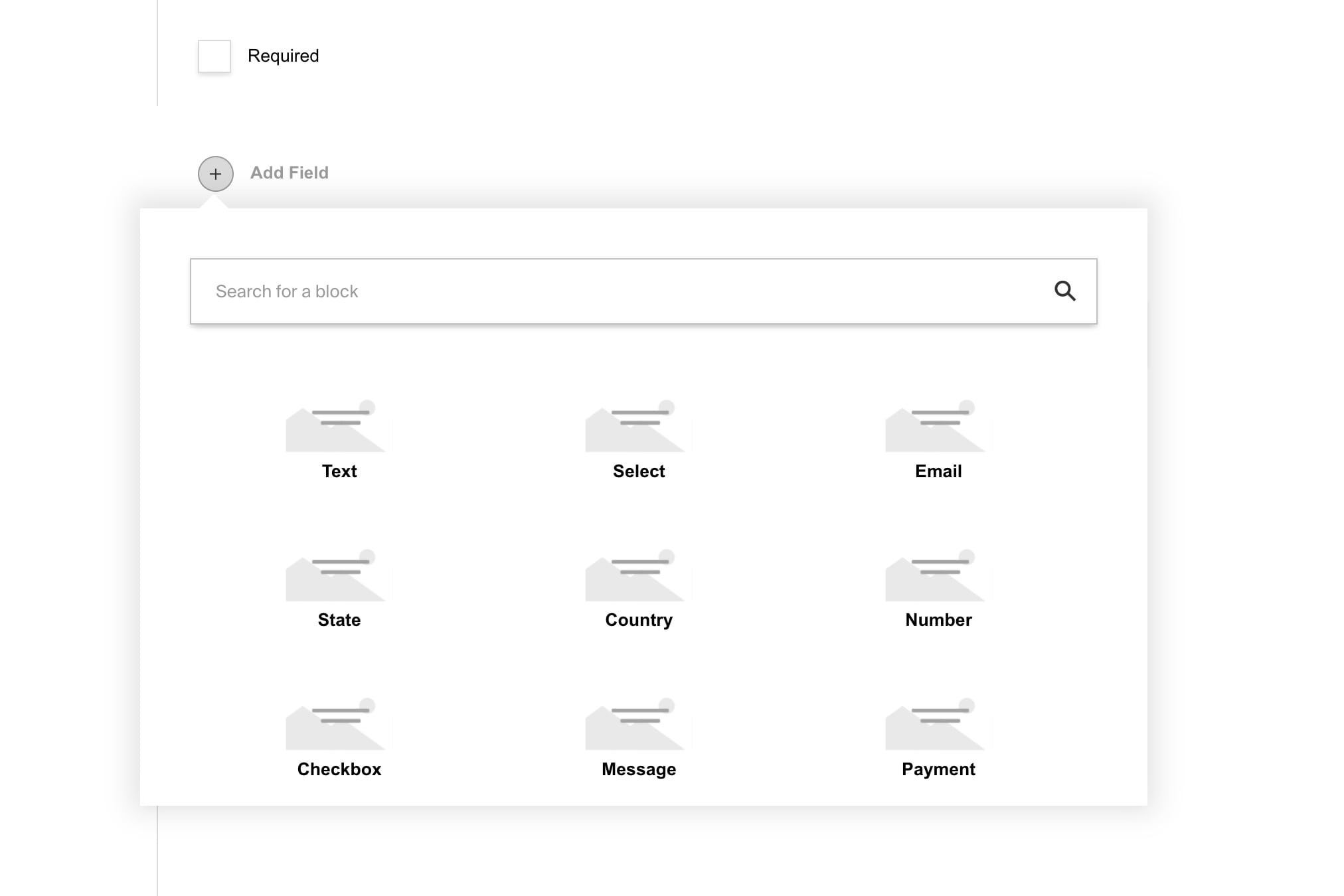
|
||||
<br />
|
||||
|
||||
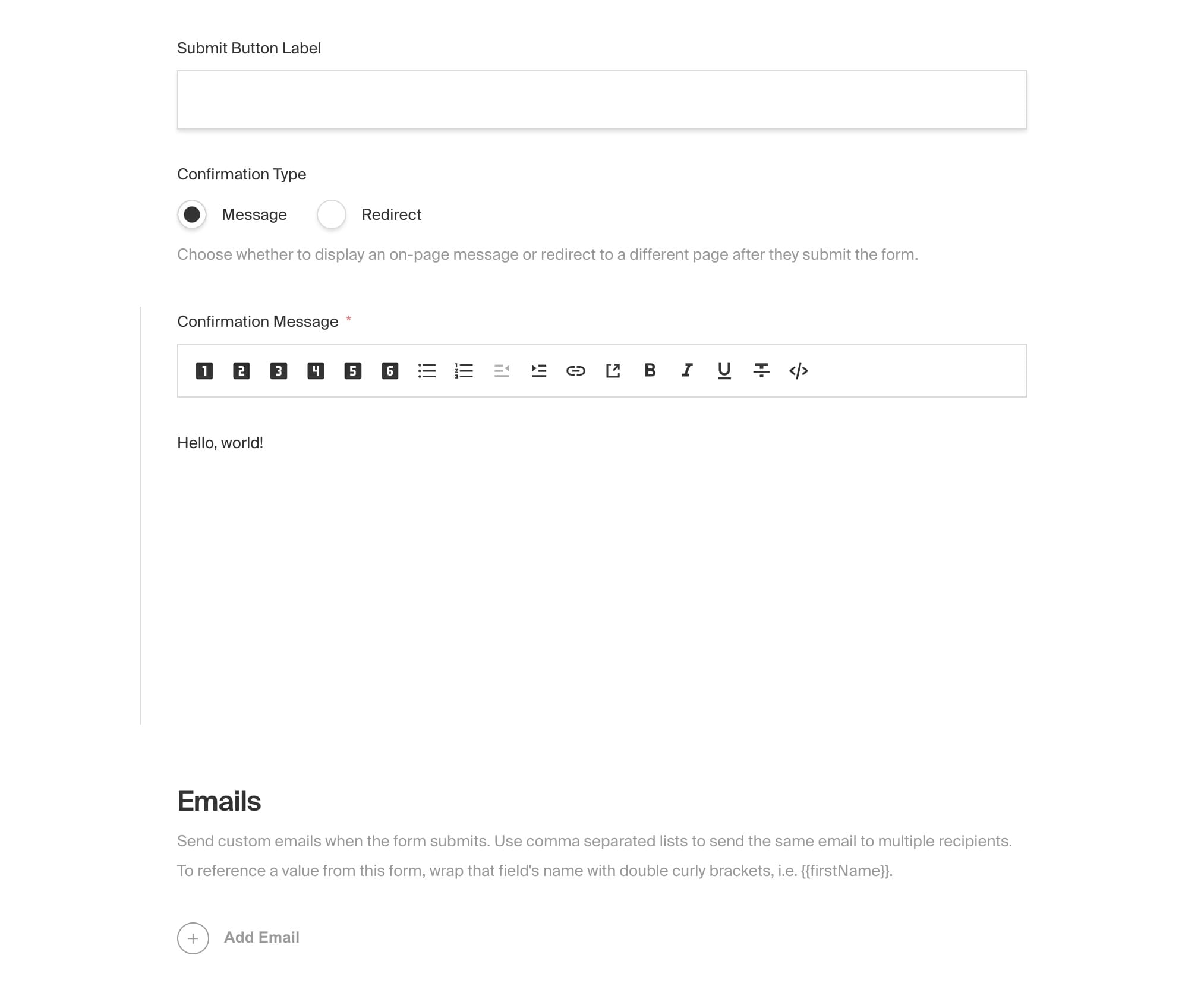
|
||||
<br />
|
||||
|
||||
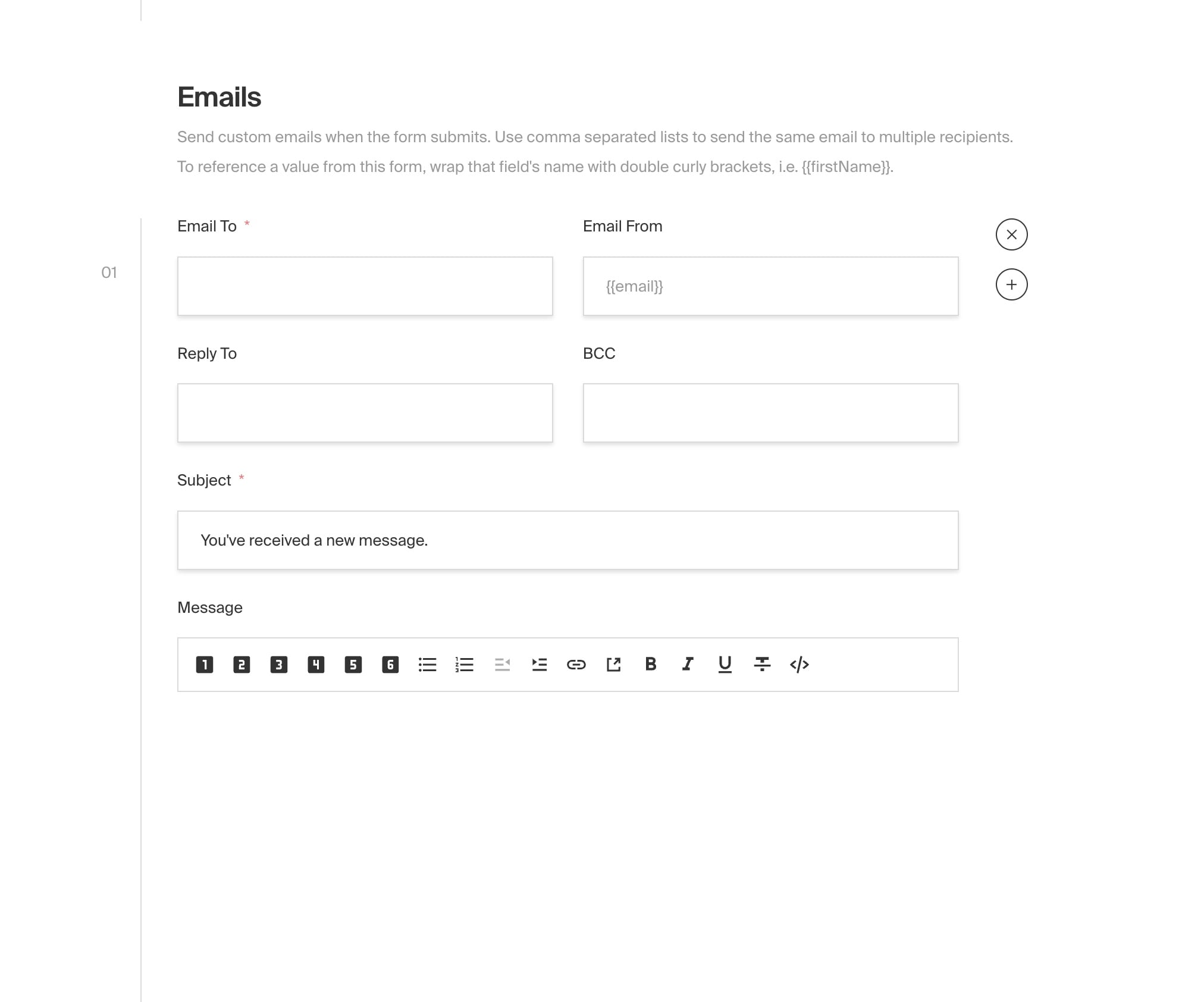
|
||||
<br />
|
||||
|
||||
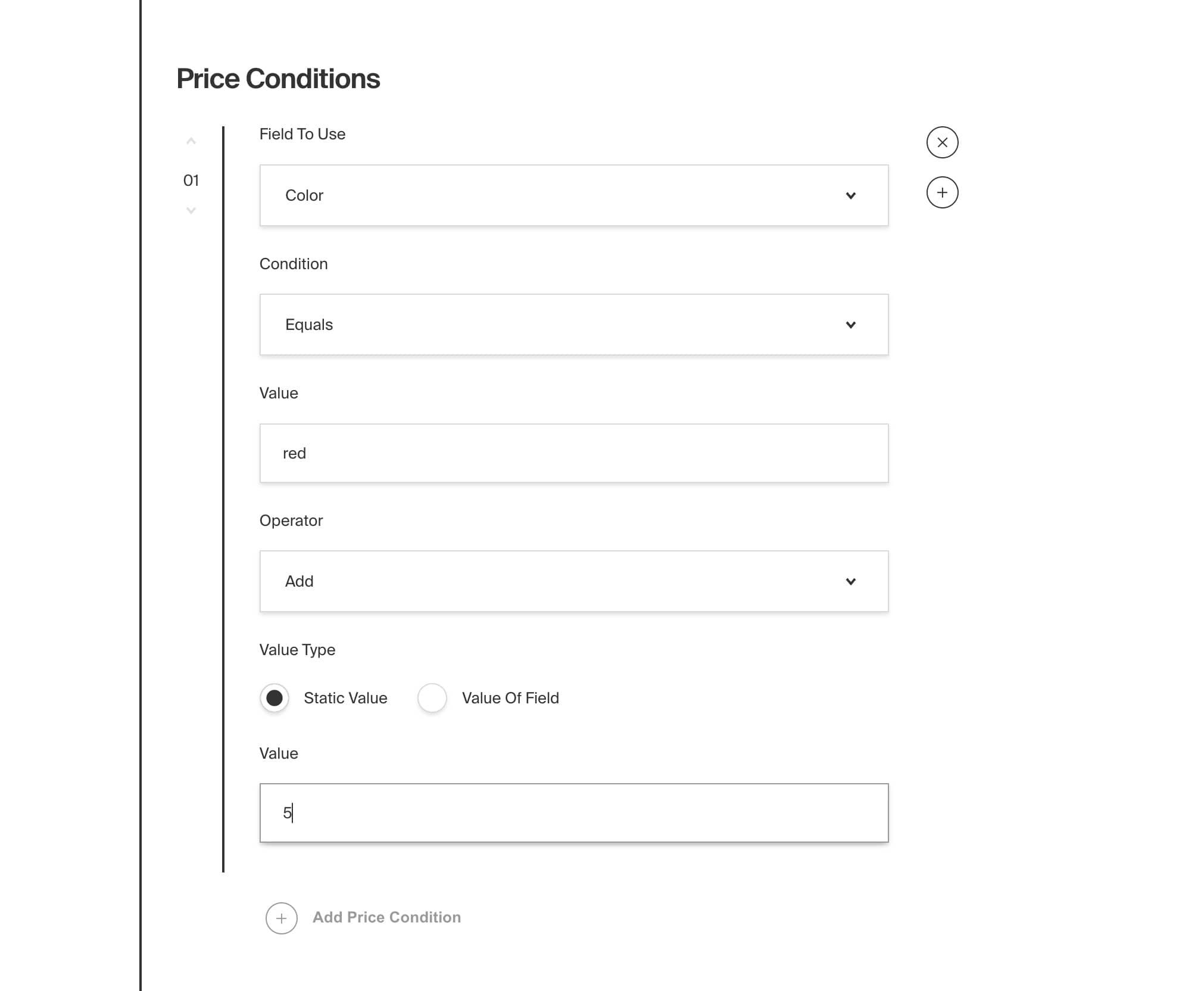
|
||||
<br />
|
||||
|
||||
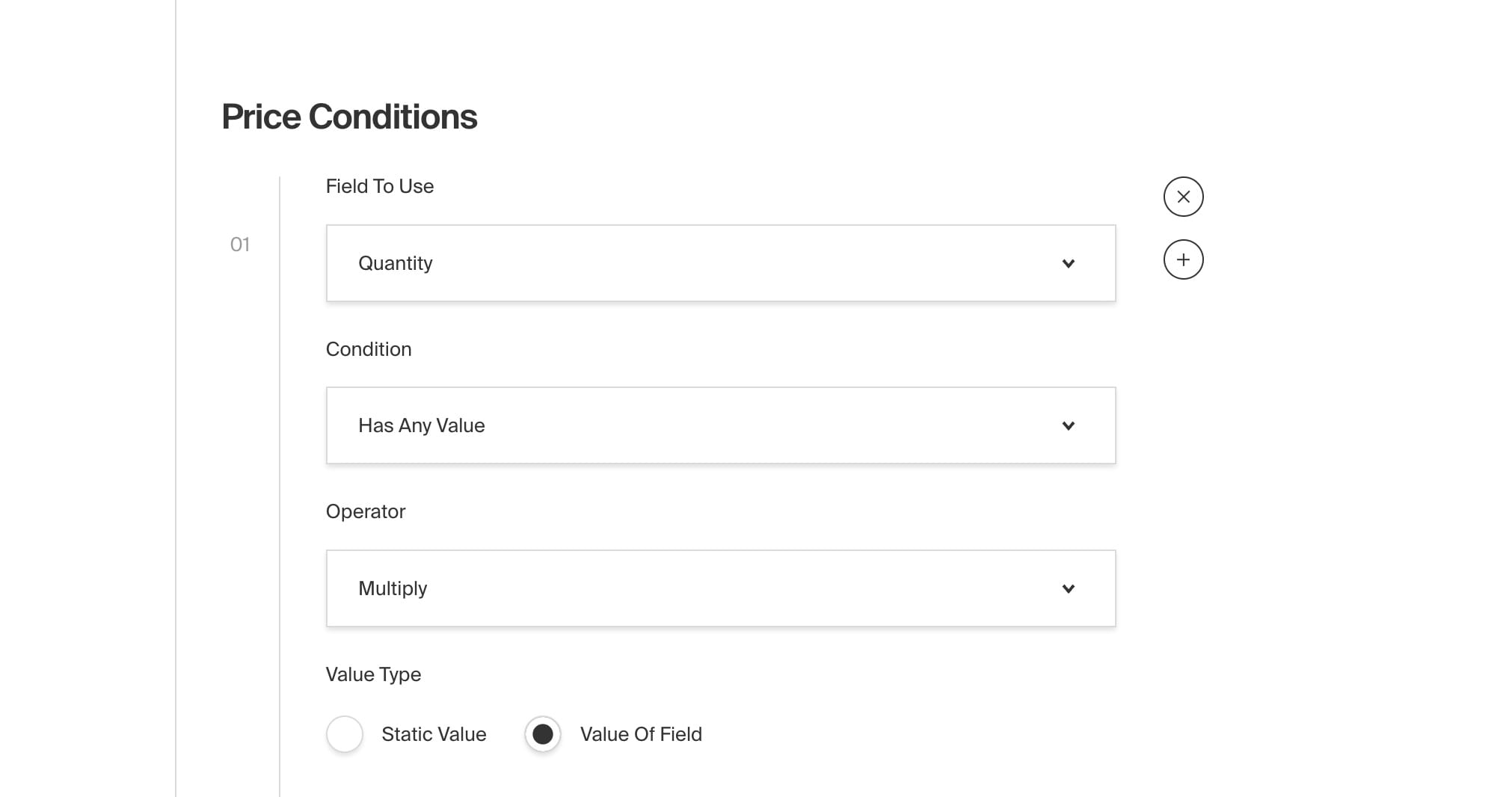
|
||||
|
||||
Some files were not shown because too many files have changed in this diff Show More
Reference in New Issue
Block a user