Compare commits
841 Commits
| Author | SHA1 | Date | |
|---|---|---|---|

|
dabc0bbe80 | ||
|
|
3f30b2f489 | ||
|
|
a470706c2e | ||
|
|
5e7d731ddd | ||
|
|
2e833a6efd | ||
|
|
1cde647a2a | ||
|
|
047efe02ff | ||
|
|
96002dbda5 | ||
|
|
93d0a9b3d4 | ||
|
|
571495c3e0 | ||
|
|
9b71aa17b3 | ||
|
|
03dcf743e8 | ||
|
|
dadaf32e4d | ||
|
|
086117d703 | ||
|
|
ea9943e135 | ||
|
|
bda03d7a84 | ||
|
|
665d3da651 | ||
|
|
faab09b76f | ||
|
|
33401f4064 | ||
|
|
9e9dfbcb10 | ||
|
|
73af283e1c | ||
|
|
6c25ad9cc2 | ||
|
|
c247f3130c | ||
|
|
4194632318 | ||
|
|
8f84f9e140 | ||
|
|
21420f16df | ||
|
|
ee682270a4 | ||
|
|
6923128774 | ||
|
|
5cabd8e4c0 | ||
|
|
84bc5ab299 | ||
|
|
9483ccb120 | ||
|
|
d8c700975f | ||
|
|
aee7d36f1d | ||
|
|
febbea5550 | ||
|
|
ee54c1481c | ||
|
|
78af86f9d1 | ||
|
|
82961767e3 | ||
|
|
7583289d24 | ||
|
|
d40e136947 | ||
|
|
ed7cfff45c | ||
|
|
a10376372a | ||
|
|
f6e749734a | ||
|
|
62c9efbc54 | ||
|
|
84e1417b71 | ||
|
|
bf1242aafa | ||
|
|
001a68f45c | ||
|
|
a823e75d2b | ||
|
|
c21c6b8013 | ||
|
|
e42d103af3 | ||
|
|
84e00bf7b3 | ||
|
|
25e5ab7cee | ||
|
|
5a7972fbf8 | ||
|
|
74e10b1788 | ||
|
|
6c3bc6fb34 | ||
|
|
b8ca2c56d9 | ||
|
|
c9e7c1b3bc | ||
|
|
dacf1a85fd | ||
|
|
6567454ae4 | ||
|
|
06fd7e7776 | ||
|
|
cac4b92a02 | ||
|
|
7d27431312 | ||
|
|
206d0c2c2a | ||
|
|
38b8423150 | ||
|
|
ea8b1ba10c | ||
|
|
1bbf099fe0 | ||
|
|
5fae18e940 | ||
|
|
f4d20a9aed | ||
|
|
27dd945544 | ||
|
|
7c74507bca | ||
|
|
c18ea7c856 | ||
|
|
681d75e43e | ||
|
|
c11bcd1416 | ||
|
|
82501319ce | ||
|
|
b379001f00 | ||
|
|
fe1dfa3e23 | ||
|
|
d97c9fd2ee | ||
|
|
fde79a1b3c | ||
|
|
59781b9eef | ||
|
|
27ab978565 | ||
|
|
f7d664fdcf | ||
|
|
4d74d7a994 | ||
|
|
6a3ee4debe | ||
|
|
a0181a0eee | ||
|
|
1c3a257244 | ||
|
|
7727496548 | ||
|
|
ecfb363169 | ||
|
|
4579a2adc1 | ||
|
|
57ba307c3b | ||
|
|
54dadbeae5 | ||
|
|
2a8bc31e4a | ||
|
|
d6fcd19bd1 | ||
|
|
e0d4b3fef2 | ||
|
|
3552d6a340 | ||
|
|
e330d8874b | ||
|
|
d919abbda4 | ||
|
|
8e6b2c4f9d | ||
|
|
420ed6738e | ||
|
|
49fa5cb23a | ||
|
|
ec9196e33c | ||
|
|
883daf7b46 | ||
|
|
7b92211eca | ||
|
|
192c9fe981 | ||
|
|
9f4ce8d756 | ||
|
|
abaa22950c | ||
|
|
e23481a011 | ||
|
|
8a8741a792 | ||
|
|
206b757629 | ||
|
|
238badabb4 | ||
|
|
e86a6efe45 | ||
|
|
37bc8826f7 | ||
|
|
3d4dfbcf7a | ||
|
|
2de435f43a | ||
|
|
ff4a6a1ea1 | ||
|
|
55df622007 | ||
|
|
baf5b10d23 | ||
|
|
794b6e8783 | ||
|
|
df41201134 | ||
|
|
95e9300d10 | ||
|
|
ad2a54bb78 | ||
|
|
d417e50d52 | ||
|
|
16c41d36cf | ||
|
|
4e019e44b0 | ||
|
|
d7e7ee9a52 | ||
|
|
e7a16364c0 | ||
|
|
a46c220489 | ||
|
|
830af2389e | ||
|
|
332b5d1dad | ||
|
|
3cde636d47 | ||
|
|
c0293719d9 | ||
|
|
bd4ed5b99b | ||
|
|
0527e6f3ea | ||
|
|
ff3ab18d16 | ||
|
|
691730974e | ||
|
|
46a29f54fc | ||
|
|
95127c94a6 | ||
|
|
88a0c56f40 | ||
|
|
6bd5907ad7 | ||
|
|
801068c8fe | ||
|
|
4516c3670e | ||
|
|
73b8ba3d4a | ||
|
|
9567328d28 | ||
|
|
35abe811c1 | ||
|
|
6bc1758dc0 | ||
|
|
341c163b36 | ||
|
|
468b0d2a55 | ||
|
|
f873fa8d99 | ||
|
|
59de4f7e82 | ||
|
|
f02bbe6308 | ||
|
|
e5835ae4f6 | ||
|
|
309569c581 | ||
|
|
a88dddab22 | ||
|
|
b5048a3323 | ||
|
|
3ec6b3d846 | ||
|
|
d0dacdbde0 | ||
|
|
8d643fb29d | ||
|
|
e5ffb1e92d | ||
|
|
087eeb01a2 | ||
|
|
542ea8eb81 | ||
|
|
60bb2652f0 | ||
|
|
7b769caf78 | ||
|
|
0796d5394d | ||
|
|
0be4285305 | ||
|
|
e366624440 | ||
|
|
c755143cc0 | ||
|
|
020a2797d5 | ||
|
|
389ee261d4 | ||
|
|
13fd974a2d | ||
|
|
d492870924 | ||
|
|
57f5f5ec43 | ||
|
|
0d06b8c178 | ||
|
|
9af4c1dde7 | ||
|
|
5b70ebd119 | ||
|
|
0dfed3b30a | ||
|
|
915f1e2b3a | ||
|
|
2e765a1e05 | ||
|
|
26717c9ce4 | ||
|
|
fc35d845e7 | ||
|
|
6580fc7f91 | ||
|
|
1b8ab36123 | ||
|
|
b8c0482cda | ||
|
|
100da03647 | ||
|
|
016beb6eec | ||
|
|
f85d366500 | ||
|
|
a5670c3163 | ||
|
|
4202fc2933 | ||
|
|
e913fbe4ea | ||
|
|
0fbfe149df | ||
|
|
07b2ccad61 | ||
|
|
f715146aa3 | ||
|
|
efe4f6d861 | ||
|
|
8eaf05efef | ||
|
|
6c7282ec37 | ||
|
|
d9d05f3644 | ||
|
|
d88daa433e | ||
|
|
4d6eba8d21 | ||
|
|
28d9f9009c | ||
|
|
91e33ad1ee | ||
|
|
4359564e2f | ||
|
|
420eef4d91 | ||
|
|
d2f281d318 | ||
|
|
2f723e0d78 | ||
|
|
a1813ca4b3 | ||
|
|
049d560898 | ||
|
|
91493f9e8f | ||
|
|
64086e8122 | ||
|
|
75d2cbe9e3 | ||
|
|
a0b41eb83b | ||
|
|
44b31a9e58 | ||
|
|
de4c7ae625 | ||
|
|
414ae9e11f | ||
|
|
f13742c1f7 | ||
|
|
eda6f70acb | ||
|
|
8b18da78fe | ||
|
|
36c1008a22 | ||
|
|
c52389ecb6 | ||
|
|
80da898de8 | ||
|
|
b4f39d5fd3 | ||
|
|
f0db5e0170 | ||
|
|
d9c45f62b1 | ||
|
|
3ae5d954b5 | ||
|
|
934b443b5b | ||
|
|
965bd456cd | ||
|
|
9d4dac892e | ||
|
|
940c1e84f5 | ||
|
|
1d7ed8aff9 | ||
|
|
c15da3178e | ||
|
|
c0f8f94cd6 | ||
|
|
92d2c4d805 | ||
|
|
50ea48901e | ||
|
|
c72f074b77 | ||
|
|
72f7927cc6 | ||
|
|
cb0437fbca | ||
|
|
bc6cc8dd14 | ||
|
|
1695b8f263 | ||
|
|
6ea462c0f7 | ||
|
|
45e4504a7b | ||
|
|
ba2f2d6e9b | ||
|
|
7777d11b9e | ||
|
|
eff3f18e7c | ||
|
|
756edb858a | ||
|
|
b6c597ab5c | ||
|
|
a44dba5ccc | ||
|
|
11b1c0efc6 | ||
|
|
3da0cb9c79 | ||
|
|
a36ac209b2 | ||
|
|
e101f925cc | ||
|
|
bff7c9f7aa | ||
|
|
17fac6e6a0 | ||
|
|
00b3b768eb | ||
|
|
9558a22ce6 | ||
|
|
512bc1ebe6 | ||
|
|
39a956cee3 | ||
|
|
6da13f3794 | ||
|
|
471d21410a | ||
|
|
f290cda333 | ||
|
|
759f001681 | ||
|
|
dc806a9650 | ||
|
|
5f0227fa80 | ||
|
|
e2fce30964 | ||
|
|
1c193b0ed2 | ||
|
|
5588b342d7 | ||
|
|
f4b099a3d1 | ||
|
|
49528dd3c3 | ||
|
|
3aee027b0f | ||
|
|
92177e012c | ||
|
|
acff46b4a5 | ||
|
|
445c6fc775 | ||
|
|
de57aa8417 | ||
|
|
ff1b4b098c | ||
|
|
a72123dd47 | ||
|
|
5d0fe9a6da | ||
|
|
04eaf725a0 | ||
|
|
46a96ccb2e | ||
|
|
0b857f7234 | ||
|
|
c8a683100f | ||
|
|
4e0dd3d12d | ||
|
|
d9eb1ea801 | ||
|
|
881c067c40 | ||
|
|
9d4f4c6305 | ||
|
|
3e2d1b5e9d | ||
|
|
b6ec4bd2d4 | ||
|
|
b70dc83d0e | ||
|
|
a2eda6999a | ||
|
|
dd04d7842e | ||
|
|
3c862add3c | ||
|
|
3ddd0ea3ef | ||
|
|
8ad0042f5f | ||
|
|
8874e871d4 | ||
|
|
356ab8d7eb | ||
|
|
2dcada199c | ||
|
|
ca59efe396 | ||
|
|
5592fb148d | ||
|
|
1f53990bb1 | ||
|
|
811ade60b4 | ||
|
|
6fab722a2e | ||
|
|
83eef0bc77 | ||
|
|
308dc3d600 | ||
|
|
396ea0bd53 | ||
|
|
44df7f523b | ||
|
|
8b36ff8d60 | ||
|
|
e01b165693 | ||
|
|
15671f2494 | ||
|
|
dd217750d7 | ||
|
|
7a42e38cca | ||
|
|
475f147f2c | ||
|
|
670e5243a9 | ||
|
|
2118927f42 | ||
|
|
f8cf4c7b6a | ||
|
|
c6013c3904 | ||
|
|
80d8367a2f | ||
|
|
283343c4a4 | ||
|
|
924d903456 | ||
|
|
49efd028fa | ||
|
|
e6bda625b4 | ||
|
|
226c7d5da5 | ||
|
|
891f00d05c | ||
|
|
c8d1b9f88a | ||
|
|
a71801006c | ||
|
|
dc4e0971a6 | ||
|
|
f7ce0c615d | ||
|
|
dce2081663 | ||
|
|
48989d0f6e | ||
|
|
47fd0d9ec4 | ||
|
|
bbe547ec47 | ||
|
|
c211a804bd | ||
|
|
57fbff3655 | ||
|
|
5a158c1b58 | ||
|
|
088cc16f9b | ||
|
|
b3d526b59a | ||
|
|
afe2ed2ebc | ||
|
|
e6f1c6fc7b | ||
|
|
77ab54243a | ||
|
|
5a69ed562e | ||
|
|
7aada3c746 | ||
|
|
425b66a0c2 | ||
|
|
f4ac714286 | ||
|
|
c9bfdbb63c | ||
|
|
c56381b721 | ||
|
|
70675251e5 | ||
|
|
3482dd5f78 | ||
|
|
3eebd6613f | ||
|
|
d03f0aef84 | ||
|
|
b0964b066b | ||
|
|
5bd86571ca | ||
|
|
a90a1a9e19 | ||
|
|
d10a993465 | ||
|
|
03c2ab52a8 | ||
|
|
143362d45c | ||
|
|
eb69b82adf | ||
|
|
1a6c9a3e18 | ||
|
|
6cb9ab6b44 | ||
|
|
04c689c5b0 | ||
|
|
dbfe7ca6e6 | ||
|
|
e9d2163601 | ||
|
|
ec51929b1a | ||
|
|
a0d03667c5 | ||
|
|
246ab414c8 | ||
|
|
cde1f128e9 | ||
|
|
4c37af6f10 | ||
|
|
5e829a94bf | ||
|
|
56144c07f0 | ||
|
|
99c1f41e30 | ||
|
|
be9b5adfa3 | ||
|
|
a9da81f18c | ||
|
|
54ef40a335 | ||
|
|
fbb4944e83 | ||
|
|
56682c7fd4 | ||
|
|
114758b193 | ||
|
|
1602bdc17a | ||
|
|
9ea41fbb58 | ||
|
|
59631c7879 | ||
|
|
9770affad0 | ||
|
|
9f6f2d24f3 | ||
|
|
efb4bd17d4 | ||
|
|
3a9dc9ef68 | ||
|
|
8123585592 | ||
|
|
1d1d2493aa | ||
|
|
7b6a9ede6e | ||
|
|
400cb9b6bc | ||
|
|
078c28bd5f | ||
|
|
23f1ac1e72 | ||
|
|
16d00e87c2 | ||
|
|
6a28a41069 | ||
|
|
59a4355614 | ||
|
|
e4435bb8bd | ||
|
|
3a622fcd63 | ||
|
|
29ed75c329 | ||
|
|
9303e32273 | ||
|
|
3dbf4e2cd7 | ||
|
|
5673b709ec | ||
|
|
b00987b044 | ||
|
|
075b7e9f02 | ||
|
|
40c87784b0 | ||
|
|
bf30713860 | ||
|
|
2e57b76df0 | ||
|
|
ab4aa9eec6 | ||
|
|
699ca14434 | ||
|
|
25822a91b1 | ||
|
|
f700f51f2b | ||
|
|
af6a7aa9e8 | ||
|
|
b3c232dbbe | ||
|
|
fc16ffefdb | ||
|
|
1d6cf04647 | ||
|
|
a2c0481f59 | ||
|
|
bb6ee6a974 | ||
|
|
fa577d0490 | ||
|
|
bab34d82f5 | ||
|
|
7c6d6fd1ca | ||
|
|
ed01a17621 | ||
|
|
c49ee15b6a | ||
|
|
402b1e4615 | ||
|
|
8d827933f3 | ||
|
|
65f0e1caac | ||
|
|
d9df98ff22 | ||
|
|
999c8fc08b | ||
|
|
fe221aea67 | ||
|
|
57a8c352e4 | ||
|
|
c303913e61 | ||
|
|
e458087a55 | ||
|
|
ccb42319ab | ||
|
|
2bf0fffa0d | ||
|
|
b74ea218ca | ||
|
|
49cbb2d0ac | ||
|
|
2878b4b1be | ||
|
|
0f0dc0948e | ||
|
|
50bcf001ea | ||
|
|
7be202486b | ||
|
|
f938dd718f | ||
|
|
94b2ef1613 | ||
|
|
71a6c58b27 | ||
|
|
13ec1e0398 | ||
|
|
35426eef36 | ||
|
|
32833ec571 | ||
|
|
5eb8e4a28f | ||
|
|
0f27b103b4 | ||
|
|
d103f6c94f | ||
|
|
a345ef0d31 | ||
|
|
4d8cc97475 | ||
|
|
7556b54017 | ||
|
|
5e8a8b2df9 | ||
|
|
244fb63c6d | ||
|
|
e4f2be3dec | ||
|
|
f43f433f51 | ||
|
|
84f01e8836 | ||
|
|
30def3511e | ||
|
|
27499981c8 | ||
|
|
d5e725c608 | ||
|
|
ef5cc2ab0f | ||
|
|
5cd87a754b | ||
|
|
b1370b814a | ||
|
|
b1105085c5 | ||
|
|
cdaa8cc29f | ||
|
|
811913cb85 | ||
|
|
7356d8977f | ||
|
|
a3959ca5d8 | ||
|
|
216b9f88d9 | ||
|
|
183cd9a0be | ||
|
|
5f5c7ba7bf | ||
|
|
66210b856b | ||
|
|
2f684040fc | ||
|
|
2364476689 | ||
|
|
7136db4c71 | ||
|
|
562fccce05 | ||
|
|
35f91b038b | ||
|
|
eb0023e961 | ||
|
|
1d76e973bb | ||
|
|
3f28a69959 | ||
|
|
77792327f1 | ||
|
|
86855d68f6 | ||
|
|
cfef68f364 | ||
|
|
32b8f46bf2 | ||
|
|
cc5fa943ad | ||
|
|
9da9d38aed | ||
|
|
d90ca777db | ||
|
|
e4b4931dba | ||
|
|
93acea9d7f | ||
|
|
f883e04ee1 | ||
|
|
bb51a54ebe | ||
|
|
483adf08c4 | ||
|
|
4a78f7d3c3 | ||
|
|
78c2306b73 | ||
|
|
ddfb011904 | ||
|
|
d1c20e4fef | ||
|
|
a5139072c8 | ||
|
|
e004682799 | ||
|
|
c651835061 | ||
|
|
2255ebb64a | ||
|
|
e2ec2f7b97 | ||
|
|
00196a8631 | ||
|
|
2a09f15a15 | ||
|
|
0420b6dc27 | ||
|
|
10c30260dd | ||
|
|
25000261bd | ||
|
|
bb82cdcef4 | ||
|
|
027dff8363 | ||
|
|
31ca1ab379 | ||
|
|
33c1f287f3 | ||
|
|
cd4861afda | ||
|
|
9f56ac182f | ||
|
|
3301f59822 | ||
|
|
f9ca3a9f96 | ||
|
|
3ba7594a65 | ||
|
|
6a1b25ab30 | ||
|
|
17dbbc7775 | ||
|
|
7e25abf87a | ||
|
|
0591dfd05b | ||
|
|
17610adf36 | ||
|
|
91814777b0 | ||
|
|
09d793926d | ||
|
|
a9f2f0ec03 | ||
|
|
66bf8c3cbd | ||
|
|
3967c1233f | ||
|
|
c929725dd5 | ||
|
|
9c6098b191 | ||
|
|
6daab398da | ||
|
|
36ef3789fb | ||
|
|
14cbf2f079 | ||
|
|
87bbf4416b | ||
|
|
785b992c3e | ||
|
|
b4695e10b6 | ||
|
|
0b0d971491 | ||
|
|
02af6b90b2 | ||
|
|
2181bc84a1 | ||
|
|
036cd5f831 | ||
|
|
da9825cd99 | ||
|
|
4a43f95952 | ||
|
|
9af9b73132 | ||
|
|
7f7d3dbeef | ||
|
|
8ef9206001 | ||
|
|
21ba237135 | ||
|
|
3bda163e7b | ||
|
|
e4e4ad1b08 | ||
|
|
f7352a7d08 | ||
|
|
6f6f2f8e7b | ||
|
|
5ca5abab42 | ||
|
|
9a7553099c | ||
|
|
55d0c917e6 | ||
|
|
f52daeccf0 | ||
|
|
6c871c57fc | ||
|
|
5322ada9e6 | ||
|
|
ee83a50ea9 | ||
|
|
f6b19e074c | ||
|
|
6cc1d9e41b | ||
|
|
74863f9462 | ||
|
|
fdcf029da2 | ||
|
|
3e3d151e4c | ||
|
|
5da204b152 | ||
|
|
3d6c3f7339 | ||
|
|
8d49517004 | ||
|
|
d1c0f2b97b | ||
|
|
1bc42ae098 | ||
|
|
c6edb7f53a | ||
|
|
1e048fe037 | ||
|
|
8fabdce584 | ||
|
|
5c1a3fabee | ||
|
|
d45de99956 | ||
|
|
fe6d30210b | ||
|
|
93f71e621c | ||
|
|
39d1a09d5a | ||
|
|
74ae6fd1d5 | ||
|
|
bbbcf8c869 | ||
|
|
b379666dec | ||
|
|
6f40b5c9ab | ||
|
|
b329be7dc1 | ||
|
|
c2ec54a7cb | ||
|
|
3641dfd38a | ||
|
|
5bf1354741 | ||
|
|
b894b809bf | ||
|
|
a4504ca15b | ||
|
|
7926083732 | ||
|
|
534cd5ae53 | ||
|
|
fb329a99ba | ||
|
|
9e726d9b90 | ||
|
|
8d065d619d | ||
|
|
cbff1776e7 | ||
|
|
e517695000 | ||
|
|
4370cfca0c | ||
|
|
4135b618ef | ||
|
|
1cfce87549 | ||
|
|
c48283ac1d | ||
|
|
328be3e4bc | ||
|
|
b4becd1493 | ||
|
|
95fac0bd62 | ||
|
|
a30d9dc1d7 | ||
|
|
7bfcefbfea | ||
|
|
131b2796e7 | ||
|
|
debcb003bb | ||
|
|
6e1dfff1b8 | ||
|
|
a9ebb71a09 | ||
|
|
3e34e5216f | ||
|
|
2400c58219 | ||
|
|
90d504526c | ||
|
|
c97d4f9545 | ||
|
|
09a8144f3c | ||
|
|
00ef1700ae | ||
|
|
3e03b2b5df | ||
|
|
974f79e57e | ||
|
|
34f42083b5 | ||
|
|
c0cae1e834 | ||
|
|
3ce8ee4661 | ||
|
|
f9feff58d6 | ||
|
|
73848b6037 | ||
|
|
7fd8124df6 | ||
|
|
1c77455403 | ||
|
|
051a0fad84 | ||
|
|
8e53ef47a0 | ||
|
|
918130486e | ||
|
|
b454811698 | ||
|
|
f87c68f310 | ||
|
|
25006d44e8 | ||
|
|
d8e51dd200 | ||
|
|
f54210a528 | ||
|
|
96dab15cd1 | ||
|
|
4126843619 | ||
|
|
e0238ad393 | ||
|
|
aa0302c05e | ||
|
|
1040ad2cfe | ||
|
|
c64f15d4d9 | ||
|
|
22ea98ca33 | ||
|
|
75bab716d1 | ||
|
|
52a8e9624c | ||
|
|
52cd3b4a7e | ||
|
|
cc63167307 | ||
|
|
314671b3b7 | ||
|
|
ef83bdb709 | ||
|
|
686085496a | ||
|
|
76ae20aa16 | ||
|
|
a1a55386f0 | ||
|
|
b3bb421c6c | ||
|
|
eabb981243 | ||
|
|
4be14a12d0 | ||
|
|
ce174878f3 | ||
|
|
14966796ae | ||
|
|
7b756f3421 | ||
|
|
9fea2b4e08 | ||
|
|
f9b1b1fe7f | ||
|
|
205404a88a | ||
|
|
813c46c86d | ||
|
|
8bfe253157 | ||
|
|
ed8e581629 | ||
|
|
7cf66b081a | ||
|
|
64503f8267 | ||
|
|
d82c12eab6 | ||
|
|
9c4f2b68b0 | ||
|
|
bcfda707ff | ||
|
|
66b77f7dca | ||
|
|
dcc8dad53b | ||
|
|
bb1477e08b | ||
|
|
4e165cf52e | ||
|
|
a1083727ef | ||
|
|
d5ccd45b53 | ||
|
|
94d355ba5e | ||
|
|
892a774998 | ||
|
|
78f39af5cf | ||
|
|
813fa1571c | ||
|
|
c40e232ac6 | ||
|
|
834f4ebd38 | ||
|
|
ca434b8a92 | ||
|
|
7acf944a28 | ||
|
|
391c9d8682 | ||
|
|
8e47961da1 | ||
|
|
016f3e47ab | ||
|
|
21eb19edd1 | ||
|
|
ad4f7a5fff | ||
|
|
cd209379b2 | ||
|
|
14a16dc05f | ||
|
|
9a461b8536 | ||
|
|
59af8725b4 | ||
|
|
dffeaf6a69 | ||
|
|
c7851f8189 | ||
|
|
ada1871993 | ||
|
|
78ccd2ad9b | ||
|
|
4cb69039ed | ||
|
|
c8b37f40cb | ||
|
|
4963f10a18 | ||
|
|
6f77fe7c27 | ||
|
|
c584c2ed47 | ||
|
|
5a19f6915a | ||
|
|
48f0c06edc | ||
|
|
50cc3c5a21 | ||
|
|
6674a0df6b | ||
|
|
cbbace21ca | ||
|
|
87346a97ab | ||
|
|
4357c5491d | ||
|
|
03847703b0 | ||
|
|
3c46851426 | ||
|
|
8115855e5a | ||
|
|
ddb2a0a4f5 | ||
|
|
a45577f182 | ||
|
|
eb963066f7 | ||
|
|
a99d9c98c3 | ||
|
|
cdfc0dec70 | ||
|
|
eb1ff7efce | ||
|
|
55843f6c55 | ||
|
|
7856f66b31 | ||
|
|
47ac86b4b7 | ||
|
|
13dc39dc6d | ||
|
|
65653bd1d3 | ||
|
|
299ee82ccf | ||
|
|
b38b6427b8 | ||
|
|
784696f9a6 | ||
|
|
8bd2a0e6c9 | ||
|
|
0f671b1b35 | ||
|
|
d56882cc20 | ||
|
|
6d13ae6846 | ||
|
|
91000d7fda | ||
|
|
888734dcdf | ||
|
|
e81da57f61 | ||
|
|
05d1b141b2 | ||
|
|
b7e5828adc | ||
|
|
2ee4c7ad72 | ||
|
|
77ab11bce8 | ||
|
|
cd8edbaa1f | ||
|
|
5e21048457 | ||
|
|
c0c093d16c | ||
|
|
117153fad7 | ||
|
|
5ae666b0e0 | ||
|
|
afa03789b8 | ||
|
|
44b0073834 | ||
|
|
254636167d | ||
|
|
29e82ec845 | ||
|
|
c3a0bd8625 | ||
|
|
32a4e8e9b9 | ||
|
|
482cbe71c7 | ||
|
|
7dbcd9ca89 | ||
|
|
a1f2dcab8f | ||
|
|
21417c6598 | ||
|
|
f1a272f407 | ||
|
|
064f797023 | ||
|
|
26c2020b12 | ||
|
|
af1a483e64 | ||
|
|
f517cb5e93 | ||
|
|
c8a8914ea7 | ||
|
|
4f834c6bf8 | ||
|
|
d588843121 | ||
|
|
51c7770b10 | ||
|
|
18ff5d29b0 | ||
|
|
e31098eaa5 | ||
|
|
0873050b32 | ||
|
|
8df9ee7b2d | ||
|
|
a9ef557ca4 | ||
|
|
689fa008fb | ||
|
|
1a4ce65e6c | ||
|
|
f6dff04cfe | ||
|
|
a73c391c2c | ||
|
|
e88c7ca4b2 | ||
|
|
0cd8446735 | ||
|
|
6a3cfced9a | ||
|
|
0586d7aa7d | ||
|
|
3736755a12 | ||
|
|
d727fc8e24 | ||
|
|
50b0303ab3 | ||
|
|
6bc6e7bb61 | ||
|
|
cf2eb3e482 | ||
|
|
4aa5500593 | ||
|
|
c7432fb6e6 | ||
|
|
f895443e33 | ||
|
|
32cebb56ff | ||
|
|
4a6b01d094 | ||
|
|
f8295f7577 | ||
|
|
a2fa99d06f | ||
|
|
c508ac6dee | ||
|
|
4900fa799f | ||
|
|
135b1bcdd7 | ||
|
|
25f5d68b74 | ||
|
|
1ed867ce0c | ||
|
|
5ef5f09a5c | ||
|
|
bc97d3d6f2 | ||
|
|
b21a56fdf7 | ||
|
|
97f2a9b484 | ||
|
|
4ef6801230 | ||
|
|
8e21a91b2c | ||
|
|
38a1a38c0c | ||
|
|
2b7785d101 | ||
|
|
2cf9d35fed | ||
|
|
4e1f9c7280 | ||
|
|
f45d5a0421 | ||
|
|
39586d3cdb | ||
|
|
5e66e3ee78 | ||
|
|
a284f6c066 | ||
|
|
fdc0ad8a3c | ||
|
|
fa01b353ef | ||
|
|
dac3308441 | ||
|
|
11d8fc71e8 | ||
|
|
771bbaedbc | ||
|
|
040833ead8 | ||
|
|
7c2acb4324 | ||
|
|
88fe797007 | ||
|
|
5825d7e64f | ||
|
|
97ff49f2bf | ||
|
|
ccada2e8c9 | ||
|
|
1d8bcd6e16 | ||
|
|
1b58094e6f | ||
|
|
1437bfe0c9 | ||
|
|
171da32b00 | ||
|
|
a3edbf4fef | ||
|
|
8ab4ec8d54 | ||
|
|
f8365abf1b | ||
|
|
078e8dcc51 | ||
|
|
b1a1575122 | ||
|
|
201a8e1053 | ||
|
|
ff4c1a1c01 | ||
|
|
7c449e0d30 | ||
|
|
2ca526bd22 | ||
|
|
48f929f3ab | ||
|
|
f2bec90663 | ||
|
|
1c7445dc7f | ||
|
|
78630cafa2 | ||
|
|
0a40dd43cb | ||
|
|
32fb72a5bb | ||
|
|
cbb1c84be7 | ||
|
|
145e1db05d | ||
|
|
4115045c15 | ||
|
|
d0744f3702 | ||
|
|
e7caaf57a9 | ||
|
|
fba0847f0f | ||
|
|
566c6ba3a9 | ||
|
|
b860959fea | ||
|
|
9e4e4b231c | ||
|
|
b8421ddc0c | ||
|
|
9165b25fd6 | ||
|
|
f615abc9b1 | ||
|
|
2ae33b603a | ||
|
|
6a6a69190f | ||
|
|
a7b882c03d | ||
|
|
a83921a2fe | ||
|
|
4b7b04d5fa | ||
|
|
b403f5228b | ||
|
|
dd289ca24a | ||
|
|
daf5fc83d8 | ||
|
|
08271086c3 | ||
|
|
30da37becd | ||
|
|
df1491de74 | ||
|
|
420fd67905 | ||
|
|
17a55e4a3a | ||
|
|
1b3a328388 | ||
|
|
060ee40bab | ||
|
|
f0ff1c7c99 | ||
|
|
d0d498e9c7 | ||
|
|
bc83153b60 | ||
|
|
e13c6fa955 |
@@ -40,6 +40,7 @@ module.exports = {
|
||||
'jest/no-test-callback': 'off',
|
||||
'jest/prefer-strict-equal': 'off',
|
||||
'jest/expect-expect': 'off',
|
||||
'jest-dom/prefer-to-have-attribute': 'off',
|
||||
}
|
||||
},
|
||||
{
|
||||
|
||||
21
.github/ISSUE_TEMPLATE/BUG_REPORT.md
vendored
21
.github/ISSUE_TEMPLATE/BUG_REPORT.md
vendored
@@ -1,33 +1,22 @@
|
||||
---
|
||||
name: Bug Report
|
||||
about: Create a bug report for Payload
|
||||
labels: 'bug'
|
||||
labels: 'possible-bug'
|
||||
---
|
||||
|
||||
# Bug Report
|
||||
|
||||
<!--- Provide a general summary of the issue in the Title above -->
|
||||
|
||||
## Expected Behavior
|
||||
|
||||
<!--- Tell us what should happen -->
|
||||
|
||||
## Current Behavior
|
||||
|
||||
<!--- Tell us what happens instead of the expected behavior -->
|
||||
|
||||
## Possible Solution
|
||||
|
||||
<!--- Not obligatory, but suggest a fix/reason for the bug, -->
|
||||
|
||||
## Steps to Reproduce
|
||||
|
||||
<!--- Steps to reproduce this bug. Include any code, if relevant -->
|
||||
|
||||
1.
|
||||
2.
|
||||
3.
|
||||
4.
|
||||
|
||||
## Detailed Description
|
||||
## Other Details
|
||||
|
||||
<!--- Provide any other additional details -->
|
||||
<!--- Payload version, browser, etc -->
|
||||
<!--- Possible solution if you're familiar with the code -->
|
||||
|
||||
6
.github/workflows/tests.yml
vendored
6
.github/workflows/tests.yml
vendored
@@ -1,6 +1,10 @@
|
||||
name: build
|
||||
|
||||
on: [push]
|
||||
on:
|
||||
pull_request:
|
||||
types: [opened, reopened, edited, synchronize]
|
||||
push:
|
||||
branches: ['master']
|
||||
|
||||
jobs:
|
||||
build_yarn:
|
||||
|
||||
1
.node-version
Normal file
1
.node-version
Normal file
@@ -0,0 +1 @@
|
||||
v16.14.2
|
||||
9
.vscode/launch.json
vendored
9
.vscode/launch.json
vendored
@@ -28,16 +28,7 @@
|
||||
"type": "node",
|
||||
"request": "launch",
|
||||
"name": "Launch Program",
|
||||
"env": {
|
||||
"BABEL_ENV": "development"
|
||||
},
|
||||
"program": "${workspaceFolder}/test/dev.js",
|
||||
"skipFiles": [
|
||||
"<node_internals>/**"
|
||||
],
|
||||
"runtimeArgs": [
|
||||
"--nolazy"
|
||||
],
|
||||
"args": [
|
||||
"fields"
|
||||
]
|
||||
|
||||
817
CHANGELOG.md
817
CHANGELOG.md
@@ -1,3 +1,818 @@
|
||||
|
||||
|
||||
## [1.5.6](https://github.com/payloadcms/payload/compare/v1.5.5...v1.5.6) (2023-01-11)
|
||||
|
||||
|
||||
### Bug Fixes
|
||||
|
||||
* ensures that find with draft=true returns ids with drafts ([3f30b2f](https://github.com/payloadcms/payload/commit/3f30b2f4894258d67e9a9a79e2213f9d5f69f856))
|
||||
|
||||
## [1.5.5](https://github.com/payloadcms/payload/compare/v1.5.4...v1.5.5) (2023-01-11)
|
||||
|
||||
|
||||
### Bug Fixes
|
||||
|
||||
* [#1808](https://github.com/payloadcms/payload/issues/1808), arrays and blocks now save localized nested field data upon reordering rows ([ee54c14](https://github.com/payloadcms/payload/commit/ee54c1481cdb8d6669864f20584fa6ef072c9097))
|
||||
* bug when clearing relationship field without hasMany: true ([#1829](https://github.com/payloadcms/payload/issues/1829)) ([ed7cfff](https://github.com/payloadcms/payload/commit/ed7cfff45c262206495580509a77adb72a646ddb))
|
||||
* ensures upload file data is available for conditions ([d40e136](https://github.com/payloadcms/payload/commit/d40e1369472f212b5f85bfc72fac01dc708aa507))
|
||||
* fix miss typo in Thai translation ([25e5ab7](https://github.com/payloadcms/payload/commit/25e5ab7ceebfb36960b6969db543a2b4ae7127d2))
|
||||
* formats date when useAsTitle ([086117d](https://github.com/payloadcms/payload/commit/086117d7039b2b68ab2789b57cac97e2735819cf))
|
||||
* prevents uploads drawer from crashing when no uploads are enabled ([84e1417](https://github.com/payloadcms/payload/commit/84e1417b711e0823753f0b9174c145e40b68e0be))
|
||||
* rte link element initial state [#1848](https://github.com/payloadcms/payload/issues/1848) ([1cde647](https://github.com/payloadcms/payload/commit/1cde647a2a86df21312229b8beec0a6b75df22c3))
|
||||
* updatesmargin for group field within a row ([1c3a257](https://github.com/payloadcms/payload/commit/1c3a257244e322c04164f6630772a40baf256da7))
|
||||
* upload field filterOptions ([9483ccb](https://github.com/payloadcms/payload/commit/9483ccb1208a91c1376ac4bd5186037f909aa45d))
|
||||
* wrong translation and punctuation spacing ([bf1242a](https://github.com/payloadcms/payload/commit/bf1242aafa3fa7e72e81af10284f4ddade28c4a0))
|
||||
|
||||
|
||||
### Features
|
||||
|
||||
* adds translations for fallbackToDefaultLocale ([c247f31](https://github.com/payloadcms/payload/commit/c247f3130cf03d1dc12d456886b04db028161800))
|
||||
* ensures compatibility with azure cosmos and aws documentdb ([73af283](https://github.com/payloadcms/payload/commit/73af283e1c24befc2797e2bc9766a22d26e3c288))
|
||||
|
||||
## [1.5.4](https://github.com/payloadcms/payload/compare/v1.5.3...v1.5.4) (2023-01-06)
|
||||
|
||||
|
||||
### Features
|
||||
|
||||
* allows init to accept a pre-built config ([84e00bf](https://github.com/payloadcms/payload/commit/84e00bf7b3dfc1c23367765eec60bec45b81617b))
|
||||
|
||||
## [1.5.3](https://github.com/payloadcms/payload/compare/v1.5.2...v1.5.3) (2023-01-05)
|
||||
|
||||
|
||||
### Bug Fixes
|
||||
|
||||
* theme flicker on code editor ([6567454](https://github.com/payloadcms/payload/commit/6567454ae4e4808303da9b80d26633bc77e1445d))
|
||||
|
||||
## [1.5.2](https://github.com/payloadcms/payload/compare/v1.5.1...v1.5.2) (2023-01-04)
|
||||
|
||||
|
||||
### Bug Fixes
|
||||
|
||||
* ignores admin and components from swc ([7d27431](https://github.com/payloadcms/payload/commit/7d274313129c44618ebd8d1fd7a176694ee40476))
|
||||
|
||||
## [1.5.1](https://github.com/payloadcms/payload/compare/v1.5.0...v1.5.1) (2023-01-04)
|
||||
|
||||
|
||||
### Bug Fixes
|
||||
|
||||
* reverts components directory back to ts ([1bbf099](https://github.com/payloadcms/payload/commit/1bbf099fe052e767512e111f8f2b778c1b9c59d9))
|
||||
|
||||
# [1.5.0](https://github.com/payloadcms/payload/compare/v1.4.2...v1.5.0) (2023-01-04)
|
||||
|
||||
|
||||
### Bug Fixes
|
||||
|
||||
* json field type ([73b8ba3](https://github.com/payloadcms/payload/commit/73b8ba3d4a86385cd0a80efcdc19e4972d16b0b7))
|
||||
|
||||
|
||||
### Features
|
||||
|
||||
* adds initial json field ([28d9f90](https://github.com/payloadcms/payload/commit/28d9f9009cc479b0e5da5c5b4fb85eb29b055309))
|
||||
* fixes json editor errors and misc styling ([efe4f6d](https://github.com/payloadcms/payload/commit/efe4f6d861a99337cfd35592557d3e8f16ff924a))
|
||||
* swc register ([#1779](https://github.com/payloadcms/payload/issues/1779)) ([c11bcd1](https://github.com/payloadcms/payload/commit/c11bcd1416b19e48569218d9011d013ad77306ce))
|
||||
* updates code field editor ([4d6eba8](https://github.com/payloadcms/payload/commit/4d6eba8d21d19eac63df02d56d27b0a17006d042))
|
||||
* wires up i18n with monaco editor ([07b2cca](https://github.com/payloadcms/payload/commit/07b2ccad61a619478f6613fa65f4f630222639d4))
|
||||
|
||||
## [1.4.2](https://github.com/payloadcms/payload/compare/v1.4.1...v1.4.2) (2023-01-03)
|
||||
|
||||
|
||||
### Bug Fixes
|
||||
|
||||
* [#1775](https://github.com/payloadcms/payload/issues/1775) - siblingData for unnamed fields within array rows improperly formatted ([d6fcd19](https://github.com/payloadcms/payload/commit/d6fcd19bd1eaf2942c2eaa31f0de4770ca10ff06))
|
||||
* [#1786](https://github.com/payloadcms/payload/issues/1786), relationship with hasMany no longer sets empty array as default value ([ecfb363](https://github.com/payloadcms/payload/commit/ecfb36316961ef0eb9dd1ba1dc95ba98f95223f8))
|
||||
* error clearing date field ([883daf7](https://github.com/payloadcms/payload/commit/883daf7b469c03fae67c16292af6aded662c0bd0))
|
||||
* select field crash on missing value option ([ec9196e](https://github.com/payloadcms/payload/commit/ec9196e33ca01e6a15097943b4be6dee6ea5202f))
|
||||
|
||||
|
||||
### Features
|
||||
|
||||
* add Ukrainian translation ([#1767](https://github.com/payloadcms/payload/issues/1767)) ([49fa5cb](https://github.com/payloadcms/payload/commit/49fa5cb23a0bb57348d8cd7ec0b7805d651fda2d))
|
||||
* preview now exposes most recent draft data ([54dadbe](https://github.com/payloadcms/payload/commit/54dadbeae5b195405a7cfb480fd38b2eeb684938))
|
||||
|
||||
## [1.4.1](https://github.com/payloadcms/payload/compare/v1.4.0...v1.4.1) (2022-12-24)
|
||||
|
||||
|
||||
### Bug Fixes
|
||||
|
||||
* [#1761](https://github.com/payloadcms/payload/issues/1761), avoids rich text modifying form due to selection change ([9f4ce8d](https://github.com/payloadcms/payload/commit/9f4ce8d756742a6e1b2644ea49d0778774aae457))
|
||||
|
||||
# [1.4.0](https://github.com/payloadcms/payload/compare/v1.3.4...v1.4.0) (2022-12-23)
|
||||
|
||||
|
||||
### Bug Fixes
|
||||
|
||||
* [#1611](https://github.com/payloadcms/payload/issues/1611), unable to query draft versions with draft=true ([44b31a9](https://github.com/payloadcms/payload/commit/44b31a9e585aad515557b749bf05253139a17bd9))
|
||||
* [#1656](https://github.com/payloadcms/payload/issues/1656) remove size data ([389ee26](https://github.com/payloadcms/payload/commit/389ee261d4ebae0b773bca375ed8a74685506aa0))
|
||||
* [#1698](https://github.com/payloadcms/payload/issues/1698) - globals and autosave not working ([915f1e2](https://github.com/payloadcms/payload/commit/915f1e2b3a0c9618d5699a0ee6f5e74c6f4038ee))
|
||||
* [#1738](https://github.com/payloadcms/payload/issues/1738) save image dimensions to svg uploads ([2de435f](https://github.com/payloadcms/payload/commit/2de435f43a2e75391a655e91a0cda251da776bcb))
|
||||
* [#1747](https://github.com/payloadcms/payload/issues/1747), rich text in arrays improperly updating initialValue when moving rows ([d417e50](https://github.com/payloadcms/payload/commit/d417e50d52fc0824fb5aaedd3e1208c3e1468bdd))
|
||||
* [#1748](https://github.com/payloadcms/payload/issues/1748), bails out of autosave if doc is published while autosaving ([95e9300](https://github.com/payloadcms/payload/commit/95e9300d109c9bfd377d5b5efbb68ddca306bbec))
|
||||
* [#1752](https://github.com/payloadcms/payload/issues/1752), removes label from row field type ([ff3ab18](https://github.com/payloadcms/payload/commit/ff3ab18d1690e50473be2d77897fb9de48361413))
|
||||
* [#551](https://github.com/payloadcms/payload/issues/551) - rich text nested list structure ([542ea8e](https://github.com/payloadcms/payload/commit/542ea8eb81a6e608c7368882da9692d656f1d36b))
|
||||
* allows cleared file to be reselected ([35abe81](https://github.com/payloadcms/payload/commit/35abe811c1534ba4f7e926edd3a2978ee67b181e))
|
||||
* get relationships in locale of i18n language setting ([#1648](https://github.com/payloadcms/payload/issues/1648)) ([60bb265](https://github.com/payloadcms/payload/commit/60bb2652f0aa63747513e771173362985123519c))
|
||||
* missing file after reselect in upload component ([6bc1758](https://github.com/payloadcms/payload/commit/6bc1758dc0cad3f52ce332e71134ee527e17fff0))
|
||||
* prevents special characters breaking relationship field search ([#1710](https://github.com/payloadcms/payload/issues/1710)) ([9af4c1d](https://github.com/payloadcms/payload/commit/9af4c1dde7f4a68dc629738dff4fc314626cabb8))
|
||||
* refreshes document drawer on save ([9567328](https://github.com/payloadcms/payload/commit/9567328d28709c5721b33e5bd61c9535568ffffd))
|
||||
* removes update and created at fields when duplicating, ensures updatedAt data is reactive ([bd4ed5b](https://github.com/payloadcms/payload/commit/bd4ed5b99b5026544c910592c3bff6040e2058bc))
|
||||
* safely clears sort [#1736](https://github.com/payloadcms/payload/issues/1736) ([341c163](https://github.com/payloadcms/payload/commit/341c163b36c330df76a6eb5146fccc80059eb9d7))
|
||||
* simplifies radio validation ([0dfed3b](https://github.com/payloadcms/payload/commit/0dfed3b30a15829f9454332a4cbd7d9ce1fddea3))
|
||||
* translated tab classnames ([238bada](https://github.com/payloadcms/payload/commit/238badabb4f38e691608219c54a541993d9f3010))
|
||||
* updates relationship label on drawer save and prevents stepnav update ([59de4f7](https://github.com/payloadcms/payload/commit/59de4f7e82dc4f08240b13d48054589b561688fa))
|
||||
* updates richtext toolbar position if inside a drawer ([468b0d2](https://github.com/payloadcms/payload/commit/468b0d2a55616993f10eac7d1709620d114ad7d6))
|
||||
* use the slug for authentication header API Key ([5b70ebd](https://github.com/payloadcms/payload/commit/5b70ebd119b557cff66e97e3554af730657b4071))
|
||||
|
||||
|
||||
### Features
|
||||
|
||||
* add Czech translation ([#1705](https://github.com/payloadcms/payload/issues/1705)) ([0be4285](https://github.com/payloadcms/payload/commit/0be428530512c3babdfe39be259dd165bb66b5f4))
|
||||
* adds doc permissions to account view ([8d643fb](https://github.com/payloadcms/payload/commit/8d643fb29d3604b78f6cb46582720dde2a46affb))
|
||||
* **graphql:** upgrade to graphql 16 ([57f5f5e](https://github.com/payloadcms/payload/commit/57f5f5ec439b5aee1d46bff0bf31aac6148f16b2))
|
||||
|
||||
|
||||
### BREAKING CHANGES
|
||||
|
||||
* replaced the useAPIKey authentication header format to use the collection slug instead of the collection label. Previous: `${collection.labels.singular} API-Key ${apiKey}`, updated: `${collection.slug} API-Key ${apiKey}`
|
||||
|
||||
## [1.3.4](https://github.com/payloadcms/payload/compare/v1.3.3...v1.3.4) (2022-12-16)
|
||||
|
||||
|
||||
### Bug Fixes
|
||||
|
||||
* async validate out of order ([e913fbe](https://github.com/payloadcms/payload/commit/e913fbe4ea4f9abf7eeb29db3b03e1afe4649d50))
|
||||
* autosave with nested localized fields ([4202fc2](https://github.com/payloadcms/payload/commit/4202fc29337763f8fd90ec4beaf0d34e39a916bc))
|
||||
* doc access should not run where query on collections without id ([016beb6](https://github.com/payloadcms/payload/commit/016beb6eec96857fe913888a1d9c4994dbd94e7e))
|
||||
* run docAccess also when checking global ([b8c0482](https://github.com/payloadcms/payload/commit/b8c0482cdae6d372f81823ee4541717131d9dac4))
|
||||
|
||||
## [1.3.3](https://github.com/payloadcms/payload/compare/v1.3.2...v1.3.3) (2022-12-16)
|
||||
|
||||
|
||||
### Bug Fixes
|
||||
|
||||
* allow translation in group admin.description ([#1680](https://github.com/payloadcms/payload/issues/1680)) ([91e33ad](https://github.com/payloadcms/payload/commit/91e33ad1ee04750425112602fcfddcf329f934e8))
|
||||
* ensures select field avoids circular dependencies ([f715146](https://github.com/payloadcms/payload/commit/f715146aa35a6f3a8f5d7d4e066c71fb26027472))
|
||||
|
||||
## [1.3.2](https://github.com/payloadcms/payload/compare/v1.3.1...v1.3.2) (2022-12-15)
|
||||
|
||||
|
||||
### Bug Fixes
|
||||
|
||||
* safely handles rich text deselection ([420eef4](https://github.com/payloadcms/payload/commit/420eef4d91d6c5810b4e9dbda1e87e9f0e6d8dba))
|
||||
|
||||
## [1.3.1](https://github.com/payloadcms/payload/compare/v1.3.0...v1.3.1) (2022-12-15)
|
||||
|
||||
|
||||
### Bug Fixes
|
||||
|
||||
* add i18n type to collection and globals admin.description ([#1675](https://github.com/payloadcms/payload/issues/1675)) ([049d560](https://github.com/payloadcms/payload/commit/049d560898fdf3fd9be40a4689eb1ef4170ef207))
|
||||
* adds draftsEnabled to baseSchema for tabs / arrays / groups & allows for null enum ([80da898](https://github.com/payloadcms/payload/commit/80da898de8cfe068a0ad685803d8523fd9a10dcd))
|
||||
* adds draftsEnabled to versionSchema in collections / globals ([f0db5e0](https://github.com/payloadcms/payload/commit/f0db5e0170807944cfbed8495c813b7c28b05bb3))
|
||||
* collapsible margin bottom adjustment ([#1673](https://github.com/payloadcms/payload/issues/1673)) ([64086e8](https://github.com/payloadcms/payload/commit/64086e8122e04965ca0ae8d254b99114208944bf))
|
||||
* escapes react-select events when drawer is open ([f290cda](https://github.com/payloadcms/payload/commit/f290cda333aecab104d7cd195bcc7fab2059134d))
|
||||
* label translation in about to delete dialog ([#1667](https://github.com/payloadcms/payload/issues/1667)) ([d9c45f6](https://github.com/payloadcms/payload/commit/d9c45f62b19162a34bc317e997d9912213a3012b))
|
||||
* list view date field display format ([#1661](https://github.com/payloadcms/payload/issues/1661)) ([934b443](https://github.com/payloadcms/payload/commit/934b443b5b3b0f610767786f940175b9db0b2da7))
|
||||
* removes case for select field that sets data to undefined if set to null ([b4f39d5](https://github.com/payloadcms/payload/commit/b4f39d5fd380190ee82a5bb967756d25e9c98e95))
|
||||
* Set 'Dashboard's link to config route ([#1652](https://github.com/payloadcms/payload/issues/1652)) ([940c1e8](https://github.com/payloadcms/payload/commit/940c1e84f5f091bf4b4ae0bd6628f077d9d0d6e9))
|
||||
* stringifies date in DateTime field for useAsTitle ([#1674](https://github.com/payloadcms/payload/issues/1674)) ([a1813ca](https://github.com/payloadcms/payload/commit/a1813ca4b32dfcd8ca3604f7f03b1ba316d740e2))
|
||||
|
||||
|
||||
### Features
|
||||
|
||||
* inline relationships ([8d744c8](https://github.com/payloadcms/payload/commit/c6013c39043cc7bf9e8ff39551662c25e8d744c8))
|
||||
* custom button html element ([5592fb1](https://github.com/payloadcms/payload/commit/5592fb148dfa3058df577cfb7f5ed72ea25e1217))
|
||||
* further Tooltip improvements ([e101f92](https://github.com/payloadcms/payload/commit/e101f925cc71af4c3a1b5ce4ad552d9834d35bfd))
|
||||
|
||||
# [1.3.0](https://github.com/payloadcms/payload/compare/v1.2.5...v1.3.0) (2022-12-09)
|
||||
|
||||
|
||||
### Bug Fixes
|
||||
|
||||
* [#1547](https://github.com/payloadcms/payload/issues/1547), global afterChange hook not falling back to original global if nothing returned ([a72123d](https://github.com/payloadcms/payload/commit/a72123dd471e1032d832e409560bda9cf3058095))
|
||||
* [#1632](https://github.com/payloadcms/payload/issues/1632) graphQL non-nullable relationship and upload fields ([#1633](https://github.com/payloadcms/payload/issues/1633)) ([eff3f18](https://github.com/payloadcms/payload/commit/eff3f18e7c184e5f82325e960b4cbe84b6377d82))
|
||||
* change edit key to prevent richtext editor from crashing ([#1616](https://github.com/payloadcms/payload/issues/1616)) ([471d214](https://github.com/payloadcms/payload/commit/471d21410ac9ac852a8581a019dd6759f56cd8b2))
|
||||
* filterOptions function argument relationTo is an array ([#1627](https://github.com/payloadcms/payload/issues/1627)) ([11b1c0e](https://github.com/payloadcms/payload/commit/11b1c0efc66acd32de2efcaf65bad504d2e2eb45))
|
||||
* resets slate state when initialValue changes, fixes [#1600](https://github.com/payloadcms/payload/issues/1600), [#1546](https://github.com/payloadcms/payload/issues/1546) ([9558a22](https://github.com/payloadcms/payload/commit/9558a22ce6cdf9bc13215931b43bde0a7dd4bf50))
|
||||
* sanitizes global find query params ([512bc1e](https://github.com/payloadcms/payload/commit/512bc1ebe636841f1dee6ce49c1d97db1810c4bd))
|
||||
* Select with hasMany and localized ([#1636](https://github.com/payloadcms/payload/issues/1636)) ([756edb8](https://github.com/payloadcms/payload/commit/756edb858a1ca66c32e674770ddcdceae77bf349))
|
||||
* translation key in revert published modal ([#1628](https://github.com/payloadcms/payload/issues/1628)) ([b6c597a](https://github.com/payloadcms/payload/commit/b6c597ab5c4fcd879496db5373155df48c657e28))
|
||||
* unflattens fields in filterOptions callback ([acff46b](https://github.com/payloadcms/payload/commit/acff46b4a5b57f01fa0b14c1e9fd8330b4d787db))
|
||||
|
||||
|
||||
* feat!: no longer sanitize collection slugs to kebab case (#1607) ([ba2f2d6](https://github.com/payloadcms/payload/commit/ba2f2d6e9b66568b11632bacdd92cfdc8ddae300)), closes [#1607](https://github.com/payloadcms/payload/issues/1607)
|
||||
|
||||
|
||||
### Features
|
||||
|
||||
* add Norwegian bokmål (nb) translation ([#1614](https://github.com/payloadcms/payload/issues/1614)) ([759f001](https://github.com/payloadcms/payload/commit/759f00168137ff1a0fd862796a5971a9ba0264cd))
|
||||
* add Thai translation ([#1630](https://github.com/payloadcms/payload/issues/1630)) ([7777d11](https://github.com/payloadcms/payload/commit/7777d11b9ed458a6c64efc8c9572edb898f6ceed))
|
||||
* upload support pasting file ([eb69b82](https://github.com/payloadcms/payload/commit/eb69b82adfb4e94c1ef36b219310c55afc7a1d4e))
|
||||
|
||||
|
||||
### BREAKING CHANGES
|
||||
|
||||
* collection slugs are no longer automatically sanitized to be kebab case. This will only be an issue if your current slugs were in camel case. The upgrade path will be to change those slugs to the kebab case version that the slug was automatically being sanitized to on the backend.
|
||||
|
||||
If you only use kebab case or single word slugs: no action needed.
|
||||
|
||||
If you have existing slugs with camel case and populated data: you'll need to convert these to the kebab case version to match the previously sanitized value.
|
||||
|
||||
ie. myOldSlug is your slug, you should convert it to my-old-slug.
|
||||
|
||||
Any future slugs after updating will be used as-is.
|
||||
|
||||
## [1.2.5](https://github.com/payloadcms/payload/compare/v1.2.4...v1.2.5) (2022-12-06)
|
||||
|
||||
|
||||
### Bug Fixes
|
||||
|
||||
* exits findOptionsByValue when matchedOption is found ([881c067](https://github.com/payloadcms/payload/commit/881c067c40d7477fa2a56d9c700feab49410e1c1))
|
||||
* mismatch language condition when rendering unpublish ([3ddd0ea](https://github.com/payloadcms/payload/commit/3ddd0ea3efbd4d673a943dbf63363c548ae5562c))
|
||||
* safely coerces limit and depth to number or undefined ([dd04d78](https://github.com/payloadcms/payload/commit/dd04d7842efe9228e98271a878fd68a814042f41))
|
||||
* uses pathOrName to pass to internal Relationship field components ([8874e87](https://github.com/payloadcms/payload/commit/8874e871d4a48d5d3fccb8233464437d8ea61ad4))
|
||||
|
||||
|
||||
### Features
|
||||
|
||||
* add Turkish translations ([#1596](https://github.com/payloadcms/payload/issues/1596)) ([c8a6831](https://github.com/payloadcms/payload/commit/c8a683100f1ec663a2fdfd5c1ab82300d2618995))
|
||||
|
||||
## [1.2.4](https://github.com/payloadcms/payload/compare/v1.2.3...v1.2.4) (2022-12-03)
|
||||
|
||||
|
||||
### Bug Fixes
|
||||
|
||||
* missing translation richText link modal ([#1573](https://github.com/payloadcms/payload/issues/1573)) ([2dcada1](https://github.com/payloadcms/payload/commit/2dcada199c21bee97eca88aa6bc8ba1bc2b45e7c))
|
||||
|
||||
## [1.2.3](https://github.com/payloadcms/payload/compare/v1.2.2...v1.2.3) (2022-12-02)
|
||||
|
||||
|
||||
### Bug Fixes
|
||||
|
||||
* reset password regression ([#1574](https://github.com/payloadcms/payload/issues/1574)) ([396ea0b](https://github.com/payloadcms/payload/commit/396ea0bd53dc9e1ae1e348d6fe1eb3c36232b35b))
|
||||
|
||||
## [1.2.2](https://github.com/payloadcms/payload/compare/v1.2.1...v1.2.2) (2022-12-02)
|
||||
|
||||
|
||||
### Bug Fixes
|
||||
|
||||
* adds contain operators for text/email/radio fields ([4c37af6](https://github.com/payloadcms/payload/commit/4c37af6f10dcfd77b5aec963bc5f84a178942143))
|
||||
* adjusts how limit is set, both in options and paginates limit ([a718010](https://github.com/payloadcms/payload/commit/a71801006cbc4b989d5057a5f04e8e8e0a6dbeed))
|
||||
* aligns mongoose PaginatedDocs type with actual lib type ([dce2081](https://github.com/payloadcms/payload/commit/dce208166337a8e47cc41301c9c5be0854199eaa))
|
||||
* allows for form controlled relationship fields to be populated ([e4435bb](https://github.com/payloadcms/payload/commit/e4435bb8bd13fd7122124fb6e171f4bd1cce819c))
|
||||
* allows for limit bypass on version find operations ([891f00d](https://github.com/payloadcms/payload/commit/891f00d05cd57d9387dd25be81daa3de99e315ed))
|
||||
* blockName grows in all browsers ([03c2ab5](https://github.com/payloadcms/payload/commit/03c2ab52a89817e94ec9a7b4339e807d995e04f6))
|
||||
* corrects skipValidation ([e6f1c6f](https://github.com/payloadcms/payload/commit/e6f1c6fc7bb56fe5a858b405c3bf799a46ac57f4))
|
||||
* dynamic relationship filterOptions ([99c1f41](https://github.com/payloadcms/payload/commit/99c1f41e306a11547965fd938fa5607787243003))
|
||||
* ensures enums cannot query on partial matches ([ec51929](https://github.com/payloadcms/payload/commit/ec51929b1af0b2c1138aa315d106b52f7e771779))
|
||||
* german translation optimizations ([#1485](https://github.com/payloadcms/payload/issues/1485)) ([e9d2163](https://github.com/payloadcms/payload/commit/e9d21636011ac084fa26ffbea199fc766fe19b25))
|
||||
* handle multiple locales in relationship population ([#1452](https://github.com/payloadcms/payload/issues/1452)) ([04c689c](https://github.com/payloadcms/payload/commit/04c689c5b04bc91020eb682b97721eba213836d2))
|
||||
* **i18n:** requiresAtLeast variable in de.json ([#1556](https://github.com/payloadcms/payload/issues/1556)) ([47fd0d9](https://github.com/payloadcms/payload/commit/47fd0d9ec4aa62335d505a0bfba0305355a318ca))
|
||||
* ignore validation when unpublishing, do not allow restore with invalid form state ([77ab542](https://github.com/payloadcms/payload/commit/77ab54243ab1857f4f430be4f8c4dc51e15f94ca))
|
||||
* indexSortableFields timestamp fields [#1506](https://github.com/payloadcms/payload/issues/1506) ([#1537](https://github.com/payloadcms/payload/issues/1537)) ([7aada3c](https://github.com/payloadcms/payload/commit/7aada3c746603b91bbb4fadf953f36e23fba5121))
|
||||
* infinite rerenders, accounts for hasMany false ([16d00e8](https://github.com/payloadcms/payload/commit/16d00e87c2f8b63e695e46ccbf279ad90621dc17))
|
||||
* moves relationship field useEffect into async reducer action ([54ef40a](https://github.com/payloadcms/payload/commit/54ef40a335905f7295f847c68762f7fe06bccc30))
|
||||
* moves sharp types from devDeps to deps ([b3d526b](https://github.com/payloadcms/payload/commit/b3d526b59a275a1f58a76322a588ba8a6370f26b))
|
||||
* reverts async reducer and resolves infinite effect ([a9da81f](https://github.com/payloadcms/payload/commit/a9da81f18cf9e6eba67187a3a2735b267949e0ae))
|
||||
* sanitize number query params before passing to find operation ([c8d1b9f](https://github.com/payloadcms/payload/commit/c8d1b9f88af62ad1ab927ca3d035fa4c031989f1))
|
||||
* translate select field option labels ([#1476](https://github.com/payloadcms/payload/issues/1476)) ([3a9dc9e](https://github.com/payloadcms/payload/commit/3a9dc9ef68374692c3314651bee6e1b00ae55f17))
|
||||
* update drafts includes latest version changes ([48989d0](https://github.com/payloadcms/payload/commit/48989d0f6ed086dc60dc94165a4e0ca8120f9b1a))
|
||||
* updates code field css ([3eebd66](https://github.com/payloadcms/payload/commit/3eebd6613f66f3cac38e00cfd94e80b2999cf791))
|
||||
* updates syntax colors for light theme ([dbfe7ca](https://github.com/payloadcms/payload/commit/dbfe7ca6e61e3a93baabc378f52835af9e53fd38))
|
||||
* uses baseClass in code field ([d03f0ae](https://github.com/payloadcms/payload/commit/d03f0aef8423597aceb36ddbbb1cc63033d0066d))
|
||||
|
||||
|
||||
### Features
|
||||
|
||||
* decouples limit from pagination, allows for no limit query ([f7ce0c6](https://github.com/payloadcms/payload/commit/f7ce0c615d76035ee48ef32047613ab1415deb44))
|
||||
* improve typescript comments ([#1467](https://github.com/payloadcms/payload/issues/1467)) ([5bd8657](https://github.com/payloadcms/payload/commit/5bd86571cada5791003bbfa84183f5b300649533))
|
||||
* log email transport error messages ([#1469](https://github.com/payloadcms/payload/issues/1469)) ([a90a1a9](https://github.com/payloadcms/payload/commit/a90a1a9e19bb54eb6d88129b5e2cb6483e22db61))
|
||||
* removes theme provider and updates background for code fields ([1a6c9a3](https://github.com/payloadcms/payload/commit/1a6c9a3e181930a6f45027fecc5313e8d7228c71))
|
||||
|
||||
## [1.2.1](https://github.com/payloadcms/payload/compare/v1.2.0...v1.2.1) (2022-11-22)
|
||||
|
||||
|
||||
### Bug Fixes
|
||||
|
||||
* adjusts styles to allow error bg to fill textarea ([2e57b76](https://github.com/payloadcms/payload/commit/2e57b76df01acf7ed1ce5fcb824ef5f96d11621d))
|
||||
* allows patching global drafts [#1415](https://github.com/payloadcms/payload/issues/1415) ([25822a9](https://github.com/payloadcms/payload/commit/25822a91b1e4f2bf4804f15947d211138d696219))
|
||||
* dynamically sets stepnav from default edit view ([40c8778](https://github.com/payloadcms/payload/commit/40c87784b0c6281c599b6d2a46a27b70b0568c30))
|
||||
* ensures drafts operations saves as draft [#1415](https://github.com/payloadcms/payload/issues/1415) ([fc16ffe](https://github.com/payloadcms/payload/commit/fc16ffefdb354ea023462d784cdac7ab6fcc26d3))
|
||||
* flattens locales before versioning published docs [#1415](https://github.com/payloadcms/payload/issues/1415) ([f700f51](https://github.com/payloadcms/payload/commit/f700f51f2bcdd657d1fab6b6d83ac00a11ed870d))
|
||||
* **i18n:** version count ([#1465](https://github.com/payloadcms/payload/issues/1465)) ([075b7e9](https://github.com/payloadcms/payload/commit/075b7e9f02498ea253cf270654dcce0f11ec1f93))
|
||||
* Increase textarea click area ([c303913](https://github.com/payloadcms/payload/commit/c303913e61881a3b0d90615dda905b20347d6f1e))
|
||||
* invalid query string user account request ([#1478](https://github.com/payloadcms/payload/issues/1478)) ([400cb9b](https://github.com/payloadcms/payload/commit/400cb9b6bcfd09c39cb6aa438daad876d12e8e13))
|
||||
* removes incorrectly import/export option type - [#1441](https://github.com/payloadcms/payload/issues/1441) ([ed01a17](https://github.com/payloadcms/payload/commit/ed01a176210a02a32874f4d0d1c5206d9a772e7e))
|
||||
* rendering of localized select value ([1d1d249](https://github.com/payloadcms/payload/commit/1d1d2493aa08db4c300c01e72ccb6c11e03f9e09))
|
||||
* sanitizes select values on the server, allowing isClearable selects to be cleared without error ([699ca14](https://github.com/payloadcms/payload/commit/699ca14434eeff3025cffd3f6e00efada80e021f))
|
||||
* translate version comparison view field labels ([#1470](https://github.com/payloadcms/payload/issues/1470)) ([8123585](https://github.com/payloadcms/payload/commit/8123585592b9a53ef746f17476b36a2661cca025))
|
||||
* versionCount was broken & other i18n improvements ([#1450](https://github.com/payloadcms/payload/issues/1450)) ([078c28b](https://github.com/payloadcms/payload/commit/078c28bd5fd08fd17a0b0b360e904f51fe8a2e98))
|
||||
* versions tests ([af6a7aa](https://github.com/payloadcms/payload/commit/af6a7aa9e850c0817ea40d755f51255ccf0938c2))
|
||||
|
||||
|
||||
### Features
|
||||
|
||||
* add i18n to option labels in version comparison ([#1477](https://github.com/payloadcms/payload/issues/1477)) ([7b6a9ed](https://github.com/payloadcms/payload/commit/7b6a9ede6e3a72e7e64358cb88946b16153d8dc6))
|
||||
* exports field types properly ([7c6d6fd](https://github.com/payloadcms/payload/commit/7c6d6fd1caeb25e1a871fa1b9cecc53be8a2a7a1))
|
||||
|
||||
# [1.2.0](https://github.com/payloadcms/payload/compare/v1.1.26...v1.2.0) (2022-11-18)
|
||||
|
||||
|
||||
### 🐛 Bug Fixes
|
||||
|
||||
* build errors ([65f0e1c](https://github.com/payloadcms/payload/commit/65f0e1caace193f034139e331883d01d8eb92d2c))
|
||||
* components optional chaining ([d5e725c](https://github.com/payloadcms/payload/commit/d5e725c608588e96b974291fa86d5e89dea9060d))
|
||||
* corrects exported custom component type ([2878b4b](https://github.com/payloadcms/payload/commit/2878b4b1bec5c0c9997c1ba2a080640d4d3f8e5f))
|
||||
* corrects type for CollapsibleLabel example type, adjusts custom component filenames ([ccb4231](https://github.com/payloadcms/payload/commit/ccb42319abf0679d998e15b6b47fff3ce95d4ca1))
|
||||
* sets pointer-events to none so the entire label bar is clickable ([e458087](https://github.com/payloadcms/payload/commit/e458087a55cbbad29ca3568ca4c089aaee49693a))
|
||||
|
||||
|
||||
### ✨ Features
|
||||
|
||||
* add i18n to admin panel ([#1326](https://github.com/payloadcms/payload/issues/1326)) ([bab34d8](https://github.com/payloadcms/payload/commit/bab34d82f5fddad32ceafd116ad97e87cab4c862))
|
||||
* adds docs example ([2bf0fff](https://github.com/payloadcms/payload/commit/2bf0fffa0dd83f395aa3318b3baba1e22dd58b51))
|
||||
* adds playwright tests for array fields ([57a8c35](https://github.com/payloadcms/payload/commit/57a8c352e44750d1785b65074c15812dc8226585))
|
||||
* converts rowHeader to collapsibleLabel, extends data passed to functions/components ([13ec1e0](https://github.com/payloadcms/payload/commit/13ec1e0398d2a9ce1aeddc5692008173acfde45e))
|
||||
* customizable header-labels ([d45de99](https://github.com/payloadcms/payload/commit/d45de99956273c59e6d1a3a11c7cce36f3d123f6))
|
||||
* simplifies collapsible label API, adds e2e tests ([d9df98f](https://github.com/payloadcms/payload/commit/d9df98ff22041908fc2ce0972c844116edd409be))
|
||||
* specifies component names for arrays/collapsibles, simplifies threaded data ([b74ea21](https://github.com/payloadcms/payload/commit/b74ea218ca47ce9db9d20586dbbce73e4ce0f917))
|
||||
|
||||
|
||||
### 🚨 BREAKING CHANGES
|
||||
|
||||
* You ***might*** need to update your config. This change affects `collections`, `globals` and `block fields` with custom labeling.
|
||||
* **Collections:** are affected if you have a custom `labels.singular` defined that differs from your collection slug.
|
||||
```typescript
|
||||
// ExampleCollection.ts
|
||||
|
||||
// Before
|
||||
const ExampleCollection: CollectionConfig = {
|
||||
slug: 'case-studies',
|
||||
labels: {
|
||||
// Before Payload used `labels.singular` to generate types/graphQL schema
|
||||
singular: 'Project',
|
||||
plural: 'Projects',
|
||||
},
|
||||
}
|
||||
|
||||
// After
|
||||
const ExampleCollection: CollectionConfig = {
|
||||
// Now Payload uses `slug` to generate types/graphQL schema
|
||||
slug: 'case-studies',
|
||||
labels: {
|
||||
singular: 'Project',
|
||||
plural: 'Projects',
|
||||
},
|
||||
// To override the usage of slug in graphQL schema generation
|
||||
graphQL: {
|
||||
singularName: 'Project',
|
||||
pluralName: 'Projects',
|
||||
},
|
||||
// To override the usage of slug in type file generation
|
||||
typescript: {
|
||||
interface: 'Project',
|
||||
}
|
||||
}
|
||||
```
|
||||
* **Globals:** are affected if you have a `label` defined that differs from your global slug.
|
||||
```typescript
|
||||
// ExampleGlobal.ts
|
||||
|
||||
// Before
|
||||
const ExampleGlobal: GlobalConfig = {
|
||||
slug: 'footer',
|
||||
// Before Payload used `label` to generate types/graphQL schema
|
||||
label: 'Page Footer',
|
||||
}
|
||||
|
||||
// After
|
||||
const ExampleGlobal: GlobalConfig = {
|
||||
// Now Payload uses `slug` to generate types/graphQL schema
|
||||
slug: 'footer',
|
||||
label: 'Page Footer',
|
||||
// To override the usage of slug in graphQL schema generation
|
||||
graphQL: {
|
||||
name: 'PageFooter',
|
||||
},
|
||||
// To override the usage of slug in type file generation
|
||||
typescript: {
|
||||
interface: 'PageFooter',
|
||||
},
|
||||
}
|
||||
```
|
||||
* **Block Fields:** are affected if you have a `label` defined that differs from your block slug.
|
||||
```typescript
|
||||
// ExampleBlock.ts
|
||||
|
||||
// Before
|
||||
const ExampleBlock: Block = {
|
||||
slug: 'content',
|
||||
// Before Payload used `label` to generate graphQL schema
|
||||
label: 'Content Block',
|
||||
}
|
||||
|
||||
// After
|
||||
const ExampleBlock: Block = {
|
||||
// Now Payload uses `slug` to generate graphQL schema
|
||||
slug: 'content',
|
||||
label: 'Content Block',
|
||||
// To override the usage of slug in graphQL schema generation
|
||||
graphQL: {
|
||||
singularName: 'ContentBlock',
|
||||
},
|
||||
}
|
||||
```
|
||||
**Breaking changes recap**:
|
||||
- On Collections
|
||||
- Use `graphQL.singularName`, `graphQL.pluralName` for GraphQL schema names.
|
||||
- Use `typescript.interface` for typescript generation name.
|
||||
|
||||
- On Globals
|
||||
- Use `graphQL.name` for GraphQL Schema name.
|
||||
- Use `typescript.interface` for typescript generation name.
|
||||
|
||||
- On Blocks (within Block fields)
|
||||
- Use `graphQL.singularName` for graphQL schema names.
|
||||
|
||||
## [1.1.26](https://github.com/payloadcms/payload/compare/v1.1.25...v1.1.26) (2022-11-15)
|
||||
|
||||
|
||||
### Bug Fixes
|
||||
|
||||
* [#1414](https://github.com/payloadcms/payload/issues/1414) ([50bcf00](https://github.com/payloadcms/payload/commit/50bcf001ea613c65cfe0545e7257d5b13ca688f3))
|
||||
|
||||
## [1.1.25](https://github.com/payloadcms/payload/compare/v1.1.24...v1.1.25) (2022-11-15)
|
||||
|
||||
|
||||
### Bug Fixes
|
||||
|
||||
* add slug to DocumentInfo context ([#1389](https://github.com/payloadcms/payload/issues/1389)) ([4d8cc97](https://github.com/payloadcms/payload/commit/4d8cc97475c73e5131699ef03dca275a17535a25))
|
||||
* adds unique key to upload cards to prevent old images being shown while navigating to new page ([5e8a8b2](https://github.com/payloadcms/payload/commit/5e8a8b2df9af435f0df8a8a07dddf7dcc24cf9ac))
|
||||
* ensures admin components is defaulted ([d103f6c](https://github.com/payloadcms/payload/commit/d103f6c94f91b5359aea722c2d7781bf144f6a26))
|
||||
* global afterRead and afterChange execution ([#1405](https://github.com/payloadcms/payload/issues/1405)) ([cdaa8cc](https://github.com/payloadcms/payload/commit/cdaa8cc29f58308a387375ec41eafd0d38b13bcb))
|
||||
|
||||
|
||||
### Features
|
||||
|
||||
* admin UI logout extensibility ([#1274](https://github.com/payloadcms/payload/issues/1274)) ([a345ef0](https://github.com/payloadcms/payload/commit/a345ef0d3179000a2930f8b09886e06fd0801d21))
|
||||
* let textarea grow based on value ([#1398](https://github.com/payloadcms/payload/issues/1398)) ([0f27b10](https://github.com/payloadcms/payload/commit/0f27b103b44935480b8ffe17427fc5ed05b92446))
|
||||
* saves tab index to user preferences ([5eb8e4a](https://github.com/payloadcms/payload/commit/5eb8e4a28f34a1c51790d4eabfb21606b7fb41c6))
|
||||
|
||||
## [1.1.24](https://github.com/payloadcms/payload/compare/v1.1.23...v1.1.24) (2022-11-14)
|
||||
|
||||
|
||||
### Bug Fixes
|
||||
|
||||
* cursor jumping while typing in inputs ([216b9f8](https://github.com/payloadcms/payload/commit/216b9f88d988c692d6acdf920ee4dbb9903020ae)), closes [#1393](https://github.com/payloadcms/payload/issues/1393)
|
||||
|
||||
## [1.1.23](https://github.com/payloadcms/payload/compare/v1.1.22...v1.1.23) (2022-11-12)
|
||||
|
||||
|
||||
### Bug Fixes
|
||||
|
||||
* [#1361](https://github.com/payloadcms/payload/issues/1361), ensures collection auth depth works while retrieving static assets ([2f68404](https://github.com/payloadcms/payload/commit/2f684040fc9ca717d48b0d95cbd3468c35973993))
|
||||
|
||||
|
||||
### Features
|
||||
|
||||
* optimizes field performance by storing internal values in useField hook ([66210b8](https://github.com/payloadcms/payload/commit/66210b856b97139f9959fac47154bca44f0a4de0))
|
||||
|
||||
## [1.1.22](https://github.com/payloadcms/payload/compare/v1.1.21...v1.1.22) (2022-11-12)
|
||||
|
||||
|
||||
### Bug Fixes
|
||||
|
||||
* [#1353](https://github.com/payloadcms/payload/issues/1353), ensures errors returned from server make their way to UI ([3f28a69](https://github.com/payloadcms/payload/commit/3f28a69959be9c98869f81bcd379b8c7cd505a12))
|
||||
* [#1357](https://github.com/payloadcms/payload/issues/1357), nested arrays and blocks sometimes not allowing save ([86855d6](https://github.com/payloadcms/payload/commit/86855d68f65dfadbf51050bdaf6a28c3220add6f))
|
||||
* [#1358](https://github.com/payloadcms/payload/issues/1358), allows listSearchableFields to work when indicated fields are nested ([eb0023e](https://github.com/payloadcms/payload/commit/eb0023e9617894873fe75748de187d85279498c8))
|
||||
* [#1360](https://github.com/payloadcms/payload/issues/1360), relationship field onMenuScrollToBottom not working in some browsers ([7136db4](https://github.com/payloadcms/payload/commit/7136db4c718b70833fa75f5c8e9ae596298b3aa9))
|
||||
* [#1367](https://github.com/payloadcms/payload/issues/1367), allows custom global components within schema validation ([1d76e97](https://github.com/payloadcms/payload/commit/1d76e973bb8e6e33e40b469bd410042ae4b90e2e))
|
||||
* 1309, duplicative logout in admin UI ([35f91b0](https://github.com/payloadcms/payload/commit/35f91b038b66d74468dad250dbe7cbf1ea88b444))
|
||||
* fixed GraphQL Access query resolver to return the correct data ([#1339](https://github.com/payloadcms/payload/issues/1339)) ([cfef68f](https://github.com/payloadcms/payload/commit/cfef68f36477e34b9943d9334c65fa46ee3eb339))
|
||||
|
||||
## [1.1.21](https://github.com/payloadcms/payload/compare/v1.1.20...v1.1.21) (2022-11-05)
|
||||
|
||||
## [1.1.20](https://github.com/payloadcms/payload/compare/v1.1.19...v1.1.20) (2022-11-05)
|
||||
|
||||
|
||||
### Features
|
||||
|
||||
* optimizes blocks and arrays by removing some additional rerenders ([483adf0](https://github.com/payloadcms/payload/commit/483adf08c4131d0401e47ec45d72200b9dc60de2))
|
||||
|
||||
## [1.1.19](https://github.com/payloadcms/payload/compare/v1.1.18...v1.1.19) (2022-10-31)
|
||||
|
||||
|
||||
### Bug Fixes
|
||||
|
||||
* [#1307](https://github.com/payloadcms/payload/issues/1307), [#1321](https://github.com/payloadcms/payload/issues/1321) - bug with disableFormData and blocks field ([2a09f15](https://github.com/payloadcms/payload/commit/2a09f15a158ff30e89c5454f81aa140448f15d30))
|
||||
* [#1311](https://github.com/payloadcms/payload/issues/1311), select existing upload modal always updates state ([e2ec2f7](https://github.com/payloadcms/payload/commit/e2ec2f7b97ed308c4ff7deefbc58cf0df6ff0602))
|
||||
* [#1318](https://github.com/payloadcms/payload/issues/1318), improves popup positioning and logic ([c651835](https://github.com/payloadcms/payload/commit/c6518350617d14818dfc537b5b0a147274c1119b))
|
||||
* custom pino logger options ([#1299](https://github.com/payloadcms/payload/issues/1299)) ([2500026](https://github.com/payloadcms/payload/commit/25000261bd6ecb0f05ae79de9a0693078a0e3e0d))
|
||||
|
||||
## [1.1.18](https://github.com/payloadcms/payload/compare/v1.1.17...v1.1.18) (2022-10-25)
|
||||
|
||||
## [1.1.17](https://github.com/payloadcms/payload/compare/v1.1.16...v1.1.17) (2022-10-25)
|
||||
|
||||
|
||||
### Bug Fixes
|
||||
|
||||
* [#1286](https://github.com/payloadcms/payload/issues/1286), uses defaultDepth in graphql rich text depth ([66bf8c3](https://github.com/payloadcms/payload/commit/66bf8c3cbd080ee5a28b7af521d427d3aae59ba2))
|
||||
* [#1290](https://github.com/payloadcms/payload/issues/1290), renders more than one rich text leaf where applicable ([a9f2f0e](https://github.com/payloadcms/payload/commit/a9f2f0ec03383ef4c3ef3ba98274b0abaaf962ed))
|
||||
* [#1291](https://github.com/payloadcms/payload/issues/1291), add inline relationship drafts ([3967c12](https://github.com/payloadcms/payload/commit/3967c1233fda00b48e9df15276502a6b14b737ff))
|
||||
* enforces depth: 0 in graphql resolvers ([3301f59](https://github.com/payloadcms/payload/commit/3301f598223d517ac310909bb74e455891c27693))
|
||||
* ensures field updates when disableFormData changes ([c929725](https://github.com/payloadcms/payload/commit/c929725dd565de08871dad655442ee9ac4f29dd5))
|
||||
* group + group styles within collapsible ([17dbbc7](https://github.com/payloadcms/payload/commit/17dbbc77757a7cd6e517bac443859561fee86e32))
|
||||
|
||||
|
||||
### Features
|
||||
|
||||
* added beforeLogin hook ([#1289](https://github.com/payloadcms/payload/issues/1289)) ([09d7939](https://github.com/payloadcms/payload/commit/09d793926dbb642bbcb6ab975735d069df355a8a))
|
||||
* adds default max length for text-based fields ([6a1b25a](https://github.com/payloadcms/payload/commit/6a1b25ab302cbdf7f312012b29b78288815810af))
|
||||
* specify node 14+ and yarn classic LTS ([#1240](https://github.com/payloadcms/payload/issues/1240)) ([9181477](https://github.com/payloadcms/payload/commit/91814777b0bf3830c4a468b76783ff6f42ad824a))
|
||||
|
||||
## [1.1.16](https://github.com/payloadcms/payload/compare/v1.1.15...v1.1.16) (2022-10-21)
|
||||
|
||||
|
||||
### Bug Fixes
|
||||
|
||||
* indexSortableFields not respected ([785b992](https://github.com/payloadcms/payload/commit/785b992c3ea31f7818f1c87c816b8b8de644851d))
|
||||
* obscure bug where upload collection has upload field relating to itself ([36ef378](https://github.com/payloadcms/payload/commit/36ef3789fbe00cafe8b3587d6c370e28efd5a187))
|
||||
|
||||
## [1.1.15](https://github.com/payloadcms/payload/compare/v1.1.14...v1.1.15) (2022-10-14)
|
||||
|
||||
|
||||
### Bug Fixes
|
||||
|
||||
* ensures svg mime type is always image/svg+xml ([0b0d971](https://github.com/payloadcms/payload/commit/0b0d9714917b1a56fb899a053e2e35c878a00992))
|
||||
|
||||
## [1.1.14](https://github.com/payloadcms/payload/compare/v1.1.13...v1.1.14) (2022-10-14)
|
||||
|
||||
## [1.1.11](https://github.com/payloadcms/payload/compare/v1.1.10...v1.1.11) (2022-10-12)
|
||||
|
||||
|
||||
### Bug Fixes
|
||||
|
||||
* ensures arrays and blocks mount as disableFormData: true, fixes [#1242](https://github.com/payloadcms/payload/issues/1242) ([5ca5aba](https://github.com/payloadcms/payload/commit/5ca5abab422ad1cdb1b449a8298f439c57dda464))
|
||||
|
||||
|
||||
### Features
|
||||
|
||||
* builds beforeDuplicate admin hook, closes [#1243](https://github.com/payloadcms/payload/issues/1243) ([6f6f2f8](https://github.com/payloadcms/payload/commit/6f6f2f8e7b83821ae2f2d30d08460439746cc0c6))
|
||||
|
||||
## [1.1.10](https://github.com/payloadcms/payload/compare/v1.1.9...v1.1.10) (2022-10-11)
|
||||
|
||||
## [1.1.9](https://github.com/payloadcms/payload/compare/v1.1.8...v1.1.9) (2022-10-11)
|
||||
|
||||
|
||||
### Features
|
||||
|
||||
* improves access control typing ([5322ada](https://github.com/payloadcms/payload/commit/5322ada9e690544c4864abba202a14ec1f2f5e9d))
|
||||
|
||||
## [1.1.8](https://github.com/payloadcms/payload/compare/v1.1.7...v1.1.8) (2022-10-11)
|
||||
|
||||
|
||||
### Features
|
||||
|
||||
* adds ability to create related docs while editing another ([1e048fe](https://github.com/payloadcms/payload/commit/1e048fe03787577fe4d584cec9c2d7c78bc90a17))
|
||||
* implements use-context-selector for form field access ([5c1a3fa](https://github.com/payloadcms/payload/commit/5c1a3fabeef48b78f173af084f9117515e1297ba))
|
||||
|
||||
## [1.1.7](https://github.com/payloadcms/payload/compare/v1.1.6...v1.1.7) (2022-10-06)
|
||||
|
||||
## [1.1.6](https://github.com/payloadcms/payload/compare/v1.1.5...v1.1.6) (2022-10-06)
|
||||
|
||||
|
||||
### Bug Fixes
|
||||
|
||||
* [#1184](https://github.com/payloadcms/payload/issues/1184) ([c2ec54a](https://github.com/payloadcms/payload/commit/c2ec54a7cbd8cd94bcd4a68d885e35986fec7f18))
|
||||
* [#1189](https://github.com/payloadcms/payload/issues/1189) ([3641dfd](https://github.com/payloadcms/payload/commit/3641dfd38a147b24e0e3ef93a125b12ad7763f66))
|
||||
* [#1204](https://github.com/payloadcms/payload/issues/1204) ([b4becd1](https://github.com/payloadcms/payload/commit/b4becd1493d55aae887008ab573ab710c400103a))
|
||||
* [#940](https://github.com/payloadcms/payload/issues/940) ([7926083](https://github.com/payloadcms/payload/commit/7926083732fbaec78d87f67742cdbd8bd00cd48a))
|
||||
* ajusts how disabled states are being set on anchors and buttons ([00ef170](https://github.com/payloadcms/payload/commit/00ef1700ae41e68ff0831a587bf3f09fe6c2c966))
|
||||
* remove min-width from fileupload ([73848b6](https://github.com/payloadcms/payload/commit/73848b603790b3c3d8ad8c9dac81b33c0b65fc7e))
|
||||
* resize textarea only vertically ([6e1dfff](https://github.com/payloadcms/payload/commit/6e1dfff1b8195a1f81e6ea6ccf3b36dd5359c039))
|
||||
* richText e2e test, specific selectors ([09a8144](https://github.com/payloadcms/payload/commit/09a8144f3cc63f7ec15fd75f51b8ac8d0cf3f1b5))
|
||||
* styles readOnly RichTextEditor, removes interactivity within when readOnly ([9181304](https://github.com/payloadcms/payload/commit/918130486e1e38a3d57fb993f466207209c5c0bb))
|
||||
* **style:** system dark scrollbars ([a30d9dc](https://github.com/payloadcms/payload/commit/a30d9dc1d70340cc6c5ac5b3415a6f57bec117ae))
|
||||
* threads readOnly to ReactSelect ([b454811](https://github.com/payloadcms/payload/commit/b454811698c7ea0cee944ed50030c13163cf72c9))
|
||||
* upload xls renaming ext ([7fd8124](https://github.com/payloadcms/payload/commit/7fd8124df68d208813de46172c5cd3f479b9b8be))
|
||||
|
||||
|
||||
### Features
|
||||
|
||||
* async admin access control ([1cfce87](https://github.com/payloadcms/payload/commit/1cfce8754947487e6c598ed5bc881526295acabf))
|
||||
* sort select and relationship fields by default ([813c46c](https://github.com/payloadcms/payload/commit/813c46c86d86f8b0a3ba7280d31f24e844c916b6))
|
||||
|
||||
## [1.1.5](https://github.com/payloadcms/payload/compare/v1.1.4...v1.1.5) (2022-09-29)
|
||||
|
||||
|
||||
### Bug Fixes
|
||||
|
||||
* bug in useThrottledEffect ([3ce8ee4](https://github.com/payloadcms/payload/commit/3ce8ee4661bfa3825c5b8c41232d5da57f7591ed))
|
||||
|
||||
## [1.1.4](https://github.com/payloadcms/payload/compare/v1.1.3...v1.1.4) (2022-09-24)
|
||||
|
||||
|
||||
### Bug Fixes
|
||||
|
||||
* field level access for nested fields ([22ea98c](https://github.com/payloadcms/payload/commit/22ea98ca33770a0ec6652f814726454abb6da24e))
|
||||
* refine type generation for relationships ([ef83bdb](https://github.com/payloadcms/payload/commit/ef83bdb709ebde008b90930a6875b24f042a41b0))
|
||||
|
||||
|
||||
### Features
|
||||
|
||||
* supports root endpoints ([52cd3b4](https://github.com/payloadcms/payload/commit/52cd3b4a7ed9bc85e93d753a3aaf190489ca98cd))
|
||||
|
||||
## [1.1.3](https://github.com/payloadcms/payload/compare/v1.1.2...v1.1.3) (2022-09-16)
|
||||
|
||||
|
||||
### Bug Fixes
|
||||
|
||||
* adjust prevPage and nextPage graphql typing ([#1140](https://github.com/payloadcms/payload/issues/1140)) ([b3bb421](https://github.com/payloadcms/payload/commit/b3bb421c6ca4176974488b3270384386a151560c))
|
||||
* duplicate with relationships ([eabb981](https://github.com/payloadcms/payload/commit/eabb981243e005facb5fff6d9222903d4704ca55))
|
||||
|
||||
## [1.1.2](https://github.com/payloadcms/payload/compare/v1.1.1...v1.1.2) (2022-09-14)
|
||||
|
||||
|
||||
### Bug Fixes
|
||||
|
||||
* resize images without local storage ([1496679](https://github.com/payloadcms/payload/commit/14966796ae0d0bcff8cb56b62e3a21c2de2176da))
|
||||
* resize images without local storage ([7b756f3](https://github.com/payloadcms/payload/commit/7b756f3421f02d1ff55374a72396e15e9f3e23d7))
|
||||
|
||||
## [1.1.1](https://github.com/payloadcms/payload/compare/v1.1.0...v1.1.1) (2022-09-13)
|
||||
|
||||
|
||||
### Bug Fixes
|
||||
|
||||
* conditions on collapsible fields ([9c4f2b6](https://github.com/payloadcms/payload/commit/9c4f2b68b07bbdd2ac9a6dee280f50379638fc50))
|
||||
* dashboard links to globals ([dcc8dad](https://github.com/payloadcms/payload/commit/dcc8dad53b006f86e93150f9439eafc8d9e01d79))
|
||||
|
||||
# [1.1.0](https://github.com/payloadcms/payload/compare/v1.0.36...v1.1.0) (2022-09-13)
|
||||
|
||||
|
||||
### Bug Fixes
|
||||
|
||||
* [#1106](https://github.com/payloadcms/payload/issues/1106) ([9a461b8](https://github.com/payloadcms/payload/commit/9a461b853689fdbc8229c8e103c5e237e451425f))
|
||||
* word boundaries, no regex lookbehind support for Safari ([#1114](https://github.com/payloadcms/payload/issues/1114)) ([391c9d8](https://github.com/payloadcms/payload/commit/391c9d8682175ea37f1f7b2bb9d1361dc4ac8140))
|
||||
|
||||
|
||||
### Features
|
||||
|
||||
* [#1001](https://github.com/payloadcms/payload/issues/1001) - builds a way to allow list view to search multiple fields ([a108372](https://github.com/payloadcms/payload/commit/a1083727ef54ec15ea2c3b4dfd114567639dfef1))
|
||||
* collection groups ([dffeaf6](https://github.com/payloadcms/payload/commit/dffeaf6a69746b944bf36bd172da3cc19fa025a0))
|
||||
* globals groups ([59af872](https://github.com/payloadcms/payload/commit/59af8725b4625f8e08aaab730fce177e870279ca))
|
||||
* hide nav labels with no un-grouped collections ([c40e232](https://github.com/payloadcms/payload/commit/c40e232ac67e7bc1ced3775060beb835efff46b9))
|
||||
* implement gravatar ([#1107](https://github.com/payloadcms/payload/issues/1107)) ([ca434b8](https://github.com/payloadcms/payload/commit/ca434b8a929af081bb3b92b51f35058a23ce5e37))
|
||||
* support localized tab fields ([a83921a](https://github.com/payloadcms/payload/commit/a83921a2fe927d59562272cb111c68a840b1914f))
|
||||
* tabs support localization at the tab level ([6a6a691](https://github.com/payloadcms/payload/commit/6a6a69190fe13bebf3e0b089265d71be2a691488))
|
||||
* WIP tab compatible with traverseFields ([2ae33b6](https://github.com/payloadcms/payload/commit/2ae33b603abaec4ff80261a465781f508b4a1e06))
|
||||
|
||||
## [1.0.36](https://github.com/payloadcms/payload/compare/v1.0.35...v1.0.36) (2022-09-10)
|
||||
|
||||
|
||||
### Bug Fixes
|
||||
|
||||
* bug with account view ([ada1871](https://github.com/payloadcms/payload/commit/ada1871993bae92bc7a30f48029b437d63eb3871))
|
||||
|
||||
## [1.0.35](https://github.com/payloadcms/payload/compare/v1.0.34...v1.0.35) (2022-09-10)
|
||||
|
||||
|
||||
### Bug Fixes
|
||||
|
||||
* [#1059](https://github.com/payloadcms/payload/issues/1059) ([13dc39d](https://github.com/payloadcms/payload/commit/13dc39dc6da4cb7c450477f539b09a3cb54ed5af))
|
||||
* add height/width if imageSizes not specified ([8bd2a0e](https://github.com/payloadcms/payload/commit/8bd2a0e6c9a9cd05c7b162ade47f3bb111236ba3))
|
||||
* incorrect auth strategy type ([c8b37f4](https://github.com/payloadcms/payload/commit/c8b37f40cbdc766a45dbe21573b1848bfc091901))
|
||||
* rich text link with no selection ([5a19f69](https://github.com/payloadcms/payload/commit/5a19f6915a17dbb072b89f63f32705d5f0fc75ce))
|
||||
|
||||
|
||||
### Features
|
||||
|
||||
* allows rich text links to link to other docs ([a99d9c9](https://github.com/payloadcms/payload/commit/a99d9c98c3f92d6fbeb65c384ca4d43b82184bfd))
|
||||
* improves rich text link ux ([91000d7](https://github.com/payloadcms/payload/commit/91000d7fdaa9628650c737fc3f7f6a900b7447d4))
|
||||
|
||||
## [1.0.34](https://github.com/payloadcms/payload/compare/v1.0.33...v1.0.34) (2022-09-07)
|
||||
|
||||
|
||||
### Bug Fixes
|
||||
|
||||
* pins faceless ui modal ([b38b642](https://github.com/payloadcms/payload/commit/b38b6427b8b813487922db0bb7d3762cc41d3447))
|
||||
|
||||
## [1.0.33](https://github.com/payloadcms/payload/compare/v1.0.30...v1.0.33) (2022-09-07)
|
||||
|
||||
|
||||
### Bug Fixes
|
||||
|
||||
* [#1062](https://github.com/payloadcms/payload/issues/1062) ([05d1b14](https://github.com/payloadcms/payload/commit/05d1b141b22f66cb9007f20f2ae9d8e31db4f32f))
|
||||
* [#948](https://github.com/payloadcms/payload/issues/948) ([8df9ee7](https://github.com/payloadcms/payload/commit/8df9ee7b2dfcb2f77f049d02788a5c60c45f8c12))
|
||||
* [#981](https://github.com/payloadcms/payload/issues/981) ([d588843](https://github.com/payloadcms/payload/commit/d58884312132e109ae3f6619be2e0d7bab3f3111))
|
||||
* accented label char sanitization for GraphQL ([#1080](https://github.com/payloadcms/payload/issues/1080)) ([888734d](https://github.com/payloadcms/payload/commit/888734dcdf775f416395f8830561c47235bb9019))
|
||||
* children of conditional fields required in graphql schema ([#1055](https://github.com/payloadcms/payload/issues/1055)) ([29e82ec](https://github.com/payloadcms/payload/commit/29e82ec845f69bf5a09b682739e88529ebc53c16))
|
||||
* ensures adding new media to upload works when existing doc does not exist ([5ae666b](https://github.com/payloadcms/payload/commit/5ae666b0e08b128bdf2d576428e8638c2b8c2ed8))
|
||||
* implement the same word boundary search as the like query ([#1038](https://github.com/payloadcms/payload/issues/1038)) ([c3a0bd8](https://github.com/payloadcms/payload/commit/c3a0bd86254dfc3f49e46d4e41bdf717424ea342))
|
||||
* reorder plugin wrapping ([#1051](https://github.com/payloadcms/payload/issues/1051)) ([cd8edba](https://github.com/payloadcms/payload/commit/cd8edbaa1faa5a94166396918089a01058a4e75e))
|
||||
* require min 1 option in field schema validation ([#1082](https://github.com/payloadcms/payload/issues/1082)) ([d56882c](https://github.com/payloadcms/payload/commit/d56882cc20764b793049f20a91864c943e711375))
|
||||
* update removing a relationship with null ([#1056](https://github.com/payloadcms/payload/issues/1056)) ([44b0073](https://github.com/payloadcms/payload/commit/44b0073834830a9d645a11bcafab3869b4eb1899))
|
||||
* update removing an upload with null ([#1076](https://github.com/payloadcms/payload/issues/1076)) ([2ee4c7a](https://github.com/payloadcms/payload/commit/2ee4c7ad727b9311578d3049660de81c27dace55))
|
||||
|
||||
|
||||
### Features
|
||||
|
||||
* cyrillic like query support ([#1078](https://github.com/payloadcms/payload/issues/1078)) ([b7e5828](https://github.com/payloadcms/payload/commit/b7e5828adc7bc6602da7992b073b005b30aa896f))
|
||||
* duplicate copies all locales ([51c7770](https://github.com/payloadcms/payload/commit/51c7770b10c34a3e40520ca8d64beedc67693c5c))
|
||||
* update operator type with contains ([#1045](https://github.com/payloadcms/payload/issues/1045)) ([482cbe7](https://github.com/payloadcms/payload/commit/482cbe71c7b1d39b665fb0b29a7a0b69f454180a))
|
||||
|
||||
## [1.0.30](https://github.com/payloadcms/payload/compare/v1.0.29...v1.0.30) (2022-08-30)
|
||||
|
||||
|
||||
### Bug Fixes
|
||||
|
||||
* upload field validation not required ([#1025](https://github.com/payloadcms/payload/issues/1025)) ([689fa00](https://github.com/payloadcms/payload/commit/689fa008fb0b28fb92be4ca785a77f4c35ae16b2))
|
||||
|
||||
## [1.0.29](https://github.com/payloadcms/payload/compare/v1.0.28...v1.0.29) (2022-08-29)
|
||||
|
||||
|
||||
### Bug Fixes
|
||||
|
||||
* [#953](https://github.com/payloadcms/payload/issues/953) ([a73c391](https://github.com/payloadcms/payload/commit/a73c391c2cecc3acf8dc3115b56c018f85d9bebf))
|
||||
|
||||
## [1.0.28](https://github.com/payloadcms/payload/compare/v1.0.27...v1.0.28) (2022-08-29)
|
||||
|
||||
|
||||
### Bug Fixes
|
||||
|
||||
* incorrect field paths when nesting unnamed fields ([#1011](https://github.com/payloadcms/payload/issues/1011)) ([50b0303](https://github.com/payloadcms/payload/commit/50b0303ab39f0d0500c5e4116df95f02d1d7fff3)), closes [#976](https://github.com/payloadcms/payload/issues/976)
|
||||
* relationship cell loading ([#1021](https://github.com/payloadcms/payload/issues/1021)) ([6a3cfce](https://github.com/payloadcms/payload/commit/6a3cfced9a6e0ef75b398ec663f908c725b10d1a))
|
||||
* remove lazy loading of array and blocks ([4900fa7](https://github.com/payloadcms/payload/commit/4900fa799ffbeb70e689622b269dc04a67978552))
|
||||
* require properties in blocks and arrays fields ([#1020](https://github.com/payloadcms/payload/issues/1020)) ([6bc6e7b](https://github.com/payloadcms/payload/commit/6bc6e7bb616bd9f28f2464d3e55e7a1d19a8e7f8))
|
||||
* unpublish item will not crash the UI anymore ([#1016](https://github.com/payloadcms/payload/issues/1016)) ([0586d7a](https://github.com/payloadcms/payload/commit/0586d7aa7d0938df25492487aa073c2aa366e1e4))
|
||||
|
||||
|
||||
### Features
|
||||
|
||||
* export more fields config types and validation type ([#989](https://github.com/payloadcms/payload/issues/989)) ([25f5d68](https://github.com/payloadcms/payload/commit/25f5d68b74b081c060ddf6f0405c9211f5da6b54))
|
||||
* types custom components to allow any props ([#1013](https://github.com/payloadcms/payload/issues/1013)) ([3736755](https://github.com/payloadcms/payload/commit/3736755a12cf5bbaaa916a5c0363026318a60823))
|
||||
* validate relationship and upload ids ([#1004](https://github.com/payloadcms/payload/issues/1004)) ([d727fc8](https://github.com/payloadcms/payload/commit/d727fc8e2467e3f438ea6b1d2031e0657bffd183))
|
||||
|
||||
## [1.0.27](https://github.com/payloadcms/payload/compare/v1.0.26...v1.0.27) (2022-08-18)
|
||||
|
||||
|
||||
### Bug Fixes
|
||||
|
||||
* react-sortable-hoc dependency instead of dev dependency ([4ef6801](https://github.com/payloadcms/payload/commit/4ef6801230cb0309a9d20dd092f8a3372f75f9ca))
|
||||
|
||||
## [1.0.26](https://github.com/payloadcms/payload/compare/v1.0.25...v1.0.26) (2022-08-18)
|
||||
|
||||
|
||||
### Bug Fixes
|
||||
|
||||
* missing fields in rows on custom id collections ([#954](https://github.com/payloadcms/payload/issues/954)) ([39586d3](https://github.com/payloadcms/payload/commit/39586d3cdb01131b29f1f8f7346086d2bc9903c1))
|
||||
|
||||
|
||||
### Features
|
||||
|
||||
* adds more prismjs syntax highlighting options for code blocks ([#961](https://github.com/payloadcms/payload/issues/961)) ([f45d5a0](https://github.com/payloadcms/payload/commit/f45d5a0421117180f85f8e3cd86f835c13ac6d16))
|
||||
* enable reordering of hasMany relationship and select fields ([#952](https://github.com/payloadcms/payload/issues/952)) ([38a1a38](https://github.com/payloadcms/payload/commit/38a1a38c0c52403083458619b2f9b58044c5c0ea))
|
||||
|
||||
## [1.0.25](https://github.com/payloadcms/payload/compare/v1.0.24...v1.0.25) (2022-08-17)
|
||||
|
||||
|
||||
### Bug Fixes
|
||||
|
||||
* [#568](https://github.com/payloadcms/payload/issues/568) ([a3edbf4](https://github.com/payloadcms/payload/commit/a3edbf4fef5efd8293cb4d6139b2513441cb741e))
|
||||
|
||||
|
||||
### Features
|
||||
|
||||
* add new pickerAppearance option 'monthOnly' ([566c6ba](https://github.com/payloadcms/payload/commit/566c6ba3a9beb13ea9437844313ec6701effce27))
|
||||
* custom api endpoints ([11d8fc7](https://github.com/payloadcms/payload/commit/11d8fc71e8bdb62c6755789903702b0ee257b448))
|
||||
|
||||
## [1.0.24](https://github.com/payloadcms/payload/compare/v1.0.23...v1.0.24) (2022-08-16)
|
||||
|
||||
|
||||
### Bug Fixes
|
||||
|
||||
* [#939](https://github.com/payloadcms/payload/issues/939) ([b1a1575](https://github.com/payloadcms/payload/commit/b1a1575122f602ff6ba77973ab2a67893d352487))
|
||||
* create indexes in nested fields ([f615abc](https://github.com/payloadcms/payload/commit/f615abc9b1d9000aff114010ef7f618ec70b6491))
|
||||
* format graphql localization input type ([#932](https://github.com/payloadcms/payload/issues/932)) ([1c7445d](https://github.com/payloadcms/payload/commit/1c7445dc7fd883f6d5dcba532e9e048b1cff08f5))
|
||||
|
||||
|
||||
### Features
|
||||
|
||||
* ensures you can query on blocks via specifying locale or not specifying locale ([078e8dc](https://github.com/payloadcms/payload/commit/078e8dcc51197133788294bac6fa380b192defbc))
|
||||
|
||||
## [1.0.23](https://github.com/payloadcms/payload/compare/v1.0.22...v1.0.23) (2022-08-15)
|
||||
|
||||
|
||||
### Bug Fixes
|
||||
|
||||
* [#930](https://github.com/payloadcms/payload/issues/930) ([cbb1c84](https://github.com/payloadcms/payload/commit/cbb1c84be76146301ce41c4bdace647df83a4aac))
|
||||
* dev:generate-types on all test configs ([#919](https://github.com/payloadcms/payload/issues/919)) ([145e1db](https://github.com/payloadcms/payload/commit/145e1db05db0e71149ba74e95764970dfdfd8b6b))
|
||||
|
||||
## [1.0.22](https://github.com/payloadcms/payload/compare/v1.0.21...v1.0.22) (2022-08-12)
|
||||
|
||||
|
||||
### Bug Fixes
|
||||
|
||||
* [#905](https://github.com/payloadcms/payload/issues/905) ([b8421dd](https://github.com/payloadcms/payload/commit/b8421ddc0c9357de7a61bdc565fe2f9c4cf62681))
|
||||
* ensures you can query on mixed schema type within blocks ([fba0847](https://github.com/payloadcms/payload/commit/fba0847f0fbc4c144ec85bb7a1ed3f2a953f5e05))
|
||||
|
||||
## [1.0.21](https://github.com/payloadcms/payload/compare/v1.0.20...v1.0.21) (2022-08-11)
|
||||
|
||||
|
||||
@@ -1741,4 +2556,4 @@ If none of your collections or globals should be publicly exposed, you don't nee
|
||||
* add blind index for encrypting API Keys ([9a1c1f6](https://github.com/payloadcms/payload/commit/9a1c1f64c0ea0066b679195f50e6cb1ac4bf3552))
|
||||
* add license key to access routej ([2565005](https://github.com/payloadcms/payload/commit/2565005cc099797a6e3b8995e0984c28b7837e82))
|
||||
|
||||
## [0.0.137](https://github.com/payloadcms/payload/commit/5c1e2846a2694a80cc8707703406c2ac1bb6af8a) (2020-11-12)
|
||||
## [0.0.137](https://github.com/payloadcms/payload/commit/5c1e2846a2694a80cc8707703406c2ac1bb6af8a) (2020-11-12)
|
||||
102
README.md
102
README.md
@@ -1,30 +1,76 @@
|
||||
<h1 align="center">Payload</h1>
|
||||
<p align="center">A free and open-source TypeScript headless CMS & application framework built with Express, MongoDB and React.</p>
|
||||
<h1 align="center">
|
||||
<img width="350" src="/src/admin/assets/images/payload-logo-dark.svg#gh-light-mode-only" alt="payload cms">
|
||||
<img width="350" src="/src/admin/assets/images/payload-logo-light.svg#gh-dark-mode-only" alt="payload cms">
|
||||
</h1>
|
||||
|
||||
<h2 align="center" style="padding-bottom: 24px !important;">The most powerful TypeScript CMS</h2>
|
||||
<p align="center">Code-first Headless CMS that bridges the gap between CMS and application framework</p>
|
||||
|
||||
<h3 align="center">
|
||||
<br />
|
||||
<a href="https://payloadcms.com/docs/getting-started/what-is-payload" rel="dofollow"><strong>Explore the docs »</strong></a>
|
||||
<br />
|
||||
<br/>
|
||||
</h3>
|
||||
|
||||
<h4 align="center">
|
||||
<a target="_blank" href="https://github.com/payloadcms/payload/discussions">Request Feature</a>
|
||||
·
|
||||
<a target="_blank" href="https://github.com/payloadcms/payload/issues/new?assignees=&labels=possible-bug&template=BUG_REPORT.md">Report Bug</a>
|
||||
·
|
||||
<a target="_blank" href="https://discord.com/invite/r6sCXqVk3v">Join Discord</a>
|
||||
·
|
||||
<a target="_blank" rel="dofollow" href="https://payloadcms.com/docs/getting-started/what-is-payload">Docs</a>
|
||||
·
|
||||
<a target="_blank" rel="dofollow" href="https://payloadcms.com/">Website</a>
|
||||
</h4>
|
||||
|
||||
<br />
|
||||
|
||||
<p align="center">
|
||||
<a href="https://opensource.org/licenses/MIT">
|
||||
<img src="https://img.shields.io/badge/License-MIT-blue.svg" />
|
||||
</a>
|
||||
|
||||
<a href="https://github.com/payloadcms/payload/actions">
|
||||
<img src="https://github.com/payloadcms/payload/workflows/build/badge.svg" />
|
||||
</a>
|
||||
|
||||
<a href="https://github.com/payloadcms/payload/commits">
|
||||
<img src="https://img.shields.io/github/commit-activity/m/payloadcms/payload" alt="git commit activity"/>
|
||||
</a>
|
||||
|
||||
<a href="https://discord.com/invite/r6sCXqVk3v">
|
||||
<img alt="Discord" src="https://img.shields.io/discord/967097582721572934?label=Discord&color=7289da" />
|
||||
</a>
|
||||
|
||||
<a href="https://www.npmjs.com/package/payload">
|
||||
<img alt="npm" src="https://img.shields.io/npm/v/payload" />
|
||||
</a>
|
||||
|
||||
<a href="https://twitter.com/intent/tweet?text=Payload%20-%20A%20self-hosted%2C%20headless%20JavaScript%20CMS%20%26%20application%20framework&url=https%3A%2F%2Fgithub.com%2Fpayloadcms%2Fpayload">
|
||||
<img alt="Tweet Payload" src="https://img.shields.io/twitter/url/http/shields.io.svg?style=social" />
|
||||
</a>
|
||||
|
||||
<a href="https://discord.com/invite/r6sCXqVk3v">
|
||||
<img alt="Discord" src="https://img.shields.io/discord/967097582721572934?label=Discord" />
|
||||
|
||||
<a href="https://twitter.com/payloadcms">
|
||||
<img src="https://img.shields.io/twitter/follow/payloadcms?label=Follow" alt="Payload CMS Twitter" />
|
||||
</a>
|
||||
</p>
|
||||
|
||||
<br />
|
||||
|
||||
<a href="https://payloadcms.com">
|
||||
<img src="https://payloadcms.com/images/og-image.jpg" alt="Payload headless CMS Admin panel built with React" />
|
||||
<img src="https://cms.payloadcms.com/media/payload-github-header.jpg" alt="Payload headless CMS Admin panel built with React" />
|
||||
</a>
|
||||
|
||||
### Features
|
||||
<br />
|
||||
|
||||
## ⭐ Why Payload?
|
||||
|
||||
Payload is a CMS that has been designed for developers from the ground up to deliver them what they need to build great digital products. If you know JavaScript, you know Payload. It's a _code-first_ CMS, which allows us to do a lot of things right:
|
||||
|
||||
- Payload gives you everything you need, but then steps back and lets you build what you want in JavaScript or TypeScript - with no unnecessary complexity brought by GUIs. You'll understand how your CMS works because you will have written it exactly how you want it.
|
||||
- Bring your own Express server and do whatever you need on top of Payload. Payload doesn't impose anything on you or your app.
|
||||
- Completely control the Admin panel by using your own React components. Swap out fields or even entire views with ease.
|
||||
- Use your data however and wherever you need thanks to auto-generated, yet fully extensible REST, GraphQL, and Local Node APIs.
|
||||
|
||||
## ✨ Features
|
||||
|
||||
- Completely free and open-source
|
||||
- [GraphQL](https://payloadcms.com/docs/graphql/overview), [REST](https://payloadcms.com/docs/rest-api/overview), and [Local](https://payloadcms.com/docs/local-api/overview) APIs
|
||||
@@ -44,40 +90,38 @@
|
||||
- Intensely fast API
|
||||
- Highly secure thanks to HTTP-only cookies, CSRF protection, and more
|
||||
|
||||
### Code-first
|
||||
|
||||
Payload is a CMS that has been designed for developers from the ground up to deliver them what they need to build great digital products. If you know JavaScript, you know Payload. It's a _code-first_ CMS, which allows us to do a lot of things right:
|
||||
|
||||
- Payload gives you everything you need, but then steps back and lets you build what you want in JavaScript or TypeScript - with no unnecessary complexity brought by GUIs. You'll understand how your CMS works because you will have written it exactly how you want it.
|
||||
- Bring your own Express server and do whatever you need on top of Payload. Payload doesn't impose anything on you or your app.
|
||||
- Completely control the Admin panel by using your own React components. Swap out fields or even entire views with ease.
|
||||
- Use your data however and wherever you need thanks to auto-generated, yet fully extensible REST, GraphQL, and Local Node APIs.
|
||||
|
||||
### Quick Start
|
||||
## 🚀 Quick Start
|
||||
|
||||
Before beginning to work with Payload, make sure you have all of the [required software](https://payloadcms.com/docs/getting-started/installation).
|
||||
|
||||
From there, the easiest way to get started with Payload is to use the `create-payload-app` package:
|
||||
|
||||
```
|
||||
```text
|
||||
npx create-payload-app
|
||||
```
|
||||
|
||||
Alternatively, it only takes about five minutes to [create an app from scratch](https://payloadcms.com/docs/getting-started/installation#from-scratch).
|
||||
|
||||
### Documentation
|
||||
## 🗒️ Documentation
|
||||
|
||||
Check out the [Payload website](https://payloadcms.com/docs/getting-started/what-is-payload) to find in-depth documentation for everything that Payload offers.
|
||||
### Contributing
|
||||
|
||||
## 🙋 Contributing
|
||||
|
||||
If you want to add contributions to this repository, please follow the instructions in [contributing.md](./contributing.md).
|
||||
|
||||
### Other Resources
|
||||
## 🚨 Need help?
|
||||
|
||||
##### Discussions
|
||||
There are lots of good conversations and resources in our Github Discussions board & our Discord Server. If you're struggling with something, chances are, someone's already solved what you're up against. :point_down:
|
||||
|
||||
There are lots of good conversations and resources in our [GitHub Discussions board](https://github.com/payloadcms/payload/discussions). If you're struggling with something, chances are, someone's already solved what you're up against. Searching Discussions will often provide very helpful tips and tricks.
|
||||
- [GitHub Discussions](https://github.com/payloadcms/payload/discussions)
|
||||
- [GitHub Issues](https://github.com/payloadcms/payload/issues)
|
||||
- [Discord](https://t.co/30APlsQUPB)
|
||||
|
||||
##### Discord
|
||||
## ⭐ Like what we're doing? Give us a star
|
||||
|
||||
Join [Payload's Discord channel](https://discord.com/invite/r6sCXqVk3v) to interact with Payload developers in realtime.
|
||||
|
||||
|
||||
## 👏 Thanks to all our contributors
|
||||
|
||||
<img align="left" src="https://contributors-img.web.app/image?repo=payloadcms/payload"/>
|
||||
|
||||
@@ -1,3 +0,0 @@
|
||||
const config = require('./src/babel.config');
|
||||
|
||||
module.exports = config;
|
||||
3
babel.js
3
babel.js
@@ -1,3 +0,0 @@
|
||||
const babelConfig = require('./dist/babel.config');
|
||||
|
||||
exports.config = babelConfig;
|
||||
@@ -2,4 +2,4 @@ export { default as Button } from '../dist/admin/components/elements/Button';
|
||||
export { default as Card } from '../dist/admin/components/elements/Card';
|
||||
export { default as Eyebrow } from '../dist/admin/components/elements/Eyebrow';
|
||||
export { default as Nav } from '../dist/admin/components/elements/Nav';
|
||||
export { default as Gutter } from '../dist/admin/components/elements/Gutter';
|
||||
export { Gutter } from '../dist/admin/components/elements/Gutter';
|
||||
|
||||
@@ -1,2 +1 @@
|
||||
// eslint-disable-next-line import/named
|
||||
export { Props, RenderArrayProps } from '../../dist/admin/components/forms/field-types/Array/types';
|
||||
export type { Props } from '../../dist/admin/components/forms/field-types/Array/types';
|
||||
|
||||
@@ -1,2 +1 @@
|
||||
// eslint-disable-next-line import/named
|
||||
export { Props, RenderBlockProps } from '../../dist/admin/components/forms/field-types/Blocks/types';
|
||||
export type { Props } from '../../dist/admin/components/forms/field-types/Blocks/types';
|
||||
|
||||
@@ -1 +1 @@
|
||||
export { Props } from '../../dist/admin/components/views/collections/List/Cell/types';
|
||||
export type { Props } from '../../dist/admin/components/views/collections/List/Cell/types';
|
||||
|
||||
@@ -1,2 +1 @@
|
||||
// eslint-disable-next-line import/named
|
||||
export { Props } from '../../dist/admin/components/forms/field-types/Checkbox/types';
|
||||
export type { Props } from '../../dist/admin/components/forms/field-types/Checkbox/types';
|
||||
|
||||
@@ -1,2 +1 @@
|
||||
// eslint-disable-next-line import/named
|
||||
export { Props } from '../../dist/admin/components/forms/field-types/Code/types';
|
||||
export type { Props } from '../../dist/admin/components/forms/field-types/Code/types';
|
||||
|
||||
@@ -1,2 +1 @@
|
||||
// eslint-disable-next-line import/named
|
||||
export { Props } from '../../dist/admin/components/forms/field-types/DateTime/types';
|
||||
export type { Props } from '../../dist/admin/components/forms/field-types/DateTime/types';
|
||||
|
||||
@@ -1,2 +1 @@
|
||||
// eslint-disable-next-line import/named
|
||||
export { Props } from '../../dist/admin/components/forms/field-types/Email/types';
|
||||
export type { Props } from '../../dist/admin/components/forms/field-types/Email/types';
|
||||
|
||||
@@ -1,2 +1 @@
|
||||
// eslint-disable-next-line import/named
|
||||
export { Props } from '../../dist/admin/components/forms/field-types/Group/types';
|
||||
export type { Props } from '../../dist/admin/components/forms/field-types/Group/types';
|
||||
|
||||
1
components/fields/Json.ts
Normal file
1
components/fields/Json.ts
Normal file
@@ -0,0 +1 @@
|
||||
export type { Props } from '../../dist/admin/components/forms/field-types/JSON/types';
|
||||
@@ -1,2 +1 @@
|
||||
// eslint-disable-next-line import/named
|
||||
export { Props } from '../../dist/admin/components/forms/field-types/Number/types';
|
||||
export type { Props } from '../../dist/admin/components/forms/field-types/Number/types';
|
||||
|
||||
@@ -1,2 +1 @@
|
||||
// eslint-disable-next-line import/named
|
||||
export { Props } from '../../dist/admin/components/forms/field-types/Password/types';
|
||||
export type { Props } from '../../dist/admin/components/forms/field-types/Password/types';
|
||||
|
||||
@@ -1,2 +1 @@
|
||||
// eslint-disable-next-line import/named
|
||||
export { Props } from '../../../dist/admin/components/forms/field-types/RadioGroup/RadioInput/types';
|
||||
export type { Props } from '../../../dist/admin/components/forms/field-types/RadioGroup/RadioInput/types';
|
||||
|
||||
@@ -1,2 +1 @@
|
||||
// eslint-disable-next-line import/named
|
||||
export { Props } from '../../../dist/admin/components/forms/field-types/RadioGroup/types';
|
||||
export type { Props } from '../../../dist/admin/components/forms/field-types/RadioGroup/types';
|
||||
|
||||
@@ -1,2 +1 @@
|
||||
// eslint-disable-next-line import/named
|
||||
export { Props, Option, ValueWithRelation } from '../../dist/admin/components/forms/field-types/Relationship/types';
|
||||
export type { Props, Option, ValueWithRelation } from '../../dist/admin/components/forms/field-types/Relationship/types';
|
||||
|
||||
@@ -1,2 +1 @@
|
||||
// eslint-disable-next-line import/named
|
||||
export { Props } from '../../dist/admin/components/forms/field-types/RichText/types';
|
||||
export type { Props } from '../../dist/admin/components/forms/field-types/RichText/types';
|
||||
|
||||
@@ -1,2 +1 @@
|
||||
// eslint-disable-next-line import/named
|
||||
export { Props } from '../../dist/admin/components/forms/field-types/Row/types';
|
||||
export type { Props } from '../../dist/admin/components/forms/field-types/Row/types';
|
||||
|
||||
@@ -1,2 +1 @@
|
||||
// eslint-disable-next-line import/named
|
||||
export { Props, Option } from '../../dist/admin/components/forms/field-types/Select/types';
|
||||
export type { Props } from '../../dist/admin/components/forms/field-types/Select/types';
|
||||
|
||||
@@ -1,2 +1 @@
|
||||
// eslint-disable-next-line import/named
|
||||
export { Props } from '../../dist/admin/components/forms/field-types/Text/types';
|
||||
export type { Props } from '../../dist/admin/components/forms/field-types/Text/types';
|
||||
|
||||
@@ -1,2 +1 @@
|
||||
// eslint-disable-next-line import/named
|
||||
export { Props } from '../../dist/admin/components/forms/field-types/Textarea/types';
|
||||
export type { Props } from '../../dist/admin/components/forms/field-types/Textarea/types';
|
||||
|
||||
@@ -1,2 +1 @@
|
||||
// eslint-disable-next-line import/named
|
||||
export { Props } from '../../dist/admin/components/forms/field-types/Upload/types';
|
||||
export type { Props } from '../../dist/admin/components/forms/field-types/Upload/types';
|
||||
|
||||
@@ -1,12 +1,21 @@
|
||||
export {
|
||||
useForm,
|
||||
/**
|
||||
* @deprecated useWatchForm is no longer preferred. If you need all form fields, prefer `useAllFormFields`.
|
||||
*/
|
||||
useWatchForm,
|
||||
useFormFields,
|
||||
useAllFormFields,
|
||||
useFormSubmitted,
|
||||
useFormProcessing,
|
||||
useFormModified,
|
||||
} from '../dist/admin/components/forms/Form/context';
|
||||
|
||||
export { default as useField } from '../dist/admin/components/forms/useField';
|
||||
|
||||
/**
|
||||
* @deprecated This method is now called useField. The useFieldType alias will be removed in an upcoming version.
|
||||
*/
|
||||
export { default as useFieldType } from '../dist/admin/components/forms/useField';
|
||||
|
||||
export { default as Form } from '../dist/admin/components/forms/Form';
|
||||
@@ -24,5 +33,6 @@ export { default as Submit } from '../dist/admin/components/forms/Submit';
|
||||
export { default as Label } from '../dist/admin/components/forms/Label';
|
||||
|
||||
export { default as reduceFieldsToValues } from '../dist/admin/components/forms/Form/reduceFieldsToValues';
|
||||
export { default as getSiblingData } from '../dist/admin/components/forms/Form/getSiblingData';
|
||||
|
||||
export { default as withCondition } from '../dist/admin/components/forms/withCondition';
|
||||
|
||||
@@ -3,3 +3,4 @@ export { useLocale } from '../dist/admin/components/utilities/Locale';
|
||||
export { useDocumentInfo } from '../dist/admin/components/utilities/DocumentInfo';
|
||||
export { useConfig } from '../dist/admin/components/utilities/Config';
|
||||
export { useAuth } from '../dist/admin/components/utilities/Auth';
|
||||
export { useEditDepth } from '../dist/admin/components/utilities/EditDepth';
|
||||
|
||||
@@ -1,3 +1,2 @@
|
||||
export { default as Cell } from '../../dist/admin/components/views/collections/List/Cell';
|
||||
// eslint-disable-next-line import/named
|
||||
export { Props } from '../../dist/admin/components/views/collections/List/Cell/types';
|
||||
export type { Props } from '../../dist/admin/components/views/collections/List/Cell/types';
|
||||
|
||||
@@ -1,3 +1,2 @@
|
||||
export { default as Edit } from '../../dist/admin/components/views/collections/Edit/Default';
|
||||
// eslint-disable-next-line import/named
|
||||
export { Props } from '../../dist/admin/components/views/collections/Edit/types';
|
||||
export type { Props } from '../../dist/admin/components/views/collections/Edit/types';
|
||||
|
||||
@@ -1,3 +1,2 @@
|
||||
export { default as List } from '../../dist/admin/components/views/collections/List/Default';
|
||||
// eslint-disable-next-line import/named
|
||||
export { Props } from '../../dist/admin/components/views/collections/Edit/types';
|
||||
export type { Props } from '../../dist/admin/components/views/collections/Edit/types';
|
||||
|
||||
@@ -49,7 +49,9 @@ The directory split up in this way specifically to reduce friction when creating
|
||||
|
||||
The following command will start Payload with your config: `yarn dev my-test-dir`. This command will start up Payload using your config and refresh a test database on every restart.
|
||||
|
||||
NOTE: It is recommended to add the test credentials to your autofill for `localhost:3000/admin` as this will be required on every nodemon restart.
|
||||
When switching between test directories, you will want to remove your `node_modules/.cache ` manually or by running `yarn clean:cache`.
|
||||
|
||||
NOTE: It is recommended to add the test credentials (located in `test/credentials.ts`) to your autofill for `localhost:3000/admin` as this will be required on every nodemon restart. The default credentials are `dev@payloadcms.com` as E-Mail and `test` as password.
|
||||
|
||||
## Pull Requests
|
||||
|
||||
|
||||
@@ -27,8 +27,10 @@ If a Collection supports [`Authentication`](/docs/authentication/overview), the
|
||||
| **[`unlock`](#unlock)** | Used to restrict which users can access the `unlock` operation |
|
||||
|
||||
**Example Collection config:**
|
||||
```js
|
||||
export default {
|
||||
```ts
|
||||
import { CollectionConfig } from 'payload/types';
|
||||
|
||||
const Posts: CollectionConfig = {
|
||||
slug: "posts",
|
||||
// highlight-start
|
||||
access: {
|
||||
@@ -40,6 +42,8 @@ export default {
|
||||
},
|
||||
// highlight-end
|
||||
};
|
||||
|
||||
export default Categories;
|
||||
```
|
||||
|
||||
### Create
|
||||
@@ -55,7 +59,7 @@ Returns a boolean which allows/denies access to the `create` request.
|
||||
|
||||
**Example:**
|
||||
|
||||
```js
|
||||
```ts
|
||||
const PublicUsers = {
|
||||
slug: 'public-users',
|
||||
access: {
|
||||
@@ -82,8 +86,10 @@ Read access functions can return a boolean result or optionally return a [query
|
||||
|
||||
**Example:**
|
||||
|
||||
```js
|
||||
const canReadPage = ({ req: { user } }) => {
|
||||
```ts
|
||||
import { Access } from 'payload/config';
|
||||
|
||||
const canReadPage: Access = ({ req: { user } }) => {
|
||||
// allow authenticated users
|
||||
if (user) {
|
||||
return true;
|
||||
@@ -92,8 +98,8 @@ const canReadPage = ({ req: { user } }) => {
|
||||
return {
|
||||
// assumes we have a checkbox field named 'isPublic'
|
||||
isPublic: {
|
||||
equals: true
|
||||
}
|
||||
equals: true,
|
||||
},
|
||||
}
|
||||
};
|
||||
```
|
||||
@@ -112,11 +118,12 @@ Update access functions can return a boolean result or optionally return a [quer
|
||||
|
||||
**Example:**
|
||||
|
||||
```js
|
||||
```ts
|
||||
import { Access } from 'payload/config';
|
||||
|
||||
const canUpdateUser = ({ req: { user }, id }) => {
|
||||
const canUpdateUser: Access = ({ req: { user }, id }) => {
|
||||
// allow users with a role of 'admin'
|
||||
if (user.roles && user.roles.some((role) => role === 'admin')) {
|
||||
if (user.roles && user.roles.some(role => role === 'admin')) {
|
||||
return true;
|
||||
}
|
||||
// allow any other users to update only oneself
|
||||
@@ -137,8 +144,10 @@ Similarly to the Update function, returns a boolean or a [query constraint](/doc
|
||||
|
||||
**Example:**
|
||||
|
||||
```js
|
||||
const canDeleteCustomer = async ({ req, id }) => {
|
||||
```ts
|
||||
import { Access } from 'payload/config'
|
||||
|
||||
const canDeleteCustomer: Access = async ({ req, id }) => {
|
||||
if (!id) {
|
||||
// allow the admin UI to show controls to delete since it is indeterminate without the id
|
||||
return true;
|
||||
|
||||
@@ -17,8 +17,10 @@ Field Access Control is specified with functions inside a field's config. All fi
|
||||
| **[`update`](#update)** | Allows or denies the ability to update a field's value |
|
||||
|
||||
**Example Collection config:**
|
||||
```js
|
||||
export default {
|
||||
```ts
|
||||
import { CollectionConfig } from 'payload/types';
|
||||
|
||||
const Posts: CollectionConfig = {
|
||||
slug: 'posts',
|
||||
fields: [
|
||||
{
|
||||
@@ -33,7 +35,7 @@ export default {
|
||||
// highlight-end
|
||||
};
|
||||
],
|
||||
}
|
||||
};
|
||||
```
|
||||
|
||||
### Create
|
||||
|
||||
@@ -18,16 +18,20 @@ You can define Global-level Access Control within each Global's `access` propert
|
||||
| **[`update`](#update)** | Used in the `update` Global operation |
|
||||
|
||||
**Example Global config:**
|
||||
```js
|
||||
export default {
|
||||
```ts
|
||||
import { GlobalConfig } from 'payload/types';
|
||||
|
||||
const Header: GlobalConfig = {
|
||||
slug: "header",
|
||||
// highlight-start
|
||||
access: {
|
||||
read: ({ req: { user } }) => { ... },
|
||||
update: ({ req: { user } }) => { ... },
|
||||
read: ({ req: { user } }) => { /* */ },
|
||||
update: ({ req: { user } }) => { /* */ },
|
||||
},
|
||||
// highlight-end
|
||||
};
|
||||
|
||||
export default Header;
|
||||
```
|
||||
|
||||
### Read
|
||||
|
||||
@@ -8,6 +8,11 @@ keywords: overview, access control, permissions, documentation, Content Manageme
|
||||
|
||||
Access control within Payload is extremely powerful while remaining easy and intuitive to manage. Declaring who should have access to what documents is no more complex than writing a simple JavaScript function that either returns a `boolean` or a [`query`](/docs/queries/overview) constraint to restrict which documents users can interact with.
|
||||
|
||||
<YouTube
|
||||
id="DoPLyXG26Dg"
|
||||
title="Overview of Payload Access Control"
|
||||
/>
|
||||
|
||||
**Example use cases:**
|
||||
|
||||
- Allowing anyone `read` access to all `Post`s
|
||||
@@ -23,7 +28,7 @@ Access control within Payload is extremely powerful while remaining easy and int
|
||||
|
||||
**Default Access function:**
|
||||
|
||||
```js
|
||||
```ts
|
||||
const defaultPayloadAccess = ({ req: { user } }) => {
|
||||
// Return `true` if a user is found
|
||||
// and `false` if it is undefined or null
|
||||
|
||||
@@ -11,36 +11,47 @@ While designing the Payload Admin panel, we determined it should be as minimal a
|
||||
To swap in your own React component, first, consult the list of available component overrides below. Determine the scope that corresponds to what you are trying to accomplish, and then author your React component accordingly.
|
||||
|
||||
<Banner type="success">
|
||||
<strong>Tip:</strong><br/>
|
||||
Custom components will automatically be provided with all props that the default component would accept.
|
||||
<strong>Tip:</strong>
|
||||
<br />
|
||||
Custom components will automatically be provided with all props that the
|
||||
default component would accept.
|
||||
</Banner>
|
||||
|
||||
### Base Component Overrides
|
||||
|
||||
You can override a set of admin panel-wide components by providing a component to your base Payload config's `admin.components` property. The following options are available:
|
||||
|
||||
| Path | Description |
|
||||
| --------------------- | -------------|
|
||||
| **`Nav`** | Contains the sidebar and mobile Nav in its entirety. |
|
||||
| **`BeforeDashboard`** | Array of components to inject into the built-in Dashboard, _before_ the default dashboard contents. |
|
||||
| **`AfterDashboard`** | Array of components to inject into the built-in Dashboard, _after_ the default dashboard contents. [Demo](https://github.com/payloadcms/payload/tree/master/test/admin/components/AfterDashboard/index.tsx)|
|
||||
| **`BeforeLogin`** | Array of components to inject into the built-in Login, _before_ the default login form. |
|
||||
| **`AfterLogin`** | Array of components to inject into the built-in Login, _after_ the default login form. |
|
||||
| **`BeforeNavLinks`** | Array of components to inject into the built-in Nav, _before_ the links themselves. |
|
||||
| **`AfterNavLinks`** | Array of components to inject into the built-in Nav, _after_ the links. |
|
||||
| **`views.Account`** | The Account view is used to show the currently logged in user's Account page. |
|
||||
| **`views.Dashboard`** | The main landing page of the Admin panel. |
|
||||
| **`graphics.Icon`** | Used as a graphic within the `Nav` component. Often represents a condensed version of a full logo. |
|
||||
| **`graphics.Logo`** | The full logo to be used in contexts like the `Login` view. |
|
||||
| **`routes`** | Define your own routes to add to the Payload Admin UI. [More](#custom-routes) |
|
||||
| **`providers`** | Define your own provider components that will wrap the Payload Admin UI. [More](#custom-providers) |
|
||||
| Path | Description |
|
||||
| ---------------------------- | ----------------------------------------------------------------------------------------------------------------------------------------------------------------------------------------------------------- |
|
||||
| **`Nav`** | Contains the sidebar and mobile Nav in its entirety. |
|
||||
| **`logout.Button`** | A custom React component.
|
||||
| **`BeforeDashboard`** | Array of components to inject into the built-in Dashboard, _before_ the default dashboard contents. |
|
||||
| **`AfterDashboard`** | Array of components to inject into the built-in Dashboard, _after_ the default dashboard contents. [Demo](https://github.com/payloadcms/payload/tree/master/test/admin/components/AfterDashboard/index.tsx) |
|
||||
| **`BeforeLogin`** | Array of components to inject into the built-in Login, _before_ the default login form. |
|
||||
| **`AfterLogin`** | Array of components to inject into the built-in Login, _after_ the default login form. |
|
||||
| **`BeforeNavLinks`** | Array of components to inject into the built-in Nav, _before_ the links themselves. |
|
||||
| **`AfterNavLinks`** | Array of components to inject into the built-in Nav, _after_ the links. |
|
||||
| **`views.Account`** | The Account view is used to show the currently logged in user's Account page. |
|
||||
| **`views.Dashboard`** | The main landing page of the Admin panel. |
|
||||
| **`graphics.Icon`** | Used as a graphic within the `Nav` component. Often represents a condensed version of a full logo. |
|
||||
| **`graphics.Logo`** | The full logo to be used in contexts like the `Login` view. |
|
||||
| **`routes`** | Define your own routes to add to the Payload Admin UI. [More](#custom-routes) |
|
||||
| **`providers`** | Define your own provider components that will wrap the Payload Admin UI. [More](#custom-providers) |
|
||||
|
||||
#### Full example:
|
||||
|
||||
`payload.config.js`
|
||||
```js
|
||||
import { buildConfig } from 'payload/config';
|
||||
import { MyCustomNav, MyCustomLogo, MyCustomIcon, MyCustomAccount, MyCustomDashboard, MyProvider } from './customComponents.js';
|
||||
|
||||
```ts
|
||||
import { buildConfig } from "payload/config";
|
||||
import {
|
||||
MyCustomNav,
|
||||
MyCustomLogo,
|
||||
MyCustomIcon,
|
||||
MyCustomAccount,
|
||||
MyCustomDashboard,
|
||||
MyProvider,
|
||||
} from "./customComponents";
|
||||
|
||||
export default buildConfig({
|
||||
admin: {
|
||||
@@ -55,113 +66,105 @@ export default buildConfig({
|
||||
Dashboard: MyCustomDashboard,
|
||||
},
|
||||
providers: [MyProvider],
|
||||
}
|
||||
}
|
||||
})
|
||||
},
|
||||
},
|
||||
});
|
||||
```
|
||||
|
||||
*For more examples regarding how to customize components, look at the following [examples](https://github.com/payloadcms/payload/tree/master/test/admin/components).*
|
||||
_For more examples regarding how to customize components, look at the following [examples](https://github.com/payloadcms/payload/tree/master/test/admin/components)._
|
||||
|
||||
### Collections
|
||||
|
||||
You can override components on a Collection-by-Collection basis via each Collection's `admin` property.
|
||||
|
||||
| Path | Description |
|
||||
| ---------------- | -------------|
|
||||
| **`views.Edit`** | Used while a document within this Collection is being edited. |
|
||||
| **`views.List`** | The `List` view is used to render a paginated, filterable table of Documents in this Collection. |
|
||||
| Path | Description |
|
||||
| ---------------- | ------------------------------------------------------------------------------------------------ |
|
||||
| **`views.Edit`** | Used while a document within this Collection is being edited. |
|
||||
| **`views.List`** | The `List` view is used to render a paginated, filterable table of Documents in this Collection. |
|
||||
|
||||
### Globals
|
||||
|
||||
As with Collections, You can override components on a global-by-global basis via their `admin` property.
|
||||
|
||||
| Path | Description |
|
||||
| ---------------- | -------------|
|
||||
| **`views.Edit`** | Used while this Global is being edited. |
|
||||
| Path | Description |
|
||||
| ---------------- | --------------------------------------- |
|
||||
| **`views.Edit`** | Used while this Global is being edited. |
|
||||
|
||||
### Fields
|
||||
|
||||
All Payload fields support the ability to swap in your own React components. So, for example, instead of rendering a default Text input, you might need to render a color picker that provides the editor with a custom color picker interface to restrict the data entered to colors only.
|
||||
|
||||
<Banner type="success">
|
||||
<strong>Tip:</strong><br/>
|
||||
Don't see a built-in field type that you need? Build it! Using a combination of custom validation and custom components, you can override the entirety of how a component functions within the admin panel and effectively create your own field type.
|
||||
<strong>Tip:</strong>
|
||||
<br />
|
||||
Don't see a built-in field type that you need? Build it! Using a combination
|
||||
of custom validation and custom components, you can override the entirety of
|
||||
how a component functions within the admin panel and effectively create your
|
||||
own field type.
|
||||
</Banner>
|
||||
|
||||
**Fields support the following custom components:**
|
||||
|
||||
| Component | Description |
|
||||
| --------------- | -------------|
|
||||
| **`Filter`** | Override the text input that is presented in the `List` view when a user is filtering documents by the customized field. |
|
||||
| **`Cell`** | Used in the `List` view's table to represent a table-based preview of the data stored in the field. |
|
||||
| **`Field`** | Swap out the field itself within all `Edit` views. |
|
||||
| Component | Description |
|
||||
| ------------ | --------------------------------------------------------------------------------------------------------------------------- |
|
||||
| **`Filter`** | Override the text input that is presented in the `List` view when a user is filtering documents by the customized field. |
|
||||
| **`Cell`** | Used in the `List` view's table to represent a table-based preview of the data stored in the field. [More](#cell-component) |
|
||||
| **`Field`** | Swap out the field itself within all `Edit` views. [More](#field-component) |
|
||||
|
||||
## Cell Component
|
||||
|
||||
These are the props that will be passed to your custom Cell to use in your own components.
|
||||
|
||||
| Property | Description |
|
||||
| ---------------- | ----------------------------------------------------------------- |
|
||||
| **`field`** | An object that includes the field configuration. |
|
||||
| **`colIndex`** | A unique number for the column in the list. |
|
||||
| **`collection`** | An object with the config of the collection that the field is in. |
|
||||
| **`cellData`** | The data for the field that the cell represents. |
|
||||
| **`rowData`** | An object with all the field values for the row. |
|
||||
|
||||
#### Example
|
||||
|
||||
```tsx
|
||||
import React from "react";
|
||||
import "./index.scss";
|
||||
const baseClass = "custom-cell";
|
||||
|
||||
const CustomCell: React.FC<Props> = (props) => {
|
||||
const { field, colIndex, collection, cellData, rowData } = props;
|
||||
|
||||
return <span className={baseClass}>{cellData}</span>;
|
||||
};
|
||||
```
|
||||
|
||||
## Field Component
|
||||
|
||||
When writing your own custom components you can make use of a number of hooks to set data, get reactive changes to other fields, get the id of the document or interact with a context from a custom provider.
|
||||
|
||||
### Sending and receiving values from the form
|
||||
|
||||
When swapping out the `Field` component, you'll be responsible for sending and receiving the field's `value` from the form itself. To do so, import the `useField` hook as follows:
|
||||
|
||||
```js
|
||||
import { useField } from 'payload/components/forms';
|
||||
```tsx
|
||||
import { useField } from "payload/components/forms";
|
||||
|
||||
const CustomTextField = ({ path }) => {
|
||||
type Props = { path: string };
|
||||
|
||||
const CustomTextField: React.FC<Props> = ({ path }) => {
|
||||
// highlight-start
|
||||
const { value, setValue } = useField({ path });
|
||||
const { value, setValue } = useField<Props>({ path });
|
||||
// highlight-end
|
||||
|
||||
return (
|
||||
<input
|
||||
onChange={(e) => setValue(e.target.value)}
|
||||
value={value}
|
||||
/>
|
||||
)
|
||||
}
|
||||
```
|
||||
|
||||
### Getting other field values from the form
|
||||
|
||||
There are times when a custom field component needs to have access to data from other fields. This can be done using `getDataByPath` from `useWatchForm` as follows:
|
||||
|
||||
```js
|
||||
import { useWatchForm } from 'payload/components/forms';
|
||||
|
||||
const DisplayFee = () => {
|
||||
const { getDataByPath } = useWatchForm();
|
||||
|
||||
const amount = getDataByPath('amount');
|
||||
const feePercentage = getDataByPath('feePercentage');
|
||||
|
||||
if (amount && feePercentage) {
|
||||
return (
|
||||
<span>The fee is ${ amount * feePercentage / 100 }</span>
|
||||
);
|
||||
}
|
||||
<input onChange={(e) => setValue(e.target.value)} value={value.path} />
|
||||
);
|
||||
};
|
||||
```
|
||||
|
||||
### Getting the document ID
|
||||
|
||||
The document ID can be very useful for certain custom components. You can get the `id` from the `useDocumentInfo` hook. Here is an example of a `UI` field using `id` to link to related collections:
|
||||
|
||||
```js
|
||||
import { useDocumentInfo } from 'payload/components/utilities';
|
||||
|
||||
const LinkFromCategoryToPosts = () => {
|
||||
// highlight-start
|
||||
const { id } = useDocumentInfo();
|
||||
// highlight-end
|
||||
|
||||
// id will be undefined on the create form
|
||||
if (!id) {
|
||||
return null;
|
||||
}
|
||||
|
||||
return (
|
||||
<a href={`/admin/collections/posts?where[or][0][and][0][category][in][0]=[${id}]`} >
|
||||
View posts
|
||||
</a>
|
||||
)
|
||||
};
|
||||
```
|
||||
<Banner type="success">
|
||||
For more information regarding the hooks that are available to you while you
|
||||
build custom components, including the <strong>useField</strong> hook, <a href="/docs/admin/hooks" style={{ color: "black" }}>click here</a>.
|
||||
</Banner>
|
||||
|
||||
## Custom routes
|
||||
|
||||
@@ -169,28 +172,31 @@ You can easily add your own custom routes to the Payload Admin panel using the `
|
||||
|
||||
**Custom routes support the following properties:**
|
||||
|
||||
| Property | Description |
|
||||
| ----------------- | -------------|
|
||||
| **`Component`** * | Pass in the component that should be rendered when a user navigates to this route. |
|
||||
| **`path`** * | React Router `path`. [See the React Router docs](https://v5.reactrouter.com/web/api/Route/path-string-string) for more info. |
|
||||
| **`exact`** | React Router `exact` property. [More](https://v5.reactrouter.com/web/api/Route/exact-bool) |
|
||||
| **`strict`** | React Router `strict` property. [More](https://v5.reactrouter.com/web/api/Route/strict-bool) |
|
||||
| **`sensitive`** | React Router `sensitive` property. [More](https://v5.reactrouter.com/web/api/Route/sensitive-bool) |
|
||||
| Property | Description |
|
||||
| ------------------ | ---------------------------------------------------------------------------------------------------------------------------- |
|
||||
| **`Component`** \* | Pass in the component that should be rendered when a user navigates to this route. |
|
||||
| **`path`** \* | React Router `path`. [See the React Router docs](https://v5.reactrouter.com/web/api/Route/path-string-string) for more info. |
|
||||
| **`exact`** | React Router `exact` property. [More](https://v5.reactrouter.com/web/api/Route/exact-bool) |
|
||||
| **`strict`** | React Router `strict` property. [More](https://v5.reactrouter.com/web/api/Route/strict-bool) |
|
||||
| **`sensitive`** | React Router `sensitive` property. [More](https://v5.reactrouter.com/web/api/Route/sensitive-bool) |
|
||||
|
||||
*\* An asterisk denotes that a property is required.*
|
||||
_\* An asterisk denotes that a property is required._
|
||||
|
||||
#### Custom route components
|
||||
|
||||
Your custom route components will be given all the props that a React Router `<Route />` typically would receive, as well as two props from Payload:
|
||||
|
||||
| Prop | Description |
|
||||
| ---------------------- | -------------|
|
||||
| **`user`** | The currently logged in user. Will be `null` if no user is logged in. |
|
||||
| **`canAccessAdmin`** * | If the currently logged in user is allowed to access the admin panel or not. |
|
||||
| Prop | Description |
|
||||
| ----------------------- | ---------------------------------------------------------------------------- |
|
||||
| **`user`** | The currently logged in user. Will be `null` if no user is logged in. |
|
||||
| **`canAccessAdmin`** \* | If the currently logged in user is allowed to access the admin panel or not. |
|
||||
|
||||
<Banner type="warning">
|
||||
<strong>Note:</strong><br/>
|
||||
It's up to you to secure your custom routes. If your route requires a user to be logged in or to have certain access rights, you should handle that within your route component yourself.
|
||||
<strong>Note:</strong>
|
||||
<br />
|
||||
It's up to you to secure your custom routes. If your route requires a user to
|
||||
be logged in or to have certain access rights, you should handle that within
|
||||
your route component yourself.
|
||||
</Banner>
|
||||
|
||||
#### Example
|
||||
@@ -206,7 +212,10 @@ To see how to pass in your custom views to create custom routes of your own, tak
|
||||
|
||||
As your admin customizations gets more complex you may want to share state between fields or other components. You can add custom providers to do add your own context to any Payload app for use in other custom components within the admin panel. Within your config add `admin.components.providers`, these can be used to share context or provide other custom functionality. Read the [React context](https://reactjs.org/docs/context.html) docs to learn more.
|
||||
|
||||
<Banner type="warning"><strong>Reminder:</strong> Don't forget to pass the **children** prop through the provider component for the admin UI to show</Banner>
|
||||
<Banner type="warning">
|
||||
<strong>Reminder:</strong> Don't forget to pass the **children** prop through
|
||||
the provider component for the admin UI to show
|
||||
</Banner>
|
||||
|
||||
### Styling Custom Components
|
||||
|
||||
@@ -218,25 +227,46 @@ To make use of Payload SCSS variables / mixins to use directly in your own compo
|
||||
@import '~payload/scss';
|
||||
```
|
||||
|
||||
### Getting the current language
|
||||
|
||||
When developing custom components you can support multiple languages to be consistent with Payload's i18n support. The best way to do this is to add your translation resources to the [i18n configuration](https://payloadcms.com/docs/configuration/i18n) and import `useTranslation` from `react-i18next` in your components.
|
||||
|
||||
For example:
|
||||
```tsx
|
||||
import { useTranslation } from 'react-i18next';
|
||||
|
||||
const CustomComponent: React.FC = () => {
|
||||
// highlight-start
|
||||
const { t, i18n } = useTranslation('namespace1');
|
||||
// highlight-end
|
||||
|
||||
return (
|
||||
<ul>
|
||||
<li>{ t('key', { variable: 'value' }) }</li>
|
||||
<li>{ t('namespace2:key', { variable: 'value' }) }</li>
|
||||
<li>{ i18n.language }</li>
|
||||
</ul>
|
||||
);
|
||||
};
|
||||
```
|
||||
|
||||
### Getting the current locale
|
||||
|
||||
In any custom component you can get the selected locale with the `useLocale` hook. Here is a simple example:
|
||||
|
||||
```js
|
||||
import { useLocale } from 'payload/components/utilities';
|
||||
```tsx
|
||||
import { useLocale } from "payload/components/utilities";
|
||||
|
||||
const Greeting = () => {
|
||||
const Greeting: React.FC = () => {
|
||||
// highlight-start
|
||||
const locale = useLocale();
|
||||
// highlight-end
|
||||
|
||||
const trans = {
|
||||
en: 'Hello',
|
||||
es: 'Hola',
|
||||
en: "Hello",
|
||||
es: "Hola",
|
||||
};
|
||||
|
||||
return (
|
||||
<span> { trans[locale] } </span>
|
||||
)
|
||||
}
|
||||
return <span> {trans[locale]} </span>;
|
||||
};
|
||||
```
|
||||
|
||||
@@ -1,7 +1,7 @@
|
||||
---
|
||||
title: Customizing CSS & SCSS
|
||||
label: Customizing CSS
|
||||
order: 30
|
||||
order: 40
|
||||
desc: Customize your Payload admin panel further by adding your own CSS or SCSS style sheet to the configuration, powerful theme and design options are waiting for you.
|
||||
keywords: admin, css, scss, documentation, Content Management System, cms, headless, javascript, node, react, express
|
||||
---
|
||||
@@ -13,7 +13,7 @@ You can add your own CSS by providing your base Payload config with a path to yo
|
||||
To do so, provide your base Payload config with a path to your own stylesheet. It can be either a CSS or SCSS file.
|
||||
|
||||
**Example in payload.config.js:**
|
||||
```js
|
||||
```ts
|
||||
import { buildConfig } from 'payload/config';
|
||||
import path from 'path';
|
||||
|
||||
@@ -21,7 +21,7 @@ const config = buildConfig({
|
||||
admin: {
|
||||
css: path.resolve(__dirname, 'relative/path/to/stylesheet.scss'),
|
||||
},
|
||||
})
|
||||
});
|
||||
```
|
||||
|
||||
### Overriding built-in styles
|
||||
|
||||
291
docs/admin/hooks.mdx
Normal file
291
docs/admin/hooks.mdx
Normal file
@@ -0,0 +1,291 @@
|
||||
---
|
||||
title: React Hooks
|
||||
label: React Hooks
|
||||
order: 30
|
||||
desc: Make use of all of the powerful React hooks that Payload provides.
|
||||
keywords: admin, components, custom, documentation, Content Management System, cms, headless, javascript, node, react, express
|
||||
---
|
||||
|
||||
Payload provides a variety of powerful hooks that can be used within your own React components. With them, you can interface with Payload itself and build just about any type of complex customization you can think of—directly in familiar React code.
|
||||
|
||||
### useField
|
||||
|
||||
The `useField` hook is used internally within every applicable Payload field component, and it manages sending and receiving a field's state from its parent form.
|
||||
|
||||
Outside of internal use, its most common use-case is in custom `Field` components. When you build a custom React `Field` component, you'll be responsible for sending and receiving the field's `value` from the form itself. To do so, import the `useField` hook as follows:
|
||||
|
||||
```tsx
|
||||
import { useField } from 'payload/components/forms'
|
||||
|
||||
type Props = { path: string }
|
||||
|
||||
const CustomTextField: React.FC<Props> = ({ path }) => {
|
||||
// highlight-start
|
||||
const { value, setValue } = useField<string>({ path })
|
||||
// highlight-end
|
||||
|
||||
return <input onChange={e => setValue(e.target.value)} value={value.path} />
|
||||
}
|
||||
```
|
||||
|
||||
The `useField` hook accepts an `args` object and sends back information and helpers for you to make use of:
|
||||
|
||||
```ts
|
||||
const field = useField<string>({
|
||||
path: 'fieldPathHere', // required
|
||||
validate: myValidateFunc, // optional
|
||||
disableFormData?: false, // if true, the field's data will be ignored
|
||||
condition?: myConditionHere, // optional, used to skip validation if condition fails
|
||||
})
|
||||
|
||||
// Here is what `useField` sends back
|
||||
const {
|
||||
showError, // whether or not the field should show as errored
|
||||
errorMessage, // the error message to show, if showError
|
||||
value, // the current value of the field from the form
|
||||
formSubmitted, // if the form has been submitted
|
||||
formProcessing, // if the form is currently processing
|
||||
setValue, // method to set the field's value in form state
|
||||
initialValue, // the initial value that the field mounted with
|
||||
} = field;
|
||||
|
||||
// The rest of your component goes here
|
||||
```
|
||||
|
||||
### useFormFields
|
||||
|
||||
There are times when a custom field component needs to have access to data from other fields, and you have a few options to do so. The `useFormFields` hook is a powerful and highly performant way to retrieve a form's field state, as well as to retrieve the `dispatchFields` method, which can be helpful for setting other fields' form states from anywhere within a form.
|
||||
|
||||
<Banner type="success">
|
||||
<strong>This hook is great for retrieving only certain fields from form state</strong> because it ensures that it will only cause a rerender when the items that you ask for change.
|
||||
</Banner>
|
||||
|
||||
Thanks to the awesome package [`use-context-selector`](https://github.com/dai-shi/use-context-selector), you can retrieve a specific field's state easily. This is ideal because you can ensure you have an up-to-date field state, and your component will only re-render when _that field's state_ changes.
|
||||
|
||||
You can pass a Redux-like selector into the hook, which will ensure that you retrieve only the field that you want. The selector takes an argument with type of `[fields: Fields, dispatch: React.Dispatch<Action>]]`.
|
||||
|
||||
```tsx
|
||||
import { useFormFields } from 'payload/components/forms';
|
||||
|
||||
const MyComponent: React.FC = () => {
|
||||
// Get only the `amount` field state, and only cause a rerender when that field changes
|
||||
const amount = useFormFields(([fields, dispatch]) => fields.amount);
|
||||
|
||||
// Do the same thing as above, but to the `feePercentage` field
|
||||
const feePercentage = useFormFields(([fields, dispatch]) => fields.feePercentage);
|
||||
|
||||
if (typeof amount?.value !== 'undefined' && typeof feePercentage?.value !== 'undefined') {
|
||||
return (
|
||||
<span>The fee is ${(amount.value * feePercentage.value) / 100}</span>
|
||||
);
|
||||
}
|
||||
};
|
||||
```
|
||||
|
||||
### useAllFormFields
|
||||
|
||||
**To retrieve more than one field**, you can use the `useAllFormFields` hook. Your component will re-render when _any_ field changes, so use this hook only if you absolutely need to. Unlike the `useFormFields` hook, this hook does not accept a "selector", and it always returns an array with type of `[fields: Fields, dispatch: React.Dispatch<Action>]]`.
|
||||
|
||||
You can do lots of powerful stuff by retrieving the full form state, like using built-in helper functions to reduce field state to values only, or to retrieve sibling data by path.
|
||||
|
||||
```tsx
|
||||
import { useAllFormFields, reduceFieldsToValues, getSiblingData } from 'payload/components/forms';
|
||||
|
||||
const ExampleComponent: React.FC = () => {
|
||||
// the `fields` const will be equal to all fields' state,
|
||||
// and the `dispatchFields` method is usable to send field state up to the form
|
||||
const [fields, dispatchFields] = useAllFormFields();
|
||||
|
||||
// Pass in fields, and indicate if you'd like to "unflatten" field data.
|
||||
// The result below will reflect the data stored in the form at the given time
|
||||
const formData = reduceFieldsToValues(fields, true);
|
||||
|
||||
// Pass in field state and a path,
|
||||
// and you will be sent all sibling data of the path that you've specified
|
||||
const siblingData = getSiblingData(fields, 'someFieldName');
|
||||
|
||||
return (
|
||||
// return some JSX here if necessary
|
||||
)
|
||||
};
|
||||
```
|
||||
|
||||
##### Updating other fields' values
|
||||
|
||||
If you are building a custom component, then you should use `setValue` which is returned from the `useField` hook to programmatically set your field's value. But if you're looking to update _another_ field's value, you can use `dispatchFields` returned from `useFormFields`.
|
||||
|
||||
You can send the following actions to the `dispatchFields` function.
|
||||
|
||||
| Action | Description |
|
||||
|------------------------|----------------------------------------------------------------------------|
|
||||
| **`ADD_ROW`** | Adds a row of data (useful in array / block field data) |
|
||||
| **`DUPLICATE_ROW`** | Duplicates a row of data (useful in array / block field data) |
|
||||
| **`MODIFY_CONDITION`** | Updates a field's conditional logic result (true / false) |
|
||||
| **`MOVE_ROW`** | Moves a row of data (useful in array / block field data) |
|
||||
| **`REMOVE`** | Removes a field from form state |
|
||||
| **`REMOVE_ROW`** | Removes a row of data from form state (useful in array / block field data) |
|
||||
| **`REPLACE_STATE`** | Completely replaces form state |
|
||||
| **`UPDATE`** | Update any property of a specific field's state |
|
||||
|
||||
To see types for each action supported within the `dispatchFields` hook, check out the Form types [here](https://github.com/payloadcms/payload/blob/master/src/admin/components/forms/Form/types.ts).
|
||||
|
||||
### useForm
|
||||
|
||||
The `useForm` hook can be used to interact with the form itself, and sends back many methods that can be used to reactively fetch form state without causing rerenders within your components each time a field is changed. This is useful if you have action-based callbacks that your components fire, and need to interact with form state _based on a user action_.
|
||||
|
||||
<Banner type="warning">
|
||||
<strong>Warning:</strong><br/>
|
||||
This hook is optimized to avoid causing rerenders when fields change, and as such, its `fields` property will be out of date. You should only leverage this hook if you need to perform actions against the form in response to your users' actions. Do not rely on its returned "fields" as being up-to-date. They will be removed from this hook's response in an upcoming version.
|
||||
</Banner>
|
||||
|
||||
The `useForm` hook returns an object with the following properties:
|
||||
|
||||
| Action | Description |
|
||||
|----------------------|---------------------------------------------------------------------|
|
||||
| **`fields`** | Deprecated. This property cannot be relied on as up-to-date. |
|
||||
| **`submit`** | Method to trigger the form to submit |
|
||||
| **`dispatchFields`** | Dispatch actions to the form field state |
|
||||
| **`validateForm`** | Trigger a validation of the form state |
|
||||
| **`createFormData`** | Create a `multipart/form-data` object from the current form's state |
|
||||
| **`disabled`** | Boolean denoting whether or not the form is disabled |
|
||||
| **`getFields`** | Gets all fields from state |
|
||||
| **`getField`** | Gets a single field from state by path |
|
||||
| **`getData`** | Returns the data stored in the form |
|
||||
| **`getSiblingData`** | Returns form sibling data for the given field path |
|
||||
| **`setModified`** | Set the form's `modified` state |
|
||||
| **`setProcessing`** | Set the form's `processing` state |
|
||||
| **`setSubmitted`** | Set the form's `submitted` state |
|
||||
| **`formRef`** | The ref from the form HTML element |
|
||||
| **`reset`** | Method to reset the form to its initial state |
|
||||
|
||||
### useDocumentInfo
|
||||
|
||||
The `useDocumentInfo` hook provides lots of information about the document currently being edited, including the following:
|
||||
|
||||
| Property | Description |
|
||||
|---------------------------|--------------------------------------------------------------------------------------------------------------------| |
|
||||
| **`collection`** | If the doc is a collection, its collection config will be returned |
|
||||
| **`global`** | If the doc is a global, its global config will be returned |
|
||||
| **`type`** | The type of document being edited (collection or global) |
|
||||
| **`id`** | If the doc is a collection, its ID will be returned |
|
||||
| **`preferencesKey`** | The `preferences` key to use when interacting with document-level user preferences |
|
||||
| **`versions`** | Versions of the current doc |
|
||||
| **`unpublishedVersions`** | Unpublished versions of the current doc |
|
||||
| **`publishedDoc`** | The currently published version of the doc being edited |
|
||||
| **`getVersions`** | Method to trigger the retrieval of document versions |
|
||||
| **`docPermissions`** | The current documents permissions. Collection document permissions fallback when no id is present (i.e. on create) |
|
||||
| **`getDocPermissions`** | Method to trigger the retrieval of document level permissions |
|
||||
|
||||
**Example:**
|
||||
|
||||
```tsx
|
||||
import { useDocumentInfo } from 'payload/components/utilities';
|
||||
|
||||
const LinkFromCategoryToPosts: React.FC = () => {
|
||||
// highlight-start
|
||||
const { id } = useDocumentInfo();
|
||||
// highlight-end
|
||||
|
||||
// id will be undefined on the create form
|
||||
if (!id) {
|
||||
return null;
|
||||
}
|
||||
|
||||
return (
|
||||
<a href={`/admin/collections/posts?where[or][0][and][0][category][in][0]=[${id}]`} >
|
||||
View posts
|
||||
</a>
|
||||
)
|
||||
};
|
||||
```
|
||||
|
||||
### useLocale
|
||||
|
||||
In any custom component you can get the selected locale with the `useLocale` hook. Here is a simple example:
|
||||
|
||||
```tsx
|
||||
import { useLocale } from 'payload/components/utilities';
|
||||
|
||||
const Greeting: React.FC = () => {
|
||||
// highlight-start
|
||||
const locale = useLocale();
|
||||
// highlight-end
|
||||
|
||||
const trans = {
|
||||
en: 'Hello',
|
||||
es: 'Hola',
|
||||
};
|
||||
|
||||
return (
|
||||
<span> { trans[locale] } </span>
|
||||
);
|
||||
};
|
||||
```
|
||||
|
||||
### useAuth
|
||||
|
||||
Useful to retrieve info about the currently logged in user as well as methods for interacting with it. It sends back an object with the following properties:
|
||||
|
||||
| Property | Description |
|
||||
|---------------------|-----------------------------------------------------------------------------------------|
|
||||
| **`user`** | The currently logged in user |
|
||||
| **`logOut`** | A method to log out the currently logged in user |
|
||||
| **`refreshCookie`** | A method to trigger the silent refreshing of a user's auth token |
|
||||
| **`setToken`** | Set the token of the user, to be decoded and used to reset the user and token in memory |
|
||||
| **`token`** | The logged in user's token (useful for creating preview links, etc.) |
|
||||
| **`permissions`** | The permissions of the current user |
|
||||
|
||||
```tsx
|
||||
import { useAuth } from 'payload/components/utilities';
|
||||
import { User } from '../payload-types.ts';
|
||||
|
||||
const Greeting: React.FC = () => {
|
||||
// highlight-start
|
||||
const { user } = useConfig<User>();
|
||||
// highlight-end
|
||||
|
||||
return (
|
||||
<span>Hi, {user.email}!</span>
|
||||
);
|
||||
};
|
||||
```
|
||||
|
||||
### useConfig
|
||||
|
||||
Used to easily fetch the full Payload config.
|
||||
|
||||
```tsx
|
||||
import { useConfig } from 'payload/components/utilities';
|
||||
|
||||
const MyComponent: React.FC = () => {
|
||||
// highlight-start
|
||||
const config = useConfig();
|
||||
// highlight-end
|
||||
|
||||
return (
|
||||
<span>{config.serverURL}</span>
|
||||
);
|
||||
};
|
||||
```
|
||||
|
||||
### useEditDepth
|
||||
|
||||
Sends back how many editing levels "deep" the current component is. Edit depth is relevant while adding new documents / editing documents in modal windows and other cases.
|
||||
|
||||
```tsx
|
||||
import { useEditDepth } from 'payload/components/utilities';
|
||||
|
||||
const MyComponent: React.FC = () => {
|
||||
// highlight-start
|
||||
const editDepth = useEditDepth();
|
||||
// highlight-end
|
||||
|
||||
return (
|
||||
<span>My component is {editDepth} levels deep</span>
|
||||
)
|
||||
}
|
||||
```
|
||||
|
||||
### usePreferences
|
||||
|
||||
Returns methods to set and get user preferences. More info can be found [here](https://payloadcms.com/docs/admin/preferences).
|
||||
@@ -14,7 +14,7 @@ The Payload Admin panel is built with Webpack, code-split, highly performant (ev
|
||||
The Admin panel is meant to be simple enough to give you a starting point but not bring too much complexity, so that you can easily customize it to suit the needs of your application and your editors.
|
||||
</Banner>
|
||||
|
||||

|
||||
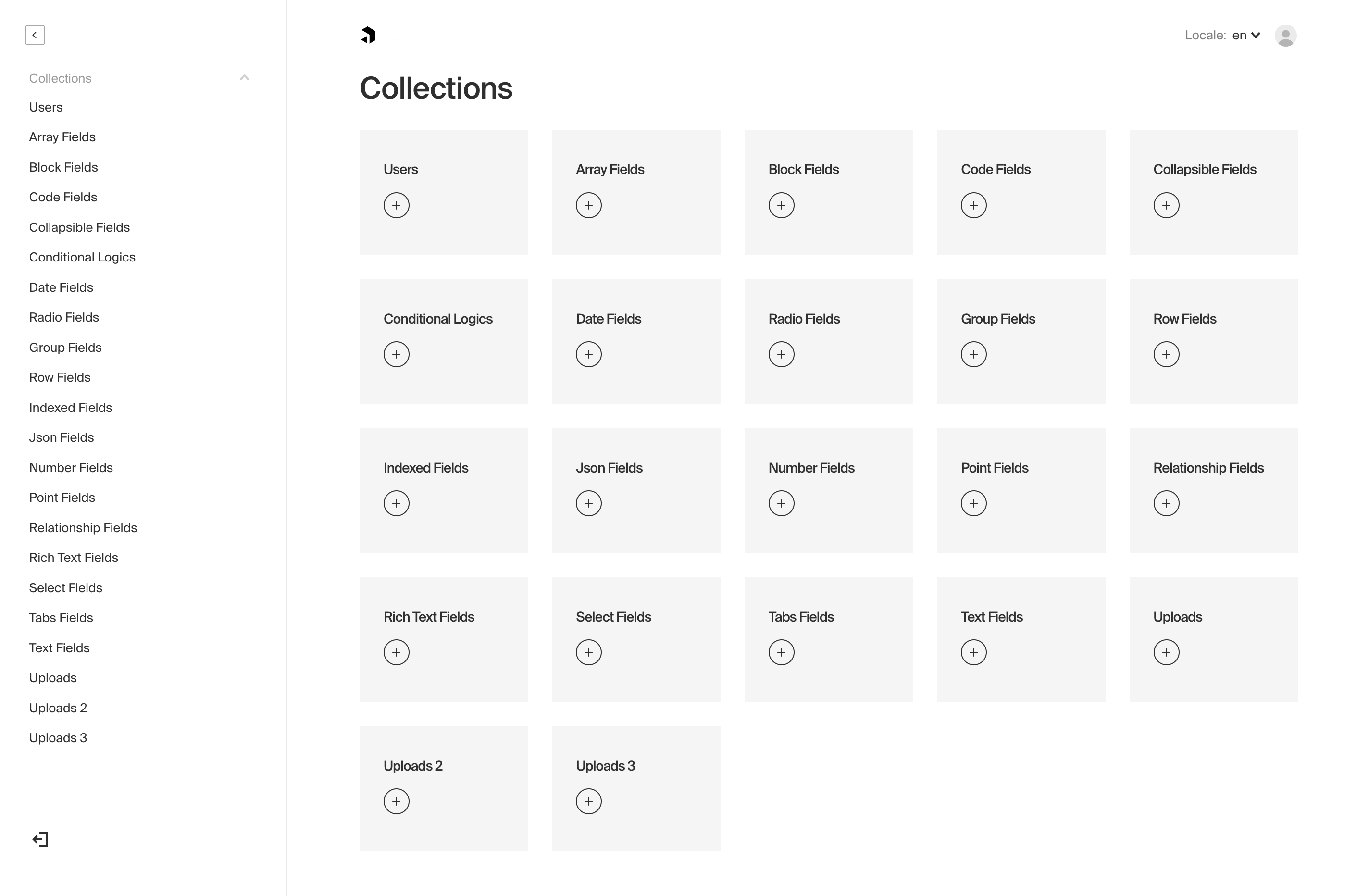
|
||||
|
||||
*Screenshot of the Admin panel while editing a document from an example `AllFields` collection*
|
||||
|
||||
@@ -22,17 +22,20 @@ The Payload Admin panel is built with Webpack, code-split, highly performant (ev
|
||||
|
||||
All options for the Admin panel are defined in your base Payload config file.
|
||||
|
||||
| Option | Description |
|
||||
| -------------------- | -------------|
|
||||
| `user` | The `slug` of a Collection that you want be used to log in to the Admin dashboard. [More](/docs/admin/overview#the-admin-user-collection) |
|
||||
| `meta` | Base meta data to use for the Admin panel. Included properties are `titleSuffix`, `ogImage`, and `favicon`. |
|
||||
| `disable` | If set to `true`, the entire Admin panel will be disabled. |
|
||||
| `indexHTML` | Optionally replace the entirety of the `index.html` file used by the Admin panel. Reference the [base index.html file](https://github.com/payloadcms/payload/blob/master/src/admin/index.html) to ensure your replacement has the appropriate HTML elements. |
|
||||
| `css` | Absolute path to a stylesheet that you can use to override / customize the Admin panel styling. [More](/docs/admin/customizing-css). |
|
||||
| `scss` | Absolute path to a Sass variables / mixins stylesheet meant to override Payload styles to make for an easy re-skinning of the Admin panel. [More](/docs/admin/customizing-css#overriding-scss-variables). |
|
||||
| `dateFormat` | Global date format that will be used for all dates in the Admin panel. Any valid [date-fns](https://date-fns.org/) format pattern can be used.
|
||||
| `components` | Component overrides that affect the entirety of the Admin panel. [More](/docs/admin/components) |
|
||||
| `webpack` | Customize the Webpack config that's used to generate the Admin panel. [More](/docs/admin/webpack) |
|
||||
| Option | Description |
|
||||
| --------------------- | -------------|
|
||||
| `user` | The `slug` of a Collection that you want be used to log in to the Admin dashboard. [More](/docs/admin/overview#the-admin-user-collection) |
|
||||
| `meta` | Base meta data to use for the Admin panel. Included properties are `titleSuffix`, `ogImage`, and `favicon`. |
|
||||
| `disable` | If set to `true`, the entire Admin panel will be disabled. |
|
||||
| `indexHTML` | Optionally replace the entirety of the `index.html` file used by the Admin panel. Reference the [base index.html file](https://github.com/payloadcms/payload/blob/master/src/admin/index.html) to ensure your replacement has the appropriate HTML elements. |
|
||||
| `css` | Absolute path to a stylesheet that you can use to override / customize the Admin panel styling. [More](/docs/admin/customizing-css). |
|
||||
| `scss` | Absolute path to a Sass variables / mixins stylesheet meant to override Payload styles to make for an easy re-skinning of the Admin panel. [More](/docs/admin/customizing-css#overriding-scss-variables). |
|
||||
| `dateFormat` | Global date format that will be used for all dates in the Admin panel. Any valid [date-fns](https://date-fns.org/) format pattern can be used. |
|
||||
| `avatar` | Set account profile picture. Options: `gravatar`, `default` or a custom React component. |
|
||||
| `components` | Component overrides that affect the entirety of the Admin panel. [More](/docs/admin/components) |
|
||||
| `webpack` | Customize the Webpack config that's used to generate the Admin panel. [More](/docs/admin/webpack) | |
|
||||
| **`logoutRoute`** | The route for the `logout` page. |
|
||||
| **`inactivityRoute`** | The route for the `logout` inactivity page. |
|
||||
|
||||
|
||||
### The Admin User Collection
|
||||
@@ -45,14 +48,14 @@ All options for the Admin panel are defined in your base Payload config file.
|
||||
To specify which Collection to use to log in to the Admin panel, pass the `admin` options a `user` key equal to the slug of the Collection that you'd like to use.
|
||||
|
||||
`payload.config.js`:
|
||||
```js
|
||||
```ts
|
||||
import { buildConfig } from 'payload/config';
|
||||
|
||||
const config = buildConfig({
|
||||
admin: {
|
||||
user: 'admins', // highlight-line
|
||||
},
|
||||
})
|
||||
});
|
||||
```
|
||||
|
||||
By default, if you have not specified a Collection, Payload will automatically provide you with a `User` Collection which will be used to access the Admin panel. You can customize or override the fields and settings of the default `User` Collection by passing your own collection using `users` as its `slug` to Payload. When this is done, Payload will use your provided `User` Collection instead of its default version.
|
||||
|
||||
@@ -1,7 +1,7 @@
|
||||
---
|
||||
title: Managing User Preferences
|
||||
label: Preferences
|
||||
order: 40
|
||||
order: 50
|
||||
desc: Store the preferences of your users as they interact with the Admin panel.
|
||||
keywords: admin, preferences, custom, customize, documentation, Content Management System, cms, headless, javascript, node, react, express
|
||||
---
|
||||
|
||||
@@ -1,7 +1,7 @@
|
||||
---
|
||||
title: Webpack
|
||||
label: Webpack
|
||||
order: 50
|
||||
order: 60
|
||||
desc: The Payload admin panel uses Webpack 5 and supports many common functionalities such as SCSS and Typescript out of the box to give you more freedom.
|
||||
keywords: admin, webpack, documentation, Content Management System, cms, headless, javascript, node, react, express
|
||||
---
|
||||
@@ -10,8 +10,8 @@ Payload uses Webpack 5 to build the Admin panel. It comes with support for many
|
||||
|
||||
To extend the Webpack config, add the `webpack` key to your base Payload config, and provide a function that accepts the default Webpack config as its only argument:
|
||||
|
||||
`payload.config.js`
|
||||
```js
|
||||
`payload.config.ts`
|
||||
```ts
|
||||
import { buildConfig } from 'payload/config';
|
||||
|
||||
export default buildConfig({
|
||||
@@ -24,7 +24,7 @@ export default buildConfig({
|
||||
}
|
||||
// highlight-end
|
||||
}
|
||||
})
|
||||
});
|
||||
```
|
||||
|
||||
### Aliasing server-only modules
|
||||
@@ -52,16 +52,17 @@ You may rely on server-only packages such as the above to perform logic in acces
|
||||
<br/><br/>
|
||||
|
||||
`collections/Subscriptions/index.js`
|
||||
```js
|
||||
```ts
|
||||
import { CollectionConfig } from 'payload/types';
|
||||
import createStripeSubscription from './hooks/createStripeSubscription';
|
||||
|
||||
const Subscription = {
|
||||
const Subscription: CollectionConfig = {
|
||||
slug: 'subscriptions',
|
||||
hooks: {
|
||||
beforeChange: [
|
||||
createStripeSubscription,
|
||||
]
|
||||
}
|
||||
},
|
||||
fields: [
|
||||
{
|
||||
name: 'stripeSubscriptionID',
|
||||
@@ -69,7 +70,7 @@ const Subscription = {
|
||||
required: true,
|
||||
}
|
||||
]
|
||||
}
|
||||
};
|
||||
|
||||
export default Subscription;
|
||||
```
|
||||
@@ -154,6 +155,11 @@ export default {};
|
||||
|
||||
Now, when Webpack sees that you're attempting to import your `createStripeSubscriptionPath` file, it'll disregard that actual file and load your mock file instead. Not only will your Admin panel now bundle successfully, you will have optimized its filesize by removing unnecessary code! And you might have learned something about Webpack, too.
|
||||
|
||||
<Banner type="success">
|
||||
<strong>Tip:</strong><br/>
|
||||
If changes to your Webpack aliases are not surfacing, they might be [cached](https://webpack.js.org/configuration/cache/) in `node_modules/.cache/webpack`. Try deleting that folder and restarting your server.
|
||||
</Banner>
|
||||
|
||||
## Admin environment vars
|
||||
|
||||
<Banner type="warning">
|
||||
|
||||
@@ -17,7 +17,7 @@ To enable Authentication on a collection, define an `auth` property and set it t
|
||||
| **`useAPIKey`** | Payload Authentication provides for API keys to be set on each user within an Authentication-enabled Collection. [More](/docs/authentication/config#api-keys) |
|
||||
| **`tokenExpiration`** | How long (in seconds) to keep the user logged in. JWTs and HTTP-only cookies will both expire at the same time. |
|
||||
| **`maxLoginAttempts`** | Only allow a user to attempt logging in X amount of times. Automatically locks out a user from authenticating if this limit is passed. Set to `0` to disable. |
|
||||
| **`lockTime`** | Set the time that a user should be locked out if they fail authentication more times than `maxLoginAttempts` allows for. |
|
||||
| **`lockTime`** | Set the time (in milliseconds) that a user should be locked out if they fail authentication more times than `maxLoginAttempts` allows for. |
|
||||
| **`depth`** | How many levels deep a `user` document should be populated when creating the JWT and binding the `user` to the express `req`. Defaults to `0` and should only be modified if absolutely necessary, as this will affect performance. |
|
||||
| **`cookies`** | Set cookie options, including `secure`, `sameSite`, and `domain`. For advanced users. |
|
||||
| **`forgotPassword`** | Customize the way that the `forgotPassword` operation functions. [More](/docs/authentication/config#forgot-password) |
|
||||
@@ -43,16 +43,18 @@ To enable API keys on a collection, set the `useAPIKey` auth option to `true`. F
|
||||
is compromised, your API keys will not be.
|
||||
</Banner>
|
||||
|
||||
##### Authenticating via API Key
|
||||
#### Authenticating via API Key
|
||||
|
||||
To utilize your API key while interacting with the REST or GraphQL API, add the `Authorization` header.
|
||||
To authenticate REST or GraphQL API requests using an API key, set the `Authorization` header. The header is case-sensitive and needs the slug of the `auth.useAPIKey` enabled collection, then " API-Key ", followed by the `apiKey` that has been assigned. Payload's built-in middleware will then assign the user document to `req.user` and handle requests with the proper access control.
|
||||
|
||||
**For example, using Fetch:**
|
||||
|
||||
```js
|
||||
```ts
|
||||
import User from '../collections/User';
|
||||
|
||||
const response = await fetch("http://localhost:3000/api/pages", {
|
||||
headers: {
|
||||
Authorization: `${collection.labels.singular} API-Key ${YOUR_API_KEY}`,
|
||||
Authorization: `${User.slug} API-Key ${YOUR_API_KEY}`,
|
||||
},
|
||||
});
|
||||
```
|
||||
@@ -77,8 +79,10 @@ Function that accepts one argument, containing `{ req, token, user }`, that allo
|
||||
|
||||
Example:
|
||||
|
||||
```js
|
||||
{
|
||||
```ts
|
||||
import { CollectionConfig } from 'payload/types';
|
||||
|
||||
const Customers: CollectionConfig = {
|
||||
slug: 'customers',
|
||||
auth: {
|
||||
forgotPassword: {
|
||||
@@ -104,7 +108,7 @@ Example:
|
||||
// highlight-end
|
||||
}
|
||||
}
|
||||
}
|
||||
};
|
||||
```
|
||||
|
||||
<Banner type="warning">
|
||||
@@ -123,7 +127,7 @@ Similarly to the above `generateEmailHTML`, you can also customize the subject o
|
||||
|
||||
Example:
|
||||
|
||||
```js
|
||||
```ts
|
||||
{
|
||||
slug: 'customers',
|
||||
auth: {
|
||||
@@ -148,8 +152,11 @@ Function that accepts one argument, containing `{ req, token, user }`, that allo
|
||||
|
||||
Example:
|
||||
|
||||
```js
|
||||
{
|
||||
```ts
|
||||
import { CollectionConfig } from 'payload/types';
|
||||
|
||||
|
||||
const Customers: CollectionConfig = {
|
||||
slug: 'customers',
|
||||
auth: {
|
||||
verify: {
|
||||
@@ -163,7 +170,7 @@ Example:
|
||||
// highlight-end
|
||||
}
|
||||
}
|
||||
}
|
||||
};
|
||||
```
|
||||
|
||||
<Banner type="warning">
|
||||
@@ -182,7 +189,7 @@ Similarly to the above `generateEmailHTML`, you can also customize the subject o
|
||||
|
||||
Example:
|
||||
|
||||
```js
|
||||
```ts
|
||||
{
|
||||
slug: 'customers',
|
||||
auth: {
|
||||
|
||||
@@ -17,7 +17,7 @@ The Access operation returns what a logged in user can and can't do with the col
|
||||
`GET http://localhost:3000/api/access`
|
||||
|
||||
Example response:
|
||||
```js
|
||||
```ts
|
||||
{
|
||||
canAccessAdmin: true,
|
||||
collections: {
|
||||
@@ -54,7 +54,7 @@ Example response:
|
||||
|
||||
**Example GraphQL Query**:
|
||||
|
||||
```
|
||||
```graphql
|
||||
query {
|
||||
Access {
|
||||
pages {
|
||||
@@ -66,6 +66,8 @@ query {
|
||||
}
|
||||
```
|
||||
|
||||
Document access can also be queried on a collection/global basis. Access on a global can queried like `http://localhost:3000/api/global-slug/access`, Collection document access can be queried like `http://localhost:3000/api/collection-slug/access/:id`.
|
||||
|
||||
### Me
|
||||
|
||||
Returns either a logged in user with token or null when there is no logged in user.
|
||||
@@ -75,7 +77,7 @@ Returns either a logged in user with token or null when there is no logged in us
|
||||
`GET http://localhost:3000/api/[collection-slug]/me`
|
||||
|
||||
Example response:
|
||||
```js
|
||||
```ts
|
||||
{
|
||||
user: { // The JWT "payload" ;) from the logged in user
|
||||
email: 'dev@payloadcms.com',
|
||||
@@ -90,7 +92,7 @@ Example response:
|
||||
|
||||
**Example GraphQL Query**:
|
||||
|
||||
```
|
||||
```graphql
|
||||
query {
|
||||
Me[collection-singular-label] {
|
||||
user {
|
||||
@@ -106,7 +108,7 @@ query {
|
||||
Accepts an `email` and `password`. On success, it will return the logged in user as well as a token that can be used to authenticate. In the GraphQL and REST APIs, this operation also automatically sets an HTTP-only cookie including the user's token. If you pass an Express `res` to the Local API operation, Payload will set a cookie there as well.
|
||||
|
||||
**Example REST API login**:
|
||||
```js
|
||||
```ts
|
||||
const res = await fetch('http://localhost:3000/api/[collection-slug]/login', {
|
||||
method: 'POST',
|
||||
headers: {
|
||||
@@ -137,7 +139,7 @@ const json = await res.json();
|
||||
|
||||
**Example GraphQL Mutation**:
|
||||
|
||||
```
|
||||
```graphql
|
||||
mutation {
|
||||
login[collection-singular-label](email: "dev@payloadcms.com", password: "yikes") {
|
||||
user {
|
||||
@@ -151,7 +153,7 @@ mutation {
|
||||
|
||||
**Example Local API login**:
|
||||
|
||||
```js
|
||||
```ts
|
||||
const result = await payload.login({
|
||||
collection: '[collection-slug]',
|
||||
data: {
|
||||
@@ -166,7 +168,7 @@ const result = await payload.login({
|
||||
As Payload sets HTTP-only cookies, logging out cannot be done by just removing a cookie in JavaScript, as HTTP-only cookies are inaccessible by JS within the browser. So, Payload exposes a `logout` operation to delete the token in a safe way.
|
||||
|
||||
**Example REST API logout**:
|
||||
```js
|
||||
```ts
|
||||
const res = await fetch('http://localhost:3000/api/[collection-slug]/logout', {
|
||||
method: 'POST',
|
||||
headers: {
|
||||
@@ -192,7 +194,7 @@ This operation requires a non-expired token to send back a new one. If the user'
|
||||
If successful, this operation will automatically renew the user's HTTP-only cookie and will send back the updated token in JSON.
|
||||
|
||||
**Example REST API token refresh**:
|
||||
```js
|
||||
```ts
|
||||
const res = await fetch('http://localhost:3000/api/[collection-slug]/refresh-token', {
|
||||
method: 'POST',
|
||||
headers: {
|
||||
@@ -239,18 +241,18 @@ mutation {
|
||||
If your collection supports email verification, the Verify operation will be exposed which accepts a verification token and sets the user's `_verified` property to `true`, thereby allowing the user to authenticate with the Payload API.
|
||||
|
||||
**Example REST API user verification**:
|
||||
```js
|
||||
```ts
|
||||
const res = await fetch(`http://localhost:3000/api/[collection-slug]/verify/${TOKEN_HERE}`, {
|
||||
method: 'POST',
|
||||
headers: {
|
||||
'Content-Type': 'application/json',
|
||||
},
|
||||
})
|
||||
});
|
||||
```
|
||||
|
||||
**Example GraphQL Mutation**:
|
||||
|
||||
```
|
||||
```graphql
|
||||
mutation {
|
||||
verifyEmail[collection-singular-label](token: "TOKEN_HERE")
|
||||
}
|
||||
@@ -258,7 +260,7 @@ mutation {
|
||||
|
||||
**Example Local API verification**:
|
||||
|
||||
```js
|
||||
```ts
|
||||
const result = await payload.verifyEmail({
|
||||
collection: '[collection-slug]',
|
||||
token: 'TOKEN_HERE',
|
||||
@@ -272,7 +274,7 @@ If a user locks themselves out and you wish to deliberately unlock them, you can
|
||||
To restrict who is allowed to unlock users, you can utilize the [`unlock`](/docs/access-control/overview#unlock) access control function.
|
||||
|
||||
**Example REST API unlock**:
|
||||
```js
|
||||
```ts
|
||||
const res = await fetch(`http://localhost:3000/api/[collection-slug]/unlock`, {
|
||||
method: 'POST',
|
||||
headers: {
|
||||
@@ -291,7 +293,7 @@ mutation {
|
||||
|
||||
**Example Local API unlock**:
|
||||
|
||||
```js
|
||||
```ts
|
||||
const result = await payload.unlock({
|
||||
collection: '[collection-slug]',
|
||||
})
|
||||
@@ -306,7 +308,7 @@ The link to reset the user's password contains a token which is what allows the
|
||||
By default, the Forgot Password operations send users to the Payload Admin panel to reset their password, but you can customize the generated email to send users to the frontend of your app instead by [overriding the email HTML](/docs/authentication/config#forgot-password).
|
||||
|
||||
**Example REST API Forgot Password**:
|
||||
```js
|
||||
```ts
|
||||
const res = await fetch(`http://localhost:3000/api/[collection-slug]/forgot-password`, {
|
||||
method: 'POST',
|
||||
headers: {
|
||||
@@ -315,7 +317,7 @@ const res = await fetch(`http://localhost:3000/api/[collection-slug]/forgot-pass
|
||||
body: JSON.stringify({
|
||||
email: 'dev@payloadcms.com',
|
||||
}),
|
||||
})
|
||||
});
|
||||
```
|
||||
|
||||
**Example GraphQL Mutation**:
|
||||
@@ -328,14 +330,14 @@ mutation {
|
||||
|
||||
**Example Local API forgot password**:
|
||||
|
||||
```js
|
||||
```ts
|
||||
const token = await payload.forgotPassword({
|
||||
collection: '[collection-slug]',
|
||||
data: {
|
||||
email: 'dev@payloadcms.com',
|
||||
},
|
||||
disableEmail: false // you can disable the auto-generation of email via local API
|
||||
})
|
||||
});
|
||||
```
|
||||
|
||||
<Banner type="success">
|
||||
@@ -348,7 +350,7 @@ const token = await payload.forgotPassword({
|
||||
After a user has "forgotten" their password and a token is generated, that token can be used to send to the reset password operation along with a new password which will allow the user to reset their password securely.
|
||||
|
||||
**Example REST API Reset Password**:
|
||||
```js
|
||||
```ts
|
||||
const res = await fetch(`http://localhost:3000/api/[collection-slug]/reset-password`, {
|
||||
method: 'POST',
|
||||
headers: {
|
||||
@@ -358,7 +360,7 @@ const res = await fetch(`http://localhost:3000/api/[collection-slug]/reset-passw
|
||||
token: 'TOKEN_GOES_HERE'
|
||||
password: 'not-today',
|
||||
}),
|
||||
})
|
||||
});
|
||||
|
||||
const json = await res.json();
|
||||
|
||||
@@ -379,7 +381,7 @@ const json = await res.json();
|
||||
|
||||
**Example GraphQL Mutation**:
|
||||
|
||||
```
|
||||
```graphql
|
||||
mutation {
|
||||
resetPassword[collection-singular-label](token: "TOKEN_GOES_HERE", password: "not-today")
|
||||
}
|
||||
|
||||
@@ -12,7 +12,7 @@ keywords: authentication, config, configuration, overview, documentation, Conten
|
||||
|
||||
Authentication is used within the Payload Admin panel itself as well as throughout your app(s) themselves however you determine necessary.
|
||||
|
||||

|
||||
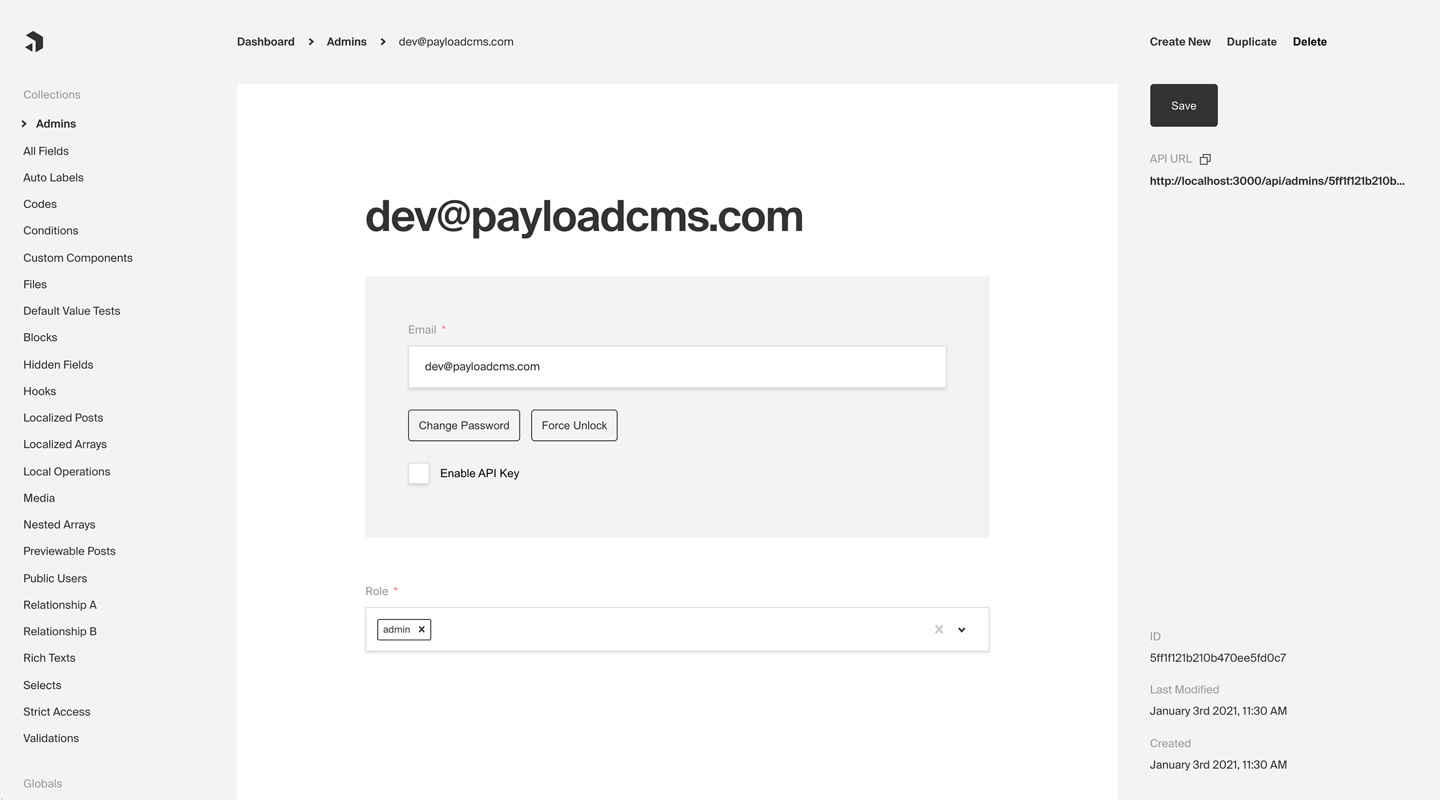
|
||||
*Admin panel screenshot depicting an Admins Collection with Auth enabled*
|
||||
|
||||
**Here are some common use cases of Authentication outside of Payload's dashboard itself:**
|
||||
@@ -32,8 +32,10 @@ Every Payload Collection can opt-in to supporting Authentication by specifying t
|
||||
|
||||
Simple example collection:
|
||||
|
||||
```js
|
||||
const Admins = {
|
||||
```ts
|
||||
import { CollectionConfig } from 'payload/types';
|
||||
|
||||
const Admins: CollectionConfig = {
|
||||
slug:
|
||||
// highlight-start
|
||||
auth: {
|
||||
@@ -60,7 +62,7 @@ const Admins = {
|
||||
}
|
||||
```
|
||||
|
||||
**By enabling Authetication on a config, the following modifications will automatically be made to your Collection:**
|
||||
**By enabling Authentication on a config, the following modifications will automatically be made to your Collection:**
|
||||
|
||||
1. `email` as well as password `salt` & `hash` fields will be added to your Collection's schema
|
||||
1. The Admin panel will feature a new set of corresponding UI to allow for changing password and editing email
|
||||
@@ -95,7 +97,7 @@ However, if you use `fetch` or similar APIs to retrieve Payload resources from i
|
||||
|
||||
Fetch example, including credentials:
|
||||
|
||||
```js
|
||||
```ts
|
||||
const response = await fetch('http://localhost:3000/api/pages', {
|
||||
credentials: 'include',
|
||||
});
|
||||
@@ -124,8 +126,8 @@ So, if a user of coolsite.com is logged in and just browsing around on the inter
|
||||
|
||||
To define domains that should allow users to identify themselves via the Payload HTTP-only cookie, use the `csrf` option on the base Payload config to whitelist domains that you trust.
|
||||
|
||||
`payload.config.js`:
|
||||
```js
|
||||
`payload.config.ts`:
|
||||
```ts
|
||||
import { buildConfig } from 'payload/config';
|
||||
|
||||
const config = buildConfig({
|
||||
@@ -148,7 +150,7 @@ export default config;
|
||||
In addition to authenticating via an HTTP-only cookie, you can also identify users via the `Authorization` header on an HTTP request.
|
||||
|
||||
Example:
|
||||
```js
|
||||
```ts
|
||||
const request = await fetch('http://localhost:3000', {
|
||||
headers: {
|
||||
Authorization: `JWT ${token}`
|
||||
|
||||
@@ -15,7 +15,7 @@ This approach has a ton of benefits - it's great for isolation of concerns and l
|
||||
</Banner>
|
||||
|
||||
Example in `server.js`:
|
||||
```js
|
||||
```ts
|
||||
import express from 'express';
|
||||
import payload from 'payload';
|
||||
|
||||
|
||||
@@ -12,27 +12,30 @@ It's often best practice to write your Collections in separate files and then im
|
||||
|
||||
## Options
|
||||
|
||||
| Option | Description |
|
||||
| ---------------- | -------------|
|
||||
| **`slug`** * | Unique, URL-friendly string that will act as an identifier for this Collection. |
|
||||
| Option | Description |
|
||||
|------------------|--------------------------------------------------------------------------------------------------------------------------------------------------------------------------------------------------------------------------|
|
||||
| **`slug`** * | Unique, URL-friendly string that will act as an identifier for this Collection. |
|
||||
| **`fields`** * | Array of field types that will determine the structure and functionality of the data stored within this Collection. [Click here](/docs/fields/overview) for a full list of field types as well as how to configure them. |
|
||||
| **`labels`** | Singular and plural labels for use in identifying this Collection throughout Payload. Auto-generated from slug if not defined. |
|
||||
| **`description`**| Text or React component to display below the Collection label in the List view to give editors more information. |
|
||||
| **`admin`** | Admin-specific configuration. See below for [more detail](#admin-options). |
|
||||
| **`hooks`** | Entry points to "tie in" to Collection actions at specific points. [More](/docs/hooks/overview#collection-hooks) |
|
||||
| **`access`** | Provide access control functions to define exactly who should be able to do what with Documents in this Collection. [More](/docs/access-control/overview/#collections) |
|
||||
| **`auth`** | Specify options if you would like this Collection to feature authentication. For more, consult the [Authentication](/docs/authentication/config) documentation. |
|
||||
| **`upload`** | Specify options if you would like this Collection to support file uploads. For more, consult the [Uploads](/docs/upload/overview) documentation. |
|
||||
| **`timestamps`** | Set to false to disable documents' automatically generated `createdAt` and `updatedAt` timestamps. |
|
||||
| **`versions`** | Set to true to enable default options, or configure with object properties. [More](/docs/versions/overview#collection-config)|
|
||||
| **`endpoints`** | Add custom routes to the REST API. [More](/docs/rest-api/overview#custom-endpoints) |
|
||||
| **`labels`** | Singular and plural labels for use in identifying this Collection throughout Payload. Auto-generated from slug if not defined. |
|
||||
| **`admin`** | Admin-specific configuration. See below for [more detail](#admin-options). |
|
||||
| **`hooks`** | Entry points to "tie in" to Collection actions at specific points. [More](/docs/hooks/overview#collection-hooks) |
|
||||
| **`access`** | Provide access control functions to define exactly who should be able to do what with Documents in this Collection. [More](/docs/access-control/overview/#collections) |
|
||||
| **`auth`** | Specify options if you would like this Collection to feature authentication. For more, consult the [Authentication](/docs/authentication/config) documentation. |
|
||||
| **`upload`** | Specify options if you would like this Collection to support file uploads. For more, consult the [Uploads](/docs/upload/overview) documentation. |
|
||||
| **`timestamps`** | Set to false to disable documents' automatically generated `createdAt` and `updatedAt` timestamps. |
|
||||
| **`versions`** | Set to true to enable default options, or configure with object properties. [More](/docs/versions/overview#collection-config) |
|
||||
| **`endpoints`** | Add custom routes to the REST API. [More](/docs/rest-api/overview#custom-endpoints) |
|
||||
| **`graphQL`** | An object with `singularName` and `pluralName` strings used in schema generation. Auto-generated from slug if not defined. |
|
||||
| **`typescript`** | An object with property `interface` as the text used in schema generation. Auto-generated from slug if not defined. |
|
||||
|
||||
*\* An asterisk denotes that a property is required.*
|
||||
|
||||
#### Simple collection example
|
||||
|
||||
```js
|
||||
const Orders = {
|
||||
```ts
|
||||
import { CollectionConfig } from 'payload/types';
|
||||
|
||||
const Orders: CollectionConfig = {
|
||||
slug: 'orders',
|
||||
fields: [
|
||||
{
|
||||
@@ -47,7 +50,7 @@ const Orders = {
|
||||
required: true,
|
||||
}
|
||||
]
|
||||
}
|
||||
};
|
||||
```
|
||||
|
||||
#### More collection config examples
|
||||
@@ -58,14 +61,18 @@ You can find an assortment of [example collection configs](https://github.com/pa
|
||||
|
||||
You can customize the way that the Admin panel behaves on a collection-by-collection basis by defining the `admin` property on a collection's config.
|
||||
|
||||
| Option | Description |
|
||||
| ---------------------------- | -------------|
|
||||
| `useAsTitle` | Specify a top-level field to use for a document title throughout the Admin panel. If no field is defined, the ID of the document is used as the title. |
|
||||
| `defaultColumns` | Array of field names that correspond to which columns to show by default in this collection's List view. |
|
||||
| `disableDuplicate ` | Disables the "Duplicate" button while editing documents within this collection. |
|
||||
| Option | Description |
|
||||
| --------------------------- | -------------|
|
||||
| `group` | Text used as a label for grouping collection links together in the navigation. |
|
||||
| `hooks` | Admin-specific hooks for this collection. [More](#admin-hooks) |
|
||||
| `useAsTitle` | Specify a top-level field to use for a document title throughout the Admin panel. If no field is defined, the ID of the document is used as the title. |
|
||||
| `description` | Text or React component to display below the Collection label in the List view to give editors more information. |
|
||||
| `defaultColumns` | Array of field names that correspond to which columns to show by default in this collection's List view. |
|
||||
| `disableDuplicate ` | Disables the "Duplicate" button while editing documents within this collection. |
|
||||
| `enableRichTextRelationship` | The [Rich Text](/docs/fields/rich-text) field features a `Relationship` element which allows for users to automatically reference related documents within their rich text. Set to `true` by default. |
|
||||
| `preview` | Function to generate preview URLS within the Admin panel that can point to your app. [More](#preview). |
|
||||
| `components` | Swap in your own React components to be used within this collection. [More](/docs/admin/components#collections) |
|
||||
| `preview` | Function to generate preview URLS within the Admin panel that can point to your app. [More](#preview). |
|
||||
| `components` | Swap in your own React components to be used within this collection. [More](/docs/admin/components#collections) |
|
||||
| `listSearchableFields` | Specify which fields should be searched in the List search view. [More](#list-searchable-fields) |
|
||||
|
||||
### Preview
|
||||
|
||||
@@ -76,12 +83,14 @@ If the function is specified, a Preview button will automatically appear in the
|
||||
**The preview function accepts two arguments:**
|
||||
|
||||
1. The document being edited
|
||||
1. An `options` object, containing `locale` and `token` properties. The `token` is the currently logged in user's JWT.
|
||||
1. An `options` object, containing `locale` and `token` properties. The `token` is the currently logged-in user's JWT.
|
||||
|
||||
**Example collection with preview function:**
|
||||
|
||||
```js
|
||||
const Posts = {
|
||||
```ts
|
||||
import { CollectionConfig } from 'payload/types';
|
||||
|
||||
const Posts: CollectionConfig = {
|
||||
slug: 'posts',
|
||||
fields: [
|
||||
{
|
||||
@@ -114,18 +123,73 @@ Hooks are a powerful way to extend collection functionality and execute your own
|
||||
|
||||
Collections support all field types that Payload has to offer—including simple fields like text and checkboxes all the way to more complicated layout-building field groups like Blocks. [Click here](/docs/fields/overview) to learn more about field types.
|
||||
|
||||
### List Searchable Fields
|
||||
|
||||
In the List view, there is a "search" box that allows you to quickly find a document with a search. By default, it searches on the ID field. If you have `admin.useAsTitle` defined, the list search will use that field. However, you can define more than one field to search to make it easier on your admin editors to find the data they need.
|
||||
|
||||
For example, let's say you have a Posts collection with `title`, `metaDescription`, and `tags` fields - and you want all three of those fields to be searchable in the List view. You can simply add `admin.listSearchableFields: ['title', 'metaDescription', 'tags']` - and the admin UI will automatically search on those three fields plus the ID field.
|
||||
|
||||
<Banner type="warning">
|
||||
<strong>Note:</strong><br/>
|
||||
If you are adding <strong>listSearchableFields</strong>, make sure you index each of these fields so your admin queries can remain performant.
|
||||
</Banner>
|
||||
|
||||
### Admin Hooks
|
||||
|
||||
In addition to collection hooks themselves, Payload provides for admin UI-specific hooks that you can leverage.
|
||||
|
||||
**`beforeDuplicate`**
|
||||
|
||||
The `beforeDuplicate` hook is an async function that accepts an object containing the data to duplicate, as well as the locale of the doc to duplicate. Within this hook, you can modify the data to be duplicated, which is useful in cases where you have unique fields that need to be incremented or similar, as well as if you want to automatically modify a document's `title`.
|
||||
|
||||
Example:
|
||||
|
||||
```ts
|
||||
import { BeforeDuplicate, CollectionConfig } from 'payload/types';
|
||||
// Your auto-generated Page type
|
||||
import { Page } from '../payload-types.ts';
|
||||
|
||||
const beforeDuplicate: BeforeDuplicate<Page> = ({ data }) => {
|
||||
return {
|
||||
...data,
|
||||
title: `${data.title} Copy`,
|
||||
uniqueField: data.uniqueField ? `${data.uniqueField}-copy` : '',
|
||||
};
|
||||
};
|
||||
|
||||
export const Page: CollectionConfig = {
|
||||
slug: 'pages',
|
||||
admin: {
|
||||
hooks: {
|
||||
beforeDuplicate,
|
||||
}
|
||||
},
|
||||
fields: [
|
||||
{
|
||||
name: 'title',
|
||||
type: 'text',
|
||||
},
|
||||
{
|
||||
name: 'uniqueField',
|
||||
type: 'text',
|
||||
unique: true,
|
||||
}
|
||||
]
|
||||
}
|
||||
```
|
||||
|
||||
### TypeScript
|
||||
|
||||
You can import collection types as follows:
|
||||
|
||||
```js
|
||||
```ts
|
||||
import { CollectionConfig } from 'payload/types';
|
||||
|
||||
// This is the type used for incoming collection configs.
|
||||
// Only the bare minimum properties are marked as required.
|
||||
```
|
||||
|
||||
```js
|
||||
```ts
|
||||
import { SanitizedCollectionConfig } from 'payload/types';
|
||||
|
||||
// This is the type used after an incoming collection config is fully sanitized.
|
||||
|
||||
@@ -6,48 +6,54 @@ desc: Set up your Global config for your needs by defining fields, adding slugs
|
||||
keywords: globals, config, configuration, documentation, Content Management System, cms, headless, javascript, node, react, express
|
||||
---
|
||||
|
||||
Global configs are in many ways similar to [Collections](/docs/configuration/collections). The big difference is that Collections will potentially contain *many* documents, while a Global is a "one-off". Globals are perfect for things like header nav, site-wide banner alerts, app-wide localized strings, and other "global" data that your site or app might rely on.
|
||||
Global configs are in many ways similar to [Collections](/docs/configuration/collections). The big difference is that Collections will potentially contain _many_ documents, while a Global is a "one-off". Globals are perfect for things like header nav, site-wide banner alerts, app-wide localized strings, and other "global" data that your site or app might rely on.
|
||||
|
||||
As with Collection configs, it's often best practice to write your Globals in separate files and then import them into the main Payload config.
|
||||
|
||||
## Options
|
||||
|
||||
| Option | Description |
|
||||
| ---------------- | -------------|
|
||||
| **`slug`** * | Unique, URL-friendly string that will act as an identifier for this Global. |
|
||||
| **`fields`** * | Array of field types that will determine the structure and functionality of the data stored within this Global. [Click here](/docs/fields/overview) for a full list of field types as well as how to configure them. |
|
||||
| **`label`** | Singular label for use in identifying this Global throughout Payload. Auto-generated from slug if not defined. |
|
||||
| **`description`**| Text or React component to display below the Global header to give editors more information. |
|
||||
| **`admin`** | Admin-specific configuration. See below for [more detail](/docs/configuration/globals#admin-options). |
|
||||
| **`hooks`** | Entry points to "tie in" to collection actions at specific points. [More](/docs/hooks/overview#global-hooks) |
|
||||
| **`access`** | Provide access control functions to define exactly who should be able to do what with this Global. [More](/docs/access-control/overview/#globals) |
|
||||
| **`versions`** | Set to true to enable default options, or configure with object properties. [More](/docs/versions/overview#globals-config)|
|
||||
| **`endpoints`** | Add custom routes to the REST API. [More](/docs/rest-api/overview#custom-endpoints)|
|
||||
| Option | Description |
|
||||
| ------------------ | -------------------------------------------------------------------------------------------------------------------------------------------------------------------------------------------------------------------- |
|
||||
| **`slug`** \* | Unique, URL-friendly string that will act as an identifier for this Global. |
|
||||
| **`fields`** \* | Array of field types that will determine the structure and functionality of the data stored within this Global. [Click here](/docs/fields/overview) for a full list of field types as well as how to configure them. |
|
||||
| **`label`** | Text for the name in the Admin panel or an object with keys for each language. Auto-generated from slug if not defined. |
|
||||
| **`description`** | Text or React component to display below the Global header to give editors more information. |
|
||||
| **`admin`** | Admin-specific configuration. See below for [more detail](/docs/configuration/globals#admin-options). |
|
||||
| **`hooks`** | Entry points to "tie in" to collection actions at specific points. [More](/docs/hooks/overview#global-hooks) |
|
||||
| **`access`** | Provide access control functions to define exactly who should be able to do what with this Global. [More](/docs/access-control/overview/#globals) |
|
||||
| **`versions`** | Set to true to enable default options, or configure with object properties. [More](/docs/versions/overview#globals-config) |
|
||||
| **`endpoints`** | Add custom routes to the REST API. [More](/docs/rest-api/overview#custom-endpoints) |
|
||||
| **`graphQL.name`** | Text used in schema generation. Auto-generated from slug if not defined. |
|
||||
| **`typescript`** | An object with property `interface` as the text used in schema generation. Auto-generated from slug if not defined. |
|
||||
|
||||
*\* An asterisk denotes that a property is required.*
|
||||
_\* An asterisk denotes that a property is required._
|
||||
|
||||
#### Simple Global example
|
||||
|
||||
```js
|
||||
const Nav = {
|
||||
slug: 'nav',
|
||||
fields: [
|
||||
{
|
||||
name: 'items',
|
||||
type: 'array',
|
||||
required: true,
|
||||
maxRows: 8,
|
||||
fields: [
|
||||
{
|
||||
name: 'page',
|
||||
type: 'relationship',
|
||||
relationTo: 'pages', // "pages" is the slug of an existing collection
|
||||
required: true,
|
||||
}
|
||||
]
|
||||
},
|
||||
]
|
||||
}
|
||||
```ts
|
||||
import { GlobalConfig } from "payload/types";
|
||||
|
||||
const Nav: GlobalConfig = {
|
||||
slug: "nav",
|
||||
fields: [
|
||||
{
|
||||
name: "items",
|
||||
type: "array",
|
||||
required: true,
|
||||
maxRows: 8,
|
||||
fields: [
|
||||
{
|
||||
name: "page",
|
||||
type: "relationship",
|
||||
relationTo: "pages", // "pages" is the slug of an existing collection
|
||||
required: true,
|
||||
},
|
||||
],
|
||||
},
|
||||
],
|
||||
};
|
||||
|
||||
export default Nav;
|
||||
```
|
||||
|
||||
#### Global config example
|
||||
@@ -58,9 +64,47 @@ You can find an [example Global config](https://github.com/payloadcms/public-dem
|
||||
|
||||
You can customize the way that the Admin panel behaves on a Global-by-Global basis by defining the `admin` property on a Global's config.
|
||||
|
||||
| Option | Description |
|
||||
| ---------------------------- | -------------|
|
||||
| `components` | Swap in your own React components to be used within this Global. [More](/docs/admin/components#globals) |
|
||||
| Option | Description |
|
||||
| ------------ | ----------------------------------------------------------------------------------------------------------------------- |
|
||||
| `components` | Swap in your own React components to be used within this Global. [More](/docs/admin/components#globals) |
|
||||
| `preview` | Function to generate a preview URL within the Admin panel for this global that can point to your app. [More](#preview). |
|
||||
|
||||
### Preview
|
||||
|
||||
Global `admin` options can accept a `preview` function that will be used to generate a link pointing to the frontend of your app to preview data.
|
||||
|
||||
If the function is specified, a Preview button will automatically appear in the corresponding global's Edit view. Clicking the Preview button will link to the URL that is generated by the function.
|
||||
|
||||
**The preview function accepts two arguments:**
|
||||
|
||||
1. The document being edited
|
||||
1. An `options` object, containing `locale` and `token` properties. The `token` is the currently logged-in user's JWT.
|
||||
|
||||
**Example global with preview function:**
|
||||
|
||||
```ts
|
||||
import { GlobalConfig } from "payload/types";
|
||||
|
||||
const MyGlobal: CollectionConfig = {
|
||||
slug: "my-global",
|
||||
fields: [
|
||||
{
|
||||
name: "slug",
|
||||
type: "text",
|
||||
required: true,
|
||||
},
|
||||
],
|
||||
admin: {
|
||||
preview: (doc, { locale }) => {
|
||||
if (doc?.slug) {
|
||||
return `https://bigbird.com/preview/${doc.slug}?locale=${locale}`;
|
||||
}
|
||||
|
||||
return null;
|
||||
},
|
||||
},
|
||||
};
|
||||
```
|
||||
|
||||
### Access control
|
||||
|
||||
@@ -78,15 +122,15 @@ Globals support all field types that Payload has to offer—including simple fie
|
||||
|
||||
You can import global types as follows:
|
||||
|
||||
```js
|
||||
import { GlobalConfig } from 'payload/types';
|
||||
```ts
|
||||
import { GlobalConfig } from "payload/types";
|
||||
|
||||
// This is the type used for incoming global configs.
|
||||
// Only the bare minimum properties are marked as required.
|
||||
```
|
||||
|
||||
```js
|
||||
import { SanitizedGlobalConfig } from 'payload/types';
|
||||
```ts
|
||||
import { SanitizedGlobalConfig } from "payload/types";
|
||||
|
||||
// This is the type used after an incoming global config is fully sanitized.
|
||||
// Generally, this is only used internally by Payload.
|
||||
|
||||
100
docs/configuration/i18n.mdx
Normal file
100
docs/configuration/i18n.mdx
Normal file
@@ -0,0 +1,100 @@
|
||||
---
|
||||
title: I18n
|
||||
label: I18n
|
||||
order: 40
|
||||
desc: Manage and customize internationalization support in your CMS editor experience
|
||||
keywords: internationalization, i18n, config, configuration, documentation, Content Management System, cms, headless, javascript, node, react, express
|
||||
---
|
||||
|
||||
Not only does Payload support managing localized content, it also has internationalization support so that admin users can work in their preferred language. Payload's i18n support is built on top of [i18next](https://www.i18next.com). It comes included by default and can be extended in your config.
|
||||
|
||||
While Payload's built-in features come translated, you may want to also translate parts of your project's configuration too. This is possible in places like collections and globals labels and groups, field labels, descriptions and input placeholder text. The admin UI will display all the correct translations you provide based on the user's language.
|
||||
|
||||
Here is an example of a simple collection supporting both English and Spanish editors:
|
||||
```ts
|
||||
const Articles: CollectionConfig = {
|
||||
slug: 'articles',
|
||||
labels: {
|
||||
singular: {
|
||||
en: 'Article', es: 'Artículo',
|
||||
},
|
||||
plural: {
|
||||
en: 'Articles', es: 'Artículos',
|
||||
},
|
||||
},
|
||||
admin: {
|
||||
group: { en: 'Content', es: 'Contenido' },
|
||||
},
|
||||
fields: [
|
||||
{
|
||||
name: 'title',
|
||||
type: 'text',
|
||||
label: {
|
||||
en: 'Title', es: 'Título',
|
||||
},
|
||||
admin: {
|
||||
placeholder: { en: 'Enter title', es: 'Introduce el título' }
|
||||
}
|
||||
},
|
||||
{
|
||||
name: 'type',
|
||||
type: 'radio',
|
||||
options: [{
|
||||
value: 'news',
|
||||
label: { en: 'News', es: 'Noticias' },
|
||||
}, // etc...
|
||||
],
|
||||
},
|
||||
],
|
||||
}
|
||||
```
|
||||
|
||||
### Admin UI
|
||||
|
||||
The Payload admin panel reads the language settings of a user's browser and display all text in that language, or will fall back to English if the user's language is not yet supported.
|
||||
After a user logs in, they can change their language selection in the `/account` view.
|
||||
|
||||
<Banner>
|
||||
<strong>Note:</strong><br/>
|
||||
If there is a language that Payload does not yet support, we accept code <a href="https://github.com/payloadcms/payload/blob/master/contributing.md">contributions</a>.
|
||||
</Banner>
|
||||
|
||||
### Node Express
|
||||
|
||||
Payload's backend uses express middleware to set the language on incoming requests before they are handled. This allows backend validation to return error messages in the user's own language or system generated emails to be sent using the correct translation. You can make HTTP requests with the `accept-language` header and Payload will use that language.
|
||||
|
||||
Anywhere in your Payload app that you have access to the `req` object, you can access i18next's extensive internationalization features assigned to `req.i18n`. To access text translations you can use `req.t('namespace:key')`.
|
||||
|
||||
Read the i18next [API documentation](https://www.i18next.com/overview/api) to learn more.
|
||||
|
||||
### Configuration Options
|
||||
|
||||
In your Payload config, you can add translations and customize the settings in `i18n`. Payload will use your custom options and merge it with the default, allowing you to override the settings Payload provides.
|
||||
|
||||
**Example Payload config extending i18n:**
|
||||
|
||||
```ts
|
||||
import { buildConfig } from 'payload/config'
|
||||
|
||||
export default buildConfig({
|
||||
//...
|
||||
i18n: {
|
||||
fallbackLng: 'en', // default
|
||||
debug: false, // default
|
||||
resources: {
|
||||
en: {
|
||||
custom: { // namespace can be anything you want
|
||||
key1: 'Translation with {{variable}}', // translation
|
||||
},
|
||||
// override existing translation keys
|
||||
general: {
|
||||
dashboard: 'Home',
|
||||
},
|
||||
},
|
||||
},
|
||||
},
|
||||
//...
|
||||
});
|
||||
```
|
||||
|
||||
See the i18next [configuration options](https://www.i18next.com/overview/configuration-options) to learn more.
|
||||
@@ -14,21 +14,23 @@ Add the `localization` property to your Payload config to enable localization pr
|
||||
|
||||
**Example Payload config set up for localization:**
|
||||
|
||||
```js
|
||||
{
|
||||
collections: [
|
||||
... // collections go here
|
||||
],
|
||||
localization: {
|
||||
locales: [
|
||||
'en',
|
||||
'es',
|
||||
'de',
|
||||
],
|
||||
defaultLocale: 'en',
|
||||
fallback: true,
|
||||
},
|
||||
}
|
||||
```ts
|
||||
import { buildConfig } from 'payload/config'
|
||||
|
||||
export default buildConfig({
|
||||
collections: [
|
||||
// collections go here
|
||||
],
|
||||
localization: {
|
||||
locales: [
|
||||
'en',
|
||||
'es',
|
||||
'de',
|
||||
],
|
||||
defaultLocale: 'en',
|
||||
fallback: true,
|
||||
},
|
||||
});
|
||||
```
|
||||
|
||||
**Here is a brief explanation of each of the options available within the `localization` property:**
|
||||
@@ -53,11 +55,11 @@ Payload localization works on a **field** level—not a document level. In addit
|
||||
|
||||
```js
|
||||
{
|
||||
name: 'title',
|
||||
type: 'text',
|
||||
// highlight-start
|
||||
localized: true,
|
||||
// highlight-end
|
||||
name: 'title',
|
||||
type: 'text',
|
||||
// highlight-start
|
||||
localized: true,
|
||||
// highlight-end
|
||||
}
|
||||
```
|
||||
|
||||
@@ -66,8 +68,8 @@ With the above configuration, the `title` field will now be saved in the databas
|
||||
All field types with a `name` property support the `localized` property—even the more complex field types like `array`s and `block`s.
|
||||
|
||||
<Banner>
|
||||
<strong>Note:</strong><br/>
|
||||
Enabling localization for field types that support nested fields will automatically create localized "sets" of all fields contained within the field. For example, if you have a page layout using a blocks field type, you have the choice of either localizing the full layout, by enabling localization on the top-level blocks field, or only certain fields within the layout.
|
||||
<strong>Note:</strong><br/>
|
||||
Enabling localization for field types that support nested fields will automatically create localized "sets" of all fields contained within the field. For example, if you have a page layout using a blocks field type, you have the choice of either localizing the full layout, by enabling localization on the top-level blocks field, or only certain fields within the layout.
|
||||
</Banner>
|
||||
|
||||
### Retrieving localized docs
|
||||
@@ -104,16 +106,16 @@ The `fallbackLocale` arg will accept valid locales as well as `none` to disable
|
||||
|
||||
```graphql
|
||||
query {
|
||||
Posts(locale: de, fallbackLocale: none) {
|
||||
docs {
|
||||
title
|
||||
}
|
||||
}
|
||||
Posts(locale: de, fallbackLocale: none) {
|
||||
docs {
|
||||
title
|
||||
}
|
||||
}
|
||||
}
|
||||
```
|
||||
|
||||
<Banner>
|
||||
In GraphQL, specifying the locale at the top level of a query will automatically apply it throughout all nested relationship fields. You can override this behavior by re-specifying locale arguments in nested related document queries.
|
||||
In GraphQL, specifying the locale at the top level of a query will automatically apply it throughout all nested relationship fields. You can override this behavior by re-specifying locale arguments in nested related document queries.
|
||||
</Banner>
|
||||
|
||||
##### Local API
|
||||
@@ -124,9 +126,9 @@ You can specify `locale` as well as `fallbackLocale` within the Local API as wel
|
||||
|
||||
```js
|
||||
const posts = await payload.find({
|
||||
collection: 'posts',
|
||||
locale: 'es',
|
||||
fallbackLocale: false,
|
||||
collection: 'posts',
|
||||
locale: 'es',
|
||||
fallbackLocale: false,
|
||||
})
|
||||
```
|
||||
|
||||
|
||||
@@ -8,7 +8,7 @@ keywords: overview, config, configuration, documentation, Content Management Sys
|
||||
|
||||
Payload is a *config-based*, code-first CMS and application framework. The Payload config is central to everything that Payload does. It scaffolds the data that Payload stores as well as maintains custom React components, hook logic, custom validations, and much more. The config itself and all of its dependencies are run through Babel, so you can take full advantage of newer JavaScript features and even directly import React components containing JSX.
|
||||
|
||||
<strong>Also, because the Payload source code is fully written in TypeScript, its configs are strongly typed—meaning that even if you aren't using TypeScript to build your project, your IDE (such as VSCode) may still provide helpful information like type-ahead suggestions while you write your config.</strong>
|
||||
**Also, because the Payload source code is fully written in TypeScript, its configs are strongly typed—meaning that even if you aren't using TypeScript to build your project, your IDE (such as VSCode) may still provide helpful information like type-ahead suggestions while you write your config.**
|
||||
|
||||
<Banner type="warning">
|
||||
<strong>Important:</strong><br />This file is included in the Payload admin bundle, so make sure you do not embed any sensitive information.
|
||||
@@ -39,13 +39,14 @@ Payload is a *config-based*, code-first CMS and application framework. The Paylo
|
||||
| `rateLimit` | Control IP-based rate limiting for all Payload resources. Used to prevent DDoS attacks and [more](/docs/production/preventing-abuse#rate-limiting-requests). |
|
||||
| `hooks` | Tap into Payload-wide hooks. [More](/docs/hooks/overview) |
|
||||
| `plugins` | An array of Payload plugins. [More](/docs/plugins/overview) |
|
||||
| `endpoints` | An array of custom API endpoints added to the Payload router. [More](/docs/rest-api/overview#custom-endpoints) |
|
||||
|
||||
#### Simple example
|
||||
|
||||
```js
|
||||
```ts
|
||||
import { buildConfig } from 'payload/config';
|
||||
|
||||
const config = buildConfig({
|
||||
export default buildConfig({
|
||||
collections: [
|
||||
{
|
||||
slug: 'pages',
|
||||
@@ -82,9 +83,6 @@ const config = buildConfig({
|
||||
}
|
||||
]
|
||||
});
|
||||
|
||||
export default config;
|
||||
|
||||
```
|
||||
|
||||
#### Full example config
|
||||
@@ -173,14 +171,14 @@ Then, you could import this file into both your Payload config and your server,
|
||||
|
||||
You can import config types as follows:
|
||||
|
||||
```js
|
||||
```ts
|
||||
import { Config } from 'payload/config';
|
||||
|
||||
// This is the type used for an incoming Payload config.
|
||||
// Only the bare minimum properties are marked as required.
|
||||
```
|
||||
|
||||
```js
|
||||
```ts
|
||||
import { SanitizedConfig } from 'payload/config';
|
||||
|
||||
// This is the type used after an incoming Payload config is fully sanitized.
|
||||
|
||||
@@ -40,7 +40,7 @@ The following options are configurable in the `email` property object as part of
|
||||
Simple Mail Transfer Protocol, also known as SMTP can be passed in using the `transportOptions` object on the `email` options.
|
||||
|
||||
**Example email part using SMTP:**
|
||||
```js
|
||||
```ts
|
||||
payload.init({
|
||||
email: {
|
||||
transportOptions: {
|
||||
@@ -60,6 +60,7 @@ payload.init({
|
||||
fromAddress: 'hello@example.com'
|
||||
}
|
||||
// ...
|
||||
})
|
||||
```
|
||||
|
||||
<Banner type="warning">
|
||||
@@ -70,9 +71,9 @@ payload.init({
|
||||
|
||||
Many third party mail providers are available and offer benefits beyond basic SMTP. As an example your payload init could look this if you wanted to use SendGrid.com though the same approach would work for any other [NodeMailer transports](https://nodemailer.com/transports/) shown here or provided by another third party.
|
||||
|
||||
```js
|
||||
const nodemailerSendgrid = require('nodemailer-sendgrid');
|
||||
const payload = require('payload');
|
||||
```ts
|
||||
import payload from 'payload'
|
||||
import nodemailerSendgrid from 'nodemailer-sendgrid'
|
||||
|
||||
const sendGridAPIKey = process.env.SENDGRID_API_KEY;
|
||||
|
||||
@@ -92,7 +93,10 @@ payload.init({
|
||||
### Use a custom NodeMailer transport
|
||||
To take full control of the mail transport you may wish to use `nodemailer.createTransport()` on your server and provide it to Payload init.
|
||||
|
||||
```js
|
||||
```ts
|
||||
import payload from 'payload'
|
||||
import nodemailer from 'nodemailer'
|
||||
|
||||
const payload = require('payload');
|
||||
const nodemailer = require('nodemailer');
|
||||
|
||||
@@ -112,7 +116,7 @@ payload.init({
|
||||
transport
|
||||
},
|
||||
// ...
|
||||
}
|
||||
});
|
||||
```
|
||||
|
||||
### Sending Mail
|
||||
@@ -123,7 +127,7 @@ By default, Payload uses a mock implementation that only sends mail to the [ethe
|
||||
|
||||
To see ethereal credentials, add `logMockCredentials: true` to the email options. This will cause them to be logged to console on startup.
|
||||
|
||||
```js
|
||||
```ts
|
||||
payload.init({
|
||||
email: {
|
||||
fromName: 'Admin',
|
||||
|
||||
@@ -16,34 +16,46 @@ keywords: array, fields, config, configuration, documentation, Content Managemen
|
||||
- Navigational structures where editors can specify nav items containing pages ([relationship field](/docs/fields/relationship)), an "open in new tab" [checkbox field](/docs/fields/checkbox)
|
||||
- Event agenda "timeslots" where you need to specify start & end time ([date field](/docs/fields/date)), label ([text field](/docs/fields/text)), and Learn More page [relationship](/docs/fields/relationship)
|
||||
|
||||

|
||||
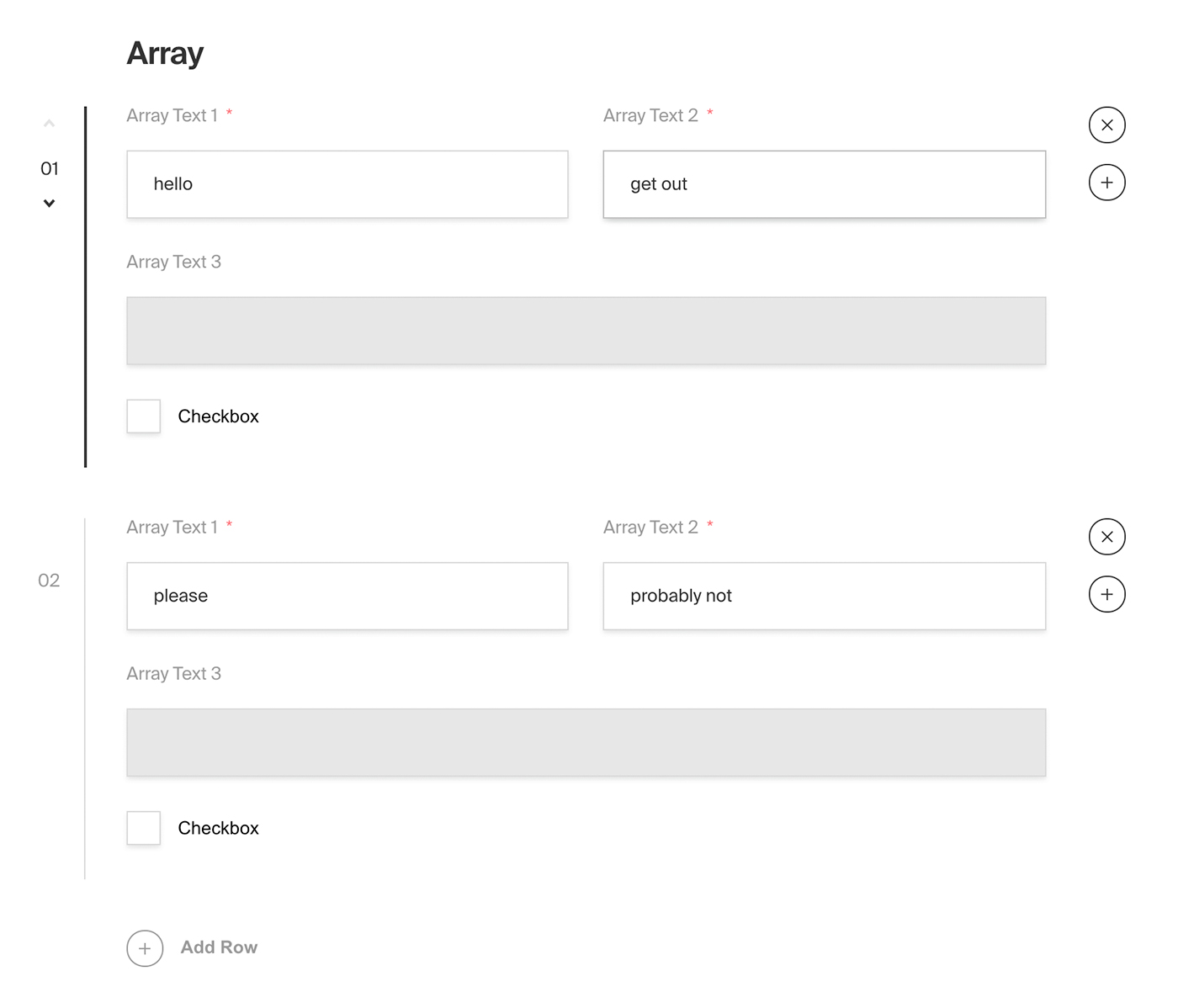
|
||||
*Admin panel screenshot of an Array field with a Row containing two text fields, a read-only text field and a checkbox*
|
||||
|
||||
### Config
|
||||
|
||||
| Option | Description |
|
||||
| ---------------- | ----------- |
|
||||
| **`name`** * | To be used as the property name when stored and retrieved from the database. |
|
||||
| **`label`** | Used as a heading in the Admin panel and to name the generated GraphQL type. Auto-generated from name if not defined. |
|
||||
| **`fields`** * | Array of field types to correspond to each row of the Array. |
|
||||
| **`validate`** | Provide a custom validation function that will be executed on both the Admin panel and the backend. [More](/docs/fields/overview#validation) |
|
||||
| **`saveToJWT`** | If this field is top-level and nested in a config supporting [Authentication](/docs/authentication/config), include its data in the user JWT. |
|
||||
| **`hooks`** | Provide field-based hooks to control logic for this field. [More](/docs/fields/overview#field-level-hooks) |
|
||||
| **`access`** | Provide field-based access control to denote what users can see and do with this field's data. [More](/docs/fields/overview#field-level-access-control) |
|
||||
| **`hidden`** | Restrict this field's visibility from all APIs entirely. Will still be saved to the database, but will not appear in any API or the Admin panel. |
|
||||
| **`defaultValue`** | Provide an array of row data to be used for this field's default value. [More](/docs/fields/overview#default-values) |
|
||||
| Option | Description |
|
||||
| ---------------- |-----------------------------------------------------------------------------------------------------------------------------------------------------------------------------------------------------------------------------------------------------------------------------------|
|
||||
| **`name`** * | To be used as the property name when stored and retrieved from the database. [More](/docs/fields/overview#field-names) |
|
||||
| **`label`** | Text used as the heading in the Admin panel or an object with keys for each language. Auto-generated from name if not defined. |
|
||||
| **`fields`** * | Array of field types to correspond to each row of the Array. |
|
||||
| **`validate`** | Provide a custom validation function that will be executed on both the Admin panel and the backend. [More](/docs/fields/overview#validation) |
|
||||
| **`saveToJWT`** | If this field is top-level and nested in a config supporting [Authentication](/docs/authentication/config), include its data in the user JWT. |
|
||||
| **`hooks`** | Provide field-based hooks to control logic for this field. [More](/docs/fields/overview#field-level-hooks) |
|
||||
| **`access`** | Provide field-based access control to denote what users can see and do with this field's data. [More](/docs/fields/overview#field-level-access-control) |
|
||||
| **`hidden`** | Restrict this field's visibility from all APIs entirely. Will still be saved to the database, but will not appear in any API or the Admin panel. |
|
||||
| **`defaultValue`** | Provide an array of row data to be used for this field's default value. [More](/docs/fields/overview#default-values) |
|
||||
| **`localized`** | Enable localization for this field. Requires [localization to be enabled](/docs/configuration/localization) in the Base config. If enabled, a separate, localized set of all data within this Array will be kept, so there is no need to specify each nested field as `localized`. |
|
||||
| **`required`** | Require this field to have a value. |
|
||||
| **`labels`** | Customize the row labels appearing in the Admin dashboard. |
|
||||
| **`admin`** | Admin-specific configuration. See the [default field admin config](/docs/fields/overview#admin-config) for more details. |
|
||||
| **`required`** | Require this field to have a value. |
|
||||
| **`labels`** | Customize the row labels appearing in the Admin dashboard. |
|
||||
| **`admin`** | Admin-specific configuration. See below for [more detail](#admin-config). |
|
||||
|
||||
*\* An asterisk denotes that a property is required.*
|
||||
|
||||
### Admin Config
|
||||
|
||||
In addition to the default [field admin config](/docs/fields/overview#admin-config), you can adjust the following properties:
|
||||
|
||||
| Option | Description |
|
||||
| ---------------------- | ------------------------------- |
|
||||
| **`initCollapsed`** | Set the initial collapsed state |
|
||||
| **`components.RowLabel`** | Function or React component to be rendered as the label on the array row. Receives `({ data, index, path })` as args |
|
||||
|
||||
|
||||
### Example
|
||||
|
||||
`collections/ExampleCollection.js`
|
||||
```js
|
||||
{
|
||||
`collections/ExampleCollection.ts`
|
||||
```ts
|
||||
import { CollectionConfig } from 'payload/types';
|
||||
|
||||
const ExampleCollection: CollectionConfig = {
|
||||
slug: 'example-collection',
|
||||
fields: [
|
||||
{
|
||||
@@ -57,6 +69,10 @@ keywords: array, fields, config, configuration, documentation, Content Managemen
|
||||
plural: 'Slides',
|
||||
},
|
||||
fields: [ // required
|
||||
{
|
||||
name: 'title',
|
||||
type: 'text',
|
||||
},
|
||||
{
|
||||
name: 'image',
|
||||
type: 'upload',
|
||||
@@ -67,9 +83,15 @@ keywords: array, fields, config, configuration, documentation, Content Managemen
|
||||
name: 'caption',
|
||||
type: 'text',
|
||||
}
|
||||
]
|
||||
],
|
||||
admin: {
|
||||
components: {
|
||||
RowLabel: ({ data, index }) => {
|
||||
return data?.title || `Slide ${String(index).padStart(2, '0')}`;
|
||||
},
|
||||
},
|
||||
},
|
||||
}
|
||||
]
|
||||
}
|
||||
|
||||
};
|
||||
```
|
||||
|
||||
@@ -16,30 +16,38 @@ keywords: blocks, fields, config, configuration, documentation, Content Manageme
|
||||
- A form builder tool where available block configs might be `Text`, `Select`, or `Checkbox`.
|
||||
- Virtual event agenda "timeslots" where a timeslot could either be a `Break`, a `Presentation`, or a `BreakoutSession`.
|
||||
|
||||

|
||||
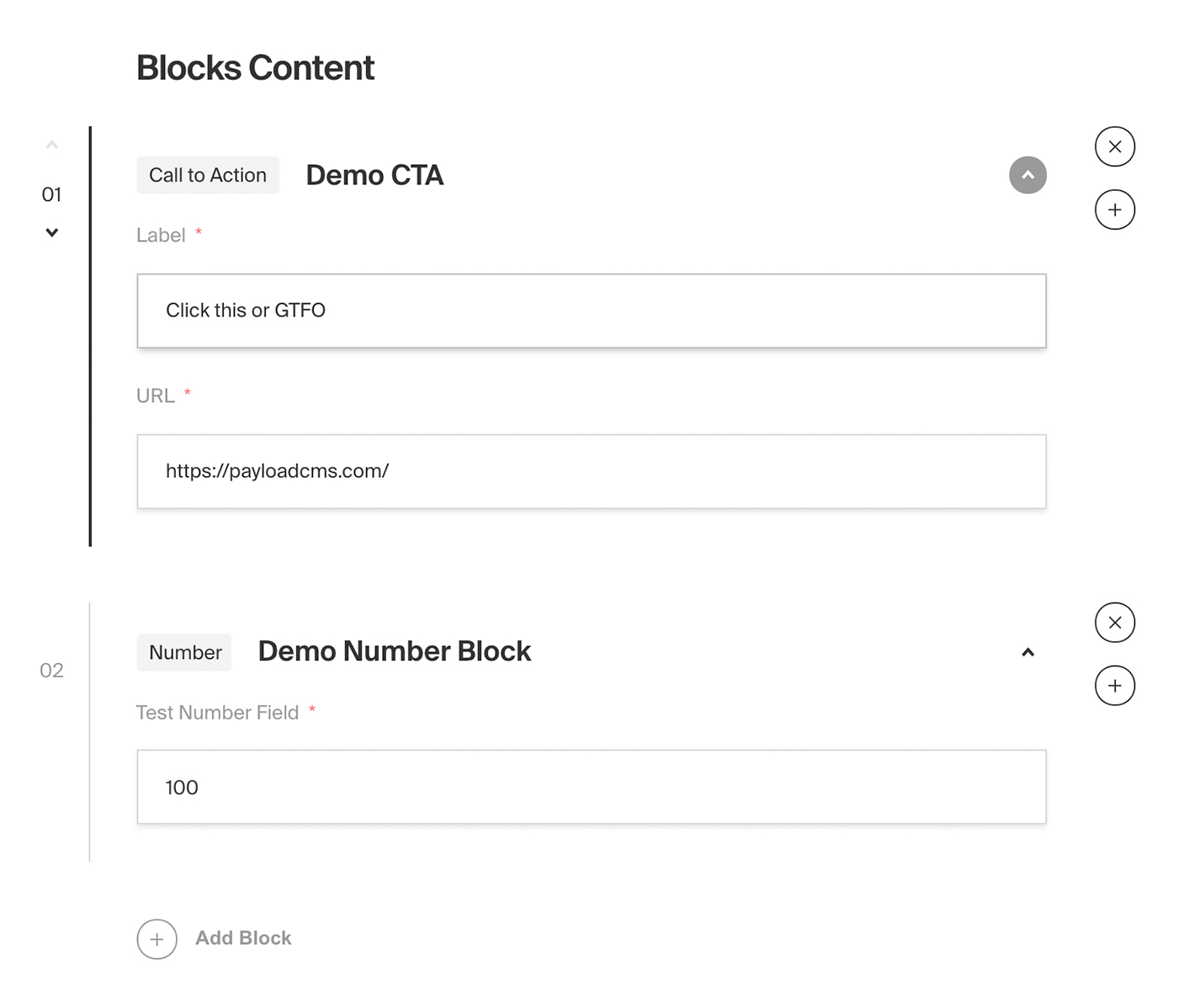
|
||||
*Admin panel screenshot of a Blocks field type with Call to Action and Number block examples*
|
||||
|
||||
|
||||
### Field config
|
||||
|
||||
| Option | Description |
|
||||
| ---------------- | ----------- |
|
||||
| **`name`** * | To be used as the property name when stored and retrieved from the database. |
|
||||
| **`label`** | Used as a heading in the Admin panel and to name the generated GraphQL type. |
|
||||
| **`blocks`** * | Array of [block configs](/docs/fields/blocks#block-configs) to be made available to this field. |
|
||||
| **`validate`** | Provide a custom validation function that will be executed on both the Admin panel and the backend. [More](/docs/fields/overview#validation) |
|
||||
| **`saveToJWT`** | If this field is top-level and nested in a config supporting [Authentication](/docs/authentication/config), include its data in the user JWT. |
|
||||
| **`hooks`** | Provide field-level hooks to control logic for this field. [More](/docs/fields/overview#field-level-hooks) |
|
||||
| **`access`** | Provide field-level access control to denote what users can see and do with this field's data. [More](/docs/fields/overview#field-level-access-control) |
|
||||
| **`hidden`** | Restrict this field's visibility from all APIs entirely. Will still be saved to the database, but will not appear in any API response or the Admin panel. |
|
||||
| **`defaultValue`** | Provide an array of block data to be used for this field's default value. [More](/docs/fields/overview#default-values) |
|
||||
| **`localized`** | Enable localization for this field. Requires [localization to be enabled](/docs/configuration/localization) in the Base config. If enabled, a separate, localized set of all data within this field will be kept, so there is no need to specify each nested field as `localized`. || **`required`** | Require this field to have a value. |
|
||||
| **`unique`** | Enforce that each entry in the Collection has a unique value for this field. |
|
||||
| **`labels`** | Customize the block row labels appearing in the Admin dashboard. |
|
||||
| **`admin`** | Admin-specific configuration. See the [default field admin config](/docs/fields/overview#admin-config) for more details. |
|
||||
| Option | Description |
|
||||
|-------------------------|------------------------------------------------------------------------------------------------------------------------------------------------------------------------------------------------------------------------------------------------------------------------------------|
|
||||
| **`name`** * | To be used as the property name when stored and retrieved from the database. [More](/docs/fields/overview#field-names) |
|
||||
| **`label`** | Text used as the heading in the Admin panel or an object with keys for each language. Auto-generated from name if not defined. |
|
||||
| **`blocks`** * | Array of [block configs](/docs/fields/blocks#block-configs) to be made available to this field. |
|
||||
| **`validate`** | Provide a custom validation function that will be executed on both the Admin panel and the backend. [More](/docs/fields/overview#validation) |
|
||||
| **`saveToJWT`** | If this field is top-level and nested in a config supporting [Authentication](/docs/authentication/config), include its data in the user JWT. |
|
||||
| **`hooks`** | Provide field-level hooks to control logic for this field. [More](/docs/fields/overview#field-level-hooks) |
|
||||
| **`access`** | Provide field-level access control to denote what users can see and do with this field's data. [More](/docs/fields/overview#field-level-access-control) |
|
||||
| **`hidden`** | Restrict this field's visibility from all APIs entirely. Will still be saved to the database, but will not appear in any API response or the Admin panel. |
|
||||
| **`defaultValue`** | Provide an array of block data to be used for this field's default value. [More](/docs/fields/overview#default-values) |
|
||||
| **`localized`** | Enable localization for this field. Requires [localization to be enabled](/docs/configuration/localization) in the Base config. If enabled, a separate, localized set of all data within this field will be kept, so there is no need to specify each nested field as `localized`. || **`required`** | Require this field to have a value. |
|
||||
| **`unique`** | Enforce that each entry in the Collection has a unique value for this field. |
|
||||
| **`labels`** | Customize the block row labels appearing in the Admin dashboard. |
|
||||
| **`admin`** | Admin-specific configuration. See below for [more detail](#admin-config). |
|
||||
|
||||
*\* An asterisk denotes that a property is required.*
|
||||
|
||||
### Admin Config
|
||||
|
||||
In addition to the default [field admin config](/docs/fields/overview#admin-config), you can adjust the following properties:
|
||||
|
||||
| Option | Description |
|
||||
| ---------------------- | ------------------------------- |
|
||||
| **`initCollapsed`** | Set the initial collapsed state |
|
||||
|
||||
### Block configs
|
||||
|
||||
Blocks are defined as separate configs of their own.
|
||||
@@ -49,13 +57,14 @@ Blocks are defined as separate configs of their own.
|
||||
Best practice is to define each block config in its own file, and then import them into your Blocks field as necessary. This way each block config can be easily shared between fields. For instance, using the "layout builder" example, you might want to feature a few of the same blocks in a Post collection as well as a Page collection. Abstracting into their own files trivializes their reusability.
|
||||
</Banner>
|
||||
|
||||
| Option | Description |
|
||||
| ---------------- | ----------- |
|
||||
| **`slug`** * | Identifier for this block type. Will be saved on each block as the `blockType` property. |
|
||||
| **`fields`** * | Array of fields to be stored in this block. |
|
||||
| **`labels`** | Customize the block labels that appear in the Admin dashboard. Also used to name corresponding GraphQL schema types. Auto-generated from slug if not defined. |
|
||||
| **`imageURL`** | Provide a custom image thumbnail to help editors identify this block in the Admin UI. |
|
||||
| **`imageAltText`** | Customize this block's image thumbnail alt text. |
|
||||
| Option | Description |
|
||||
|----------------------------|---------------------------------------------------------------------------------------------------------|
|
||||
| **`slug`** * | Identifier for this block type. Will be saved on each block as the `blockType` property. |
|
||||
| **`fields`** * | Array of fields to be stored in this block. |
|
||||
| **`labels`** | Customize the block labels that appear in the Admin dashboard. Auto-generated from slug if not defined. |
|
||||
| **`imageURL`** | Provide a custom image thumbnail to help editors identify this block in the Admin UI. |
|
||||
| **`imageAltText`** | Customize this block's image thumbnail alt text. |
|
||||
| **`graphQL.singularName`** | Text to use for the GraphQL schema name. Auto-generated from slug if not defined |
|
||||
|
||||
#### Auto-generated data per block
|
||||
|
||||
@@ -72,8 +81,10 @@ The Admin panel provides each block with a `blockName` field which optionally al
|
||||
### Example
|
||||
|
||||
`collections/ExampleCollection.js`
|
||||
```js
|
||||
const QuoteBlock = {
|
||||
```ts
|
||||
import { Block, CollectionConfig } from 'payload/types';
|
||||
|
||||
const QuoteBlock: Block = {
|
||||
slug: 'Quote', // required
|
||||
imageURL: 'https://google.com/path/to/image.jpg',
|
||||
imageAltText: 'A nice thumbnail image to show what this block looks like',
|
||||
@@ -90,7 +101,7 @@ const QuoteBlock = {
|
||||
]
|
||||
};
|
||||
|
||||
const ExampleCollection = {
|
||||
const ExampleCollection: CollectionConfig = {
|
||||
slug: 'example-collection',
|
||||
fields: [
|
||||
{
|
||||
@@ -111,7 +122,7 @@ const ExampleCollection = {
|
||||
|
||||
As you build your own Block configs, you might want to store them in separate files but retain typing accordingly. To do so, you can import and use Payload's `Block` type:
|
||||
|
||||
```js
|
||||
```ts
|
||||
import type { Block } from 'payload/types';
|
||||
|
||||
```
|
||||
|
||||
@@ -14,8 +14,8 @@ keywords: checkbox, fields, config, configuration, documentation, Content Manage
|
||||
|
||||
| Option | Description |
|
||||
| ---------------- | ----------- |
|
||||
| **`name`** * | To be used as the property name when stored and retrieved from the database. |
|
||||
| **`label`** | Used as a field label in the Admin panel and to name the generated GraphQL type. |
|
||||
| **`name`** * | To be used as the property name when stored and retrieved from the database. [More](/docs/fields/overview#field-names) |
|
||||
| **`label`** | Text used as a field label in the Admin panel or an object with keys for each language. |
|
||||
| **`validate`** | Provide a custom validation function that will be executed on both the Admin panel and the backend. [More](/docs/fields/overview#validation) |
|
||||
| **`index`** | Build a [MongoDB index](https://docs.mongodb.com/manual/indexes/) for this field to produce faster queries. Set this field to `true` if your users will perform queries on this field's data often. |
|
||||
| **`saveToJWT`** | If this field is top-level and nested in a config supporting [Authentication](/docs/authentication/config), include its data in the user JWT. |
|
||||
@@ -31,9 +31,11 @@ keywords: checkbox, fields, config, configuration, documentation, Content Manage
|
||||
|
||||
### Example
|
||||
|
||||
`collections/ExampleCollection.js`
|
||||
```js
|
||||
{
|
||||
`collections/ExampleCollection.ts`
|
||||
```ts
|
||||
import { CollectionConfig } from 'payload/types';
|
||||
|
||||
const ExampleCollection: CollectionConfig = {
|
||||
slug: 'example-collection',
|
||||
fields: [
|
||||
{
|
||||
@@ -43,6 +45,5 @@ keywords: checkbox, fields, config, configuration, documentation, Content Manage
|
||||
defaultValue: false,
|
||||
}
|
||||
]
|
||||
}
|
||||
|
||||
};
|
||||
```
|
||||
|
||||
@@ -11,14 +11,14 @@ keywords: code, fields, config, configuration, documentation, Content Management
|
||||
The Code field type saves a string in the database, but provides the Admin panel with a code editor styled interface.
|
||||
</Banner>
|
||||
|
||||
This field uses `prismjs` for syntax highlighting and `react-simple-code-editor` for the editor itself.
|
||||
This field uses the `monaco-react` editor syntax highlighting.
|
||||
|
||||
### Config
|
||||
|
||||
| Option | Description |
|
||||
| ---------------- | ----------- |
|
||||
| **`name`** * | To be used as the property name when stored and retrieved from the database. |
|
||||
| **`label`** | Used as a field label in the Admin panel and to name the generated GraphQL type. |
|
||||
| **`name`** * | To be used as the property name when stored and retrieved from the database. [More](/docs/fields/overview#field-names) |
|
||||
| **`label`** | Text used as a field label in the Admin panel or an object with keys for each language. |
|
||||
| **`unique`** | Enforce that each entry in the Collection has a unique value for this field. |
|
||||
| **`index`** | Build a [MongoDB index](https://docs.mongodb.com/manual/indexes/) for this field to produce faster queries. Set this field to `true` if your users will perform queries on this field's data often. |
|
||||
| **`minLength`** | Used by the default validation function to ensure values are of a minimum character length. |
|
||||
@@ -33,19 +33,24 @@ This field uses `prismjs` for syntax highlighting and `react-simple-code-editor`
|
||||
| **`required`** | Require this field to have a value. |
|
||||
| **`admin`** | Admin-specific configuration. See below for [more detail](#admin-config). |
|
||||
|
||||
*\* An asterisk denotes that a property is required.*
|
||||
_\* An asterisk denotes that a property is required._
|
||||
|
||||
### Admin config
|
||||
### Admin Config
|
||||
|
||||
In addition to the default [field admin config](/docs/fields/overview#admin-config), the Code field type also allows for the customization of a `language` property.
|
||||
In addition to the default [field admin config](/docs/fields/overview#admin-config), you can adjust the following properties:
|
||||
|
||||
Currently, the `language` property only supports JavaScript syntax but more support will be added as requested.
|
||||
| Option | Description |
|
||||
| ---------------------- | ----------------------------------------------------------------------------------------------------------------------------------------------------------------------------------- |
|
||||
| **`language`** | This property can be set to any language listed [here](https://github.com/microsoft/monaco-editor/tree/main/src/basic-languages). |
|
||||
| **`editorOptions`** | Options that can be passed to the monaco editor, [view the full list](https://microsoft.github.io/monaco-editor/api/interfaces/monaco.editor.IDiffEditorConstructionOptions.html). |
|
||||
|
||||
### Example
|
||||
|
||||
`collections/ExampleCollection.js`
|
||||
```js
|
||||
{
|
||||
`collections/ExampleCollection.ts
|
||||
```ts
|
||||
import { CollectionConfig } from 'payload/types';
|
||||
|
||||
const ExampleCollection: CollectionConfig = {
|
||||
slug: 'example-collection',
|
||||
fields: [
|
||||
{
|
||||
@@ -53,10 +58,9 @@ Currently, the `language` property only supports JavaScript syntax but more supp
|
||||
type: 'code', // required
|
||||
required: true,
|
||||
admin: {
|
||||
language: 'js'
|
||||
language: 'javascript'
|
||||
}
|
||||
}
|
||||
]
|
||||
}
|
||||
|
||||
};
|
||||
```
|
||||
|
||||
@@ -12,25 +12,40 @@ keywords: row, fields, config, configuration, documentation, Content Management
|
||||
|
||||
### Config
|
||||
|
||||
| Option | Description |
|
||||
| ---------------- | ----------- |
|
||||
| **`label`** * | A label to render within the header of the collapsible component. |
|
||||
| **`fields`** * | Array of field types to nest within this Collapsible. |
|
||||
| **`admin`** | Admin-specific configuration. See the [default field admin config](/docs/fields/overview#admin-config) for more details. |
|
||||
| Option | Description |
|
||||
| -------------- | ------------------------------------------------------------------------- |
|
||||
| **`label`** * | A label to render within the header of the collapsible component. This can be a string, function or react component. Function/components receive `({ data, path })` as args. |
|
||||
| **`fields`** * | Array of field types to nest within this Collapsible. |
|
||||
| **`admin`** | Admin-specific configuration. See below for [more detail](#admin-config). |
|
||||
|
||||
*\* An asterisk denotes that a property is required.*
|
||||
|
||||
### Admin Config
|
||||
|
||||
In addition to the default [field admin config](/docs/fields/overview#admin-config), you can adjust the following properties:
|
||||
|
||||
| Option | Description |
|
||||
| ---------------------- | ------------------------------- |
|
||||
| **`initCollapsed`** | Set the initial collapsed state |
|
||||
|
||||
### Example
|
||||
|
||||
`collections/ExampleCollection.js`
|
||||
```js
|
||||
{
|
||||
`collections/ExampleCollection.ts`
|
||||
```ts
|
||||
import { CollectionConfig } from 'payload/types';
|
||||
|
||||
const ExampleCollection: CollectionConfig = {
|
||||
slug: 'example-collection',
|
||||
fields: [
|
||||
{
|
||||
label: 'Header of collapsible goes here',
|
||||
label: ({ data }) => data?.title || 'Untitled',
|
||||
type: 'collapsible', // required
|
||||
fields: [ // required
|
||||
{
|
||||
name: 'title',
|
||||
type: 'text',
|
||||
required: true,
|
||||
},
|
||||
{
|
||||
name: 'someTextField',
|
||||
type: 'text',
|
||||
@@ -39,6 +54,5 @@ keywords: row, fields, config, configuration, documentation, Content Management
|
||||
],
|
||||
}
|
||||
]
|
||||
}
|
||||
|
||||
};
|
||||
```
|
||||
|
||||
@@ -17,8 +17,8 @@ This field uses [`react-datepicker`](https://www.npmjs.com/package/react-datepic
|
||||
|
||||
| Option | Description |
|
||||
| ------------------ | --------------------------------------------------------------------------------------------------------------------------------------------------------------------------------------------------- |
|
||||
| **`name`** \* | To be used as the property name when stored and retrieved from the database. |
|
||||
| **`label`** | Used as a field label in the Admin panel and to name the generated GraphQL type. |
|
||||
| **`name`** \* | To be used as the property name when stored and retrieved from the database. [More](/docs/fields/overview#field-names) |
|
||||
| **`label`** | Text used as a field label in the Admin panel or an object with keys for each language. |
|
||||
| **`index`** | Build a [MongoDB index](https://docs.mongodb.com/manual/indexes/) for this field to produce faster queries. Set this field to `true` if your users will perform queries on this field's data often. |
|
||||
| **`validate`** | Provide a custom validation function that will be executed on both the Admin panel and the backend. [More](/docs/fields/overview#validation) |
|
||||
| **`saveToJWT`** | If this field is top-level and nested in a config supporting [Authentication](/docs/authentication/config), include its data in the user JWT. |
|
||||
@@ -38,8 +38,8 @@ In addition to the default [field admin config](/docs/fields/overview#admin-conf
|
||||
|
||||
| Option | Description |
|
||||
| ---------------------- | --------------------------------------------------------------------------------------------------------------------------------------------------- |
|
||||
| **`pickerAppearance`** | Determines the appearance of the datepicker: `dayAndTime` `timeOnly` `dayOnly`. Defaults to `dayAndTime`. |
|
||||
| **`displayFormat`** | Determines how the date is presented. dayAndTime default to `MMM d, yyy h:mm a` timeOnly defaults to `h:mm a` and dayOnly defaults to `MMM d, yyy`. |
|
||||
| **`pickerAppearance`** | Determines the appearance of the datepicker: `dayAndTime` `timeOnly` `dayOnly` `monthOnly`. Defaults to `dayAndTime`. |
|
||||
| **`displayFormat`** | Determines how the date is presented. dayAndTime default to `MMM d, yyy h:mm a` timeOnly defaults to `h:mm a` dayOnly defaults to `MMM d, yyy` and monthOnly defaults to `MM/yyyy`. |
|
||||
| **`placeholder`** | Placeholder text for the field. |
|
||||
| **`monthsToShow`** | Number of months to display max is 2. Defaults to 1. |
|
||||
| **`minDate`** | Passed directly to [react-datepicker](https://github.com/Hacker0x01/react-datepicker/blob/master/docs/datepicker.md). |
|
||||
@@ -55,10 +55,12 @@ Common use cases for customizing the `date` property are to restrict your field
|
||||
|
||||
### Example
|
||||
|
||||
`collections/ExampleCollection.js`
|
||||
`collections/ExampleCollection.ts`
|
||||
|
||||
```js
|
||||
{
|
||||
```ts
|
||||
import { CollectionConfig } from 'payload/types';
|
||||
|
||||
const ExampleCollection: CollectionConfig = {
|
||||
slug: 'example-collection',
|
||||
fields: [
|
||||
{
|
||||
@@ -74,6 +76,5 @@ Common use cases for customizing the `date` property are to restrict your field
|
||||
}
|
||||
}
|
||||
]
|
||||
}
|
||||
|
||||
};
|
||||
```
|
||||
|
||||
@@ -14,8 +14,8 @@ keywords: email, fields, config, configuration, documentation, Content Managemen
|
||||
|
||||
| Option | Description |
|
||||
| ---------------- | ----------- |
|
||||
| **`name`** * | To be used as the property name when stored and retrieved from the database. |
|
||||
| **`label`** | Used as a field label in the Admin panel and to name the generated GraphQL type. |
|
||||
| **`name`** * | To be used as the property name when stored and retrieved from the database. [More](/docs/fields/overview#field-names) |
|
||||
| **`label`** | Text used as a field label in the Admin panel or an object with keys for each language. |
|
||||
| **`unique`** | Enforce that each entry in the Collection has a unique value for this field. |
|
||||
| **`index`** | Build a [MongoDB index](https://docs.mongodb.com/manual/indexes/) for this field to produce faster queries. Set this field to `true` if your users will perform queries on this field's data often. |
|
||||
| **`validate`** | Provide a custom validation function that will be executed on both the Admin panel and the backend. [More](/docs/fields/overview#validation) |
|
||||
@@ -44,9 +44,11 @@ Set this property to a string that will be used for browser autocomplete.
|
||||
|
||||
### Example
|
||||
|
||||
`collections/ExampleCollection.js`
|
||||
```js
|
||||
{
|
||||
`collections/ExampleCollection.ts`
|
||||
```ts
|
||||
import { CollectionConfig } from 'payload/types';
|
||||
|
||||
const ExampleCollection: CollectionConfig = {
|
||||
slug: 'example-collection',
|
||||
fields: [
|
||||
{
|
||||
@@ -56,6 +58,5 @@ Set this property to a string that will be used for browser autocomplete.
|
||||
required: true,
|
||||
}
|
||||
]
|
||||
}
|
||||
|
||||
};
|
||||
```
|
||||
|
||||
@@ -14,7 +14,7 @@ keywords: group, fields, config, configuration, documentation, Content Managemen
|
||||
|
||||
| Option | Description |
|
||||
| ---------------- | ----------- |
|
||||
| **`name`** * | To be used as the property name when stored and retrieved from the database. |
|
||||
| **`name`** * | To be used as the property name when stored and retrieved from the database. [More](/docs/fields/overview#field-names) |
|
||||
| **`fields`** * | Array of field types to nest within this Group. |
|
||||
| **`label`** | Used as a heading in the Admin panel and to name the generated GraphQL type. |
|
||||
| **`validate`** | Provide a custom validation function that will be executed on both the Admin panel and the backend. [More](/docs/fields/overview#validation) |
|
||||
@@ -39,9 +39,11 @@ Set this property to `true` to hide this field's gutter within the admin panel.
|
||||
|
||||
### Example
|
||||
|
||||
`collections/ExampleCollection.js`
|
||||
```js
|
||||
{
|
||||
`collections/ExampleCollection.ts`
|
||||
```ts
|
||||
import { CollectionConfig } from 'payload/types';
|
||||
|
||||
const ExampleCollection: CollectionConfig = {
|
||||
slug: 'example-collection',
|
||||
fields: [
|
||||
{
|
||||
@@ -65,6 +67,5 @@ Set this property to `true` to hide this field's gutter within the admin panel.
|
||||
],
|
||||
}
|
||||
]
|
||||
}
|
||||
|
||||
};
|
||||
```
|
||||
|
||||
60
docs/fields/json.mdx
Normal file
60
docs/fields/json.mdx
Normal file
@@ -0,0 +1,60 @@
|
||||
---
|
||||
title: JSON Field
|
||||
label: JSON
|
||||
order: 50
|
||||
desc: The JSON field type will store any string in the Database. Learn how to use JSON fields, see examples and options.
|
||||
|
||||
keywords: json, fields, config, configuration, documentation, Content Management System, cms, headless, javascript, node, react, express
|
||||
---
|
||||
|
||||
<Banner >
|
||||
The JSON field type saves actual JSON in the database, which differs from the Code field that saves the value as a string in the database.
|
||||
</Banner>
|
||||
|
||||
This field uses the `monaco-react` editor syntax highlighting.
|
||||
|
||||
### Config
|
||||
|
||||
| Option | Description |
|
||||
| ---------------- | ----------- |
|
||||
| **`name`** * | To be used as the property name when stored and retrieved from the database. [More](/docs/fields/overview#field-names) |
|
||||
| **`label`** | Text used as a field label in the Admin panel or an object with keys for each language. |
|
||||
| **`unique`** | Enforce that each entry in the Collection has a unique value for this field. |
|
||||
| **`index`** | Build a [MongoDB index](https://docs.mongodb.com/manual/indexes/) for this field to produce faster queries. Set this field to `true` if your users will perform queries on this field's data often. |
|
||||
| **`validate`** | Provide a custom validation function that will be executed on both the Admin panel and the backend. [More](/docs/fields/overview#validation) |
|
||||
| **`saveToJWT`** | If this field is top-level and nested in a config supporting [Authentication](/docs/authentication/config), include its data in the user JWT. |
|
||||
| **`hooks`** | Provide field-based hooks to control logic for this field. [More](/docs/fields/overview#field-level-hooks) |
|
||||
| **`access`** | Provide field-based access control to denote what users can see and do with this field's data. [More](/docs/fields/overview#field-level-access-control) |
|
||||
| **`hidden`** | Restrict this field's visibility from all APIs entirely. Will still be saved to the database, but will not appear in any API or the Admin panel. |
|
||||
| **`defaultValue`** | Provide data to be used for this field's default value. [More](/docs/fields/overview#default-values) |
|
||||
| **`localized`** | Enable localization for this field. Requires [localization to be enabled](/docs/configuration/localization) in the Base config. |
|
||||
| **`required`** | Require this field to have a value. |
|
||||
| **`admin`** | Admin-specific configuration. See below for [more detail](#admin-config). |
|
||||
|
||||
_\* An asterisk denotes that a property is required._
|
||||
|
||||
### Admin Config
|
||||
|
||||
In addition to the default [field admin config](/docs/fields/overview#admin-config), you can adjust the following properties:
|
||||
|
||||
| Option | Description |
|
||||
| ---------------------- | ----------------------------------------------------------------------------------------------------------------------------------------------------------------------------------- |
|
||||
| **`editorOptions`** | Options that can be passed to the monaco editor, [view the full list](https://microsoft.github.io/monaco-editor/api/interfaces/monaco.editor.IDiffEditorConstructionOptions.html). |
|
||||
|
||||
### Example
|
||||
|
||||
`collections/ExampleCollection.ts
|
||||
```ts
|
||||
import { CollectionConfig } from 'payload/types';
|
||||
|
||||
const ExampleCollection: CollectionConfig = {
|
||||
slug: 'example-collection',
|
||||
fields: [
|
||||
{
|
||||
name: 'customerJSON', // required
|
||||
type: 'json', // required
|
||||
required: true,
|
||||
}
|
||||
]
|
||||
};
|
||||
```
|
||||
@@ -14,8 +14,8 @@ keywords: number, fields, config, configuration, documentation, Content Manageme
|
||||
|
||||
| Option | Description |
|
||||
| ---------------- | ----------- |
|
||||
| **`name`** * | To be used as the property name when stored and retrieved from the database. |
|
||||
| **`label`** | Used as a field label in the Admin panel and to name the generated GraphQL type. |
|
||||
| **`name`** * | To be used as the property name when stored and retrieved from the database. [More](/docs/fields/overview#field-names) |
|
||||
| **`label`** | Text used as a field label in the Admin panel or an object with keys for each language. |
|
||||
| **`min`** | Minimum value accepted. Used in the default `validation` function. |
|
||||
| **`max`** | Maximum value accepted. Used in the default `validation` function. |
|
||||
| **`unique`** | Enforce that each entry in the Collection has a unique value for this field. |
|
||||
@@ -50,9 +50,11 @@ Set this property to a string that will be used for browser autocomplete.
|
||||
|
||||
### Example
|
||||
|
||||
`collections/ExampleCollection.js`
|
||||
```js
|
||||
{
|
||||
`collections/ExampleCollection.ts`
|
||||
```ts
|
||||
import { CollectionConfig } from 'payload/types';
|
||||
|
||||
const ExampleCollection: CollectionConfig = {
|
||||
slug: 'example-collection',
|
||||
fields: [
|
||||
{
|
||||
@@ -64,6 +66,5 @@ Set this property to a string that will be used for browser autocomplete.
|
||||
}
|
||||
}
|
||||
]
|
||||
}
|
||||
|
||||
};
|
||||
```
|
||||
|
||||
@@ -16,8 +16,10 @@ Fields are defined as an array on Collections and Globals via the `fields` key.
|
||||
The required `type` property on a field determines what values it can accept, how it is presented in the API, and how the field will be rendered in the admin interface.
|
||||
|
||||
**Simple collection with two fields:**
|
||||
```js
|
||||
const Pages = {
|
||||
```ts
|
||||
import { CollectionConfig } from 'payload/types';
|
||||
|
||||
const Page: CollectionConfig = {
|
||||
slug: 'pages',
|
||||
fields: [
|
||||
{
|
||||
@@ -29,7 +31,7 @@ const Pages = {
|
||||
type: 'checkbox', // highlight-line
|
||||
},
|
||||
],
|
||||
}
|
||||
};
|
||||
```
|
||||
|
||||
### Field types
|
||||
@@ -62,6 +64,10 @@ One of the most powerful parts about Payload is its ability for you to define fi
|
||||
|
||||
In addition to being able to define access control on a document-level, you can define extremely granular permissions on a field by field level. For more information about field-level access control, [click here](/docs/access-control/overview#fields).
|
||||
|
||||
### Field names
|
||||
|
||||
Some fields use their `name` property as a unique identifier to store and retrieve from the database. `__v`, `salt`, and `hash` are all reserved field names which are sanitized from Payload's config and cannot be used.
|
||||
|
||||
### Validation
|
||||
|
||||
Field validation is enforced automatically based on the field type and other properties such as `required` or `min` and `max` value constraints on certain field types. This default behavior can be replaced by providing your own validate function for any field. It will be used on both the frontend and the backend, so it should not rely on any Node-specific packages. The validation function can be either synchronous or asynchronous and expects to return either `true` or a string error message to display in both API responses and within the Admin panel.
|
||||
@@ -70,18 +76,21 @@ There are two arguments available to custom validation functions.
|
||||
1. The value which is currently assigned to the field
|
||||
2. An optional object with dynamic properties for more complex validation having the following:
|
||||
|
||||
| Property | Description |
|
||||
| ------------- | -------------|
|
||||
| `data` | An object of the full collection or global document |
|
||||
| `siblingData` | An object of the document data limited to fields within the same parent to the field |
|
||||
| `operation` | Will be "create" or "update" depending on the UI action or API call |
|
||||
| `id` | The value of the collection `id`, will be `undefined` on create request |
|
||||
| `user` | The currently authenticated user object |
|
||||
| `payload` | If the `validate` function is being executed on the server, Payload will be exposed for easily running local operations. |
|
||||
| Property | Description |
|
||||
|---------------|--------------------------------------------------------------------------------------------------------------------------|
|
||||
| `data` | An object of the full collection or global document. |
|
||||
| `siblingData` | An object of the document data limited to fields within the same parent to the field. |
|
||||
| `operation` | Will be "create" or "update" depending on the UI action or API call. |
|
||||
| `id` | The value of the collection `id`, will be `undefined` on create request. |
|
||||
| `t` | The function for translating text, [more](/docs/configuration/i18n). |
|
||||
| `user` | The currently authenticated user object. |
|
||||
| `payload` | If the `validate` function is being executed on the server, Payload will be exposed for easily running local operations. |
|
||||
|
||||
Example:
|
||||
```js
|
||||
{
|
||||
```ts
|
||||
import { CollectionConfig } from 'payload/types';
|
||||
|
||||
const Orders: CollectionConfig = {
|
||||
slug: 'orders',
|
||||
fields: [
|
||||
{
|
||||
@@ -101,27 +110,27 @@ Example:
|
||||
},
|
||||
},
|
||||
],
|
||||
}
|
||||
};
|
||||
```
|
||||
|
||||
When supplying a field `validate` function, Payload will use yours in place of the default. To make use of the default field validation in your custom logic you can import, call and return the result as needed.
|
||||
|
||||
For example:
|
||||
```js
|
||||
```ts
|
||||
import { text } from 'payload/fields/validations';
|
||||
const field =
|
||||
{
|
||||
name: 'notBad',
|
||||
type: 'text',
|
||||
validate: (val, args) => {
|
||||
if (value === 'bad') {
|
||||
return 'This cannot be "bad"';
|
||||
}
|
||||
// highlight-start
|
||||
return text(val, args);
|
||||
// highlight-end
|
||||
},
|
||||
}
|
||||
|
||||
const field: Field = {
|
||||
name: 'notBad',
|
||||
type: 'text',
|
||||
validate: (val, args) => {
|
||||
if (val === 'bad') {
|
||||
return 'This cannot be "bad"';
|
||||
}
|
||||
// highlight-start
|
||||
return text(val, args);
|
||||
// highlight-end
|
||||
},
|
||||
};
|
||||
```
|
||||
|
||||
### Customizable ID
|
||||
@@ -131,7 +140,7 @@ Users are then required to provide a custom ID value when creating a record thro
|
||||
Valid ID types are `number` and `text`.
|
||||
|
||||
Example:
|
||||
```js
|
||||
```ts
|
||||
{
|
||||
fields: [
|
||||
{
|
||||
@@ -174,7 +183,7 @@ The `condition` function should return a boolean that will control if the field
|
||||
|
||||
**Example:**
|
||||
|
||||
```js
|
||||
```ts
|
||||
{
|
||||
fields: [
|
||||
{
|
||||
@@ -212,21 +221,19 @@ Functions are called with an optional argument object containing:
|
||||
|
||||
Here is an example of a defaultValue function that uses both:
|
||||
|
||||
```js
|
||||
```ts
|
||||
const translation: {
|
||||
en: 'Written by',
|
||||
es: 'Escrito por',
|
||||
en: 'Written by',
|
||||
es: 'Escrito por',
|
||||
};
|
||||
|
||||
const field = {
|
||||
name: 'attribution',
|
||||
type: 'text',
|
||||
admin: {
|
||||
// highlight-start
|
||||
defaultValue: ({ user, locale }) => (`${translation[locale]} ${user.name}`)
|
||||
// highlight-end
|
||||
}
|
||||
};
|
||||
name: 'attribution',
|
||||
type: 'text',
|
||||
// highlight-start
|
||||
defaultValue: ({ user, locale }) => (`${translation[locale]} ${user.name}`)
|
||||
// highlight-end
|
||||
};
|
||||
```
|
||||
|
||||
<Banner type="success">
|
||||
@@ -244,7 +251,7 @@ As shown above, you can simply provide a string that will show by the field, but
|
||||
|
||||
**Function Example:**
|
||||
|
||||
```js
|
||||
```ts
|
||||
{
|
||||
fields: [
|
||||
{
|
||||
@@ -262,7 +269,7 @@ As shown above, you can simply provide a string that will show by the field, but
|
||||
This example will display the number of characters allowed as the user types.
|
||||
|
||||
**Component Example:**
|
||||
```js
|
||||
```ts
|
||||
{
|
||||
fields: [
|
||||
{
|
||||
@@ -289,10 +296,8 @@ This component will count the number of characters entered.
|
||||
|
||||
You can import the internal Payload `Field` type as well as other common field types as follows:
|
||||
|
||||
```js
|
||||
```ts
|
||||
import type {
|
||||
Field,
|
||||
Validate,
|
||||
Condition,
|
||||
} from 'payload/types';
|
||||
```
|
||||
|
||||
@@ -17,7 +17,7 @@ The data structure in the database matches the GeoJSON structure to represent po
|
||||
|
||||
| Option | Description |
|
||||
| ---------------- | ----------- |
|
||||
| **`name`** * | To be used as the property name when stored and retrieved from the database. |
|
||||
| **`name`** * | To be used as the property name when stored and retrieved from the database. [More](/docs/fields/overview#field-names) |
|
||||
| **`label`** | Used as a field label in the Admin panel and to name the generated GraphQL type. |
|
||||
| **`unique`** | Enforce that each entry in the Collection has a unique value for this field. |
|
||||
| **`index`** | Build a [MongoDB index](https://docs.mongodb.com/manual/indexes/) for this field to produce faster queries. To support location queries, point index defaults to `2dsphere`, to disable the index set to `false`. |
|
||||
@@ -35,9 +35,11 @@ The data structure in the database matches the GeoJSON structure to represent po
|
||||
|
||||
### Example
|
||||
|
||||
`collections/ExampleCollection.js`
|
||||
```js
|
||||
{
|
||||
`collections/ExampleCollection.ts`
|
||||
```ts
|
||||
import { CollectionConfig } from 'payload/types';
|
||||
|
||||
const ExampleCollection: CollectionConfig = {
|
||||
slug: 'example-collection',
|
||||
fields: [
|
||||
{
|
||||
@@ -46,7 +48,7 @@ The data structure in the database matches the GeoJSON structure to represent po
|
||||
label: 'Location',
|
||||
},
|
||||
]
|
||||
}
|
||||
};
|
||||
```
|
||||
|
||||
### Querying
|
||||
|
||||
@@ -14,16 +14,16 @@ keywords: radio, fields, config, configuration, documentation, Content Managemen
|
||||
|
||||
| Option | Description |
|
||||
| ---------------- | ----------- |
|
||||
| **`name`** * | To be used as the property name when stored and retrieved from the database. |
|
||||
| **`name`** * | To be used as the property name when stored and retrieved from the database. [More](/docs/fields/overview#field-names) |
|
||||
| **`options`** * | Array of options to allow the field to store. Can either be an array of strings, or an array of objects containing an `label` string and a `value` string. |
|
||||
| **`label`** | Used as a field label in the Admin panel and to name the generated GraphQL type. |
|
||||
| **`label`** | Text used as a field label in the Admin panel or an object with keys for each language. |
|
||||
| **`validate`** | Provide a custom validation function that will be executed on both the Admin panel and the backend. [More](/docs/fields/overview#validation) |
|
||||
| **`index`** | Build a [MongoDB index](https://docs.mongodb.com/manual/indexes/) for this field to produce faster queries. Set this field to `true` if your users will perform queries on this field's data often. |
|
||||
| **`saveToJWT`** | If this field is top-level and nested in a config supporting [Authentication](/docs/authentication/config), include its data in the user JWT. |
|
||||
| **`hooks`** | Provide field-based hooks to control logic for this field. [More](/docs/fields/overview#field-level-hooks) |
|
||||
| **`access`** | Provide field-based access control to denote what users can see and do with this field's data. [More](/docs/fields/overview#field-level-access-control) |
|
||||
| **`hidden`** | Restrict this field's visibility from all APIs entirely. Will still be saved to the database, but will not appear in any API or the Admin panel. |
|
||||
| **`defaultValue`** | Provide data to be used for this field's default value. [More](/docs/fields/overview#default-values) |
|
||||
| **`defaultValue`** | Provide data to be used for this field's default value. The default value must exist within provided values in `options`. [More](/docs/fields/overview#default-values) |
|
||||
| **`localized`** | Enable localization for this field. Requires [localization to be enabled](/docs/configuration/localization) in the Base config. |
|
||||
| **`required`** | Require this field to have a value. |
|
||||
| **`admin`** | Admin-specific configuration. See below for [more detail](#admin-config). |
|
||||
@@ -41,13 +41,15 @@ In addition to the default [field admin config](/docs/fields/overview#admin-conf
|
||||
|
||||
**`layout`**
|
||||
|
||||
The `layout` property allows for the radio group to be styled as a horizonally or vertically distributed list.
|
||||
The `layout` property allows for the radio group to be styled as a horizonally or vertically distributed list. The default value is `horizontal`.
|
||||
|
||||
### Example
|
||||
|
||||
`collections/ExampleCollection.js`
|
||||
```js
|
||||
{
|
||||
`collections/ExampleCollection.ts`
|
||||
```ts
|
||||
import { CollectionConfig } from 'payload/types';
|
||||
|
||||
const ExampleCollection: CollectionConfig = {
|
||||
slug: 'example-collection',
|
||||
fields: [
|
||||
{
|
||||
@@ -63,7 +65,7 @@ The `layout` property allows for the radio group to be styled as a horizonally o
|
||||
value: 'dark_gray',
|
||||
},
|
||||
],
|
||||
defaultValue: 'option_1',
|
||||
defaultValue: 'mint', // The first value in options.
|
||||
admin: {
|
||||
layout: 'horizontal',
|
||||
}
|
||||
|
||||
@@ -20,12 +20,12 @@ keywords: relationship, fields, config, configuration, documentation, Content Ma
|
||||
|
||||
| Option | Description |
|
||||
| ---------------- | ----------- |
|
||||
| **`name`** * | To be used as the property name when stored and retrieved from the database. |
|
||||
| **`name`** * | To be used as the property name when stored and retrieved from the database. [More](/docs/fields/overview#field-names) |
|
||||
| **`relationTo`** * | Provide one or many collection `slug`s to be able to assign relationships to. |
|
||||
| **`filterOptions`** | A query to filter which options appear in the UI and validate against. [More](#filtering-relationship-options). |
|
||||
| **`hasMany`** | Boolean when, if set to `true`, allows this field to have many relations instead of only one. |
|
||||
| **`maxDepth`** | Sets a number limit on iterations of related documents to populate when queried. [Depth](/docs/getting-started/concepts#depth) |
|
||||
| **`label`** | Used as a field label in the Admin panel and to name the generated GraphQL type. |
|
||||
| **`label`** | Text used as a field label in the Admin panel or an object with keys for each language. |
|
||||
| **`unique`** | Enforce that each entry in the Collection has a unique value for this field. |
|
||||
| **`validate`** | Provide a custom validation function that will be executed on both the Admin panel and the backend. [More](/docs/fields/overview#validation) |
|
||||
| **`index`** | Build a [MongoDB index](https://docs.mongodb.com/manual/indexes/) for this field to produce faster queries. Set this field to `true` if your users will perform queries on this field's data often. |
|
||||
@@ -45,6 +45,14 @@ keywords: relationship, fields, config, configuration, documentation, Content Ma
|
||||
The <a href="/docs/getting-started/concepts#depth">Depth</a> parameter can be used to automatically populate related documents that are returned by the API.
|
||||
</Banner>
|
||||
|
||||
### Admin config
|
||||
|
||||
In addition to the default [field admin config](/docs/fields/overview#admin-config), the Relationship field type also allows for the following admin-specific properties:
|
||||
|
||||
**`isSortable`**
|
||||
|
||||
Set to `true` if you'd like this field to be sortable within the Admin UI using drag and drop. (Only works when `hasMany` is set to `true`)
|
||||
|
||||
### Filtering relationship options
|
||||
|
||||
Options can be dynamically limited by supplying a [query constraint](/docs/queries/overview), which will be used both for validating input and filtering available relationships in the UI.
|
||||
@@ -61,26 +69,26 @@ The `filterOptions` property can either be a `Where` query directly, or a functi
|
||||
|
||||
**Example:**
|
||||
|
||||
```js
|
||||
const relationshipField = {
|
||||
name: 'purchase',
|
||||
type: 'relationship',
|
||||
relationTo: ['products', 'services'],
|
||||
filterOptions: ({ relationTo, siblingData }) => {
|
||||
// returns a Where query dynamically by the type of relationship
|
||||
if (relationTo === 'products') {
|
||||
return {
|
||||
'stock': { is_greater_than: siblingData.quantity }
|
||||
}
|
||||
```ts
|
||||
const relationshipField = {
|
||||
name: 'purchase',
|
||||
type: 'relationship',
|
||||
relationTo: ['products', 'services'],
|
||||
filterOptions: ({ relationTo, siblingData }) => {
|
||||
// returns a Where query dynamically by the type of relationship
|
||||
if (relationTo === 'products') {
|
||||
return {
|
||||
'stock': { greater_than: siblingData.quantity }
|
||||
}
|
||||
}
|
||||
|
||||
if (relationTo === 'services') {
|
||||
return {
|
||||
'isAvailable': { equals: true }
|
||||
}
|
||||
if (relationTo === 'services') {
|
||||
return {
|
||||
'isAvailable': { equals: true }
|
||||
}
|
||||
},
|
||||
};
|
||||
}
|
||||
},
|
||||
};
|
||||
```
|
||||
|
||||
You can learn more about writing queries [here](/docs/queries/overview).
|
||||
@@ -98,7 +106,7 @@ Given the variety of options possible within the `relationship` field type, the
|
||||
|
||||
The most simple pattern of a relationship is to use `hasMany: false` with a `relationTo` that allows for only one type of collection.
|
||||
|
||||
```js
|
||||
```ts
|
||||
{
|
||||
slug: 'example-collection',
|
||||
fields: [
|
||||
@@ -129,7 +137,7 @@ When querying documents in this collection via REST API, you could query as foll
|
||||
|
||||
Also known as **dynamic references**, in this configuration, the `relationTo` field is an array of Collection slugs that tells Payload which Collections are valid to reference.
|
||||
|
||||
```js
|
||||
```ts
|
||||
{
|
||||
slug: 'example-collection',
|
||||
fields: [
|
||||
@@ -168,7 +176,7 @@ This query would return only documents that have an owner relationship to organi
|
||||
|
||||
The `hasMany` tells Payload that there may be more than one collection saved to the field.
|
||||
|
||||
```js
|
||||
```ts
|
||||
{
|
||||
slug: 'example-collection',
|
||||
fields: [
|
||||
@@ -196,7 +204,7 @@ When querying documents, the format does not change for arrays:
|
||||
|
||||
#### Has Many - Polymorphic
|
||||
|
||||
```js
|
||||
```ts
|
||||
{
|
||||
slug: 'example-collection',
|
||||
fields: [
|
||||
|
||||
@@ -20,8 +20,8 @@ The Admin component is built on the powerful [`slatejs`](https://docs.slatejs.or
|
||||
|
||||
| Option | Description |
|
||||
| ---------------- | ----------- |
|
||||
| **`name`** * | To be used as the property name when stored and retrieved from the database. |
|
||||
| **`label`** | Used as a field label in the Admin panel and to name the generated GraphQL type. |
|
||||
| **`name`** * | To be used as the property name when stored and retrieved from the database. [More](/docs/fields/overview#field-names) |
|
||||
| **`label`** | Text used as a field label in the Admin panel or an object with keys for each language. |
|
||||
| **`validate`** | Provide a custom validation function that will be executed on both the Admin panel and the backend. [More](/docs/fields/overview#validation) |
|
||||
| **`saveToJWT`** | If this field is top-level and nested in a config supporting [Authentication](/docs/authentication/config), include its data in the user JWT. |
|
||||
| **`hooks`** | Provide field-based hooks to control logic for this field. [More](/docs/fields/overview#field-level-hooks) |
|
||||
@@ -77,14 +77,21 @@ The default `leaves` available in Payload are:
|
||||
|
||||
Set this property to `true` to hide this field's gutter within the admin panel. The field gutter is rendered as a vertical line and padding, but often if this field is nested within a Group, Block, or Array, you may want to hide the gutter.
|
||||
|
||||
**`link.fields`**
|
||||
|
||||
This allows [fields](/docs/fields/overview) to be saved as extra fields on a link inside the Rich Text Editor. When this is present, the fields will render inside a modal that can be opened by clicking the "edit" button on the link element.
|
||||
|
||||
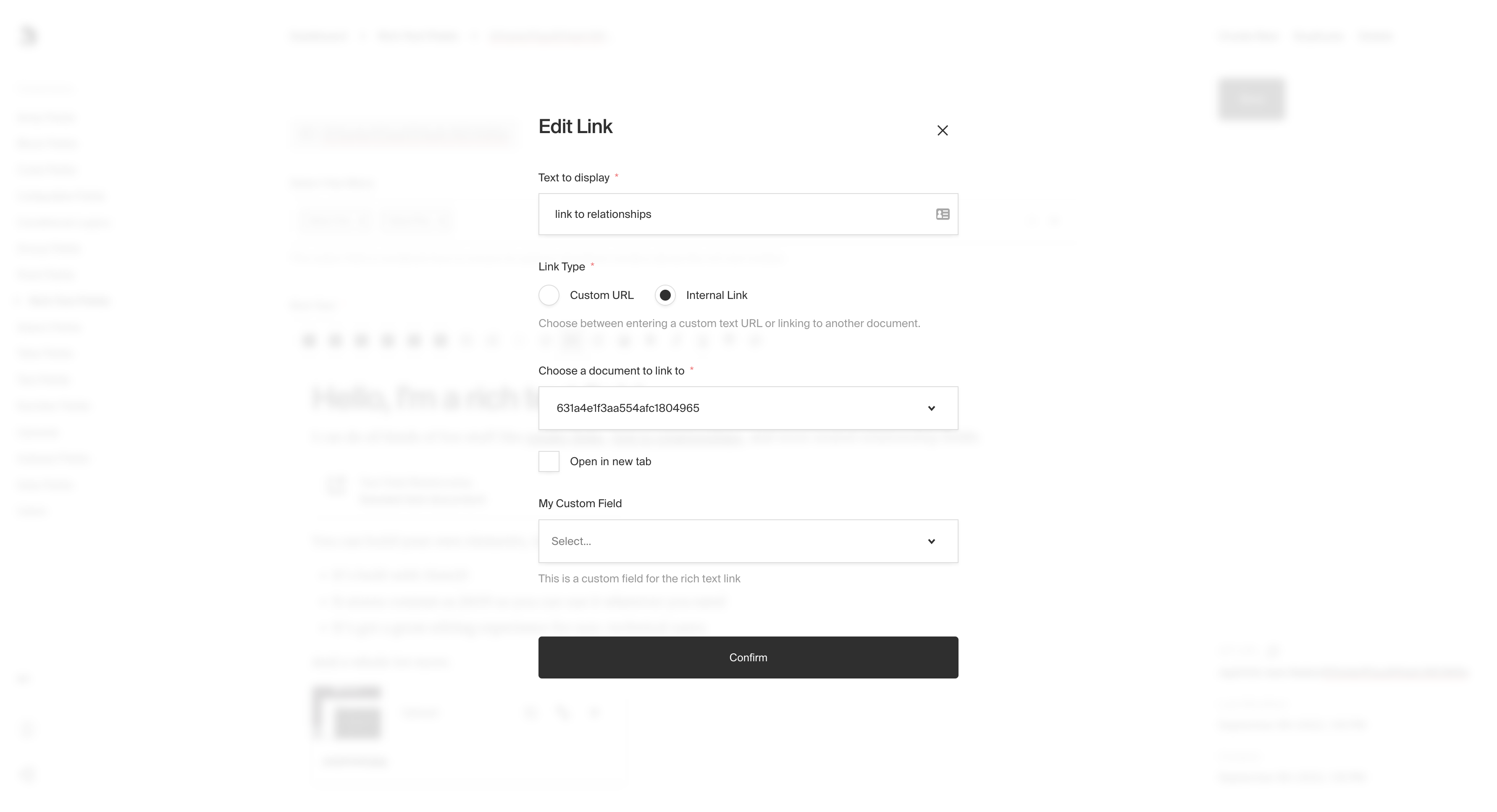
|
||||
*RichText link with custom fields*
|
||||
|
||||
**`upload.collections[collection-name].fields`**
|
||||
|
||||
This allows [fields](/docs/fields/overview) to be saved as meta data on an upload field inside the Rich Text Editor. When this is present, the fields will render inside a modal that can be opened by clicking the "edit" button on the upload element.
|
||||
|
||||

|
||||
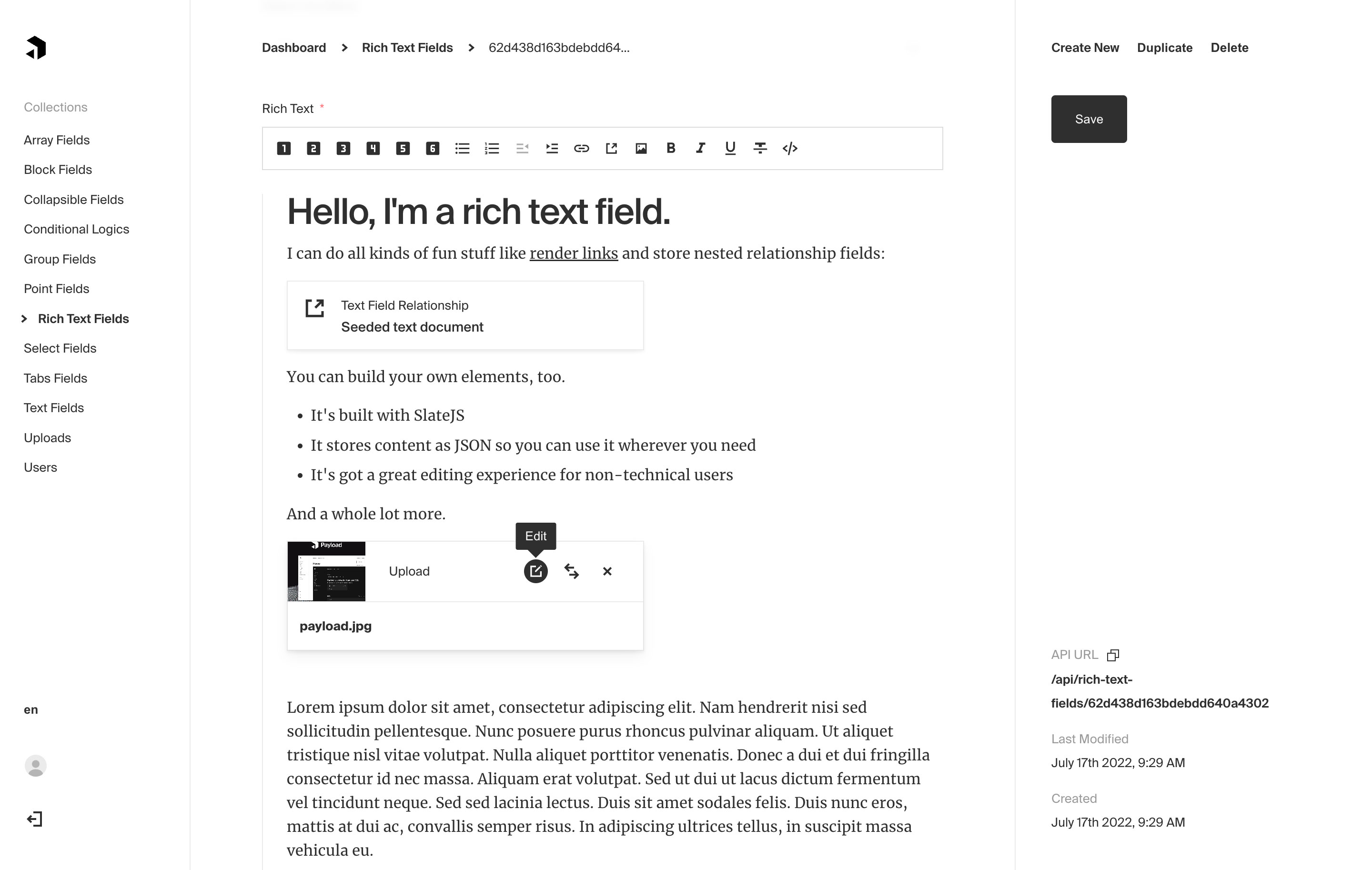
|
||||
*RichText field using the upload element*
|
||||
|
||||

|
||||
|
||||
*RichText upload element modal displaying fields from the config*
|
||||
|
||||
### Relationship element
|
||||
@@ -126,9 +133,11 @@ Custom `Leaf` objects follow a similar pattern but require you to define the `Le
|
||||
|
||||
### Example
|
||||
|
||||
`collections/ExampleCollection.js`
|
||||
```js
|
||||
{
|
||||
`collections/ExampleCollection.ts`
|
||||
```ts
|
||||
import { CollectionConfig } from 'payload/types';
|
||||
|
||||
const ExampleCollection: CollectionConfig = {
|
||||
slug: 'example-collection',
|
||||
fields: [
|
||||
{
|
||||
@@ -165,6 +174,20 @@ Custom `Leaf` objects follow a similar pattern but require you to define the `Le
|
||||
]
|
||||
}
|
||||
],
|
||||
link: {
|
||||
// Inject your own fields into the Link element
|
||||
fields: [
|
||||
{
|
||||
name: 'rel',
|
||||
label: 'Rel Attribute',
|
||||
type: 'select',
|
||||
hasMany: true,
|
||||
options: [
|
||||
'noopener', 'noreferrer', 'nofollow',
|
||||
],
|
||||
},
|
||||
],
|
||||
},
|
||||
upload: {
|
||||
collections: {
|
||||
media: {
|
||||
@@ -178,7 +201,7 @@ Custom `Leaf` objects follow a similar pattern but require you to define the `Le
|
||||
}
|
||||
}
|
||||
]
|
||||
}
|
||||
};
|
||||
```
|
||||
|
||||
For more examples regarding how to define your own elements and leaves, check out the example [`RichText` field](https://github.com/payloadcms/public-demo/blob/master/src/fields/hero.ts) within the Public Demo source code.
|
||||
@@ -187,7 +210,7 @@ For more examples regarding how to define your own elements and leaves, check ou
|
||||
|
||||
As the Rich Text field saves its content in a JSON format, you'll need to render it as HTML yourself. Here is an example for how to generate JSX / HTML from Rich Text content:
|
||||
|
||||
```js
|
||||
```ts
|
||||
import React, { Fragment } from 'react';
|
||||
import escapeHTML from 'escape-html';
|
||||
import { Text } from 'slate';
|
||||
@@ -308,7 +331,7 @@ If you want to utilize this functionality within your own custom elements, you c
|
||||
|
||||
`customLargeBodyElement.js`:
|
||||
|
||||
```js
|
||||
```ts
|
||||
import Button from './Button';
|
||||
import Element from './Element';
|
||||
import withLargeBody from './plugin';
|
||||
@@ -338,7 +361,7 @@ The plugin itself extends Payload's built-in `shouldBreakOutOnEnter` Slate funct
|
||||
|
||||
If you are building your own custom Rich Text elements or leaves, you may benefit from importing the following types:
|
||||
|
||||
```js
|
||||
```ts
|
||||
import type {
|
||||
RichTextCustomElement,
|
||||
RichTextCustomLeaf,
|
||||
|
||||
@@ -21,9 +21,11 @@ keywords: row, fields, config, configuration, documentation, Content Management
|
||||
|
||||
### Example
|
||||
|
||||
`collections/ExampleCollection.js`
|
||||
```js
|
||||
{
|
||||
`collections/ExampleCollection.ts`
|
||||
```ts
|
||||
import { CollectionConfig } from 'payload/types';
|
||||
|
||||
const ExampleCollection: CollectionConfig = {
|
||||
slug: 'example-collection',
|
||||
fields: [
|
||||
{
|
||||
|
||||
@@ -14,11 +14,11 @@ keywords: select, multi-select, fields, config, configuration, documentation, Co
|
||||
### Config
|
||||
|
||||
| Option | Description |
|
||||
| ------------------ | --------------------------------------------------------------------------------------------------------------------------------------------------------------------------------------------------- |
|
||||
| **`name`** \* | To be used as the property name when stored and retrieved from the database. |
|
||||
| ------------------ |-----------------------------------------------------------------------------------------------------------------------------------------------------------------------------------------------------|
|
||||
| **`name`** \* | To be used as the property name when stored and retrieved from the database. [More](/docs/fields/overview#field-names) |
|
||||
| **`options`** \* | Array of options to allow the field to store. Can either be an array of strings, or an array of objects containing a `label` string and a `value` string. |
|
||||
| **`hasMany`** | Boolean when, if set to `true`, allows this field to have many selections instead of only one. |
|
||||
| **`label`** | Used as a field label in the Admin panel and to name the generated GraphQL type. |
|
||||
| **`label`** | Text used as a field label in the Admin panel or an object with keys for each language. |
|
||||
| **`unique`** | Enforce that each entry in the Collection has a unique value for this field. |
|
||||
| **`validate`** | Provide a custom validation function that will be executed on both the Admin panel and the backend. [More](/docs/fields/overview#validation) |
|
||||
| **`index`** | Build a [MongoDB index](https://docs.mongodb.com/manual/indexes/) for this field to produce faster queries. Set this field to `true` if your users will perform queries on this field's data often. |
|
||||
@@ -51,12 +51,17 @@ In addition to the default [field admin config](/docs/fields/overview#admin-conf
|
||||
|
||||
Set to `true` if you'd like this field to be clearable within the Admin UI.
|
||||
|
||||
**`isSortable`**
|
||||
|
||||
Set to `true` if you'd like this field to be sortable within the Admin UI using drag and drop. (Only works when `hasMany` is set to `true`)
|
||||
|
||||
### Example
|
||||
|
||||
`collections/ExampleCollection.js`
|
||||
`collections/ExampleCollection.ts`
|
||||
```ts
|
||||
import { CollectionConfig } from 'payload/types';
|
||||
|
||||
```js
|
||||
{
|
||||
const ExampleCollection: CollectionConfig = {
|
||||
slug: 'example-collection',
|
||||
fields: [
|
||||
{
|
||||
@@ -65,6 +70,7 @@ Set to `true` if you'd like this field to be clearable within the Admin UI.
|
||||
hasMany: true,
|
||||
admin: {
|
||||
isClearable: true,
|
||||
isSortable: true, // use mouse to drag and drop different values, and sort them according to your choice
|
||||
},
|
||||
options: [
|
||||
{
|
||||
|
||||
@@ -7,10 +7,10 @@ keywords: tabs, fields, config, configuration, documentation, Content Management
|
||||
---
|
||||
|
||||
<Banner >
|
||||
The Tabs field is presentational-only and only affects the Admin panel. By using it, you can place fields within a nice layout component that separates certain sub-fields by a tabbed interface.
|
||||
The Tabs field is presentational-only and only affects the Admin panel (unless a tab is named). By using it, you can place fields within a nice layout component that separates certain sub-fields by a tabbed interface.
|
||||
</Banner>
|
||||
|
||||

|
||||
|
||||
*Tabs field type used to separate Hero fields from Page Layout*
|
||||
|
||||
### Config
|
||||
@@ -26,6 +26,7 @@ Each tab has its own required `label` and `fields` array. You can also optionall
|
||||
|
||||
| Option | Description |
|
||||
| ----------------- | ----------- |
|
||||
| **`name`** | An optional property name to be used when stored and retrieved from the database. [More](/docs/fields/overview#field-names) |
|
||||
| **`label`** * | The label to render on the tab itself. |
|
||||
| **`fields`** * | The fields to render within this tab. |
|
||||
| **`description`** | Optionally render a description within this tab to describe the contents of the tab itself. |
|
||||
@@ -34,9 +35,11 @@ Each tab has its own required `label` and `fields` array. You can also optionall
|
||||
|
||||
### Example
|
||||
|
||||
`collections/ExampleCollection.js`
|
||||
```js
|
||||
{
|
||||
`collections/ExampleCollection.ts`
|
||||
```ts
|
||||
import { CollectionConfig } from 'payload/types';
|
||||
|
||||
const ExampleCollection: CollectionConfig = {
|
||||
slug: 'example-collection',
|
||||
fields: [
|
||||
{
|
||||
@@ -54,10 +57,11 @@ Each tab has its own required `label` and `fields` array. You can also optionall
|
||||
],
|
||||
},
|
||||
{
|
||||
name: 'tabTwo',
|
||||
label: 'Tab Two Label', // required
|
||||
fields: [ // required
|
||||
{
|
||||
name: 'numberField',
|
||||
name: 'numberField', // accessible via tabTwo.numberField
|
||||
type: 'number',
|
||||
required: true,
|
||||
},
|
||||
|
||||
@@ -14,8 +14,8 @@ keywords: text, fields, config, configuration, documentation, Content Management
|
||||
|
||||
| Option | Description |
|
||||
| ---------------- | ----------- |
|
||||
| **`name`** * | To be used as the property name when stored and retrieved from the database. |
|
||||
| **`label`** | Used as a field label in the Admin panel and to name the generated GraphQL type. |
|
||||
| **`name`** * | To be used as the property name when stored and retrieved from the database. [More](/docs/fields/overview#field-names) |
|
||||
| **`label`** | Text used as a field label in the Admin panel or an object with keys for each language. |
|
||||
| **`unique`** | Enforce that each entry in the Collection has a unique value for this field. |
|
||||
| **`minLength`** | Used by the default validation function to ensure values are of a minimum character length. |
|
||||
| **`maxLength`** | Used by the default validation function to ensure values are of a maximum character length. |
|
||||
@@ -46,9 +46,11 @@ Set this property to a string that will be used for browser autocomplete.
|
||||
|
||||
### Example
|
||||
|
||||
`collections/ExampleCollection.js`
|
||||
```js
|
||||
{
|
||||
`collections/ExampleCollection.ts`
|
||||
```ts
|
||||
import { CollectionConfig } from 'payload/types';
|
||||
|
||||
const ExampleCollection: CollectionConfig = {
|
||||
slug: 'example-collection',
|
||||
fields: [
|
||||
{
|
||||
|
||||
@@ -14,8 +14,8 @@ keywords: textarea, fields, config, configuration, documentation, Content Manage
|
||||
|
||||
| Option | Description |
|
||||
| ---------------- | ----------- |
|
||||
| **`name`** * | To be used as the property name when stored and retrieved from the database. |
|
||||
| **`label`** | Used as a field label in the Admin panel and to name the generated GraphQL type. |
|
||||
| **`name`** * | To be used as the property name when stored and retrieved from the database. [More](/docs/fields/overview#field-names) |
|
||||
| **`label`** | Text used as a field label in the Admin panel or an object with keys for each language. |
|
||||
| **`unique`** | Enforce that each entry in the Collection has a unique value for this field. |
|
||||
| **`minLength`** | Used by the default validation function to ensure values are of a minimum character length. |
|
||||
| **`maxLength`** | Used by the default validation function to ensure values are of a maximum character length. |
|
||||
@@ -46,9 +46,11 @@ Set this property to a string that will be used for browser autocomplete.
|
||||
|
||||
### Example
|
||||
|
||||
`collections/ExampleCollection.js`
|
||||
```js
|
||||
{
|
||||
`collections/ExampleCollection.ts`
|
||||
```ts
|
||||
import { CollectionConfig } from 'payload/types';
|
||||
|
||||
const ExampleCollection: CollectionConfig = {
|
||||
slug: 'example-collection',
|
||||
fields: [
|
||||
{
|
||||
|
||||
@@ -23,20 +23,22 @@ With this field, you can also inject custom `Cell` components that appear as add
|
||||
|
||||
### Config
|
||||
|
||||
| Option | Description |
|
||||
| ---------------------------- | ----------- |
|
||||
| **`name`** * | A unique identifier for this field. |
|
||||
| **`label`** | Human-readable label for this UI field. |
|
||||
| **`admin.components.Field`** | React component to be rendered for this field within the Edit view. |
|
||||
| **`admin.components.Cell`** | React component to be rendered as a Cell within collection List views. |
|
||||
| Option | Description |
|
||||
| ---------------------------- |-------------------------------------------------------------------------------------------------------------------|
|
||||
| **`name`** * | A unique identifier for this field. |
|
||||
| **`label`** | Human-readable label for this UI field. |
|
||||
| **`admin.components.Field`** | React component to be rendered for this field within the Edit view. [More](/docs/admin/components/#field-component) |
|
||||
| **`admin.components.Cell`** | React component to be rendered as a Cell within collection List views. [More](/docs/admin/components/#field-component) |
|
||||
|
||||
*\* An asterisk denotes that a property is required.*
|
||||
|
||||
### Example
|
||||
|
||||
`collections/ExampleCollection.js`
|
||||
```js
|
||||
{
|
||||
`collections/ExampleCollection.ts`
|
||||
```ts
|
||||
import { CollectionConfig } from 'payload/types';
|
||||
|
||||
const ExampleCollection: CollectionConfig = {
|
||||
slug: 'example-collection',
|
||||
fields: [
|
||||
{
|
||||
|
||||
@@ -23,32 +23,34 @@ keywords: upload, images media, fields, config, configuration, documentation, Co
|
||||
|
||||
### Config
|
||||
|
||||
| Option | Description |
|
||||
| ---------------- | ----------- |
|
||||
| **`name`** * | To be used as the property name when stored and retrieved from the database. |
|
||||
| **`*relationTo`** * | Provide a single collection `slug` to allow this field to accept a relation to. <strong>Note: the related collection must be configured to support Uploads.</strong> |
|
||||
| **`filterOptions`** | A query to filter which options appear in the UI and validate against. [More](#filtering-relationship-options). |
|
||||
| **`maxDepth`** | Sets a number limit on iterations of related documents to populate when queried. [Depth](/docs/getting-started/concepts#depth) |
|
||||
| **`label`** | Used as a field label in the Admin panel and to name the generated GraphQL type. |
|
||||
| **`unique`** | Enforce that each entry in the Collection has a unique value for this field. |
|
||||
| **`validate`** | Provide a custom validation function that will be executed on both the Admin panel and the backend. [More](/docs/fields/overview#validation) |
|
||||
| Option | Description |
|
||||
| ---------------- |-----------------------------------------------------------------------------------------------------------------------------------------------------------------------------------------------------|
|
||||
| **`name`** * | To be used as the property name when stored and retrieved from the database. [More](/docs/fields/overview#field-names) |
|
||||
| **`*relationTo`** * | Provide a single collection `slug` to allow this field to accept a relation to. <strong>Note: the related collection must be configured to support Uploads.</strong> |
|
||||
| **`filterOptions`** | A query to filter which options appear in the UI and validate against. [More](#filtering-upload-options). |
|
||||
| **`maxDepth`** | Sets a number limit on iterations of related documents to populate when queried. [Depth](/docs/getting-started/concepts#depth) |
|
||||
| **`label`** | Text used as a field label in the Admin panel or an object with keys for each language. |
|
||||
| **`unique`** | Enforce that each entry in the Collection has a unique value for this field. |
|
||||
| **`validate`** | Provide a custom validation function that will be executed on both the Admin panel and the backend. [More](/docs/fields/overview#validation) |
|
||||
| **`index`** | Build a [MongoDB index](https://docs.mongodb.com/manual/indexes/) for this field to produce faster queries. Set this field to `true` if your users will perform queries on this field's data often. |
|
||||
| **`saveToJWT`** | If this field is top-level and nested in a config supporting [Authentication](/docs/authentication/config), include its data in the user JWT. |
|
||||
| **`hooks`** | Provide field-based hooks to control logic for this field. [More](/docs/fields/overview#field-level-hooks) |
|
||||
| **`access`** | Provide field-based access control to denote what users can see and do with this field's data. [More](/docs/fields/overview#field-level-access-control) |
|
||||
| **`hidden`** | Restrict this field's visibility from all APIs entirely. Will still be saved to the database, but will not appear in any API or the Admin panel. |
|
||||
| **`defaultValue`** | Provide data to be used for this field's default value. [More](/docs/fields/overview#default-values) |
|
||||
| **`localized`** | Enable localization for this field. Requires [localization to be enabled](/docs/configuration/localization) in the Base config. |
|
||||
| **`required`** | Require this field to have a value. |
|
||||
| **`admin`** | Admin-specific configuration. See the [default field admin config](/docs/fields/overview#admin-config) for more details. |
|
||||
| **`saveToJWT`** | If this field is top-level and nested in a config supporting [Authentication](/docs/authentication/config), include its data in the user JWT. |
|
||||
| **`hooks`** | Provide field-based hooks to control logic for this field. [More](/docs/fields/overview#field-level-hooks) |
|
||||
| **`access`** | Provide field-based access control to denote what users can see and do with this field's data. [More](/docs/fields/overview#field-level-access-control) |
|
||||
| **`hidden`** | Restrict this field's visibility from all APIs entirely. Will still be saved to the database, but will not appear in any API or the Admin panel. |
|
||||
| **`defaultValue`** | Provide data to be used for this field's default value. [More](/docs/fields/overview#default-values) |
|
||||
| **`localized`** | Enable localization for this field. Requires [localization to be enabled](/docs/configuration/localization) in the Base config. |
|
||||
| **`required`** | Require this field to have a value. |
|
||||
| **`admin`** | Admin-specific configuration. See the [default field admin config](/docs/fields/overview#admin-config) for more details. |
|
||||
|
||||
*\* An asterisk denotes that a property is required.*
|
||||
|
||||
### Example
|
||||
|
||||
`collections/ExampleCollection.js`
|
||||
```js
|
||||
{
|
||||
`collections/ExampleCollection.ts`
|
||||
```ts
|
||||
import { CollectionConfig } from 'payload/types';
|
||||
|
||||
const ExampleCollection: CollectionConfig = {
|
||||
slug: 'example-collection',
|
||||
fields: [
|
||||
{
|
||||
@@ -61,3 +63,37 @@ keywords: upload, images media, fields, config, configuration, documentation, Co
|
||||
}
|
||||
|
||||
```
|
||||
|
||||
### Filtering upload options
|
||||
|
||||
Options can be dynamically limited by supplying a [query constraint](/docs/queries/overview), which will be used both for validating input and filtering available uploads in the UI.
|
||||
|
||||
The `filterOptions` property can either be a `Where` query directly, or a function that returns one. When using a function, it will be called with an argument object with the following properties:
|
||||
|
||||
| Property | Description |
|
||||
| ------------- | -------------|
|
||||
| `relationTo` | The `relationTo` to filter against (as defined on the field) |
|
||||
| `data` | An object of the full collection or global document currently being edited |
|
||||
| `siblingData` | An object of the document data limited to fields within the same parent to the field |
|
||||
| `id` | The value of the collection `id`, will be `undefined` on create request |
|
||||
| `user` | The currently authenticated user object |
|
||||
|
||||
**Example:**
|
||||
|
||||
```ts
|
||||
const uploadField = {
|
||||
name: 'image',
|
||||
type: 'upload',
|
||||
relationTo: 'media',
|
||||
filterOptions: {
|
||||
mimeType: { contains: 'image' },
|
||||
},
|
||||
};
|
||||
```
|
||||
|
||||
You can learn more about writing queries [here](/docs/queries/overview).
|
||||
|
||||
<Banner type="warning">
|
||||
<strong>Note:</strong><br/>
|
||||
When an upload field has both <strong>filterOptions</strong> and a custom <strong>validate</strong> function, the api will not validate <strong>filterOptions</strong> unless you call the default upload field validation function imported from <strong>payload/fields/validations</strong> in your validate function.
|
||||
</Banner>
|
||||
|
||||
@@ -22,7 +22,7 @@ By default, the Payload config lives in the root folder of your code and is name
|
||||
A Collection represents a type of content that Payload will store and can contain many documents.
|
||||
</Banner>
|
||||
|
||||
Collections define the shape of your data as well as all functionalities attached to that data. They will contain or many "documents", all corresponding with the same fields and functionalities that you define.
|
||||
Collections define the shape of your data as well as all functionalities attached to that data. They will contain one or many "documents", all corresponding with the same fields and functionalities that you define.
|
||||
|
||||
They can represent anything you can store in a database - for example - pages, posts, users, people, orders, categories, events, customers, transactions, and anything else your app needs.
|
||||
|
||||
@@ -70,7 +70,7 @@ For more, visit the [Access Control documentation](/docs/access-control/overview
|
||||
|
||||
You can specify population `depth` via query parameter in the REST API and by an option in the local API. *Depth has no effect in the GraphQL API, because there, depth is based on the shape of your queries.*
|
||||
It is also possible to limit the depth for specific `relation` and `upload` fields using the `maxDepth` property in your configuration.
|
||||
**For example, let's look the following Collections:** `departments`, `users`, `posts`
|
||||
**For example, let's look at the following Collections:** `departments`, `users`, `posts`
|
||||
|
||||
```
|
||||
// type: 'relationship' fields are equal to 1 depth level
|
||||
|
||||
@@ -131,3 +131,7 @@ A function that is called immediately following startup that receives the Payloa
|
||||
After you've gotten this far, it's time to boot up Payload. At the command line, run `npm install` and then `node server.js` in your application's folder to start up your app and initialize Payload.
|
||||
|
||||
After it starts, you can go to `http://localhost:3000/admin` to create your first Payload user!
|
||||
|
||||
### Docker
|
||||
|
||||
Looking to deploy Payload with Docker? New projects with `create-payload-app` come with a Dockerfile and docker-compose.yml file ready to go. Examples of these files can be seen in our [Deployment docs](/docs/deployment#Docker).
|
||||
|
||||
@@ -48,7 +48,7 @@ The team behind Payload has been building websites and apps with existing conten
|
||||
- Secure
|
||||
- Fully flexible and extensible
|
||||
|
||||
Payload is our silver bullet solution. It represents over two years of passionate development and brings everything we need when we build new apps and websites:
|
||||
Payload is our silver bullet solution. We've blended the best parts of our experience with other CMS and app frameworks into Payload, and we finally have everything we need when we build new apps and websites:
|
||||
|
||||
- A beautiful, dynamic, customizable admin UI
|
||||
- Extensible and reusable authentication
|
||||
|
||||
@@ -33,7 +33,7 @@ Both `graphQL.queries` and `graphQL.mutations` functions should return an object
|
||||
|
||||
`payload.config.js`:
|
||||
|
||||
```js
|
||||
```ts
|
||||
import { buildConfig } from 'payload/config';
|
||||
import myCustomQueryResolver from './graphQL/resolvers/myCustomQueryResolver';
|
||||
|
||||
|
||||
@@ -14,7 +14,7 @@ The labels you provide for your Collections and Globals are used to name the Gra
|
||||
|
||||
## GraphQL Options
|
||||
|
||||
At the top of your Payload config you can define all the options to manage GraphQL. The
|
||||
At the top of your Payload config you can define all the options to manage GraphQL.
|
||||
|
||||
| Option | Description |
|
||||
| -------------------- | -------------|
|
||||
@@ -22,21 +22,19 @@ At the top of your Payload config you can define all the options to manage Graph
|
||||
| `queries` | Any custom Queries to be added in addition to what Payload provides. [More](/docs/graphql/extending) |
|
||||
| `maxComplexity` | A number used to set the maximum allowed complexity allowed by requests [More](/docs/graphql/overview#query-complexity-limits) |
|
||||
| `disablePlaygroundInProduction` | A boolean that if false will enable the graphQL playground, defaults to true. [More](/docs/graphql/overview#graphql-playground) |
|
||||
| `disable` | A boolean that if false will disable the graphQL entirely, defaults to false. |
|
||||
| `disable` | A boolean that if true will disable the graphQL entirely, defaults to false. |
|
||||
| `schemaOutputFile` | A string for the file path used by the generate schema command. Defaults to `graphql.schema` next to `payload.config.ts` [More](/docs/graphql/graphql-schema) |
|
||||
|
||||
## Collections
|
||||
|
||||
Everything that can be done to a Collection via the REST or Local API can be done with GraphQL (outside of uploading files, which is REST-only). If you have a collection as follows:
|
||||
|
||||
```js
|
||||
const PublicUser = {
|
||||
```ts
|
||||
import { CollectionConfig } from 'payload/types';
|
||||
|
||||
const PublicUser: CollectionConfig = {
|
||||
slug: 'public-users',
|
||||
auth: true, // Auth is enabled
|
||||
labels: {
|
||||
singular: 'Public User',
|
||||
plural: 'Public Users',
|
||||
},
|
||||
fields: [
|
||||
...
|
||||
],
|
||||
@@ -70,8 +68,10 @@ const PublicUser = {
|
||||
|
||||
Globals are also fully supported. For example:
|
||||
|
||||
```js
|
||||
const Header = {
|
||||
```ts
|
||||
import { GlobalConfig } from 'payload/types';
|
||||
|
||||
const Header: GlobalConfig = {
|
||||
slug: 'header',
|
||||
fields: [
|
||||
...
|
||||
@@ -116,7 +116,7 @@ You can even log in using the `login[collection-singular-label-here]` mutation t
|
||||
|
||||
<Banner type="success">
|
||||
<strong>Tip:</strong><br/>
|
||||
To see more regarding how the above queries and mutations are used, visit your GraphQL playground (by default at <a href="http://localhost:3000/api/graphql-playground">(http://localhost:3000/api/graphql-playground)</a> while your server is running. There, you can use the "Schema" and "Docs" buttons on the right to see a ton of detail about how GraphQL operates within Payload.
|
||||
To see more regarding how the above queries and mutations are used, visit your GraphQL playground (by default at <a href="http://localhost:3000/api/graphql-playground">(http://localhost:3000/api/graphql-playground</a>) while your server is running. There, you can use the "Schema" and "Docs" buttons on the right to see a ton of detail about how GraphQL operates within Payload.
|
||||
</Banner>
|
||||
|
||||
## Query complexity limits
|
||||
|
||||
@@ -30,14 +30,15 @@ Additionally, `auth`-enabled collections feature the following hooks:
|
||||
|
||||
All collection Hook properties accept arrays of synchronous or asynchronous functions. Each Hook type receives specific arguments and has the ability to modify specific outputs.
|
||||
|
||||
`collections/example-hooks.js`
|
||||
```js
|
||||
// Collection config
|
||||
module.exports = {
|
||||
`collections/exampleHooks.js`
|
||||
```ts
|
||||
import { CollectionConfig } from 'payload/types';
|
||||
|
||||
const ExampleHooks: CollectionConfig = {
|
||||
slug: 'example-hooks',
|
||||
fields: [
|
||||
{ name: 'name', type: 'text'},
|
||||
]
|
||||
],
|
||||
hooks: {
|
||||
beforeOperation: [(args) => {...}],
|
||||
beforeValidate: [(args) => {...}],
|
||||
@@ -55,7 +56,7 @@ module.exports = {
|
||||
afterRefresh: [(args) => {...}],
|
||||
afterMe: [(args) => {...}],
|
||||
afterForgotPassword: [(args) => {...}],
|
||||
}
|
||||
},
|
||||
}
|
||||
```
|
||||
|
||||
@@ -65,8 +66,10 @@ The `beforeOperation` Hook type can be used to modify the arguments that operati
|
||||
|
||||
Available Collection operations include `create`, `read`, `update`, `delete`, `login`, `refresh` and `forgotPassword`.
|
||||
|
||||
```js
|
||||
const beforeOperationHook = async ({
|
||||
```ts
|
||||
import { CollectionBeforeOperationHook } from 'payload/types';
|
||||
|
||||
const beforeOperationHook: CollectionBeforeOperationHook = async ({
|
||||
args, // Original arguments passed into the operation
|
||||
operation, // name of the operation
|
||||
}) => {
|
||||
@@ -78,8 +81,10 @@ const beforeOperationHook = async ({
|
||||
|
||||
Runs before the `create` and `update` operations. This hook allows you to add or format data before the incoming data is validated.
|
||||
|
||||
```js
|
||||
const beforeValidateHook = async ({
|
||||
```ts
|
||||
import { CollectionBeforeOperationHook } from 'payload/types';
|
||||
|
||||
const beforeValidateHook: CollectionBeforeValidateHook = async ({
|
||||
data, // incoming data to update or create with
|
||||
req, // full express request
|
||||
operation, // name of the operation ie. 'create', 'update'
|
||||
@@ -93,8 +98,10 @@ const beforeValidateHook = async ({
|
||||
|
||||
Immediately following validation, `beforeChange` hooks will run within `create` and `update` operations. At this stage, you can be confident that the data that will be saved to the document is valid in accordance to your field validations. You can optionally modify the shape of data to be saved.
|
||||
|
||||
```js
|
||||
const beforeChangeHook = async ({
|
||||
```ts
|
||||
import { CollectionBeforeChangeHook } from 'payload/types';
|
||||
|
||||
const beforeChangeHook: CollectionBeforeChangeHook = async ({
|
||||
data, // incoming data to update or create with
|
||||
req, // full express request
|
||||
operation, // name of the operation ie. 'create', 'update'
|
||||
@@ -108,10 +115,13 @@ const beforeChangeHook = async ({
|
||||
|
||||
After a document is created or updated, the `afterChange` hook runs. This hook is helpful to recalculate statistics such as total sales within a global, syncing user profile changes to a CRM, and more.
|
||||
|
||||
```js
|
||||
const afterChangeHook = async ({
|
||||
```ts
|
||||
import { CollectionAfterChangeHook } from 'payload/types';
|
||||
|
||||
const afterChangeHook: CollectionAfterChangeHook = async ({
|
||||
doc, // full document data
|
||||
req, // full express request
|
||||
previousDoc, // document data before updating the collection
|
||||
operation, // name of the operation ie. 'create', 'update'
|
||||
}) => {
|
||||
return doc;
|
||||
@@ -122,8 +132,10 @@ const afterChangeHook = async ({
|
||||
|
||||
Runs before `find` and `findByID` operations are transformed for output by `afterRead`. This hook fires before hidden fields are removed and before localized fields are flattened into the requested locale. Using this Hook will provide you with all locales and all hidden fields via the `doc` argument.
|
||||
|
||||
```js
|
||||
const beforeReadHook = async ({
|
||||
```ts
|
||||
import { CollectionBeforeReadHook } from 'payload/types';
|
||||
|
||||
const beforeReadHook: CollectionBeforeReadHook = async ({
|
||||
doc, // full document data
|
||||
req, // full express request
|
||||
query, // JSON formatted query
|
||||
@@ -136,8 +148,10 @@ const beforeReadHook = async ({
|
||||
|
||||
Runs as the last step before documents are returned. Flattens locales, hides protected fields, and removes fields that users do not have access to.
|
||||
|
||||
```js
|
||||
const afterReadHook = async ({
|
||||
```ts
|
||||
import { CollectionAfterReadHook } from 'payload/types';
|
||||
|
||||
const afterReadHook: CollectionAfterReadHook = async ({
|
||||
doc, // full document data
|
||||
req, // full express request
|
||||
query, // JSON formatted query
|
||||
@@ -151,8 +165,10 @@ const afterReadHook = async ({
|
||||
|
||||
Runs before the `delete` operation. Returned values are discarded.
|
||||
|
||||
```js
|
||||
const beforeDeleteHook = async ({
|
||||
```ts
|
||||
import { CollectionBeforeDeleteHook } from 'payload/types';
|
||||
|
||||
const beforeDeleteHook: CollectionBeforeDeleteHook = async ({
|
||||
req, // full express request
|
||||
id, // id of document to delete
|
||||
}) => {...}
|
||||
@@ -162,8 +178,10 @@ const beforeDeleteHook = async ({
|
||||
|
||||
Runs immediately after the `delete` operation removes records from the database. Returned values are discarded.
|
||||
|
||||
```js
|
||||
const afterDeleteHook = async ({
|
||||
```ts
|
||||
import { CollectionAfterDeleteHook } from 'payload/types';
|
||||
|
||||
const afterDeleteHook: CollectionAfterDeleteHook = async ({
|
||||
req, // full express request
|
||||
id, // id of document to delete
|
||||
doc, // deleted document
|
||||
@@ -172,13 +190,14 @@ const afterDeleteHook = async ({
|
||||
|
||||
### beforeLogin
|
||||
|
||||
For auth-enabled Collections, this hook runs after successful `login` operations. You can optionally modify the user that is returned.
|
||||
For auth-enabled Collections, this hook runs during `login` operations where a user with the provided credentials exist, but before a token is generated and added to the response. You can optionally modify the user that is returned, or throw an error in order to deny the login operation.
|
||||
|
||||
```js
|
||||
const beforeLoginHook = async ({
|
||||
```ts
|
||||
import { CollectionBeforeLoginHook } from 'payload/types';
|
||||
|
||||
const beforeLoginHook: CollectionBeforeLoginHook = async ({
|
||||
req, // full express request
|
||||
user, // user being logged in
|
||||
token, // user token
|
||||
}) => {
|
||||
return user;
|
||||
}
|
||||
@@ -188,9 +207,13 @@ const beforeLoginHook = async ({
|
||||
|
||||
For auth-enabled Collections, this hook runs after successful `login` operations. You can optionally modify the user that is returned.
|
||||
|
||||
```js
|
||||
const afterLoginHook = async ({
|
||||
```ts
|
||||
import { CollectionAfterLoginHook } from 'payload/types';
|
||||
|
||||
const afterLoginHook: CollectionAfterLoginHook = async ({
|
||||
req, // full express request
|
||||
user, // user that was logged in
|
||||
token, // user token
|
||||
}) => {...}
|
||||
```
|
||||
|
||||
@@ -198,8 +221,10 @@ const afterLoginHook = async ({
|
||||
|
||||
For auth-enabled Collections, this hook runs after `logout` operations.
|
||||
|
||||
```js
|
||||
const afterLogoutHook = async ({
|
||||
```ts
|
||||
import { CollectionAfterLogoutHook } from 'payload/types';
|
||||
|
||||
const afterLogoutHook: CollectionAfterLogoutHook = async ({
|
||||
req, // full express request
|
||||
}) => {...}
|
||||
```
|
||||
@@ -208,8 +233,10 @@ const afterLogoutHook = async ({
|
||||
|
||||
For auth-enabled Collections, this hook runs after `refresh` operations.
|
||||
|
||||
```js
|
||||
const afterRefreshHook = async ({
|
||||
```ts
|
||||
import { CollectionAfterRefreshHook } from 'payload/types';
|
||||
|
||||
const afterRefreshHook: CollectionAfterRefreshHook = async ({
|
||||
req, // full express request
|
||||
res, // full express response
|
||||
token, // newly refreshed user token
|
||||
@@ -220,8 +247,10 @@ const afterRefreshHook = async ({
|
||||
|
||||
For auth-enabled Collections, this hook runs after `me` operations.
|
||||
|
||||
```js
|
||||
const afterMeHook = async ({
|
||||
```ts
|
||||
import { CollectionAfterMeHook } from 'payload/types';
|
||||
|
||||
const afterMeHook: CollectionAfterMeHook = async ({
|
||||
req, // full express request
|
||||
response, // response to return
|
||||
}) => {...}
|
||||
@@ -231,8 +260,10 @@ const afterMeHook = async ({
|
||||
|
||||
For auth-enabled Collections, this hook runs after successful `forgotPassword` operations. Returned values are discarded.
|
||||
|
||||
```js
|
||||
const afterLoginHook = async ({
|
||||
```ts
|
||||
import { CollectionAfterForgotPasswordHook } from 'payload/types';
|
||||
|
||||
const afterLoginHook: CollectionAfterForgotPasswordHook = async ({
|
||||
req, // full express request
|
||||
user, // user being logged in
|
||||
token, // user token
|
||||
@@ -245,7 +276,7 @@ const afterLoginHook = async ({
|
||||
|
||||
Payload exports a type for each Collection hook which can be accessed as follows:
|
||||
|
||||
```js
|
||||
```ts
|
||||
import type {
|
||||
CollectionBeforeOperationHook,
|
||||
CollectionBeforeValidateHook,
|
||||
@@ -262,7 +293,4 @@ import type {
|
||||
CollectionAfterMeHook,
|
||||
CollectionAfterForgotPasswordHook,
|
||||
} from 'payload/types';
|
||||
|
||||
// Use hook types here...
|
||||
}
|
||||
```
|
||||
|
||||
@@ -26,8 +26,10 @@ Field-level hooks offer incredible potential for encapsulating your logic. They
|
||||
## Config
|
||||
|
||||
Example field configuration:
|
||||
```js
|
||||
{
|
||||
```ts
|
||||
import { Field } from 'payload/types';
|
||||
|
||||
const ExampleField: Field = {
|
||||
name: 'name',
|
||||
type: 'text',
|
||||
// highlight-start
|
||||
@@ -54,15 +56,17 @@ All field-level hooks are formatted to accept the same arguments, although some
|
||||
|
||||
Field Hooks receive one `args` argument that contains the following properties:
|
||||
|
||||
| Option | Description |
|
||||
| ----------------- | -------------|
|
||||
| **`data`** | The data passed to update the document within `create` and `update` operations, and the full document itself in the `afterRead` hook. |
|
||||
| **`findMany`** | Boolean to denote if this hook is running against finding one, or finding many within the `afterRead` hook. |
|
||||
| **`operation`** | A string relating to which operation the field type is currently executing within. Useful within `beforeValidate`, `beforeChange`, and `afterChange` hooks to differentiate between `create` and `update` operations. |
|
||||
| **`originalDoc`** | The full original document in `update` operations. |
|
||||
| **`req`** | The Express `request` object. It is mocked for Local API operations. |
|
||||
| **`siblingData`** | The sibling data passed to a field that the hook is running against. |
|
||||
| **`value`** | The value of the field. |
|
||||
| Option | Description |
|
||||
|--------------------------|-----------------------------------------------------------------------------------------------------------------------------------------------------------------------------------------------------------------------|
|
||||
| **`data`** | The data passed to update the document within `create` and `update` operations, and the full document itself in the `afterRead` hook. |
|
||||
| **`siblingData`** | The sibling data passed to a field that the hook is running against. |
|
||||
| **`findMany`** | Boolean to denote if this hook is running against finding one, or finding many within the `afterRead` hook. |
|
||||
| **`operation`** | A string relating to which operation the field type is currently executing within. Useful within `beforeValidate`, `beforeChange`, and `afterChange` hooks to differentiate between `create` and `update` operations. |
|
||||
| **`originalDoc`** | The full original document in `update` operations. In the `afterChange` hook, this is the resulting document of the operation. |
|
||||
| **`previousDoc`** | The document before changes were applied, only in `afterChange` hooks. |
|
||||
| **`previousSiblingDoc`** | The sibling data from the previous document in `afterChange` hook. |
|
||||
| **`req`** | The Express `request` object. It is mocked for Local API operations. |
|
||||
| **`value`** | The value of the field. |
|
||||
|
||||
#### Return value
|
||||
|
||||
@@ -77,7 +81,7 @@ All field hooks can optionally modify the return value of the field before the o
|
||||
|
||||
Payload exports a type for field hooks which can be accessed and used as follows:
|
||||
|
||||
```js
|
||||
```ts
|
||||
import type { FieldHook } from 'payload/types';
|
||||
|
||||
// Field hook type is a generic that takes three arguments:
|
||||
|
||||
@@ -19,9 +19,10 @@ Globals feature the ability to define the following hooks:
|
||||
All Global Hook properties accept arrays of synchronous or asynchronous functions. Each Hook type receives specific arguments and has the ability to modify specific outputs.
|
||||
|
||||
`globals/example-hooks.js`
|
||||
```js
|
||||
// Global config
|
||||
module.exports = {
|
||||
```ts
|
||||
import { GlobalConfig } from 'payload/types';
|
||||
|
||||
const ExampleHooks: GlobalConfig = {
|
||||
slug: 'header',
|
||||
fields: [
|
||||
{ name: 'title', type: 'text'},
|
||||
@@ -40,8 +41,10 @@ module.exports = {
|
||||
|
||||
Runs before the `update` operation. This hook allows you to add or format data before the incoming data is validated.
|
||||
|
||||
```js
|
||||
const beforeValidateHook = async ({
|
||||
```ts
|
||||
import { GlobalBeforeValidateHook } from 'payload/types'
|
||||
|
||||
const beforeValidateHook: GlobalBeforeValidateHook = async ({
|
||||
data, // incoming data to update or create with
|
||||
req, // full express request
|
||||
originalDoc, // original document
|
||||
@@ -54,8 +57,10 @@ const beforeValidateHook = async ({
|
||||
|
||||
Immediately following validation, `beforeChange` hooks will run within the `update` operation. At this stage, you can be confident that the data that will be saved to the document is valid in accordance to your field validations. You can optionally modify the shape of data to be saved.
|
||||
|
||||
```js
|
||||
const beforeChangeHook = async ({
|
||||
```ts
|
||||
import { GlobalBeforeChangeHook } from 'payload/types'
|
||||
|
||||
const beforeChangeHook: GlobalBeforeChangeHook = async ({
|
||||
data, // incoming data to update or create with
|
||||
req, // full express request
|
||||
originalDoc, // original document
|
||||
@@ -68,9 +73,12 @@ const beforeChangeHook = async ({
|
||||
|
||||
After a global is updated, the `afterChange` hook runs. Use this hook to purge caches of your applications, sync site data to CRMs, and more.
|
||||
|
||||
```js
|
||||
const afterChangeHook = async ({
|
||||
```ts
|
||||
import { GlobalAfterChangeHook } from 'payload/types'
|
||||
|
||||
const afterChangeHook: GlobalAfterChangeHook = async ({
|
||||
doc, // full document data
|
||||
previousDoc, // document data before updating the collection
|
||||
req, // full express request
|
||||
}) => {
|
||||
return data;
|
||||
@@ -81,8 +89,10 @@ const afterChangeHook = async ({
|
||||
|
||||
Runs before `findOne` global operation is transformed for output by `afterRead`. This hook fires before hidden fields are removed and before localized fields are flattened into the requested locale. Using this Hook will provide you with all locales and all hidden fields via the `doc` argument.
|
||||
|
||||
```js
|
||||
const beforeReadHook = async ({
|
||||
```ts
|
||||
import { GlobalBeforeReadHook } from 'payload/types'
|
||||
|
||||
const beforeReadHook: GlobalBeforeReadHook = async ({
|
||||
doc, // full document data
|
||||
req, // full express request
|
||||
}) => {...}
|
||||
@@ -92,8 +102,10 @@ const beforeReadHook = async ({
|
||||
|
||||
Runs as the last step before a global is returned. Flattens locales, hides protected fields, and removes fields that users do not have access to.
|
||||
|
||||
```js
|
||||
const afterReadHook = async ({
|
||||
```ts
|
||||
import { GlobalAfterReadHook } from 'payload/types'
|
||||
|
||||
const afterReadHook: GlobalAfterReadHook = async ({
|
||||
doc, // full document data
|
||||
req, // full express request
|
||||
findMany, // boolean to denote if this hook is running against finding one, or finding many (useful in versions)
|
||||
@@ -104,7 +116,7 @@ const afterReadHook = async ({
|
||||
|
||||
Payload exports a type for each Global hook which can be accessed as follows:
|
||||
|
||||
```js
|
||||
```ts
|
||||
import type {
|
||||
GlobalBeforeValidateHook,
|
||||
GlobalBeforeChangeHook,
|
||||
@@ -112,7 +124,4 @@ import type {
|
||||
GlobalBeforeReadHook,
|
||||
GlobalAfterReadHook,
|
||||
} from 'payload/types';
|
||||
|
||||
// Use hook types here...
|
||||
}
|
||||
```
|
||||
|
||||
@@ -28,10 +28,11 @@ You can gain access to the currently running `payload` object via two ways:
|
||||
You can import or require `payload` into your own files after it's been initialized, but you need to make sure that your `import` / `require` statements come **after** you call `payload.init()`—otherwise Payload won't have been initialized yet. That might be obvious. To us, it's usually not.
|
||||
|
||||
Example:
|
||||
```js
|
||||
```ts
|
||||
import payload from 'payload';
|
||||
import { CollectionAfterChangeHook } from 'payload/types';
|
||||
|
||||
const afterChangeHook = async () => {
|
||||
const afterChangeHook: CollectionAfterChangeHook = async () => {
|
||||
const posts = await payload.find({
|
||||
collection: 'posts',
|
||||
});
|
||||
@@ -43,8 +44,8 @@ const afterChangeHook = async () => {
|
||||
Payload is available anywhere you have access to the Express `req` - including within your access control and hook functions.
|
||||
|
||||
Example:
|
||||
```js
|
||||
const afterChangeHook = async ({ req: { payload }}) => {
|
||||
```ts
|
||||
const afterChangeHook: CollectionAfterChangeHook = async ({ req: { payload }}) => {
|
||||
const posts = await payload.find({
|
||||
collection: 'posts',
|
||||
});
|
||||
@@ -62,8 +63,8 @@ You can specify more options within the Local API vs. REST or GraphQL due to the
|
||||
| `depth` | [Control auto-population](/docs/getting-started/concepts#depth) of nested relationship and upload fields. |
|
||||
| `locale` | Specify [locale](/docs/configuration/localization) for any returned documents. |
|
||||
| `fallbackLocale` | Specify a [fallback locale](/docs/configuration/localization) to use for any returned documents. |
|
||||
| `overrideAccess` | Skip access control. By default, this property is set to false. |
|
||||
| `user` | If you re-enable access control, you can specify a user to use against the access control checks. |
|
||||
| `overrideAccess` | Skip access control. By default, this property is set to true within all Local API operations. |
|
||||
| `user` | If you set `overrideAccess` to `false`, you can pass a user to use against the access control checks. |
|
||||
| `showHiddenFields` | Opt-in to receiving hidden fields. By default, they are hidden from returned documents in accordance to your config. |
|
||||
| `pagination` | Set to false to return all documents and avoid querying for document counts. |
|
||||
|
||||
@@ -319,3 +320,25 @@ const result = await payload.updateGlobal({
|
||||
showHiddenFields: true,
|
||||
})
|
||||
```
|
||||
|
||||
## TypeScript
|
||||
|
||||
Local API calls also support passing in a generic. This is especially useful if you generate your TS types using a [generate types script](/docs/typescript/generating-types).
|
||||
|
||||
Here is an example of usage:
|
||||
|
||||
```ts
|
||||
// Our generated types
|
||||
import { Post } from './payload-types'
|
||||
|
||||
// Add Post types as generic to create function
|
||||
const post: Post = await payload.create<Post>({
|
||||
collection: 'posts',
|
||||
|
||||
// Data will now be typed as Post and give you type hints
|
||||
data: {
|
||||
title: 'my title',
|
||||
description: 'my description',
|
||||
},
|
||||
})
|
||||
```
|
||||
|
||||
@@ -27,7 +27,7 @@ Writing plugins is no more complex than writing regular JavaScript. If you know
|
||||
|
||||
### How to install plugins
|
||||
|
||||
The base Payload config allows for a `plugins` property which takes an `array` of [`Plugin`s](https://github.com/payloadcms/payload/blob/master/src/config/types.ts#L21).
|
||||
The base Payload config allows for a `plugins` property which takes an `array` of [`Plugins`](https://github.com/payloadcms/payload/blob/master/src/config/types.ts#L21).
|
||||
|
||||
```js
|
||||
import { buildConfig } from 'payload/config';
|
||||
@@ -83,11 +83,10 @@ After all plugins are executed, the full config with all plugins will be sanitiz
|
||||
|
||||
Here is an example for how to automatically add a `lastModifiedBy` field to all Payload collections using a Plugin written in TypeScript.
|
||||
|
||||
```js
|
||||
import { Config } from 'payload/config';
|
||||
import { CollectionConfig } from 'payload/dist/collections/config/types';
|
||||
```ts
|
||||
import { Config, Plugin } from 'payload/config';
|
||||
|
||||
const addLastModified = (incomingConfig: Config): Config => {
|
||||
const addLastModified: Plugin = (incomingConfig: Config): Config => {
|
||||
// Find all incoming auth-enabled collections
|
||||
// so we can create a lastModifiedBy relationship field
|
||||
// to all auth collections
|
||||
@@ -135,8 +134,8 @@ const addLastModified = (incomingConfig: Config): Config => {
|
||||
export default addLastModified;
|
||||
```
|
||||
|
||||
#### Available Plugins
|
||||
### Available Plugins
|
||||
|
||||
You can discover existing plugins by browsing the `payload-plugin` topic on [Github](https://github.com/topics/payload-plugin).
|
||||
You can discover existing plugins by browsing the `payload-plugin` topic on [GitHub](https://github.com/topics/payload-plugin).
|
||||
|
||||
For maintainers building plugins for others to use, please add the topic to help others find it. If you would like one to be built by the core Payload team, [open a Feature Request](https://github.com/payloadcms/payload/discussions) in our GitHub Discussions board. We would be happy to review your code and maybe feature you and your plugin where appropriate.
|
||||
|
||||
@@ -37,7 +37,7 @@ Because _**you**_ are in complete control of who can do what with your data, you
|
||||
Before running in Production, you need to have built a production-ready copy of the Payload Admin panel. To do this, Payload provides the `build` NPM script. You can use it by adding a `script` to your `package.json` file like this:
|
||||
|
||||
`package.json`:
|
||||
```js
|
||||
```json
|
||||
{
|
||||
"name": "project-name-here",
|
||||
"scripts": {
|
||||
@@ -128,3 +128,77 @@ DigitalOcean provides extremely helpful documentation that can walk you through
|
||||
1. [Install and secure MongoDB](https://www.digitalocean.com/community/tutorials/how-to-install-mongodb-on-ubuntu-20-04)
|
||||
1. [Create a new MongoDB and user](https://medium.com/@mhagemann/how-to-add-a-new-user-to-a-mongodb-database-d896776b5362)
|
||||
1. [Set up Node for production](https://www.digitalocean.com/community/tutorials/how-to-set-up-a-node-js-application-for-production-on-ubuntu-20-04)
|
||||
|
||||
## Docker
|
||||
|
||||
This is an example of a multi-stage docker build of Payload for production. Ensure you are setting your environment variables on deployment, like `PAYLOAD_SECRET`, `PAYLOAD_CONFIG_PATH`, and `MONGODB_URI` if needed.
|
||||
|
||||
```dockerfile
|
||||
FROM node:18-alpine as base
|
||||
|
||||
FROM base as builder
|
||||
|
||||
WORKDIR /home/node
|
||||
COPY package*.json ./
|
||||
|
||||
COPY . .
|
||||
RUN yarn install
|
||||
RUN yarn build
|
||||
|
||||
FROM base as runtime
|
||||
|
||||
ENV NODE_ENV=production
|
||||
|
||||
WORKDIR /home/node
|
||||
COPY package*.json ./
|
||||
|
||||
RUN yarn install --production
|
||||
COPY --from=builder /home/node/dist ./dist
|
||||
COPY --from=builder /home/node/build ./build
|
||||
|
||||
EXPOSE 3000
|
||||
|
||||
CMD ["node", "dist/server.js"]
|
||||
```
|
||||
|
||||
## Docker Compose
|
||||
|
||||
Here is an example of a docker-compose.yml file that can be used for development
|
||||
|
||||
```yml
|
||||
version: '3'
|
||||
|
||||
services:
|
||||
|
||||
payload:
|
||||
image: node:18-alpine
|
||||
ports:
|
||||
- "3000:3000"
|
||||
volumes:
|
||||
- .:/home/node/app
|
||||
- node_modules:/home/node/app/node_modules
|
||||
working_dir: /home/node/app/
|
||||
command: sh -c "yarn install && yarn dev"
|
||||
depends_on:
|
||||
- mongo
|
||||
environment:
|
||||
MONGODB_URI: mongodb://mongo:27017/payload
|
||||
PORT: 3000
|
||||
NODE_ENV: development
|
||||
PAYLOAD_SECRET: TESTING
|
||||
|
||||
mongo:
|
||||
image: mongo:latest
|
||||
ports:
|
||||
- "27017:27017"
|
||||
command:
|
||||
- --storageEngine=wiredTiger
|
||||
volumes:
|
||||
- data:/data/db
|
||||
logging:
|
||||
driver: none
|
||||
|
||||
volumes:
|
||||
data:
|
||||
node_modules:
|
||||
```
|
||||
|
||||
@@ -18,12 +18,12 @@ Set the max number of failed login attempts before a user account is locked out
|
||||
|
||||
To prevent DDoS, brute-force, and similar attacks, you can set IP-based rate limits so that once a certain threshold of requests has been hit by a single IP, further requests from the same IP will be ignored. The Payload config `rateLimit` property accepts an object with the following properties:
|
||||
|
||||
| Option | Description |
|
||||
| ---------------------------- | -------------|
|
||||
| **`window`** | Time in milliseconds to track requests per IP |
|
||||
| **`max`** | Number of requests served from a single IP before limiting |
|
||||
| **`skip`** | Express middleware function that can return true (or promise resulting in true) that will bypass limit |
|
||||
| **`trustProxy`** | True or false, to enable to allow requests to pass through a proxy such as a load balancer or an `nginx` reverse proxy |
|
||||
| Option | Description |
|
||||
| ---------------------------- | ----------- |
|
||||
| **`window`** | Time in milliseconds to track requests per IP. Defaults to `90000` (15 minutes). |
|
||||
| **`max`** | Number of requests served from a single IP before limiting. Defaults to `500`. |
|
||||
| **`skip`** | Express middleware function that can return true (or promise resulting in true) that will bypass limit. |
|
||||
| **`trustProxy`** | True or false, to enable to allow requests to pass through a proxy such as a load balancer or an `nginx` reverse proxy. |
|
||||
|
||||
<Banner type="warning">
|
||||
<strong>Warning:</strong><br/>
|
||||
|
||||
@@ -16,8 +16,10 @@ Payload provides an extremely granular querying language through all APIs. Each
|
||||
|
||||
For example, say you have a collection as follows:
|
||||
|
||||
```js
|
||||
const Post = {
|
||||
```ts
|
||||
import { CollectionConfig } from 'payload/types';
|
||||
|
||||
const Post: CollectionConfig = {
|
||||
slug: 'posts',
|
||||
fields: [
|
||||
{
|
||||
|
||||
@@ -24,7 +24,7 @@ All collection `find` queries are paginated automatically. Responses are returne
|
||||
| nextPage | `number` of next page, `null` if it doesn't exist |
|
||||
|
||||
**Example response:**
|
||||
```js
|
||||
```json
|
||||
{
|
||||
// Document Array // highlight-line
|
||||
"docs": [
|
||||
|
||||
@@ -22,15 +22,17 @@ All Payload API routes are mounted prefixed to your config's `routes.api` URL se
|
||||
|
||||
Each collection is mounted using its `slug` value. For example, if a collection's slug is `users`, all corresponding routes will be mounted on `/api/users`.
|
||||
|
||||
Note: Collection slugs must be formatted in kebab-case
|
||||
|
||||
**All CRUD operations are exposed as follows:**
|
||||
|
||||
| Method | Path | Description |
|
||||
| -------- | --------------------------- | -------------------------------------- |
|
||||
| `GET` | `/api/{collectionSlug}` | Find paginated documents |
|
||||
| `GET` | `/api/{collectionSlug}/:id` | Find a specific document by ID |
|
||||
| `POST` | `/api/{collectionSlug}` | Create a new document |
|
||||
| `PUT` | `/api/{collectionSlug}/:id` | Update a document by ID |
|
||||
| `DELETE` | `/api/{collectionSlug}/:id` | Delete an existing document by ID |
|
||||
| `GET` | `/api/{collection-slug}` | Find paginated documents |
|
||||
| `GET` | `/api/{collection-slug}/:id` | Find a specific document by ID |
|
||||
| `POST` | `/api/{collection-slug}` | Create a new document |
|
||||
| `PATCH` | `/api/{collection-slug}/:id` | Update a document by ID |
|
||||
| `DELETE` | `/api/{collection-slug}/:id` | Delete an existing document by ID |
|
||||
|
||||
##### Additional `find` query parameters
|
||||
|
||||
@@ -47,14 +49,14 @@ Auth enabled collections are also given the following endpoints:
|
||||
|
||||
| Method | Path | Description |
|
||||
| -------- | --------------------------- | ----------- |
|
||||
| `POST` | `/api/{collectionSlug}/verify/:token` | [Email verification](/docs/authentication/operations#verify-by-email), if enabled. |
|
||||
| `POST` | `/api/{collectionSlug}/unlock` | [Unlock a user's account](/docs/authentication/operations#unlock), if enabled. |
|
||||
| `POST` | `/api/{collectionSlug}/login` | [Logs in](/docs/authentication/operations#login) a user with email / password. |
|
||||
| `POST` | `/api/{collectionSlug}/logout` | [Logs out](/docs/authentication/operations#logout) a user. |
|
||||
| `POST` | `/api/{collectionSlug}/refresh-token` | [Refreshes a token](/docs/authentication/operations#refresh) that has not yet expired. |
|
||||
| `GET` | `/api/{collectionSlug}/me` | [Returns the currently logged in user with token](/docs/authentication/operations#me). |
|
||||
| `POST` | `/api/{collectionSlug}/forgot-password` | [Password reset workflow](/docs/authentication/operations#forgot-password) entry point. |
|
||||
| `POST` | `/api/{collectionSlug}/reset-password` | [To reset the user's password](/docs/authentication/operations#reset-password). |
|
||||
| `POST` | `/api/{collection-slug}/verify/:token` | [Email verification](/docs/authentication/operations#verify-by-email), if enabled. |
|
||||
| `POST` | `/api/{collection-slug}/unlock` | [Unlock a user's account](/docs/authentication/operations#unlock), if enabled. |
|
||||
| `POST` | `/api/{collection-slug}/login` | [Logs in](/docs/authentication/operations#login) a user with email / password. |
|
||||
| `POST` | `/api/{collection-slug}/logout` | [Logs out](/docs/authentication/operations#logout) a user. |
|
||||
| `POST` | `/api/{collection-slug}/refresh-token` | [Refreshes a token](/docs/authentication/operations#refresh) that has not yet expired. |
|
||||
| `GET` | `/api/{collection-slug}/me` | [Returns the currently logged in user with token](/docs/authentication/operations#me). |
|
||||
| `POST` | `/api/{collection-slug}/forgot-password` | [Password reset workflow](/docs/authentication/operations#forgot-password) entry point. |
|
||||
| `POST` | `/api/{collection-slug}/reset-password` | [To reset the user's password](/docs/authentication/operations#reset-password). |
|
||||
|
||||
## Globals
|
||||
|
||||
@@ -77,7 +79,7 @@ In addition to the dynamically generated endpoints above Payload also has REST e
|
||||
|
||||
## Custom Endpoints
|
||||
|
||||
Additional REST API endpoints can be added to `collections` and `globals` by providing array of `endpoints` in the configuration. These can be used to write additional middleware on existing routes or build custom functionality into Payload apps and plugins.
|
||||
Additional REST API endpoints can be added to your application by providing an array of `endpoints` in various places within a Payload config. Custom endpoints are useful for adding additional middleware on existing routes or for building custom functionality into Payload apps and plugins. Endpoints can be added at the top of the Payload config, `collections`, and `globals` and accessed respective of the api and slugs you have configured.
|
||||
|
||||
Each endpoint object needs to have:
|
||||
|
||||
@@ -86,13 +88,15 @@ Each endpoint object needs to have:
|
||||
| **`path`** | A string for the endpoint route after the collection or globals slug |
|
||||
| **`method`** | The lowercase HTTP verb to use: 'get', 'head', 'post', 'put', 'delete', 'connect' or 'options' |
|
||||
| **`handler`** | A function or array of functions to be called with **req**, **res** and **next** arguments. [Express](https://expressjs.com/en/guide/routing.html#route-handlers) |
|
||||
| **`root`** | When `true`, defines the endpoint on the root Express app, bypassing Payload handlers and the `routes.api` subpath. Note: this only applies to top-level endpoints of your Payload config, endpoints defined on `collections` or `globals` cannot be root. |
|
||||
|
||||
Example:
|
||||
|
||||
```js
|
||||
```ts
|
||||
import { CollectionConfig } from 'payload/types';
|
||||
|
||||
// a collection of 'orders' with an additional route for tracking details, reachable at /api/orders/:id/tracking
|
||||
const Orders = {
|
||||
const Orders: CollectionConfig = {
|
||||
slug: 'orders',
|
||||
fields: [ /* ... */ ],
|
||||
// highlight-start
|
||||
|
||||
@@ -12,7 +12,7 @@ keywords: uploads, images, media, overview, documentation, Content Management Sy
|
||||
control.
|
||||
</Banner>
|
||||
|
||||

|
||||
|
||||
_Admin panel screenshot depicting a Media Collection with Upload enabled_
|
||||
|
||||
**Here are some common use cases of Uploads:**
|
||||
@@ -45,6 +45,8 @@ Every Payload Collection can opt-in to supporting Uploads by specifying the `upl
|
||||
| **`staticURL`** \* | The base URL path to use to access your uploads. Example: `/media` |
|
||||
| **`staticDir`** \* | The folder directory to use to store media in. Can be either an absolute path or relative to the directory that contains your config. |
|
||||
| **`imageSizes`** | If specified, image uploads will be automatically resized in accordance to these image sizes. [More](#image-sizes) |
|
||||
| **`formatOptions`** | An object with `format` and `options` that are used with the Sharp image library to format the upload file. [More](https://sharp.pixelplumbing.com/api-output#toformat) |
|
||||
| **`resizeOptions`** | An object passed to the the Sharp image library to resize the uploaded file. [More](https://sharp.pixelplumbing.com/api-resize) |
|
||||
| **`adminThumbnail`** | Set the way that the Admin panel will display thumbnails for this Collection. [More](#admin-thumbnails) |
|
||||
| **`mimeTypes`** | Restrict mimeTypes in the file picker. Array of valid mimetypes or mimetype wildcards [More](#mimetypes) |
|
||||
| **`disableLocalStorage`** | Completely disable uploading files to disk locally. [More](#disabling-local-upload-storage) |
|
||||
@@ -55,38 +57,40 @@ _An asterisk denotes that a property above is required._
|
||||
|
||||
**Example Upload collection:**
|
||||
|
||||
```js
|
||||
const Media = {
|
||||
slug: "media",
|
||||
```ts
|
||||
import { CollectionConfig } from 'payload/types';
|
||||
|
||||
const Media: CollectionConfig = {
|
||||
slug: 'media',
|
||||
upload: {
|
||||
staticURL: "/media",
|
||||
staticDir: "media",
|
||||
staticURL: '/media',
|
||||
staticDir: 'media',
|
||||
imageSizes: [
|
||||
{
|
||||
name: "thumbnail",
|
||||
name: 'thumbnail',
|
||||
width: 400,
|
||||
height: 300,
|
||||
crop: "centre",
|
||||
position: 'centre',
|
||||
},
|
||||
{
|
||||
name: "card",
|
||||
name: 'card',
|
||||
width: 768,
|
||||
height: 1024,
|
||||
crop: "centre",
|
||||
position: 'centre',
|
||||
},
|
||||
{
|
||||
name: "tablet",
|
||||
name: 'tablet',
|
||||
width: 1024,
|
||||
// By specifying `null` or leaving a height undefined,
|
||||
// the image will be sized to a certain width,
|
||||
// but it will retain its original aspect ratio
|
||||
// and calculate a height automatically.
|
||||
height: null,
|
||||
crop: "centre",
|
||||
position: 'centre',
|
||||
},
|
||||
],
|
||||
adminThumbnail: "thumbnail",
|
||||
mimeTypes: ["image/*"],
|
||||
adminThumbnail: 'thumbnail',
|
||||
mimeTypes: ['image/*'],
|
||||
},
|
||||
};
|
||||
```
|
||||
@@ -97,17 +101,17 @@ Payload relies on the [`express-fileupload`](https://www.npmjs.com/package/expre
|
||||
|
||||
A common example of what you might want to customize within Payload-wide Upload options would be to increase the allowed `fileSize` of uploads sent to Payload:
|
||||
|
||||
```js
|
||||
import { buildConfig } from "payload/config";
|
||||
```ts
|
||||
import { buildConfig } from 'payload/config';
|
||||
|
||||
export default buildConfig({
|
||||
collections: [
|
||||
{
|
||||
slug: "media",
|
||||
slug: 'media',
|
||||
fields: [
|
||||
{
|
||||
name: "alt",
|
||||
type: "text",
|
||||
name: 'alt',
|
||||
type: 'text',
|
||||
},
|
||||
],
|
||||
upload: true,
|
||||
@@ -158,12 +162,14 @@ You can specify how Payload retrieves admin thumbnails for your upload-enabled C
|
||||
|
||||
**Example custom Admin thumbnail:**
|
||||
|
||||
```js
|
||||
const Media = {
|
||||
slug: "media",
|
||||
```ts
|
||||
import { CollectionConfig } from 'payload/types';
|
||||
|
||||
const Media: CollectionConfig = {
|
||||
slug: 'media',
|
||||
upload: {
|
||||
staticURL: "/media",
|
||||
staticDir: "media",
|
||||
staticURL: '/media',
|
||||
staticDir: 'media',
|
||||
imageSizes: [
|
||||
// ... image sizes here
|
||||
],
|
||||
@@ -191,13 +197,15 @@ Some example values are: `image/*`, `audio/*`, `video/*`, `image/png`, `applicat
|
||||
|
||||
**Example mimeTypes usage:**
|
||||
|
||||
```js
|
||||
const Media = {
|
||||
slug: "media",
|
||||
```ts
|
||||
import { CollectionConfig } from 'payload/types';
|
||||
|
||||
const Media: CollectionConfig = {
|
||||
slug: 'media',
|
||||
upload: {
|
||||
staticURL: "/media",
|
||||
staticDir: "media",
|
||||
mimeTypes: ["image/*", "application/pdf"], // highlight-line
|
||||
staticURL: '/media',
|
||||
staticDir: 'media',
|
||||
mimeTypes: ['image/*', 'application/pdf'], // highlight-line
|
||||
},
|
||||
};
|
||||
```
|
||||
|
||||
@@ -25,8 +25,10 @@ Collections and Globals both support the same options for configuring autosave.
|
||||
|
||||
**Example config with versions, drafts, and autosave enabled:**
|
||||
|
||||
```js
|
||||
const Pages = {
|
||||
```ts
|
||||
import { CollectionConfig } from 'payload/types';
|
||||
|
||||
const Pages: CollectionConfig = {
|
||||
slug: 'pages',
|
||||
access: {
|
||||
read: ({ req }) => {
|
||||
|
||||
@@ -81,8 +81,10 @@ You can use the `read` [Access Control](/docs/access-control/collections#read) m
|
||||
|
||||
Here is an example that utilizes the `_status` field to require a user to be logged in to retrieve drafts:
|
||||
|
||||
```js
|
||||
const Pages = {
|
||||
```ts
|
||||
import { CollectionConfig } from 'payload/types';
|
||||
|
||||
const Pages: CollectionConfig = {
|
||||
slug: 'pages',
|
||||
access: {
|
||||
read: ({ req }) => {
|
||||
@@ -114,8 +116,10 @@ const Pages = {
|
||||
|
||||
Here is an example for how to write an access control function that grants access to both documents where `_status` is equal to "published" and where `_status` does not exist:
|
||||
|
||||
```js
|
||||
const Pages = {
|
||||
```ts
|
||||
import { CollectionConfig } from 'payload/types';
|
||||
|
||||
const Pages: CollectionConfig = {
|
||||
slug: 'pages',
|
||||
access: {
|
||||
read: ({ req }) => {
|
||||
|
||||
@@ -77,7 +77,7 @@ _slug_versions
|
||||
|
||||
Each document in this new `versions` collection will store a set of meta properties about the version as well as a _full_ copy of the document. For example, a version's data might look like this for a Collection document:
|
||||
|
||||
```js
|
||||
```json
|
||||
{
|
||||
"_id": "61cf752c19cdf1b1af7b61f1", // a unique ID of this version
|
||||
"parent": "61ce1354091d5b3ffc20ea6e", // the ID of the parent document
|
||||
|
||||
@@ -1,8 +1,12 @@
|
||||
module.exports = {
|
||||
verbose: true,
|
||||
testTimeout: 15000,
|
||||
testEnvironment: 'jsdom',
|
||||
testRegex: '(/src/admin/.*\\.(test|spec))\\.[jt]sx?$',
|
||||
setupFilesAfterEnv: ['<rootDir>/test/componentsSetup.js'],
|
||||
transform: {
|
||||
'^.+\\.(t|j)sx?$': ['@swc/jest'],
|
||||
},
|
||||
testPathIgnorePatterns: [
|
||||
'node_modules',
|
||||
'dist',
|
||||
|
||||
@@ -5,6 +5,9 @@ module.exports = {
|
||||
'**/src/**/*.spec.ts',
|
||||
'**/test/**/*int.spec.ts',
|
||||
],
|
||||
transform: {
|
||||
'^.+\\.(t|j)sx?$': ['@swc/jest'],
|
||||
},
|
||||
globalSetup: './test/jest.setup.ts',
|
||||
testTimeout: 90000,
|
||||
moduleNameMapper: {
|
||||
|
||||
73
package.json
73
package.json
@@ -1,8 +1,12 @@
|
||||
{
|
||||
"name": "payload",
|
||||
"version": "1.0.21",
|
||||
"version": "1.5.6",
|
||||
"description": "Node, React and MongoDB Headless CMS and Application Framework",
|
||||
"license": "MIT",
|
||||
"engines": {
|
||||
"node": ">=14",
|
||||
"yarn": ">=1.22 <2"
|
||||
},
|
||||
"author": {
|
||||
"email": "info@payloadcms.com",
|
||||
"name": "Payload CMS",
|
||||
@@ -28,10 +32,10 @@
|
||||
},
|
||||
"scripts": {
|
||||
"copyfiles": "copyfiles -u 1 \"src/**/*.{html,css,scss,ttf,woff,woff2,eot,svg,jpg,png}\" dist/",
|
||||
"build:tsc": "tsc --p tsconfig.admin.json && tsc --p tsconfig.server.json",
|
||||
"build:tsc": "tsc",
|
||||
"build:components": "webpack --config dist/webpack/components.config.js",
|
||||
"build": "yarn copyfiles && yarn build:tsc && yarn build:components",
|
||||
"build:watch": "nodemon --watch 'src/**' --ext 'ts,tsx' --exec 'yarn build:tsc'",
|
||||
"build:watch": "nodemon --watch 'src/**' --ext 'ts,tsx' --exec \"yarn build:tsc\"",
|
||||
"dev": "nodemon",
|
||||
"dev:generate-types": "node ./test/generateTypes.js",
|
||||
"pretest": "yarn build",
|
||||
@@ -41,12 +45,14 @@
|
||||
"test:e2e:headed": "cross-env DISABLE_LOGGING=true playwright test --headed",
|
||||
"test:e2e:debug": "cross-env PWDEBUG=1 DISABLE_LOGGING=true playwright test",
|
||||
"test:components": "cross-env jest --config=jest.components.config.js",
|
||||
"clean:cache": "rimraf node_modules/.cache",
|
||||
"clean": "rimraf dist",
|
||||
"release": "release-it",
|
||||
"release:patch": "release-it patch",
|
||||
"release:minor": "release-it minor",
|
||||
"release:major": "release-it major",
|
||||
"release:beta": "release-it prepatch --config .release-it.beta.json",
|
||||
"fix": "eslint \"src/**/*.ts\" --fix",
|
||||
"lint": "eslint \"src/**/*.ts\""
|
||||
},
|
||||
"bugs": {
|
||||
@@ -74,23 +80,15 @@
|
||||
"auth"
|
||||
],
|
||||
"dependencies": {
|
||||
"@babel/cli": "^7.12.8",
|
||||
"@babel/core": "^7.11.6",
|
||||
"@babel/node": "^7.12.6",
|
||||
"@babel/plugin-proposal-class-properties": "^7.8.3",
|
||||
"@babel/plugin-proposal-nullish-coalescing-operator": "^7.14.2",
|
||||
"@babel/plugin-transform-runtime": "^7.11.5",
|
||||
"@babel/preset-env": "^7.8.3",
|
||||
"@babel/preset-react": "^7.8.3",
|
||||
"@babel/preset-typescript": "^7.12.1",
|
||||
"@babel/register": "^7.11.5",
|
||||
"@date-io/date-fns": "^2.10.6",
|
||||
"@faceless-ui/modal": "^1.1.7",
|
||||
"@dnd-kit/core": "^6.0.5",
|
||||
"@dnd-kit/sortable": "^7.0.1",
|
||||
"@faceless-ui/modal": "^2.0.1",
|
||||
"@faceless-ui/scroll-info": "^1.2.3",
|
||||
"@faceless-ui/window-info": "^2.0.2",
|
||||
"@types/is-plain-object": "^2.0.4",
|
||||
"babel-jest": "^26.3.0",
|
||||
"babel-loader": "^8.1.0",
|
||||
"@monaco-editor/react": "^4.4.6",
|
||||
"@swc/core": "^1.3.24",
|
||||
"@swc/register": "^0.1.10",
|
||||
"body-parser": "^1.19.0",
|
||||
"bson-objectid": "^2.0.1",
|
||||
"compression": "^1.7.4",
|
||||
@@ -107,29 +105,31 @@
|
||||
"express-fileupload": "1.4.0",
|
||||
"express-graphql": "0.12.0",
|
||||
"express-rate-limit": "^5.1.3",
|
||||
"falsey": "^1.0.0",
|
||||
"file-loader": "^6.2.0",
|
||||
"file-type": "16.5.4",
|
||||
"find-up": "4.1.0",
|
||||
"flatley": "^5.2.0",
|
||||
"fs-extra": "^10.0.0",
|
||||
"graphql": "15.4.0",
|
||||
"graphql": "^16.6.0",
|
||||
"graphql-playground-middleware-express": "^1.7.14",
|
||||
"graphql-query-complexity": "^0.7.0",
|
||||
"graphql-scalars": "^1.4.0",
|
||||
"graphql-type-json": "^0.3.1",
|
||||
"html-webpack-plugin": "^5.0.0-alpha.14",
|
||||
"http-status": "^1.4.2",
|
||||
"i18next": "^22.0.1",
|
||||
"i18next-browser-languagedetector": "^6.1.8",
|
||||
"i18next-http-middleware": "^3.2.1",
|
||||
"is-hotkey": "^0.2.0",
|
||||
"is-plain-object": "^5.0.0",
|
||||
"isomorphic-fetch": "^3.0.0",
|
||||
"jest": "^26.6.3",
|
||||
"joi": "^17.3.0",
|
||||
"json-schema-to-typescript": "^11.0.2",
|
||||
"jsonwebtoken": "^8.5.1",
|
||||
"jsonwebtoken": "^9.0.0",
|
||||
"jwt-decode": "^3.1.2",
|
||||
"md5": "^2.3.0",
|
||||
"method-override": "^3.0.0",
|
||||
"micro-memoize": "^4.0.9",
|
||||
"mime": "^2.5.0",
|
||||
"mini-css-extract-plugin": "1.3.3",
|
||||
"minimist": "^1.2.0",
|
||||
"mkdirp": "^1.0.4",
|
||||
@@ -145,7 +145,7 @@
|
||||
"passport-local-mongoose": "^7.0.0",
|
||||
"path-browserify": "^1.0.1",
|
||||
"pino": "^6.4.1",
|
||||
"pino-pretty": "^4.3.0",
|
||||
"pino-pretty": "^9.1.1",
|
||||
"pluralize": "^8.0.0",
|
||||
"postcss": "^8.4.6",
|
||||
"postcss-loader": "^6.2.1",
|
||||
@@ -162,23 +162,27 @@
|
||||
"react-diff-viewer": "^3.1.1",
|
||||
"react-dom": "^18.0.0",
|
||||
"react-helmet": "^6.1.0",
|
||||
"react-i18next": "^11.18.6",
|
||||
"react-router-dom": "^5.1.2",
|
||||
"react-router-navigation-prompt": "^1.8.11",
|
||||
"react-router-navigation-prompt": "^1.9.6",
|
||||
"react-select": "^3.0.8",
|
||||
"react-simple-code-editor": "^0.11.0",
|
||||
"react-toastify": "^8.2.0",
|
||||
"sanitize-filename": "^1.6.3",
|
||||
"sass": "^1.52.1",
|
||||
"sass": "^1.55.0",
|
||||
"sass-loader": "^12.6.0",
|
||||
"sharp": "^0.29.3",
|
||||
"sharp": "^0.31.1",
|
||||
"slate": "^0.72.8",
|
||||
"slate-history": "^0.66.0",
|
||||
"slate-hyperscript": "^0.66.0",
|
||||
"slate-react": "^0.72.1",
|
||||
"style-loader": "^2.0.0",
|
||||
"swc-loader": "^0.2.3",
|
||||
"swc-minify-webpack-plugin": "^1.0.1",
|
||||
"terser-webpack-plugin": "^5.0.3",
|
||||
"ts-essentials": "^7.0.1",
|
||||
"url-loader": "^4.1.1",
|
||||
"use-context-selector": "^1.4.1",
|
||||
"uuid": "^8.1.0",
|
||||
"webpack": "^5.6.0",
|
||||
"webpack-bundle-analyzer": "^4.4.1",
|
||||
@@ -187,16 +191,13 @@
|
||||
"webpack-hot-middleware": "^2.25.0"
|
||||
},
|
||||
"devDependencies": {
|
||||
"@bahmutov/cy-api": "^2.1.3",
|
||||
"@playwright/test": "^1.23.1",
|
||||
"@release-it/conventional-changelog": "^2.0.0",
|
||||
"@release-it/conventional-changelog": "^5.1.1",
|
||||
"@swc/jest": "^0.2.24",
|
||||
"@testing-library/jest-dom": "^5.11.4",
|
||||
"@testing-library/react": "^13.0.1",
|
||||
"@trbl/eslint-config": "^1.2.4",
|
||||
"@types/asap": "^2.0.0",
|
||||
"@types/babel__core": "^7.1.12",
|
||||
"@types/babel__plugin-transform-runtime": "^7.9.1",
|
||||
"@types/babel__preset-env": "^7.9.1",
|
||||
"@types/body-parser": "^1.19.0",
|
||||
"@types/compression": "^1.7.0",
|
||||
"@types/conf": "^3.0.0",
|
||||
@@ -221,6 +222,7 @@
|
||||
"@types/mini-css-extract-plugin": "^1.2.1",
|
||||
"@types/minimist": "^1.2.1",
|
||||
"@types/mkdirp": "^1.0.1",
|
||||
"@types/mongoose-aggregate-paginate-v2": "^1.0.5",
|
||||
"@types/mongoose-paginate-v2": "^1.3.8",
|
||||
"@types/node-fetch": "^2.5.7",
|
||||
"@types/nodemailer": "^6.4.0",
|
||||
@@ -231,6 +233,7 @@
|
||||
"@types/passport-jwt": "^3.0.3",
|
||||
"@types/passport-local": "^1.0.33",
|
||||
"@types/pino": "^6.3.4",
|
||||
"@types/pino-std-serializers": "^4.0.0",
|
||||
"@types/pluralize": "^0.0.29",
|
||||
"@types/prismjs": "^1.16.2",
|
||||
"@types/prop-types": "^15.7.3",
|
||||
@@ -255,8 +258,6 @@
|
||||
"@types/webpack-hot-middleware": "2.25.3",
|
||||
"@typescript-eslint/eslint-plugin": "^4.8.1",
|
||||
"@typescript-eslint/parser": "4.0.1",
|
||||
"babel-eslint": "^10.0.1",
|
||||
"babel-plugin-ignore-html-and-css-imports": "^0.1.0",
|
||||
"copyfiles": "^2.4.0",
|
||||
"cross-env": "^7.0.2",
|
||||
"eslint": "^6.8.0",
|
||||
@@ -271,11 +272,13 @@
|
||||
"get-port": "5.1.1",
|
||||
"glob": "^8.0.3",
|
||||
"graphql-request": "^3.4.0",
|
||||
"mongodb": "^3.6.2",
|
||||
"jest": "^29.3.1",
|
||||
"jest-environment-jsdom": "^29.3.1",
|
||||
"mongodb-memory-server": "^7.2.0",
|
||||
"node-fetch": "2",
|
||||
"nodemon": "^2.0.6",
|
||||
"passport-strategy": "^1.0.0",
|
||||
"release-it": "^14.2.2",
|
||||
"release-it": "^15.5.0",
|
||||
"rimraf": "^3.0.2",
|
||||
"serve-static": "^1.14.2",
|
||||
"shelljs": "^0.8.5",
|
||||
|
||||
Some files were not shown because too many files have changed in this diff Show More
Reference in New Issue
Block a user