Compare commits
1 Commits
db-postgre
...
v2.4.0
| Author | SHA1 | Date | |
|---|---|---|---|

|
eefcd88de7 |
2
.github/reproduction-guide.md
vendored
2
.github/reproduction-guide.md
vendored
@@ -61,4 +61,4 @@ Once they are installed you can open the `testing` tab in vscode sidebar and dri
|
||||
|
||||
#### Notes
|
||||
|
||||
The default credentials are `dev@payloadcms.com` as email and `test` as password. They can be found in `test/credentials.ts`. By default, these will be autofilled, so no log-in is required.
|
||||
- It is recommended to add the test credentials (located in `test/credentials.ts`) to your autofill for `localhost:3000/admin` as this will be required on every nodemon restart. The default credentials are `dev@payloadcms.com` as email and `test` as password.
|
||||
|
||||
9
.vscode/launch.json
vendored
9
.vscode/launch.json
vendored
@@ -67,14 +67,7 @@
|
||||
{
|
||||
"command": "pnpm run test:int live-preview",
|
||||
"cwd": "${workspaceFolder}",
|
||||
"name": "Live Preview Int Tests",
|
||||
"request": "launch",
|
||||
"type": "node-terminal"
|
||||
},
|
||||
{
|
||||
"command": "pnpm run test:int plugin-search",
|
||||
"cwd": "${workspaceFolder}",
|
||||
"name": "Search Plugin Int Tests",
|
||||
"name": "Live Preview Integration",
|
||||
"request": "launch",
|
||||
"type": "node-terminal"
|
||||
},
|
||||
|
||||
157
CHANGELOG.md
157
CHANGELOG.md
@@ -1,160 +1,3 @@
|
||||
## [2.6.0](https://github.com/payloadcms/payload/compare/v2.5.0...v2.6.0) (2024-01-03)
|
||||
|
||||
|
||||
### Features
|
||||
|
||||
* **db-mongodb:** add transactionOptions ([f2c8ac4](https://github.com/payloadcms/payload/commit/f2c8ac4a9aa9120339af6759170f5a708469698d))
|
||||
* extend locales to have fallbackLocales ([9fac2ef](https://github.com/payloadcms/payload/commit/9fac2ef24e2ade4cf55b0d6a0e7f67e0edf57539))
|
||||
|
||||
|
||||
### Bug Fixes
|
||||
|
||||
* "The punycode module is deprecated" warning by updating nodemailer ([00d8480](https://github.com/payloadcms/payload/commit/00d8480062d99dee56ef61a955f48a92efa6cbea))
|
||||
* adjusts json field joi schema to allow editorOptions ([bff4cf5](https://github.com/payloadcms/payload/commit/bff4cf518f748efb9179f112c606d11d25db3d99))
|
||||
* **db-postgres:** Wait for transaction to complete on commit ([#4582](https://github.com/payloadcms/payload/issues/4582)) ([a71d37b](https://github.com/payloadcms/payload/commit/a71d37b39806cd5956378a10246802d01d06c2dd))
|
||||
* detect language from request headers accept-language ([#4656](https://github.com/payloadcms/payload/issues/4656)) ([69a9944](https://github.com/payloadcms/payload/commit/69a99445c9f1638a962a9c08ffe0bdc22e538bf6))
|
||||
* graphql multiple locales ([98890ee](https://github.com/payloadcms/payload/commit/98890eee1f527c8f245b2353d7e1caca4d2a7d8c))
|
||||
* navigation locks when modal is closed with esc ([#4664](https://github.com/payloadcms/payload/issues/4664)) ([be3beab](https://github.com/payloadcms/payload/commit/be3beabb9bafa137aa89e84cf47246017e969be8))
|
||||
* req.locale and req.fallbackLocale get reassigned in local operations ([aa048d5](https://github.com/payloadcms/payload/commit/aa048d5409acd42b8f56367a16934085df9fbce2))
|
||||
* resets actions array when navigating out of view with actions ([#4585](https://github.com/payloadcms/payload/issues/4585)) ([5c55231](https://github.com/payloadcms/payload/commit/5c5523195ccfa94a9bf42441e2a378f87836e64d))
|
||||
* **richtext-lexical:** z-index issues ([#4570](https://github.com/payloadcms/payload/issues/4570)) ([8015e99](https://github.com/payloadcms/payload/commit/8015e999cd5834f532a200ef03fd392d04b3209f))
|
||||
* tab field error when using the same interface name ([#4657](https://github.com/payloadcms/payload/issues/4657)) ([f1fa374](https://github.com/payloadcms/payload/commit/f1fa374ed12b50fdf210f17ae1dda603f09a9726))
|
||||
|
||||
## [2.5.0](https://github.com/payloadcms/payload/compare/v2.4.0...v2.5.0) (2023-12-19)
|
||||
|
||||
|
||||
### Features
|
||||
|
||||
* add Chinese Traditional translation ([#4372](https://github.com/payloadcms/payload/issues/4372)) ([50253f6](https://github.com/payloadcms/payload/commit/50253f617c22d0d185bbac7f9d4304cddbc01f06))
|
||||
* add context to auth and globals local API ([#4449](https://github.com/payloadcms/payload/issues/4449)) ([168d629](https://github.com/payloadcms/payload/commit/168d6296974042c3ff2a113f9f6c2bded7ba2b3e))
|
||||
* adds new `actions` property to admin customization ([#4468](https://github.com/payloadcms/payload/issues/4468)) ([9e8f14a](https://github.com/payloadcms/payload/commit/9e8f14a897e77f6933eedb2410956a468f4187c3))
|
||||
* async live preview urls ([#4339](https://github.com/payloadcms/payload/issues/4339)) ([5f17324](https://github.com/payloadcms/payload/commit/5f173241df6dc316d498767b1c81718e9c2b9a51))
|
||||
* pass path to FieldDescription ([#4364](https://github.com/payloadcms/payload/issues/4364)) ([3b8a27d](https://github.com/payloadcms/payload/commit/3b8a27d199b3969cbca6ca750450798cb70f21e8))
|
||||
* **plugin-form-builder:** Lexical support ([#4487](https://github.com/payloadcms/payload/issues/4487)) ([c6c5cab](https://github.com/payloadcms/payload/commit/c6c5cabfbb7eb954eea51170a6af7582b1f9b84b))
|
||||
* prevent querying relationship when filterOptions returns false ([#4392](https://github.com/payloadcms/payload/issues/4392)) ([c1bd338](https://github.com/payloadcms/payload/commit/c1bd338d0d5e899f3892f1d18e355c00b265447a))
|
||||
* **richtext-lexical:** improve floating select menu Dropdown classNames ([#4444](https://github.com/payloadcms/payload/issues/4444)) ([9331204](https://github.com/payloadcms/payload/commit/9331204295bfeaf7dd10bc075f42995b2cab2de4))
|
||||
* **richtext-lexical:** improve link URL validation ([#4442](https://github.com/payloadcms/payload/issues/4442)) ([9babf68](https://github.com/payloadcms/payload/commit/9babf6804ce04d5828167eb8e7717727fe1cd472))
|
||||
* **richtext-lexical:** lazy import React components to prevent client-only code from leaking into the server ([#4290](https://github.com/payloadcms/payload/issues/4290)) ([5de347f](https://github.com/payloadcms/payload/commit/5de347ffffca3bf38315d3d87d2ccc5c28cd2723))
|
||||
* **richtext-lexical:** Link & Relationship Feature: field-level configurable allowed relationships ([#4182](https://github.com/payloadcms/payload/issues/4182)) ([7af8f29](https://github.com/payloadcms/payload/commit/7af8f29b4a8dddf389356e4db142f8d434cdc964))
|
||||
* **richtext-lexical:** link node: change doc data format to be consistent with relationship field ([#4504](https://github.com/payloadcms/payload/issues/4504)) ([cc0ba89](https://github.com/payloadcms/payload/commit/cc0ba895188f40181c6ba3779f66d547d4ea66f9))
|
||||
* **richtext-lexical:** rename TreeviewFeature into TreeViewFeature ([#4520](https://github.com/payloadcms/payload/issues/4520)) ([c49fd66](https://github.com/payloadcms/payload/commit/c49fd6692231b68ca61b079103a0fd7aa4673be1))
|
||||
* **richtext-lexical:** Slate to Lexical converter: add blockquote conversion, convert custom link fields ([#4486](https://github.com/payloadcms/payload/issues/4486)) ([31f8f3c](https://github.com/payloadcms/payload/commit/31f8f3cac6bfd08f3adfa0a026a57c4b1b510045))
|
||||
* **richtext-lexical:** Upload html serializer: Output picture element if the image has multiple sizes, improve absolute URL creation ([e558894](https://github.com/payloadcms/payload/commit/e55889480fceb8995646621923159d92de6e89c9))
|
||||
|
||||
|
||||
### Bug Fixes
|
||||
|
||||
* adds bg color for year/month select options in datepicker ([#4508](https://github.com/payloadcms/payload/issues/4508)) ([07371b9](https://github.com/payloadcms/payload/commit/07371b9cad111999f2df4e1f709d6b95cd511c15))
|
||||
* correctly fetches externally stored files when passing uploadEdits ([#4505](https://github.com/payloadcms/payload/issues/4505)) ([228d45c](https://github.com/payloadcms/payload/commit/228d45cf52e592cea6377cd93648fba75d73c88d))
|
||||
* cursor jumping around inside json field ([#4453](https://github.com/payloadcms/payload/issues/4453)) ([6300037](https://github.com/payloadcms/payload/commit/63000373e66fb39443f882689e0ecf5c11ed8ad0))
|
||||
* **db-mongodb:** documentDB unique constraint throws incorrect error ([#4513](https://github.com/payloadcms/payload/issues/4513)) ([05e8914](https://github.com/payloadcms/payload/commit/05e8914db70fa64bfb2d15ecfb58e9c229d71108))
|
||||
* **db-postgres:** findOne correctly querying with where queries ([#4550](https://github.com/payloadcms/payload/issues/4550)) ([8bc31cd](https://github.com/payloadcms/payload/commit/8bc31cd5923517ab39ae1427aa0d0fb19d876dab))
|
||||
* **db-postgres:** querying nested blocks fields ([#4404](https://github.com/payloadcms/payload/issues/4404)) ([6e9ae65](https://github.com/payloadcms/payload/commit/6e9ae65374124ee000cc2988ef77247c94b0dd18))
|
||||
* **db-postgres:** sorting on a not-configured field throws error ([#4382](https://github.com/payloadcms/payload/issues/4382)) ([dbaecda](https://github.com/payloadcms/payload/commit/dbaecda0e92fcb0fa67b4c5ac085e025f02de53a))
|
||||
* defaultValues computed on new globals ([#4380](https://github.com/payloadcms/payload/issues/4380)) ([b6cffce](https://github.com/payloadcms/payload/commit/b6cffcea07b9fa21698b00b8bbed6f27197ded41))
|
||||
* disallow duplicate fieldNames to be used on the same level in the config ([#4381](https://github.com/payloadcms/payload/issues/4381)) ([a1d66b8](https://github.com/payloadcms/payload/commit/a1d66b83e0dbea21e8da549b73cd25c537a57938))
|
||||
* ensure ui fields do not make it into gql schemas ([#4457](https://github.com/payloadcms/payload/issues/4457)) ([3a20ddc](https://github.com/payloadcms/payload/commit/3a20ddc5f85162a316006f22ba66ee1c7aab99e3))
|
||||
* format fields within tab for list controls ([#4516](https://github.com/payloadcms/payload/issues/4516)) ([2650c70](https://github.com/payloadcms/payload/commit/2650c70960a7374307a8862c3940c97d337d1d30))
|
||||
* formats locales with multiple labels for versions locale selector ([#4495](https://github.com/payloadcms/payload/issues/4495)) ([8257661](https://github.com/payloadcms/payload/commit/8257661c47b5b968a57fb2228d7045d876a3f484))
|
||||
* graphql schema generation for fields without queryable subfields ([#4463](https://github.com/payloadcms/payload/issues/4463)) ([13e3e06](https://github.com/payloadcms/payload/commit/13e3e0671353ca34e603fece57a12199f2082ca0))
|
||||
* handles null upload field values ([#4397](https://github.com/payloadcms/payload/issues/4397)) ([cf9a370](https://github.com/payloadcms/payload/commit/cf9a3704df21ce8b32feb0680793cba804cd66f7))
|
||||
* **live-preview:** populates rte uploads and relationships ([#4379](https://github.com/payloadcms/payload/issues/4379)) ([4090aeb](https://github.com/payloadcms/payload/commit/4090aebb0e94e776258f0c1c761044a4744a1857))
|
||||
* **live-preview:** sends raw js objects through window.postMessage instead of json ([#4354](https://github.com/payloadcms/payload/issues/4354)) ([03a3872](https://github.com/payloadcms/payload/commit/03a387233d1b8876a2fcaa5f3b3fd5ed512c0bc4))
|
||||
* make admin navigation transition smoother ([#4217](https://github.com/payloadcms/payload/issues/4217)) ([eb6572e](https://github.com/payloadcms/payload/commit/eb6572e9e56e680cad331c1bc5da47e91306deb9))
|
||||
* omit field default value if read access returns false ([#4518](https://github.com/payloadcms/payload/issues/4518)) ([3e9ef84](https://github.com/payloadcms/payload/commit/3e9ef849cd8e69e1e8d7f2f653f0647e93c8ab39))
|
||||
* pin ts-node versions which are causing swc errors ([#4447](https://github.com/payloadcms/payload/issues/4447)) ([b9c0248](https://github.com/payloadcms/payload/commit/b9c024882350d14edd57f0f662a2269ed37975e3))
|
||||
* properly spreads collection fields into non-tabbed configs [#50](https://github.com/payloadcms/payload/issues/50) ([#51](https://github.com/payloadcms/payload/issues/51)) ([7e88159](https://github.com/payloadcms/payload/commit/7e88159e99e2afdc10addc02cf299c11fe188be7))
|
||||
* **plugin-form-builder:** removes use of slate in rich-text serializer ([#4451](https://github.com/payloadcms/payload/issues/4451)) ([3df52a8](https://github.com/payloadcms/payload/commit/3df52a88568622f8fafeabad47c7501229e4ea5f))
|
||||
* **plugin-nested-docs:** properly exports field utilities ([#4462](https://github.com/payloadcms/payload/issues/4462)) ([1cc87bd](https://github.com/payloadcms/payload/commit/1cc87bd8ea575dfa2e1f5ce5b38414bbba95b2cb))
|
||||
* **richtext-*:** loosen RichTextAdapter types due to re-occuring ts strict mode errors ([#4416](https://github.com/payloadcms/payload/issues/4416)) ([48f1299](https://github.com/payloadcms/payload/commit/48f1299fcba3e3811c6a7f31499f238537f9a5e3))
|
||||
* **richtext-lexical:** Blocks field: should not prompt for unsaved changes due to value comparison between null and non-existent props ([#4450](https://github.com/payloadcms/payload/issues/4450)) ([548e78c](https://github.com/payloadcms/payload/commit/548e78c598cb6d029e7cc40f80d9855754f043bc))
|
||||
* **richtext-lexical:** do not add unnecessary paragraph before upload, relationship and blocks nodes ([#4441](https://github.com/payloadcms/payload/issues/4441)) ([5c2739e](https://github.com/payloadcms/payload/commit/5c2739ebd144620cfd4ff02531f5812dd62ac61d))
|
||||
* **richtext-lexical:** lexicalHTML field not working when used inside of Blocks field ([128f9c4](https://github.com/payloadcms/payload/commit/128f9c4e7e6e20dd1ee221f49428a5bce5179c5f))
|
||||
* **richtext-lexical:** lexicalHTML field now works when used inside of row fields ([#4440](https://github.com/payloadcms/payload/issues/4440)) ([0421173](https://github.com/payloadcms/payload/commit/0421173f9e2d6db1b6a94b25884ea807921f2d09))
|
||||
* **richtext-lexical:** not all types of URLs are validated correctly ([ac7f980](https://github.com/payloadcms/payload/commit/ac7f9809bc2b9fb6a52b48c10f7d51414801e4de))
|
||||
* searching by id sends undefined in where query param ([#4464](https://github.com/payloadcms/payload/issues/4464)) ([46e8c01](https://github.com/payloadcms/payload/commit/46e8c01fbed68856be68804f2bd9744c4c6f5a95))
|
||||
* simplifies query validation and fixes nested relationship fields ([#4391](https://github.com/payloadcms/payload/issues/4391)) ([4b5453e](https://github.com/payloadcms/payload/commit/4b5453e8e5484f7afcadbf5bccf8369b552969c6))
|
||||
* updates return value of empty arrays in getDataByPath ([#4553](https://github.com/payloadcms/payload/issues/4553)) ([f3748a1](https://github.com/payloadcms/payload/commit/f3748a1534a13e6d844aadd9f0e3e6acbe483d03))
|
||||
* upload editing error with plugin-cloud ([#4170](https://github.com/payloadcms/payload/issues/4170)) ([fcbe574](https://github.com/payloadcms/payload/commit/fcbe5744d945dc43642cdaa2007ddc252ecafafa))
|
||||
* upload related issues, cropping, fetching local file, external preview image ([#4461](https://github.com/payloadcms/payload/issues/4461)) ([45c472d](https://github.com/payloadcms/payload/commit/45c472d6b35c41e597038089ad1755cdb88193b6))
|
||||
* uploads files after validation ([#4218](https://github.com/payloadcms/payload/issues/4218)) ([65adfd2](https://github.com/payloadcms/payload/commit/65adfd21ed538b79628dc4f8ce9e1a5a1bba6aed))
|
||||
|
||||
### ⚠ BREAKING CHANGES
|
||||
|
||||
#### @payloadcms/richtext-lexical
|
||||
|
||||
* **richtext-lexical:** rename TreeviewFeature into TreeViewFeature ([#4520](https://github.com/payloadcms/payload/issues/4520)) ([c49fd66](https://github.com/payloadcms/payload/commit/c49fd6692231b68ca61b079103a0fd7aa4673be1))
|
||||
|
||||
If you import TreeviewFeature, you have to rename the import to use TreeViewFeature (capitalized "V")
|
||||
|
||||
* **richtext-lexical:** link node: change doc data format to be consistent with relationship field ([#4504](https://github.com/payloadcms/payload/issues/4504)) ([cc0ba89](https://github.com/payloadcms/payload/commit/cc0ba895188f40181c6ba3779f66d547d4ea66f9))
|
||||
|
||||
An unpopulated, internal link node no longer saves the doc id under fields.doc.value.id. Now, it saves it under fields.doc.value.
|
||||
Migration inside of payload is automatic. If you are reading from the link node inside of your frontend though, you will have to adjust it.
|
||||
|
||||
* **richtext-lexical:** improve floating select menu Dropdown classNames ([#4444](https://github.com/payloadcms/payload/issues/4444)) ([9331204](https://github.com/payloadcms/payload/commit/9331204295bfeaf7dd10bc075f42995b2cab2de4))
|
||||
|
||||
Dropdown component has a new mandatory sectionKey prop
|
||||
|
||||
* **richtext-lexical:** lazy import React components to prevent client-only code from leaking into the server ([#4290](https://github.com/payloadcms/payload/issues/4290)) ([5de347f](https://github.com/payloadcms/payload/commit/5de347ffffca3bf38315d3d87d2ccc5c28cd2723))
|
||||
|
||||
1. Most important: If you are updating `@payloadcms/richtext-lexical` to v0.4.0 or higher, you will HAVE to update payload to the latest version as well. If you don't update it, payload likely won't start up due to validation errors. It's generally good practice to upgrade packages prefixed with @payloadcms/ together with payload and keep the versions in sync.
|
||||
|
||||
2. `@payloadcms/richtext-slate` is not affected by this.
|
||||
|
||||
3. Every single property in the `Feature` interface which accepts a React component now no longer accepts a React component, but a function which imports a React component instead. This is done to ensure no unnecessary client-only code is leaked to the server when importing Features on a server.
|
||||
Here's an example migration:
|
||||
|
||||
Old:
|
||||
|
||||
```ts
|
||||
import { BlockIcon } from '../../lexical/ui/icons/Block'
|
||||
...
|
||||
Icon: BlockIcon,
|
||||
```
|
||||
|
||||
New:
|
||||
|
||||
```ts
|
||||
// import { BlockIcon } from '../../lexical/ui/icons/Block' // <= Remove this import
|
||||
...
|
||||
Icon: () =>
|
||||
// @ts-expect-error
|
||||
import('../../lexical/ui/icons/Block').then((module) => module.BlockIcon),
|
||||
```
|
||||
|
||||
Or alternatively, if you're using default exports instead of named exports:
|
||||
|
||||
```ts
|
||||
// import BlockIcon from '../../lexical/ui/icons/Block' // <= Remove this import
|
||||
...
|
||||
Icon: () =>
|
||||
// @ts-expect-error
|
||||
import('../../lexical/ui/icons/Block'),
|
||||
```
|
||||
|
||||
4. The types for `SanitizedEditorConfig` and `EditorConfig` have changed. Their respective `lexical` property no longer expects the `LexicalEditorConfig`. It now expects a function returning the `LexicalEditorConfig`. You will have to adjust this if you adjusted that property anywhere, e.g. when initializing the lexical field editor property, or when initializing a new headless editor.
|
||||
|
||||
5. The following exports are now exported from the `@payloadcms/richtext-lexical/components` subpath exports instead of `@payloadcms/richtext-lexical`:
|
||||
|
||||
- `ToolbarButton`
|
||||
- `ToolbarDropdown`
|
||||
- `RichTextCell`
|
||||
- `RichTextField`
|
||||
- `defaultEditorLexicalConfig`
|
||||
|
||||
You will have to adjust your imports, only if you import any of those properties in your project.
|
||||
|
||||
## @payloadcms/richtext-*
|
||||
|
||||
### [@payloadcms/richtext-lexical 0.4.1](https://github.com/payloadcms/payload/compare/richtext-lexical/0.4.0...richtext-lexical/0.4.1) (2023-12-07)
|
||||
### [@payloadcms/richtext-slate 1.3.1](https://github.com/payloadcms/payload/compare/richtext-slate/1.3.0...richtext-slate/1.3.1) (2023-12-07)
|
||||
|
||||
### Bug Fixes
|
||||
|
||||
* **richtext-*:** loosen RichTextAdapter types due to re-occuring ts strict mode errors ([#4416](https://github.com/payloadcms/payload/issues/4416)) ([48f1299](https://github.com/payloadcms/payload/commit/48f1299fcba3e3811c6a7f31499f238537f9a5e3))
|
||||
* **richtext-lexical:** lexicalHTML field not working when used inside of Blocks field ([128f9c4](https://github.com/payloadcms/payload/commit/128f9c4e7e6e20dd1ee221f49428a5bce5179c5f))
|
||||
|
||||
## [2.4.0](https://github.com/payloadcms/payload/compare/v2.3.1...v2.4.0) (2023-12-06)
|
||||
|
||||
|
||||
|
||||
@@ -27,15 +27,14 @@ You can override a set of admin panel-wide components by providing a component t
|
||||
| **`BeforeNavLinks`** | Array of components to inject into the built-in Nav, _before_ the links themselves. |
|
||||
| **`AfterNavLinks`** | Array of components to inject into the built-in Nav, _after_ the links. |
|
||||
| **`BeforeDashboard`** | Array of components to inject into the built-in Dashboard, _before_ the default dashboard contents. |
|
||||
| **`AfterDashboard`** | Array of components to inject into the built-in Dashboard, _after_ the default dashboard contents. [Demo](https://github.com/payloadcms/payload/tree/main/test/admin/components/AfterDashboard/index.tsx) |
|
||||
| **`AfterDashboard`** | Array of components to inject into the built-in Dashboard, _after_ the default dashboard contents. [Demo](https://github.com/payloadcms/payload/tree/main/test/admin/components/AfterDashboard/index.tsx) |
|
||||
| **`BeforeLogin`** | Array of components to inject into the built-in Login, _before_ the default login form. |
|
||||
| **`AfterLogin`** | Array of components to inject into the built-in Login, _after_ the default login form. |
|
||||
| **`logout.Button`** | A custom React component. |
|
||||
| **`graphics.Icon`** | Used as a graphic within the `Nav` component. Often represents a condensed version of a full logo. |
|
||||
| **`graphics.Logo`** | The full logo to be used in contexts like the `Login` view. |
|
||||
| **`providers`** | Define your own provider components that will wrap the Payload Admin UI. [More](#custom-providers) |
|
||||
| **`actions`** | Array of custom components to be rendered in the Payload Admin UI header, providing additional interactivity and functionality. |
|
||||
| **`views`** | Override or create new views within the Payload Admin UI. [More](#views) |
|
||||
| **`views`** | Override or create new views within the Payload Admin UI. [More](#views) |
|
||||
|
||||
Here is a full example showing how to swap some of these components for your own.
|
||||
|
||||
@@ -51,7 +50,6 @@ import {
|
||||
MyCustomAccount,
|
||||
MyCustomDashboard,
|
||||
MyProvider,
|
||||
MyCustomAdminAction,
|
||||
} from './customComponents'
|
||||
|
||||
export default buildConfig({
|
||||
@@ -62,7 +60,6 @@ export default buildConfig({
|
||||
Icon: MyCustomIcon,
|
||||
Logo: MyCustomLogo,
|
||||
},
|
||||
actions: [MyCustomAdminAction],
|
||||
views: {
|
||||
Account: MyCustomAccount,
|
||||
Dashboard: MyCustomDashboard,
|
||||
@@ -75,7 +72,7 @@ export default buildConfig({
|
||||
|
||||
#### Views
|
||||
|
||||
You can easily swap entire views with your own by using the `admin.components.views` property. At the root level, Payload renders the following views by default, all of which can be overridden:
|
||||
You can easily swap entire views with your own by using the `admin.components.views` property. At the root level, Payload renders the following views dy default, all of which can be overridden:
|
||||
|
||||
| Property | Description |
|
||||
| ------------------ | ---------------------------------------------------------------------------------------------------------------------------- |
|
||||
@@ -220,7 +217,7 @@ export const MyCollection: SanitizedCollectionConfig = {
|
||||
|
||||
#### Collection views
|
||||
|
||||
To swap out entire views on collections, you can use the `admin.components.views` property on the collection's config. Payload renders the following views by default, all of which can be overridden:
|
||||
To swap out entire views on collections, you can use the `admin.components.views` property on the collection's config. Payload renders the following views dy default, all of which can be overridden:
|
||||
|
||||
| Property | Description |
|
||||
| ------------------ | ---------------------------------------------------------------------------------------------------------------------------- |
|
||||
@@ -246,11 +243,7 @@ To swap out any of these views, simply pass in your custom component to the `adm
|
||||
|
||||
_For help on how to build your own custom view components, see [building a custom view component](#building-a-custom-view-component)._
|
||||
|
||||
**Customizing Nested Views within 'Edit' in Collections**
|
||||
|
||||
The `Edit` view in collections consists of several nested views, each serving a unique purpose. You can customize these nested views using the `admin.components.views.Edit` property in the collection's configuration. This approach allows you to replace specific nested views while keeping the overall structure of the `Edit` view intact, including the page breadcrumbs, title, tabs, etc.
|
||||
|
||||
Here's an example of how you can customize nested views within the `Edit` view in collections, including the use of the `actions` property:
|
||||
To swap specific _nested_ views within the parent `Edit` view, you can use the `admin.components.views.Edit` property on the globals's config. This will only replace the nested view, leaving the page breadcrumbs, title, tabs, etc intact.
|
||||
|
||||
```ts
|
||||
// Collection.ts
|
||||
@@ -260,29 +253,7 @@ Here's an example of how you can customize nested views within the `Edit` view i
|
||||
components: {
|
||||
views: {
|
||||
Edit: {
|
||||
Default: {
|
||||
Component: MyCustomDefaultTab,
|
||||
actions: [CollectionEditButton], // Custom actions for the default edit view
|
||||
},
|
||||
API: {
|
||||
Component: MyCustomAPIView,
|
||||
actions: [CollectionAPIButton], // Custom actions for API view
|
||||
},
|
||||
LivePreview: {
|
||||
Component: MyCustomLivePreviewView,
|
||||
actions: [CollectionLivePreviewButton], // Custom actions for Live Preview
|
||||
},
|
||||
Version: {
|
||||
Component: MyCustomVersionView,
|
||||
actions: [CollectionVersionButton], // Custom actions for Version view
|
||||
},
|
||||
Versions: {
|
||||
Component: MyCustomVersionsView,
|
||||
actions: [CollectionVersionsButton], // Custom actions for Versions view
|
||||
},
|
||||
},
|
||||
List: {
|
||||
actions: [CollectionListButton],
|
||||
Default: MyCustomDefaultTab,
|
||||
},
|
||||
},
|
||||
},
|
||||
@@ -290,8 +261,6 @@ Here's an example of how you can customize nested views within the `Edit` view i
|
||||
}
|
||||
```
|
||||
|
||||
**Adding New Tabs to 'Edit' View**
|
||||
|
||||
You can also add _new_ tabs to the `Edit` view by adding another key to the `components.views.Edit[key]` object with a `path` and `Component` property. See [Custom Tabs](#custom-tabs) for more information.
|
||||
|
||||
### Globals
|
||||
@@ -308,7 +277,7 @@ As with Collections, you can override components on a global-by-global basis via
|
||||
|
||||
#### Global views
|
||||
|
||||
To swap out views for globals, you can use the `admin.components.views` property on the global's config. Payload renders the following views by default, all of which can be overridden:
|
||||
To swap out views for globals, you can use the `admin.components.views` property on the global's config. Payload renders the following views dy default, all of which can be overridden:
|
||||
|
||||
| Property | Description |
|
||||
| ------------------ | ---------------------------------------------------------------------------------------------------------------------------- |
|
||||
@@ -332,11 +301,7 @@ To swap out any of these views, simply pass in your custom component to the `adm
|
||||
|
||||
_For help on how to build your own custom view components, see [building a custom view component](#building-a-custom-view-component)._
|
||||
|
||||
**Customizing Nested Views within 'Edit' in Globals**
|
||||
|
||||
Similar to collections, Globals allow for detailed customization within the `Edit` view. This includes the ability to swap specific nested views while maintaining the overall structure of the `Edit` view. You can use the `admin.components.views.Edit` property in the Globals configuration to achieve this, and this will only replace the nested view, leaving the page breadcrumbs, title, and tabs intact.
|
||||
|
||||
Here's how you can customize nested views within the `Edit` view in Globals, including the use of the `actions` property:
|
||||
To swap specific _nested_ views within the parent `Edit` view, you can use the `admin.components.views.Edit` property on the globals's config. This will only replace the nested view, leaving the page breadcrumbs, title, and tabs intact.
|
||||
|
||||
```ts
|
||||
// Global.ts
|
||||
@@ -346,26 +311,7 @@ Here's how you can customize nested views within the `Edit` view in Globals, inc
|
||||
components: {
|
||||
views: {
|
||||
Edit: {
|
||||
Default: {
|
||||
Component: MyCustomGlobalDefaultTab,
|
||||
actions: [GlobalEditButton], // Custom actions for the default edit view
|
||||
},
|
||||
API: {
|
||||
Component: MyCustomGlobalAPIView,
|
||||
actions: [GlobalAPIButton], // Custom actions for API view
|
||||
},
|
||||
LivePreview: {
|
||||
Component: MyCustomGlobalLivePreviewView,
|
||||
actions: [GlobalLivePreviewButton], // Custom actions for Live Preview
|
||||
},
|
||||
Version: {
|
||||
Component: MyCustomGlobalVersionView,
|
||||
actions: [GlobalVersionButton], // Custom actions for Version view
|
||||
},
|
||||
Versions: {
|
||||
Component: MyCustomGlobalVersionsView,
|
||||
actions: [GlobalVersionsButton], // Custom actions for Versions view
|
||||
},
|
||||
Default: MyCustomDefaultTab,
|
||||
},
|
||||
},
|
||||
},
|
||||
@@ -377,7 +323,7 @@ You can also add _new_ tabs to the `Edit` view by adding another key to the `com
|
||||
|
||||
### Custom Tabs
|
||||
|
||||
You can easily swap individual collection or global edit views. To do this, pass an _object_ to the `admin.components.views.Edit` property of the config. Payload renders the following views by default, all of which can be overridden:
|
||||
You can easily swap individual collection or global edit views. To do this, pass an _object_ to the `admin.components.views.Edit` property of the config. Payload renders the following views dy default, all of which can be overridden:
|
||||
|
||||
| Property | Description |
|
||||
| ------------------ | ---------------------------------------------------------------------------------------------------------------------------- |
|
||||
|
||||
@@ -324,7 +324,7 @@ The `useForm` hook returns an object with the following properties: |
|
||||
},
|
||||
{
|
||||
drawerTitle: 'addFieldRow',
|
||||
drawerDescription: 'A useful method to programmatically add a row to an array or block field.',
|
||||
drawerDescription: 'A useful method to programtically add a row to an array or block field.',
|
||||
drawerSlug: 'addFieldRow',
|
||||
drawerContent: (
|
||||
<>
|
||||
@@ -434,7 +434,7 @@ export const CustomArrayManager = () => {
|
||||
},
|
||||
{
|
||||
drawerTitle: 'removeFieldRow',
|
||||
drawerDescription: 'A useful method to programmatically remove a row from an array or block field.',
|
||||
drawerDescription: 'A useful method to programtically remove a row from an array or block field.',
|
||||
drawerSlug: 'removeFieldRow',
|
||||
drawerContent: (
|
||||
<>
|
||||
@@ -531,7 +531,7 @@ export const CustomArrayManager = () => {
|
||||
},
|
||||
{
|
||||
drawerTitle: 'replaceFieldRow',
|
||||
drawerDescription: 'A useful method to programmatically replace a row from an array or block field.',
|
||||
drawerDescription: 'A useful method to programtically replace a row from an array or block field.',
|
||||
drawerSlug: 'replaceFieldRow',
|
||||
drawerContent: (
|
||||
<>
|
||||
|
||||
@@ -45,13 +45,6 @@ To enable API keys on a collection, set the `useAPIKey` auth option to `true`. F
|
||||
your API keys will not be.
|
||||
</Banner>
|
||||
|
||||
<Banner type="warning">
|
||||
<strong>Important:</strong>
|
||||
If you change your `PAYLOAD_SECRET`, you will need to regenerate your API keys.
|
||||
<br />
|
||||
The secret key is used to encrypt the API keys, so if you change the secret, existing API keys will no longer be valid.
|
||||
</Banner>
|
||||
|
||||
#### Authenticating via API Key
|
||||
|
||||
To authenticate REST or GraphQL API requests using an API key, set the `Authorization` header. The header is case-sensitive and needs the slug of the `auth.useAPIKey` enabled collection, then " API-Key ", followed by the `apiKey` that has been assigned. Payload's built-in middleware will then assign the user document to `req.user` and handle requests with the proper access control. By doing this, Payload recognizes the request being made as a request by the user associated with that API key.
|
||||
|
||||
@@ -6,13 +6,11 @@ desc: Add and maintain as many locales as you need by adding Localization to you
|
||||
keywords: localization, internationalization, i18n, config, configuration, documentation, Content Management System, cms, headless, javascript, node, react, express
|
||||
---
|
||||
|
||||
Payload features deep field-based localization support. Maintaining as many locales as you need is easy. All
|
||||
localization support is opt-in by default. To do so, follow the two steps below.
|
||||
Payload features deep field-based localization support. Maintaining as many locales as you need is easy. All localization support is opt-in by default. To do so, follow the two steps below.
|
||||
|
||||
### Enabling in the Payload config
|
||||
|
||||
Add the `localization` property to your Payload config to enable localization project-wide. You'll need to provide a
|
||||
list of all locales that you'd like to support as well as set a few other options.
|
||||
Add the `localization` property to your Payload config to enable localization project-wide. You'll need to provide a list of all locales that you'd like to support as well as set a few other options.
|
||||
|
||||
**Example Payload config set up for localization:**
|
||||
|
||||
@@ -59,8 +57,7 @@ export default buildConfig({
|
||||
})
|
||||
```
|
||||
|
||||
**Example Payload config set up for localization with full locales objects (
|
||||
including [internationalization](/docs/configuration/i18n) support):**
|
||||
**Example Payload config set up for localization with full locales objects (including [internationalization](/docs/configuration/i18n) support):**
|
||||
|
||||
```ts
|
||||
import { buildConfig } from 'payload/config'
|
||||
@@ -96,60 +93,35 @@ export default buildConfig({
|
||||
|
||||
**`locales`**
|
||||
|
||||
Array-based list of all the languages that you would like to support. This can be an array containing strings for each
|
||||
language code you want your project to store and serve or objects with a `label`, a locale `code`, `rtl` (
|
||||
right-to-left), and `fallbackLocale` property. The locale codes do not need to be in any specific format. It's up to you
|
||||
to define how to represent your locales. Common patterns are to use two-letter ISO 639 language codes or four-letter
|
||||
language and country codes (ISO 3166‑1) such as `en-US`, `en-UK`, `es-MX`, etc.
|
||||
|
||||
### Locale Properties:
|
||||
|
||||
| Option | Description |
|
||||
|----------------------|--------------------------------------------------------------------------------------------------------------------------------|
|
||||
| **`code`** \* | Unique code to identify the language throughout the APIs for `locale` and `fallbackLocale` |
|
||||
| **`label`** | A string to use for the selector when choosing a language, or an object keyed on the i18n keys for different languages in use. |
|
||||
| **`rtl`** | A boolean that when true will make the admin UI display in Right-To-Left. |
|
||||
| **`fallbackLocale`** | The code for this language to fallback to when properties of a document are not present. |
|
||||
|
||||
_\* An asterisk denotes that a property is required._
|
||||
Array-based list of all locales that you would like to support. These can be strings of locale codes or objects with a `label`, a locale `code`, and the `rtl` (right-to-left) property. The locale codes do not need to be in any specific format. It's up to you to define how to represent your locales. Common patterns are to use two-letter ISO 639 language codes or four-letter language and country codes (ISO 3166‑1) such as `en-US`, `en-UK`, `es-MX`, etc.
|
||||
|
||||
**`defaultLocale`**
|
||||
|
||||
Required string that matches one of the locale codes from the array provided. By default, if no locale is specified,
|
||||
documents will be returned in this locale.
|
||||
Required string that matches one of the locale codes from the array provided. By default, if no locale is specified, documents will be returned in this locale.
|
||||
|
||||
**`fallback`**
|
||||
|
||||
Boolean enabling "fallback" locale functionality. If a document is requested in a locale, but a field does not have a
|
||||
localized value corresponding to the requested locale, then if this property is enabled, the document will automatically
|
||||
fall back to the fallback locale value. If this property is not enabled, the value will not be populated.
|
||||
Boolean enabling "fallback" locale functionality. If a document is requested in a locale, but a field does not have a localized value corresponding to the requested locale, then if this property is enabled, the document will automatically fall back to the fallback locale value. If this property is not enabled, the value will not be populated.
|
||||
|
||||
### Field by field localization
|
||||
|
||||
Payload localization works on a **field** level—not a document level. In addition to configuring the base Payload config
|
||||
to support localization, you need to specify each field that you would like to localize.
|
||||
Payload localization works on a **field** level—not a document level. In addition to configuring the base Payload config to support localization, you need to specify each field that you would like to localize.
|
||||
|
||||
**Here is an example of how to enable localization for a field:**
|
||||
|
||||
```js
|
||||
{
|
||||
name: 'title',
|
||||
type
|
||||
:
|
||||
'text',
|
||||
// highlight-start
|
||||
localized
|
||||
:
|
||||
true,
|
||||
type: 'text',
|
||||
// highlight-start
|
||||
localized: true,
|
||||
// highlight-end
|
||||
}
|
||||
```
|
||||
|
||||
With the above configuration, the `title` field will now be saved in the database as an object of all locales instead of
|
||||
a single string.
|
||||
With the above configuration, the `title` field will now be saved in the database as an object of all locales instead of a single string.
|
||||
|
||||
All field types with a `name` property support the `localized` property—even the more complex field types like `array`s
|
||||
and `block`s.
|
||||
All field types with a `name` property support the `localized` property—even the more complex field types like `array`s and `block`s.
|
||||
|
||||
<Banner>
|
||||
<strong>Note:</strong>
|
||||
@@ -171,8 +143,7 @@ and `block`s.
|
||||
|
||||
### Retrieving localized docs
|
||||
|
||||
When retrieving documents, you can specify which locale you'd like to receive as well as which fallback locale should be
|
||||
used.
|
||||
When retrieving documents, you can specify which locale you'd like to receive as well as which fallback locale should be used.
|
||||
|
||||
##### REST API
|
||||
|
||||
@@ -184,8 +155,7 @@ Specify your desired locale by providing the `locale` query parameter directly i
|
||||
|
||||
**`?fallback-locale=`**
|
||||
|
||||
Specify fallback locale to be used by providing the `fallback-locale` query parameter. This can be provided as either a
|
||||
valid locale as provided to your base Payload config, or `'null'`, `'false'`, or `'none'` to disable falling back.
|
||||
Specify fallback locale to be used by providing the `fallback-locale` query parameter. This can be provided as either a valid locale as provided to your base Payload config, or `'null'`, `'false'`, or `'none'` to disable falling back.
|
||||
|
||||
**Example:**
|
||||
|
||||
@@ -197,9 +167,7 @@ fetch('https://localhost:3000/api/pages?locale=es&fallback-locale=none');
|
||||
|
||||
In the GraphQL API, you can specify `locale` and `fallbackLocale` args to all relevant queries and mutations.
|
||||
|
||||
The `locale` arg will only accept valid locales, but locales will be formatted automatically as valid GraphQL enum
|
||||
values (dashes or special characters will be converted to underscores, spaces will be removed, etc.). If you are curious
|
||||
to see how locales are auto-formatted, you can use the [GraphQL playground](/docs/graphql/overview#graphql-playground).
|
||||
The `locale` arg will only accept valid locales, but locales will be formatted automatically as valid GraphQL enum values (dashes or special characters will be converted to underscores, spaces will be removed, etc.). If you are curious to see how locales are auto-formatted, you can use the [GraphQL playground](/docs/graphql/overview#graphql-playground).
|
||||
|
||||
The `fallbackLocale` arg will accept valid locales as well as `none` to disable falling back.
|
||||
|
||||
@@ -207,11 +175,11 @@ The `fallbackLocale` arg will accept valid locales as well as `none` to disable
|
||||
|
||||
```graphql
|
||||
query {
|
||||
Posts(locale: de, fallbackLocale: none) {
|
||||
docs {
|
||||
title
|
||||
}
|
||||
Posts(locale: de, fallbackLocale: none) {
|
||||
docs {
|
||||
title
|
||||
}
|
||||
}
|
||||
}
|
||||
```
|
||||
|
||||
@@ -223,9 +191,7 @@ query {
|
||||
|
||||
##### Local API
|
||||
|
||||
You can specify `locale` as well as `fallbackLocale` within the Local API as well as properties on the `options`
|
||||
argument. The `locale` property will accept any valid locale, and the `fallbackLocale` property will accept any valid
|
||||
locale as well as `'null'`, `'false'`, `false`, and `'none'`.
|
||||
You can specify `locale` as well as `fallbackLocale` within the Local API as well as properties on the `options` argument. The `locale` property will accept any valid locale, and the `fallbackLocale` property will accept any valid locale as well as `'null'`, `'false'`, `false`, and `'none'`.
|
||||
|
||||
**Example:**
|
||||
|
||||
|
||||
@@ -6,8 +6,7 @@ desc: Payload has supported MongoDB natively since we started. The flexible natu
|
||||
keywords: MongoDB, documentation, typescript, Content Management System, cms, headless, javascript, node, react, express
|
||||
---
|
||||
|
||||
To use Payload with MongoDB, install the package `@payloadcms/db-mongodb`. It will come with everything you need to
|
||||
store your Payload data in MongoDB.
|
||||
To use Payload with MongoDB, install the package `@payloadcms/db-mongodb`. It will come with everything you need to store your Payload data in MongoDB.
|
||||
|
||||
Then from there, pass it to your Payload config as follows:
|
||||
|
||||
@@ -30,18 +29,16 @@ export default buildConfig({
|
||||
|
||||
### Options
|
||||
|
||||
| Option | Description |
|
||||
|----------------------|-----------------------------------------------------------------------------------------------------------------------------------------------------------------------------------------------------------------------------------------------------------------------------------------------|
|
||||
| `autoPluralization` | Tell Mongoose to auto-pluralize any collection names if it encounters any singular words used as collection `slug`s. |
|
||||
| `connectOptions` | Customize MongoDB connection options. Payload will connect to your MongoDB database using default options which you can override and extend to include all the [options](https://mongoosejs.com/docs/connections.html#options) available to mongoose. |
|
||||
| `disableIndexHints` | Set to true to disable hinting to MongoDB to use 'id' as index. This is currently done when counting documents for pagination, as it increases the speed of the count function used in that query. Disabling this optimization might fix some problems with AWS DocumentDB. Defaults to false |
|
||||
| `migrationDir` | Customize the directory that migrations are stored. |
|
||||
| `transactionOptions` | An object with configuration properties used in [transactions](https://www.mongodb.com/docs/manual/core/transactions/) or `false` which will disable the use of transactions. | |
|
||||
| Option | Description |
|
||||
| --------------------- | ------------------------------------------------------------------------------------------------------------------------------------------------------------------------------------------------------------------------------------------------------------ |
|
||||
| `autoPluralization` | Tell Mongoose to auto-pluralize any collection names if it encounters any singular words used as collection `slug`s. |
|
||||
| `connectOptions` | Customize MongoDB connection options. Payload will connect to your MongoDB database using default options which you can override and extend to include all the [options](https://mongoosejs.com/docs/connections.html#options) available to mongoose. |
|
||||
| `disableIndexHints` | Set to true to disable hinting to MongoDB to use 'id' as index. This is currently done when counting documents for pagination, as it increases the speed of the count function used in that query. Disabling this optimization might fix some problems with AWS DocumentDB. Defaults to false |
|
||||
| `migrationDir` | Customize the directory that migrations are stored. |
|
||||
|
||||
### Access to Mongoose models
|
||||
|
||||
After Payload is initialized, this adapter exposes all of your Mongoose models and they are available for you to work
|
||||
with directly.
|
||||
After Payload is initialized, this adapter exposes all of your Mongoose models and they are available for you to work with directly.
|
||||
|
||||
You can access Mongoose models as follows:
|
||||
|
||||
|
||||
@@ -48,7 +48,7 @@ const afterChange: CollectionAfterChangeHook = async ({ req }) => {
|
||||
})
|
||||
|
||||
// Should this call fail, it will not rollback other changes
|
||||
// because the req (and its transactionID) is not passed through
|
||||
// because the req (and its transationID) is not passed through
|
||||
const safelyIgnoredAsync = req.payload.create({
|
||||
collection: 'my-slug',
|
||||
data: {
|
||||
|
||||
@@ -12,10 +12,10 @@ keywords: relationship, fields, config, configuration, documentation, Content Ma
|
||||
</Banner>
|
||||
|
||||
<LightDarkImage
|
||||
srcLight="https://payloadcms.com/images/docs/fields/relationship.png"
|
||||
srcDark="https://payloadcms.com/images/docs/fields/relationship-dark.png"
|
||||
alt="Shows a relationship field in the Payload admin panel"
|
||||
caption="Admin panel screenshot of a Relationship field"
|
||||
srcLight="https://payloadcms.com/images/docs/fields/relationship.png"
|
||||
srcDark="https://payloadcms.com/images/docs/fields/relationship-dark.png"
|
||||
alt="Shows a relationship field in the Payload admin panel"
|
||||
caption="Admin panel screenshot of a Relationship field"
|
||||
/>
|
||||
|
||||
**Example uses:**
|
||||
@@ -26,28 +26,28 @@ caption="Admin panel screenshot of a Relationship field"
|
||||
|
||||
### Config
|
||||
|
||||
| Option | Description |
|
||||
|---------------------|-------------------------------------------------------------------------------------------------------------------------------------------------------------------------------|
|
||||
| **`name`** \* | To be used as the property name when stored and retrieved from the database. [More](/docs/fields/overview#field-names) |
|
||||
| **`relationTo`** \* | Provide one or many collection `slug`s to be able to assign relationships to. |
|
||||
| **`filterOptions`** | A query to filter which options appear in the UI and validate against. [More](#filtering-relationship-options). |
|
||||
| **`hasMany`** | Boolean when, if set to `true`, allows this field to have many relations instead of only one. |
|
||||
| **`minRows`** | A number for the fewest allowed items during validation when a value is present. Used with `hasMany`. |
|
||||
| **`maxRows`** | A number for the most allowed items during validation when a value is present. Used with `hasMany`. |
|
||||
| **`maxDepth`** | Sets a number limit on iterations of related documents to populate when queried. [Depth](/docs/getting-started/concepts#depth) |
|
||||
| **`label`** | Text used as a field label in the Admin panel or an object with keys for each language. |
|
||||
| **`unique`** | Enforce that each entry in the Collection has a unique value for this field. |
|
||||
| **`validate`** | Provide a custom validation function that will be executed on both the Admin panel and the backend. [More](/docs/fields/overview#validation) |
|
||||
| Option | Description |
|
||||
| ------------------- | --------------------------------------------------------------------------------------------------------------------------------------------------------------------------------------------------- |
|
||||
| **`name`** \* | To be used as the property name when stored and retrieved from the database. [More](/docs/fields/overview#field-names) |
|
||||
| **`relationTo`** \* | Provide one or many collection `slug`s to be able to assign relationships to. |
|
||||
| **`filterOptions`** | A query to filter which options appear in the UI and validate against. [More](#filtering-relationship-options). |
|
||||
| **`hasMany`** | Boolean when, if set to `true`, allows this field to have many relations instead of only one. |
|
||||
| **`minRows`** | A number for the fewest allowed items during validation when a value is present. Used with `hasMany`. |
|
||||
| **`maxRows`** | A number for the most allowed items during validation when a value is present. Used with `hasMany`. |
|
||||
| **`maxDepth`** | Sets a number limit on iterations of related documents to populate when queried. [Depth](/docs/getting-started/concepts#depth) |
|
||||
| **`label`** | Text used as a field label in the Admin panel or an object with keys for each language. |
|
||||
| **`unique`** | Enforce that each entry in the Collection has a unique value for this field. |
|
||||
| **`validate`** | Provide a custom validation function that will be executed on both the Admin panel and the backend. [More](/docs/fields/overview#validation) |
|
||||
| **`index`** | Build a an [index](/docs/database/overview) for this field to produce faster queries. Set this field to `true` if your users will perform queries on this field's data often. |
|
||||
| **`saveToJWT`** | If this field is top-level and nested in a config supporting [Authentication](/docs/authentication/config), include its data in the user JWT. |
|
||||
| **`hooks`** | Provide field-based hooks to control logic for this field. [More](/docs/fields/overview#field-level-hooks) |
|
||||
| **`access`** | Provide field-based access control to denote what users can see and do with this field's data. [More](/docs/fields/overview#field-level-access-control) |
|
||||
| **`hidden`** | Restrict this field's visibility from all APIs entirely. Will still be saved to the database, but will not appear in any API or the Admin panel. |
|
||||
| **`defaultValue`** | Provide data to be used for this field's default value. [More](/docs/fields/overview#default-values) |
|
||||
| **`localized`** | Enable localization for this field. Requires [localization to be enabled](/docs/configuration/localization) in the Base config. |
|
||||
| **`required`** | Require this field to have a value. |
|
||||
| **`admin`** | Admin-specific configuration. See the [default field admin config](/docs/fields/overview#admin-config) for more details. |
|
||||
| **`custom`** | Extension point for adding custom data (e.g. for plugins) |
|
||||
| **`saveToJWT`** | If this field is top-level and nested in a config supporting [Authentication](/docs/authentication/config), include its data in the user JWT. |
|
||||
| **`hooks`** | Provide field-based hooks to control logic for this field. [More](/docs/fields/overview#field-level-hooks) |
|
||||
| **`access`** | Provide field-based access control to denote what users can see and do with this field's data. [More](/docs/fields/overview#field-level-access-control) |
|
||||
| **`hidden`** | Restrict this field's visibility from all APIs entirely. Will still be saved to the database, but will not appear in any API or the Admin panel. |
|
||||
| **`defaultValue`** | Provide data to be used for this field's default value. [More](/docs/fields/overview#default-values) |
|
||||
| **`localized`** | Enable localization for this field. Requires [localization to be enabled](/docs/configuration/localization) in the Base config. |
|
||||
| **`required`** | Require this field to have a value. |
|
||||
| **`admin`** | Admin-specific configuration. See the [default field admin config](/docs/fields/overview#admin-config) for more details. |
|
||||
| **`custom`** | Extension point for adding custom data (e.g. for plugins) |
|
||||
|
||||
_\* An asterisk denotes that a property is required._
|
||||
|
||||
@@ -60,62 +60,47 @@ _\* An asterisk denotes that a property is required._
|
||||
|
||||
### Admin config
|
||||
|
||||
In addition to the default [field admin config](/docs/fields/overview#admin-config), the Relationship field type also
|
||||
allows for the following admin-specific properties:
|
||||
In addition to the default [field admin config](/docs/fields/overview#admin-config), the Relationship field type also allows for the following admin-specific properties:
|
||||
|
||||
**`isSortable`**
|
||||
|
||||
Set to `true` if you'd like this field to be sortable within the Admin UI using drag and drop (only works when `hasMany`
|
||||
is set to `true`).
|
||||
Set to `true` if you'd like this field to be sortable within the Admin UI using drag and drop (only works when `hasMany` is set to `true`).
|
||||
|
||||
**`allowCreate`**
|
||||
|
||||
Set to `false` if you'd like to disable the ability to create new documents from within the relationship field (hides
|
||||
the "Add new" button in the admin UI).
|
||||
Set to `false` if you'd like to disable the ability to create new documents from within the relationship field (hides the "Add new" button in the admin UI).
|
||||
|
||||
**`sortOptions`**
|
||||
|
||||
The `sortOptions` property allows you to define a default sorting order for the options within a Relationship field's
|
||||
dropdown. This can be particularly useful for ensuring that the most relevant options are presented first to the user.
|
||||
The `sortOptions` property allows you to define a default sorting order for the options within a Relationship field's dropdown. This can be particularly useful for ensuring that the most relevant options are presented first to the user.
|
||||
|
||||
You can specify `sortOptions` in two ways:
|
||||
|
||||
**As a string:**
|
||||
|
||||
Provide a string to define a global default sort field for all relationship field dropdowns across different
|
||||
collections. You can prefix the field name with a minus symbol ("-") to sort in descending order.
|
||||
Provide a string to define a global default sort field for all relationship field dropdowns across different collections. You can prefix the field name with a minus symbol ("-") to sort in descending order.
|
||||
|
||||
Example:
|
||||
|
||||
```ts
|
||||
sortOptions: 'fieldName',
|
||||
```
|
||||
|
||||
This configuration will sort all relationship field dropdowns by `"fieldName"` in ascending order.
|
||||
|
||||
**As an object :**
|
||||
|
||||
Specify an object where keys are collection slugs and values are strings representing the field names to sort by. This
|
||||
allows for different sorting fields for each collection's relationship dropdown.
|
||||
Specify an object where keys are collection slugs and values are strings representing the field names to sort by. This allows for different sorting fields for each collection's relationship dropdown.
|
||||
|
||||
Example:
|
||||
|
||||
```ts
|
||||
sortOptions: {
|
||||
"pages"
|
||||
:
|
||||
"fieldName1",
|
||||
"posts"
|
||||
:
|
||||
"-fieldName2",
|
||||
"categories"
|
||||
:
|
||||
"fieldName3"
|
||||
"pages": "fieldName1",
|
||||
"posts": "-fieldName2",
|
||||
"categories": "fieldName3"
|
||||
}
|
||||
```
|
||||
|
||||
In this configuration:
|
||||
|
||||
- Dropdowns related to `pages` will be sorted by `"fieldName1"` in ascending order.
|
||||
- Dropdowns for `posts` will use `"fieldName2"` for sorting in descending order (noted by the "-" prefix).
|
||||
- Dropdowns associated with `categories` will sort based on `"fieldName3"` in ascending order.
|
||||
@@ -124,15 +109,12 @@ Note: If `sortOptions` is not defined, the default sorting behavior of the Relat
|
||||
|
||||
### Filtering relationship options
|
||||
|
||||
Options can be dynamically limited by supplying a [query constraint](/docs/queries/overview), which will be used both
|
||||
for validating input and filtering available relationships in the UI.
|
||||
Options can be dynamically limited by supplying a [query constraint](/docs/queries/overview), which will be used both for validating input and filtering available relationships in the UI.
|
||||
|
||||
The `filterOptions` property can either be a `Where` query, or a function returning `true` to not filter, `false` to
|
||||
prevent all, or a `Where` query. When using a function, it will be
|
||||
called with an argument object with the following properties:
|
||||
The `filterOptions` property can either be a `Where` query directly, or a function (synchronous or asynchronous) that returns one. When using a function, it will be called with an argument object containing the following properties:
|
||||
|
||||
| Property | Description |
|
||||
|---------------|--------------------------------------------------------------------------------------|
|
||||
| ------------- | ------------------------------------------------------------------------------------ |
|
||||
| `relationTo` | The `relationTo` to filter against (as defined on the field) |
|
||||
| `data` | An object of the full collection or global document currently being edited |
|
||||
| `siblingData` | An object of the document data limited to fields within the same parent to the field |
|
||||
@@ -183,21 +165,16 @@ You can learn more about writing queries [here](/docs/queries/overview).
|
||||
|
||||
### How the data is saved
|
||||
|
||||
Given the variety of options possible within the `relationship` field type, the shape of the data needed for creating
|
||||
and updating these fields can vary. The following sections will describe the variety of data shapes that can arise from
|
||||
this field.
|
||||
Given the variety of options possible within the `relationship` field type, the shape of the data needed for creating and updating these fields can vary. The following sections will describe the variety of data shapes that can arise from this field.
|
||||
|
||||
#### Has One
|
||||
|
||||
The most simple pattern of a relationship is to use `hasMany: false` with a `relationTo` that allows for only one type
|
||||
of collection.
|
||||
The most simple pattern of a relationship is to use `hasMany: false` with a `relationTo` that allows for only one type of collection.
|
||||
|
||||
```ts
|
||||
{
|
||||
slug: 'example-collection',
|
||||
fields
|
||||
:
|
||||
[
|
||||
fields: [
|
||||
{
|
||||
name: 'owner', // required
|
||||
type: 'relationship', // required
|
||||
@@ -223,15 +200,12 @@ When querying documents in this collection via REST API, you could query as foll
|
||||
|
||||
#### Has One - Polymorphic
|
||||
|
||||
Also known as **dynamic references**, in this configuration, the `relationTo` field is an array of Collection slugs that
|
||||
tells Payload which Collections are valid to reference.
|
||||
Also known as **dynamic references**, in this configuration, the `relationTo` field is an array of Collection slugs that tells Payload which Collections are valid to reference.
|
||||
|
||||
```ts
|
||||
{
|
||||
slug: 'example-collection',
|
||||
fields
|
||||
:
|
||||
[
|
||||
fields: [
|
||||
{
|
||||
name: 'owner', // required
|
||||
type: 'relationship', // required
|
||||
@@ -270,9 +244,7 @@ The `hasMany` tells Payload that there may be more than one collection saved to
|
||||
```ts
|
||||
{
|
||||
slug: 'example-collection',
|
||||
fields
|
||||
:
|
||||
[
|
||||
fields: [
|
||||
{
|
||||
name: 'owners', // required
|
||||
type: 'relationship', // required
|
||||
@@ -287,10 +259,7 @@ To save the to `hasMany` relationship field we need to send an array of IDs:
|
||||
|
||||
```json
|
||||
{
|
||||
"owners": [
|
||||
"6031ac9e1289176380734024",
|
||||
"602c3c327b811235943ee12b"
|
||||
]
|
||||
"owners": ["6031ac9e1289176380734024", "602c3c327b811235943ee12b"]
|
||||
}
|
||||
```
|
||||
|
||||
@@ -303,9 +272,7 @@ When querying documents, the format does not change for arrays:
|
||||
```ts
|
||||
{
|
||||
slug: 'example-collection',
|
||||
fields
|
||||
:
|
||||
[
|
||||
fields: [
|
||||
{
|
||||
name: 'owners', // required
|
||||
type: 'relationship', // required
|
||||
@@ -317,8 +284,7 @@ When querying documents, the format does not change for arrays:
|
||||
}
|
||||
```
|
||||
|
||||
Relationship fields with `hasMany` set to more than one kind of collections save their data as an array of objects—each
|
||||
containing the Collection `slug` as the `relationTo` value, and the related document `id` for the `value`:
|
||||
Relationship fields with `hasMany` set to more than one kind of collections save their data as an array of objects—each containing the Collection `slug` as the `relationTo` value, and the related document `id` for the `value`:
|
||||
|
||||
```json
|
||||
{
|
||||
@@ -339,14 +305,12 @@ Querying is done in the same way as the earlier Polymorphic example:
|
||||
|
||||
`?where[owners.value][equals]=6031ac9e1289176380734024`.
|
||||
|
||||
|
||||
#### Querying and Filtering Polymorphic Relationships
|
||||
|
||||
Polymorphic and non-polymorphic relationships must be queried differently because of how the related data is stored and
|
||||
may be inconsistent across different collections. Because of this, filtering polymorphic relationship fields from the
|
||||
Collection List admin UI is limited to the `id` value.
|
||||
Polymorphic and non-polymorphic relationships must be queried differently because of how the related data is stored and may be inconsistent across different collections. Because of this, filtering polymorphic relationship fields from the Collection List admin UI is limited to the `id` value.
|
||||
|
||||
For a polymorphic relationship, the response will always be an array of objects. Each object will contain
|
||||
the `relationTo` and `value` properties.
|
||||
For a polymorphic relationship, the response will always be an array of objects. Each object will contain the `relationTo` and `value` properties.
|
||||
|
||||
The data can be queried by the related document ID:
|
||||
|
||||
|
||||
@@ -133,7 +133,7 @@ import * as React from 'react';
|
||||
import { SelectInput, useField } from 'payload/components/forms';
|
||||
import { useAuth } from 'payload/components/utilities';
|
||||
|
||||
type CustomSelectProps = {
|
||||
type customSelectProps = {
|
||||
path: string;
|
||||
options: {
|
||||
label: string;
|
||||
@@ -164,7 +164,7 @@ export const CustomSelectComponent: React.FC<CustomSelectProps> = ({ path, optio
|
||||
name={path}
|
||||
options={adjustedOptions}
|
||||
value={value}
|
||||
onChange={(e) => setValue(e.value)}
|
||||
onChange={() => setValue(e.value)}
|
||||
/>
|
||||
</div>
|
||||
)
|
||||
|
||||
@@ -20,10 +20,10 @@ keywords: upload, images media, fields, config, configuration, documentation, Co
|
||||
</Banner>
|
||||
|
||||
<LightDarkImage
|
||||
srcLight="https://payloadcms.com/images/docs/fields/upload.png"
|
||||
srcDark="https://payloadcms.com/images/docs/fields/upload-dark.png"
|
||||
alt="Shows an upload field in the Payload admin panel"
|
||||
caption="Admin panel screenshot of an Upload field"
|
||||
srcLight="https://payloadcms.com/images/docs/fields/upload.png"
|
||||
srcDark="https://payloadcms.com/images/docs/fields/upload-dark.png"
|
||||
alt="Shows an upload field in the Payload admin panel"
|
||||
caption="Admin panel screenshot of an Upload field"
|
||||
/>
|
||||
|
||||
**Example uses:**
|
||||
@@ -34,25 +34,25 @@ caption="Admin panel screenshot of an Upload field"
|
||||
|
||||
### Config
|
||||
|
||||
| Option | Description |
|
||||
|----------------------|-----------------------------------------------------------------------------------------------------------------------------------------------------------------------------|
|
||||
| **`name`** \* | To be used as the property name when stored and retrieved from the database. [More](/docs/fields/overview#field-names) |
|
||||
| **`*relationTo`** \* | Provide a single collection `slug` to allow this field to accept a relation to. <strong>Note: the related collection must be configured to support Uploads.</strong> |
|
||||
| **`filterOptions`** | A query to filter which options appear in the UI and validate against. [More](#filtering-upload-options). |
|
||||
| **`maxDepth`** | Sets a number limit on iterations of related documents to populate when queried. [Depth](/docs/getting-started/concepts#depth) |
|
||||
| **`label`** | Text used as a field label in the Admin panel or an object with keys for each language. |
|
||||
| **`unique`** | Enforce that each entry in the Collection has a unique value for this field. |
|
||||
| **`validate`** | Provide a custom validation function that will be executed on both the Admin panel and the backend. [More](/docs/fields/overview#validation) |
|
||||
| Option | Description |
|
||||
| -------------------- | --------------------------------------------------------------------------------------------------------------------------------------------------------------------------------------------------- |
|
||||
| **`name`** \* | To be used as the property name when stored and retrieved from the database. [More](/docs/fields/overview#field-names) |
|
||||
| **`*relationTo`** \* | Provide a single collection `slug` to allow this field to accept a relation to. <strong>Note: the related collection must be configured to support Uploads.</strong> |
|
||||
| **`filterOptions`** | A query to filter which options appear in the UI and validate against. [More](#filtering-upload-options). |
|
||||
| **`maxDepth`** | Sets a number limit on iterations of related documents to populate when queried. [Depth](/docs/getting-started/concepts#depth) |
|
||||
| **`label`** | Text used as a field label in the Admin panel or an object with keys for each language. |
|
||||
| **`unique`** | Enforce that each entry in the Collection has a unique value for this field. |
|
||||
| **`validate`** | Provide a custom validation function that will be executed on both the Admin panel and the backend. [More](/docs/fields/overview#validation) |
|
||||
| **`index`** | Build an [index](/docs/database/overview) for this field to produce faster queries. Set this field to `true` if your users will perform queries on this field's data often. |
|
||||
| **`saveToJWT`** | If this field is top-level and nested in a config supporting [Authentication](/docs/authentication/config), include its data in the user JWT. |
|
||||
| **`hooks`** | Provide field-based hooks to control logic for this field. [More](/docs/fields/overview#field-level-hooks) |
|
||||
| **`access`** | Provide field-based access control to denote what users can see and do with this field's data. [More](/docs/fields/overview#field-level-access-control) |
|
||||
| **`hidden`** | Restrict this field's visibility from all APIs entirely. Will still be saved to the database, but will not appear in any API or the Admin panel. |
|
||||
| **`defaultValue`** | Provide data to be used for this field's default value. [More](/docs/fields/overview#default-values) |
|
||||
| **`localized`** | Enable localization for this field. Requires [localization to be enabled](/docs/configuration/localization) in the Base config. |
|
||||
| **`required`** | Require this field to have a value. |
|
||||
| **`admin`** | Admin-specific configuration. See the [default field admin config](/docs/fields/overview#admin-config) for more details. |
|
||||
| **`custom`** | Extension point for adding custom data (e.g. for plugins) |
|
||||
| **`saveToJWT`** | If this field is top-level and nested in a config supporting [Authentication](/docs/authentication/config), include its data in the user JWT. |
|
||||
| **`hooks`** | Provide field-based hooks to control logic for this field. [More](/docs/fields/overview#field-level-hooks) |
|
||||
| **`access`** | Provide field-based access control to denote what users can see and do with this field's data. [More](/docs/fields/overview#field-level-access-control) |
|
||||
| **`hidden`** | Restrict this field's visibility from all APIs entirely. Will still be saved to the database, but will not appear in any API or the Admin panel. |
|
||||
| **`defaultValue`** | Provide data to be used for this field's default value. [More](/docs/fields/overview#default-values) |
|
||||
| **`localized`** | Enable localization for this field. Requires [localization to be enabled](/docs/configuration/localization) in the Base config. |
|
||||
| **`required`** | Require this field to have a value. |
|
||||
| **`admin`** | Admin-specific configuration. See the [default field admin config](/docs/fields/overview#admin-config) for more details. |
|
||||
| **`custom`** | Extension point for adding custom data (e.g. for plugins) |
|
||||
|
||||
_\* An asterisk denotes that a property is required._
|
||||
|
||||
@@ -78,15 +78,12 @@ export const ExampleCollection: CollectionConfig = {
|
||||
|
||||
### Filtering upload options
|
||||
|
||||
Options can be dynamically limited by supplying a [query constraint](/docs/queries/overview), which will be used both
|
||||
for validating input and filtering available uploads in the UI.
|
||||
Options can be dynamically limited by supplying a [query constraint](/docs/queries/overview), which will be used both for validating input and filtering available uploads in the UI.
|
||||
|
||||
The `filterOptions` property can either be a `Where` query, or a function returning `true` to not filter, `false` to
|
||||
prevent all, or a `Where` query. When using a function, it will be
|
||||
called with an argument object with the following properties:
|
||||
The `filterOptions` property can either be a `Where` query directly, or a function that returns one. When using a function, it will be called with an argument object with the following properties:
|
||||
|
||||
| Property | Description |
|
||||
|---------------|--------------------------------------------------------------------------------------|
|
||||
| ------------- | ------------------------------------------------------------------------------------ |
|
||||
| `relationTo` | The `relationTo` to filter against (as defined on the field) |
|
||||
| `data` | An object of the full collection or global document currently being edited |
|
||||
| `siblingData` | An object of the document data limited to fields within the same parent to the field |
|
||||
|
||||
@@ -18,10 +18,10 @@ Field-level hooks offer incredible potential for encapsulating your logic. They
|
||||
|
||||
**All field types provide the following hooks:**
|
||||
|
||||
- [beforeValidate](#beforevalidate)
|
||||
- [beforeChange](#beforechange)
|
||||
- [afterChange](#afterchange)
|
||||
- [afterRead](#afterread)
|
||||
- `beforeValidate`
|
||||
- `beforeChange`
|
||||
- `afterChange`
|
||||
- `afterRead`
|
||||
|
||||
## Config
|
||||
|
||||
@@ -90,105 +90,6 @@ All field hooks can optionally modify the return value of the field before the o
|
||||
reconsider Field Hooks and instead evaluate if Collection / Global hooks might suit you better.
|
||||
</Banner>
|
||||
|
||||
## Examples of Field Hooks
|
||||
|
||||
To better illustrate how field-level hooks can be applied, here are some specific examples. These demonstrate the flexibility and potential of field hooks in different contexts. Remember, these examples are just a starting point - the true potential of field-level hooks lies in their adaptability to a wide array of use cases.
|
||||
|
||||
### beforeValidate
|
||||
|
||||
Runs before the `update` operation. This hook allows you to pre-process or format field data before it undergoes validation.
|
||||
|
||||
```ts
|
||||
import { Field } from 'payload/types'
|
||||
|
||||
const usernameField: Field = {
|
||||
name: 'username',
|
||||
type: 'text',
|
||||
hooks: {
|
||||
beforeValidate: [({ value }) => {
|
||||
// Trim whitespace and convert to lowercase
|
||||
return value.trim().toLowerCase()
|
||||
}],
|
||||
}
|
||||
}
|
||||
```
|
||||
|
||||
In this example, the `beforeValidate` hook is used to process the `username` field. The hook takes the incoming value of the field and transforms it by trimming whitespace and converting it to lowercase. This ensures that the username is stored in a consistent format in the database.
|
||||
|
||||
### beforeChange
|
||||
|
||||
Immediately following validation, `beforeChange` hooks will run within `create` and `update` operations. At this stage, you can be confident that the field data that will be saved to the document is valid in accordance to your field validations.
|
||||
|
||||
```ts
|
||||
import { Field } from 'payload/types'
|
||||
|
||||
const emailField: Field = {
|
||||
name: 'email',
|
||||
type: 'email',
|
||||
hooks: {
|
||||
beforeChange: [({ value, operation }) => {
|
||||
if (operation === 'create') {
|
||||
// Perform additional validation or transformation for 'create' operation
|
||||
}
|
||||
return value
|
||||
}],
|
||||
}
|
||||
}
|
||||
```
|
||||
|
||||
In the `emailField`, the `beforeChange` hook checks the `operation` type. If the operation is `create`, it performs additional validation or transformation on the email field value. This allows for operation-specific logic to be applied to the field.
|
||||
|
||||
### afterChange
|
||||
|
||||
The `afterChange` hook is executed after a field's value has been changed and saved in the database. This hook is useful for post-processing or triggering side effects based on the new value of the field.
|
||||
|
||||
```ts
|
||||
import { Field } from 'payload/types'
|
||||
|
||||
const membershipStatusField: Field = {
|
||||
name: 'membershipStatus',
|
||||
type: 'select',
|
||||
options: [
|
||||
{ label: 'Standard', value: 'standard' },
|
||||
{ label: 'Premium', value: 'premium' },
|
||||
{ label: 'VIP', value: 'vip' }
|
||||
],
|
||||
hooks: {
|
||||
afterChange: [({ value, previousValue, req }) => {
|
||||
if (value !== previousValue) {
|
||||
// Log or perform an action when the membership status changes
|
||||
console.log(`User ID ${req.user.id} changed their membership status from ${previousValue} to ${value}.`)
|
||||
// Here, you can implement actions that could track conversions from one tier to another
|
||||
}
|
||||
}],
|
||||
}
|
||||
}
|
||||
```
|
||||
|
||||
In this example, the `afterChange` hook is used with a `membershipStatusField`, which allows users to select their membership level (Standard, Premium, VIP). The hook monitors changes in the membership status. When a change occurs, it logs the update and can be used to trigger further actions, such as tracking conversion from one tier to another or notifying them about changes in their membership benefits.
|
||||
|
||||
### afterRead
|
||||
|
||||
The `afterRead` hook is invoked after a field value is read from the database. This is ideal for formatting or transforming the field data for output.
|
||||
|
||||
```ts
|
||||
import { Field } from 'payload/types'
|
||||
|
||||
const dateField: Field = {
|
||||
name: 'createdAt',
|
||||
type: 'date',
|
||||
hooks: {
|
||||
afterRead: [({ value }) => {
|
||||
// Format date for display
|
||||
return new Date(value).toLocaleDateString()
|
||||
}],
|
||||
}
|
||||
}
|
||||
```
|
||||
|
||||
Here, the `afterRead` hook for the `dateField` is used to format the date into a more readable format using `toLocaleDateString()`. This hook modifies the way the date is presented to the user, making it more user-friendly.
|
||||
|
||||
|
||||
## TypeScript
|
||||
|
||||
Payload exports a type for field hooks which can be accessed and used as follows:
|
||||
|
||||
@@ -189,7 +189,7 @@ For a working demonstration of this, check out the official [Live Preview Exampl
|
||||
|
||||
## Troubleshooting
|
||||
|
||||
#### Relationships and/or uploads are not populating
|
||||
### Relationships and/or uploads are not populating
|
||||
|
||||
If you are using relationships or uploads in your front-end application, and your front-end application runs on a different domain than your Payload server, you may need to configure [CORS](../configuration/overview) to allow requests to be made between the two domains. This includes sites that are running on a different port or subdomain. Similarly, if you are protecting resources behind user authentication, you may also need to configure [CSRF](../authentication/overview#csrf-protection) to allow cookies to be sent between the two domains. For example:
|
||||
|
||||
@@ -214,7 +214,7 @@ If you are using relationships or uploads in your front-end application, and you
|
||||
}
|
||||
```
|
||||
|
||||
#### Relationships and/or uploads disappear after editing a document
|
||||
### Relationships and/or uploads disappear after editing a document
|
||||
|
||||
It is possible that either you are setting an improper [`depth`](../getting-started/concepts#depth) in your initial request and/or your `useLivePreview` hook, or they're mismatched. Ensure that the `depth` parameter is set to the correct value, and that it matches exactly in both places. For example:
|
||||
|
||||
|
||||
10
docs/plugins/admin-compatibility.mdx
Normal file
10
docs/plugins/admin-compatibility.mdx
Normal file
@@ -0,0 +1,10 @@
|
||||
---
|
||||
title: Admin panel compatibility
|
||||
label: Admin compatibility
|
||||
order: 30
|
||||
desc: NEEDS TO BE WRITTEN
|
||||
---
|
||||
|
||||
<Banner type="success">
|
||||
COMING SOON: This page is a work in progress. Check back soon for more information.
|
||||
</Banner>
|
||||
@@ -1,7 +1,7 @@
|
||||
---
|
||||
title: Building Your Own Plugin
|
||||
label: Build Your Own
|
||||
order: 50
|
||||
order: 20
|
||||
desc: Starting to build your own plugin? Find everything you need and learn best practices with the Payload plugin template.
|
||||
keywords: plugins, template, config, configuration, extensions, custom, documentation, Content Management System, cms, headless, javascript, node, react, express
|
||||
---
|
||||
|
||||
@@ -1,400 +0,0 @@
|
||||
---
|
||||
title: Form Builder Plugin
|
||||
label: Form Builder
|
||||
order: 20
|
||||
desc: Easily build and manage forms from the admin panel. Send dynamic, personalized emails and even accept and process payments.
|
||||
keywords: plugins, plugin, form, forms, form builder
|
||||
---
|
||||
|
||||
[](https://www.npmjs.com/package/@payloadcms/plugin-form-builder)
|
||||
|
||||
This plugin allows you to build and manage custom forms directly within the admin panel. Instead of hard-coding a new form into your website or application every time you need one, admins can simply define the schema for each form they need on-the-fly, and your front-end can map over this schema, render its own UI components, and match your brand's design system.
|
||||
|
||||
All form submissions are stored directly in your database and are managed directly from the admin panel. When forms are submitted, you can display a custom on-screen confirmation message to the user or redirect them to a dedicated confirmation page. You can even send dynamic, personalized emails derived from the form's data. For example, you may want to send a confirmation email to the user who submitted the form, and also send a notification email to your team.
|
||||
|
||||
Forms can be as simple or complex as you need, from a basic contact form, to a multi-step lead generation engine, or even a donation form that processes payment. You may not need to reach for third-party services like HubSpot or Mailchimp for this, but instead use your own first-party tooling, built directly into your own application.
|
||||
|
||||
<Banner type="info">
|
||||
This plugin is completely open-source and the [source code can be found here](https://github.com/payloadcms/payload/tree/main/packages/plugin-form-builder). If you need help, check out our [Community Help](https://payloadcms.com/community-help). If you think you've found a bug, please [open a new issue](https://github.com/payloadcms/payload/issues/new?assignees=&labels=plugin%3A%20form-builder&template=bug_report.md&title=plugin-form-builder%3A) with as much detail as possible.
|
||||
</Banner>
|
||||
|
||||
##### Core Features
|
||||
|
||||
- Build completely dynamic forms directly from the admin panel for a variety of use cases
|
||||
- Render forms on your front-end using your own UI components and match your brand's design system
|
||||
- Send dynamic, personalized emails upon form submission to multiple recipients, derived from the form's data
|
||||
- Display a custom confirmation message or automatically redirect upon form submission
|
||||
- Build dynamic prices based on form input to use for payment processing (optional)
|
||||
|
||||
## Installation
|
||||
|
||||
Install the plugin using any JavaScript package manager like [Yarn](https://yarnpkg.com), [NPM](https://npmjs.com), or [PNPM](https://pnpm.io):
|
||||
|
||||
```bash
|
||||
yarn add @payloadcms/plugin-form-builder
|
||||
```
|
||||
|
||||
## Basic Usage
|
||||
|
||||
In the `plugins` array of your [Payload config](https://payloadcms.com/docs/configuration/overview), call the plugin with [options](#options):
|
||||
|
||||
```ts
|
||||
import { buildConfig } from 'payload/config'
|
||||
import formBuilder from '@payloadcms/plugin-form-builder'
|
||||
|
||||
const config = buildConfig({
|
||||
collections: [
|
||||
{
|
||||
slug: 'pages',
|
||||
fields: [],
|
||||
},
|
||||
],
|
||||
plugins: [
|
||||
formBuilder({
|
||||
// see below for a list of available options
|
||||
})
|
||||
],
|
||||
})
|
||||
|
||||
export default config
|
||||
```
|
||||
|
||||
### Options
|
||||
|
||||
#### `fields` (option)
|
||||
|
||||
The `fields` property is an object of field types to allow your admin editors to build forms with. To override default settings, pass either a boolean value or a partial [Payload Block](https://payloadcms.com/docs/fields/blocks#block-configs) _keyed to the block's slug_. See [Fields](#fields) for more details.
|
||||
|
||||
```ts
|
||||
// payload.config.ts
|
||||
formBuilder({
|
||||
// ...
|
||||
fields: {
|
||||
text: true,
|
||||
textarea: true,
|
||||
select: true,
|
||||
email: true,
|
||||
state: true,
|
||||
country: true,
|
||||
checkbox: true,
|
||||
number: true,
|
||||
message: true,
|
||||
payment: false
|
||||
}
|
||||
})
|
||||
```
|
||||
|
||||
#### `redirectRelationships`
|
||||
|
||||
The `redirectRelationships` property is an array of collection slugs that, when enabled, are populated as options in the form's `redirect` field. This field is used to redirect the user to a dedicated confirmation page upon form submission (optional).
|
||||
|
||||
```ts
|
||||
// payload.config.ts
|
||||
formBuilder({
|
||||
// ...
|
||||
redirectRelationships: ['pages']
|
||||
})
|
||||
```
|
||||
|
||||
#### `beforeEmail`
|
||||
|
||||
The `beforeEmail` property is a [beforeChange](<[beforeChange](https://payloadcms.com/docs/hooks/globals#beforechange)>) hook that is called just after emails are prepared, but before they are sent. This is a great place to inject your own HTML template to add custom styles.
|
||||
|
||||
```ts
|
||||
// payload.config.ts
|
||||
formBuilder({
|
||||
// ...
|
||||
beforeEmail: (emailsToSend) => {
|
||||
// modify the emails in any way before they are sent
|
||||
return emails.map((email) => ({
|
||||
...email,
|
||||
html: email.html, // transform the html in any way you'd like (maybe wrap it in an html template?)
|
||||
}))
|
||||
}
|
||||
})
|
||||
```
|
||||
|
||||
#### `formOverrides`
|
||||
|
||||
Override anything on the `forms` collection by sending a [Payload Collection Config](https://payloadcms.com/docs/configuration/collections) to the `formOverrides` property.
|
||||
|
||||
```ts
|
||||
// payload.config.ts
|
||||
formBuilder({
|
||||
// ...
|
||||
formOverrides: {
|
||||
slug: "contact-forms",
|
||||
access: {
|
||||
read: () => true,
|
||||
update: () => false,
|
||||
},
|
||||
fields: [
|
||||
{
|
||||
name: "custom-field",
|
||||
type: "text"
|
||||
}
|
||||
]
|
||||
}
|
||||
})
|
||||
```
|
||||
|
||||
#### `formSubmissionOverrides`
|
||||
|
||||
Override anything on the `form-submissions` collection by sending a [Payload Collection Config](https://payloadcms.com/docs/configuration/collections) to the `formSubmissionOverrides` property.
|
||||
|
||||
<Banner type="warning">
|
||||
By default, this plugin relies on [Payload access control](https://payloadcms.com/docs/access-control/collections) to restrict the `update` and `read` operations on the `form-submissions` collection. This is because _anyone_ should be able to create a form submission, even from a public-facing website, but _no one_ should be able to update a submission one it has been created, or read a submission unless they have permission. You can override this behavior or any other property as needed.
|
||||
</Banner>
|
||||
|
||||
```ts
|
||||
// payload.config.ts
|
||||
formBuilder({
|
||||
// ...
|
||||
formSubmissionOverrides: {
|
||||
slug: "leads",
|
||||
}
|
||||
})
|
||||
```
|
||||
|
||||
#### `handlePayment`
|
||||
|
||||
The `handlePayment` property is a [beforeChange](<[beforeChange](https://payloadcms.com/docs/hooks/globals#beforechange)>) hook that is called upon form submission. You can integrate into any third-party payment processing API here to accept payment based on form input. You can use the `getPaymentTotal` function to calculate the total cost after all conditions have been applied. This is only applicable if the form has enabled the `payment` field.
|
||||
|
||||
First import the utility function. This will execute all of the price conditions that you have set in your form's `payment` field and returns the total price.
|
||||
|
||||
```ts
|
||||
// payload.config.ts
|
||||
import { getPaymentTotal } from '@payloadcms/plugin-form-builder';
|
||||
```
|
||||
|
||||
Then in your plugin's config:
|
||||
|
||||
```ts
|
||||
// payload.config.ts
|
||||
formBuilder({
|
||||
// ...
|
||||
handlePayment: async ({ form, submissionData }) => {
|
||||
// first calculate the price
|
||||
const paymentField = form.fields?.find((field) => field.blockType === 'payment');
|
||||
const price = getPaymentTotal({
|
||||
basePrice: paymentField.basePrice,
|
||||
priceConditions: paymentField.priceConditions,
|
||||
fieldValues: submissionData,
|
||||
});
|
||||
// then asynchronously process the payment here
|
||||
}
|
||||
})
|
||||
```
|
||||
|
||||
## Fields
|
||||
|
||||
Each field represents a form input. To override default settings pass either a boolean value or a partial [Payload Block](https://payloadcms.com/docs/fields/blocks) _keyed to the block's slug_. See [Field Overrides](#field-overrides) for more details on how to do this.
|
||||
|
||||
<Banner type="info">
|
||||
<strong>Note:</strong>
|
||||
"Fields" here is in reference to the _fields to build forms with_, not to be confused with the _fields of a collection_ which are set via `formOverrides.fields`.
|
||||
</Banner>
|
||||
|
||||
#### Text
|
||||
|
||||
Maps to a `text` input in your front-end. Used to collect a simple string.
|
||||
|
||||
| Property | Type | Description |
|
||||
| --- | --- | --- |
|
||||
| `name` | string | The name of the field. |
|
||||
| `label` | string | The label of the field. |
|
||||
| `defaultValue` | string | The default value of the field. |
|
||||
| `width` | string | The width of the field on the front-end. |
|
||||
| `required` | checkbox | Whether or not the field is required when submitted. |
|
||||
|
||||
#### Textarea
|
||||
|
||||
Maps to a `textarea` input on your front-end. Used to collect a multi-line string.
|
||||
|
||||
| Property | Type | Description |
|
||||
| --- | --- | --- |
|
||||
| `name` | string | The name of the field. |
|
||||
| `label` | string | The label of the field. |
|
||||
| `defaultValue` | string | The default value of the field. |
|
||||
| `width` | string | The width of the field on the front-end. |
|
||||
| `required` | checkbox | Whether or not the field is required when submitted. |
|
||||
|
||||
#### Select
|
||||
|
||||
Maps to a `select` input on your front-end. Used to display a list of options.
|
||||
|
||||
| Property | Type | Description |
|
||||
| --- | --- | --- |
|
||||
| `name` | string | The name of the field. |
|
||||
| `label` | string | The label of the field. |
|
||||
| `defaultValue` | string | The default value of the field. |
|
||||
| `width` | string | The width of the field on the front-end. |
|
||||
| `required` | checkbox | Whether or not the field is required when submitted. |
|
||||
| `options` | array | An array of objects with `label` and `value` properties. |
|
||||
|
||||
#### Email (field)
|
||||
|
||||
Maps to a `text` input with type `email` on your front-end. Used to collect an email address.
|
||||
|
||||
| Property | Type | Description |
|
||||
| --- | --- | --- |
|
||||
| `name` | string | The name of the field. |
|
||||
| `label` | string | The label of the field. |
|
||||
| `defaultValue` | string | The default value of the field. |
|
||||
| `width` | string | The width of the field on the front-end. |
|
||||
| `required` | checkbox | Whether or not the field is required when submitted. |
|
||||
|
||||
#### State
|
||||
|
||||
Maps to a `select` input on your front-end. Used to collect a US state.
|
||||
|
||||
| Property | Type | Description |
|
||||
| --- | --- | --- |
|
||||
| `name` | string | The name of the field. |
|
||||
| `label` | string | The label of the field. |
|
||||
| `defaultValue` | string | The default value of the field. |
|
||||
| `width` | string | The width of the field on the front-end. |
|
||||
| `required` | checkbox | Whether or not the field is required when submitted. |
|
||||
|
||||
#### Country
|
||||
|
||||
Maps to a `select` input on your front-end. Used to collect a country.
|
||||
|
||||
| Property | Type | Description |
|
||||
| --- | --- | --- |
|
||||
| `name` | string | The name of the field. |
|
||||
| `label` | string | The label of the field. |
|
||||
| `defaultValue` | string | The default value of the field. |
|
||||
| `width` | string | The width of the field on the front-end. |
|
||||
| `required` | checkbox | Whether or not the field is required when submitted. |
|
||||
|
||||
#### Checkbox
|
||||
|
||||
Maps to a `checkbox` input on your front-end. Used to collect a boolean value.
|
||||
|
||||
| Property | Type | Description |
|
||||
| --- | --- | --- |
|
||||
| `name` | string | The name of the field. |
|
||||
| `label` | string | The label of the field. |
|
||||
| `defaultValue` | checkbox | The default value of the field. |
|
||||
| `width` | string | The width of the field on the front-end. |
|
||||
| `required` | checkbox | Whether or not the field is required when submitted. |
|
||||
|
||||
#### Number
|
||||
|
||||
Maps to a `number` input on your front-end. Used to collect a number.
|
||||
|
||||
| Property | Type | Description |
|
||||
| --- | --- | --- |
|
||||
| `name` | string | The name of the field. |
|
||||
| `label` | string | The label of the field. |
|
||||
| `defaultValue` | string | The default value of the field. |
|
||||
| `width` | string | The width of the field on the front-end. |
|
||||
| `required` | checkbox | Whether or not the field is required when submitted. || `defaultValue` | number | The default value of the field. |
|
||||
|
||||
#### Message
|
||||
|
||||
Maps to a `RichText` component on your front-end. Used to display an arbitrary message to the user anywhere in the form.
|
||||
|
||||
| property | type | description |
|
||||
| --- | --- | --- |
|
||||
| `message` | richText | The message to display on the form. |
|
||||
|
||||
#### Payment
|
||||
|
||||
Add this field to your form if it should collect payment. Upon submission, the `handlePayment` callback is executed with the form and submission data. You can use this to integrate with any third-party payment processing API.
|
||||
|
||||
| property | type | description |
|
||||
| --- | --- | --- |
|
||||
| `name` | string | The name of the field. |
|
||||
| `label` | string | The label of the field. |
|
||||
| `defaultValue` | number | The default value of the field. |
|
||||
| `width` | string | The width of the field on the front-end. |
|
||||
| `required` | checkbox | Whether or not the field is required when submitted. |
|
||||
| `priceConditions` | array | An array of objects that define the price conditions. See below for more details. |
|
||||
|
||||
##### Price Conditions
|
||||
|
||||
Each of the `priceConditions` are executed by the `getPaymentTotal` utility that this plugin provides. You can call this function in your `handlePayment` callback to dynamically calculate the total price of a form upon submission based on the user's input. For example, you could create a price condition that says "if the user selects 'yes' for this checkbox, add $10 to the total price".
|
||||
|
||||
| property | type | description |
|
||||
| --- | --- | --- |
|
||||
| `fieldToUse` | relationship | The field to use to determine the price. |
|
||||
| `condition` | string | The condition to use to determine the price. |
|
||||
| `valueForOperator` | string | The value to use for the operator. |
|
||||
| `operator` | string | The operator to use to determine the price. |
|
||||
| `valueType` | string | The type of value to use to determine the price. |
|
||||
| `value` | string | The value to use to determine the price. |
|
||||
|
||||
#### Field Overrides
|
||||
|
||||
You can provide your own custom fields by passing a new [Payload Block](https://payloadcms.com/docs/fields/blocks#block-configs) object into `fields`. You can override or extend any existing fields by first importing the `fields` from the plugin:
|
||||
|
||||
```ts
|
||||
import { fields } from '@payloadcms/plugin-form-builder'
|
||||
```
|
||||
|
||||
Then merging it into your own custom field:
|
||||
|
||||
```ts
|
||||
// payload.config.ts
|
||||
formBuilder({
|
||||
// ...
|
||||
fields: {
|
||||
text: {
|
||||
...fields.text,
|
||||
labels: {
|
||||
singular: "Custom Text Field",
|
||||
plural: "Custom Text Fields",
|
||||
}
|
||||
}
|
||||
}
|
||||
})
|
||||
```
|
||||
|
||||
## Email
|
||||
|
||||
This plugin relies on the [email configuration](https://payloadcms.com/docs/email/overview) defined in your `payload.init()`. It will read from your config and attempt to send your emails using the credentials provided.
|
||||
|
||||
## TypeScript
|
||||
|
||||
All types can be directly imported:
|
||||
|
||||
```js
|
||||
import {
|
||||
PluginConfig,
|
||||
Form,
|
||||
FormSubmission,
|
||||
FieldsConfig,
|
||||
BeforePayment,
|
||||
BeforeEmail,
|
||||
HandlePayment,
|
||||
...
|
||||
} from "@payloadcms/plugin-form-builder/types";
|
||||
```
|
||||
|
||||
## Examples
|
||||
|
||||
The [Examples Directory](https://github.com/payloadcms/payload/tree/main/examples) contains an official [Form Builder Plugin Example](https://github.com/payloadcms/payload/tree/main/examples/form-builder) which demonstrates exactly how to configure this plugin in Payload and implement it on your front-end. We've also included an in-depth walk-through of how to build a form from scratch in our [Form Builder Plugin Blog Post](https://payloadcms.com/blog/create-custom-forms-with-the-official-form-builder-plugin).
|
||||
|
||||
## Troubleshooting
|
||||
|
||||
Below are some common troubleshooting tips. To help other developers, please contribute to this section as you troubleshoot your own application.
|
||||
|
||||
##### SendGrid 403 Forbidden Error
|
||||
|
||||
- If you are using [SendGrid Link Branding](https://docs.sendgrid.com/ui/account-and-settings/how-to-set-up-link-branding) to remove the "via sendgrid.net" part of your email, you must also setup [Domain Authentication](https://docs.sendgrid.com/ui/account-and-settings/how-to-set-up-domain-authentication). This means you can only send emails from an address on this domain — so the `from` addresses in your form submission emails **_cannot_** be anything other than `something@your_domain.com`. This means that from `{{email}}` will not work, but `website@your_domain.com` will. You can still send the form's email address in the body of the email.
|
||||
|
||||
## Screenshots
|
||||
|
||||

|
||||
<br />
|
||||
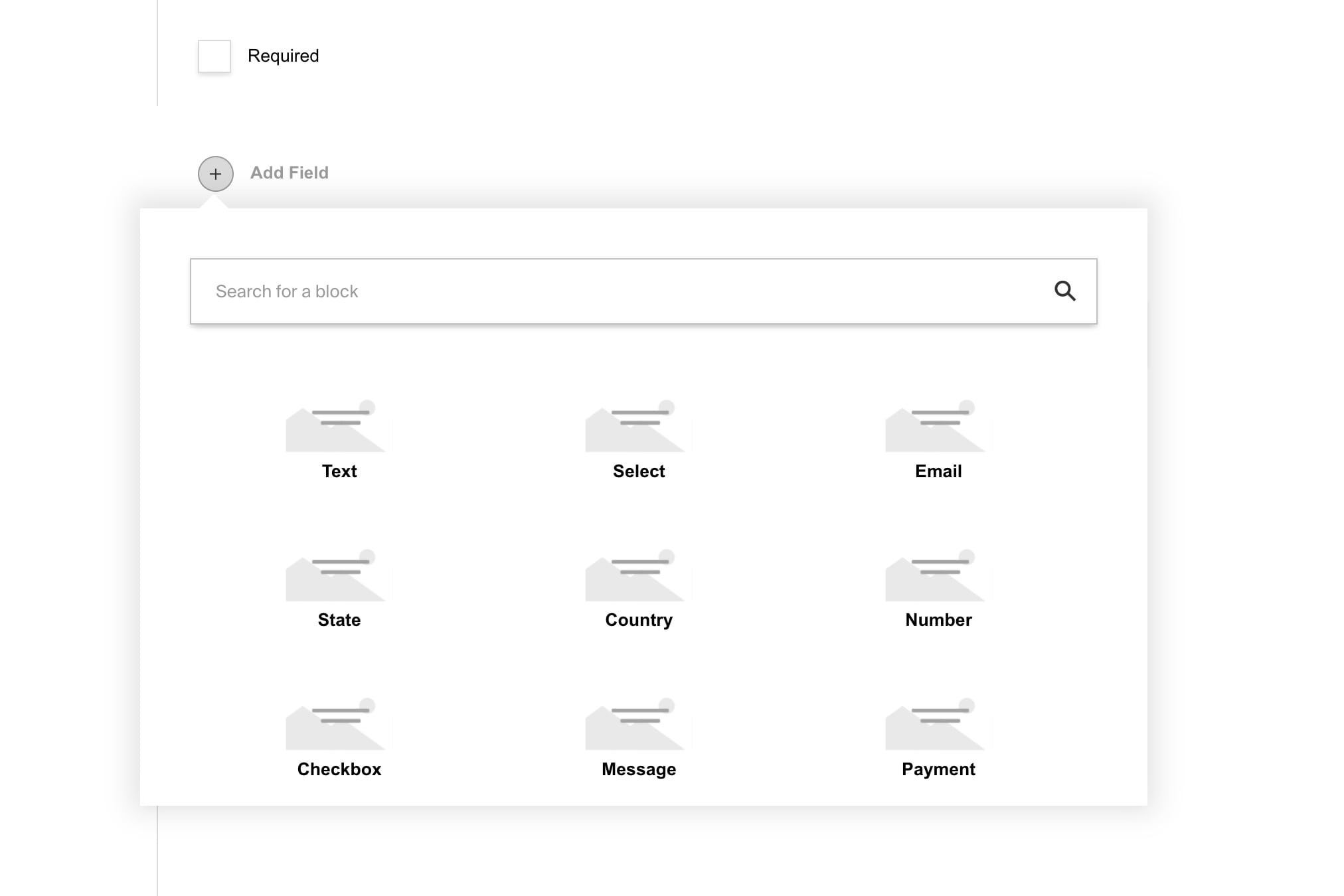
|
||||
<br />
|
||||
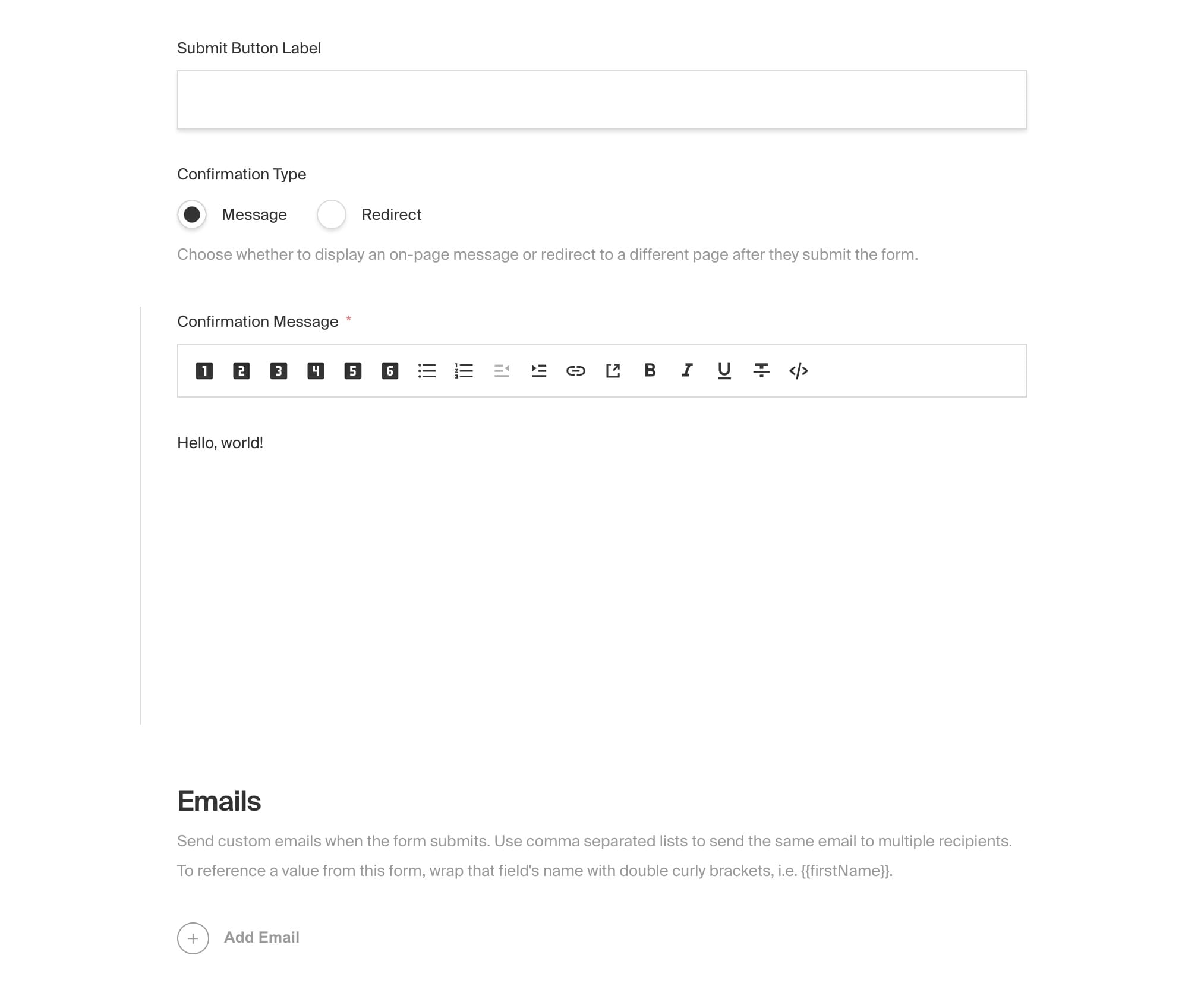
|
||||
<br />
|
||||
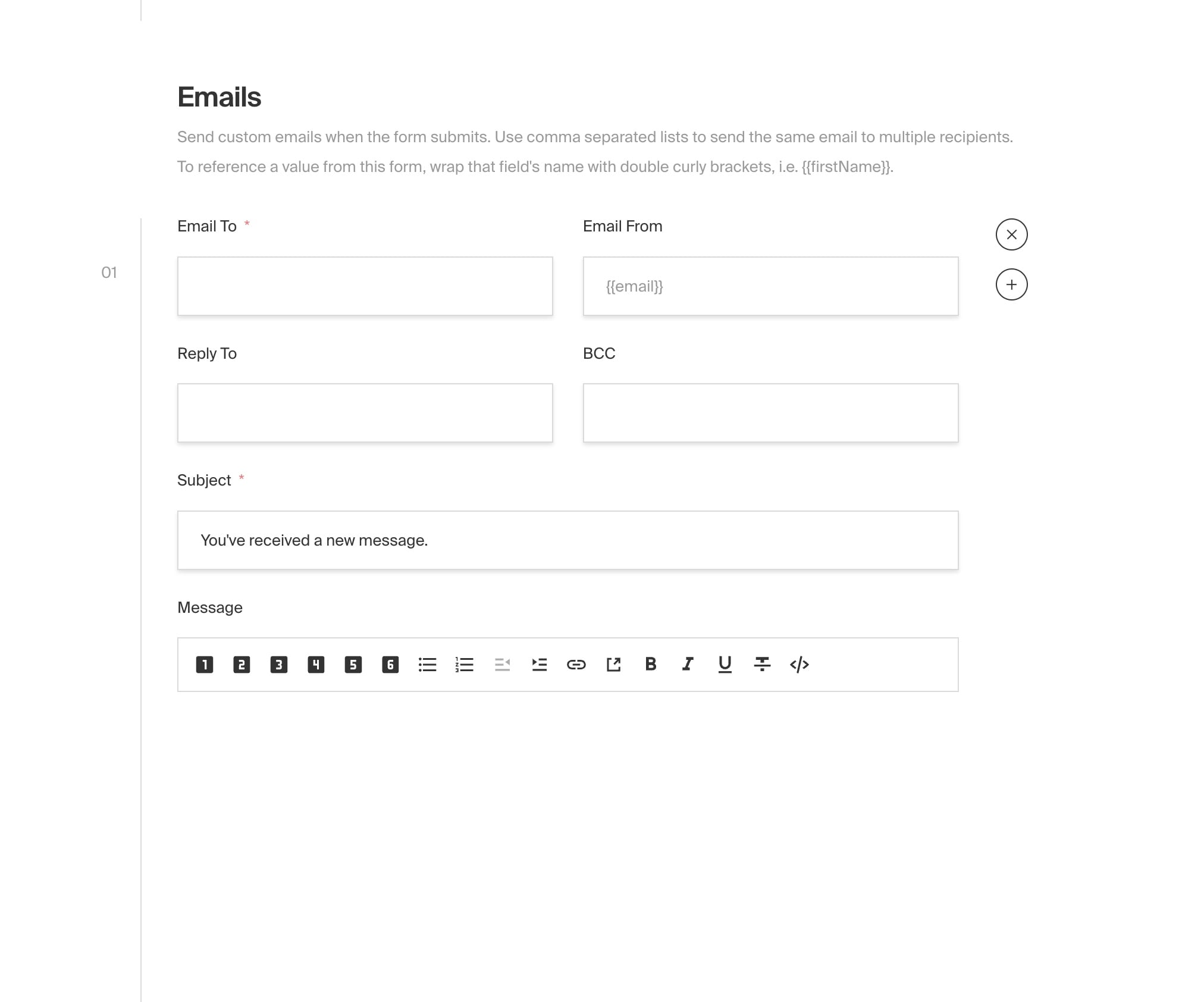
|
||||
<br />
|
||||
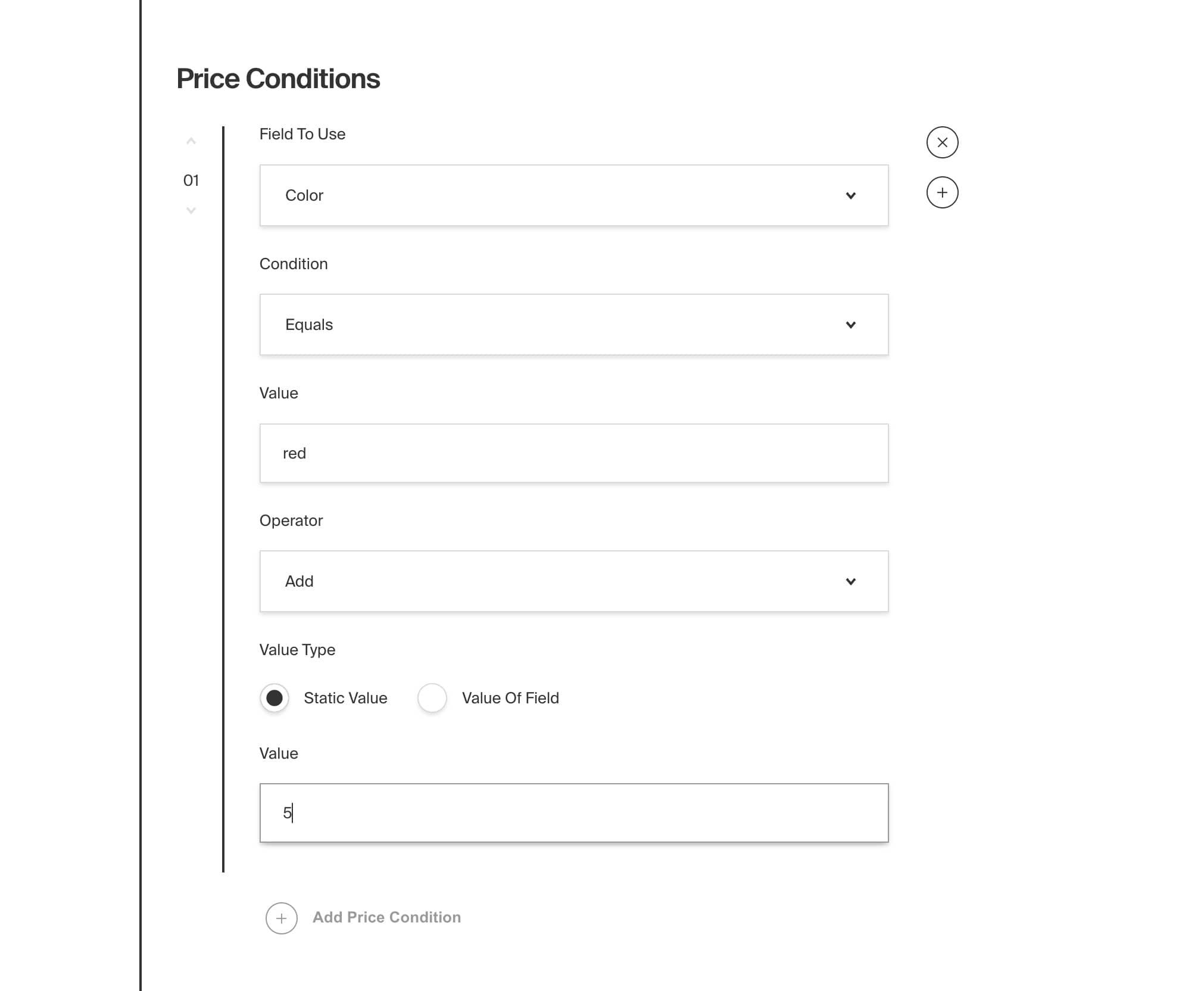
|
||||
<br />
|
||||
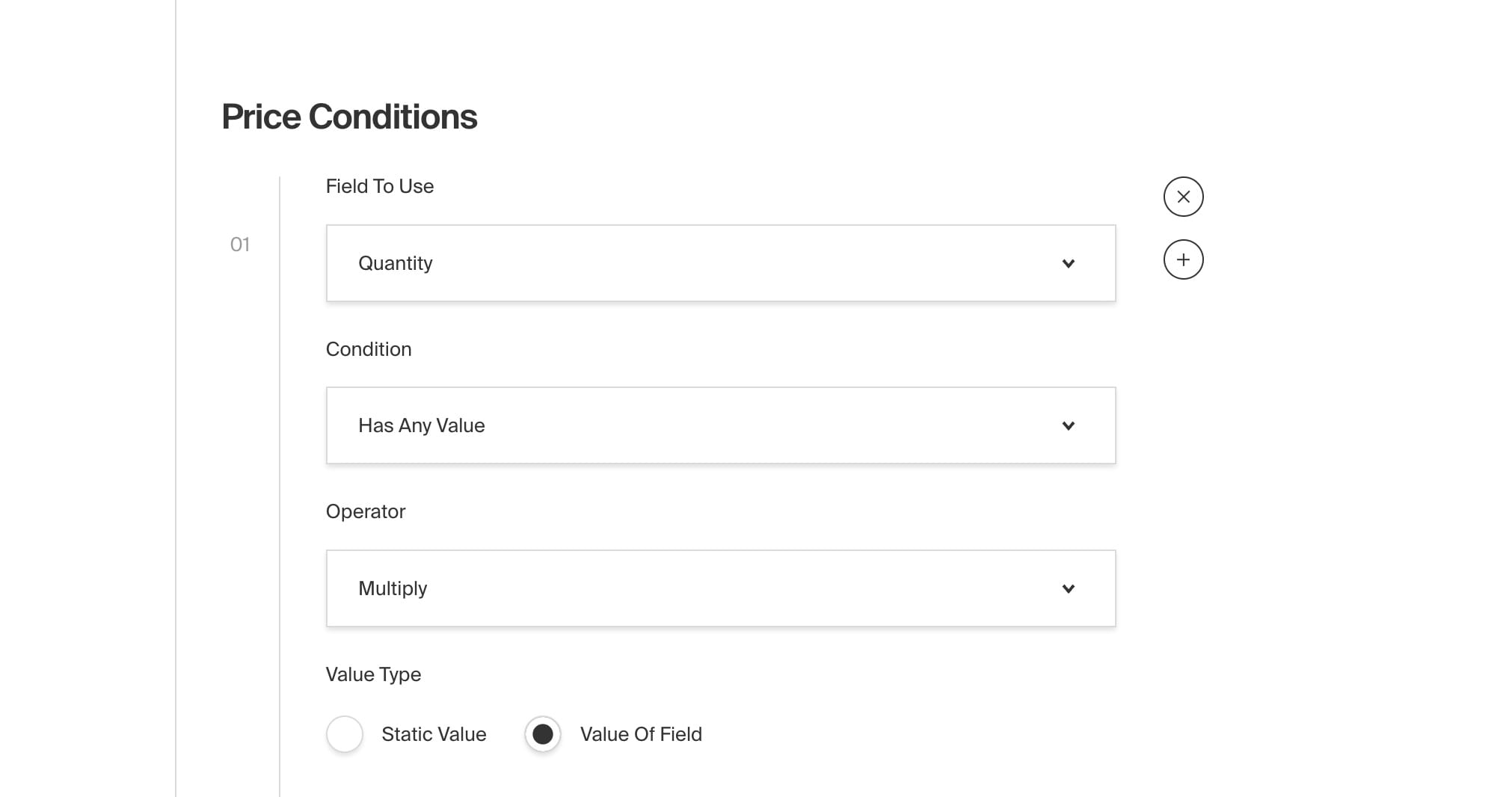
|
||||
@@ -1,204 +0,0 @@
|
||||
---
|
||||
title: Nested Docs Plugin
|
||||
label: Nested Docs
|
||||
order: 20
|
||||
desc: Nested documents in a parent, child, and sibling relationship.
|
||||
keywords: plugins, nested, documents, parent, child, sibling, relationship
|
||||
---
|
||||
|
||||
[](https://www.npmjs.com/package/@payloadcms/plugin-nested-docs)
|
||||
|
||||
This plugin allows you to easily nest the documents of your application inside of one another. It does so by adding a new `parent` field onto each of your documents that, when selected, attaches itself to the parent's tree. When you edit the great-great-grandparent of a document, for instance, all of its descendants are recursively updated. This is an extremely powerful way of achieving hierarchy within a collection, such as parent/child relationship between pages.
|
||||
|
||||
Documents also receive a new `breadcrumbs` field. Once a parent is assigned, these breadcrumbs are populated based on each ancestor up the tree. Breadcrumbs allow you to dynamically generate labels and URLs based on the document's position in the hierarchy. Even if the slug of a parent document changes, or the entire tree is nested another level deep, changes will cascade down the entire tree and all breadcrumbs will reflect those changes.
|
||||
|
||||
With this pattern you can perform whatever side-effects your applications needs on even the most deeply nested documents. For example, you could easily add a custom `fullTitle` field onto each document and inject the parent's title onto it, such as "Parent Title > Child Title". This would allow you to then perform searches and filters based on _that_ field instead of the original title. This is especially useful if you happen to have two documents with identical titles but different parents.
|
||||
|
||||
<Banner type="info">
|
||||
This plugin is completely open-source and the [source code can be found here](https://github.com/payloadcms/payload/tree/main/packages/plugin-nested-docs). If you need help, check out our [Community Help](https://payloadcms.com/community-help). If you think you've found a bug, please [open a new issue](https://github.com/payloadcms/payload/issues/new?assignees=&labels=plugin%3A%20nested-docs&template=bug_report.md&title=plugin-nested-docs%3A) with as much detail as possible.
|
||||
</Banner>
|
||||
|
||||
##### Core features
|
||||
|
||||
- Automatically adds a `parent` relationship field to each document
|
||||
- Allows for parent/child relationships between documents within the same collection
|
||||
- Recursively updates all descendants when a parent is changed
|
||||
- Automatically populates a `breadcrumbs` field with all ancestors up the tree
|
||||
- Dynamically generate labels and URLs for each breadcrumb
|
||||
- Supports localization
|
||||
|
||||
## Installation
|
||||
|
||||
Install the plugin using any JavaScript package manager like [Yarn](https://yarnpkg.com), [NPM](https://npmjs.com), or [PNPM](https://pnpm.io):
|
||||
|
||||
```bash
|
||||
yarn add @payloadcms/plugin-nested-docs
|
||||
```
|
||||
|
||||
## Basic Usage
|
||||
|
||||
In the `plugins` array of your [Payload config](https://payloadcms.com/docs/configuration/overview), call the plugin with [options](#options):
|
||||
|
||||
```ts
|
||||
import { buildConfig } from 'payload/config'
|
||||
import nestedDocs from '@payloadcms/plugin-nested-docs'
|
||||
|
||||
const config = buildConfig({
|
||||
collections: [
|
||||
{
|
||||
slug: 'pages',
|
||||
fields: [
|
||||
{
|
||||
name: 'title',
|
||||
type: 'text',
|
||||
},
|
||||
{
|
||||
name: 'slug',
|
||||
type: 'text',
|
||||
},
|
||||
],
|
||||
},
|
||||
],
|
||||
plugins: [
|
||||
nestedDocs({
|
||||
collections: ['pages'],
|
||||
generateLabel: (_, doc) => doc.title,
|
||||
generateURL: (docs) => docs.reduce((url, doc) => `${url}/${doc.slug}`, ''),
|
||||
}),
|
||||
],
|
||||
})
|
||||
|
||||
export default config
|
||||
```
|
||||
|
||||
### Fields
|
||||
|
||||
#### Parent
|
||||
|
||||
The `parent` relationship field is automatically added to every document which allows editors to choose another document from the same collection to act as the direct parent.
|
||||
|
||||
#### Breadcrumbs
|
||||
|
||||
The `breadcrumbs` field is an array which dynamically populates all parent relationships of a document up to the top level and stores the following fields.
|
||||
|
||||
| Field | Description |
|
||||
| ------------ | --------------------------------------------------------------------------- |
|
||||
| `label` | The label of the breadcrumb. This field is automatically set to either the `collection.admin.useAsTitle` (if defined) or is set to the `ID` of the document. You can also dynamically define the `label` by passing a function to the options property of [`generateLabel`](#generateLabel). |
|
||||
| `url` | The URL of the breadcrumb. By default, this field is undefined. You can manually define this field by passing a property called function to the plugin options property of [`generateURL`](#generateURL). |
|
||||
|
||||
### Options
|
||||
|
||||
#### `collections`
|
||||
|
||||
An array of collections slugs to enable nested docs.
|
||||
|
||||
#### `generateLabel`
|
||||
|
||||
Each `breadcrumb` has a required `label` field. By default, its value will be set to the collection's `admin.useAsTitle` or fallback the the `ID` of the document.
|
||||
|
||||
You can also pass a function to dynamically set the `label` of your breadcrumb.
|
||||
|
||||
```ts
|
||||
// payload.config.ts
|
||||
nestedDocs({
|
||||
//...
|
||||
generateLabel: (_, doc) => doc.title // NOTE: 'title' is a hypothetical field
|
||||
})
|
||||
```
|
||||
|
||||
The function takes two arguments and returns a string:
|
||||
|
||||
| Argument | Type | Description |
|
||||
| ------------ | -------- | --------------------------------------------------------------------------- |
|
||||
| `docs` | `Array` | An array of the breadcrumbs up to that point |
|
||||
| `doc` | `Object` | The current document being edited |
|
||||
|
||||
#### `generateURL`
|
||||
|
||||
A function that allows you to dynamically generate each breadcrumb `url`. Each `breadcrumb` has an optional `url` field which is undefined by default. For example, you might want to format a full URL to contain all of the breadcrumbs up to that point, like `/about-us/company/our-team`.
|
||||
|
||||
```ts
|
||||
// payload.config.ts
|
||||
nestedDocs({
|
||||
//...
|
||||
generateURL: (docs) => docs.reduce((url, doc) => `${url}/${doc.slug}`, ''), // NOTE: 'slug' is a hypothetical field
|
||||
})
|
||||
```
|
||||
|
||||
| Argument | Type | Description |
|
||||
| ------------ | -------- | --------------------------------------------------------------------------- |
|
||||
| `docs` | `Array` | An array of the breadcrumbs up to that point |
|
||||
| `doc` | `Object` | The current document being edited |
|
||||
|
||||
#### `parentFieldSlug`
|
||||
|
||||
When defined, the `parent` field will not be provided for you automatically, and instead, expects you to add your own `parent` field to each collection manually. This gives you complete control over where you put the field in your admin dashboard, etc. Set this property to the `name` of your custom field.
|
||||
|
||||
#### `breadcrumbsFieldSlug`
|
||||
|
||||
When defined, the `breadcrumbs` field will not be provided for you, and instead, expects your to add your own `breadcrumbs` field to each collection manually. Set this property to the `name` of your custom field.
|
||||
|
||||
<Banner type="info">
|
||||
<strong>Note:</strong>
|
||||
<br />
|
||||
If you opt out of automatically being provided a `parent` or `breadcrumbs` field, you need to make sure that both fields are placed at the top-level of your document. They cannot exist within any nested data structures like a `group`, `array`, or `blocks`.
|
||||
</Banner>
|
||||
|
||||
## Overrides
|
||||
|
||||
You can also extend the built-in `parent` and `breadcrumbs` fields per collection by using the `createParentField` and `createBreadcrumbField` methods. They will merge your customizations overtop the plugin's base field configurations.
|
||||
|
||||
```ts
|
||||
import { CollectionConfig } from "payload/types";
|
||||
import { createParentField } from "@payloadcms/plugin-nested-docs/fields";
|
||||
import { createBreadcrumbsField } from "@payloadcms/plugin-nested-docs/fields";
|
||||
|
||||
const examplePageConfig: CollectionConfig = {
|
||||
slug: "pages",
|
||||
fields: [
|
||||
createParentField(
|
||||
// First argument is equal to the slug of the collection
|
||||
// that the field references
|
||||
"pages",
|
||||
|
||||
// Second argument is equal to field overrides that you specify,
|
||||
// which will be merged into the base parent field config
|
||||
{
|
||||
admin: {
|
||||
position: "sidebar",
|
||||
},
|
||||
// Note: if you override the `filterOptions` of the `parent` field,
|
||||
// be sure to continue to prevent the document from referencing itself as the parent like this:
|
||||
// filterOptions: ({ id }) => ({ id: {not_equals: id }})`
|
||||
}
|
||||
),
|
||||
createBreadcrumbsField(
|
||||
// First argument is equal to the slug of the collection
|
||||
// that the field references
|
||||
"pages",
|
||||
|
||||
// Argument equal to field overrides that you specify,
|
||||
// which will be merged into the base `breadcrumbs` field config
|
||||
{
|
||||
label: "Page Breadcrumbs",
|
||||
}
|
||||
),
|
||||
],
|
||||
};
|
||||
```
|
||||
|
||||
## Localization
|
||||
|
||||
This plugin supports localization by default. If the `localization` property is set in your Payload config, the `breadcrumbs` field is automatically localized. For more details on how localization works in Payload, see the [Localization](https://payloadcms.com/docs/localization/overview) docs.
|
||||
|
||||
## TypeScript
|
||||
|
||||
All types can be directly imported:
|
||||
|
||||
```ts
|
||||
import { PluginConfig, GenerateURL, GenerateLabel } from '@payloadcms/plugin-nested-docs/types'
|
||||
```
|
||||
|
||||
## Examples
|
||||
|
||||
The [Examples Directory](https://github.com/payloadcms/payload/tree/main/examples) contains an official [Nested Docs Plugin Example](https://github.com/payloadcms/payload/tree/main/examples/nested-docs) which demonstrates exactly how to configure this plugin in Payload and implement it on your front-end. The [Templates Directory](https://github.com/payloadcms/payload/tree/main/templates) also contains an official [Website Template](https://github.com/payloadcms/payload/tree/main/templates/website) and [E-commerce Template](https://github.com/payloadcms/payload/tree/main/templates/ecommere), both of which use this plugin.
|
||||
@@ -1,75 +0,0 @@
|
||||
---
|
||||
title: Redirects Plugin
|
||||
label: Redirects
|
||||
order: 20
|
||||
desc: Automatically create redirects for your Payload application
|
||||
keywords: plugins, redirects, redirect, plugin, payload, cms, seo, indexing, search, search engine
|
||||
---
|
||||
|
||||
[](https://www.npmjs.com/package/@payloadcms/plugin-redirects)
|
||||
|
||||
This plugin allows you to easily manage redirects for your application from within your admin panel. It does so by adding a `redirects` collection to your config that allows you specify a redirect from one URL to another. Your front-end application can use this data to automatically redirect users to the correct page using proper HTTP status codes. This is useful for SEO, indexing, and search engine ranking when re-platforming or when changing your URL structure.
|
||||
|
||||
For example, if you have a page at `/about` and you want to change it to `/about-us`, you can create a redirect from the old page to the new one, then you can use this data to write HTTP redirects into your front-end application. This will ensure that users are redirected to the correct page without penalty because search engines are notified of the change at the request level. This is a very lightweight plugin that will allow you to integrate managed redirects for any front-end framework.
|
||||
|
||||
<Banner type="info">
|
||||
This plugin is completely open-source and the [source code can be found here](https://github.com/payloadcms/payload/tree/main/packages/plugin-redirects). If you need help, check out our [Community Help](https://payloadcms.com/community-help). If you think you've found a bug, please [open a new issue](https://github.com/payloadcms/payload/issues/new?assignees=&labels=plugin%3A%redirects&template=bug_report.md&title=plugin-redirects%3A) with as much detail as possible.
|
||||
</Banner>
|
||||
|
||||
##### Core features
|
||||
|
||||
- Adds a `redirects` collection to your config that:
|
||||
- includes a `from` and `to` fields
|
||||
- allows `to` to be a document reference
|
||||
|
||||
## Installation
|
||||
|
||||
Install the plugin using any JavaScript package manager like [Yarn](https://yarnpkg.com), [NPM](https://npmjs.com), or [PNPM](https://pnpm.io):
|
||||
|
||||
```bash
|
||||
yarn add @payloadcms/plugin-redirects
|
||||
```
|
||||
|
||||
## Basic Usage
|
||||
|
||||
In the `plugins` array of your [Payload config](https://payloadcms.com/docs/configuration/overview), call the plugin with [options](#options):
|
||||
|
||||
```ts
|
||||
import { buildConfig } from "payload/config";
|
||||
import redirects from "@payloadcms/plugin-redirects";
|
||||
|
||||
const config = buildConfig({
|
||||
collections: [
|
||||
{
|
||||
slug: "pages",
|
||||
fields: [],
|
||||
},
|
||||
],
|
||||
plugins: [
|
||||
redirects({
|
||||
collections: ["pages"],
|
||||
}),
|
||||
],
|
||||
});
|
||||
|
||||
export default config;
|
||||
```
|
||||
|
||||
### Options
|
||||
|
||||
| Option | Type | Description |
|
||||
| --- | --- | --- |
|
||||
| `collections` | `string[]` | An array of collection slugs to populate in the `to` field of each redirect. |
|
||||
| `overrides` | `object` | A partial collection config that allows you to override anything on the `redirects` collection. |
|
||||
|
||||
## TypeScript
|
||||
|
||||
All types can be directly imported:
|
||||
|
||||
```ts
|
||||
import { PluginConfig } from "@payloadcms/plugin-redirects/types";
|
||||
```
|
||||
|
||||
## Examples
|
||||
|
||||
The [Examples Directory](https://github.com/payloadcms/payload/tree/main/examples) contains an official [Redirects Plugin Example](https://github.com/payloadcms/payload/tree/main/examples/redirects) which demonstrates exactly how to configure this plugin in Payload and implement it on your front-end. The [Templates Directory](https://github.com/payloadcms/payload/tree/main/templates) also contains an official [Website Template](https://github.com/payloadcms/payload/tree/main/templates/website) and [E-commerce Template](https://github.com/payloadcms/payload/tree/main/templates/ecommere), both of which use this plugin.
|
||||
@@ -1,146 +0,0 @@
|
||||
---
|
||||
title: Search Plugin
|
||||
label: Search
|
||||
order: 20
|
||||
desc: Generates records of your documents that are extremely fast to search on.
|
||||
keywords: plugins, search, search plugin, search engine, search index, search results, search bar, search box, search field, search form, search input
|
||||
---
|
||||
|
||||
[](https://www.npmjs.com/package/@payloadcms/plugin-search)
|
||||
|
||||
This plugin generates records of your documents that are extremely fast to search on. It does so by creating a new `search` collection that is indexed in the database then saving a static copy of each of your documents using only search-critical data. Search records are automatically created, synced, and deleted behind-the-scenes as you manage your application's documents.
|
||||
|
||||
For example, if you have a posts collection that is extremely large and complex, this would allow you to sync just the title, excerpt, and slug of each post so you can query on _that_ instead of the original post directly. Search records are static, so querying them also has the significant advantage of bypassing any hooks that may present be on the original documents. You define exactly what data is synced, and you can even modify or fallback this data before it is saved on a per-document basis.
|
||||
|
||||
To query search results, use all the existing Payload APIs that you are already familiar with. You can also prioritize search results by setting a custom priority for each collection. For example, you may want to list blog posts before pages. Or you may want one specific post to always take appear first. Search records are given a `priority` field that can be used as the `?sort=` parameter in your queries.
|
||||
|
||||
This plugin is a great way to implement a fast, immersive search experience such as a search bar in a front-end application. Many applications may not need the power and complexity of a third-party service like Algolia or ElasticSearch. This plugin provides a first-party alternative that is easy to set up and runs entirely on your own database.
|
||||
|
||||
<Banner type="info">
|
||||
This plugin is completely open-source and the [source code can be found here](https://github.com/payloadcms/payload/tree/main/packages/plugin-search). If you need help, check out our [Community Help](https://payloadcms.com/community-help). If you think you've found a bug, please [open a new issue](https://github.com/payloadcms/payload/issues/new?assignees=&labels=plugin%3A%20search&template=bug_report.md&title=plugin-search%3A) with as much detail as possible.
|
||||
</Banner>
|
||||
|
||||
##### Core Features
|
||||
|
||||
- Automatically adds an indexed `search` collection to your database
|
||||
- Automatically creates, syncs, and deletes search records as you manage your documents
|
||||
- Saves only search-critical data that you define (e.g. title, excerpt, etc.)
|
||||
- Allows you to query search results using first-party Payload APIs
|
||||
- Allows you to query documents without triggering any of their underlying hooks
|
||||
- Allows you to easily prioritize search results by collection or document
|
||||
|
||||
## Installation
|
||||
|
||||
Install the plugin using any JavaScript package manager like [Yarn](https://yarnpkg.com), [NPM](https://npmjs.com), or [PNPM](https://pnpm.io):
|
||||
|
||||
```bash
|
||||
yarn add @payloadcms/plugin-search
|
||||
```
|
||||
|
||||
## Basic Usage
|
||||
|
||||
In the `plugins` array of your [Payload config](https://payloadcms.com/docs/configuration/overview), call the plugin with [options](#options):
|
||||
|
||||
```js
|
||||
import { buildConfig } from 'payload/config'
|
||||
import search from '@payloadcms/plugin-search'
|
||||
|
||||
const config = buildConfig({
|
||||
collections: [
|
||||
{
|
||||
slug: 'pages',
|
||||
fields: [],
|
||||
},
|
||||
{
|
||||
slug: 'posts',
|
||||
fields: [],
|
||||
},
|
||||
],
|
||||
plugins: [
|
||||
search({
|
||||
collections: ['pages', 'posts'],
|
||||
defaultPriorities: {
|
||||
pages: 10,
|
||||
posts: 20,
|
||||
},
|
||||
}),
|
||||
],
|
||||
})
|
||||
|
||||
export default config
|
||||
```
|
||||
|
||||
### Options
|
||||
|
||||
#### `collections`
|
||||
|
||||
The `collections` property is an array of collection slugs to enable syncing to search. Enabled collections receive a `beforeChange` and `afterDelete` hook that creates, updates, and deletes its respective search record as it changes over time.
|
||||
|
||||
#### `defaultPriorities`
|
||||
|
||||
This plugin automatically adds a `priority` field to the `search` collection that can be used as the `?sort=` parameter in your queries. For example, you may want to list blog posts before pages. Or you may want one specific post to always take appear first.
|
||||
|
||||
The `defaultPriorities` property is used to set a fallback `priority` on search records during the `create` operation. It accepts an object with keys that are your collection slugs and values that can either be a number or a function that returns a number. The function receives the `doc` as an argument, which is the document being created.
|
||||
|
||||
```ts
|
||||
// payload.config.ts
|
||||
{
|
||||
// ...
|
||||
searchPlugin({
|
||||
defaultPriorities: {
|
||||
pages: ({ doc }) => (doc.title.startsWith('Hello, world!') ? 1 : 10),
|
||||
posts: 20,
|
||||
},
|
||||
}),
|
||||
}
|
||||
```
|
||||
|
||||
#### `searchOverrides`
|
||||
|
||||
This plugin automatically creates the `search` collection, but you can override anything on this collection via the `searchOverrides` property. It accepts anything from the [Payload Collection Config](https://payloadcms.com/docs/configuration/collections) and merges it in with the default `search` collection config provided by the plugin.
|
||||
|
||||
```ts
|
||||
// payload.config.ts
|
||||
{
|
||||
// ...
|
||||
searchPlugin({
|
||||
searchOverrides: {
|
||||
slug: 'search-results',
|
||||
},
|
||||
}),
|
||||
}
|
||||
```
|
||||
|
||||
#### `beforeSync`
|
||||
|
||||
Before creating or updating a search record, the `beforeSync` function runs. This is an [afterChange](<[afterChange](https://payloadcms.com/docs/hooks/globals#afterchange)>) hook that allows you to modify the data or provide fallbacks before its search record is created or updated.
|
||||
|
||||
```ts
|
||||
// payload.config.ts
|
||||
{
|
||||
// ...
|
||||
searchPlugin({
|
||||
beforeSync: ({ originalDoc, searchDoc }) => ({
|
||||
...searchDoc,
|
||||
// Modify your docs in any way here, this can be async
|
||||
excerpt: originalDoc?.excerpt || 'This is a fallback excerpt',
|
||||
}),
|
||||
}),
|
||||
}
|
||||
```
|
||||
|
||||
#### `syncDrafts`
|
||||
|
||||
When `syncDrafts` is true, draft documents will be synced to search. This is false by default. You must have [Payload Drafts](https://payloadcms.com/docs/versions/drafts) enabled for this to apply.
|
||||
|
||||
#### `deleteDrafts`
|
||||
|
||||
If true, will delete documents from search whose status changes to draft. This is true by default. You must have [Payload Drafts](https://payloadcms.com/docs/versions/drafts) enabled for this to apply.
|
||||
|
||||
## TypeScript
|
||||
|
||||
All types can be directly imported:
|
||||
|
||||
```ts
|
||||
import type { SearchConfig, BeforeSync } from '@payloadcms/plugin-search/types'
|
||||
```
|
||||
@@ -1,181 +0,0 @@
|
||||
---
|
||||
title: SEO Plugin
|
||||
label: SEO
|
||||
order: 20
|
||||
desc: Manage SEO metadata from your Payload admin
|
||||
keywords: plugins, seo, meta, search, engine, ranking, google
|
||||
---
|
||||
|
||||
[](https://www.npmjs.com/package/@payloadcms/plugin-seo)
|
||||
|
||||
This plugin allows you to easily manage SEO metadata for your application from within your admin panel. When enabled on your collections and globals, it adds a new `meta` field group containing `title`, `description`, and `image` by default. Your front-end application can then use this data to render meta tags however your application requires. For example, you would inject a `title` tag into the `<head>` of your page using `meta.title` as its content.
|
||||
|
||||
As users are editing documents within the admin panel, they have the option to "auto-generate" these fields. When clicked, this plugin will execute your own custom functions that re-generate the title, description, and image. This way you can build your own SEO writing assistance directly into your application. For example, you could append your site name onto the page title, or use the document's excerpt field as the description, or even integrate with some third-party API to generate the image using AI.
|
||||
|
||||
To help you visualize what your page might look like in a search engine, a preview is rendered on page just beneath the meta fields. This preview is updated in real-time as you edit your metadata. There are also visual indicators to help you write effective meta, such as a character counter for the title and description fields. You can even inject your own custom fields into the `meta` field group as your application requires, like `og:title` or `json-ld`. If you've ever used something like Yoast SEO, this plugin might feel very familiar.
|
||||
|
||||
<Banner type="info">
|
||||
This plugin is completely open-source and the [source code can be found here](https://github.com/payloadcms/payload/tree/main/packages/plugin-seo). If you need help, check out our [Community Help](https://payloadcms.com/community-help). If you think you've found a bug, please [open a new issue](https://github.com/payloadcms/payload/issues/new?assignees=&labels=plugin%3A%20seo&template=bug_report.md&title=plugin-seo%3A) with as much detail as possible.
|
||||
</Banner>
|
||||
|
||||
##### Core features
|
||||
|
||||
- Adds a `meta` field group to every SEO-enabled collection or global
|
||||
- Allows you to define custom functions to auto-generate metadata
|
||||
- Displays hints and indicators to help content editor write effective meta
|
||||
- Renders a snippet of what a search engine might display
|
||||
- Extendable so you can define custom fields like `og:title` or `json-ld`
|
||||
- Soon will support dynamic variable injection
|
||||
|
||||
## Installation
|
||||
|
||||
Install the plugin using any JavaScript package manager like [Yarn](https://yarnpkg.com), [NPM](https://npmjs.com), or [PNPM](https://pnpm.io):
|
||||
|
||||
```bash
|
||||
yarn add @payloadcms/plugin-seo
|
||||
```
|
||||
|
||||
## Basic Usage
|
||||
|
||||
In the `plugins` array of your [Payload config](https://payloadcms.com/docs/configuration/overview), call the plugin with [options](#options):
|
||||
|
||||
```ts
|
||||
import { buildConfig } from 'payload/config';
|
||||
import seoPlugin from '@payloadcms/plugin-seo';
|
||||
|
||||
const config = buildConfig({
|
||||
collections: [
|
||||
{
|
||||
slug: 'pages',
|
||||
fields: []
|
||||
},
|
||||
{
|
||||
slug: 'media',
|
||||
upload: {
|
||||
staticDir: // path to your static directory,
|
||||
},
|
||||
fields: []
|
||||
}
|
||||
],
|
||||
plugins: [
|
||||
seoPlugin({
|
||||
collections: [
|
||||
'pages',
|
||||
],
|
||||
uploadsCollection: 'media',
|
||||
generateTitle: ({ doc }) => `Website.com — ${doc.title.value}`,
|
||||
generateDescription: ({ doc }) => doc.excerpt
|
||||
})
|
||||
]
|
||||
});
|
||||
|
||||
export default config;
|
||||
```
|
||||
|
||||
### Options
|
||||
|
||||
##### `collections`
|
||||
|
||||
An array of collections slugs to enable SEO. Enabled collections receive a `meta` field which is an object of title, description, and image subfields.
|
||||
|
||||
##### `globals`
|
||||
|
||||
An array of global slugs to enable SEO. Enabled globals receive a `meta` field which is an object of title, description, and image subfields.
|
||||
|
||||
##### `fields`
|
||||
|
||||
An array of fields that allows you to inject your own custom fields onto the `meta` field group. The following fields are provided by default:
|
||||
|
||||
- `title`: text
|
||||
- `description`: textarea
|
||||
- `image`: upload (if an `uploadsCollection` is provided)
|
||||
- `preview`: ui
|
||||
|
||||
##### `uploadsCollection`
|
||||
|
||||
Set the `uploadsCollection` to your application's upload-enabled collection slug. This is used to provide an `image` field on the `meta` field group.
|
||||
|
||||
##### `tabbedUI`
|
||||
|
||||
When the `tabbedUI` property is `true`, it appends an `SEO` tab onto your config using Payload's [Tabs Field](https://payloadcms.com/docs/fields/tabs). If your collection is not already tab-enabled, meaning the first field in your config is not of type `tabs`, then one will be created for you called `Content`. Defaults to `false`.
|
||||
|
||||
<Banner type="info">
|
||||
If you wish to continue to use top-level or sidebar fields with `tabbedUI`, you must not let the default `Content` tab get created for you (see the note above). Instead, you must define the first field of your config with type `tabs` and place all other fields adjacent to this one.
|
||||
</Banner>
|
||||
|
||||
##### `generateTitle`
|
||||
|
||||
A function that allows you to return any meta title, including from document's content.
|
||||
|
||||
```ts
|
||||
// payload.config.ts
|
||||
{
|
||||
// ...
|
||||
seoPlugin({
|
||||
generateTitle: ({ ...docInfo, doc, locale }) => `Website.com — ${doc?.title?.value}`,
|
||||
})
|
||||
}
|
||||
```
|
||||
|
||||
##### `generateDescription`
|
||||
|
||||
A function that allows you to return any meta description, including from document's content.
|
||||
|
||||
```ts
|
||||
// payload.config.ts
|
||||
{
|
||||
// ...
|
||||
seoPlugin({
|
||||
generateDescription: ({ ...docInfo, doc, locale }) => doc?.excerpt?.value
|
||||
})
|
||||
}
|
||||
```
|
||||
|
||||
##### `generateImage`
|
||||
|
||||
A function that allows you to return any meta image, including from document's content.
|
||||
|
||||
```ts
|
||||
// payload.config.ts
|
||||
{
|
||||
// ...
|
||||
seoPlugin({
|
||||
generateImage: ({ ...docInfo, doc, locale }) => doc?.featuredImage?.value
|
||||
})
|
||||
}
|
||||
```
|
||||
|
||||
##### `generateURL`
|
||||
|
||||
A function called by the search preview component to display the actual URL of your page.
|
||||
|
||||
```ts
|
||||
// payload.config.ts
|
||||
{
|
||||
// ...
|
||||
seoPlugin({
|
||||
generateURL: ({ ...docInfo, doc, locale }) => `https://yoursite.com/${collection?.slug}/${doc?.slug?.value}`
|
||||
})
|
||||
}
|
||||
```
|
||||
|
||||
## TypeScript
|
||||
|
||||
All types can be directly imported:
|
||||
|
||||
```ts
|
||||
import {
|
||||
PluginConfig,
|
||||
GenerateTitle,
|
||||
GenerateDescription
|
||||
GenerateURL
|
||||
} from '@payloadcms/plugin-seo/types';
|
||||
```
|
||||
|
||||
## Examples
|
||||
|
||||
The [Templates Directory](https://github.com/payloadcms/payload/tree/main/templates) contains an official [Website Template](https://github.com/payloadcms/payload/tree/main/templates/website) and [E-commerce Template](https://github.com/payloadcms/payload/tree/main/templates/ecommere) which demonstrates exactly how to configure this plugin in Payload and implement it on your front-end.
|
||||
|
||||
## Screenshots
|
||||
|
||||
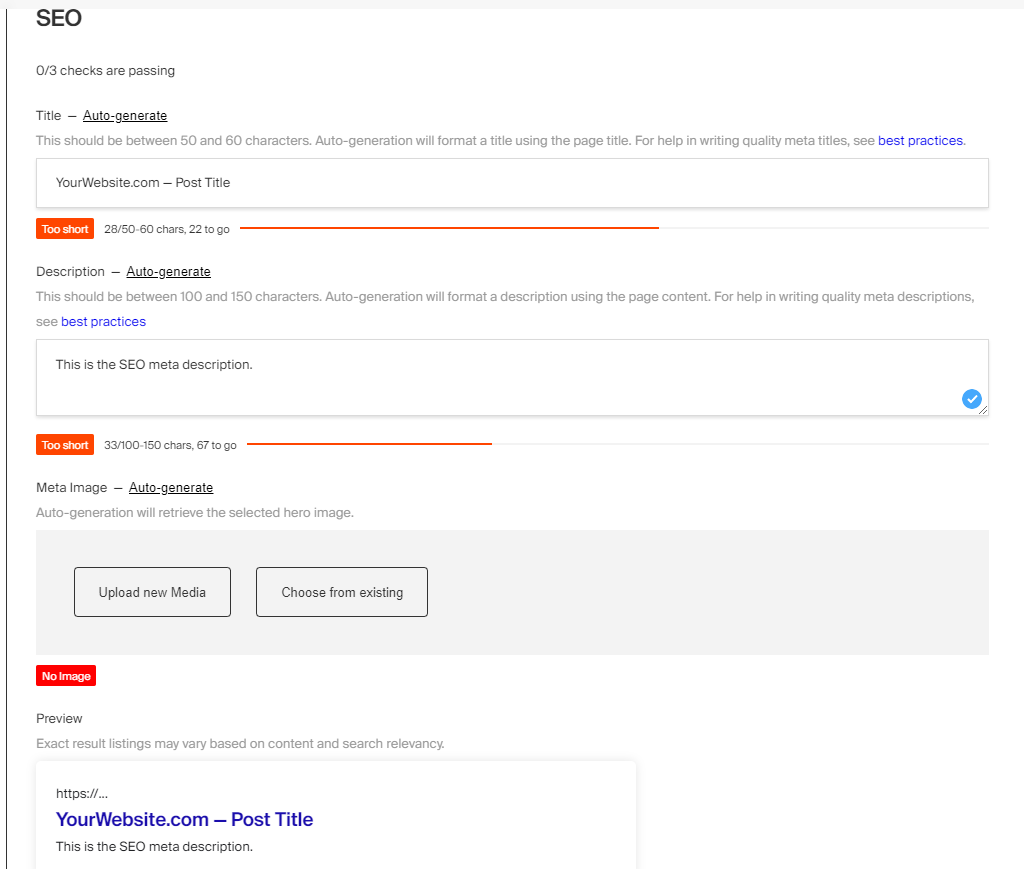
|
||||
@@ -1,291 +0,0 @@
|
||||
---
|
||||
title: Stripe Plugin
|
||||
label: Stripe
|
||||
order: 20
|
||||
desc: Easily accept payments with Stripe
|
||||
keywords: plugins, stripe, payments, ecommerce
|
||||
---
|
||||
|
||||
[](https://www.npmjs.com/package/@payloadcms/plugin-stripe)
|
||||
|
||||
With this plugin you can easily integrate [Stripe](https://stripe.com) into Payload. Simply provide your Stripe credentials and this plugin will open up a two-way communication channel between the two platforms. This enables you to easily sync data back and forth, as well as proxy the Stripe REST API through Payload's access control. Use this plugin to completely offload billing to Stripe and retain full control over your application's data.
|
||||
|
||||
For example, you might be building an e-commerce or SaaS application, where you have a `products` or a `plans` collection that requires either a one-time payment or a subscription. You can to tie each of these products to Stripe, then easily subscribe to billing-related events to perform your application's business logic, such as active purchases or subscription cancellations.
|
||||
|
||||
To build a checkout flow on your front-end you can either use [Stripe Checkout](https://stripe.com/payments/checkout), or you can also build a completely custom checkout experience from scratch using [Stripe Web Elements](https://stripe.com/docs/payments/elements). Then to build fully custom, secure customer dashboards, you can leverage Payload's access control to restrict access to your Stripe resources so your users never have to leave your site to manage their accounts.
|
||||
|
||||
The beauty of this plugin is the entirety of your application's content and business logic can be handled in Payload while Stripe handles solely the billing and payment processing. You can build a completely proprietary application that is endlessly customizable and extendable, on APIs and databases that you own. Hosted services like Shopify or BigCommerce might fracture your application's content then charge you for access.
|
||||
|
||||
<Banner type="info">
|
||||
This plugin is completely open-source and the [source code can be found here](https://github.com/payloadcms/payload/tree/main/packages/plugin-stripe). If you need help, check out our [Community Help](https://payloadcms.com/community-help). If you think you've found a bug, please [open a new issue](https://github.com/payloadcms/payload/issues/new?assignees=&labels=plugin%3A%20stripe&template=bug_report.md&title=plugin-stripe%3A) with as much detail as possible.
|
||||
</Banner>
|
||||
|
||||
##### Core features
|
||||
|
||||
- Hides your Stripe credentials when shipping SaaS applications
|
||||
- Allows restricted keys through [Payload access control](https://payloadcms.com/docs/access-control/overview)
|
||||
- Enables a two-way communication channel between Stripe and Payload
|
||||
- Proxies the [Stripe REST API](https://stripe.com/docs/api)
|
||||
- Proxies [Stripe webhooks](https://stripe.com/docs/webhooks)
|
||||
- Automatically syncs data between the two platforms
|
||||
|
||||
## Installation
|
||||
|
||||
Install the plugin using any JavaScript package manager like [Yarn](https://yarnpkg.com), [NPM](https://npmjs.com), or [PNPM](https://pnpm.io):
|
||||
|
||||
```bash
|
||||
yarn add @payloadcms/plugin-stripe
|
||||
```
|
||||
|
||||
## Basic Usage
|
||||
|
||||
In the `plugins` array of your [Payload config](https://payloadcms.com/docs/configuration/overview), call the plugin with [options](#options):
|
||||
|
||||
```ts
|
||||
import { buildConfig } from 'payload/config'
|
||||
import stripePlugin from '@payloadcms/plugin-stripe'
|
||||
|
||||
const config = buildConfig({
|
||||
plugins: [
|
||||
stripePlugin({
|
||||
stripeSecretKey: process.env.STRIPE_SECRET_KEY,
|
||||
}),
|
||||
],
|
||||
})
|
||||
|
||||
export default config
|
||||
```
|
||||
|
||||
### Options
|
||||
|
||||
| Option | Type | Default | Description |
|
||||
| --- | --- | --- | --- |
|
||||
| `stripeSecretKey` \* | string | `undefined` | Your Stripe secret key |
|
||||
| `stripeWebhooksEndpointSecret` | string | `undefined` | Your Stripe webhook endpoint secret |
|
||||
| `rest` | boolean | `false` | When `true`, opens the `/api/stripe/rest` endpoint |
|
||||
| `webhooks` | object \| function | `undefined` | Either a function to handle all webhooks events, or an object of Stripe webhook handlers, keyed to the name of the event |
|
||||
| `sync` | array | `undefined` | An array of sync configs |
|
||||
| `logs` | boolean | `false` | When `true`, logs sync events to the console as they happen |
|
||||
|
||||
_\* An asterisk denotes that a property is required._
|
||||
|
||||
## Endpoints
|
||||
|
||||
The following custom endpoints are automatically opened for you:
|
||||
|
||||
| Endpoint | Method | Description |
|
||||
| --- | --- | --- |
|
||||
| `/api/stripe/rest` | `POST` | Proxies the [Stripe REST API](https://stripe.com/docs/api) behind [Payload access control](https://payloadcms.com/docs/access-control/overview) and returns the result. See the [REST Proxy](#stripe-rest-proxy) section for more details. |
|
||||
| `/api/stripe/webhooks` | `POST` | Handles all Stripe webhook events |
|
||||
|
||||
##### Stripe REST Proxy
|
||||
|
||||
If `rest` is true, proxies the [Stripe REST API](https://stripe.com/docs/api) behind [Payload access control](https://payloadcms.com/docs/access-control/overview) and returns the result. If you need to proxy the API server-side, use the [stripeProxy](#node) function.
|
||||
|
||||
```ts
|
||||
const res = await fetch(`/api/stripe/rest`, {
|
||||
method: 'POST',
|
||||
credentials: 'include',
|
||||
headers: {
|
||||
'Content-Type': 'application/json',
|
||||
// Authorization: `JWT ${token}` // NOTE: do this if not in a browser (i.e. curl or Postman)
|
||||
},
|
||||
body: JSON.stringify({
|
||||
stripeMethod: 'stripe.subscriptions.list',
|
||||
stripeArgs: [
|
||||
{
|
||||
customer: 'abc',
|
||||
},
|
||||
],
|
||||
}),
|
||||
})
|
||||
```
|
||||
|
||||
<Banner type="info">
|
||||
<strong>Note:</strong>
|
||||
<br />
|
||||
The `/api` part of these routes may be different based on the settings defined in your Payload config.
|
||||
</Banner>
|
||||
|
||||
## Webhooks
|
||||
|
||||
[Stripe webhooks](https://stripe.com/docs/webhooks) are used to sync from Stripe to Payload. Webhooks listen for events on your Stripe account so you can trigger reactions to them. Follow the steps below to enable webhooks.
|
||||
|
||||
Development:
|
||||
|
||||
1. Login using Stripe cli `stripe login`
|
||||
1. Forward events to localhost `stripe listen --forward-to localhost:3000/stripe/webhooks`
|
||||
1. Paste the given secret into your `.env` file as `STRIPE_WEBHOOKS_ENDPOINT_SECRET`
|
||||
|
||||
Production:
|
||||
|
||||
1. Login and [create a new webhook](https://dashboard.stripe.com/test/webhooks/create) from the Stripe dashboard
|
||||
1. Paste `YOUR_DOMAIN_NAME/api/stripe/webhooks` as the "Webhook Endpoint URL"
|
||||
1. Select which events to broadcast
|
||||
1. Paste the given secret into your `.env` file as `STRIPE_WEBHOOKS_ENDPOINT_SECRET`
|
||||
1. Then, handle these events using the `webhooks` portion of this plugin's config:
|
||||
|
||||
```ts
|
||||
import { buildConfig } from 'payload/config'
|
||||
import stripePlugin from '@payloadcms/plugin-stripe'
|
||||
|
||||
const config = buildConfig({
|
||||
plugins: [
|
||||
stripePlugin({
|
||||
stripeSecretKey: process.env.STRIPE_SECRET_KEY,
|
||||
stripeWebhooksEndpointSecret: process.env.STRIPE_WEBHOOKS_ENDPOINT_SECRET,
|
||||
webhooks: {
|
||||
'customer.subscription.updated': ({ event, stripe, stripeConfig }) => {
|
||||
// do something...
|
||||
},
|
||||
},
|
||||
// NOTE: you can also catch all Stripe webhook events and handle the event types yourself
|
||||
// webhooks: (event, stripe, stripeConfig) => {
|
||||
// switch (event.type): {
|
||||
// case 'customer.subscription.updated': {
|
||||
// // do something...
|
||||
// break;
|
||||
// }
|
||||
// default: {
|
||||
// break;
|
||||
// }
|
||||
// }
|
||||
// }
|
||||
}),
|
||||
],
|
||||
})
|
||||
|
||||
export default config
|
||||
```
|
||||
|
||||
For a full list of available webhooks, see [here](https://stripe.com/docs/cli/trigger#trigger-event).
|
||||
|
||||
## Node
|
||||
|
||||
On the server you should interface with Stripe directly using the [stripe](https://www.npmjs.com/package/stripe) npm module. That might look something like this:
|
||||
|
||||
```ts
|
||||
import Stripe from 'stripe'
|
||||
|
||||
const stripeSecretKey = process.env.STRIPE_SECRET_KEY
|
||||
const stripe = new Stripe(stripeSecretKey, { apiVersion: '2022-08-01' })
|
||||
|
||||
export const MyFunction = async () => {
|
||||
try {
|
||||
const customer = await stripe.customers.create({
|
||||
email: data.email,
|
||||
})
|
||||
|
||||
// do something...
|
||||
} catch (error) {
|
||||
console.error(error.message)
|
||||
}
|
||||
}
|
||||
```
|
||||
|
||||
Alternatively, you can interface with the Stripe using the `stripeProxy`, which is exactly what the `/api/stripe/rest` endpoint does behind-the-scenes. Here's the same example as above, but piped through the proxy:
|
||||
|
||||
```ts
|
||||
import { stripeProxy } from '@payloadcms/plugin-stripe'
|
||||
|
||||
export const MyFunction = async () => {
|
||||
try {
|
||||
const customer = await stripeProxy({
|
||||
stripeSecretKey: process.env.STRIPE_SECRET_KEY,
|
||||
stripeMethod: 'customers.create',
|
||||
stripeArgs: [
|
||||
{
|
||||
email: data.email,
|
||||
},
|
||||
],
|
||||
})
|
||||
|
||||
if (customer.status === 200) {
|
||||
// do something...
|
||||
}
|
||||
|
||||
if (customer.status >= 400) {
|
||||
throw new Error(customer.message)
|
||||
}
|
||||
} catch (error) {
|
||||
console.error(error.message)
|
||||
}
|
||||
}
|
||||
```
|
||||
|
||||
## Sync
|
||||
|
||||
This option will setup a basic sync between Payload collections and Stripe resources for you automatically. It will create all the necessary hooks and webhooks handlers, so the only thing you have to do is map your Payload fields to their corresponding Stripe properties. As documents are created, updated, and deleted from either Stripe or Payload, the changes are reflected on either side.
|
||||
|
||||
<Banner type="info">
|
||||
<strong>Note:</strong>
|
||||
<br />
|
||||
If you wish to enable a _two-way_ sync, be sure to setup [`webhooks`](#webhooks) and pass the `stripeWebhooksEndpointSecret` through your config.
|
||||
</Banner>
|
||||
|
||||
```ts
|
||||
import { buildConfig } from 'payload/config'
|
||||
import stripePlugin from '@payloadcms/plugin-stripe'
|
||||
|
||||
const config = buildConfig({
|
||||
plugins: [
|
||||
stripePlugin({
|
||||
stripeSecretKey: process.env.STRIPE_SECRET_KEY,
|
||||
stripeWebhooksEndpointSecret: process.env.STRIPE_WEBHOOKS_ENDPOINT_SECRET,
|
||||
sync: [
|
||||
{
|
||||
collection: 'customers',
|
||||
stripeResourceType: 'customers',
|
||||
stripeResourceTypeSingular: 'customer',
|
||||
fields: [
|
||||
{
|
||||
fieldPath: 'name', // this is a field on your own Payload config
|
||||
stripeProperty: 'name', // use dot notation, if applicable
|
||||
},
|
||||
],
|
||||
},
|
||||
],
|
||||
}),
|
||||
],
|
||||
})
|
||||
|
||||
export default config
|
||||
```
|
||||
|
||||
<Banner type="warning">
|
||||
<strong>Note:</strong>
|
||||
<br />
|
||||
Due to limitations in the Stripe API, this currently only works with top-level fields. This is because every Stripe object is a separate entity, making it difficult to abstract into a simple reusable library. In the future, we may find a pattern around this. But for now, cases like that will need to be hard-coded.
|
||||
</Banner>
|
||||
|
||||
Using `sync` will do the following:
|
||||
|
||||
- Adds and maintains a `stripeID` read-only field on each collection, this is a field generated _by Stripe_ and used as a cross-reference
|
||||
- Adds a direct link to the resource on Stripe.com
|
||||
- Adds and maintains an `skipSync` read-only flag on each collection to prevent infinite syncs when hooks trigger webhooks
|
||||
- Adds the following hooks to each collection:
|
||||
- `beforeValidate`: `createNewInStripe`
|
||||
- `beforeChange`: `syncExistingWithStripe`
|
||||
- `afterDelete`: `deleteFromStripe`
|
||||
- Handles the following Stripe webhooks
|
||||
- `STRIPE_TYPE.created`: `handleCreatedOrUpdated`
|
||||
- `STRIPE_TYPE.updated`: `handleCreatedOrUpdated`
|
||||
- `STRIPE_TYPE.deleted`: `handleDeleted`
|
||||
|
||||
## TypeScript
|
||||
|
||||
All types can be directly imported:
|
||||
|
||||
```ts
|
||||
import {
|
||||
StripeConfig,
|
||||
StripeWebhookHandler,
|
||||
StripeProxy,
|
||||
...
|
||||
} from '@payloadcms/plugin-stripe/types';
|
||||
```
|
||||
|
||||
## Examples
|
||||
|
||||
The [Templates Directory](https://github.com/payloadcms/payload/tree/main/templates) contains an official [E-commerce Template](https://github.com/payloadcms/payload/tree/main/templates/ecommerce) which demonstrates exactly how to configure this plugin in Payload and implement it on your front-end. You can also check out [How to Build An E-Commerce Site With Next.js](https://payloadcms.com/blog/how-to-build-an-e-commerce-site-with-nextjs) post for a bit more context around this template.
|
||||
|
||||
@@ -52,7 +52,7 @@
|
||||
"eslint-plugin-simple-import-sort": "^10.0.0",
|
||||
"nodemon": "^2.0.22",
|
||||
"prettier": "^2.7.1",
|
||||
"ts-node": "10.9.1",
|
||||
"ts-node": "^10.9.1",
|
||||
"typescript": "^4.8.4"
|
||||
}
|
||||
}
|
||||
|
||||
@@ -8021,7 +8021,7 @@ ts-essentials@7.0.3:
|
||||
resolved "https://registry.yarnpkg.com/ts-essentials/-/ts-essentials-7.0.3.tgz#686fd155a02133eedcc5362dc8b5056cde3e5a38"
|
||||
integrity sha512-8+gr5+lqO3G84KdiTSMRLtuyJ+nTBVRKuCrK4lidMPdVeEp0uqC875uE5NMcaA7YYMN7XsNiFQuMvasF8HT/xQ==
|
||||
|
||||
ts-node@10.9.1:
|
||||
ts-node@^10.9.1:
|
||||
version "10.9.1"
|
||||
resolved "https://registry.yarnpkg.com/ts-node/-/ts-node-10.9.1.tgz#e73de9102958af9e1f0b168a6ff320e25adcff4b"
|
||||
integrity sha512-NtVysVPkxxrwFGUUxGYhfux8k78pQB3JqYBXlLRZgdGUqTO5wU/UyHop5p70iEbGhB7q5KmiZiU0Y3KlJrScEw==
|
||||
|
||||
@@ -1 +0,0 @@
|
||||
NEXT_PUBLIC_PAYLOAD_URL=http://localhost:3000
|
||||
@@ -1,7 +0,0 @@
|
||||
module.exports = {
|
||||
root: true,
|
||||
extends: ['plugin:@next/next/recommended', '@payloadcms'],
|
||||
rules: {
|
||||
'import/extensions': 'off',
|
||||
},
|
||||
}
|
||||
6
examples/nested-docs/next-app/.gitignore
vendored
6
examples/nested-docs/next-app/.gitignore
vendored
@@ -1,6 +0,0 @@
|
||||
.next
|
||||
dist
|
||||
build
|
||||
node_modules
|
||||
.env
|
||||
package-lock.json
|
||||
@@ -1,8 +0,0 @@
|
||||
module.exports = {
|
||||
printWidth: 100,
|
||||
parser: 'typescript',
|
||||
semi: false,
|
||||
singleQuote: true,
|
||||
trailingComma: 'all',
|
||||
arrowParens: 'avoid',
|
||||
}
|
||||
@@ -1,37 +0,0 @@
|
||||
# Payload Nested Docs Example Front-End
|
||||
|
||||
This is a [Next.js](https://nextjs.org) app using the [App Router](https://nextjs.org/docs/app). It was made explicitly for Payload's [Nested Docs Example](https://github.com/payloadcms/payload/tree/main/examples/nested-docs/payload).
|
||||
|
||||
> This example uses the App Router, the latest API of Next.js. If your app is using the legacy [Pages Router](https://nextjs.org/docs/pages), check out the official [Pages Router Example](https://github.com/payloadcms/payload/tree/main/examples/nested-docs/next-pages).
|
||||
|
||||
## Getting Started
|
||||
|
||||
### Payload
|
||||
|
||||
First you'll need a running Payload app. There is one made explicitly for this example and [can be found here](https://github.com/payloadcms/payload/tree/main/examples/nested-docs/payload). If you have not done so already, clone it down and follow the setup instructions there. This will provide all the necessary APIs that your Next.js app requires for authentication.
|
||||
|
||||
### Next.js
|
||||
|
||||
1. Clone this repo
|
||||
2. `cd` into this directory and run `yarn` or `npm install`
|
||||
3. `cp .env.example .env` to copy the example environment variables
|
||||
4. `yarn dev` or `npm run dev` to start the server
|
||||
5. `open http://localhost:3001` to see the result
|
||||
|
||||
Once running you will find a couple seeded pages on your local environment with some basic instructions. You can also start editing the pages by modifying the documents within Payload. See the [Nested Docs Example](https://github.com/payloadcms/payload/tree/main/examples/nested-docs/payload) for full details.
|
||||
|
||||
## Learn More
|
||||
|
||||
To learn more about Payload and Next.js, take a look at the following resources:
|
||||
|
||||
- [Payload Documentation](https://payloadcms.com/docs) - learn about Payload features and API.
|
||||
- [Next.js Documentation](https://nextjs.org/docs) - learn about Next.js features and API.
|
||||
- [Learn Next.js](https://nextjs.org/learn) - an interactive Next.js tutorial.
|
||||
|
||||
You can check out [the Payload GitHub repository](https://github.com/payloadcms/payload) as well as [the Next.js GitHub repository](https://github.com/vercel/next.js) - your feedback and contributions are welcome!
|
||||
|
||||
## Deployment
|
||||
|
||||
The easiest way to deploy your Next.js app is to use the [Vercel Platform](https://vercel.com/new) from the creators of Next.js. You could also combine this app into a [single Express server](https://github.com/payloadcms/payload/tree/main/examples/custom-server) and deploy in to [Payload Cloud](https://payloadcms.com/new/import).
|
||||
|
||||
Check out our [Payload deployment documentation](https://payloadcms.com/docs/production/deployment) or the [Next.js deployment documentation](https://nextjs.org/docs/deployment) for more details.
|
||||
@@ -1,3 +0,0 @@
|
||||
.page {
|
||||
margin-top: calc(var(--base) * 2);
|
||||
}
|
||||
@@ -1,84 +0,0 @@
|
||||
import React from 'react'
|
||||
import { notFound } from 'next/navigation'
|
||||
|
||||
import { Page } from '../../payload-types'
|
||||
import { Gutter } from '../_components/Gutter'
|
||||
import RichText from '../_components/RichText'
|
||||
|
||||
import classes from './index.module.scss'
|
||||
|
||||
interface PageParams {
|
||||
params: { slug: string[] }
|
||||
}
|
||||
|
||||
export const PageTemplate: React.FC<{ page: Page | null | undefined }> = ({ page }) => (
|
||||
<main className={classes.page}>
|
||||
<Gutter>
|
||||
<h1>{page?.title}</h1>
|
||||
<RichText content={page?.richText} />
|
||||
</Gutter>
|
||||
</main>
|
||||
)
|
||||
|
||||
export default async function Page({ params }: PageParams) {
|
||||
let { slug } = params || {}
|
||||
if (!slug) slug = ['home']
|
||||
|
||||
const lastSlug = slug[slug.length - 1]
|
||||
|
||||
const page: Page = await fetch(
|
||||
`${
|
||||
process.env.NEXT_PUBLIC_PAYLOAD_URL
|
||||
}/api/pages?where[slug][equals]=${lastSlug.toLowerCase()}&depth=1`,
|
||||
)?.then(res => res.json()?.then(data => data.docs[0]))
|
||||
|
||||
if (!page) {
|
||||
return notFound()
|
||||
}
|
||||
|
||||
return <PageTemplate page={page} />
|
||||
}
|
||||
|
||||
type Path = {
|
||||
slug: string[]
|
||||
}
|
||||
|
||||
type Paths = Path[]
|
||||
|
||||
export async function generateStaticParams() {
|
||||
let paths: Paths = []
|
||||
|
||||
const pages: Page[] = await fetch(
|
||||
`${process.env.NEXT_PUBLIC_PAYLOAD_URL}/api/pages?depth=0&limit=300`,
|
||||
)?.then(res => res.json()?.then(data => data.docs))
|
||||
|
||||
if (pages && Array.isArray(pages) && pages.length > 0) {
|
||||
paths = pages.map(page => {
|
||||
const { slug, breadcrumbs } = page
|
||||
|
||||
let slugs = [slug]
|
||||
|
||||
const hasBreadcrumbs = breadcrumbs && Array.isArray(breadcrumbs) && breadcrumbs.length > 0
|
||||
|
||||
if (hasBreadcrumbs) {
|
||||
slugs = breadcrumbs
|
||||
.map(crumb => {
|
||||
const { url } = crumb
|
||||
let slug: string = ''
|
||||
|
||||
if (url) {
|
||||
const split = url.split('/')
|
||||
slug = split[split.length - 1]
|
||||
}
|
||||
|
||||
return slug
|
||||
})
|
||||
?.filter(Boolean)
|
||||
}
|
||||
|
||||
return { slug: slugs }
|
||||
})
|
||||
}
|
||||
|
||||
return paths
|
||||
}
|
||||
@@ -1,43 +0,0 @@
|
||||
'use client'
|
||||
|
||||
import React, { useState } from 'react'
|
||||
import { PayloadAdminBar, PayloadAdminBarProps, PayloadMeUser } from 'payload-admin-bar'
|
||||
|
||||
import { Gutter } from '../Gutter'
|
||||
|
||||
import classes from './index.module.scss'
|
||||
|
||||
const Title: React.FC = () => <span>Dashboard</span>
|
||||
|
||||
export const AdminBarClient: React.FC<PayloadAdminBarProps> = props => {
|
||||
const [user, setUser] = useState<PayloadMeUser>()
|
||||
|
||||
return (
|
||||
<div className={[classes.adminBar, user && classes.show].filter(Boolean).join(' ')}>
|
||||
<Gutter className={classes.container}>
|
||||
<PayloadAdminBar
|
||||
{...props}
|
||||
logo={<Title />}
|
||||
cmsURL={process.env.NEXT_PUBLIC_PAYLOAD_URL}
|
||||
onPreviewExit={async () => {
|
||||
await fetch(`/api/exit-preview`)
|
||||
window.location.reload()
|
||||
}}
|
||||
onAuthChange={setUser}
|
||||
className={classes.payloadAdminBar}
|
||||
classNames={{
|
||||
user: classes.user,
|
||||
logo: classes.logo,
|
||||
controls: classes.controls,
|
||||
}}
|
||||
style={{
|
||||
position: 'relative',
|
||||
zIndex: 'unset',
|
||||
padding: 0,
|
||||
backgroundColor: 'transparent',
|
||||
}}
|
||||
/>
|
||||
</Gutter>
|
||||
</div>
|
||||
)
|
||||
}
|
||||
@@ -1,51 +0,0 @@
|
||||
.adminBar {
|
||||
z-index: 10;
|
||||
width: 100%;
|
||||
background-color: rgba(var(--foreground-rgb), 0.075);
|
||||
padding: calc(var(--base) * 0.5) 0;
|
||||
display: none;
|
||||
visibility: hidden;
|
||||
opacity: 0;
|
||||
transition: opacity 150ms linear;
|
||||
}
|
||||
|
||||
.payloadAdminBar {
|
||||
color: rgb(var(--foreground-rgb)) !important;
|
||||
}
|
||||
|
||||
.show {
|
||||
display: block;
|
||||
visibility: visible;
|
||||
opacity: 1;
|
||||
}
|
||||
|
||||
.controls {
|
||||
& > *:not(:last-child) {
|
||||
margin-right: calc(var(--base) * 0.5) !important;
|
||||
}
|
||||
}
|
||||
|
||||
.user {
|
||||
margin-right: calc(var(--base) * 0.5) !important;
|
||||
}
|
||||
|
||||
.logo {
|
||||
margin-right: calc(var(--base) * 0.5) !important;
|
||||
}
|
||||
|
||||
.innerLogo {
|
||||
width: 100%;
|
||||
}
|
||||
|
||||
.container {
|
||||
position: relative;
|
||||
}
|
||||
|
||||
.hr {
|
||||
position: absolute;
|
||||
bottom: 0;
|
||||
left: 0;
|
||||
width: 100%;
|
||||
background-color: rbg(var(--background-rgb));
|
||||
height: 2px;
|
||||
}
|
||||
@@ -1,16 +0,0 @@
|
||||
import React from 'react'
|
||||
import { draftMode } from 'next/headers'
|
||||
|
||||
import { AdminBarClient } from './index.client'
|
||||
|
||||
export function AdminBar() {
|
||||
const { isEnabled: isPreviewMode } = draftMode()
|
||||
|
||||
return (
|
||||
<AdminBarClient
|
||||
preview={isPreviewMode}
|
||||
// id={page?.id} // TODO: is there any way to do this?!
|
||||
collection="pages"
|
||||
/>
|
||||
)
|
||||
}
|
||||
@@ -1,55 +0,0 @@
|
||||
.button {
|
||||
border: none;
|
||||
cursor: pointer;
|
||||
display: inline-flex;
|
||||
justify-content: center;
|
||||
background-color: transparent;
|
||||
}
|
||||
|
||||
.content {
|
||||
display: flex;
|
||||
align-items: center;
|
||||
justify-content: space-around;
|
||||
|
||||
svg {
|
||||
margin-right: calc(var(--base) / 2);
|
||||
width: var(--base);
|
||||
height: var(--base);
|
||||
}
|
||||
}
|
||||
|
||||
.label {
|
||||
text-align: center;
|
||||
display: flex;
|
||||
align-items: center;
|
||||
}
|
||||
|
||||
.button {
|
||||
text-decoration: none;
|
||||
display: inline-flex;
|
||||
padding: 12px 24px;
|
||||
}
|
||||
|
||||
.primary--white {
|
||||
background-color: black;
|
||||
color: white;
|
||||
}
|
||||
|
||||
.primary--black {
|
||||
background-color: white;
|
||||
color: black;
|
||||
}
|
||||
|
||||
.secondary--white {
|
||||
background-color: white;
|
||||
box-shadow: inset 0 0 0 1px black;
|
||||
}
|
||||
|
||||
.secondary--black {
|
||||
background-color: black;
|
||||
box-shadow: inset 0 0 0 1px white;
|
||||
}
|
||||
|
||||
.appearance--default {
|
||||
padding: 0;
|
||||
}
|
||||
@@ -1,71 +0,0 @@
|
||||
import React, { ElementType } from 'react'
|
||||
import Link from 'next/link'
|
||||
|
||||
import classes from './index.module.scss'
|
||||
|
||||
export type Props = {
|
||||
label?: string
|
||||
appearance?: 'default' | 'primary' | 'secondary'
|
||||
el?: 'button' | 'link' | 'a'
|
||||
onClick?: () => void
|
||||
href?: string | null
|
||||
newTab?: boolean | null
|
||||
className?: string
|
||||
type?: 'submit' | 'button'
|
||||
disabled?: boolean
|
||||
}
|
||||
|
||||
export const Button: React.FC<Props> = ({
|
||||
el: elFromProps = 'link',
|
||||
label,
|
||||
newTab,
|
||||
href,
|
||||
appearance,
|
||||
className: classNameFromProps,
|
||||
onClick,
|
||||
type = 'button',
|
||||
disabled,
|
||||
}) => {
|
||||
let el = elFromProps
|
||||
const newTabProps = newTab ? { target: '_blank', rel: 'noopener noreferrer' } : {}
|
||||
const className = [
|
||||
classes.button,
|
||||
classNameFromProps,
|
||||
classes[`appearance--${appearance}`],
|
||||
classes.button,
|
||||
]
|
||||
.filter(Boolean)
|
||||
.join(' ')
|
||||
|
||||
const content = (
|
||||
<div className={classes.content}>
|
||||
{/* <Chevron /> */}
|
||||
<span className={classes.label}>{label}</span>
|
||||
</div>
|
||||
)
|
||||
|
||||
if (onClick || type === 'submit') el = 'button'
|
||||
|
||||
if (el === 'link') {
|
||||
return (
|
||||
<Link href={href || ''} className={className} {...newTabProps} onClick={onClick}>
|
||||
{content}
|
||||
</Link>
|
||||
)
|
||||
}
|
||||
|
||||
const Element: ElementType = el
|
||||
|
||||
return (
|
||||
<Element
|
||||
href={href || ''}
|
||||
className={className}
|
||||
type={type}
|
||||
{...newTabProps}
|
||||
onClick={onClick}
|
||||
disabled={disabled}
|
||||
>
|
||||
{content}
|
||||
</Element>
|
||||
)
|
||||
}
|
||||
@@ -1,71 +0,0 @@
|
||||
import React from 'react'
|
||||
import Link from 'next/link'
|
||||
|
||||
import { Page } from '../../../payload-types'
|
||||
import { Button } from '../Button'
|
||||
|
||||
export type CMSLinkType = {
|
||||
type?: 'custom' | 'reference' | null
|
||||
url?: string | null
|
||||
newTab?: boolean | null
|
||||
reference?: {
|
||||
value: string | Page
|
||||
relationTo: 'pages'
|
||||
} | null
|
||||
label?: string
|
||||
appearance?: 'default' | 'primary' | 'secondary'
|
||||
children?: React.ReactNode
|
||||
className?: string
|
||||
}
|
||||
|
||||
export const CMSLink: React.FC<CMSLinkType> = ({
|
||||
type,
|
||||
url,
|
||||
newTab,
|
||||
reference,
|
||||
label,
|
||||
appearance,
|
||||
children,
|
||||
className,
|
||||
}) => {
|
||||
let href = url
|
||||
|
||||
if (type === 'reference' && reference && reference.value && typeof reference.value === 'object') {
|
||||
if ('breadcrumbs' in reference.value) {
|
||||
href = reference.value.breadcrumbs?.[reference.value.breadcrumbs.length - 1]?.url || ''
|
||||
} else {
|
||||
href = `/${reference.value.slug === 'home' ? '' : reference.value.slug}`
|
||||
}
|
||||
}
|
||||
|
||||
if (!appearance) {
|
||||
const newTabProps = newTab ? { target: '_blank', rel: 'noopener noreferrer' } : {}
|
||||
|
||||
if (type === 'custom') {
|
||||
return (
|
||||
<a href={url || ''} {...newTabProps} className={className}>
|
||||
{label && label}
|
||||
{children && children}
|
||||
</a>
|
||||
)
|
||||
}
|
||||
|
||||
if (href) {
|
||||
return (
|
||||
<Link href={href} {...newTabProps} className={className} prefetch={false}>
|
||||
{label && label}
|
||||
{children && children}
|
||||
</Link>
|
||||
)
|
||||
}
|
||||
}
|
||||
|
||||
const buttonProps = {
|
||||
newTab,
|
||||
href,
|
||||
appearance,
|
||||
label,
|
||||
}
|
||||
|
||||
return <Button className={className} {...buttonProps} el="link" />
|
||||
}
|
||||
@@ -1,13 +0,0 @@
|
||||
.gutter {
|
||||
max-width: var(--max-width);
|
||||
width: 100%;
|
||||
margin: auto;
|
||||
}
|
||||
|
||||
.gutterLeft {
|
||||
padding-left: var(--gutter-h);
|
||||
}
|
||||
|
||||
.gutterRight {
|
||||
padding-right: var(--gutter-h);
|
||||
}
|
||||
@@ -1,33 +0,0 @@
|
||||
import React, { forwardRef, Ref } from 'react'
|
||||
|
||||
import classes from './index.module.scss'
|
||||
|
||||
type Props = {
|
||||
left?: boolean
|
||||
right?: boolean
|
||||
className?: string
|
||||
children: React.ReactNode
|
||||
ref?: Ref<HTMLDivElement>
|
||||
}
|
||||
|
||||
export const Gutter: React.FC<Props> = forwardRef<HTMLDivElement, Props>((props, ref) => {
|
||||
const { left = true, right = true, className, children } = props
|
||||
|
||||
return (
|
||||
<div
|
||||
ref={ref}
|
||||
className={[
|
||||
classes.gutter,
|
||||
left && classes.gutterLeft,
|
||||
right && classes.gutterRight,
|
||||
className,
|
||||
]
|
||||
.filter(Boolean)
|
||||
.join(' ')}
|
||||
>
|
||||
{children}
|
||||
</div>
|
||||
)
|
||||
})
|
||||
|
||||
Gutter.displayName = 'Gutter'
|
||||
@@ -1,32 +0,0 @@
|
||||
.header {
|
||||
padding: var(--base) 0;
|
||||
}
|
||||
|
||||
.wrap {
|
||||
display: flex;
|
||||
justify-content: space-between;
|
||||
gap: calc(var(--base) / 2);
|
||||
flex-wrap: wrap;
|
||||
}
|
||||
|
||||
.logo {
|
||||
flex-shrink: 0;
|
||||
}
|
||||
|
||||
.nav {
|
||||
display: flex;
|
||||
align-items: center;
|
||||
gap: var(--base);
|
||||
white-space: nowrap;
|
||||
overflow: hidden;
|
||||
flex-wrap: wrap;
|
||||
|
||||
a {
|
||||
display: block;
|
||||
text-decoration: none;
|
||||
}
|
||||
|
||||
@media (max-width: 1000px) {
|
||||
gap: 0 calc(var(--base) / 2);
|
||||
}
|
||||
}
|
||||
@@ -1,49 +0,0 @@
|
||||
import React from 'react'
|
||||
import Image from 'next/image'
|
||||
import Link from 'next/link'
|
||||
|
||||
import { MainMenu } from '../../../payload-types'
|
||||
import { CMSLink } from '../CMSLink'
|
||||
import { Gutter } from '../Gutter'
|
||||
|
||||
import classes from './index.module.scss'
|
||||
|
||||
export async function Header() {
|
||||
const mainMenu: MainMenu = await fetch(
|
||||
`${process.env.NEXT_PUBLIC_PAYLOAD_URL}/api/globals/main-menu`,
|
||||
).then(res => res.json())
|
||||
|
||||
const { navItems } = mainMenu
|
||||
|
||||
const hasNavItems = navItems && Array.isArray(navItems) && navItems.length > 0
|
||||
|
||||
return (
|
||||
<header className={classes.header}>
|
||||
<Gutter className={classes.wrap}>
|
||||
<Link href="/" className={classes.logo}>
|
||||
<picture>
|
||||
<source
|
||||
srcSet="https://raw.githubusercontent.com/payloadcms/payload/main/packages/payload/src/admin/assets/images/payload-logo-light.svg"
|
||||
media="(prefers-color-scheme: dark)"
|
||||
/>
|
||||
<Image
|
||||
width={150}
|
||||
height={30}
|
||||
alt="Payload Logo"
|
||||
src="https://raw.githubusercontent.com/payloadcms/payload/main/packages/payload/src/admin/assets/images/payload-logo-dark.svg"
|
||||
/>
|
||||
</picture>
|
||||
</Link>
|
||||
{hasNavItems && (
|
||||
<nav className={classes.nav}>
|
||||
{navItems.map(({ link }, i) => {
|
||||
return <CMSLink key={i} {...link} />
|
||||
})}
|
||||
</nav>
|
||||
)}
|
||||
</Gutter>
|
||||
</header>
|
||||
)
|
||||
}
|
||||
|
||||
export default Header
|
||||
@@ -1,9 +0,0 @@
|
||||
.richText {
|
||||
:first-child {
|
||||
margin-top: 0;
|
||||
}
|
||||
|
||||
a {
|
||||
text-decoration: underline;
|
||||
}
|
||||
}
|
||||
@@ -1,19 +0,0 @@
|
||||
import React from 'react'
|
||||
|
||||
import serialize from './serialize'
|
||||
|
||||
import classes from './index.module.scss'
|
||||
|
||||
const RichText: React.FC<{ className?: string; content: any }> = ({ className, content }) => {
|
||||
if (!content) {
|
||||
return null
|
||||
}
|
||||
|
||||
return (
|
||||
<div className={[classes.richText, className].filter(Boolean).join(' ')}>
|
||||
{serialize(content)}
|
||||
</div>
|
||||
)
|
||||
}
|
||||
|
||||
export default RichText
|
||||
@@ -1,102 +0,0 @@
|
||||
import React, { Fragment } from 'react'
|
||||
import escapeHTML from 'escape-html'
|
||||
import { Text } from 'slate'
|
||||
|
||||
import { CMSLink } from '../CMSLink'
|
||||
|
||||
// eslint-disable-next-line no-use-before-define
|
||||
type Children = Leaf[]
|
||||
|
||||
type Leaf = {
|
||||
type: string
|
||||
value?: {
|
||||
url: string
|
||||
alt: string
|
||||
}
|
||||
children: Children
|
||||
url?: string
|
||||
[key: string]: unknown
|
||||
}
|
||||
|
||||
const serialize = (children: Children): React.ReactNode[] =>
|
||||
children.map((node, i) => {
|
||||
if (Text.isText(node)) {
|
||||
let text = <span dangerouslySetInnerHTML={{ __html: escapeHTML(node.text) }} />
|
||||
|
||||
if (node.bold) {
|
||||
text = <strong key={i}>{text}</strong>
|
||||
}
|
||||
|
||||
if (node.code) {
|
||||
text = <code key={i}>{text}</code>
|
||||
}
|
||||
|
||||
if (node.italic) {
|
||||
text = <em key={i}>{text}</em>
|
||||
}
|
||||
|
||||
if (node.underline) {
|
||||
text = (
|
||||
<span style={{ textDecoration: 'underline' }} key={i}>
|
||||
{text}
|
||||
</span>
|
||||
)
|
||||
}
|
||||
|
||||
if (node.strikethrough) {
|
||||
text = (
|
||||
<span style={{ textDecoration: 'line-through' }} key={i}>
|
||||
{text}
|
||||
</span>
|
||||
)
|
||||
}
|
||||
|
||||
return <Fragment key={i}>{text}</Fragment>
|
||||
}
|
||||
|
||||
if (!node) {
|
||||
return null
|
||||
}
|
||||
|
||||
switch (node.type) {
|
||||
case 'h1':
|
||||
return <h1 key={i}>{serialize(node.children)}</h1>
|
||||
case 'h2':
|
||||
return <h2 key={i}>{serialize(node.children)}</h2>
|
||||
case 'h3':
|
||||
return <h3 key={i}>{serialize(node.children)}</h3>
|
||||
case 'h4':
|
||||
return <h4 key={i}>{serialize(node.children)}</h4>
|
||||
case 'h5':
|
||||
return <h5 key={i}>{serialize(node.children)}</h5>
|
||||
case 'h6':
|
||||
return <h6 key={i}>{serialize(node.children)}</h6>
|
||||
case 'blockquote':
|
||||
return <blockquote key={i}>{serialize(node.children)}</blockquote>
|
||||
case 'ul':
|
||||
return <ul key={i}>{serialize(node.children)}</ul>
|
||||
case 'ol':
|
||||
return <ol key={i}>{serialize(node.children)}</ol>
|
||||
case 'li':
|
||||
return <li key={i}>{serialize(node.children)}</li>
|
||||
case 'link':
|
||||
return (
|
||||
<CMSLink
|
||||
url={escapeHTML(node.url)}
|
||||
key={i}
|
||||
reference={node.doc as any}
|
||||
type={node.linkType as any}
|
||||
label={node.label as any}
|
||||
newTab={node.newTab as any}
|
||||
appearance={node.appearance as any}
|
||||
>
|
||||
{serialize(node.children)}
|
||||
</CMSLink>
|
||||
)
|
||||
|
||||
default:
|
||||
return <p key={i}>{serialize(node.children)}</p>
|
||||
}
|
||||
})
|
||||
|
||||
export default serialize
|
||||
@@ -1,107 +0,0 @@
|
||||
$breakpoint: 1000px;
|
||||
|
||||
:root {
|
||||
--max-width: 1600px;
|
||||
--foreground-rgb: 0, 0, 0;
|
||||
--background-rgb: 255, 255, 255;
|
||||
--block-spacing: 2rem;
|
||||
--gutter-h: 4rem;
|
||||
--base: 1rem;
|
||||
|
||||
@media (max-width: $breakpoint) {
|
||||
--block-spacing: 1rem;
|
||||
--gutter-h: 2rem;
|
||||
--base: 0.75rem;
|
||||
}
|
||||
}
|
||||
|
||||
@media (prefers-color-scheme: dark) {
|
||||
:root {
|
||||
--foreground-rgb: 255, 255, 255;
|
||||
--background-rgb: 7, 7, 7;
|
||||
}
|
||||
}
|
||||
|
||||
* {
|
||||
box-sizing: border-box;
|
||||
}
|
||||
|
||||
html {
|
||||
font-size: 20px;
|
||||
line-height: 1.5;
|
||||
font-family: system-ui, -apple-system, BlinkMacSystemFont, 'Segoe UI', Roboto, Oxygen, Ubuntu, Cantarell, 'Open Sans', 'Helvetica Neue', sans-serif;
|
||||
|
||||
@media (max-width: $breakpoint) {
|
||||
font-size: 16px;
|
||||
}
|
||||
}
|
||||
|
||||
html,
|
||||
body {
|
||||
max-width: 100vw;
|
||||
overflow-x: hidden;
|
||||
}
|
||||
|
||||
body {
|
||||
margin: 0;
|
||||
color: rgb(var(--foreground-rgb));
|
||||
background: rgb(var(--background-rgb));
|
||||
}
|
||||
|
||||
img {
|
||||
height: auto;
|
||||
max-width: 100%;
|
||||
display: block;
|
||||
}
|
||||
|
||||
h1 {
|
||||
font-size: 4.5rem;
|
||||
line-height: 1.2;
|
||||
margin: 0 0 2.5rem 0;
|
||||
|
||||
@media (max-width: $breakpoint) {
|
||||
font-size: 3rem;
|
||||
margin: 0 0 1.5rem 0;
|
||||
}
|
||||
}
|
||||
|
||||
h2 {
|
||||
font-size: 3.5rem;
|
||||
line-height: 1.2;
|
||||
margin: 0 0 2.5rem 0;
|
||||
}
|
||||
|
||||
h3 {
|
||||
font-size: 2.5rem;
|
||||
line-height: 1.2;
|
||||
margin: 0 0 2rem 0;
|
||||
}
|
||||
|
||||
h4 {
|
||||
font-size: 1.5rem;
|
||||
line-height: 1.2;
|
||||
margin: 0 0 1rem 0;
|
||||
}
|
||||
|
||||
h5 {
|
||||
font-size: 1.25rem;
|
||||
line-height: 1.2;
|
||||
margin: 0 0 1rem 0;
|
||||
}
|
||||
|
||||
h6 {
|
||||
font-size: 1rem;
|
||||
line-height: 1.2;
|
||||
margin: 0 0 1rem 0;
|
||||
}
|
||||
|
||||
a {
|
||||
color: inherit;
|
||||
text-decoration: none;
|
||||
}
|
||||
|
||||
@media (prefers-color-scheme: dark) {
|
||||
html {
|
||||
color-scheme: dark;
|
||||
}
|
||||
}
|
||||
@@ -1,32 +0,0 @@
|
||||
import { AdminBar } from './_components/AdminBar'
|
||||
import { Header } from './_components/Header'
|
||||
|
||||
import './app.scss'
|
||||
|
||||
export const metadata = {
|
||||
title: 'Create Next App',
|
||||
description: 'Generated by create next app',
|
||||
}
|
||||
|
||||
export default async function RootLayout(props: { children: React.ReactNode }) {
|
||||
const { children } = props
|
||||
|
||||
return (
|
||||
<html lang="en">
|
||||
<body>
|
||||
<AdminBar />
|
||||
{/* The error ignored here is related to `@types/react` and `typescript` not
|
||||
aligning with their implementations of Promise-based server components.
|
||||
This can be removed once these dependencies are resolved in their respective modules.
|
||||
- https://github.com/vercel/next.js/issues/42292
|
||||
- https://github.com/vercel/next.js/issues/43537
|
||||
Update: this is fixed in `@types/react` v18.2.14 but still requires `@ts-expect-error` to build :shrug:
|
||||
See my comment here: https://github.com/vercel/next.js/issues/42292#issuecomment-1622979777
|
||||
*/}
|
||||
{/* @ts-expect-error */}
|
||||
<Header />
|
||||
{children}
|
||||
</body>
|
||||
</html>
|
||||
)
|
||||
}
|
||||
@@ -1,3 +0,0 @@
|
||||
import Page from './[...slug]/page'
|
||||
|
||||
export default Page
|
||||
5
examples/nested-docs/next-app/next-env.d.ts
vendored
5
examples/nested-docs/next-app/next-env.d.ts
vendored
@@ -1,5 +0,0 @@
|
||||
/// <reference types="next" />
|
||||
/// <reference types="next/image-types/global" />
|
||||
|
||||
// NOTE: This file should not be edited
|
||||
// see https://nextjs.org/docs/basic-features/typescript for more information.
|
||||
@@ -1,4 +0,0 @@
|
||||
/** @type {import('next').NextConfig} */
|
||||
const nextConfig = {}
|
||||
|
||||
module.exports = nextConfig
|
||||
@@ -1,40 +0,0 @@
|
||||
{
|
||||
"name": "payload-nested-docs-next-app",
|
||||
"version": "0.1.0",
|
||||
"private": true,
|
||||
"scripts": {
|
||||
"dev": "next dev -p 3001",
|
||||
"build": "next build",
|
||||
"start": "next start -p 3001",
|
||||
"lint": "next lint"
|
||||
},
|
||||
"dependencies": {
|
||||
"escape-html": "^1.0.3",
|
||||
"next": "^13.5.0",
|
||||
"payload-admin-bar": "^1.0.6",
|
||||
"react": "18.2.0",
|
||||
"react-dom": "18.2.0"
|
||||
},
|
||||
"devDependencies": {
|
||||
"@next/eslint-plugin-next": "^13.4.8",
|
||||
"@payloadcms/eslint-config": "^0.0.2",
|
||||
"@types/escape-html": "^1.0.2",
|
||||
"@types/node": "18.11.3",
|
||||
"@types/react": "^18.2.14",
|
||||
"@types/react-dom": "^18.2.6",
|
||||
"@typescript-eslint/eslint-plugin": "^5.51.0",
|
||||
"@typescript-eslint/parser": "^5.51.0",
|
||||
"eslint": "8.41.0",
|
||||
"eslint-config-next": "13.4.3",
|
||||
"eslint-config-prettier": "^8.5.0",
|
||||
"eslint-plugin-filenames": "^1.3.2",
|
||||
"eslint-plugin-import": "2.25.4",
|
||||
"eslint-plugin-prettier": "^4.0.0",
|
||||
"eslint-plugin-react-hooks": "^4.6.0",
|
||||
"eslint-plugin-simple-import-sort": "^10.0.0",
|
||||
"prettier": "^2.7.1",
|
||||
"sass": "^1.62.1",
|
||||
"slate": "^0.82.0",
|
||||
"typescript": "^4.8.4"
|
||||
}
|
||||
}
|
||||
@@ -1,98 +0,0 @@
|
||||
/* tslint:disable */
|
||||
/* eslint-disable */
|
||||
/**
|
||||
* This file was automatically generated by Payload.
|
||||
* DO NOT MODIFY IT BY HAND. Instead, modify your source Payload config,
|
||||
* and re-run `payload generate:types` to regenerate this file.
|
||||
*/
|
||||
|
||||
export interface Config {
|
||||
collections: {
|
||||
pages: Page
|
||||
users: User
|
||||
'payload-preferences': PayloadPreference
|
||||
'payload-migrations': PayloadMigration
|
||||
}
|
||||
globals: {
|
||||
'main-menu': MainMenu
|
||||
}
|
||||
}
|
||||
export interface Page {
|
||||
id: string
|
||||
title: string
|
||||
fullTitle?: string | null
|
||||
richText: {
|
||||
[k: string]: unknown
|
||||
}[]
|
||||
slug: string
|
||||
parent?: (string | null) | Page
|
||||
breadcrumbs?:
|
||||
| {
|
||||
doc?: (string | null) | Page
|
||||
url?: string | null
|
||||
label?: string | null
|
||||
id?: string | null
|
||||
}[]
|
||||
| null
|
||||
updatedAt: string
|
||||
createdAt: string
|
||||
}
|
||||
export interface User {
|
||||
id: string
|
||||
updatedAt: string
|
||||
createdAt: string
|
||||
email: string
|
||||
resetPasswordToken?: string | null
|
||||
resetPasswordExpiration?: string | null
|
||||
salt?: string | null
|
||||
hash?: string | null
|
||||
loginAttempts?: number | null
|
||||
lockUntil?: string | null
|
||||
password: string | null
|
||||
}
|
||||
export interface PayloadPreference {
|
||||
id: string
|
||||
user: {
|
||||
relationTo: 'users'
|
||||
value: string | User
|
||||
}
|
||||
key?: string | null
|
||||
value?:
|
||||
| {
|
||||
[k: string]: unknown
|
||||
}
|
||||
| unknown[]
|
||||
| string
|
||||
| number
|
||||
| boolean
|
||||
| null
|
||||
updatedAt: string
|
||||
createdAt: string
|
||||
}
|
||||
export interface PayloadMigration {
|
||||
id: string
|
||||
name?: string | null
|
||||
batch?: number | null
|
||||
updatedAt: string
|
||||
createdAt: string
|
||||
}
|
||||
export interface MainMenu {
|
||||
id: string
|
||||
navItems?:
|
||||
| {
|
||||
link: {
|
||||
type?: ('reference' | 'custom') | null
|
||||
newTab?: boolean | null
|
||||
reference?: {
|
||||
relationTo: 'pages'
|
||||
value: string | Page
|
||||
} | null
|
||||
url?: string | null
|
||||
label: string
|
||||
}
|
||||
id?: string | null
|
||||
}[]
|
||||
| null
|
||||
updatedAt?: string | null
|
||||
createdAt?: string | null
|
||||
}
|
||||
Binary file not shown.
|
Before Width: | Height: | Size: 17 KiB |

@@ -1,15 +0,0 @@
|
||||
<svg width="260" height="260" viewBox="0 0 260 260" fill="none" xmlns="http://www.w3.org/2000/svg">
|
||||
<style>
|
||||
path {
|
||||
fill: #0F0F0F;
|
||||
}
|
||||
|
||||
@media (prefers-color-scheme: dark) {
|
||||
path {
|
||||
fill: white;
|
||||
}
|
||||
}
|
||||
</style>
|
||||
<path d="M120.59 8.5824L231.788 75.6142V202.829L148.039 251.418V124.203L36.7866 57.2249L120.59 8.5824Z" />
|
||||
<path d="M112.123 244.353V145.073L28.2114 193.769L112.123 244.353Z" />
|
||||
</svg>
|
||||
|
Before Width: | Height: | Size: 437 B |
@@ -1,28 +0,0 @@
|
||||
{
|
||||
"compilerOptions": {
|
||||
"target": "es5",
|
||||
"lib": ["dom", "dom.iterable", "esnext"],
|
||||
"allowJs": true,
|
||||
"skipLibCheck": true,
|
||||
"strict": true,
|
||||
"forceConsistentCasingInFileNames": true,
|
||||
"noEmit": true,
|
||||
"esModuleInterop": true,
|
||||
"module": "esnext",
|
||||
"moduleResolution": "node",
|
||||
"resolveJsonModule": true,
|
||||
"isolatedModules": true,
|
||||
"jsx": "preserve",
|
||||
"incremental": true,
|
||||
"plugins": [
|
||||
{
|
||||
"name": "next"
|
||||
}
|
||||
],
|
||||
"paths": {
|
||||
"@/*": ["./src/*"]
|
||||
}
|
||||
},
|
||||
"include": ["next-env.d.ts", "**/*.ts", "**/*.tsx", ".next/types/**/*.ts"],
|
||||
"exclude": ["node_modules"]
|
||||
}
|
||||
File diff suppressed because it is too large
Load Diff
@@ -1,10 +0,0 @@
|
||||
root = true
|
||||
|
||||
[*]
|
||||
indent_style = space
|
||||
indent_size = 2
|
||||
charset = utf-8
|
||||
trim_trailing_whitespace = true
|
||||
insert_final_newline = true
|
||||
end_of_line = lf
|
||||
max_line_length = null
|
||||
@@ -1 +0,0 @@
|
||||
NEXT_PUBLIC_PAYLOAD_URL=http://localhost:3000
|
||||
@@ -1,4 +0,0 @@
|
||||
module.exports = {
|
||||
root: true,
|
||||
extends: ['plugin:@next/next/recommended', '@payloadcms'],
|
||||
}
|
||||
6
examples/nested-docs/next-pages/.gitignore
vendored
6
examples/nested-docs/next-pages/.gitignore
vendored
@@ -1,6 +0,0 @@
|
||||
.next
|
||||
dist
|
||||
build
|
||||
node_modules
|
||||
.env
|
||||
package-lock.json
|
||||
@@ -1,8 +0,0 @@
|
||||
module.exports = {
|
||||
printWidth: 100,
|
||||
parser: 'typescript',
|
||||
semi: false,
|
||||
singleQuote: true,
|
||||
trailingComma: 'all',
|
||||
arrowParens: 'avoid',
|
||||
}
|
||||
@@ -1,37 +0,0 @@
|
||||
# Payload Nested Docs Example Front-End
|
||||
|
||||
This is a [Next.js](https://nextjs.org) app using the [Pages Router](https://nextjs.org/docs/pages). It was made explicitly for Payload's [Nested Docs Example](https://github.com/payloadcms/payload/tree/main/examples/nested-docs/payload).
|
||||
|
||||
> This example uses the Pages Router, the legacy API of Next.js. If your app is using the latest [App Router](https://nextjs.org/docs/app), check out the official [App Router Example](https://github.com/payloadcms/payload/tree/main/examples/nested-docs/next-app).
|
||||
|
||||
## Getting Started
|
||||
|
||||
### Payload
|
||||
|
||||
First you'll need a running Payload app. There is one made explicitly for this example and [can be found here](https://github.com/payloadcms/payload/tree/main/examples/nested-docs/payload). If you have not done so already, clone it down and follow the setup instructions there. This will provide all the necessary APIs that your Next.js app requires.
|
||||
|
||||
### Next.js
|
||||
|
||||
1. Clone this repo
|
||||
2. `cd` into this directory and run `yarn` or `npm install`
|
||||
3. `cp .env.example .env` to copy the example environment variables
|
||||
4. `yarn dev` or `npm run dev` to start the server
|
||||
5. `open http://localhost:3001` to see the result
|
||||
|
||||
Once running you will find a couple seeded pages on your local environment with some basic instructions. You can also start editing the pages by modifying the documents within Payload. See the [Nested Docs Example](https://github.com/payloadcms/payload/tree/main/examples/nested-docs/payload) for full details.
|
||||
|
||||
## Learn More
|
||||
|
||||
To learn more about Payload and Next.js, take a look at the following resources:
|
||||
|
||||
- [Payload Documentation](https://payloadcms.com/docs) - learn about Payload features and API.
|
||||
- [Next.js Documentation](https://nextjs.org/docs) - learn about Next.js features and API.
|
||||
- [Learn Next.js](https://nextjs.org/learn) - an interactive Next.js tutorial.
|
||||
|
||||
You can check out [the Payload GitHub repository](https://github.com/payloadcms/payload) as well as [the Next.js GitHub repository](https://github.com/vercel/next.js) - your feedback and contributions are welcome!
|
||||
|
||||
## Deployment
|
||||
|
||||
The easiest way to deploy your Next.js app is to use the [Vercel Platform](https://vercel.com/new) from the creators of Next.js. You could also combine this app into a [single Express server](https://github.com/payloadcms/payload/tree/main/examples/custom-server) and deploy in to [Payload Cloud](https://payloadcms.com/new/import).
|
||||
|
||||
Check out our [Payload deployment documentation](https://payloadcms.com/docs/production/deployment) or the [Next.js deployment documentation](https://nextjs.org/docs/deployment) for more details.
|
||||
@@ -1,5 +0,0 @@
|
||||
/// <reference types="next" />
|
||||
/// <reference types="next/image-types/global" />
|
||||
|
||||
// NOTE: This file should not be edited
|
||||
// see https://nextjs.org/docs/basic-features/typescript for more information.
|
||||
@@ -1,10 +0,0 @@
|
||||
/** @type {import('next').NextConfig} */
|
||||
const nextConfig = {
|
||||
reactStrictMode: true,
|
||||
swcMinify: true,
|
||||
images: {
|
||||
domains: ['localhost', process.env.NEXT_PUBLIC_CMS_URL || ''].filter(Boolean),
|
||||
},
|
||||
}
|
||||
|
||||
module.exports = nextConfig
|
||||
@@ -1,40 +0,0 @@
|
||||
{
|
||||
"name": "payload-nested-docs-next-pages",
|
||||
"version": "0.1.0",
|
||||
"private": true,
|
||||
"scripts": {
|
||||
"dev": "next dev -p 3001",
|
||||
"build": "next build",
|
||||
"start": "next start -p 3001",
|
||||
"lint": "next lint"
|
||||
},
|
||||
"dependencies": {
|
||||
"escape-html": "^1.0.3",
|
||||
"next": "^13.5.0",
|
||||
"payload-admin-bar": "^1.0.6",
|
||||
"react": "^18.2.0",
|
||||
"react-cookie": "^4.1.1",
|
||||
"react-dom": "^18.2.0"
|
||||
},
|
||||
"devDependencies": {
|
||||
"@next/eslint-plugin-next": "^13.4.8",
|
||||
"@payloadcms/eslint-config": "^0.0.2",
|
||||
"@types/escape-html": "^1.0.2",
|
||||
"@types/node": "18.11.3",
|
||||
"@types/react": "^18.2.14",
|
||||
"@types/react-dom": "^18.2.6",
|
||||
"@typescript-eslint/eslint-plugin": "^5.51.0",
|
||||
"@typescript-eslint/parser": "^5.51.0",
|
||||
"eslint": "8.25.0",
|
||||
"eslint-config-prettier": "^8.5.0",
|
||||
"eslint-plugin-filenames": "^1.3.2",
|
||||
"eslint-plugin-import": "2.25.4",
|
||||
"eslint-plugin-prettier": "^4.0.0",
|
||||
"eslint-plugin-react-hooks": "^4.6.0",
|
||||
"eslint-plugin-simple-import-sort": "^10.0.0",
|
||||
"prettier": "^2.7.1",
|
||||
"sass": "^1.55.0",
|
||||
"slate": "^0.82.0",
|
||||
"typescript": "4.8.4"
|
||||
}
|
||||
}
|
||||
Binary file not shown.
|
Before Width: | Height: | Size: 17 KiB |

@@ -1,15 +0,0 @@
|
||||
<svg width="260" height="260" viewBox="0 0 260 260" fill="none" xmlns="http://www.w3.org/2000/svg">
|
||||
<style>
|
||||
path {
|
||||
fill: #0F0F0F;
|
||||
}
|
||||
|
||||
@media (prefers-color-scheme: dark) {
|
||||
path {
|
||||
fill: white;
|
||||
}
|
||||
}
|
||||
</style>
|
||||
<path d="M120.59 8.5824L231.788 75.6142V202.829L148.039 251.418V124.203L36.7866 57.2249L120.59 8.5824Z" />
|
||||
<path d="M112.123 244.353V145.073L28.2114 193.769L112.123 244.353Z" />
|
||||
</svg>
|
||||
|
Before Width: | Height: | Size: 437 B |
@@ -1,51 +0,0 @@
|
||||
.adminBar {
|
||||
z-index: 10;
|
||||
width: 100%;
|
||||
background-color: rgba(var(--foreground-rgb), 0.075);
|
||||
padding: calc(var(--base) * 0.5) 0;
|
||||
display: none;
|
||||
visibility: hidden;
|
||||
opacity: 0;
|
||||
transition: opacity 150ms linear;
|
||||
}
|
||||
|
||||
.payloadAdminBar {
|
||||
color: rgb(var(--foreground-rgb)) !important;
|
||||
}
|
||||
|
||||
.show {
|
||||
display: block;
|
||||
visibility: visible;
|
||||
opacity: 1;
|
||||
}
|
||||
|
||||
.controls {
|
||||
& > *:not(:last-child) {
|
||||
margin-right: calc(var(--base) * 0.5) !important;
|
||||
}
|
||||
}
|
||||
|
||||
.user {
|
||||
margin-right: calc(var(--base) * 0.5) !important;
|
||||
}
|
||||
|
||||
.logo {
|
||||
margin-right: calc(var(--base) * 0.5) !important;
|
||||
}
|
||||
|
||||
.innerLogo {
|
||||
width: 100%;
|
||||
}
|
||||
|
||||
.container {
|
||||
position: relative;
|
||||
}
|
||||
|
||||
.hr {
|
||||
position: absolute;
|
||||
bottom: 0;
|
||||
left: 0;
|
||||
width: 100%;
|
||||
background-color: rbg(var(--background-rgb));
|
||||
height: 2px;
|
||||
}
|
||||
@@ -1,41 +0,0 @@
|
||||
import React from 'react'
|
||||
import { PayloadAdminBar, PayloadAdminBarProps, PayloadMeUser } from 'payload-admin-bar'
|
||||
|
||||
import { Gutter } from '../Gutter'
|
||||
|
||||
import classes from './index.module.scss'
|
||||
|
||||
const Title: React.FC = () => <span>Dashboard</span>
|
||||
|
||||
export const AdminBar: React.FC<{
|
||||
adminBarProps?: PayloadAdminBarProps
|
||||
user?: PayloadMeUser
|
||||
setUser?: (user: PayloadMeUser) => void // eslint-disable-line no-unused-vars
|
||||
}> = props => {
|
||||
const { adminBarProps, user, setUser } = props
|
||||
|
||||
return (
|
||||
<div className={[classes.adminBar, user && classes.show].filter(Boolean).join(' ')}>
|
||||
<Gutter className={classes.container}>
|
||||
<PayloadAdminBar
|
||||
{...adminBarProps}
|
||||
logo={<Title />}
|
||||
cmsURL={process.env.NEXT_PUBLIC_PAYLOAD_URL}
|
||||
onAuthChange={setUser}
|
||||
className={classes.payloadAdminBar}
|
||||
classNames={{
|
||||
user: classes.user,
|
||||
logo: classes.logo,
|
||||
controls: classes.controls,
|
||||
}}
|
||||
style={{
|
||||
position: 'relative',
|
||||
zIndex: 'unset',
|
||||
padding: 0,
|
||||
backgroundColor: 'transparent',
|
||||
}}
|
||||
/>
|
||||
</Gutter>
|
||||
</div>
|
||||
)
|
||||
}
|
||||
@@ -1,55 +0,0 @@
|
||||
.button {
|
||||
border: none;
|
||||
cursor: pointer;
|
||||
display: inline-flex;
|
||||
justify-content: center;
|
||||
background-color: transparent;
|
||||
}
|
||||
|
||||
.content {
|
||||
display: flex;
|
||||
align-items: center;
|
||||
justify-content: space-around;
|
||||
|
||||
svg {
|
||||
margin-right: calc(var(--base) / 2);
|
||||
width: var(--base);
|
||||
height: var(--base);
|
||||
}
|
||||
}
|
||||
|
||||
.label {
|
||||
text-align: center;
|
||||
display: flex;
|
||||
align-items: center;
|
||||
}
|
||||
|
||||
.button {
|
||||
text-decoration: none;
|
||||
display: inline-flex;
|
||||
padding: 12px 24px;
|
||||
}
|
||||
|
||||
.primary--white {
|
||||
background-color: black;
|
||||
color: white;
|
||||
}
|
||||
|
||||
.primary--black {
|
||||
background-color: white;
|
||||
color: black;
|
||||
}
|
||||
|
||||
.secondary--white {
|
||||
background-color: white;
|
||||
box-shadow: inset 0 0 0 1px black;
|
||||
}
|
||||
|
||||
.secondary--black {
|
||||
background-color: black;
|
||||
box-shadow: inset 0 0 0 1px white;
|
||||
}
|
||||
|
||||
.appearance--default {
|
||||
padding: 0;
|
||||
}
|
||||
@@ -1,71 +0,0 @@
|
||||
import React, { ElementType } from 'react'
|
||||
import Link from 'next/link'
|
||||
|
||||
import classes from './index.module.scss'
|
||||
|
||||
export type Props = {
|
||||
label?: string
|
||||
appearance?: 'default' | 'primary' | 'secondary'
|
||||
el?: 'button' | 'link' | 'a'
|
||||
onClick?: () => void
|
||||
href?: string | null
|
||||
newTab?: boolean | null
|
||||
className?: string
|
||||
type?: 'submit' | 'button'
|
||||
disabled?: boolean
|
||||
}
|
||||
|
||||
export const Button: React.FC<Props> = ({
|
||||
el: elFromProps = 'link',
|
||||
label,
|
||||
newTab,
|
||||
href,
|
||||
appearance,
|
||||
className: classNameFromProps,
|
||||
onClick,
|
||||
type = 'button',
|
||||
disabled,
|
||||
}) => {
|
||||
let el = elFromProps
|
||||
const newTabProps = newTab ? { target: '_blank', rel: 'noopener noreferrer' } : {}
|
||||
const className = [
|
||||
classes.button,
|
||||
classNameFromProps,
|
||||
classes[`appearance--${appearance}`],
|
||||
classes.button,
|
||||
]
|
||||
.filter(Boolean)
|
||||
.join(' ')
|
||||
|
||||
const content = (
|
||||
<div className={classes.content}>
|
||||
{/* <Chevron /> */}
|
||||
<span className={classes.label}>{label}</span>
|
||||
</div>
|
||||
)
|
||||
|
||||
if (onClick || type === 'submit') el = 'button'
|
||||
|
||||
if (el === 'link') {
|
||||
return (
|
||||
<Link href={href || ''} className={className} {...newTabProps} onClick={onClick}>
|
||||
{content}
|
||||
</Link>
|
||||
)
|
||||
}
|
||||
|
||||
const Element: ElementType = el
|
||||
|
||||
return (
|
||||
<Element
|
||||
href={href || ''}
|
||||
className={className}
|
||||
type={type}
|
||||
{...newTabProps}
|
||||
onClick={onClick}
|
||||
disabled={disabled}
|
||||
>
|
||||
{content}
|
||||
</Element>
|
||||
)
|
||||
}
|
||||
@@ -1,71 +0,0 @@
|
||||
import React from 'react'
|
||||
import Link from 'next/link'
|
||||
|
||||
import { Page } from '../../payload-types'
|
||||
import { Button } from '../Button'
|
||||
|
||||
export type CMSLinkType = {
|
||||
type?: 'custom' | 'reference' | null
|
||||
url?: string | null
|
||||
newTab?: boolean | null
|
||||
reference?: {
|
||||
value: string | Page
|
||||
relationTo: 'pages'
|
||||
} | null
|
||||
label?: string
|
||||
appearance?: 'default' | 'primary' | 'secondary'
|
||||
children?: React.ReactNode
|
||||
className?: string
|
||||
}
|
||||
|
||||
export const CMSLink: React.FC<CMSLinkType> = ({
|
||||
type,
|
||||
url,
|
||||
newTab,
|
||||
reference,
|
||||
label,
|
||||
appearance,
|
||||
children,
|
||||
className,
|
||||
}) => {
|
||||
let href = url
|
||||
|
||||
if (type === 'reference' && reference && reference.value && typeof reference.value === 'object') {
|
||||
if ('breadcrumbs' in reference.value) {
|
||||
href = reference.value.breadcrumbs?.[reference.value.breadcrumbs.length - 1]?.url || ''
|
||||
} else {
|
||||
href = `/${reference.value.slug === 'home' ? '' : reference.value.slug}`
|
||||
}
|
||||
}
|
||||
|
||||
if (!appearance) {
|
||||
const newTabProps = newTab ? { target: '_blank', rel: 'noopener noreferrer' } : {}
|
||||
|
||||
if (type === 'custom') {
|
||||
return (
|
||||
<a href={url || ''} {...newTabProps} className={className}>
|
||||
{label && label}
|
||||
{children && children}
|
||||
</a>
|
||||
)
|
||||
}
|
||||
|
||||
if (href) {
|
||||
return (
|
||||
<Link href={href} {...newTabProps} className={className} prefetch={false}>
|
||||
{label && label}
|
||||
{children && children}
|
||||
</Link>
|
||||
)
|
||||
}
|
||||
}
|
||||
|
||||
const buttonProps = {
|
||||
newTab,
|
||||
href,
|
||||
appearance,
|
||||
label,
|
||||
}
|
||||
|
||||
return <Button className={className} {...buttonProps} el="link" />
|
||||
}
|
||||
@@ -1,13 +0,0 @@
|
||||
.gutter {
|
||||
max-width: var(--max-width);
|
||||
width: 100%;
|
||||
margin: auto;
|
||||
}
|
||||
|
||||
.gutterLeft {
|
||||
padding-left: var(--gutter-h);
|
||||
}
|
||||
|
||||
.gutterRight {
|
||||
padding-right: var(--gutter-h);
|
||||
}
|
||||
@@ -1,33 +0,0 @@
|
||||
import React, { forwardRef, Ref } from 'react'
|
||||
|
||||
import classes from './index.module.scss'
|
||||
|
||||
type Props = {
|
||||
left?: boolean
|
||||
right?: boolean
|
||||
className?: string
|
||||
children: React.ReactNode
|
||||
ref?: Ref<HTMLDivElement>
|
||||
}
|
||||
|
||||
export const Gutter: React.FC<Props> = forwardRef<HTMLDivElement, Props>((props, ref) => {
|
||||
const { left = true, right = true, className, children } = props
|
||||
|
||||
return (
|
||||
<div
|
||||
ref={ref}
|
||||
className={[
|
||||
classes.gutter,
|
||||
left && classes.gutterLeft,
|
||||
right && classes.gutterRight,
|
||||
className,
|
||||
]
|
||||
.filter(Boolean)
|
||||
.join(' ')}
|
||||
>
|
||||
{children}
|
||||
</div>
|
||||
)
|
||||
})
|
||||
|
||||
Gutter.displayName = 'Gutter'
|
||||
@@ -1,32 +0,0 @@
|
||||
.header {
|
||||
padding: var(--base) 0;
|
||||
}
|
||||
|
||||
.wrap {
|
||||
display: flex;
|
||||
justify-content: space-between;
|
||||
gap: calc(var(--base) / 2);
|
||||
flex-wrap: wrap;
|
||||
}
|
||||
|
||||
.logo {
|
||||
flex-shrink: 0;
|
||||
}
|
||||
|
||||
.nav {
|
||||
display: flex;
|
||||
align-items: center;
|
||||
gap: var(--base);
|
||||
white-space: nowrap;
|
||||
overflow: hidden;
|
||||
flex-wrap: wrap;
|
||||
|
||||
a {
|
||||
display: block;
|
||||
text-decoration: none;
|
||||
}
|
||||
|
||||
@media (max-width: 1000px) {
|
||||
gap: 0 calc(var(--base) / 2);
|
||||
}
|
||||
}
|
||||
@@ -1,71 +0,0 @@
|
||||
import React, { useState } from 'react'
|
||||
import Image from 'next/image'
|
||||
import Link from 'next/link'
|
||||
import { PayloadAdminBarProps, PayloadMeUser } from 'payload-admin-bar'
|
||||
|
||||
import { MainMenu } from '../../payload-types'
|
||||
import { AdminBar } from '../AdminBar'
|
||||
import { CMSLink } from '../CMSLink'
|
||||
import { Gutter } from '../Gutter'
|
||||
|
||||
import classes from './index.module.scss'
|
||||
|
||||
type HeaderBarProps = {
|
||||
children?: React.ReactNode
|
||||
}
|
||||
|
||||
export const HeaderBar: React.FC<HeaderBarProps> = ({ children }) => {
|
||||
return (
|
||||
<header className={classes.header}>
|
||||
<Gutter className={classes.wrap}>
|
||||
<Link href="/" className={classes.logo}>
|
||||
<picture>
|
||||
<source
|
||||
srcSet="https://raw.githubusercontent.com/payloadcms/payload/main/packages/payload/src/admin/assets/images/payload-logo-light.svg"
|
||||
media="(prefers-color-scheme: dark)"
|
||||
/>
|
||||
<Image
|
||||
width={150}
|
||||
height={30}
|
||||
alt="Payload Logo"
|
||||
src="https://raw.githubusercontent.com/payloadcms/payload/main/packages/payload/src/admin/assets/images/payload-logo-dark.svg"
|
||||
/>
|
||||
</picture>
|
||||
</Link>
|
||||
{children}
|
||||
</Gutter>
|
||||
</header>
|
||||
)
|
||||
}
|
||||
|
||||
export const Header: React.FC<{
|
||||
globals: {
|
||||
mainMenu: MainMenu
|
||||
}
|
||||
adminBarProps: PayloadAdminBarProps
|
||||
}> = props => {
|
||||
const { globals, adminBarProps } = props
|
||||
|
||||
const [user, setUser] = useState<PayloadMeUser>()
|
||||
|
||||
const {
|
||||
mainMenu: { navItems },
|
||||
} = globals
|
||||
|
||||
const hasNavItems = navItems && Array.isArray(navItems) && navItems.length > 0
|
||||
|
||||
return (
|
||||
<div>
|
||||
<AdminBar adminBarProps={adminBarProps} user={user} setUser={setUser} />
|
||||
<HeaderBar>
|
||||
{hasNavItems && (
|
||||
<nav className={classes.nav}>
|
||||
{navItems.map(({ link }, i) => {
|
||||
return <CMSLink key={i} {...link} />
|
||||
})}
|
||||
</nav>
|
||||
)}
|
||||
</HeaderBar>
|
||||
</div>
|
||||
)
|
||||
}
|
||||
@@ -1,9 +0,0 @@
|
||||
.richText {
|
||||
:first-child {
|
||||
margin-top: 0;
|
||||
}
|
||||
|
||||
a {
|
||||
text-decoration: underline;
|
||||
}
|
||||
}
|
||||
@@ -1,19 +0,0 @@
|
||||
import React from 'react'
|
||||
|
||||
import serialize from './serialize'
|
||||
|
||||
import classes from './index.module.scss'
|
||||
|
||||
const RichText: React.FC<{ className?: string; content: any }> = ({ className, content }) => {
|
||||
if (!content) {
|
||||
return null
|
||||
}
|
||||
|
||||
return (
|
||||
<div className={[classes.richText, className].filter(Boolean).join(' ')}>
|
||||
{serialize(content)}
|
||||
</div>
|
||||
)
|
||||
}
|
||||
|
||||
export default RichText
|
||||
@@ -1,102 +0,0 @@
|
||||
import React, { Fragment } from 'react'
|
||||
import escapeHTML from 'escape-html'
|
||||
import { Text } from 'slate'
|
||||
|
||||
import { CMSLink } from '../CMSLink'
|
||||
|
||||
// eslint-disable-next-line no-use-before-define
|
||||
type Children = Leaf[]
|
||||
|
||||
type Leaf = {
|
||||
type: string
|
||||
value?: {
|
||||
url: string
|
||||
alt: string
|
||||
}
|
||||
children: Children
|
||||
url?: string
|
||||
[key: string]: unknown
|
||||
}
|
||||
|
||||
const serialize = (children: Children): React.ReactNode[] =>
|
||||
children.map((node, i) => {
|
||||
if (Text.isText(node)) {
|
||||
let text = <span dangerouslySetInnerHTML={{ __html: escapeHTML(node.text) }} />
|
||||
|
||||
if (node.bold) {
|
||||
text = <strong key={i}>{text}</strong>
|
||||
}
|
||||
|
||||
if (node.code) {
|
||||
text = <code key={i}>{text}</code>
|
||||
}
|
||||
|
||||
if (node.italic) {
|
||||
text = <em key={i}>{text}</em>
|
||||
}
|
||||
|
||||
if (node.underline) {
|
||||
text = (
|
||||
<span style={{ textDecoration: 'underline' }} key={i}>
|
||||
{text}
|
||||
</span>
|
||||
)
|
||||
}
|
||||
|
||||
if (node.strikethrough) {
|
||||
text = (
|
||||
<span style={{ textDecoration: 'line-through' }} key={i}>
|
||||
{text}
|
||||
</span>
|
||||
)
|
||||
}
|
||||
|
||||
return <Fragment key={i}>{text}</Fragment>
|
||||
}
|
||||
|
||||
if (!node) {
|
||||
return null
|
||||
}
|
||||
|
||||
switch (node.type) {
|
||||
case 'h1':
|
||||
return <h1 key={i}>{serialize(node.children)}</h1>
|
||||
case 'h2':
|
||||
return <h2 key={i}>{serialize(node.children)}</h2>
|
||||
case 'h3':
|
||||
return <h3 key={i}>{serialize(node.children)}</h3>
|
||||
case 'h4':
|
||||
return <h4 key={i}>{serialize(node.children)}</h4>
|
||||
case 'h5':
|
||||
return <h5 key={i}>{serialize(node.children)}</h5>
|
||||
case 'h6':
|
||||
return <h6 key={i}>{serialize(node.children)}</h6>
|
||||
case 'blockquote':
|
||||
return <blockquote key={i}>{serialize(node.children)}</blockquote>
|
||||
case 'ul':
|
||||
return <ul key={i}>{serialize(node.children)}</ul>
|
||||
case 'ol':
|
||||
return <ol key={i}>{serialize(node.children)}</ol>
|
||||
case 'li':
|
||||
return <li key={i}>{serialize(node.children)}</li>
|
||||
case 'link':
|
||||
return (
|
||||
<CMSLink
|
||||
url={escapeHTML(node.url)}
|
||||
key={i}
|
||||
reference={node.doc as any}
|
||||
type={node.linkType as any}
|
||||
label={node.label as any}
|
||||
newTab={node.newTab as any}
|
||||
appearance={node.appearance as any}
|
||||
>
|
||||
{serialize(node.children)}
|
||||
</CMSLink>
|
||||
)
|
||||
|
||||
default:
|
||||
return <p key={i}>{serialize(node.children)}</p>
|
||||
}
|
||||
})
|
||||
|
||||
export default serialize
|
||||
@@ -1,3 +0,0 @@
|
||||
.page {
|
||||
margin-top: calc(var(--base) * 2);
|
||||
}
|
||||
@@ -1,108 +0,0 @@
|
||||
import React from 'react'
|
||||
import { GetStaticPaths, GetStaticProps, GetStaticPropsContext } from 'next'
|
||||
import { ParsedUrlQuery } from 'querystring'
|
||||
|
||||
import { Gutter } from '../components/Gutter'
|
||||
import RichText from '../components/RichText'
|
||||
import type { MainMenu, Page, Page as PageType } from '../payload-types'
|
||||
|
||||
import classes from './[...slug].module.scss'
|
||||
|
||||
const Page: React.FC<
|
||||
PageType & {
|
||||
mainMenu: MainMenu
|
||||
preview?: boolean
|
||||
}
|
||||
> = props => {
|
||||
const { title, richText } = props
|
||||
|
||||
return (
|
||||
<main className={classes.page}>
|
||||
<Gutter>
|
||||
<h1>{title}</h1>
|
||||
<RichText content={richText} />
|
||||
</Gutter>
|
||||
</main>
|
||||
)
|
||||
}
|
||||
|
||||
export default Page
|
||||
|
||||
interface IParams extends ParsedUrlQuery {
|
||||
slug: string[]
|
||||
}
|
||||
|
||||
export const getStaticProps: GetStaticProps = async (context: GetStaticPropsContext) => {
|
||||
const { params } = context
|
||||
|
||||
let { slug } = (params as IParams) || {}
|
||||
if (!slug) slug = ['home']
|
||||
|
||||
const lastSlug = slug[slug.length - 1]
|
||||
|
||||
const page: Page = await fetch(
|
||||
`${
|
||||
process.env.NEXT_PUBLIC_PAYLOAD_URL
|
||||
}/api/pages?where[slug][equals]=${lastSlug.toLowerCase()}&depth=1`,
|
||||
)?.then(res => res.json()?.then(data => data.docs[0]))
|
||||
|
||||
return {
|
||||
props: {
|
||||
...page,
|
||||
collection: 'pages',
|
||||
},
|
||||
notFound: !page,
|
||||
revalidate: 3600, // in seconds
|
||||
}
|
||||
}
|
||||
|
||||
type Path = {
|
||||
params: {
|
||||
slug: string[]
|
||||
}
|
||||
}
|
||||
|
||||
type Paths = Path[]
|
||||
|
||||
export const getStaticPaths: GetStaticPaths = async () => {
|
||||
let paths: Paths = []
|
||||
|
||||
const pages: Page[] = await fetch(
|
||||
`${process.env.NEXT_PUBLIC_PAYLOAD_URL}/api/pages?depth=0&limit=300`,
|
||||
)
|
||||
?.then(res => res.json())
|
||||
?.then(data => data.docs)
|
||||
|
||||
if (pages && Array.isArray(pages) && pages.length > 0) {
|
||||
paths = pages.map(page => {
|
||||
const { slug, breadcrumbs } = page
|
||||
|
||||
let slugs = [slug]
|
||||
|
||||
const hasBreadcrumbs = breadcrumbs && Array.isArray(breadcrumbs) && breadcrumbs.length > 0
|
||||
|
||||
if (hasBreadcrumbs) {
|
||||
slugs = breadcrumbs
|
||||
.map(crumb => {
|
||||
const { url } = crumb
|
||||
let slug: string = ''
|
||||
|
||||
if (url) {
|
||||
const split = url.split('/')
|
||||
slug = split[split.length - 1]
|
||||
}
|
||||
|
||||
return slug
|
||||
})
|
||||
?.filter(Boolean)
|
||||
}
|
||||
|
||||
return { params: { slug: slugs } }
|
||||
})
|
||||
}
|
||||
|
||||
return {
|
||||
paths,
|
||||
fallback: true,
|
||||
}
|
||||
}
|
||||
@@ -1,80 +0,0 @@
|
||||
import React, { useCallback } from 'react'
|
||||
import { CookiesProvider } from 'react-cookie'
|
||||
import App, { AppContext, AppProps as NextAppProps } from 'next/app'
|
||||
import { useRouter } from 'next/router'
|
||||
|
||||
import { Header } from '../components/Header'
|
||||
import { MainMenu } from '../payload-types'
|
||||
|
||||
import './app.scss'
|
||||
|
||||
export interface IGlobals {
|
||||
mainMenu: MainMenu
|
||||
}
|
||||
|
||||
export const getAllGlobals = async (): Promise<IGlobals> => {
|
||||
const res = await fetch(`${process.env.NEXT_PUBLIC_PAYLOAD_URL}/api/globals/main-menu?depth=1`)
|
||||
const mainMenu = await res.json()
|
||||
|
||||
return {
|
||||
mainMenu,
|
||||
}
|
||||
}
|
||||
|
||||
type AppProps<P = any> = {
|
||||
pageProps: P
|
||||
} & Omit<NextAppProps<P>, 'pageProps'>
|
||||
|
||||
const PayloadApp = (
|
||||
appProps: AppProps & {
|
||||
globals: IGlobals
|
||||
},
|
||||
): React.ReactElement => {
|
||||
const { Component, pageProps, globals } = appProps
|
||||
|
||||
const { collection, id, preview } = pageProps
|
||||
|
||||
const router = useRouter()
|
||||
|
||||
const onPreviewExit = useCallback(() => {
|
||||
const exit = async () => {
|
||||
const exitReq = await fetch('/api/exit-preview')
|
||||
if (exitReq.status === 200) {
|
||||
router.reload()
|
||||
}
|
||||
}
|
||||
exit()
|
||||
}, [router])
|
||||
|
||||
return (
|
||||
<CookiesProvider>
|
||||
<Header
|
||||
globals={globals}
|
||||
adminBarProps={{
|
||||
collection,
|
||||
id,
|
||||
preview,
|
||||
onPreviewExit,
|
||||
}}
|
||||
/>
|
||||
{/* typescript flags this `@ts-expect-error` declaration as unneeded, but types are breaking the build process
|
||||
Remove these comments when the issue is resolved
|
||||
See more here: https://github.com/facebook/react/issues/24304
|
||||
*/}
|
||||
<Component {...pageProps} />
|
||||
</CookiesProvider>
|
||||
)
|
||||
}
|
||||
|
||||
PayloadApp.getInitialProps = async (appContext: AppContext) => {
|
||||
const appProps = await App.getInitialProps(appContext)
|
||||
|
||||
const globals = await getAllGlobals()
|
||||
|
||||
return {
|
||||
...appProps,
|
||||
globals,
|
||||
}
|
||||
}
|
||||
|
||||
export default PayloadApp
|
||||
@@ -1,214 +0,0 @@
|
||||
$breakpoint: 1000px;
|
||||
|
||||
:root {
|
||||
--max-width: 1600px;
|
||||
--foreground-rgb: 0, 0, 0;
|
||||
--background-rgb: 255, 255, 255;
|
||||
--block-spacing: 2rem;
|
||||
--gutter-h: 4rem;
|
||||
--base: 1rem;
|
||||
|
||||
@media (max-width: $breakpoint) {
|
||||
--block-spacing: 1rem;
|
||||
--gutter-h: 2rem;
|
||||
--base: 0.75rem;
|
||||
}
|
||||
}
|
||||
|
||||
@media (prefers-color-scheme: dark) {
|
||||
:root {
|
||||
--foreground-rgb: 255, 255, 255;
|
||||
--background-rgb: 7, 7, 7;
|
||||
}
|
||||
}
|
||||
|
||||
* {
|
||||
box-sizing: border-box;
|
||||
}
|
||||
|
||||
html {
|
||||
font-size: 20px;
|
||||
line-height: 1.5;
|
||||
font-family: system-ui, -apple-system, BlinkMacSystemFont, 'Segoe UI', Roboto, Oxygen, Ubuntu, Cantarell, 'Open Sans', 'Helvetica Neue', sans-serif;
|
||||
|
||||
@media (max-width: $breakpoint) {
|
||||
font-size: 16px;
|
||||
}
|
||||
}
|
||||
|
||||
html,
|
||||
body {
|
||||
max-width: 100vw;
|
||||
overflow-x: hidden;
|
||||
}
|
||||
|
||||
body {
|
||||
margin: 0;
|
||||
color: rgb(var(--foreground-rgb));
|
||||
background: rgb(var(--background-rgb));
|
||||
}
|
||||
|
||||
img {
|
||||
height: auto;
|
||||
max-width: 100%;
|
||||
display: block;
|
||||
}
|
||||
|
||||
h1 {
|
||||
font-size: 4.5rem;
|
||||
line-height: 1.2;
|
||||
margin: 0 0 2.5rem 0;
|
||||
|
||||
@media (max-width: $breakpoint) {
|
||||
font-size: 3rem;
|
||||
margin: 0 0 1.5rem 0;
|
||||
}
|
||||
}
|
||||
|
||||
h2 {
|
||||
font-size: 3.5rem;
|
||||
line-height: 1.2;
|
||||
margin: 0 0 2.5rem 0;
|
||||
}
|
||||
|
||||
h3 {
|
||||
font-size: 2.5rem;
|
||||
line-height: 1.2;
|
||||
margin: 0 0 2rem 0;
|
||||
}
|
||||
|
||||
h4 {
|
||||
font-size: 1.5rem;
|
||||
line-height: 1.2;
|
||||
margin: 0 0 1rem 0;
|
||||
}
|
||||
|
||||
h5 {
|
||||
font-size: 1.25rem;
|
||||
line-height: 1.2;
|
||||
margin: 0 0 1rem 0;
|
||||
}
|
||||
|
||||
h6 {
|
||||
font-size: 1rem;
|
||||
line-height: 1.2;
|
||||
margin: 0 0 1rem 0;
|
||||
}
|
||||
|
||||
a {
|
||||
color: inherit;
|
||||
text-decoration: none;
|
||||
}
|
||||
|
||||
@media (prefers-color-scheme: dark) {
|
||||
html {
|
||||
color-scheme: dark;
|
||||
}
|
||||
}
|
||||
$breakpoint: 1000px;
|
||||
|
||||
:root {
|
||||
--max-width: 1600px;
|
||||
--foreground-rgb: 0, 0, 0;
|
||||
--background-rgb: 255, 255, 255;
|
||||
--block-spacing: 2rem;
|
||||
--gutter-h: 4rem;
|
||||
--base: 1rem;
|
||||
|
||||
@media (max-width: $breakpoint) {
|
||||
--block-spacing: 1rem;
|
||||
--gutter-h: 2rem;
|
||||
--base: 0.75rem;
|
||||
}
|
||||
}
|
||||
|
||||
@media (prefers-color-scheme: dark) {
|
||||
:root {
|
||||
--foreground-rgb: 255, 255, 255;
|
||||
--background-rgb: 7, 7, 7;
|
||||
}
|
||||
}
|
||||
|
||||
* {
|
||||
box-sizing: border-box;
|
||||
}
|
||||
|
||||
html {
|
||||
font-size: 20px;
|
||||
line-height: 1.5;
|
||||
font-family: system-ui, -apple-system, BlinkMacSystemFont, 'Segoe UI', Roboto, Oxygen, Ubuntu, Cantarell, 'Open Sans', 'Helvetica Neue', sans-serif;
|
||||
|
||||
@media (max-width: $breakpoint) {
|
||||
font-size: 16px;
|
||||
}
|
||||
}
|
||||
|
||||
html,
|
||||
body {
|
||||
max-width: 100vw;
|
||||
overflow-x: hidden;
|
||||
}
|
||||
|
||||
body {
|
||||
margin: 0;
|
||||
color: rgb(var(--foreground-rgb));
|
||||
background: rgb(var(--background-rgb));
|
||||
}
|
||||
|
||||
img {
|
||||
height: auto;
|
||||
max-width: 100%;
|
||||
display: block;
|
||||
}
|
||||
|
||||
h1 {
|
||||
font-size: 4.5rem;
|
||||
line-height: 1.2;
|
||||
margin: 0 0 2.5rem 0;
|
||||
|
||||
@media (max-width: $breakpoint) {
|
||||
font-size: 3rem;
|
||||
margin: 0 0 1.5rem 0;
|
||||
}
|
||||
}
|
||||
|
||||
h2 {
|
||||
font-size: 3.5rem;
|
||||
line-height: 1.2;
|
||||
margin: 0 0 2.5rem 0;
|
||||
}
|
||||
|
||||
h3 {
|
||||
font-size: 2.5rem;
|
||||
line-height: 1.2;
|
||||
margin: 0 0 2rem 0;
|
||||
}
|
||||
|
||||
h4 {
|
||||
font-size: 1.5rem;
|
||||
line-height: 1.2;
|
||||
margin: 0 0 1rem 0;
|
||||
}
|
||||
|
||||
h5 {
|
||||
font-size: 1.25rem;
|
||||
line-height: 1.2;
|
||||
margin: 0 0 1rem 0;
|
||||
}
|
||||
|
||||
h6 {
|
||||
font-size: 1rem;
|
||||
line-height: 1.2;
|
||||
margin: 0 0 1rem 0;
|
||||
}
|
||||
|
||||
a {
|
||||
color: inherit;
|
||||
text-decoration: none;
|
||||
}
|
||||
|
||||
@media (prefers-color-scheme: dark) {
|
||||
html {
|
||||
color-scheme: dark;
|
||||
}
|
||||
}
|
||||
@@ -1,10 +0,0 @@
|
||||
import { GetStaticProps } from 'next'
|
||||
|
||||
import Page, { getStaticProps as sharedGetStaticProps } from './[...slug]'
|
||||
|
||||
export default Page
|
||||
|
||||
export const getStaticProps: GetStaticProps = async ctx => {
|
||||
const func = sharedGetStaticProps.bind(this)
|
||||
return func(ctx)
|
||||
}
|
||||
@@ -1,98 +0,0 @@
|
||||
/* tslint:disable */
|
||||
/* eslint-disable */
|
||||
/**
|
||||
* This file was automatically generated by Payload.
|
||||
* DO NOT MODIFY IT BY HAND. Instead, modify your source Payload config,
|
||||
* and re-run `payload generate:types` to regenerate this file.
|
||||
*/
|
||||
|
||||
export interface Config {
|
||||
collections: {
|
||||
pages: Page
|
||||
users: User
|
||||
'payload-preferences': PayloadPreference
|
||||
'payload-migrations': PayloadMigration
|
||||
}
|
||||
globals: {
|
||||
'main-menu': MainMenu
|
||||
}
|
||||
}
|
||||
export interface Page {
|
||||
id: string
|
||||
title: string
|
||||
fullTitle?: string | null
|
||||
richText: {
|
||||
[k: string]: unknown
|
||||
}[]
|
||||
slug: string
|
||||
parent?: (string | null) | Page
|
||||
breadcrumbs?:
|
||||
| {
|
||||
doc?: (string | null) | Page
|
||||
url?: string | null
|
||||
label?: string | null
|
||||
id?: string | null
|
||||
}[]
|
||||
| null
|
||||
updatedAt: string
|
||||
createdAt: string
|
||||
}
|
||||
export interface User {
|
||||
id: string
|
||||
updatedAt: string
|
||||
createdAt: string
|
||||
email: string
|
||||
resetPasswordToken?: string | null
|
||||
resetPasswordExpiration?: string | null
|
||||
salt?: string | null
|
||||
hash?: string | null
|
||||
loginAttempts?: number | null
|
||||
lockUntil?: string | null
|
||||
password: string | null
|
||||
}
|
||||
export interface PayloadPreference {
|
||||
id: string
|
||||
user: {
|
||||
relationTo: 'users'
|
||||
value: string | User
|
||||
}
|
||||
key?: string | null
|
||||
value?:
|
||||
| {
|
||||
[k: string]: unknown
|
||||
}
|
||||
| unknown[]
|
||||
| string
|
||||
| number
|
||||
| boolean
|
||||
| null
|
||||
updatedAt: string
|
||||
createdAt: string
|
||||
}
|
||||
export interface PayloadMigration {
|
||||
id: string
|
||||
name?: string | null
|
||||
batch?: number | null
|
||||
updatedAt: string
|
||||
createdAt: string
|
||||
}
|
||||
export interface MainMenu {
|
||||
id: string
|
||||
navItems?:
|
||||
| {
|
||||
link: {
|
||||
type?: ('reference' | 'custom') | null
|
||||
newTab?: boolean | null
|
||||
reference?: {
|
||||
relationTo: 'pages'
|
||||
value: string | Page
|
||||
} | null
|
||||
url?: string | null
|
||||
label: string
|
||||
}
|
||||
id?: string | null
|
||||
}[]
|
||||
| null
|
||||
updatedAt?: string | null
|
||||
createdAt?: string | null
|
||||
}
|
||||
@@ -1,30 +0,0 @@
|
||||
{
|
||||
"compilerOptions": {
|
||||
"target": "es5",
|
||||
"lib": [
|
||||
"dom",
|
||||
"dom.iterable",
|
||||
"esnext"
|
||||
],
|
||||
"allowJs": true,
|
||||
"skipLibCheck": true,
|
||||
"strict": true,
|
||||
"forceConsistentCasingInFileNames": true,
|
||||
"noEmit": true,
|
||||
"incremental": true,
|
||||
"esModuleInterop": true,
|
||||
"module": "esnext",
|
||||
"moduleResolution": "node",
|
||||
"resolveJsonModule": true,
|
||||
"isolatedModules": true,
|
||||
"jsx": "preserve"
|
||||
},
|
||||
"include": [
|
||||
"next-env.d.ts",
|
||||
"**/*.ts",
|
||||
"**/*.tsx"
|
||||
],
|
||||
"exclude": [
|
||||
"node_modules"
|
||||
]
|
||||
}
|
||||
File diff suppressed because it is too large
Load Diff
@@ -1,4 +0,0 @@
|
||||
DATABASE_URI=mongodb://127.0.0.1/payload-example-nested-docs
|
||||
PAYLOAD_SECRET=ENTER-STRING-HERE
|
||||
PAYLOAD_PUBLIC_SERVER_URL=http://localhost:3000
|
||||
PAYLOAD_PUBLIC_SITE_URL=http://localhost:3001
|
||||
@@ -1,4 +0,0 @@
|
||||
module.exports = {
|
||||
root: true,
|
||||
extends: ['@payloadcms'],
|
||||
}
|
||||
5
examples/nested-docs/payload/.gitignore
vendored
5
examples/nested-docs/payload/.gitignore
vendored
@@ -1,5 +0,0 @@
|
||||
build
|
||||
dist
|
||||
node_modules
|
||||
package-lock.json
|
||||
.env
|
||||
@@ -1 +0,0 @@
|
||||
legacy-peer-deps=true
|
||||
@@ -1,8 +0,0 @@
|
||||
module.exports = {
|
||||
printWidth: 100,
|
||||
parser: 'typescript',
|
||||
semi: false,
|
||||
singleQuote: true,
|
||||
trailingComma: 'all',
|
||||
arrowParens: 'avoid',
|
||||
}
|
||||
21
examples/nested-docs/payload/.vscode/launch.json
vendored
21
examples/nested-docs/payload/.vscode/launch.json
vendored
@@ -1,21 +0,0 @@
|
||||
{
|
||||
// Use IntelliSense to learn about possible attributes.
|
||||
// Hover to view descriptions of existing attributes.
|
||||
// For more information, visit: https://go.microsoft.com/fwlink/?linkid=830387
|
||||
"version": "0.2.0",
|
||||
"configurations": [
|
||||
{
|
||||
"type": "node",
|
||||
"request": "launch",
|
||||
"name": "Payload Redirects Example",
|
||||
"program": "${workspaceFolder}/src/server.ts",
|
||||
"preLaunchTask": "npm: build:server",
|
||||
"env": {
|
||||
"PAYLOAD_CONFIG_PATH": "${workspaceFolder}/src/payload.config.ts"
|
||||
},
|
||||
// "outFiles": [
|
||||
// "${workspaceFolder}/dist/**/*.js"
|
||||
// ]
|
||||
},
|
||||
]
|
||||
}
|
||||
@@ -1,65 +0,0 @@
|
||||
# Payload Nested Docs Example
|
||||
|
||||
This example demonstrates how to achieve nested docs in Payload using the official [Nested Docs Plugin](https://github.com/payloadcms/payload/tree/main/packages/plugin-nested-docs).
|
||||
|
||||
There are various fully working front-ends made explicitly for this example, including:
|
||||
|
||||
- [Next.js App Router](../next-app)
|
||||
- [Next.js Pages Router](../next-pages)
|
||||
|
||||
Follow the instructions in each respective README to get started. If you are setting up nested docs for another front-end, please consider contributing to this repo with your own example!
|
||||
|
||||
## Quick Start
|
||||
|
||||
To spin up this example locally, follow these steps:
|
||||
|
||||
1. Clone this repo
|
||||
2. `cd` into this directory and run `yarn` or `npm install`
|
||||
3. `cp .env.example .env` to copy the example environment variables
|
||||
4. `yarn dev` or `npm run dev` to start the server and seed the database
|
||||
5. `open http://localhost:3000/admin` to access the admin panel
|
||||
6. Login with email `demo@payloadcms.com` and password `demo`
|
||||
|
||||
## How it works
|
||||
|
||||
The [Nested Docs Plugin](https://github.com/payloadcms/payload/tree/main/packages/plugin-nested-docs) automatically adds a `parent` field onto each enabled collection. Each parent is a reference to another document of the same collection and is used to create the document hierarchy.
|
||||
|
||||
The plugin also adds a `breadcrumbs` field to each document, which is an array of references to each parent document in the tree. This field is automatically populated by the plugin, and can used to generate the full titles, URLs, etc.
|
||||
|
||||
See the official [Nested Docs Plugin](https://github.com/payloadcms/payload/tree/main/packages/plugin-nested-docs) for full details.
|
||||
|
||||
## Development
|
||||
|
||||
To spin up this example locally, follow the [Quick Start](#quick-start).
|
||||
|
||||
### Seed
|
||||
|
||||
On boot, a seed script is included to create a user and the following pages:
|
||||
|
||||
- Home
|
||||
- Slug: `home`
|
||||
- URL: `/`
|
||||
- Parent
|
||||
- Slug: `parent`
|
||||
- URL: `/parent`
|
||||
- Child
|
||||
- Slug: `child`
|
||||
- URL: `/parent/child`
|
||||
- Grandchild
|
||||
- Slug: `grandchild`
|
||||
- URL: `/parent/child/grandchild`
|
||||
|
||||
## Production
|
||||
|
||||
To run Payload in production, you need to build and serve the Admin panel. To do so, follow these steps:
|
||||
|
||||
1. First invoke the `payload build` script by running `yarn build` or `npm run build` in your project root. This creates a `./build` directory with a production-ready admin bundle.
|
||||
1. Then run `yarn serve` or `npm run serve` to run Node in production and serve Payload from the `./build` directory.
|
||||
|
||||
### Deployment
|
||||
|
||||
The easiest way to deploy your project is to use [Payload Cloud](https://payloadcms.com/new/import), a one-click hosting solution to deploy production-ready instances of your Payload apps directly from your GitHub repo. You can also deploy your app manually, check out the [deployment documentation](https://payloadcms.com/docs/production/deployment) for full details.
|
||||
|
||||
## Questions
|
||||
|
||||
If you have any issues or questions, reach out to us on [Discord](https://discord.com/invite/payload) or start a [GitHub discussion](https://github.com/payloadcms/payload/discussions).
|
||||
@@ -1,5 +0,0 @@
|
||||
{
|
||||
"ext": "ts",
|
||||
"exec": "ts-node src/server.ts -- -I",
|
||||
"stdin": false
|
||||
}
|
||||
@@ -1,49 +0,0 @@
|
||||
{
|
||||
"name": "payload-nested-docs-example",
|
||||
"description": "Payload nested docs example.",
|
||||
"version": "1.0.0",
|
||||
"main": "dist/server.js",
|
||||
"license": "MIT",
|
||||
"scripts": {
|
||||
"dev": "cross-env PAYLOAD_PUBLIC_SEED=true PAYLOAD_DROP_DATABASE=true PAYLOAD_CONFIG_PATH=src/payload.config.ts nodemon",
|
||||
"build:payload": "cross-env PAYLOAD_CONFIG_PATH=src/payload.config.ts payload build",
|
||||
"build:server": "tsc",
|
||||
"build": "yarn copyfiles && yarn build:payload && yarn build:server",
|
||||
"serve": "cross-env PAYLOAD_CONFIG_PATH=dist/payload.config.js NODE_ENV=production node dist/server.js",
|
||||
"copyfiles": "copyfiles -u 1 \"src/**/*.{html,css,scss,ttf,woff,woff2,eot,svg,jpg,png}\" dist/",
|
||||
"generate:types": "cross-env PAYLOAD_CONFIG_PATH=src/payload.config.ts payload generate:types",
|
||||
"generate:graphQLSchema": "PAYLOAD_CONFIG_PATH=src/payload.config.ts payload generate:graphQLSchema",
|
||||
"lint": "eslint src",
|
||||
"lint:fix": "eslint --fix --ext .ts,.tsx src"
|
||||
},
|
||||
"dependencies": {
|
||||
"@payloadcms/bundler-webpack": "latest",
|
||||
"@payloadcms/db-mongodb": "latest",
|
||||
"@payloadcms/richtext-slate": "latest",
|
||||
"@payloadcms/plugin-nested-docs": "latest",
|
||||
"dotenv": "^8.2.0",
|
||||
"express": "^4.17.1",
|
||||
"payload": "latest"
|
||||
},
|
||||
"devDependencies": {
|
||||
"@payloadcms/eslint-config": "^0.0.1",
|
||||
"@types/express": "^4.17.9",
|
||||
"@types/node": "18.11.3",
|
||||
"@types/react": "18.0.21",
|
||||
"@typescript-eslint/eslint-plugin": "^5.51.0",
|
||||
"@typescript-eslint/parser": "^5.51.0",
|
||||
"copyfiles": "^2.4.1",
|
||||
"cross-env": "^7.0.3",
|
||||
"eslint": "^8.19.0",
|
||||
"eslint-config-prettier": "^8.5.0",
|
||||
"eslint-plugin-filenames": "^1.3.2",
|
||||
"eslint-plugin-import": "2.25.4",
|
||||
"eslint-plugin-prettier": "^4.0.0",
|
||||
"eslint-plugin-react-hooks": "^4.6.0",
|
||||
"eslint-plugin-simple-import-sort": "^10.0.0",
|
||||
"nodemon": "^2.0.6",
|
||||
"prettier": "^2.7.1",
|
||||
"ts-node": "^9.1.1",
|
||||
"typescript": "^4.8.4"
|
||||
}
|
||||
}
|
||||
@@ -1,17 +0,0 @@
|
||||
import React from 'react'
|
||||
|
||||
const BeforeLogin: React.FC = () => {
|
||||
if (process.env.PAYLOAD_PUBLIC_SEED === 'true') {
|
||||
return (
|
||||
<p>
|
||||
{'Log in with the email '}
|
||||
<strong>demo@payloadcms.com</strong>
|
||||
{' and the password '}
|
||||
<strong>demo</strong>.
|
||||
</p>
|
||||
)
|
||||
}
|
||||
return null
|
||||
}
|
||||
|
||||
export default BeforeLogin
|
||||
@@ -1,17 +0,0 @@
|
||||
import type { FieldHook } from 'payload/types'
|
||||
|
||||
export const generateFullTitle = (breadcrumbs: Array<{ label: string }>): string | undefined => {
|
||||
if (Array.isArray(breadcrumbs)) {
|
||||
return breadcrumbs.reduce((title, breadcrumb, i) => {
|
||||
if (i === 0) return `${breadcrumb.label}`
|
||||
return `${title} > ${breadcrumb.label}`
|
||||
}, '')
|
||||
}
|
||||
|
||||
return undefined
|
||||
}
|
||||
|
||||
const populateFullTitle: FieldHook = async ({ data, originalDoc }) =>
|
||||
generateFullTitle(data?.breadcrumbs || originalDoc?.breadcrumbs)
|
||||
|
||||
export default populateFullTitle
|
||||
@@ -1,35 +0,0 @@
|
||||
import type { CollectionConfig } from 'payload/types'
|
||||
|
||||
import richText from '../../fields/richText'
|
||||
import { slugField } from '../../fields/slug'
|
||||
import populateFullTitle from './hooks/populateFullTitle'
|
||||
|
||||
export const Pages: CollectionConfig = {
|
||||
slug: 'pages',
|
||||
admin: {
|
||||
useAsTitle: 'title',
|
||||
defaultColumns: ['title', 'parent', 'fullTitle'],
|
||||
},
|
||||
access: {
|
||||
read: () => true,
|
||||
},
|
||||
fields: [
|
||||
{
|
||||
name: 'title',
|
||||
type: 'text',
|
||||
required: true,
|
||||
},
|
||||
{
|
||||
name: 'fullTitle',
|
||||
type: 'text',
|
||||
hooks: {
|
||||
beforeChange: [populateFullTitle],
|
||||
},
|
||||
admin: {
|
||||
readOnly: true,
|
||||
},
|
||||
},
|
||||
richText(),
|
||||
slugField(),
|
||||
],
|
||||
}
|
||||
@@ -1,10 +0,0 @@
|
||||
import type { CollectionConfig } from 'payload/types'
|
||||
|
||||
export const Users: CollectionConfig = {
|
||||
slug: 'users',
|
||||
auth: true,
|
||||
admin: {
|
||||
useAsTitle: 'email',
|
||||
},
|
||||
fields: [],
|
||||
}
|
||||
@@ -1,145 +0,0 @@
|
||||
import type { Field } from 'payload/types'
|
||||
|
||||
import deepMerge from '../utilities/deepMerge'
|
||||
|
||||
export const appearanceOptions = {
|
||||
primary: {
|
||||
label: 'Primary Button',
|
||||
value: 'primary',
|
||||
},
|
||||
secondary: {
|
||||
label: 'Secondary Button',
|
||||
value: 'secondary',
|
||||
},
|
||||
default: {
|
||||
label: 'Default',
|
||||
value: 'default',
|
||||
},
|
||||
}
|
||||
|
||||
export type LinkAppearances = 'primary' | 'secondary' | 'default'
|
||||
|
||||
type LinkType = (options?: {
|
||||
appearances?: LinkAppearances[] | false
|
||||
disableLabel?: boolean
|
||||
overrides?: Record<string, unknown>
|
||||
}) => Field
|
||||
|
||||
const link: LinkType = ({ appearances, disableLabel = false, overrides = {} } = {}) => {
|
||||
let linkResult: Field = {
|
||||
name: 'link',
|
||||
type: 'group',
|
||||
admin: {
|
||||
hideGutter: true,
|
||||
},
|
||||
fields: [
|
||||
{
|
||||
type: 'row',
|
||||
fields: [
|
||||
{
|
||||
name: 'type',
|
||||
type: 'radio',
|
||||
options: [
|
||||
{
|
||||
label: 'Internal link',
|
||||
value: 'reference',
|
||||
},
|
||||
{
|
||||
label: 'Custom URL',
|
||||
value: 'custom',
|
||||
},
|
||||
],
|
||||
defaultValue: 'reference',
|
||||
admin: {
|
||||
layout: 'horizontal',
|
||||
width: '50%',
|
||||
},
|
||||
},
|
||||
{
|
||||
name: 'newTab',
|
||||
label: 'Open in new tab',
|
||||
type: 'checkbox',
|
||||
admin: {
|
||||
width: '50%',
|
||||
style: {
|
||||
alignSelf: 'flex-end',
|
||||
},
|
||||
},
|
||||
},
|
||||
],
|
||||
},
|
||||
],
|
||||
}
|
||||
|
||||
let linkTypes: Field[] = [
|
||||
{
|
||||
name: 'reference',
|
||||
label: 'Document to link to',
|
||||
type: 'relationship',
|
||||
relationTo: ['pages'],
|
||||
required: true,
|
||||
maxDepth: 1,
|
||||
admin: {
|
||||
condition: (_, siblingData) => siblingData?.type === 'reference',
|
||||
},
|
||||
},
|
||||
{
|
||||
name: 'url',
|
||||
label: 'Custom URL',
|
||||
type: 'text',
|
||||
required: true,
|
||||
admin: {
|
||||
condition: (_, siblingData) => siblingData?.type === 'custom',
|
||||
},
|
||||
},
|
||||
]
|
||||
|
||||
if (!disableLabel) {
|
||||
linkTypes[0].admin.width = '50%'
|
||||
linkTypes[1].admin.width = '50%'
|
||||
|
||||
linkResult.fields.push({
|
||||
type: 'row',
|
||||
fields: [
|
||||
...linkTypes,
|
||||
{
|
||||
name: 'label',
|
||||
label: 'Label',
|
||||
type: 'text',
|
||||
required: true,
|
||||
admin: {
|
||||
width: '50%',
|
||||
},
|
||||
},
|
||||
],
|
||||
})
|
||||
} else {
|
||||
linkResult.fields = [...linkResult.fields, ...linkTypes]
|
||||
}
|
||||
|
||||
if (appearances !== false) {
|
||||
let appearanceOptionsToUse = [
|
||||
appearanceOptions.default,
|
||||
appearanceOptions.primary,
|
||||
appearanceOptions.secondary,
|
||||
]
|
||||
|
||||
if (appearances) {
|
||||
appearanceOptionsToUse = appearances.map(appearance => appearanceOptions[appearance])
|
||||
}
|
||||
|
||||
linkResult.fields.push({
|
||||
name: 'appearance',
|
||||
type: 'select',
|
||||
defaultValue: 'default',
|
||||
options: appearanceOptionsToUse,
|
||||
admin: {
|
||||
description: 'Choose how the link should be rendered.',
|
||||
},
|
||||
})
|
||||
}
|
||||
|
||||
return deepMerge(linkResult, overrides)
|
||||
}
|
||||
|
||||
export default link
|
||||
Some files were not shown because too many files have changed in this diff Show More
Reference in New Issue
Block a user